
Now Reading: Motorola Moto G9 Play 2020 LCD Touch Screen Replacement Guide
-
01
Motorola Moto G9 Play 2020 LCD Touch Screen Replacement Guide
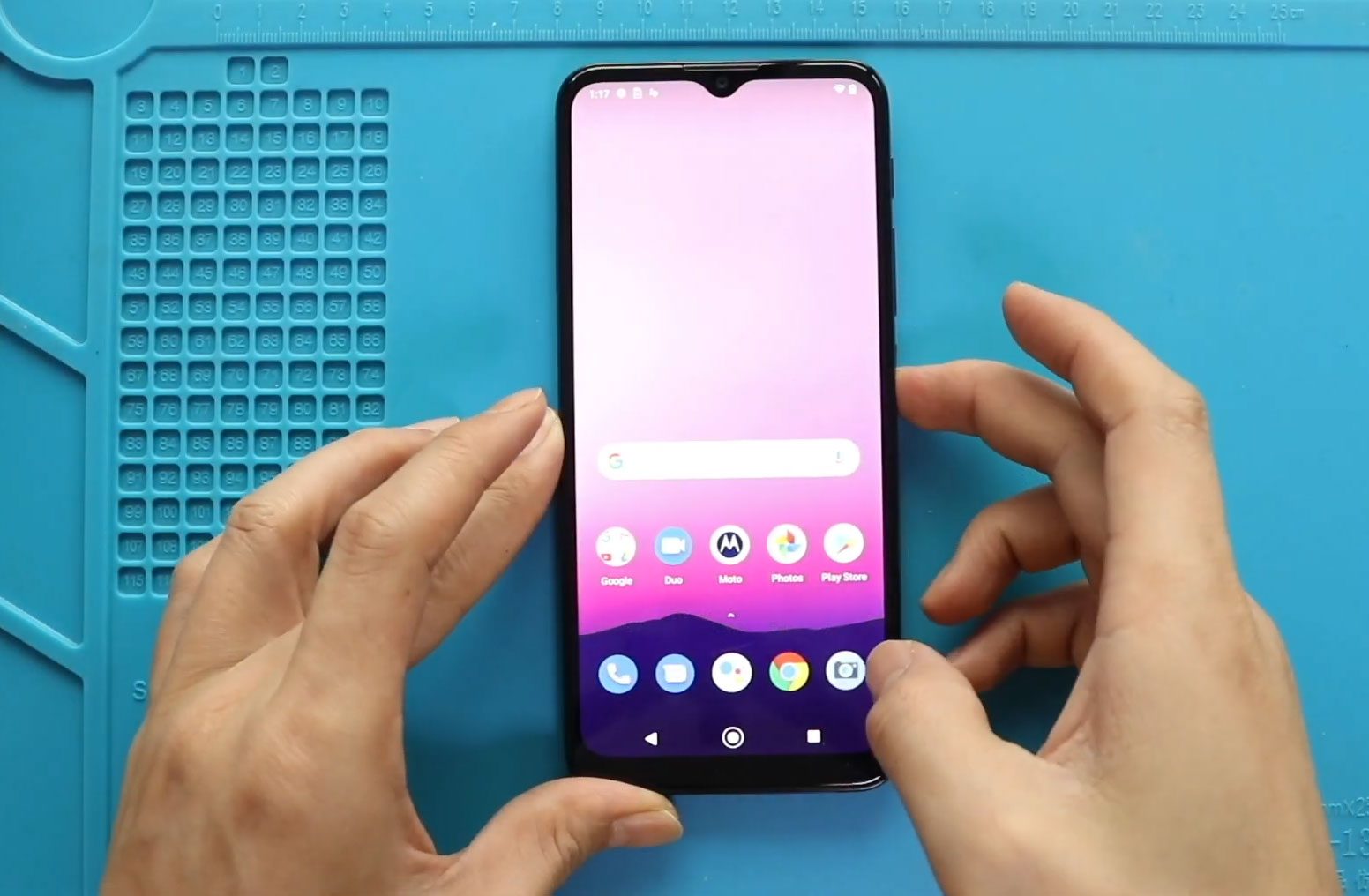
Motorola Moto G9 Play 2020 LCD Touch Screen Replacement Guide
Hi everyone, Welcome back to geardo.
If your Motorola Moto G9 Play has a cracked screen, display issues, or touch problems, replacing the LCD screen assembly is the best solution. A damaged screen can affect usability, visibility, and overall performance of your device.
In this guide, we will walk you through a complete step-by-step process to replace the LCD screen assembly on the Motorola Moto G9 Play (2020). This is a more advanced repair, but it becomes much easier if you use a screen with a pre-installed frame.
Make sure you have all required tools and work carefully to avoid damaging internal components.
Repair Overview
- Device Type: Smartphone
- Repair Type: LCD Screen Assembly Replacement
- Repair Difficulty: ⭐⭐⭐⭐⭐
- Estimated Time: 60–90 minutes
Reasons for This Repair
- Cracked or shattered screen
- Touch not responding
- Display flickering or dead pixels
- Black screen or no display
- Screen separation from frame
Check The Latest Motorola Phones are in Clearance “up to 60% off” – https://amzn.to/480ho0w
Before You Begin
Compatibility and Model Numbers
- Motorola Moto G9 Play (2020)
This repair guide based on Motorola Moto G9 Play
Model Numbers | XT2083, XT2083-1, XT2083-3
Tools Required
- Mobile phone heating pad or hairdryer/heat gun
- Plastic pry tool / card pry
- Suction cups
- Phillips #00/#000 screwdrivers
- Torx T3 / T4 / T5 Screwdriver (Depends on the version)
- Flathead Screwdriver
- Tweezers (for connectors)
- B7000 glue or double-sided adhesive (for back cover)
- Rubber bands or bonding clips to secure the back cover
Using proper tools reduces the risk of damaging the phone.
How to Find Tools and Parts
- Heating pad – https://amzn.to/3H0tHzJ
- Portable Heat Gun – https://amzn.to/4mszih1
- Clamps https://amzn.to/3GYJT4w
- STREBITO 142 Piece Repair Tool Kit https://amzn.to/3UO1jUx
- Glue | Adhesive https://amzn.to/46exVxe
- Compatible Parts –
- Battery – https://amzn.to/480hSnm
- Screen – https://amzn.to/4co8ueB
- Other Parts – https://amzn.to/4stYExB
- Silicone Work Repair Mat https://amzn.to/45Emz5l
Step-by-Step Replacement Guide
Step 1: Power Off and Remove SIM Tray
Turn off the phone and remove the SIM tray.
Step 2: Apply Heat
Apply gentle heat around the camera lens and fingerprint sensor area.
Step 3: Remove Back Cover
Create a gap near the SIM slot or charging port and use a pry tool to release the clips around the edges.
Step 4: Disconnect Fingerprint Sensor
Carefully detach the fingerprint sensor while lifting the back cover.
Step 5: Remove Adhesive Strips
Peel off adhesive strips from the frame.
Step 6: Remove Fingerprint Sensor
Apply slight heat and gently lift the fingerprint button.
Step 7: Remove Midframe
Unscrew the nine screws and remove the midframe.
Step 8: Disconnect Battery
Lift adhesive and disconnect the battery connector.
Step 9: Remove Front Camera Tape
Peel off the tape covering the front camera.
Step 10: Disconnect Board Connectors
Disconnect the three connectors. Be careful with the button flex—lift the connector latch before sliding it out.
Step 11: Remove Main Board
Unscrew two screws and lift the main board out.
Step 12: Remove Earpiece
Apply heat and carefully remove the earpiece.
Step 13: Remove Button Flex
Take out the button flex cable.
Step 14: Access Bottom Section
Remove tapes from the bottom section.
Step 15: Remove Speaker Cover
Unscrew seven screws and remove the speaker cover.
Step 16: Remove Charging Port Board
Disconnect the main flex and antenna cable, then remove the charging port board (apply heat if needed).
Step 17: Remove Vibrator Motor
Apply heat and gently remove the vibrator motor.
Step 18: Remove Battery
Loosen the adhesive and carefully lift the battery using the pull tab.
Step 19: Remove Main Flex Cable
Peel off the main flex cable from the body after moving the protective tape.
Step 20: Prepare Screen Replacement
Remove the damaged screen assembly.
Choose between:
- Screen with frame (recommended)
- Screen without frame
A screen with frame and pre-installed components is easier and faster to install.
Step 21: Install Button Flex
Place the button flex onto the new frame and secure it.
Step 22: Install Earpiece
Place the earpiece in position.
Step 23: Install Main Board
Place the board and secure it with two screws.
Step 24: Connect Cables
Reconnect the LCD, front camera, and button flex connectors.
Step 25: Install Vibrator Motor
Place and secure the vibrator motor.
Step 26: Install Charging Port Board
Place the charging port board and connect the antenna cable properly.
Step 27: Install Main Flex
Reconnect the main flex cable on both ends.
Step 28: Reapply Protective Tape
Place the protective adhesive back.
Step 29: Install Battery
Place the battery and secure it with adhesive.
Step 30: Reinstall Speaker Cover
Place the speaker cover and secure it with seven screws.
Step 31: Apply Adhesive
Place adhesive strips on the cover.
Step 32: Reconnect Battery
Reconnect the battery connector.
Step 33: Reinstall Fingerprint Sensor
Place and secure the fingerprint sensor.
Step 34: Test the Device
Power on the phone to verify display and touch functionality before closing.
Step 35: Reassemble Midframe
Place the midframe and secure it with nine screws.
Step 36: Reapply Adhesive
Place adhesive strips on the frame.
Step 37: Close Back Cover
Snap the back cover into place and secure all clips.
Step 38: Insert SIM Tray
Insert the SIM tray back into the phone.
Frequently Asked Questions (FAQ)
Should I choose a screen with frame or without?
A screen with frame is easier to install and recommended for beginners.
Can I reuse the old frame?
Yes, but it requires more effort and precision.
Is this repair difficult?
Yes, it is an advanced repair due to the number of components involved.
Do I need to test the screen before closing?
Yes, always test before final assembly to avoid reopening the device.
Will this fix touch issues?
Yes, if the problem is caused by a faulty screen.
Troubleshooting
Screen not turning on
Check LCD connector and battery connection.
Touch not working
Ensure the display flex cable is properly connected.
No display but phone vibrates
Reconnect the screen connector and test again.
Loose components inside
Make sure all screws and adhesive are properly secured.
Back cover not fitting properly
Check component placement and adhesive alignment.
Final Notes
This is a full teardown-level repair, so take your time and stay organized. Keep track of screws and components, and avoid applying excessive force.
Using a screen assembly with a frame will significantly reduce the difficulty and speed up the process.
If you have any questions, feel free to leave a comment or reach out.
Related Guides


-
 01Samsung Galaxy A16 5G Battery Replacement | Full DIY Repair Guide
 -
02Samsung Galaxy A16 5G Screen Replacement | Step-by-Step Guide
-
03Google Pixel 6 Power Button Replacement Guide | Volume Button Flex Repair Guide- DIY Repair
-
04Samsung Galaxy A16 5G Back Cover & Camera Lens Frame Replacement Guide | DIY Repair
-
05Why a Heating Pad Is Essential for Mobile Phone Repairs (And How to Use it)
-
06How to Use a Heat Gun or Hair Dryer for Phone/Tablet Repairs
-
07Essential Repair Tools for Phone, Tablet & Laptop Repairs


