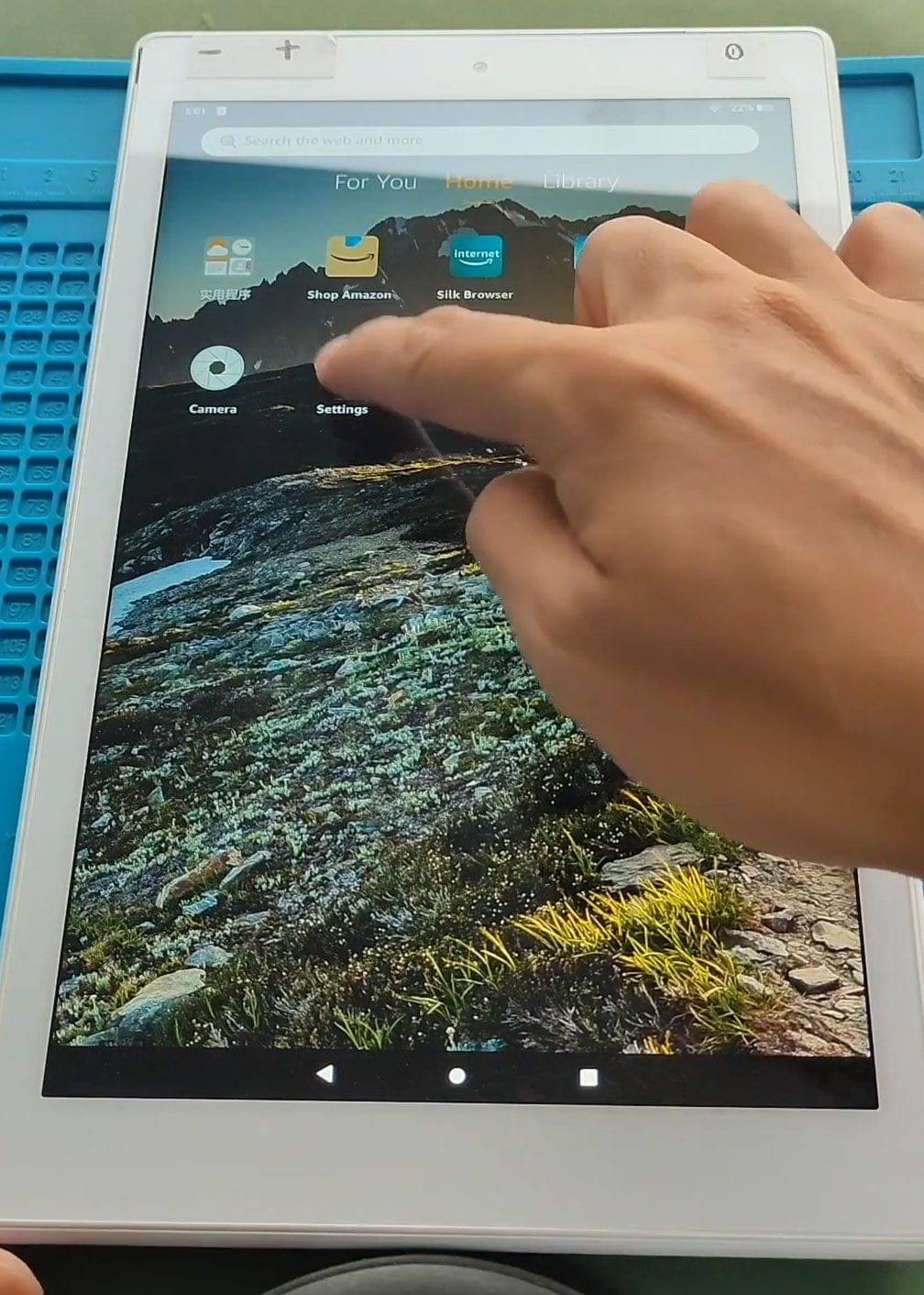
Troubleshoot Amazon Fire HD 10 2019 The Amazon Fire HD 10 2019 is a popular tablet that offers great features and performance. However, like any electronic device, it may encounter
Broken or not-working Fire HD Tablet? Browse repair guides for Amazon Fire tablets. Step-by-step instructions to fix cracked screens, battery problems, charging and many more issues.
Troubleshoot Amazon Fire HD 10 2019 The Amazon Fire HD 10 2019 is a popular tablet that offers great features and performance. However, like any electronic device, it may encounter

Please read and follow the below link for the repair instructions. Please let us know if you have any questions. Here are some valuable tips for getting the most out

Before Starting, we need to have the right tools to proceed with the repair, which You can find in the description. First, turn off the tablet and then follow the

Before Starting, we need to have the right tools to proceed with the repair, which You can find in the description. First, turn off the tablet and then follow the

Before Starting, we need to have the right tools to proceed with the repair, which You can find in the description. First, turn off the tablet and then follow the

If your Amazon Fire HD 10 (2021) tablet is draining quickly, shutting down unexpectedly, or not holding a charge, a battery replacement can bring it back to life. In this guide, we’ll walk you

Before Starting, we need to have the right tools to proceed with the repair, which you can find in the description. First, turn off the tablet and then follow us
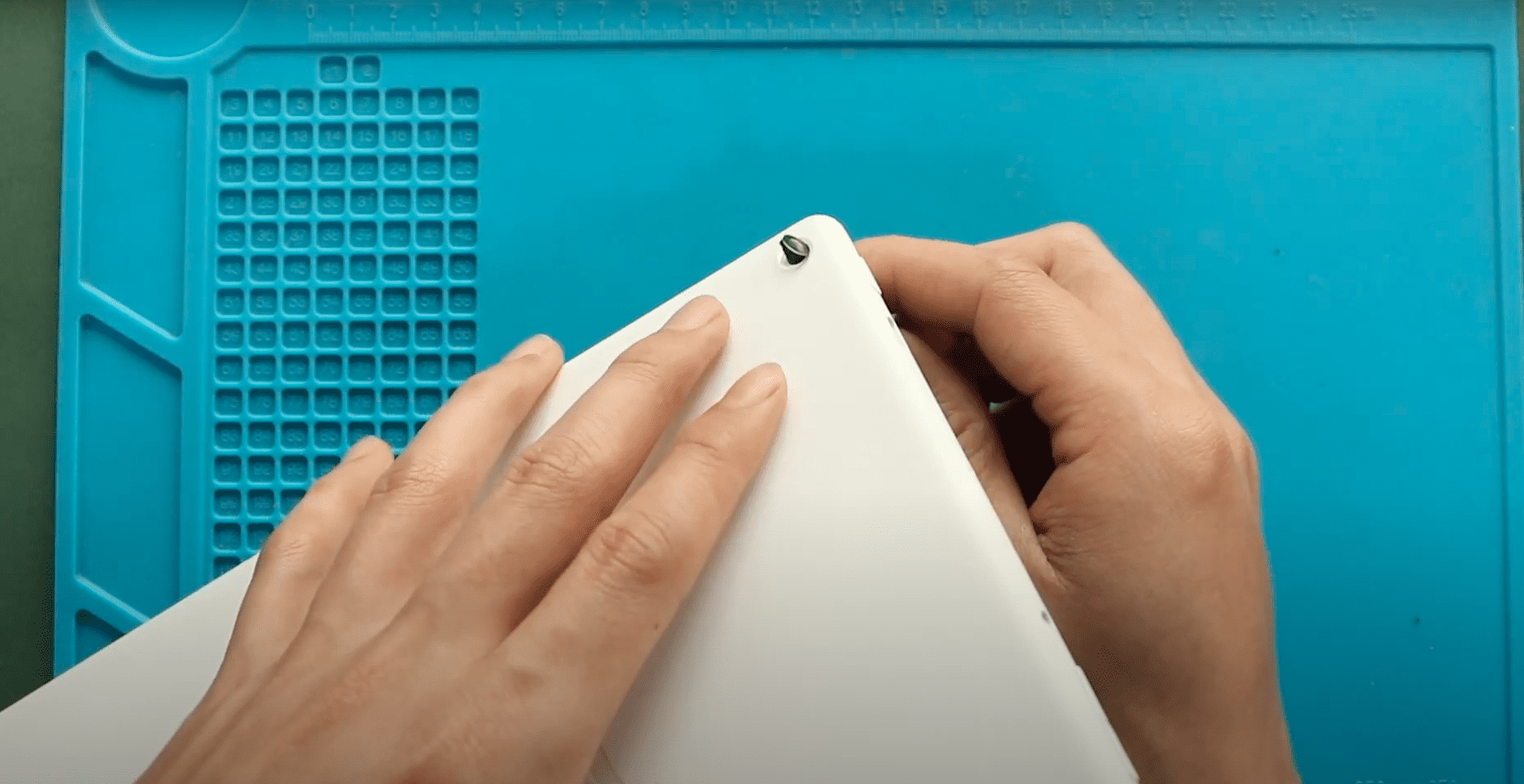
Before Starting, we need to have the right tools to proceed with the repair, which You can find in the description. First, turn off the tablet and then follow the

If your Amazon Fire HD 10 (2021) is experiencing display issues, no signal, charging problems, or intermittent connectivity, a damaged flex cable may be the cause. This guide covers how to replace the LCD flex

If the camera lens glass on your Amazon Fire HD 10 (2021) is cracked, scratched, or shattered, your photos may appear blurry or hazy even though the camera itself works fine. Replacing

Please follow the below link for the repair instructions. Please let us know if you have any questions. Timestamps00:00 Intro00:10 Opening Amazon Fire HD 1000:15 Removing the Back Cover01:46 Removing

Please follow the below link for the repair instructions. Please let us know if you have any questions. Timestamps00:00 Intro00:10 Opening Amazon Fire HD 1000:15 Removing the Back Cover01:45 Removing