Now Reading: Top Useful Amazon Fire HD 10 2021 Tips
-
01
Top Useful Amazon Fire HD 10 2021 Tips
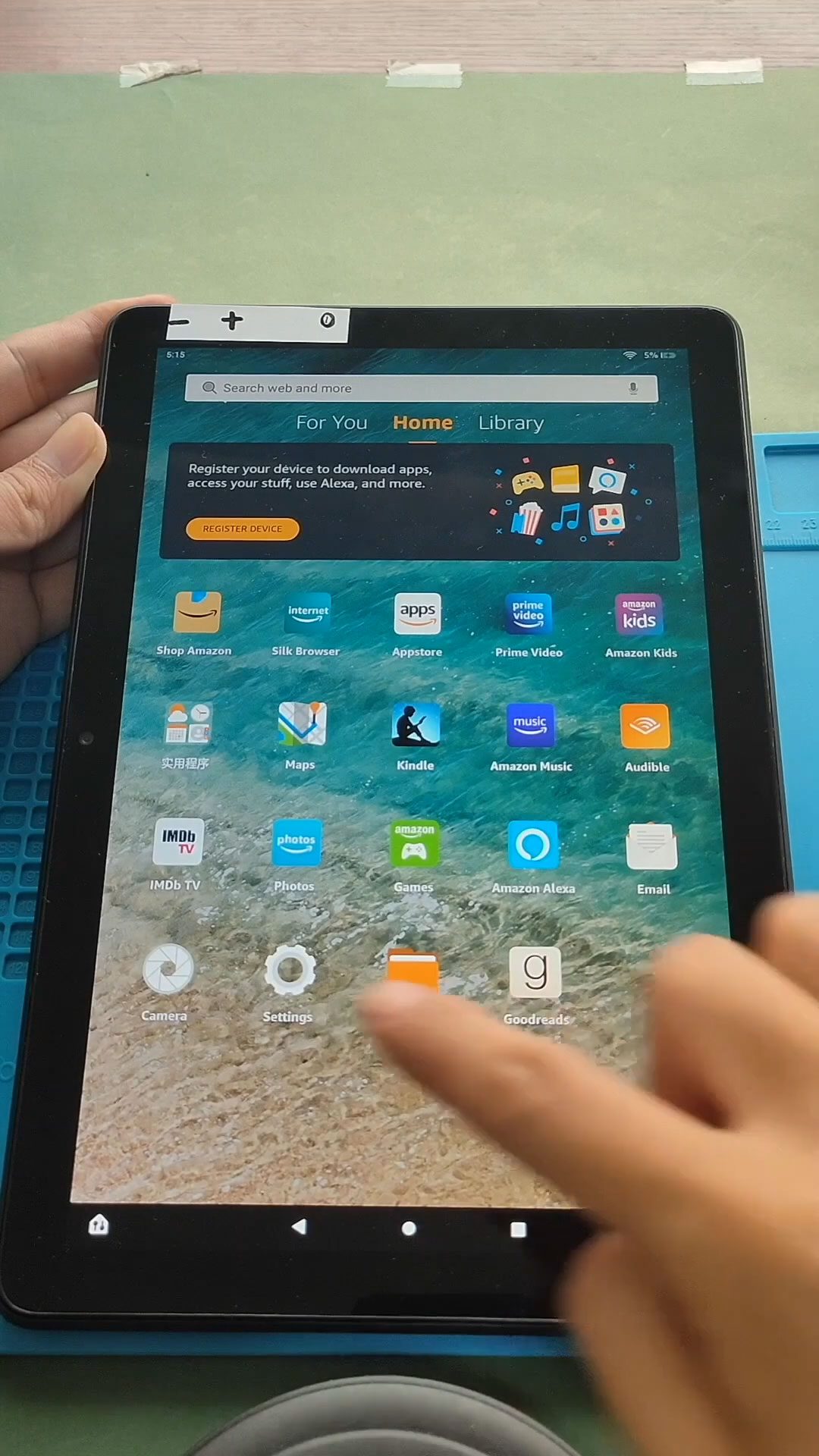
Top Useful Amazon Fire HD 10 2021 Tips
Please read and follow the below link for the repair instructions. Please let us know if you have any questions.
Here are some valuable tips for getting the most out of your Amazon Fire HD 10 (2021) tablet, based on the latest information and user experience.
1. Turn Your Tablet into an Echo Show
The Fire HD 10 comes with Alexa built-in, allowing you to utilize Show Mode. This feature transforms your tablet into a smart display, similar to the Echo Show. To activate it, swipe down from the top of the screen and toggle the Show Mode option. You can then ask Alexa to show you the weather, news, or even your security camera feeds.
2. Sideload Android Apps
Since the Fire HD 10 runs on Fire OS, which is based on Android, you can sideload apps that aren’t available in the Amazon App Store. To do this, go to Settings > Security & Privacy > Apps from Unknown Sources. Enable this option for the browser you plan to use, then download APK files from reputable sites like APKMirror. This expands your app options significantly!
3. Manage Your Storage
The Fire HD 10 has a microSD card slot for expandable storage. If you find yourself running low on space, consider adding a memory card. You can manage your storage by going to Settings > Storage to see what’s taking up space and move apps to the microSD card if needed.
4. Use 1-Tap Archive to Free Up Space
To help manage storage, the Fire tablet can automatically archive content you don’t use often. This feature can be found in Settings > Storage. It helps to keep your device running smoothly by moving less-used content to the cloud.
5. Enable Blue Shade for Eye Comfort
To reduce eye strain, especially during extended use, enable the Blue Shade feature. Go to Settings > Display and turn on Blue Shade to minimize blue light exposure, which can be harsh on your eyes.
6. Take Advantage of Do Not Disturb Mode
If you need some uninterrupted time, activate Do Not Disturb mode. Swipe down from the top of the screen, press and hold the Do Not Disturb icon, and set a schedule. This feature helps silence notifications during specific times.
7. Customize Your Home Screen
Personalize your home screen to make it more user-friendly. You can rearrange apps, add widgets, and choose different backgrounds. To do this, long-press on the home screen and select Home Settings to adjust your layout.
8. Use Split-Screen Mode
The Fire HD 10 supports split-screen mode, allowing you to run two apps side by side. To enable this, open an app, then swipe from the bottom to open the app drawer. Tap the app you want to use in split-screen, and it will open alongside the first app.
9. Take Screenshots Easily
Capturing a screenshot on your Fire HD 10 is simple. Just press the Volume Down and Power buttons simultaneously. The screenshot will be saved in your Photos app for easy access.
10. Keep Your Device Updated
Regularly check for software updates to ensure your Fire HD 10 is running smoothly. Go to Settings > Device Options > System Updates to see if any updates are available. Keeping your device updated can enhance performance and security.
Conclusion
These tips will help you maximize your experience with the Amazon Fire HD 10 (2021). Whether you’re using it for entertainment, productivity, or communication, these features will enhance your tablet’s functionality. If you have any questions or need further assistance, feel free to ask!


-
 01Samsung Galaxy A16 5G Battery Replacement | Full DIY Repair Guide
 -
02Samsung Galaxy A16 5G Screen Replacement | Step-by-Step Guide
-
03Google Pixel 6 Power Button Replacement Guide | Volume Button Flex Repair Guide- DIY Repair
-
04Samsung Galaxy A16 5G Back Cover & Camera Lens Frame Replacement Guide | DIY Repair
-
05Why a Heating Pad Is Essential for Mobile Phone Repairs (And How to Use it)
-
06How to Use a Heat Gun or Hair Dryer for Phone/Tablet Repairs
-
07Essential Repair Tools for Phone, Tablet & Laptop Repairs