

Hi everyone, welcome back to DIYGeardo. In this guide, we’ll show you how to replace the Smart Connector flex cable on the Apple iPad 9th Generation (10.2-inch, 2021). If your Smart Keyboard or
Find easy DIY repair tutorials for your Apple iPad. From screen and battery replacements to charging port fixes, DIYGeardo provides simple step-by-step guides, tool lists, and repair videos for all major iPad generations.
Hi everyone, welcome back to DIYGeardo. In this guide, we’ll show you how to replace the Smart Connector flex cable on the Apple iPad 9th Generation (10.2-inch, 2021). If your Smart Keyboard or

Hi everyone, welcome back to DIYGeardo. In this guide, we’ll show you how to replace the power button and volume button flex cable on the Apple iPad 9th Generation (10.2-inch, 2021). If

Hi everyone, welcome back to DIYGeardo. In this guide, we’ll show you how to replace the battery on the Apple iPad 9th Generation (10.2-inch, 2021). If your iPad is draining quickly, not holding
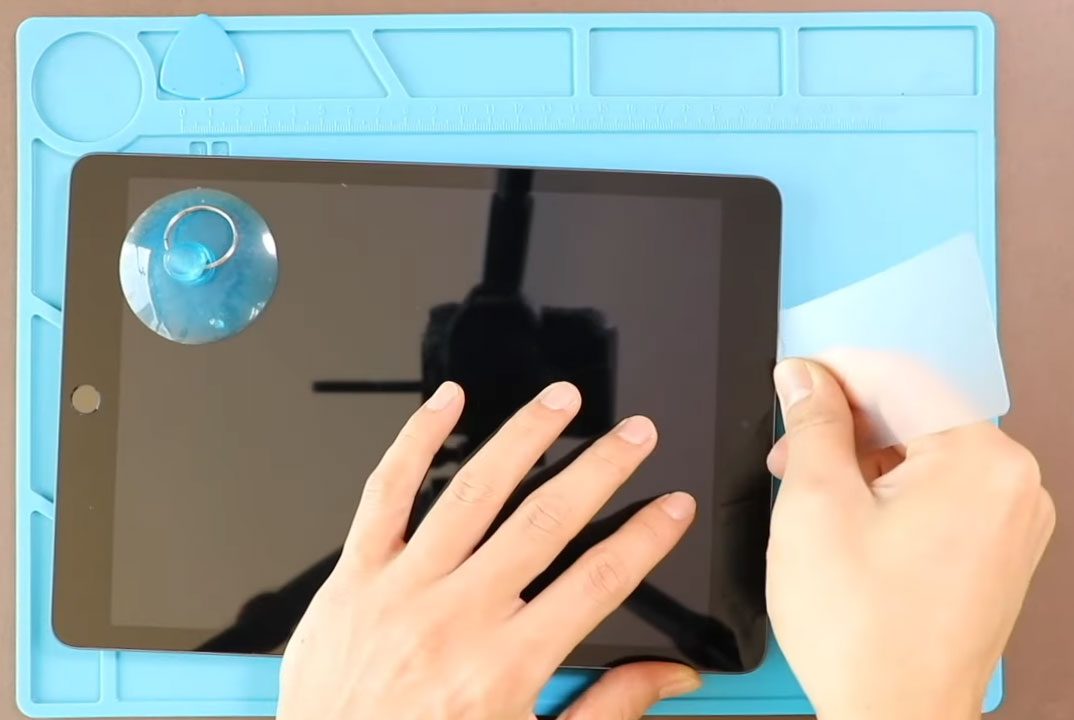
Hi everyone, welcome back to DIYGeardo. In this guide, we’ll show you how to replace the LCD display and touch screen digitizer glass on the Apple iPad 9th Generation (10.2-inch, 2021). If
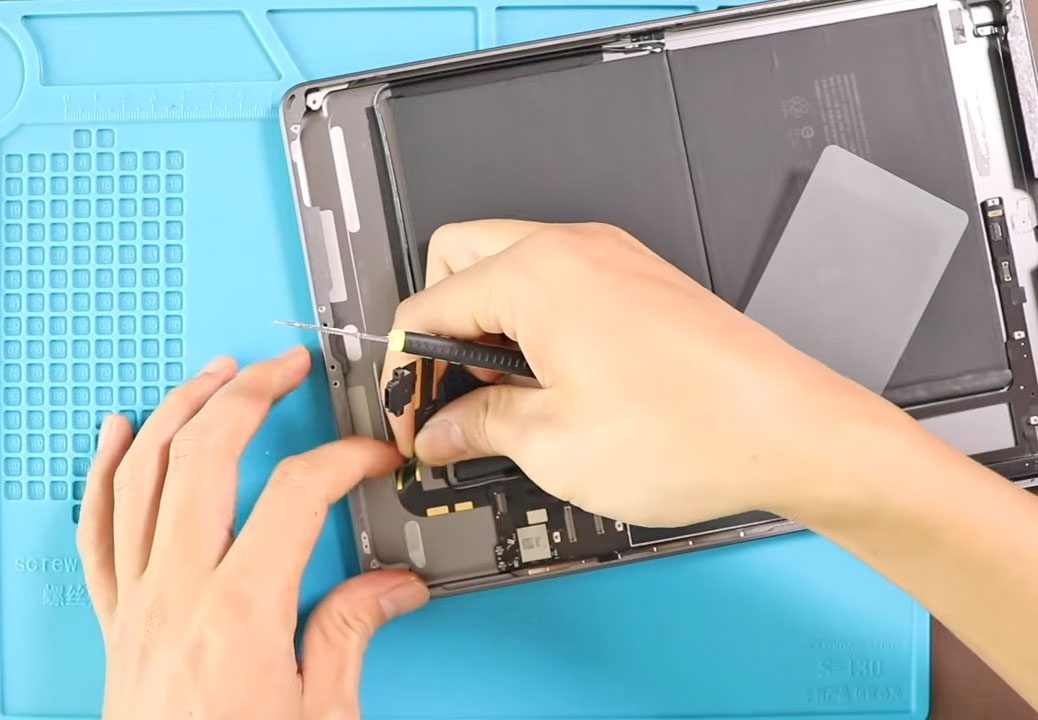
Before Starting, we need to have the right tools to proceed with the teardown, which You can find in the description. Proper heating is required for iPad screen removal from

Hi everyone, welcome back to DIYGeardo. Today, we’ll show you how to replace the Power & Volume Button Flex on the Apple iPad 8th Generation 2020 (10.2″) model.This replacement guide is also compatible with the
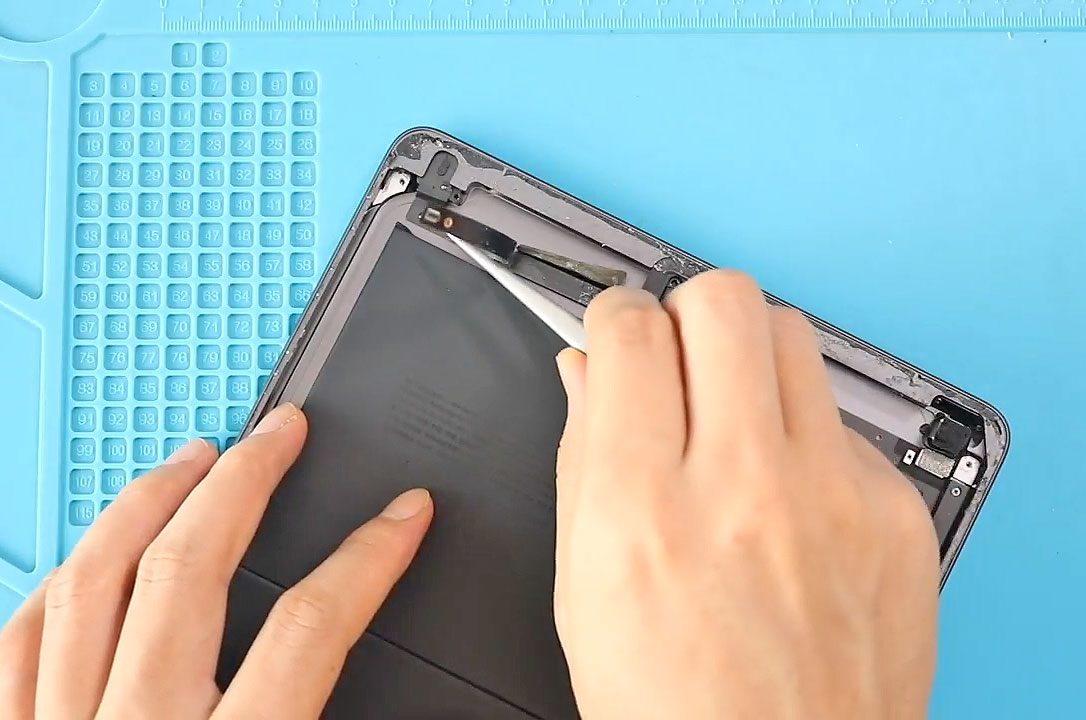
Hi everyone, welcome back to DIYGeardo. The headphone jack on the Apple iPad 8 (10.2″) can stop working due to dust buildup, liquid damage, or a damaged flex cable. Common issues include sound

Hi everyone, welcome back to DIYGeardo. The front camera and microphone on the Apple iPad 8 (10.2″) are connected through a shared flex cable and can fail due to liquid damage, dust buildup,

The rear camera on the Apple iPad 8 (10.2″) can stop working due to physical damage, dust, moisture exposure, or a faulty camera module. Common issues include a black camera screen, blurry

Hi everyone, welcome back to DIYGeardo. A cracked touch screen or faulty LCD on the Apple iPad 8 (10.2″) can cause display issues such as no touch response, lines on the screen, flickering,

Hi everyone, welcome back to DIYGeardo. If your iPad 8 (10.2”) battery drains quickly, shuts down unexpectedly, or won’t hold a charge, replacing the battery is the best solution to restore performance

Replacing the battery in your 6th Generation 9.7-inch iPad (2018) can restore performance, improve battery life, and prevent unexpected shutdowns caused by aging lithium batteries. Over time, tablet batteries naturally degrade due


