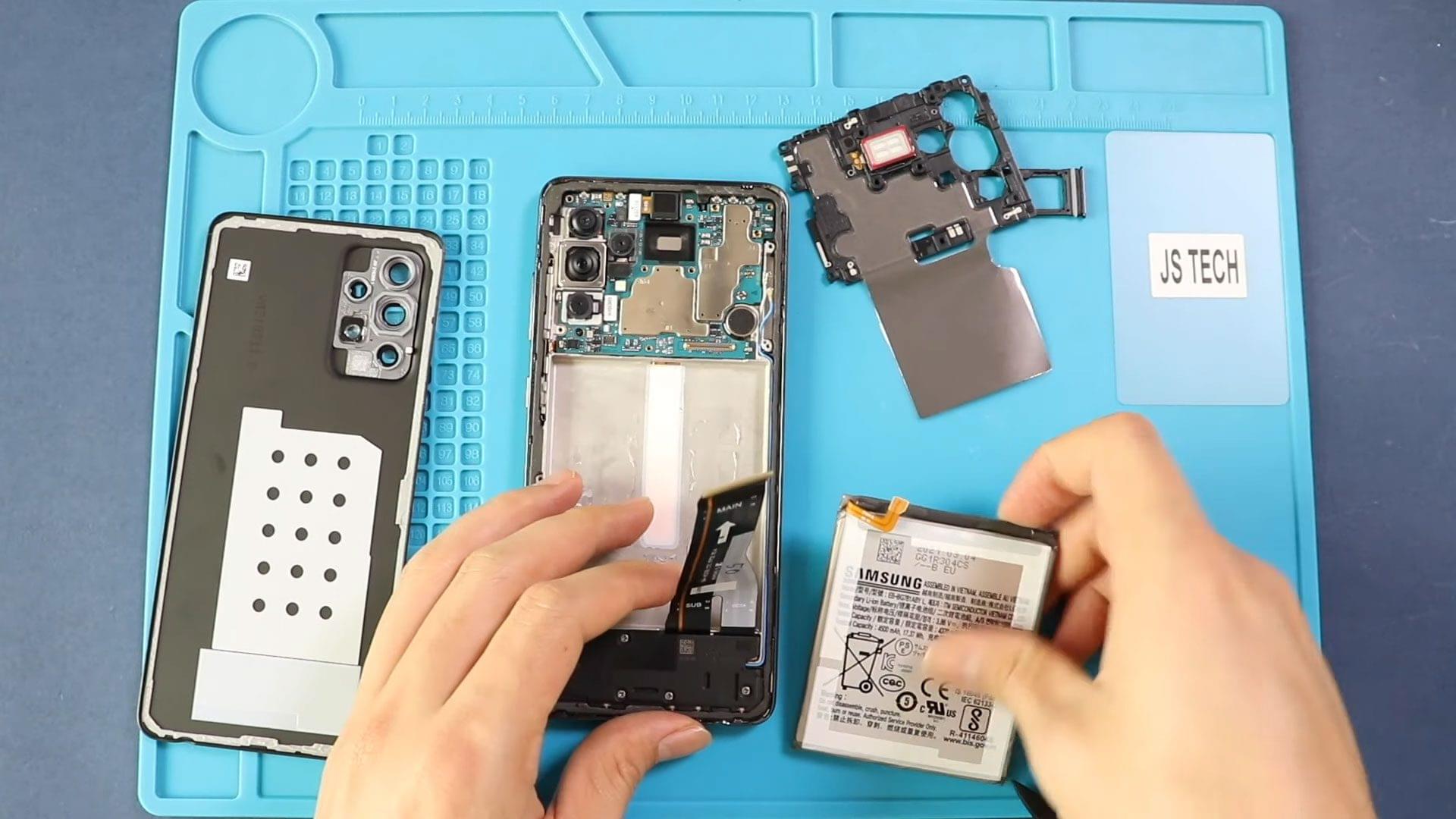
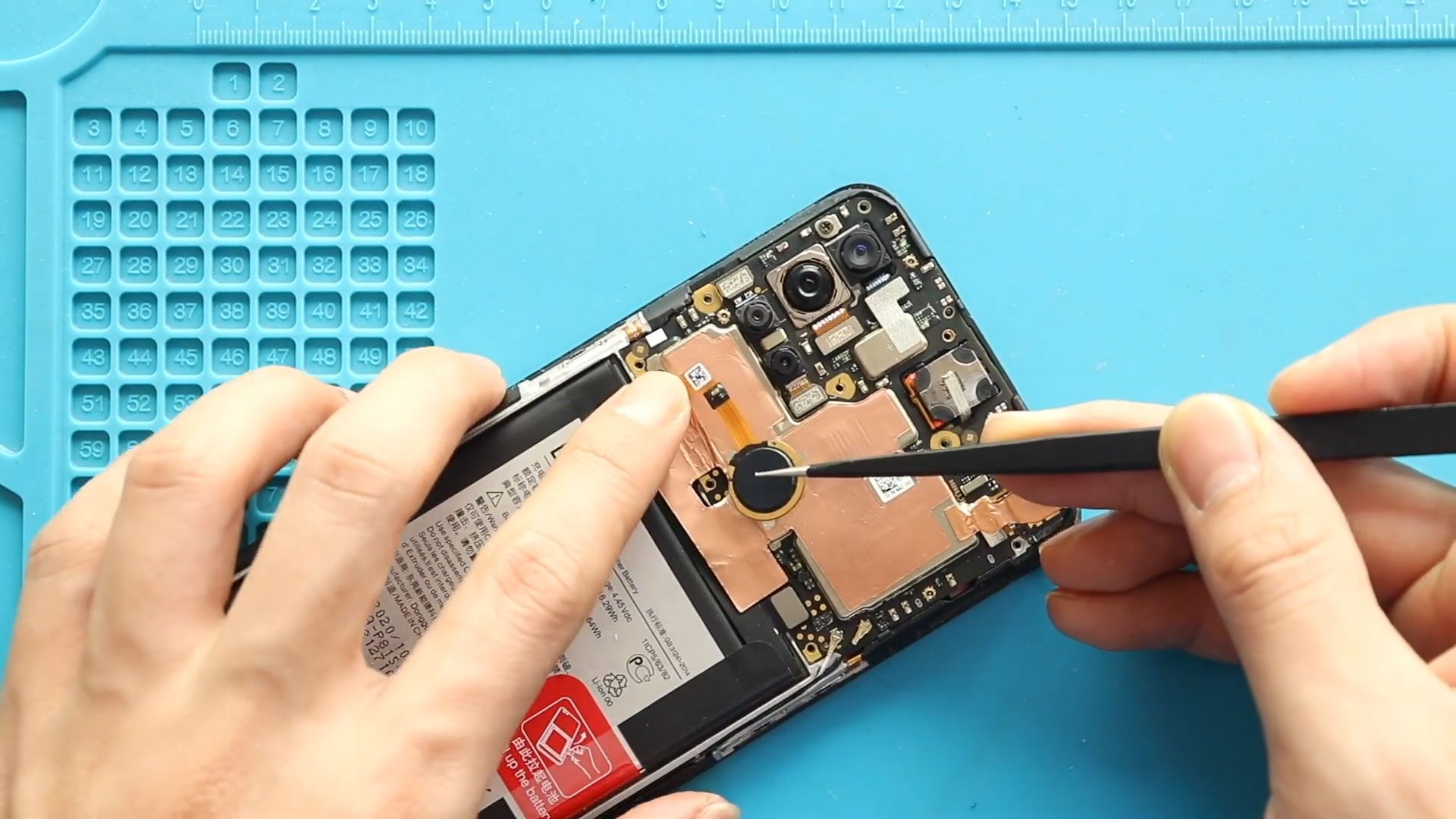
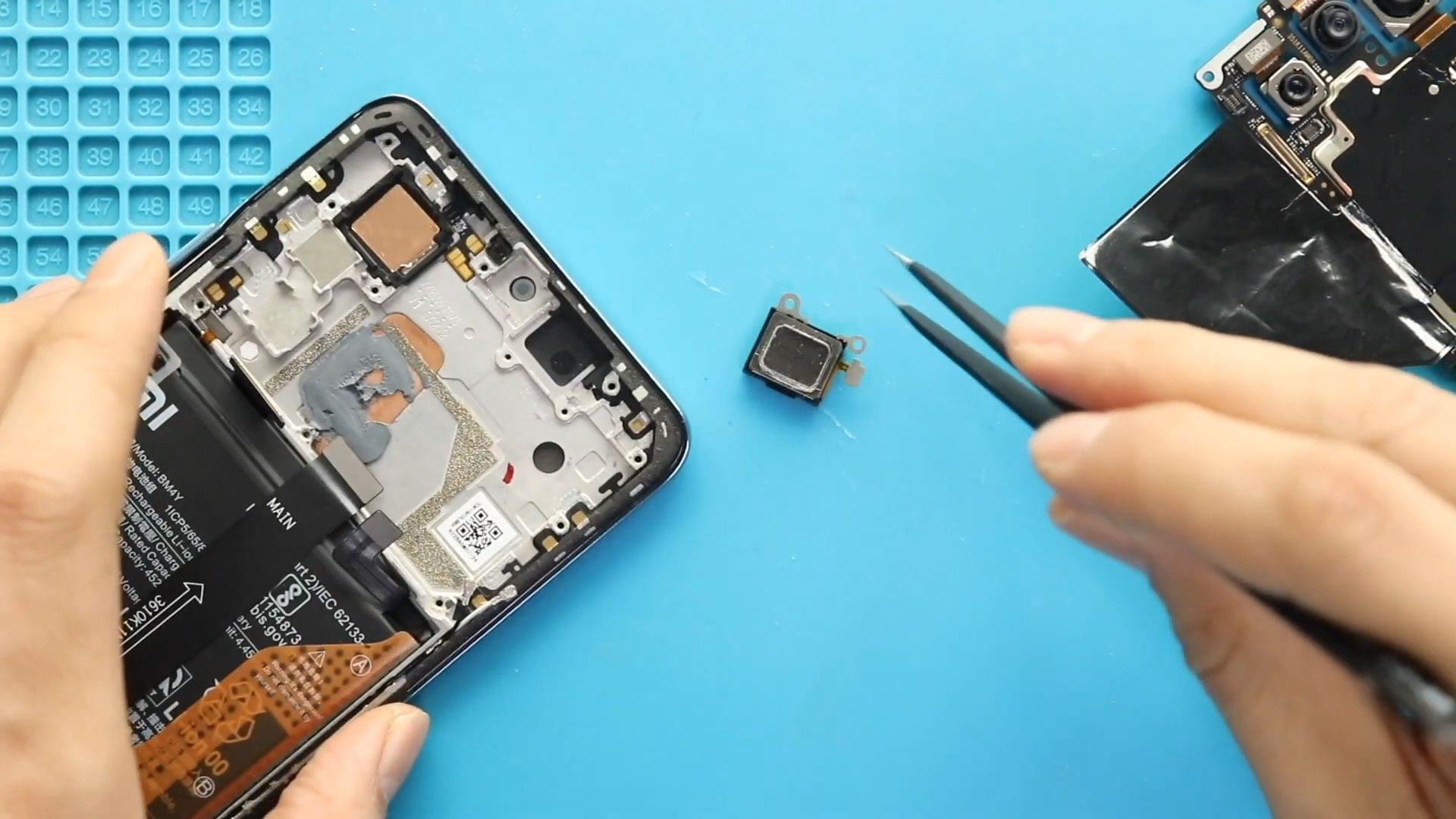
Repair Difficulty: ★★★★☆ (Medium–Advanced)Estimated Time: 60–80 minutes If your Google Pixel 6 power button or volume buttons are unresponsive, stuck, or only work intermittently, the power and volume button flex cable may
DIY repair guides for Google Pixel 6. Learn how to replace cracked screen, faulty batteries, camera problems, broken camera glass and more issues with complete step-by-step instructions.
Repair Difficulty: ★★★★☆ (Medium–Advanced)Estimated Time: 60–80 minutes If your Google Pixel 6 power button or volume buttons are unresponsive, stuck, or only work intermittently, the power and volume button flex cable may

A cracked or shattered camera lens glass on your Google Pixel 6 can affect photo quality and expose the camera module to dust and moisture. Even if the camera still

A cracked, unresponsive, or flickering display can make your Google Pixel 6 difficult—or impossible—to use. Replacing the LCD / OLED screen display is the best solution to restore full touch
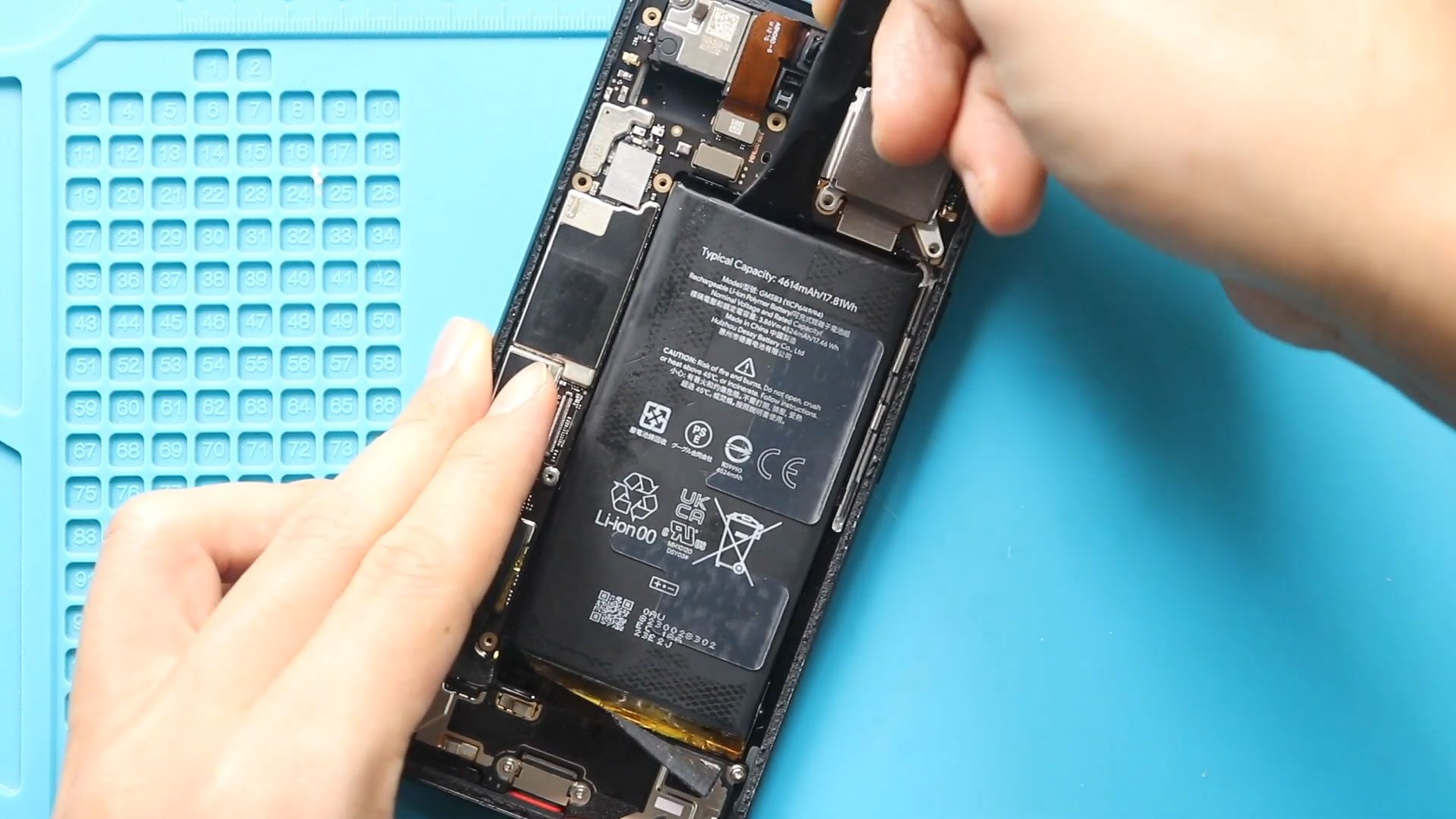
If your Google Pixel 6 is showing signs of a weak or failing battery, replacing it yourself can save time and cost compared to professional repair services. In this guide,
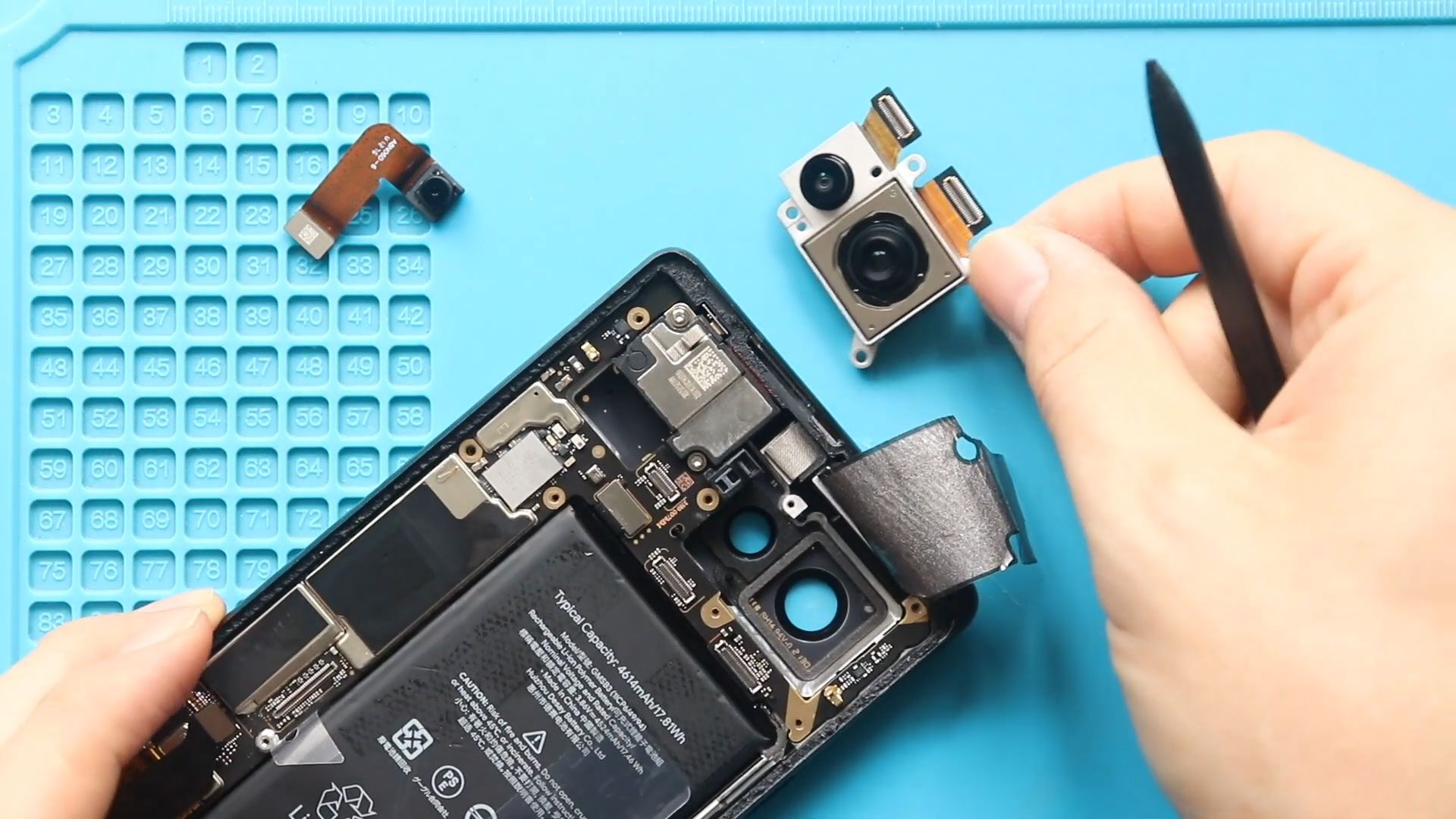
If your Google Pixel 6 rear & front camera is producing blurry images, failing to focus, or not working at all, replacing the camera module can restore full camera performance.
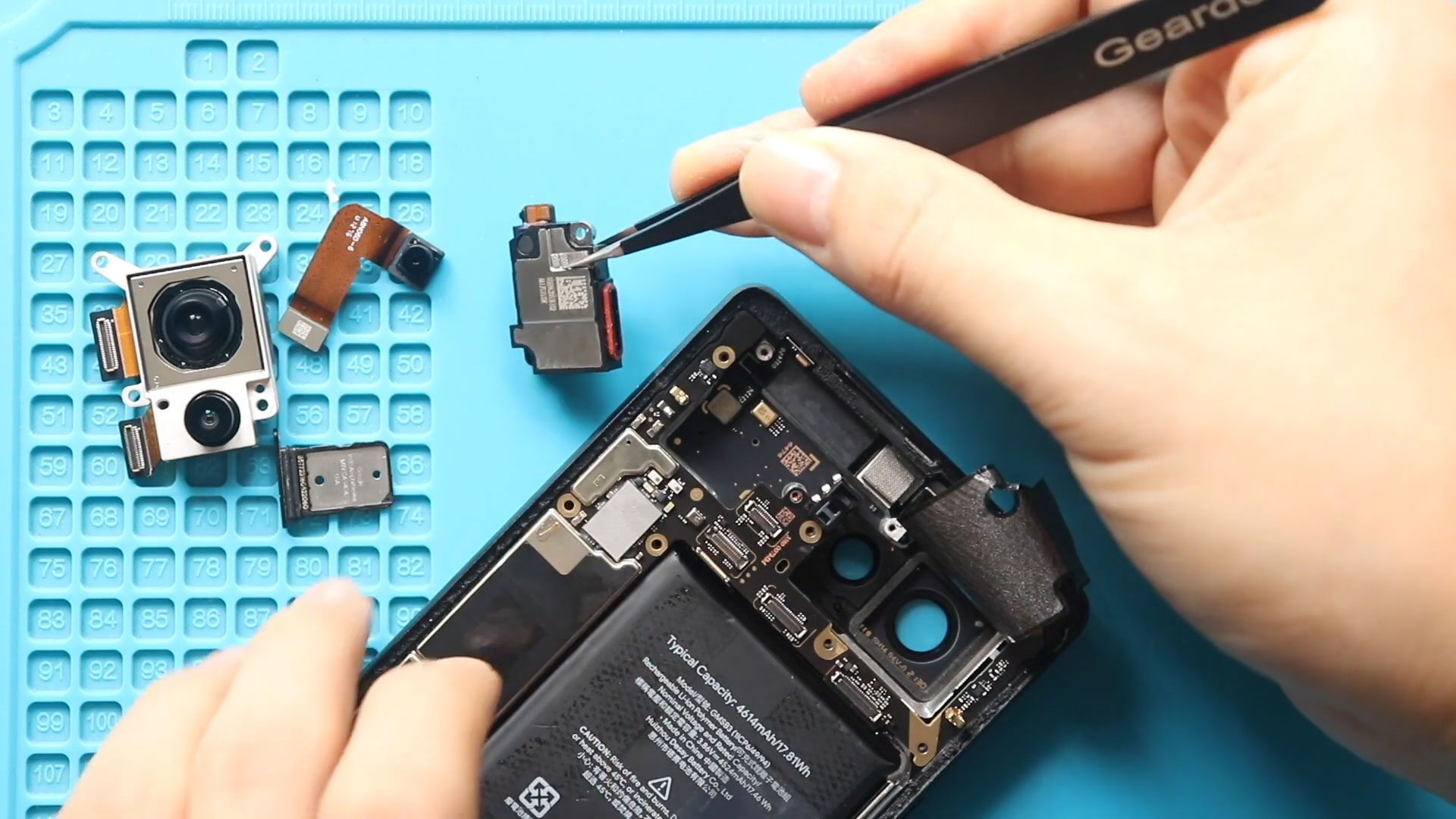
If you’re having trouble hearing callers during phone calls on your Google Pixel 6, the earpiece speaker may be faulty. A damaged or worn earpiece can cause low call volume,

If your Google Pixel 6 ringer speaker is not working properly, sounds distorted, or produces no sound at all, replacing the ringer speaker can quickly restore loudspeaker functionality. The ringer
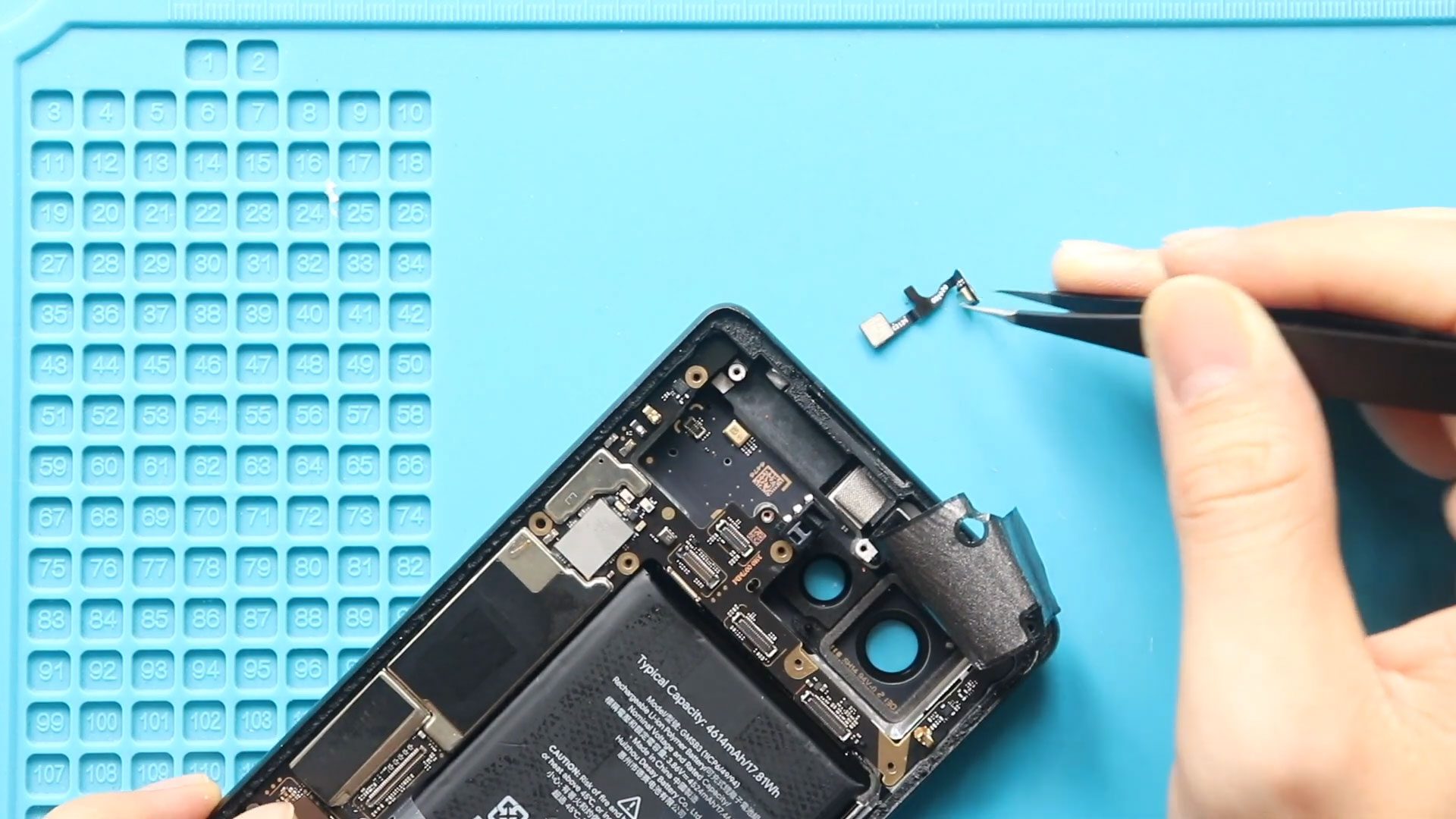
If people can’t hear you clearly during calls, voice recordings sound muffled, or Google Assistant fails to recognize your voice, your Google Pixel 6 microphone may be faulty. The microphone