Now Reading: Samsung Galaxy A50 Power Volume Button Flex Replacement Guide | Galaxy A50s Repair
-
01
Samsung Galaxy A50 Power Volume Button Flex Replacement Guide | Galaxy A50s Repair

Samsung Galaxy A50 Power Volume Button Flex Replacement Guide | Galaxy A50s Repair
Hi everyone, welcome back to Geardo!
If your Samsung Galaxy A50 or Galaxy A50s power button or volume buttons are not responding, stuck, or working intermittently, the issue is likely caused by a faulty power & volume button flex cable.
In this guide, we will show you how to replace the power and volume button flex on the Samsung Galaxy A50. This guide is also fully compatible with the Samsung Galaxy A50s, as both devices share a very similar internal structure.
This is a beginner-friendly repair guide, so follow each step carefully to complete the repair safely.
Repair Overview
- Device Type: Smartphone
- Repair Type: Power & Volume Button Flex Replacement
Repair Difficulty: ⭐⭐⭐☆☆ (Moderate)
Estimated Time: ⏱️ 30–45 minutes
Reasons for This Repair
- Power button not responding
- Volume buttons not working
- Buttons feel stuck or hard to press
- Intermittent button response
- Physical button damage
Before You Begin
Compatibility and Model Numbers
- Samsung Galaxy A50
- Samsung Galaxy A50s
This repair guide based on Samsung Galaxy A50 Model.
Model Numbers | SM-A505F, SM-A505FN, SM-A505GN, SM-A505G, SM-A505FM, SM-A505YN, SM-A505W, SM-A505X, SM-A505U, SM-A505GT, SM-A505U1, SM-A505G, SM-A505N, SM-S506DL, SM-A507F, SM-A507FN, SM-A5070
Tools Required
- Mobile phone heating pad or hairdryer/heat gun
- Plastic pry tool / card pry
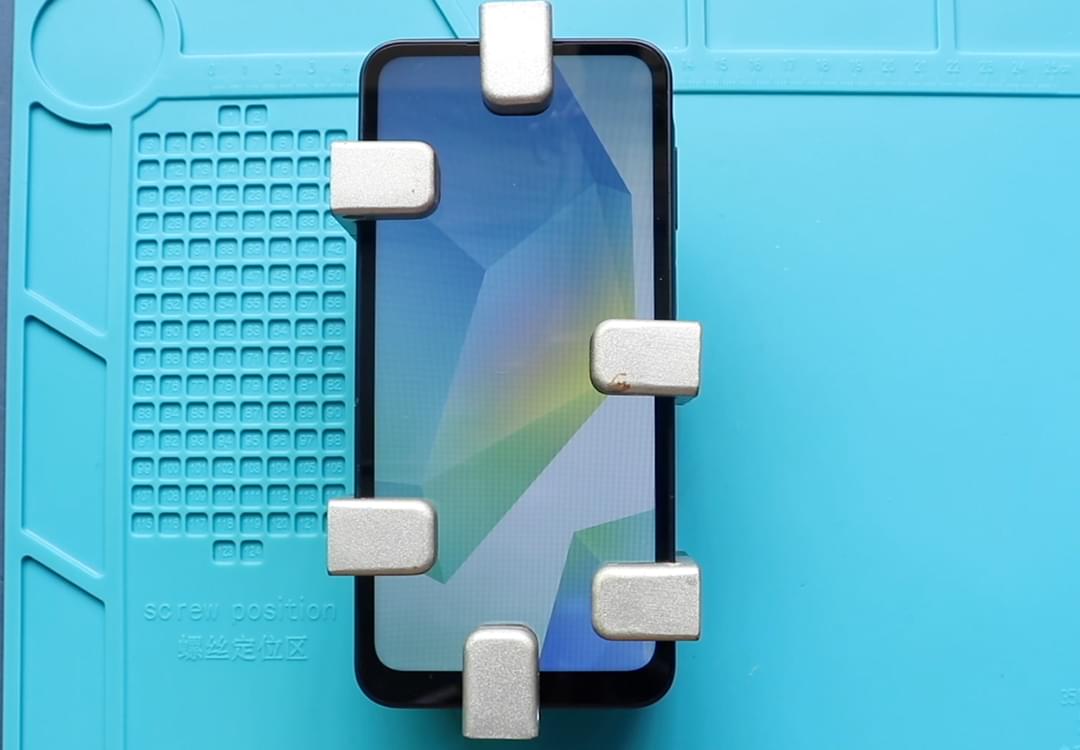
- Suction cups
- Phillips #00/#000 screwdrivers
- Tweezers (for connectors)
- B7000 glue or double-sided adhesive (for back cover)
- Rubber bands or bonding clips to secure the back cover
Using proper tools reduces the risk of damaging the phone.
How to Find Tools and Parts
- Heating pad – https://amzn.to/3H0tHzJ
- Portable Heat Gun – https://amzn.to/4mszih1
- Clamps https://amzn.to/3GYJT4w
- STREBITO 142 Piece Repair Tool Kit https://amzn.to/3UO1jUx
- Glue | Adhesive https://amzn.to/46exVxe
- Compatible Parts –
- Battery – https://amzn.to/4fUSCSb
- Screen – https://amzn.to/4fUvjrC
- Other Parts – https://amzn.to/3ULpQtt
- Silicone Work Repair Mat https://amzn.to/45Emz5l
Protect Your Samsung
- Galaxy A50 Protector For The Screen https://amzn.to/4oH59MW
- Best Rated Case https://amzn.to/41YrEDf
Step-by-Step Repair Guide
Step 1: Power Off the Device
Turn off your Galaxy A50 / A50s completely before starting.
Step 2: Heat and Open the Back Cover
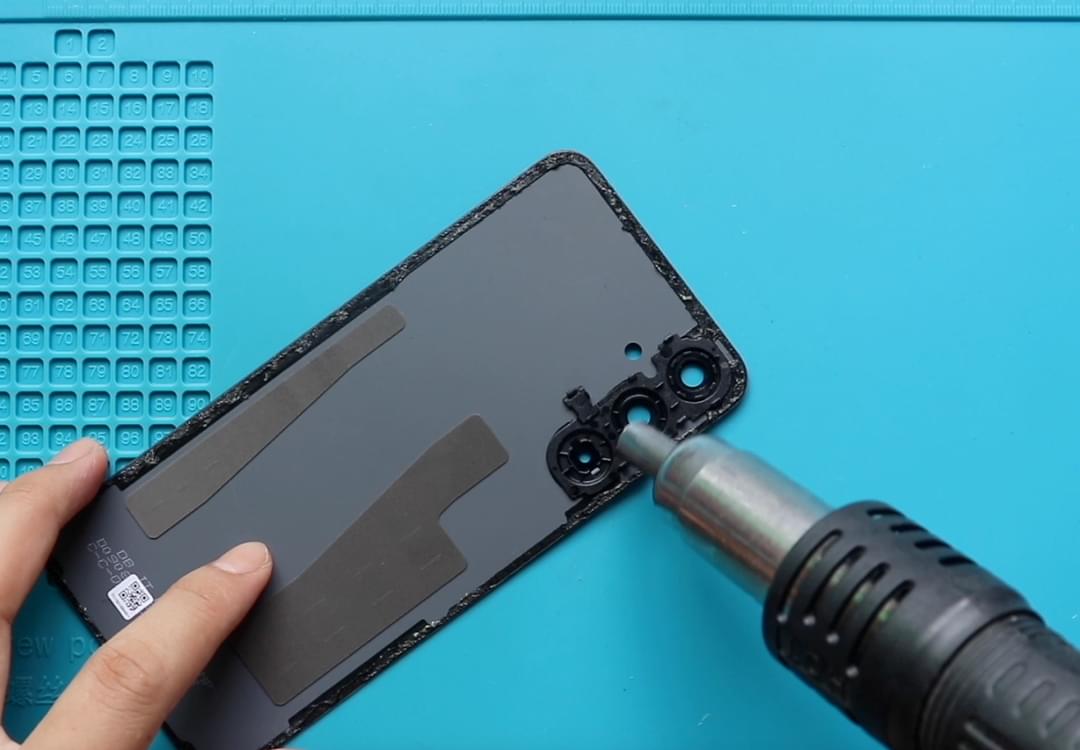
Gently heat around the edges of the back cover to soften the adhesive.
- Use a heating pad or heat gun
- Use a suction cup and pry tool to create an opening
Step 3: Remove the Back Cover
- Insert a plastic pry tool or card
- Carefully slide around the edges to cut the adhesive
- Remove the back cover
Step 4: Remove the Midframe
- Remove the SIM tray
- Unscrew all visible screws
- Use a pry tool to release clips
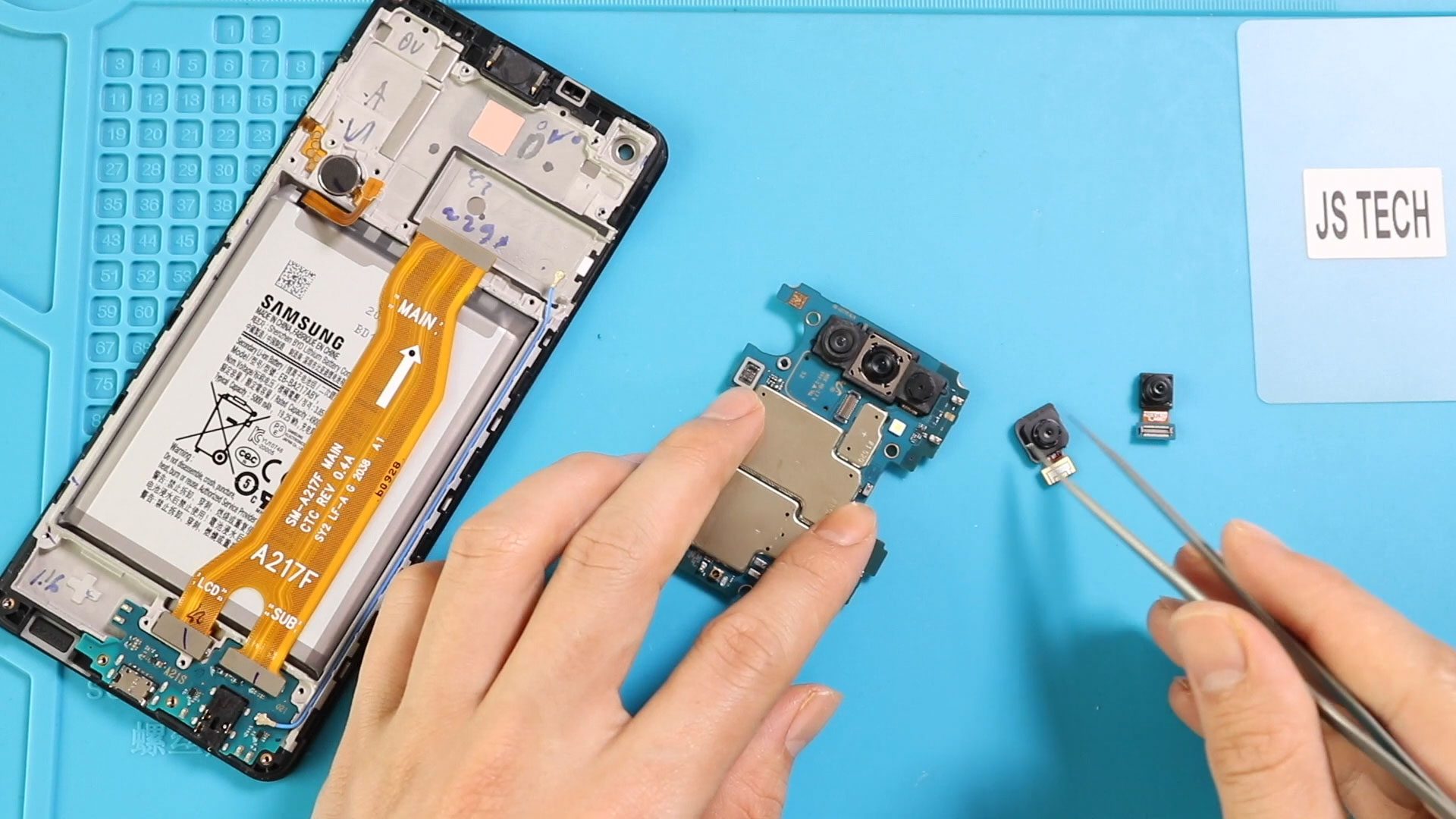
- Carefully lift and remove the midframe
Step 5: Remove the Faulty Power & Volume Flex
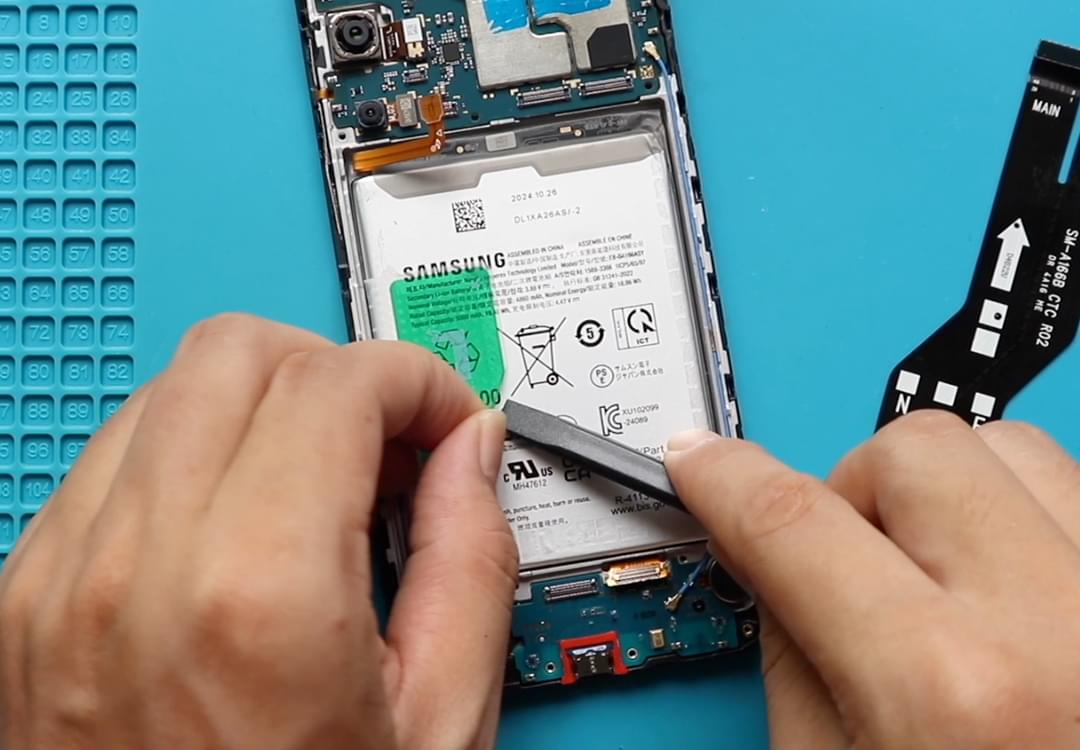
- Locate the power and volume button flex cable on the side
- Carefully disconnect and remove the faulty flex
Step 6: Install the New Power & Volume Flex
- Place the new flex cable correctly along the frame
- Ensure proper alignment with the button positions
Step 7: Reassemble the Midframe
- Place the midframe back into position
- Ensure clips are properly secured
- Tighten all screws
- Insert SIM tray
Step 8: Seal the Back Cover
- Apply adhesive if needed
- Use B7000 glue or double-sided adhesive
Step 9: Secure the Back Cover
- Press firmly along the edges
- Use clips or rubber bands
- Leave it for proper bonding
FAQs (Frequently Asked Questions)
Q1: Is this guide compatible with Galaxy A50s?
Yes, both A50 and A50s use a similar design, so the same steps apply.
Q2: How do I know if the button flex is faulty?
If buttons don’t respond, work intermittently, or feel stuck, the flex cable is likely damaged.
Q3: Can I fix the buttons without replacing the flex cable?
In most cases, replacement is required because the flex cable wears out.
Q4: Is this repair safe for beginners?
Yes, it is moderate and manageable with patience and proper tools.
Q5: Will this fix both power and volume buttons?
Yes, since both are part of the same flex cable.
Troubleshooting (After Repair)
Q1: Buttons still not working
- Check flex alignment
- Ensure proper connection
Q2: Buttons feel loose
- Ensure flex is properly seated
- Check button alignment with frame
Q3: Phone not turning on
- Check battery connection
- Ensure all connectors are secure
Q4: Back cover not sticking
- Apply fresh adhesive
- Use clips or rubber bands
Q5: Buttons working intermittently
- Reopen and check flex placement
- Ensure no damage during installation
Final Thoughts
Replacing the power and volume button flex cable on your Samsung Galaxy A50 or A50s is an effective way to restore full button functionality.
Take your time, follow each step carefully, and you’ll be able to complete the repair successfully.
I hope you enjoyed this guide! If you have any questions, feel free to ask.
Related Guides