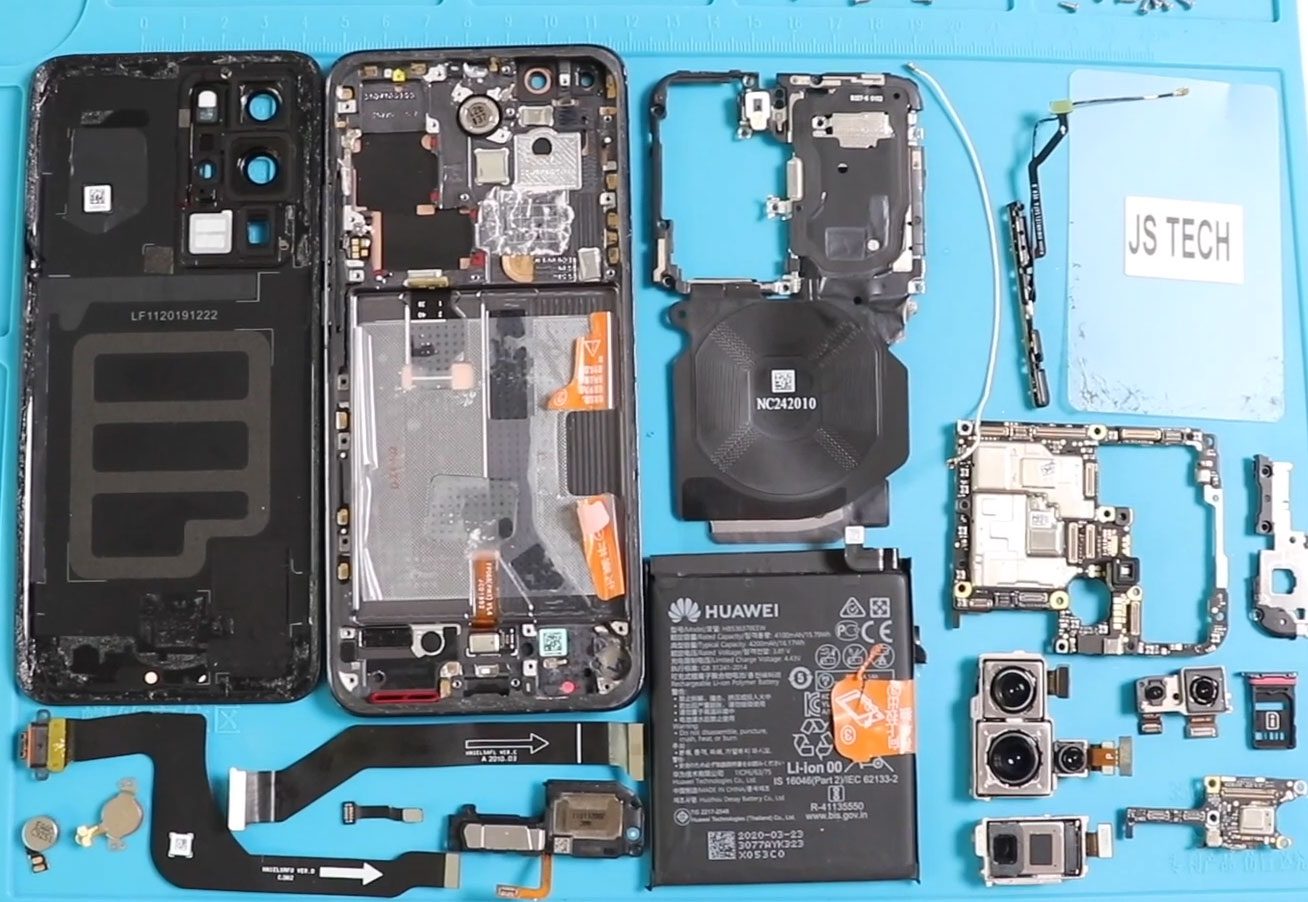
Repairing your Huawei P30 Pro can seem daunting, but with the right tools and a bit of patience, you can successfully replace the camera lens glass and back cover. This
Huawei Repair Guide
Repairing your Huawei P30 Pro can seem daunting, but with the right tools and a bit of patience, you can successfully replace the camera lens glass and back cover. This

In this guide, we will discuss the step-by-step process of repairing your Huawei P30 Pro. Whether you need to replace the back cover, charging port, or fingerprint sensor, this detailed
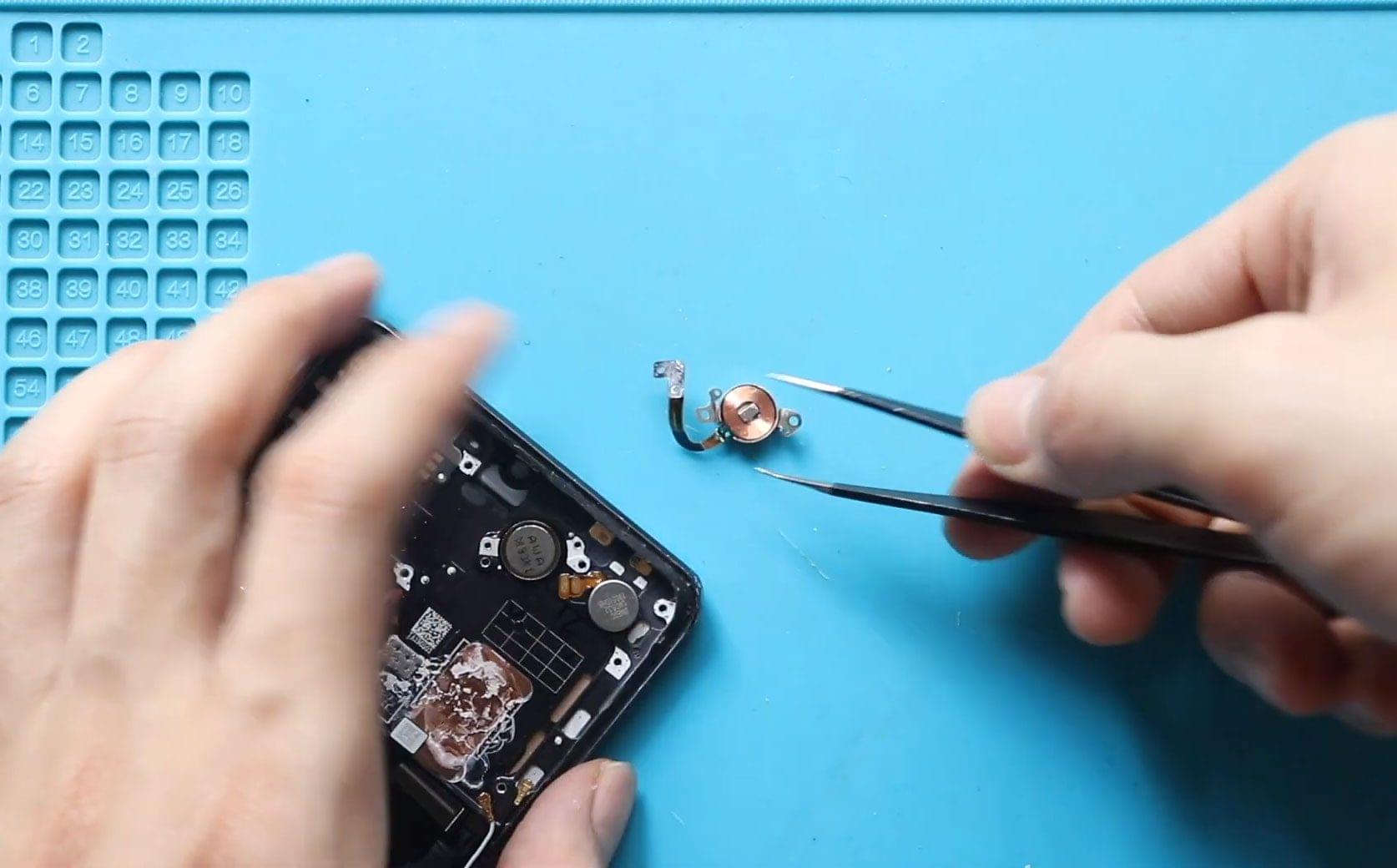
DIY Huawei P30 Pro Earpiece Speaker Repair Guide If your Huawei P30 Pro’s earpiece speaker is no longer functioning, don’t worry! With the right tools and a bit of patience,
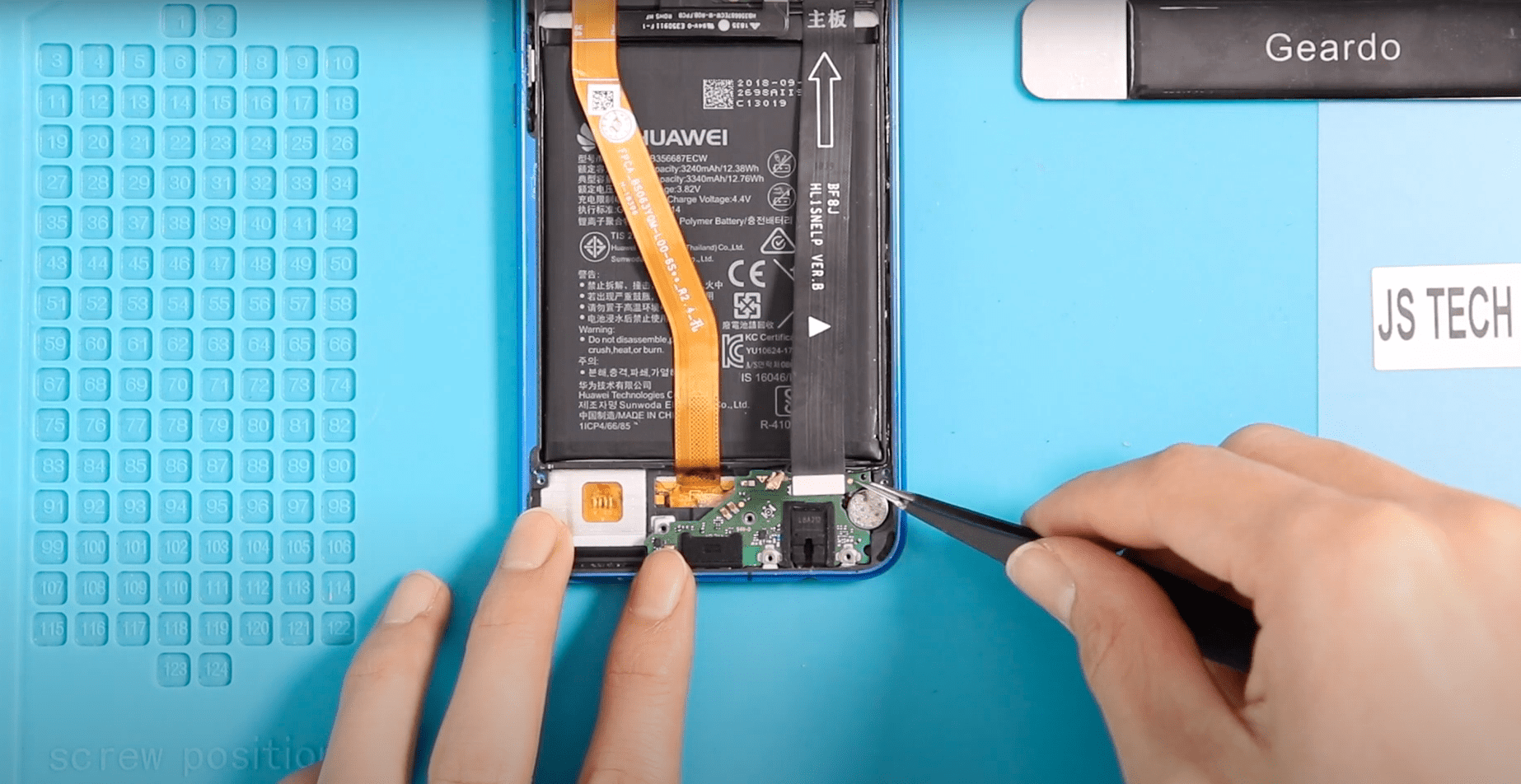
Before Starting, we need to have the right tools to proceed with the repair, which you can find in the description. Let’s start by removing the back cover and heating
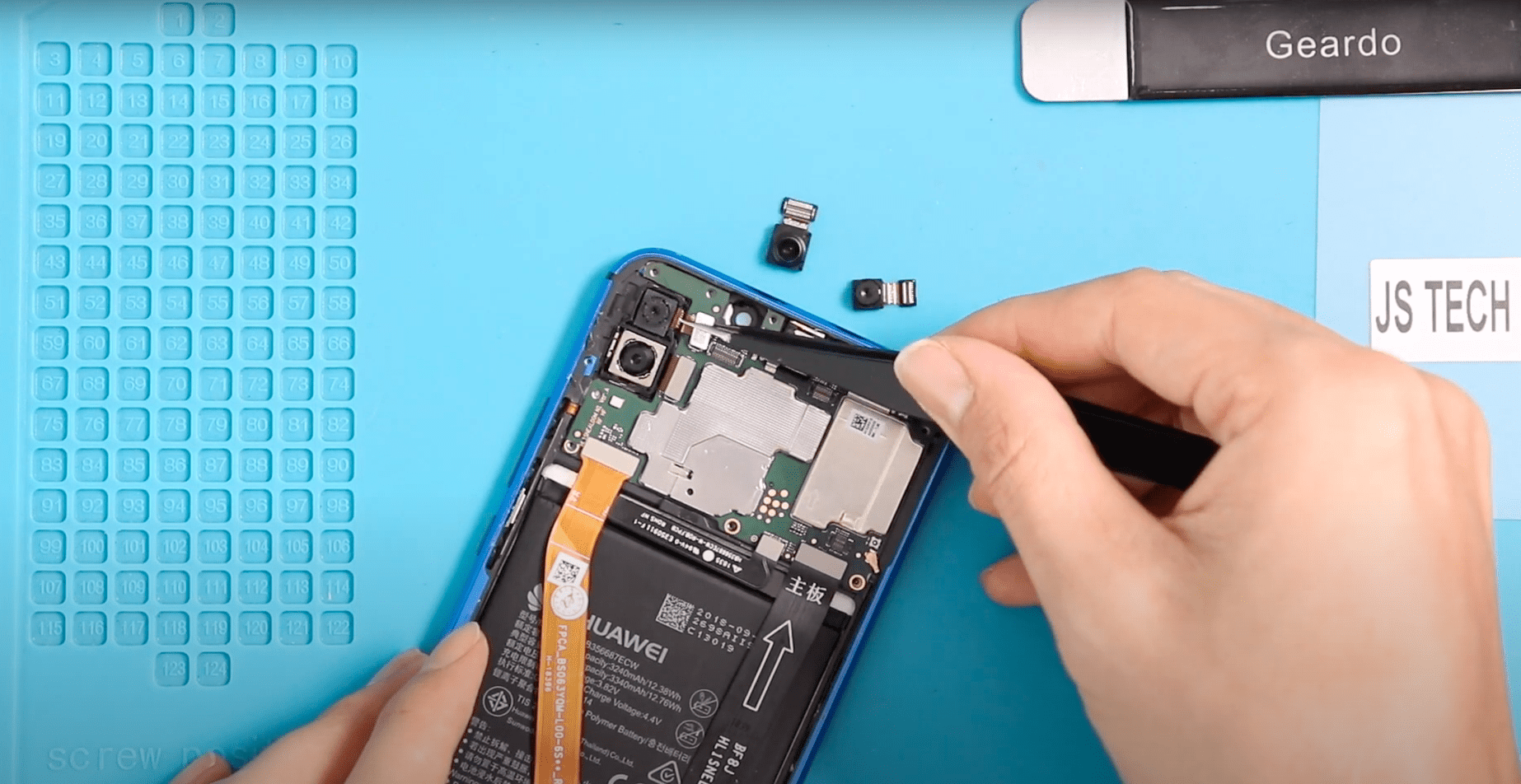
Before Starting, we need to have the right tools to proceed with the repair, which you can find in the description. Let’s start by removing the back cover and heating
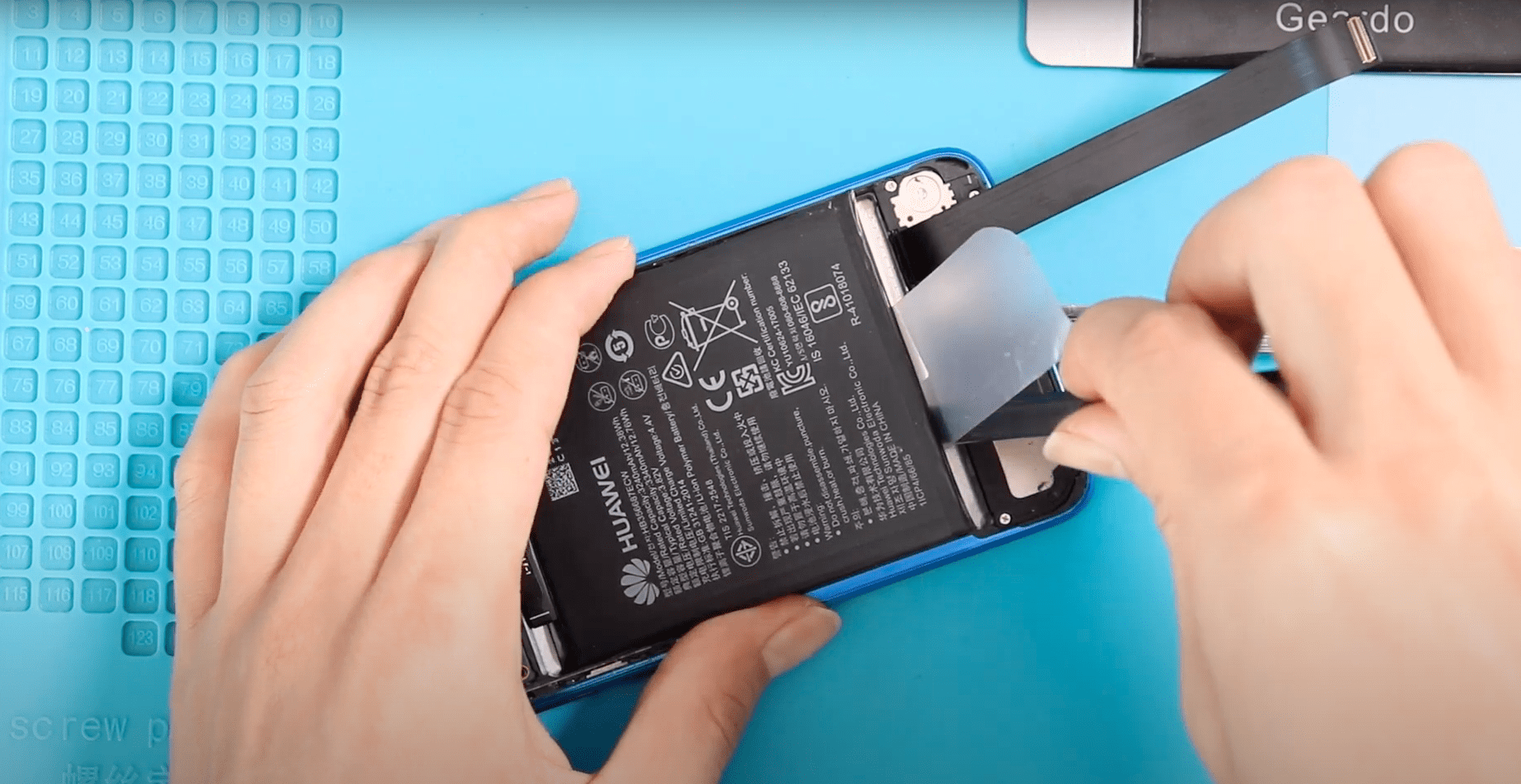
Please follow the below link for the repair instructions. Please let us know if you have any questions. Timestamps00:00 introduction00:12 heating the phone00:26 removing back cover01:10 removing mainboard protector frame01:42

Before Starting, we need to have the right tools to proceed with the repair, which You can find in the description. First, turn off the phone, take out the Sim

Before Starting, we need to have the right tools to proceed with the repair, which You can find in the description.a First, turn off the phone, take out the Sim

Before Starting, we need to have the right tools to proceed with the repair, which You can find in the description. First, turn off the phone, take out the Sim

Before Starting, we need to have the right tools to proceed with the repair, which You can find in the description. First, turn off the phone, take out the Sim

Before Starting, we need to have the right tools to proceed with the repair, which You can find in the description. First, turn off the phone and then follow with

Before Starting, we need to have the right tools to proceed with the repair, which You can find in the description. First, turn off the phone, take out the Sim