Now Reading: DIY Huawei P30 Pro Earpiece Speaker Repair Guide
-
01
DIY Huawei P30 Pro Earpiece Speaker Repair Guide
DIY Huawei P30 Pro Earpiece Speaker Repair Guide
DIY Huawei P30 Pro Earpiece Speaker Repair Guide
If your Huawei P30 Pro’s earpiece speaker is no longer functioning, don’t worry! With the right tools and a bit of patience, you can replace it yourself by following this step-by-step guide.
Tools You’ll Need:
- Plastic pry tool
- Heat gun or hair dryer
- Phillips screwdriver
- Tweezers
- Replacement earpiece speaker
- Adhesive (if needed)
Step-by-Step Repair Process
00:00 Introduction
Welcome to our Huawei P30 Pro earpiece speaker repair tutorial! In this guide, we’ll walk you through the process of replacing your faulty earpiece speaker.
00:10 Opening the Huawei P30 Pro
Before beginning, ensure your device is powered off to avoid accidental damage. Use a heat gun or hair dryer to gently warm the edges of the phone to loosen the adhesive. Be cautious not to overheat.
00:48 Removing the Back Cover
Using a plastic pry tool, carefully work your way around the edges of the back cover to separate it from the frame. Take your time to avoid cracking the glass.
01:24 Removing the Logic Board Frame
Locate the screws securing the logic board frame and remove them using a Phillips screwdriver. Set the screws aside safely to avoid losing them.
02:38 Removing the Logic Board
Disconnect all flex cables attached to the logic board, such as the battery connector, display connector, and other attached modules. Once disconnected, gently lift the logic board using tweezers.
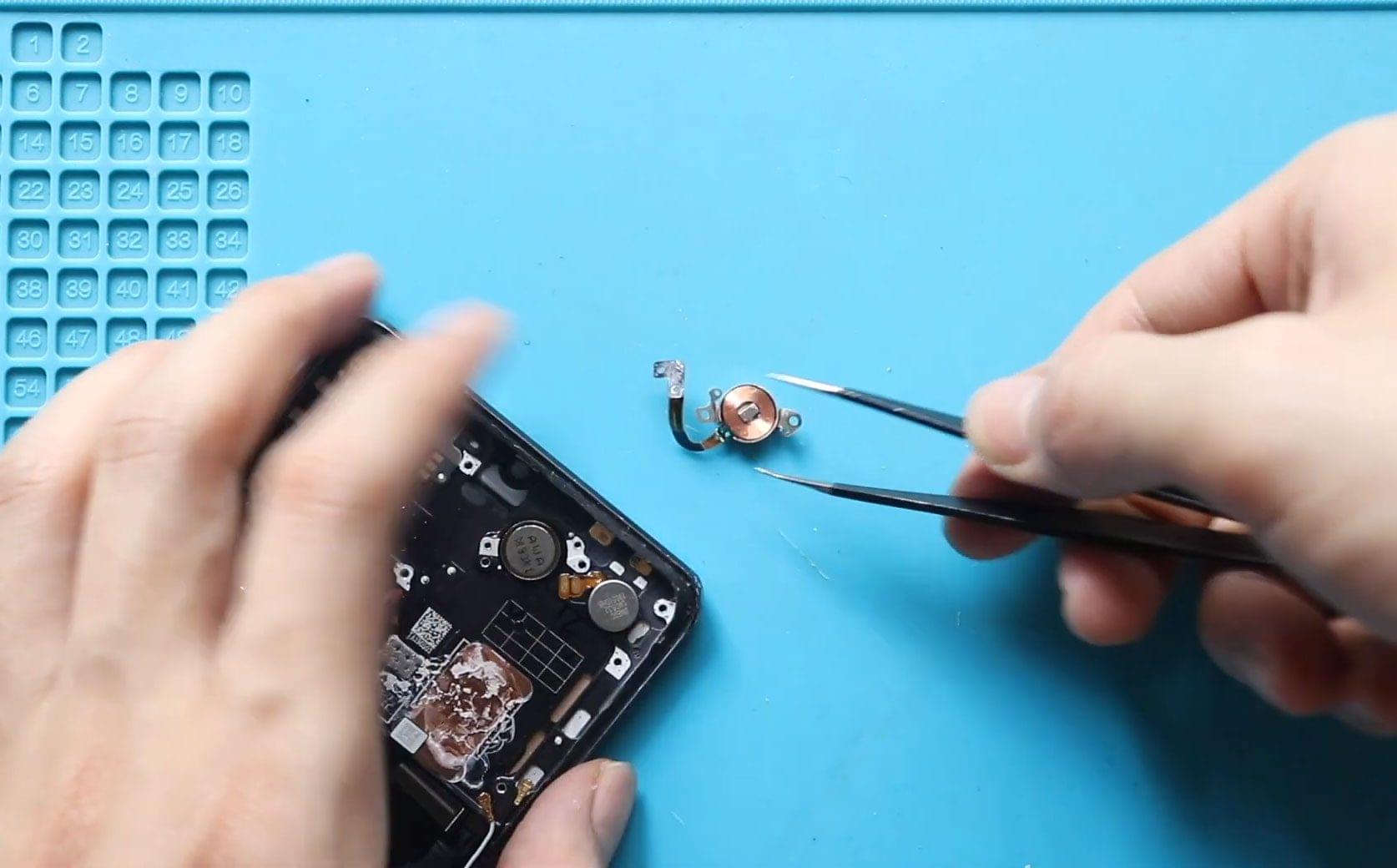
03:47 Removing the Faulty Earpiece Speaker
Carefully remove the faulty earpiece speaker from its slot. If it’s held in place with adhesive, apply a small amount of heat to loosen it before prying it out.
04:48 Installing the New Earpiece Speaker
Position the replacement earpiece speaker in the designated slot. Ensure it’s properly aligned and seated securely.
05:52 Reinstalling the Logic Board
Reconnect all the flex cables to the logic board. Gently place the logic board back into its original position, ensuring everything is aligned correctly.
07:34 Replacing the Logic Board Frame
Reattach the logic board frame and secure it using the screws you removed earlier. Double-check that all connections are secure.
08:30 Closing and Reinstalling the Back Cover
Apply new adhesive if needed and gently press the back cover into place. Use a heat gun to warm the edges slightly, then press firmly to seal the cover.
Conclusion
Congratulations! You have successfully replaced the earpiece speaker on your Huawei P30 Pro. Test the device to ensure the new speaker is working correctly. If you found this guide helpful, feel free to share it with others who might need assistance.
For more repair tutorials, stay tuned to our blog!