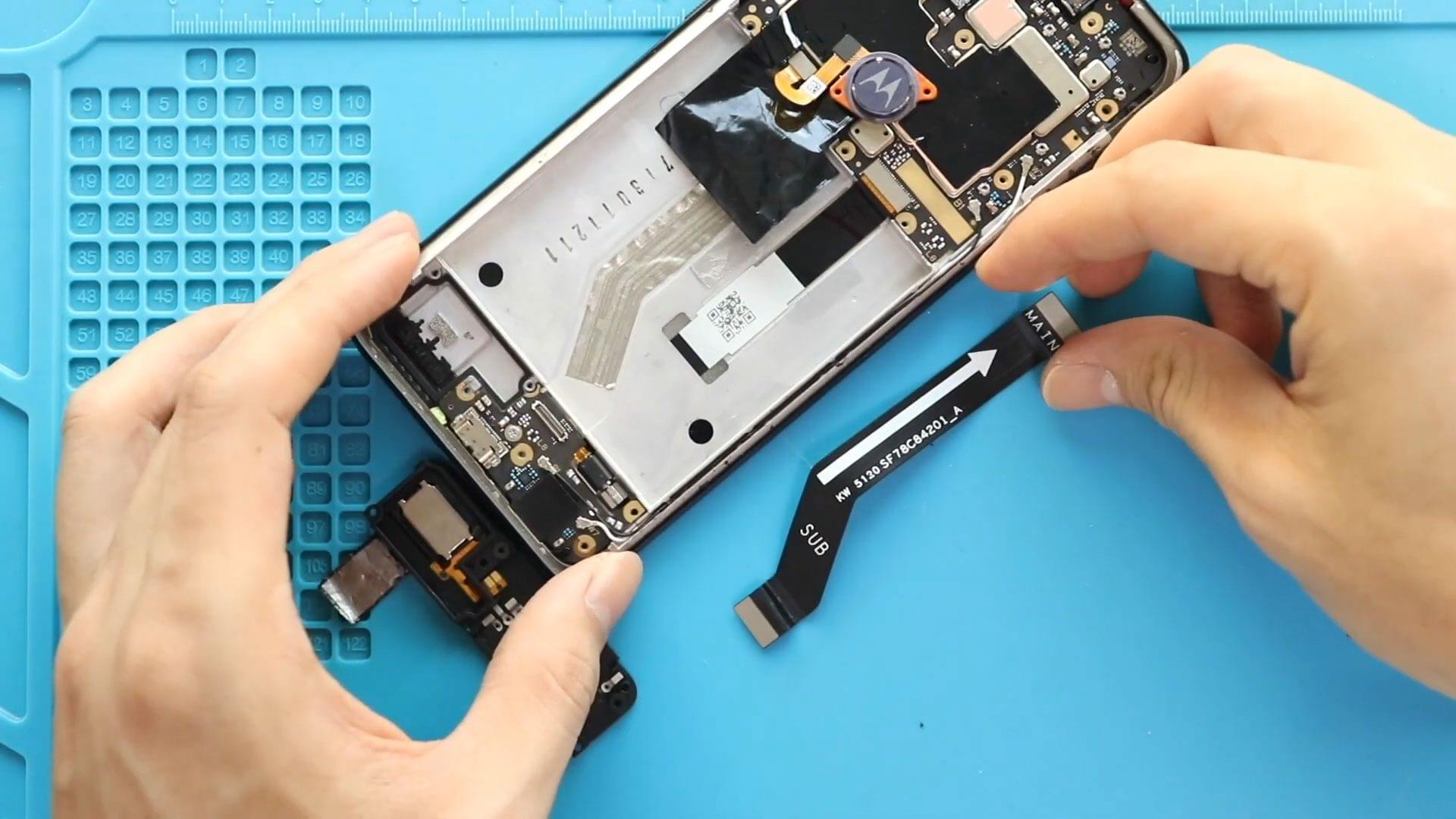
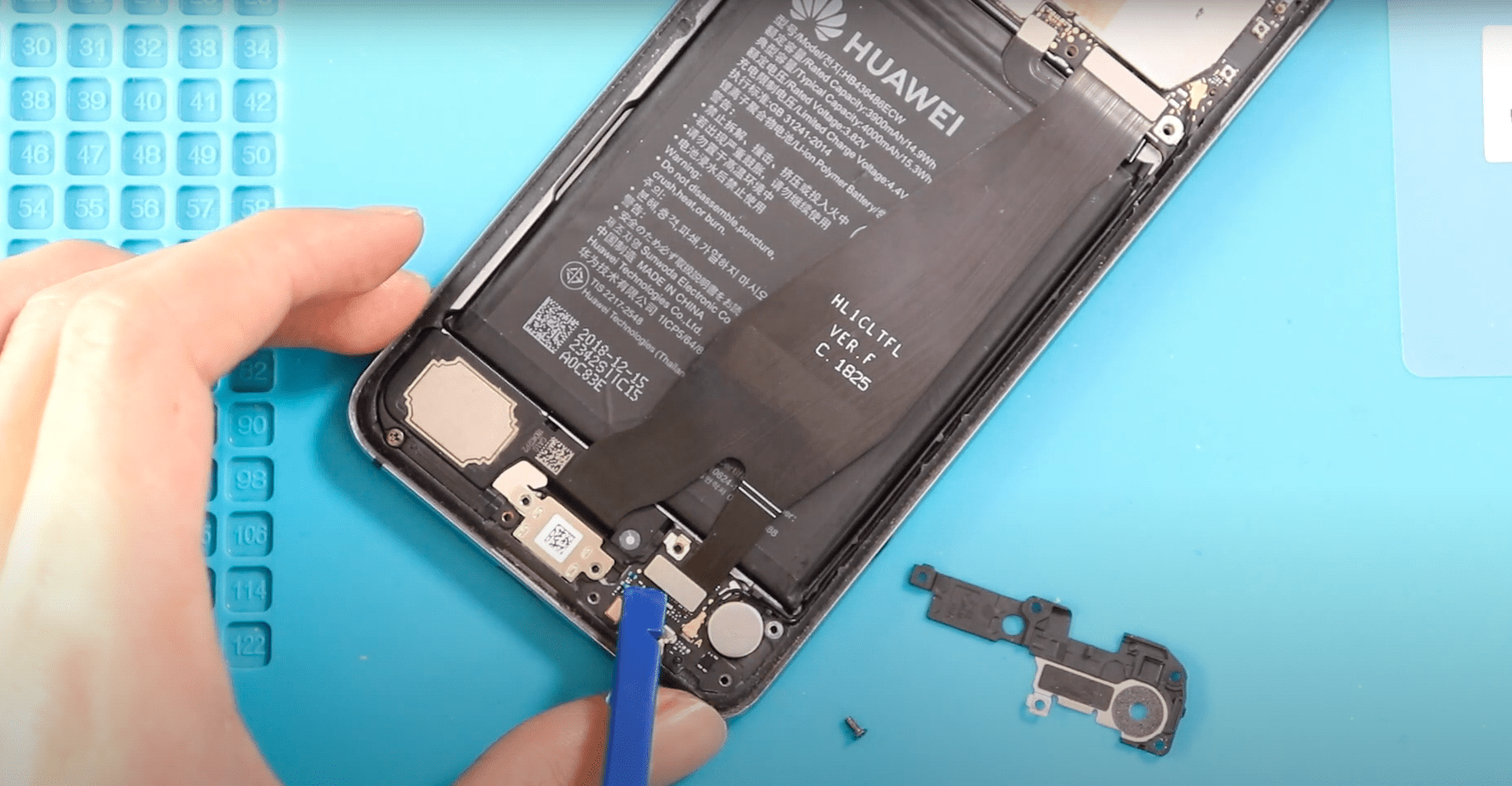
Before Starting, we need to have the right tools to proceed with the repair, which You can find in the description. First, it is good to turn off the phone
DIY repair tutorials for OnePlus 7, covering screen replacement, battery swaps, camera repairs, charging port repair and other common fixes. Easy instruction guides help you repair your phone safely at home.
Before Starting, we need to have the right tools to proceed with the repair, which You can find in the description. First, it is good to turn off the phone
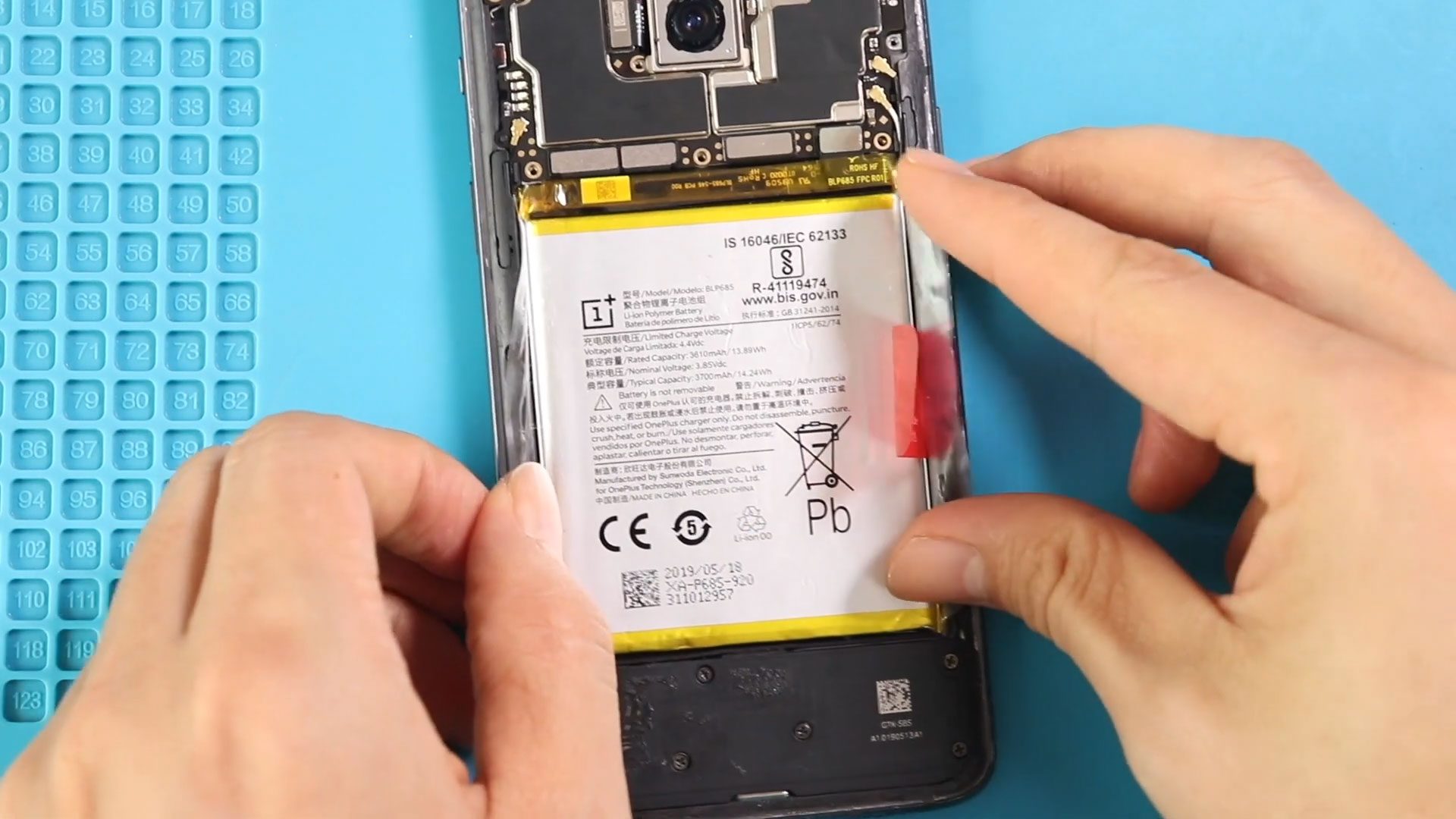
Before Starting, we need to have the right tools to proceed with the repair, which You can find in the description. First, turn off the phone and take out the

Before Starting, we need to have the right tools to proceed with the repair, which You can find in the description. First, turn off the phone and take out the
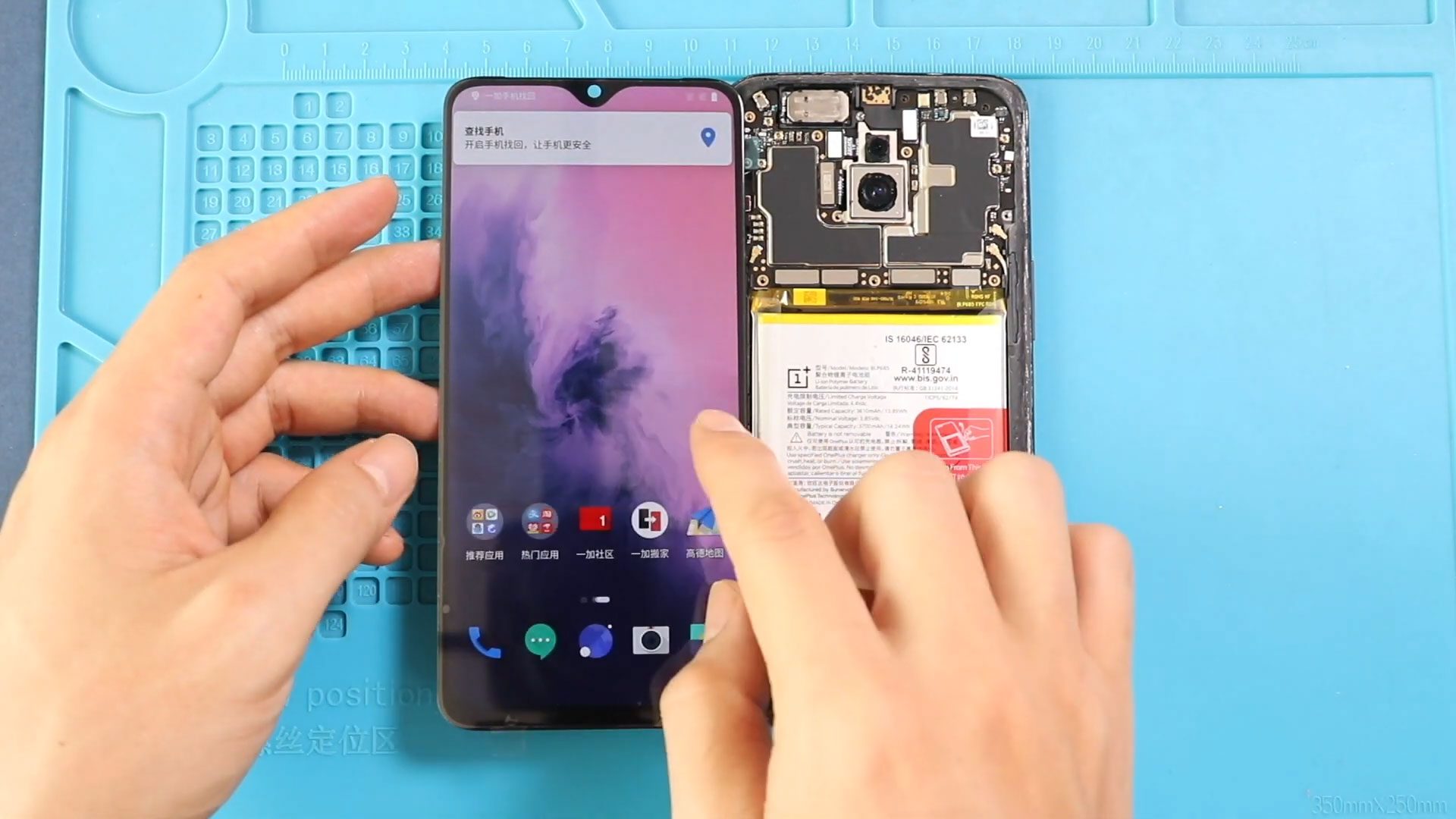
To start, we need to have the right tools to proceed with the repair, which You can find in the description. First, turn off the phone and take out the
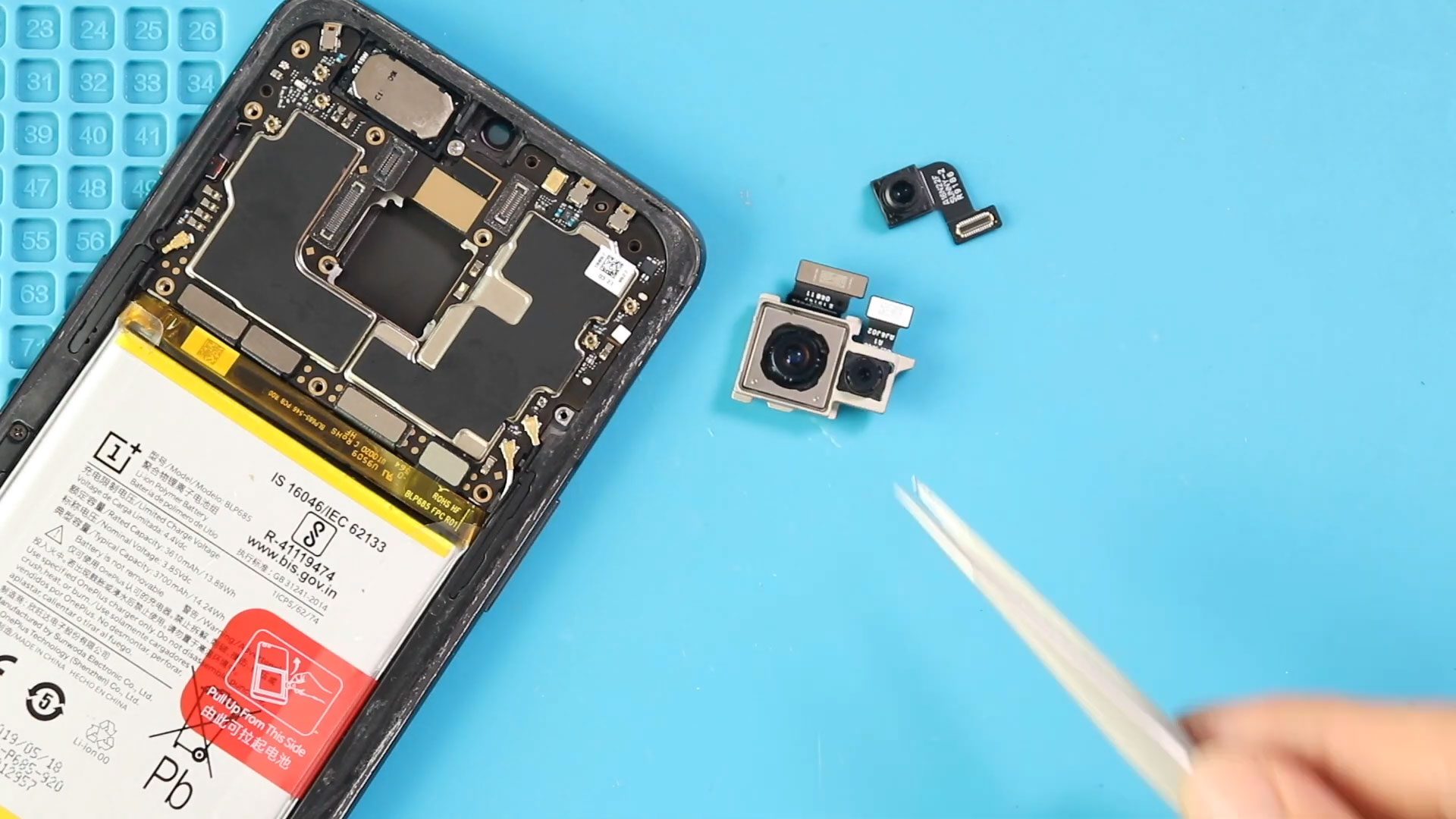
To start, we need to have the right tools to proceed with the repair, which You can find in the description. First, turn off the phone and take out the

Timestamps00:00 Intro00:10 Opening Oneplus 700:36 Removing Back cover01:12 Removing logic board frame01:47 Removing secondary board cover02:10 Removing Not working Oneplus 7 Fingerprint03:09 Placing New Oneplus 7 Fingerprint03:56 Placing Secondary Board

Timestamps00:00 Intro00:10 Opening Oneplus 700:38 Removing the Back cover01:12 Removing the logic board frame01:47 Removing secondary board cover02:18 Removing Not working Oneplus 7 Ringer03:01 Placing New Oneplus 7 Ringer03:14 Placing