
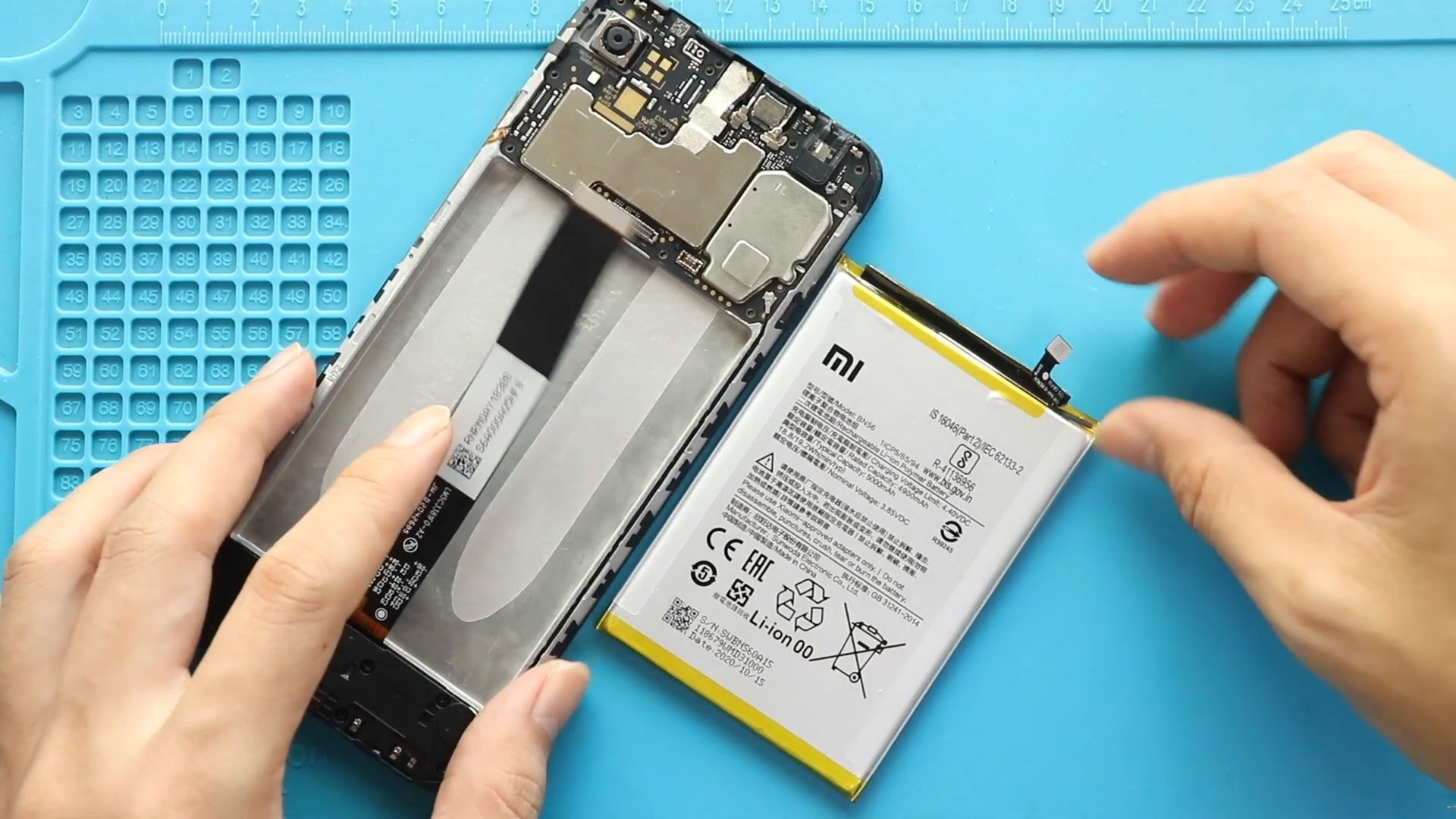
00:00 Intro00:10 Opening Redmi 9A00:25 Removing back Cover00:50 Removing Board Frame01:20 Removing Battery & LCD Plug01:30 Removing not working Redmi 9A Battery02:05 Placing new Redmi 9A Battery02:15 Placing Battery &
Easy repair tutorial to fix your broken or not-working Xiaomi Redmi 9A phone. Easily replace your faulty screen, camera, charging, battery and many more.
00:00 Intro00:10 Opening Redmi 9A00:25 Removing back Cover00:50 Removing Board Frame01:20 Removing Battery & LCD Plug01:30 Removing not working Redmi 9A Battery02:05 Placing new Redmi 9A Battery02:15 Placing Battery &
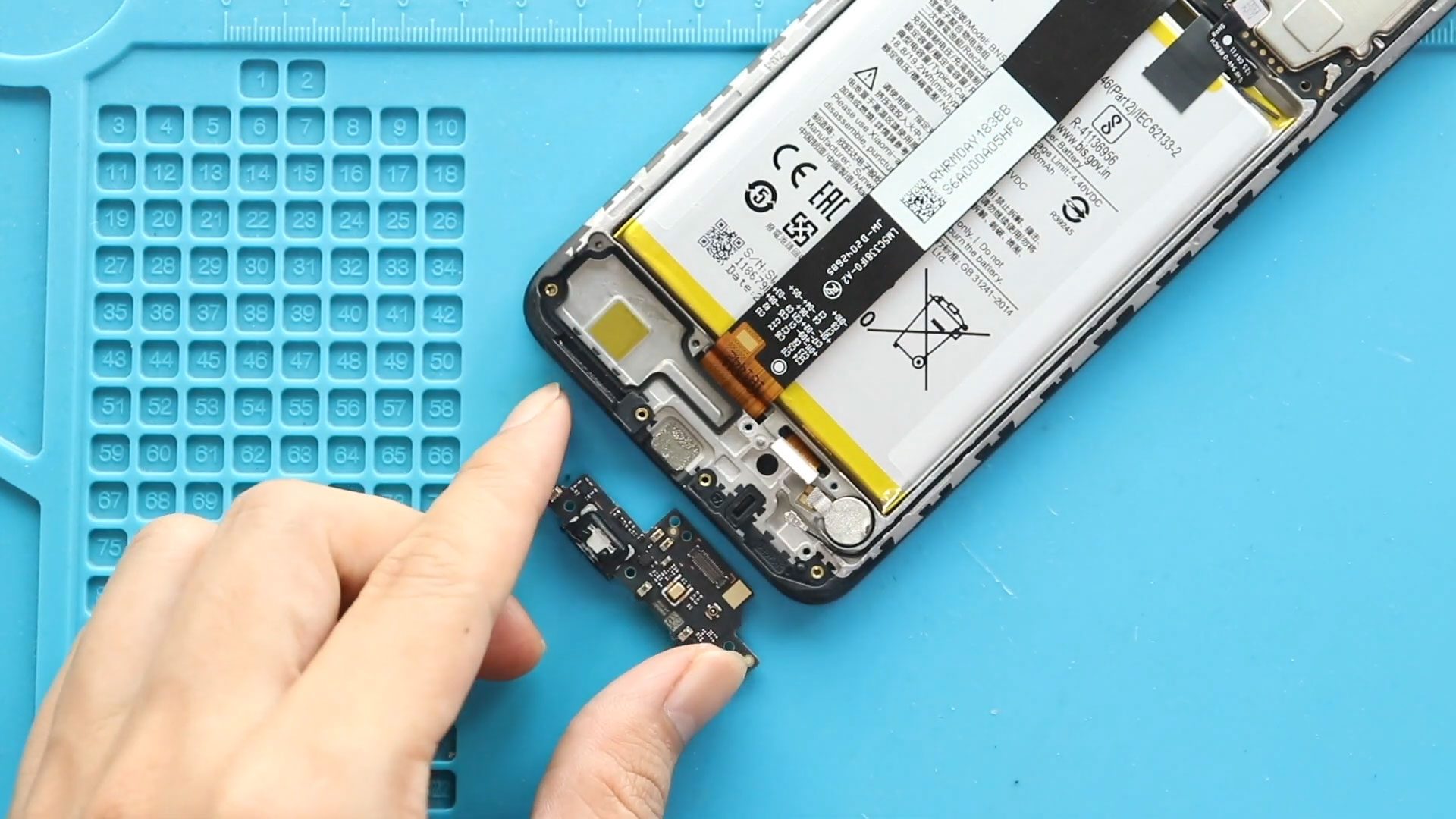
Before Starting, we need the right tools to proceed with the repair, which You can find in the description. First, turn off the phone, remove the Sim tray, and follow
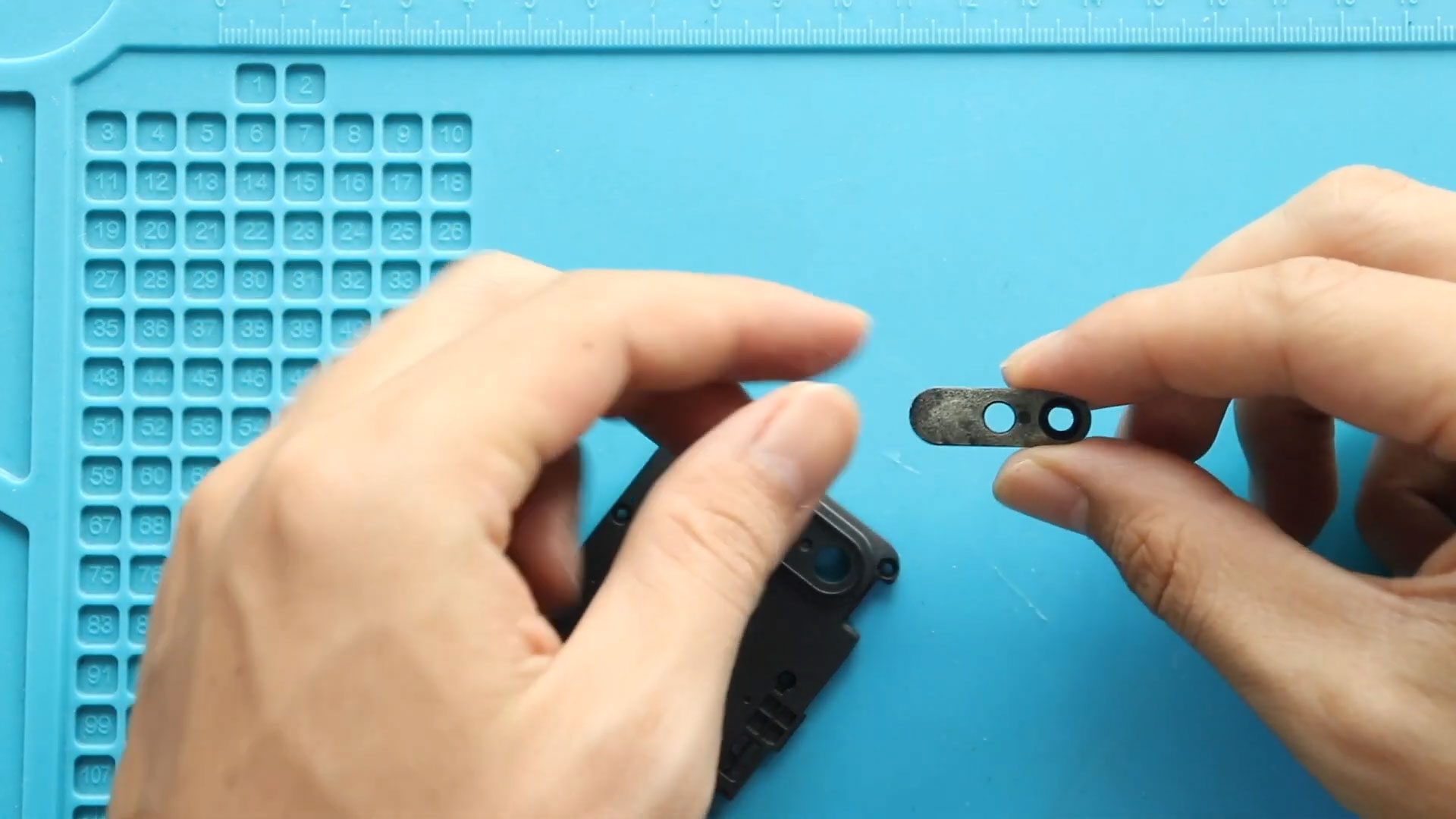
Before Starting, we need the right tools to proceed with the repair, which you can find in the description. First, turn off the phone and remove the sim tray. And

Before Starting, we need the right tools to proceed with the repair, which You can find in the description. First, turn off the phone, remove the Sim tray, and follow

Please follow the below link for the repair instructions. Please let us know if you have any questions. 00:00 Intro00:10 Opening Redmi 9A00:20 Removing Back Cover00:53 Removing Board Frame01:26 Removing

Please follow the below link for the repair instructions. Please let us know if you have any questions. Timestamps00:00 Intro00:10 Opening Redmi 9A00:20 Removing Back Cover00:54 Removing Board Frame01:27 Removing
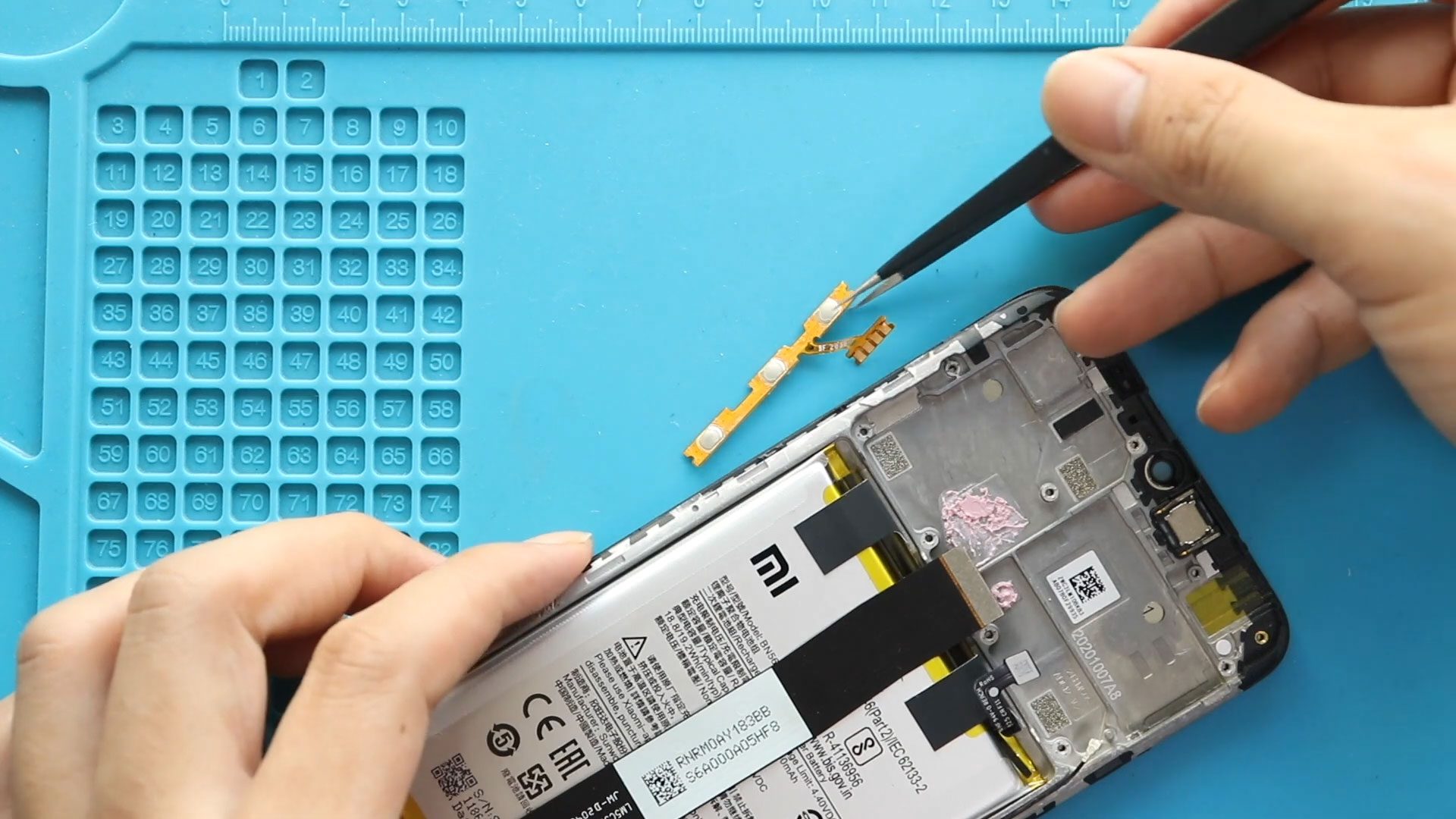
Please follow the below link for the repair instructions. Please let us know if you have any questions. Timestamps00:00 Intro00:10 Opening Redmi 9A00:20 Removing Back Cover00:54 Removing Board Frame01:29 Removing
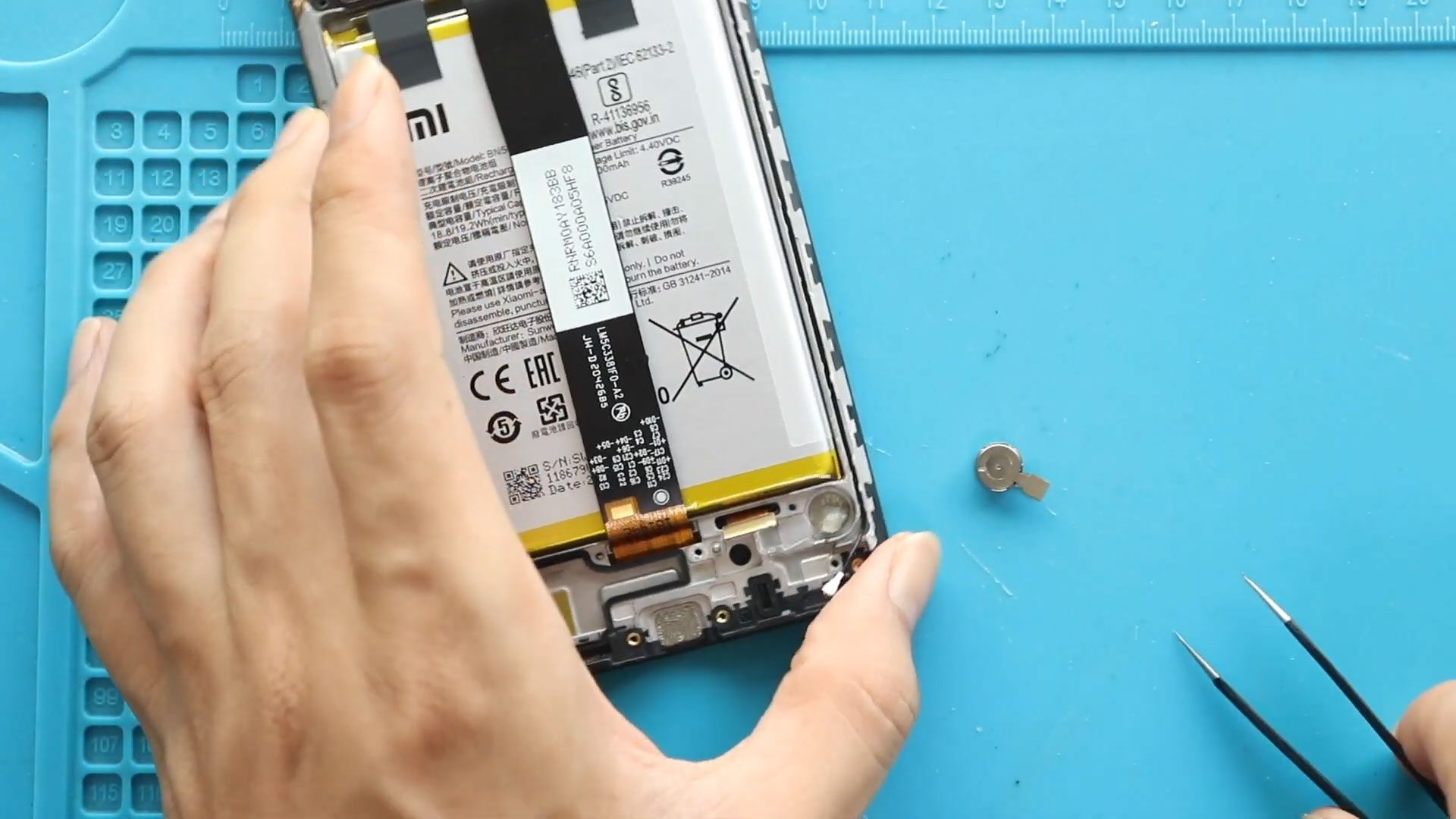
Please follow the below link for the repair instructions. Please let us know if you have any questions. 00:00 Intro00:10 Opening Redmi 9A00:22 Removing Back Cover00:52 Removing Board Frame01:26 Removing


