
Now Reading: DIY Google Pixel 4 Back Camera Repair Guide
1
-
01
DIY Google Pixel 4 Back Camera Repair Guide
DIY Google Pixel 4 Back Camera Repair Guide
When it comes to repairing your mobile device, having the right tools is essential. In this guide, we will walk you through the process of replacing the rear camera of your phone. Follow these steps carefully to ensure a successful repair.
Required Tools
- Heating pad or heat gun/hairdryer
- Suction cup
- Plastic card pry tool
- Screwdriver set
- B7000 glue or double-sided adhesive (if needed)
- Bonding clips or rubber bands
Step-by-Step Instructions
- Power Off Your Device
- Always start by turning off your phone to prevent any electrical damage.
- Remove the Back Cover
- Place the back cover side of the phone on a heating pad set to the mobile phone HEATING option. Allow it to heat until the adhesive softens. Alternatively, you can use a heat gun or hairdryer.
- Create an Opening
- Once heated, use a suction cup to create a small gap between the frame and the rear cover. Insert a plastic card pry tool to cut through the adhesive carefully.
- Detach the Back Cover
- Gently lift the back cover, being cautious of the flash sensor plug that connects to it.
- Remove the Bracket
- Unscrew and remove the bracket by undoing five screws.
- Take Out the Sensor Bracket
- Remove the sensor bracket by unscrewing two screws.
- Disconnect the Battery and Sensor
- Disconnect the battery plug and the sensor plug from the board, allowing the back cover unit to be detached from the body.
- Remove Additional Brackets
- Unscrew and remove another bracket by undoing four screws.
- Extract the Front Camera Module
- Disconnect three plugs and unscrew two screws to take out the front camera module.
- Remove the Logic Board
- Carefully pull out the logic board by disconnecting seven connector plugs and the antenna head. Don’t forget to eject the SIM tray. Be gentle and move cables aside as you work.
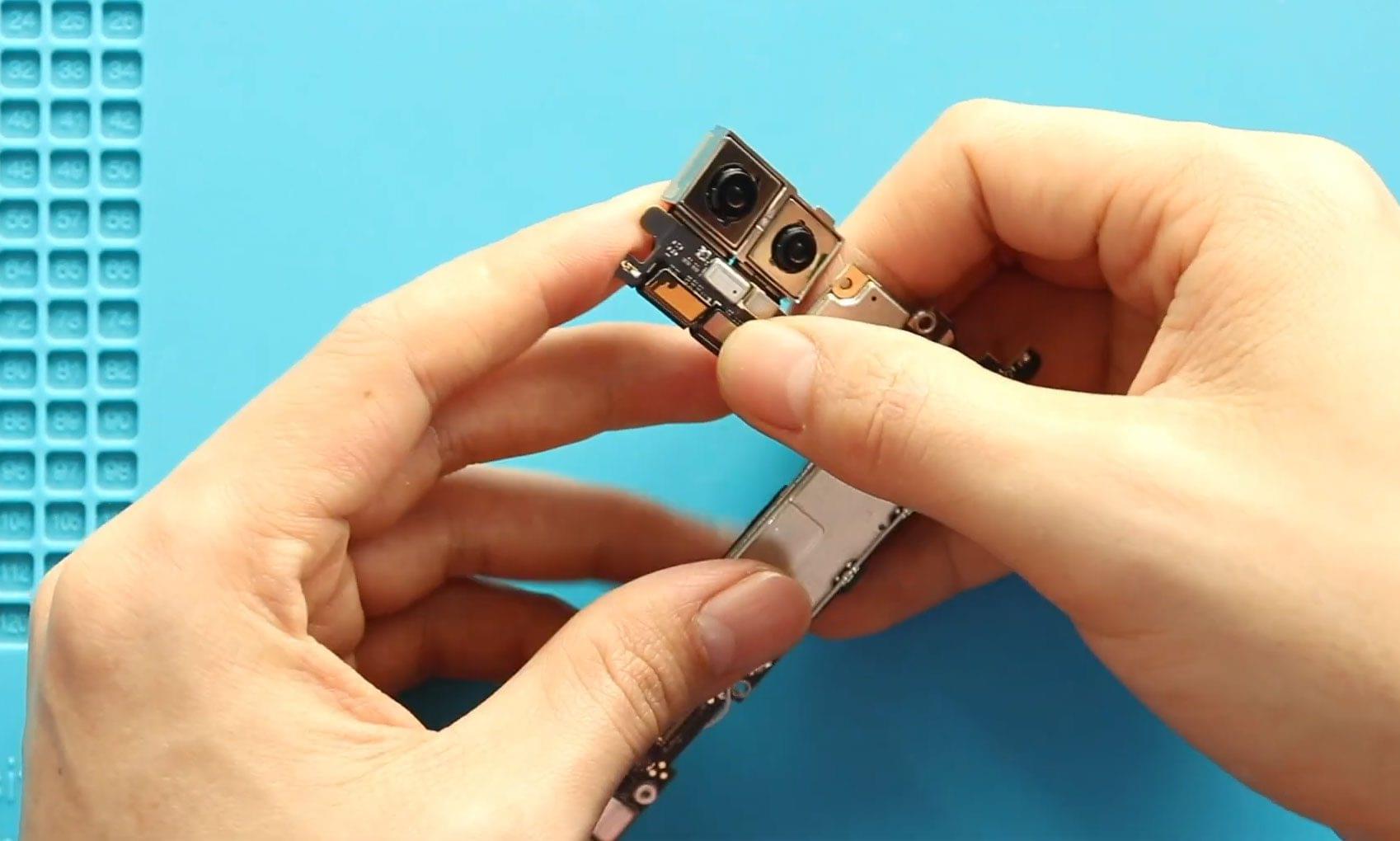
- Disconnect the Rear Camera
- Disconnect the two camera connector plugs and remove the non-working rear camera unit from the board.
- Install the New Rear Camera
- Place and secure the new rear camera unit onto the board.
- Reassemble the Logic Board
- Carefully secure the logic board back into the frame, ensuring that cables are positioned correctly.
- Reconnect Components
- Reconnect the seven connector plugs, the antenna head, and the SIM tray to the board.
- Secure the Bracket
- Reattach the bracket by adding two screws.
- Reinstall the Front Camera Module
- Place the front camera module back by adding two screws and reconnecting three plugs.
- Reattach the Back Cover Sensor
- Connect the back cover sensor flex to the board and secure the bracket with two screws.
- Reconnect the Battery
- Reconnect the battery plug and secure the bracket by adding five screws.
- Verify Functionality
- Before closing the device, power it up to verify that everything is functioning correctly.
- Prepare for the Back Cover
- Ensure that the back cover has enough adhesive. If necessary, apply B7000 glue or a new double-sided adhesive.
- Secure the Back Cover
- Finally, use bonding clips to press the rear cover against the body. If clips are unavailable, rubber bands can be used as an alternative. Leave them in place for a while to ensure a strong bond.
We hope this replacement guide has been helpful! If you have any questions or need further assistance, feel free to reach out.













