Now Reading: DIY Samsung Galaxy A22 5G Charging Port & Headphone Jack Board Repair Guide
-
01
DIY Samsung Galaxy A22 5G Charging Port & Headphone Jack Board Repair Guide
DIY Samsung Galaxy A22 5G Charging Port & Headphone Jack Board Repair Guide
To start, we need the right tools to proceed with the repair, which You can find in the description.
First, Take out the back cover from the body.
To remove the back cover, it needs to heat gently around the rear cover edges until the pasted adhesive becomes soft.
For this, we are using a heating pad.
Place the back cover side on the heating pad Select the mobile phone HEATING option and leave it till it completes.
Alternatively, you can use a heat gun or hairdryer.
Next, create an opening using a suction cup and then insert a plastic card pry tool or something similar to cut the adhesive around the back cover.
Next, take out the back cover and remove four screws to take out the camera lens with the frame:
Next, undo twelve screws in the mid-frame and eject the sim tray.
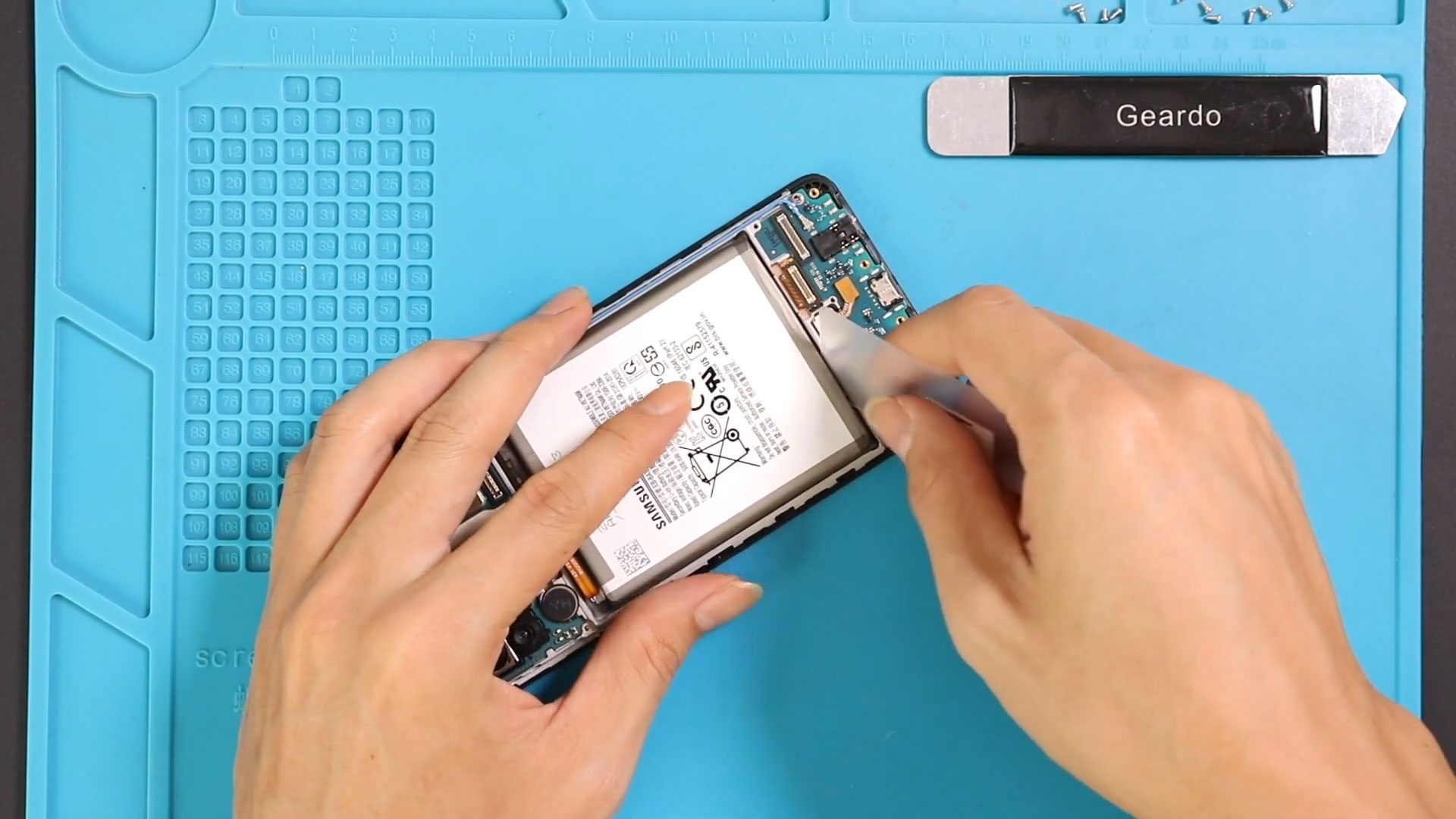
Next, use a plastic card pry tool to create an opening to separate the mid-frame.
Be gentle and work around the edges to free the plastic clips.
While pulling out the mid-frame, be gentle; the button flex is attached to the frame.
Next, disconnect the battery connector.
Next, unplug the button connector from the logic board to release the mid-frame from the body.
Next, take out the speaker cover by undoing three screws.
Next, take out the main flex from disconnecting from both ends.
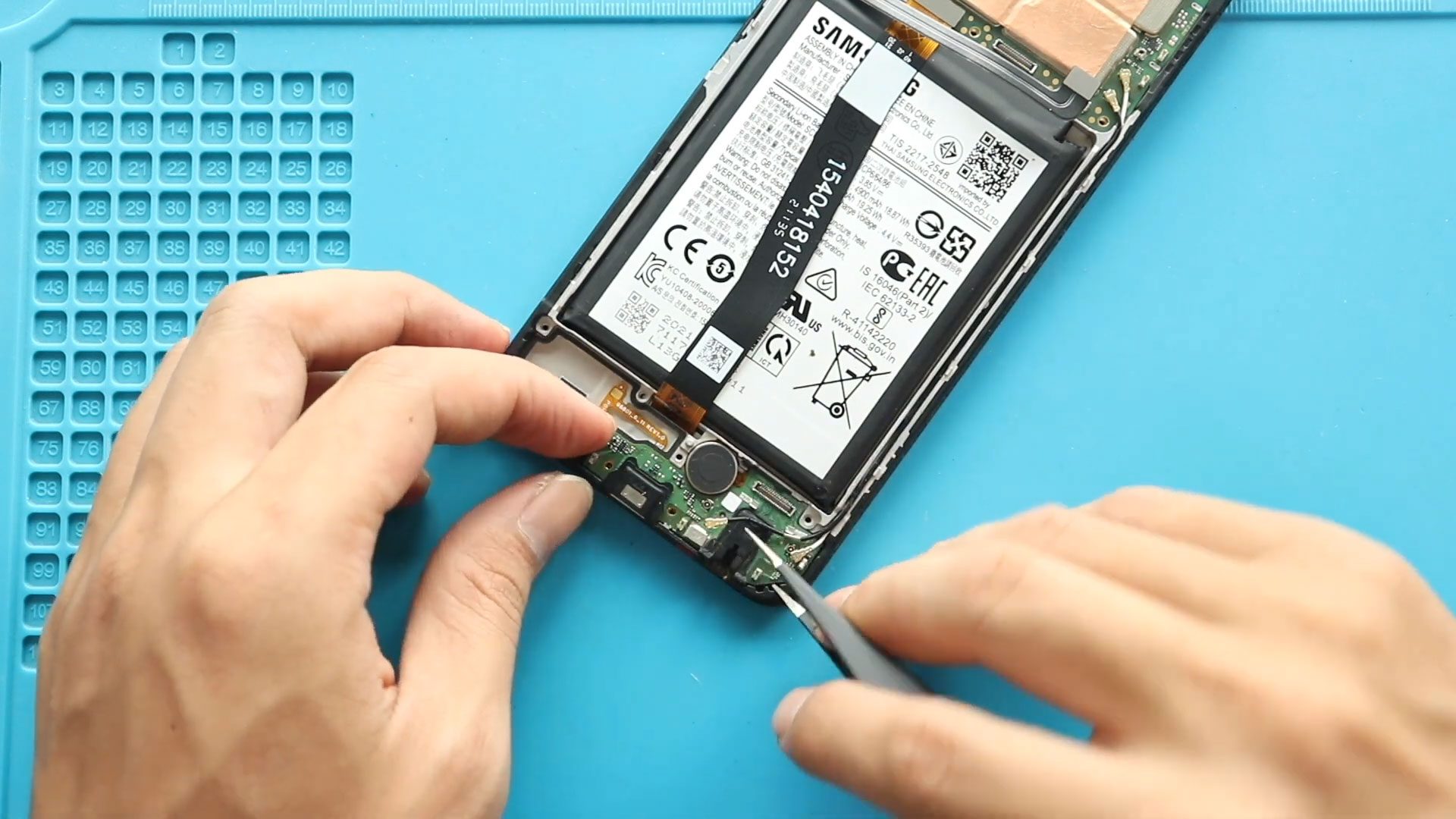
Next, unplug two antenna heads from the charging port board.
Next, pull out the non-working charging port board from the body.
Next, secure the new charging & headphone jack board in the body.
Next, secure both antenna heads to the board.
Next, place and secure the main flex by connecting from both ends.
Next, secure the speaker cover by adding three screws.
Next, secure the button flex.
Next, secure the battery plug.
Next, place and secure the mid-frame by adding 12 screws.
Next, secure the camera lens with the frame by adding four screws.
Next, ensure it has enough glue before installing the main back cover.
If not, use B7000 glue or a new double-sided back cover adhesive.
Finally, we are adding bonding clips to tighten the rear cover with the body.
If not, you can use some rubber bands and Leave them for some time.
I hope you have enjoyed the camera Lens replacement guide.
Let us know if you have any questions