
Now Reading: Samsung Galaxy A50 Screen Replacement Guide | Galaxy A50s Repair
-
01
Samsung Galaxy A50 Screen Replacement Guide | Galaxy A50s Repair
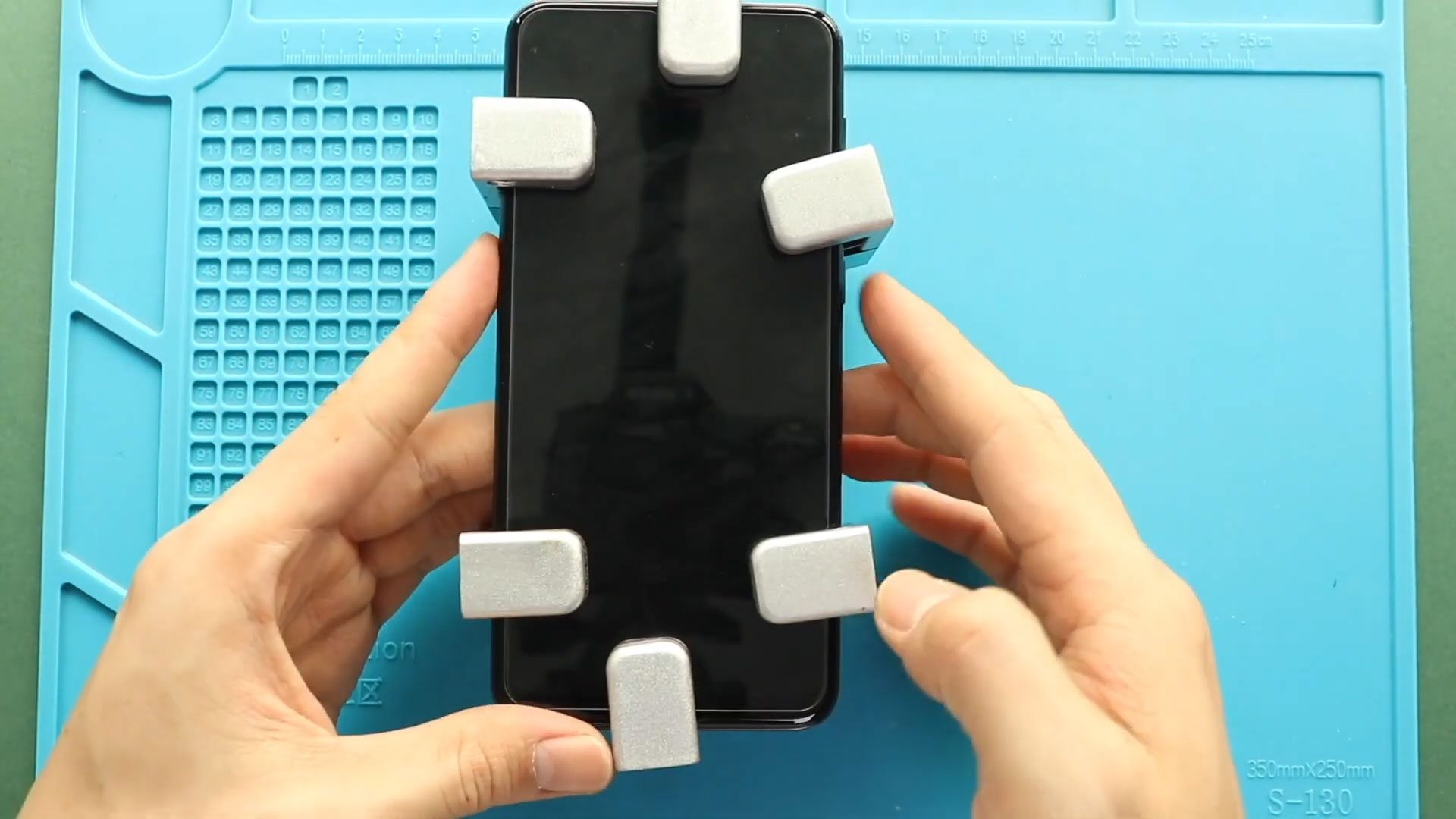
Samsung Galaxy A50 Screen Replacement Guide | Galaxy A50s Repair
Hi everyone, welcome back to Geardo!
If your Samsung Galaxy A50 or Galaxy A50s screen is cracked, not responding, displaying lines, or completely black, then it’s time for a screen replacement.
In this guide, we will show you how to replace the LCD screen (with frame) on the Samsung Galaxy A50. This method is also fully compatible with the Samsung Galaxy A50s, as both devices share a very similar internal structure.
We are using a screen with frame, which makes the repair much easier and safer—especially for beginners. Just follow each step carefully to complete the repair successfully.
Repair Overview
- Device Type: Smartphone
- Repair Type: LCD Screen Replacement (With Frame)
Repair Difficulty: ⭐⭐⭐⭐☆ (Moderate–Advanced)
Estimated Time: ⏱️ 75–90 minutes
Reasons for This Repair
- Cracked or shattered screen
- Touch not working
- Black screen or no display
- Display flickering or lines
- Dead pixels or screen damage
Before You Begin
Compatibility and Model Numbers
- Samsung Galaxy A50
- Samsung Galaxy A50s
This repair guide based on Samsung Galaxy A50 Model.
Model Numbers | SM-A505F, SM-A505FN, SM-A505GN, SM-A505G, SM-A505FM, SM-A505YN, SM-A505W, SM-A505X, SM-A505U, SM-A505GT, SM-A505U1, SM-A505G, SM-A505N, SM-S506DL, SM-A507F, SM-A507FN, SM-A5070
Tools Required
- Mobile phone heating pad or hairdryer/heat gun
- Plastic pry tool / card pry
- Suction cups
- Phillips #00/#000 screwdrivers
- Tweezers (for connectors)
- B7000 glue or double-sided adhesive (for back cover)
- Rubber bands or bonding clips to secure the back cover
Using proper tools reduces the risk of damaging the phone.
How to Find Tools and Parts
- Heating pad – https://amzn.to/3H0tHzJ
- Portable Heat Gun – https://amzn.to/4mszih1
- Clamps https://amzn.to/3GYJT4w
- STREBITO 142 Piece Repair Tool Kit https://amzn.to/3UO1jUx
- Glue | Adhesive https://amzn.to/46exVxe
- Compatible Parts –
- Battery – https://amzn.to/4fUSCSb
- Screen – https://amzn.to/4fUvjrC
- Other Parts – https://amzn.to/3ULpQtt
- Silicone Work Repair Mat https://amzn.to/45Emz5l
Types of Screens (Important)
Before starting, you should know there are two main types:
- Screen Only (Without Frame): Difficult, requires separating display from frame
- Screen With Frame (Recommended): Easier, components are transferred into a new frame
💡 For beginners, always choose a screen with frame for a safer repair.
Step-by-Step Repair Guide
Step 1: Power Off the Device
Turn off your Galaxy A50 / A50s completely before starting.
Step 2: Heat and Open the Back Cover
Gently heat around the edges of the back cover to soften adhesive.
- Use a heating pad or heat gun
- Use a suction cup and pry tool to open
Step 3: Remove the Back Cover
- Insert a plastic pry tool or card
- Carefully slide around edges
- Remove the back cover
Step 4: Remove the Midframe
- Remove SIM tray
- Unscrew all screws
- Release clips and remove midframe
Step 5: Disconnect Flex Cables
Disconnect:
- Main flex cable
- LCD flex cable
Step 6: Remove the Battery
- Apply slight heat if needed
- Carefully remove the battery
Step 7: Remove Antenna Board
- Locate and remove the antenna board from the bottom
Step 8: Remove the Logic Board
- Disconnect all connectors
- Carefully lift and remove the logic board
Step 9: Remove Earpiece & Vibrator Motor
- Remove both components carefully
Step 10: Remove Charging Port Board
- Disconnect and remove the charging board
Step 11: Prepare New Screen (With Frame)
- Take the new screen with frame
- Ensure it matches your device (A50/A50s)
Step 12: Install Charging Port Board
- Place and secure the charging board
Step 13: Install Earpiece & Vibrator Motor
- Position both components correctly
Step 14: Install Logic Board
- Carefully place the logic board
- Reconnect all connectors
Step 15: Install Battery
- Place battery and secure properly
Step 16: Reconnect Flex Cables
- Connect main flex and LCD flex
Step 17: Reassemble Midframe
- Place midframe back
- Secure clips and screws
Step 18: Test the Device
Before sealing:
- Power on the phone
- Check display and touch
- Ensure everything works properly
Step 19: Seal the Back Cover
- Apply adhesive if needed
- Press back cover into place
Step 20: Secure the Back Cover
- Use clips or rubber bands
- Leave it for proper bonding
FAQs (Frequently Asked Questions)
Q1: Is this guide compatible with Galaxy A50s?
Yes, both A50 and A50s use a similar design, so this guide works for both.
Q2: Why should I choose a screen with frame?
It simplifies the repair and reduces the risk of damaging the display.
Q3: Can I reuse my old battery?
Yes, if it is still in good condition.
Q4: Is this repair difficult?
It is moderate to advanced due to full disassembly, but manageable with patience.
Q5: Do I need to test before closing the phone?
Yes, always test before sealing the back cover.
Troubleshooting (After Repair)
Q1: Screen not turning on
- Check LCD flex connection
- Ensure battery is connected
Q2: Touch not working
- Reconnect LCD flex
- Check screen compatibility
Q3: No signal or network issues
- Check antenna board connection
Q4: Phone not powering on
- Check all connectors
- Ensure battery is charged
Q5: Back cover not sticking
- Apply new adhesive
- Use clips or rubber bands
Final Thoughts
Replacing the LCD screen (with frame) on your Samsung Galaxy A50 or A50s is one of the most effective ways to restore your device to like-new condition.
Take your time, follow each step carefully, and always test before sealing the device.
I hope you enjoyed this guide! If you have any questions, feel free to ask.
Other Repair Guides


-
 01Samsung Galaxy A16 5G Battery Replacement | Full DIY Repair Guide
 -
02Samsung Galaxy A16 5G Screen Replacement | Step-by-Step Guide
-
03Google Pixel 6 Power Button Replacement Guide | Volume Button Flex Repair Guide- DIY Repair
-
04Samsung Galaxy A16 5G Back Cover & Camera Lens Frame Replacement Guide | DIY Repair
-
05Why a Heating Pad Is Essential for Mobile Phone Repairs (And How to Use it)
-
06How to Use a Heat Gun or Hair Dryer for Phone/Tablet Repairs
-
07Essential Repair Tools for Phone, Tablet & Laptop Repairs


