Now Reading: iPhone X Screen Replacement Guide | DIY Repair
-
01
iPhone X Screen Replacement Guide | DIY Repair
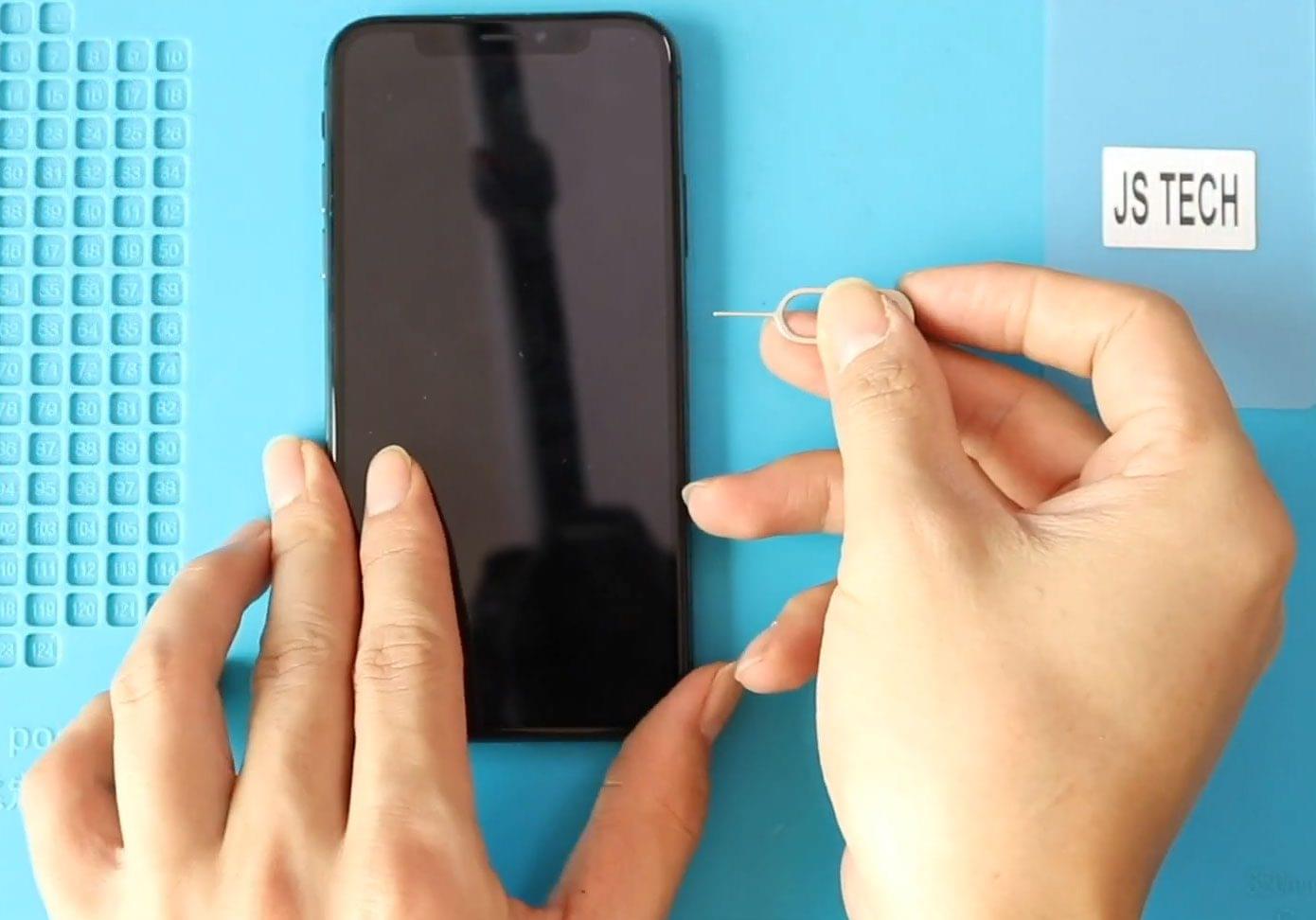

A cracked screen, unresponsive touch, display lines, or a completely black screen can make your iPhone X difficult or impossible to use. Replacing the LCD and touch assembly is the most effective solution to restore full functionality and visual clarity.
In this guide, we’ll show you how to replace the LCD and touch assembly on the iPhone X, using the correct tools and safe repair methods. Follow each step carefully to avoid damage to internal components.
Reasons to Replace the iPhone X LCD & Touch Assembly
- Cracked or shattered screen
- Touch not responding properly
- Display flickering or lines on the screen
- Black or blank display
- Ghost touch issues
- Screen lifting or damaged due to impact
Repair Difficulty
Difficulty Level: ⭐⭐⭐☆☆ (Moderate)
This repair requires careful handling of connectors and the earpiece assembly.
Estimated Repair Time: 30–45 minutes
Recommended For: DIY users with basic repair experience
Compatibility and Model Numbers
This repair guide based on iPhone X mobile phone.
Compatible Mode Numbers | A1865, A1901, A1902, A1903
Tools You Need
- Heating pad / heat gun / hairdryer
- Suction cup
- Plastic card pry tools / opening picks
- Phillips PH000 screwdriver
- Pentalobe P2 Screwdriver (for bottom screws)
- Tri-Point Y000 Screwdriver
- Adhesive (B7000 or double-sided frame adhesive)
- Bonding clips or rubber bands (optional but recommended)
Make sure the tablet is turned off and the SIM tray is removed before starting.
How to Find Tools and Parts
- Heating pad – https://amzn.to/3H0tHzJ
- Portable Heat Gun – https://amzn.to/4mszih1
- Clamps https://amzn.to/3GYJT4w
- STREBITO 142 Piece Repair Tool Kit https://amzn.to/3UO1jUx
- Glue | Adhesive https://amzn.to/46exVxe
- Compatible Parts –
- Battery – https://amzn.to/4fI15YG
- Screen – https://amzn.to/3VIu2KN
- Other Parts – https://amzn.to/4n2vPq4
- Silicone Work Repair Mat https://amzn.to/45Emz5l
Protect Your iPhone X
- 2 in 1 Protection https://amzn.to/46apLVC
iPhone X LCD & Touch Screen Assembly Replacement – Step-by-Step Instructions
Step 1: Power Off and Remove SIM Tray
Turn off the iPhone X completely. Remove the SIM tray using a SIM ejector tool.
Step 2: Remove Bottom Screws
Using a pentalobe screwdriver, remove the two screws next to the charging port.
Step 3: Open the Display Assembly
Attach a suction cup near the bottom edge of the screen and gently lift to create a gap.
Insert a plastic pry tool or triangle pick to separate the display from the frame and loosen the rubber gasket around the edges.
Step 4: Lift the Screen
Lift the screen from the left side like opening a book or at a 45-degree angle.
Remove five screws securing the metal shield and take the shield out.
Step 5: Disconnect Display and Battery
Disconnect the following connectors:
- Battery connector
- LCD connector
- Touch connector
- Front camera and earpiece assembly connector
Step 6: Remove the Broken Screen
Carefully lift and remove the damaged LCD and touch assembly from the body.
Step 7: Test the New Screen
Connect the new replacement screen to the logic board for verification testing.
Once confirmed working, disconnect it again.
Step 8: Transfer Earpiece Assembly
On the broken screen, remove three screws and take out the earpiece assembly and bracket.
Install the bracket and earpiece assembly onto the new screen and secure them with three screws.
Step 9: Apply Water Seal Adhesive
Apply the pre-cut water seal adhesive to the frame.
Please note: This will not fully restore water resistance.
Step 10: Reconnect the New Screen
Reconnect the following connectors in order:
- Battery connector
- LCD connector
- Touch connector
- Earpiece assembly connector
Ensure all connections are properly secured.
Step 11: Reinstall the Shield
Place the metal shield back over the connectors and secure it using five screws.
Step 12: Close the Phone
Align the top of the screen first.
Press along the sides and bottom evenly, applying pressure along the frame edges.
Step 13: Final Assembly
Reinsert the SIM tray and tighten the two bottom screws.
Frequently Asked Questions (FAQ)
Q1: Will replacing the screen erase my data?
No, screen replacement does not affect your data. However, backing up your phone is always recommended.
Q2: Do I need to transfer the earpiece assembly?
Yes, the earpiece assembly must be transferred to maintain Face ID and call audio functionality.
Q3: Can I use an aftermarket screen?
Yes, but use a high-quality replacement for better display brightness and touch sensitivity.
Q4: Will Face ID work after screen replacement?
Yes, as long as the original earpiece and sensor assembly is reused carefully.
Troubleshooting (After The Repair)
Q: The screen doesn’t turn on after replacement.
Check the LCD and battery connectors and ensure they are firmly connected.
Q: Touch is not responding.
Reconnect the touch connector and confirm the shield is installed correctly.
Q: Face ID not working.
Ensure the earpiece assembly and sensor cables were not damaged during transfer.
Q: Screen is lifting from the frame.
Apply even pressure around the edges and make sure the clips are fully engaged.
Conclusion
Replacing the LCD and touch assembly on the iPhone X is a practical repair that restores display quality and touch responsiveness. With proper tools and careful handling, this repair can be completed successfully at home.
If you have any questions, feel free to reach out. Happy repairing!
Repair Guides