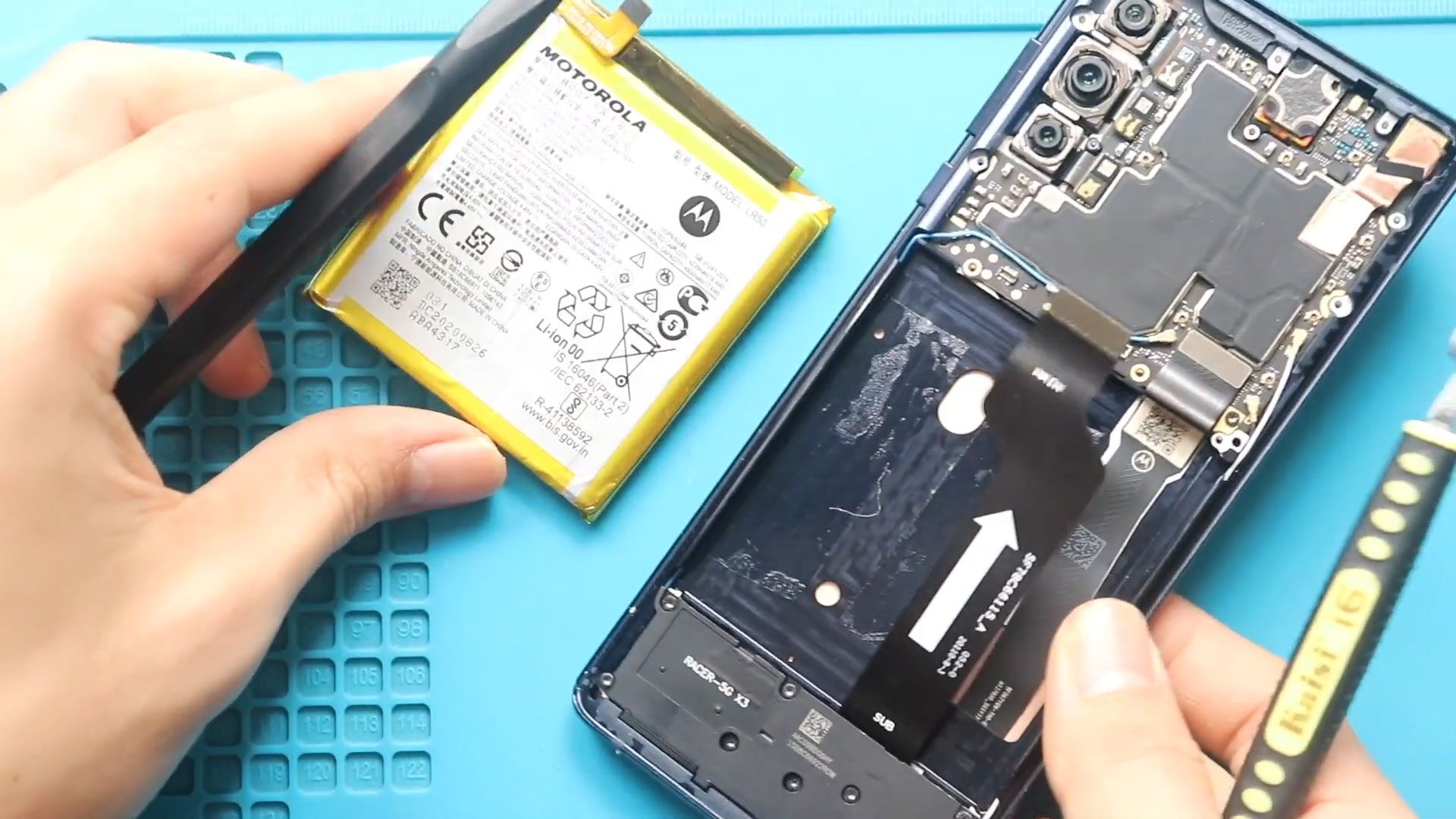
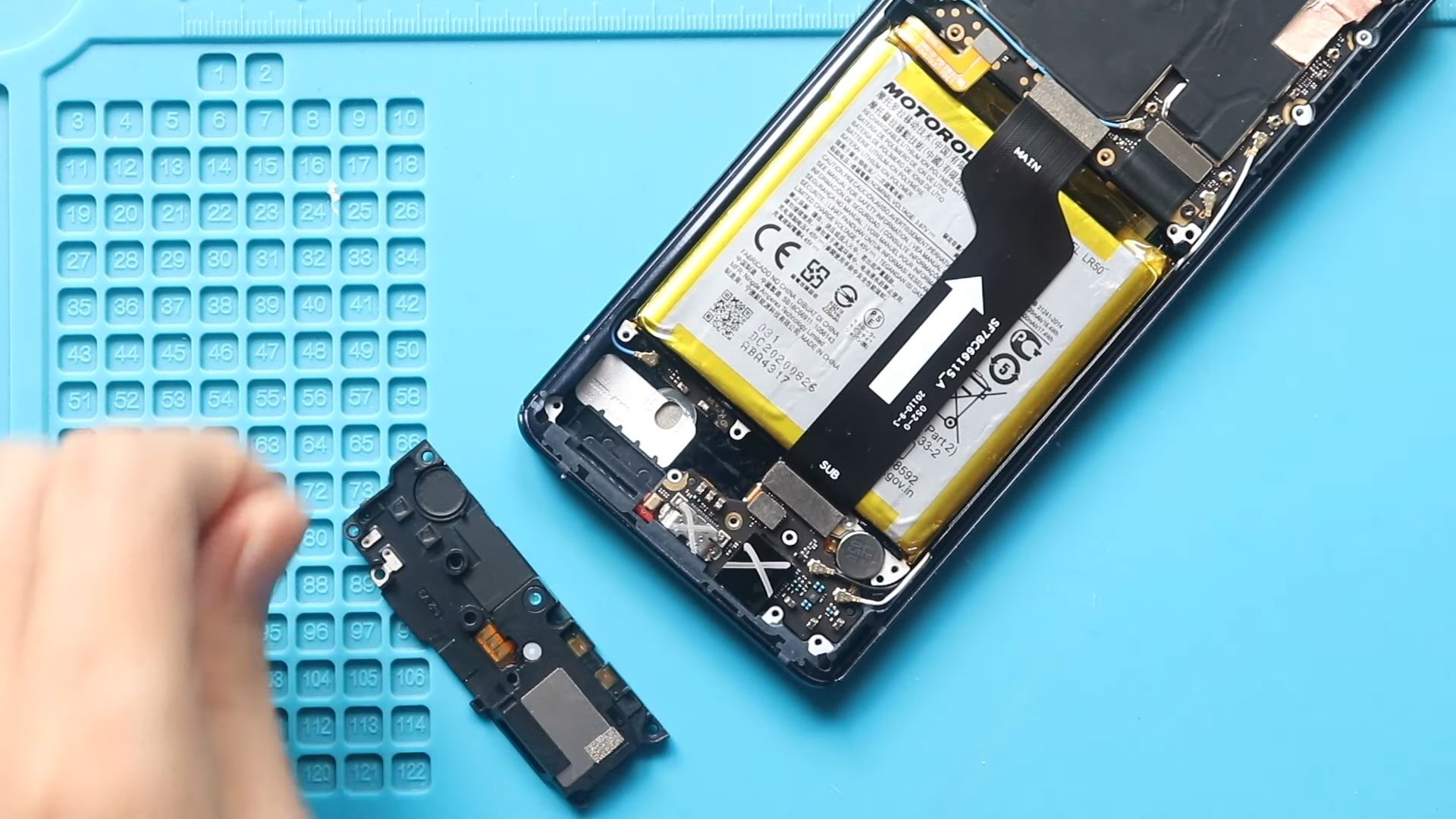
Now Reading: Motorola Moto One 5G ACE Main Motherboard Flex Cable Replacement Guide
-
01
Motorola Moto One 5G ACE Main Motherboard Flex Cable Replacement Guide
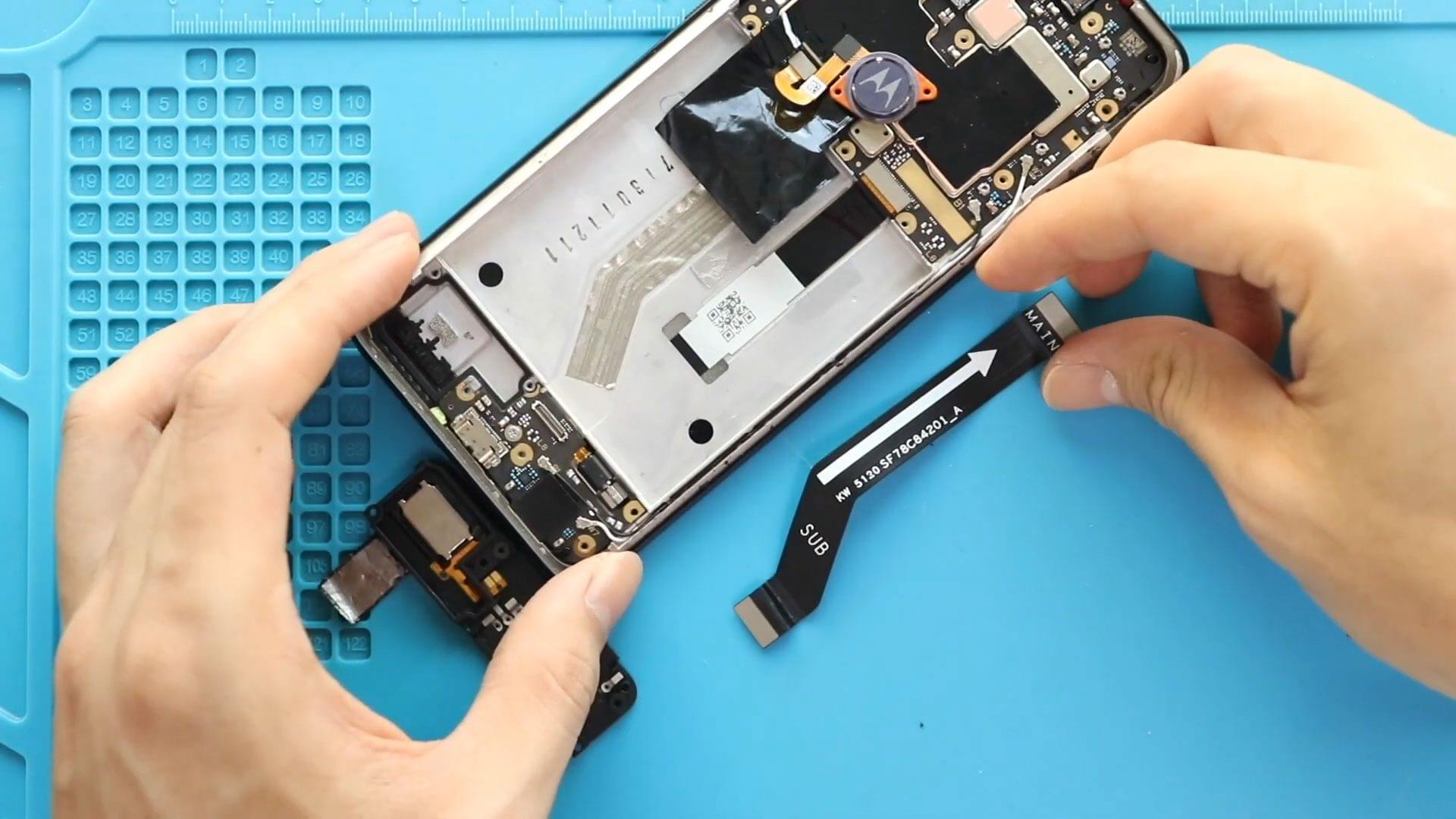
Motorola Moto One 5G ACE Main Motherboard Flex Cable Replacement Guide
If your Motorola Moto One 5G Ace is experiencing charging issues, unstable connections, or random hardware failures, the main motherboard flex cable may be damaged. This cable connects important internal components and is essential for proper communication between the motherboard and charging board.
In this guide, we will walk you through a complete step-by-step process to replace the main motherboard flex cable on the Motorola Moto One 5G Ace. This is a moderate-level repair that can solve multiple connection-related issues.
Make sure you have the right tools and carefully follow each step.
Repair Information
| Repair Detail | Information |
|---|---|
| Device Type | Smartphone |
| Device Model | Motorola Moto One 5G Ace |
| Repair Type | Main Motherboard Flex Cable Replacement |
| Repair Difficulty | ⭐⭐⭐☆☆ |
| Estimated Repair Time | 35–50 Minutes |
Reasons for This Repair
- Charging problems or unstable charging
- Random hardware disconnects
- Poor connection between motherboard and charging board
- Touch or display issues caused by connection failure
- Physical damage to the flex cable
Check The Latest Motorola Phones are in Clearance “up to 60% off” – https://amzn.to/480ho0w
Before You Begin
Compatibility and Model Numbers
- Motorola Moto One 5G Ace
- Motorola Moto One 5G
Model Numbers | XT2113-2, XT2113-5
Tools Required
- Mobile phone heating pad or hairdryer/heat gun
- Plastic pry tool / card pry
- Suction cups
- Phillips #00/#000 screwdrivers
- Torx T3 / T4 / T5 Screwdriver (Depends on the version)
- Flathead Screwdriver
- Tweezers (for connectors)
- B7000 glue or double-sided adhesive (for back cover)
- Rubber bands or bonding clips to secure the back cover
Using proper tools reduces the risk of damaging the phone.
How to Find Tools and Parts
- Heating pad – https://amzn.to/3H0tHzJ
- Portable Heat Gun – https://amzn.to/4mszih1
- Clamps https://amzn.to/3GYJT4w
- STREBITO 142 Piece Repair Tool Kit https://amzn.to/3UO1jUx
- Glue | Adhesive https://amzn.to/46exVxe
- Compatible Parts –
- Battery – https://amzn.to/4nBrXMC
- Screen – https://amzn.to/46cWGtR
- Other Parts – https://amzn.to/4nFxjqp
- Silicone Work Repair Mat https://amzn.to/45Emz5l
Step-by-Step Replacement Guide
Step 1: Power Off and Remove SIM Tray
Turn off the phone completely and remove the SIM tray.
Step 2: Apply Heat
Apply gentle heat around the back cover edges to soften adhesive.
Step 3: Remove Back Cover
Create a gap near the edges and carefully pry around the phone to release the clips and remove the back cover.
Step 4: Remove Board Frame
Unscrew and remove the board frame covering the internal components.
Step 5: Disconnect and Remove Battery
Disconnect the battery connector and carefully remove the battery after loosening adhesive.
Step 6: Remove Speaker Cover
Unscrew and remove the speaker cover from the bottom section.
Step 7: Remove Faulty Main Motherboard Flex Cable
Disconnect the main motherboard flex cable from both ends and carefully remove it.
Step 8: Install New Main Motherboard Flex Cable
Place the new flex cable into position and reconnect it securely on both sides.
Step 9: Reinstall Speaker Cover
Place the speaker cover back and tighten all screws.
Step 10: Reinstall Battery
Place the battery back into position and reconnect the battery connector.
Step 11: Reinstall Board Frame
Place the board frame back and secure it with screws.
Step 12: Reattach Back Cover
Snap the back cover into place and press around the edges to secure all clips.
Step 13: Final Closure
Ensure the back cover is fully aligned and properly sealed.
Frequently Asked Questions (FAQ)
What does the main motherboard flex cable do?
It connects the motherboard with the charging board and other internal components.
Is this repair difficult?
It is a moderate-level repair but manageable with proper tools and careful handling.
Can a damaged flex cable affect charging?
Yes, it can interrupt power flow and cause charging problems.
Do I need new adhesive?
Yes, fresh adhesive is recommended for secure reassembly.
Will this fix multiple hardware issues?
Yes, especially if the issues are caused by poor internal connections.
Troubleshooting
Phone not charging after replacement
Check if the flex cable is securely connected on both ends.
Device not turning on
Verify the battery connector and all flex connections.
Display or touch issues remain
Ensure all connectors are properly seated.
Back cover not fitting properly
Check adhesive placement and clip alignment.
Loose internal parts
Make sure all screws are tightened securely.
Final Notes
This repair is very effective for resolving connection-related hardware issues on your device. Work carefully during disassembly and avoid damaging connectors.
Replacing the main motherboard flex cable can restore stability, charging performance, and overall functionality.
If you have any questions, feel free to leave a comment or reach out.
Related Guides
Check Other Motorola Moto One 5G Ace Repair Guides