
Now Reading: OnePlus Nord N200 5G Ringer Speaker Replacement Guide – DIY Repair
-
01
OnePlus Nord N200 5G Ringer Speaker Replacement Guide – DIY Repair
OnePlus Nord N200 5G Ringer Speaker Replacement Guide – DIY Repair
If your OnePlus Nord N200 5G is not producing sound for calls, notifications, alarms, or media playback, there’s a high chance your ringer speaker is damaged or has stopped functioning. The ringer speaker is responsible for loud external audio, and when it fails, your phone becomes difficult to use for everyday tasks.
The good news?
Replacing the ringer speaker on the Nord N200 5G is one of the simplest and quickest internal repairs you can perform at home—especially with the right tools and proper guidance.
In this tutorial, we’ll walk you through the complete, safe replacement process. You can find the recommended tools listed in the video description on our channel.
Repair Overview
- Device Type: Android Smartphone
- Model: OnePlus Nord N200 5G
- Type of Repair: Ringer Speaker Replacement
Repair Difficulty ★★★★☆☆☆☆☆ (4/10 – Moderate)
Estimated Time Required : 10–15 Minutes
Reasons You May Need This Repair
You may need to replace the ringer speaker if:
- Your phone does not ring for calls or messages
- Speaker sound is very low, distorted, or crackling
- The loudspeaker stops working completely
- Audio works only on headphones but not on the device
- Media playback has no sound
- Water damage affected the lower speaker
- Dust or debris permanently damaged the speaker mesh
If any of these sound familiar, a ringer speaker replacement is the ideal fix.
Before You Begin
Compatibility and Model Numbers
- Oneplus Nord N200 5G
- Oppo A93 5G – Simliar Design (Can use Reference to repair)
This repair guide based on OnePlus N200 5G.
Model Numbers | DE2118, DE2117
Tools Required
- Mobile phone heating pad or hairdryer/heat gun
- Plastic pry tool / card pry
- Suction cups
- Phillips #00/#000 screwdrivers
- Torx T3 / T4 Screwdriver
- Flathead Screwdriver
- Tweezers (for connectors)
- B7000 glue or double-sided adhesive (for back cover)
- Rubber bands or bonding clips to secure the back cover
Using proper tools reduces the risk of damaging the phone.
How to Find Tools and Parts
- Heating pad – https://amzn.to/3H0tHzJ
- Portable Heat Gun – https://amzn.to/4mszih1
- Clamps https://amzn.to/3GYJT4w
- STREBITO 142 Piece Repair Tool Kit https://amzn.to/3UO1jUx
- Glue | Adhesive https://amzn.to/46exVxe
- Compatible Parts –
- Battery – https://amzn.to/3IgZ75c
- Screen – https://amzn.to/46iYhNy
- Other Parts – https://amzn.to/47Hh2N3
- Silicone Work Repair Mat https://amzn.to/45Emz5l
✅ Protect Your Oneplus Nord N200 5G
- Protector For The Screen https://amzn.to/4mcsLq9
- Best Rated Case https://amzn.to/46acCf2
Step-by-Step Ringer Speaker Replacement Guide
Step 1. Power Off the Phone
Turn off the device completely to prevent electrical damage and ensure a safe repair process.
Step 2. Heat the Back Cover
The back cover is secured with adhesive that must be softened:
- Place the phone (back side down) on a heating pad
- Select the mobile heating option and allow the cycle to finish
Alternative:
A heat gun or hairdryer can be used—just warm the edges evenly.
Step 3. Remove the Back Cover
Once the adhesive is softened:
- Use a suction cup to lift the back panel slightly
- Insert a plastic pry card into the gap
- Slide around the edges to separate the cover completely
Lift the back cover gently and set it aside.
Step 4. Remove the Midframe
- Remove the SIM tray
- Unscrew the 17 midframe screws
- Use a pry tool to release the clips around the frame perimeter
- Carefully lift the midframe away from the device
Step 5. Disconnect the Battery & Fingerprint Plug
Before removing or installing any internal components:
- Disconnect the battery connector
- Disconnect the fingerprint sensor cable
This prevents accidental short circuits.
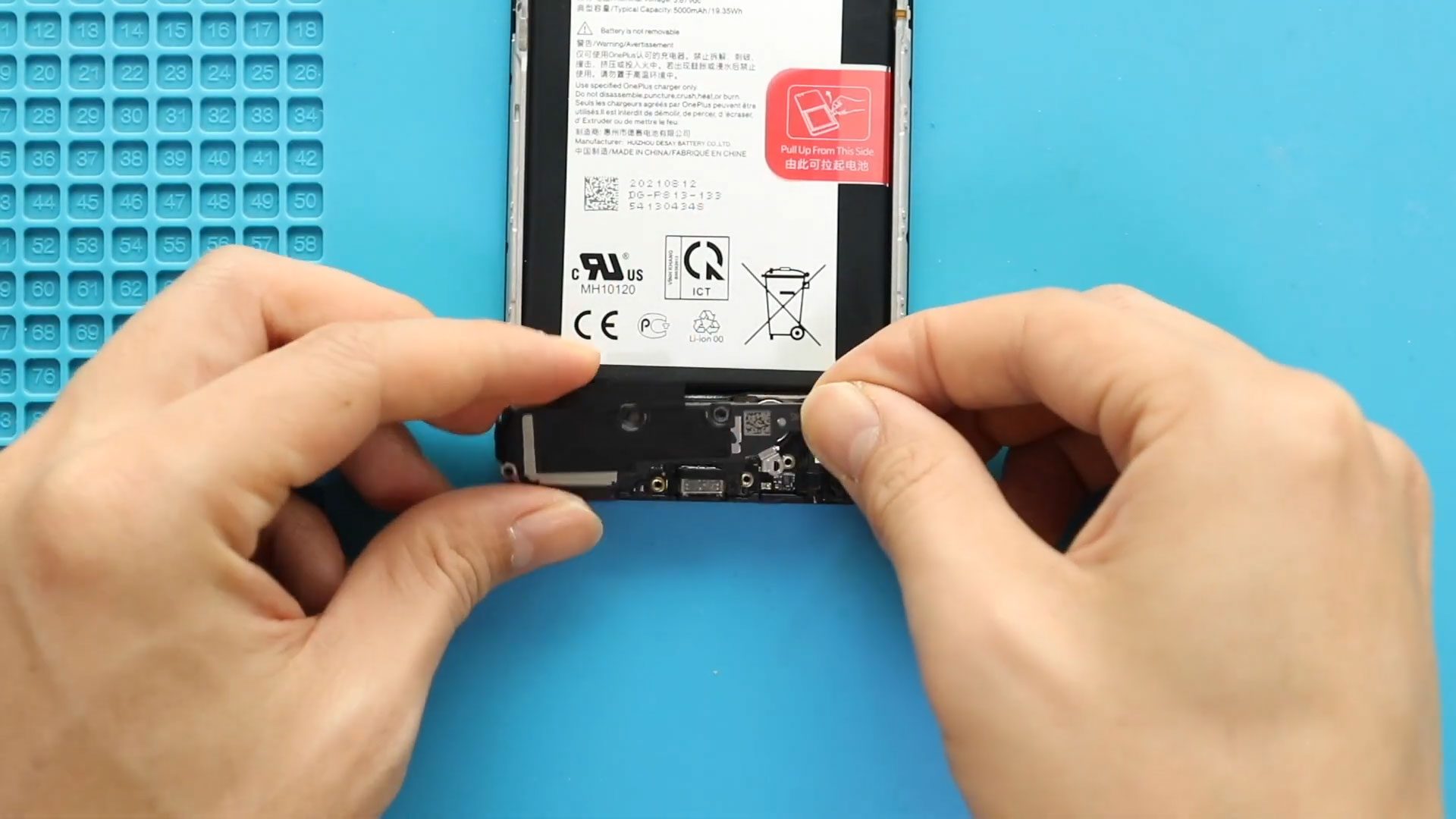
Step 6. Remove the Faulty Ringer Speaker
- Locate the bottom loudspeaker housing
- Unscrew and remove the ringer speaker cover
- Lift the speaker module out of the frame
Remove any dust or leftover adhesive if needed.
Step 7. Install the New Ringer Speaker
- Place the new ringer speaker into the frame
- Make sure it sits flush and properly aligned
- Reinstall the speaker cover and secure its screws
Step 8. Reconnect Battery & Fingerprint Plugs
Reattach:
- The battery connector
- The fingerprint cable
Ensure both are seated securely.
Step 9. Reinstall the Midframe
- Fit the midframe back into position
- Ensure all clips lock in
- Reinstall all 17 screws
- Insert the SIM tray
Step 10. Close the Back Cover
Check the back cover adhesive condition:
- If strong enough, press the cover firmly back into place
- If weak, apply B7000 glue or new double-sided adhesive
Use binding clips or rubber bands to hold the cover tightly while it cures.
Your Repair Is Complete!
Your OnePlus Nord N200 5G should now have a fully functional ringer speaker. Test by playing music, receiving a call, or checking notification sounds.
If you found this guide helpful, don’t forget to like, share, and subscribe to Geardo for more repair tutorials.
FAQ (Frequently Asked Questions)
Q1: How do I know if my ringer speaker is faulty?
If your phone doesn’t ring, has distorted loudspeaker audio, or produces no sound during media playback, the ringer speaker is likely defective.
Q2: Does replacing the ringer speaker affect water resistance?
The Nord N200 5G does not have official water resistance, but opening the device reduces any remaining sealing. Ensure you reseal the back cover properly.
Q3: Can I clean the ringer speaker instead of replacing it?
If dust is the only issue, cleaning may help. But if the speaker is damaged, replacement is the only solution.
Q4: Do I need special tools?
Basic smartphone opening tools, a heating method, and small screwdrivers are required. All tools are listed in the video description.
Troubleshooting Guide
Q1: No sound after replacing the speaker. What should I check?
- Ensure the speaker is firmly seated
- Verify the speaker cover is secured
- Confirm the battery connector is properly attached
- Restart the phone
Q2: Sound is distorted even with a new speaker.
Possible causes:
- Old adhesive or debris blocking the speaker vent
- Damaged speaker cover
- Software issues—clear cache or reboot
Q3: Back cover not sealing properly.
- Add additional adhesive
- Clean old glue residue
- Use binding clips longer for firm pressure
Q4: Phone won’t turn on after reassembly.
- Recheck the battery plug
- Ensure no cables are pinched
- Disconnect and reconnect the battery connector again
Replacing the ringer speaker on your OnePlus Nord N200 is a moderate-level repair that can significantly restore your phone’s audio output and notification sound functionality. With patience, proper heating, and careful disassembly, this repair can be completed successfully at home.
Related Guides


-
 01Samsung Galaxy A16 5G Battery Replacement | Full DIY Repair Guide
 -
02Samsung Galaxy A16 5G Screen Replacement | Step-by-Step Guide
-
03Google Pixel 6 Power Button Replacement Guide | Volume Button Flex Repair Guide- DIY Repair
-
04Samsung Galaxy A16 5G Back Cover & Camera Lens Frame Replacement Guide | DIY Repair
-
05Why a Heating Pad Is Essential for Mobile Phone Repairs (And How to Use it)
-
06How to Use a Heat Gun or Hair Dryer for Phone/Tablet Repairs
-
07Essential Repair Tools for Phone, Tablet & Laptop Repairs


