

A faulty fingerprint sensor can prevent the Google Pixel 4a from recognizing fingerprints correctly or using fingerprint unlocking as expected. Replacing the fingerprint sensor requires opening the phone, removing the
DIY repair help to fix Google Pixel 4a. Easy tutorials to repair broken screen, battery, camera, charging port and many more with easy to follow step-by-step guides.
A faulty fingerprint sensor can prevent the Google Pixel 4a from recognizing fingerprints correctly or using fingerprint unlocking as expected. Replacing the fingerprint sensor requires opening the phone, removing the
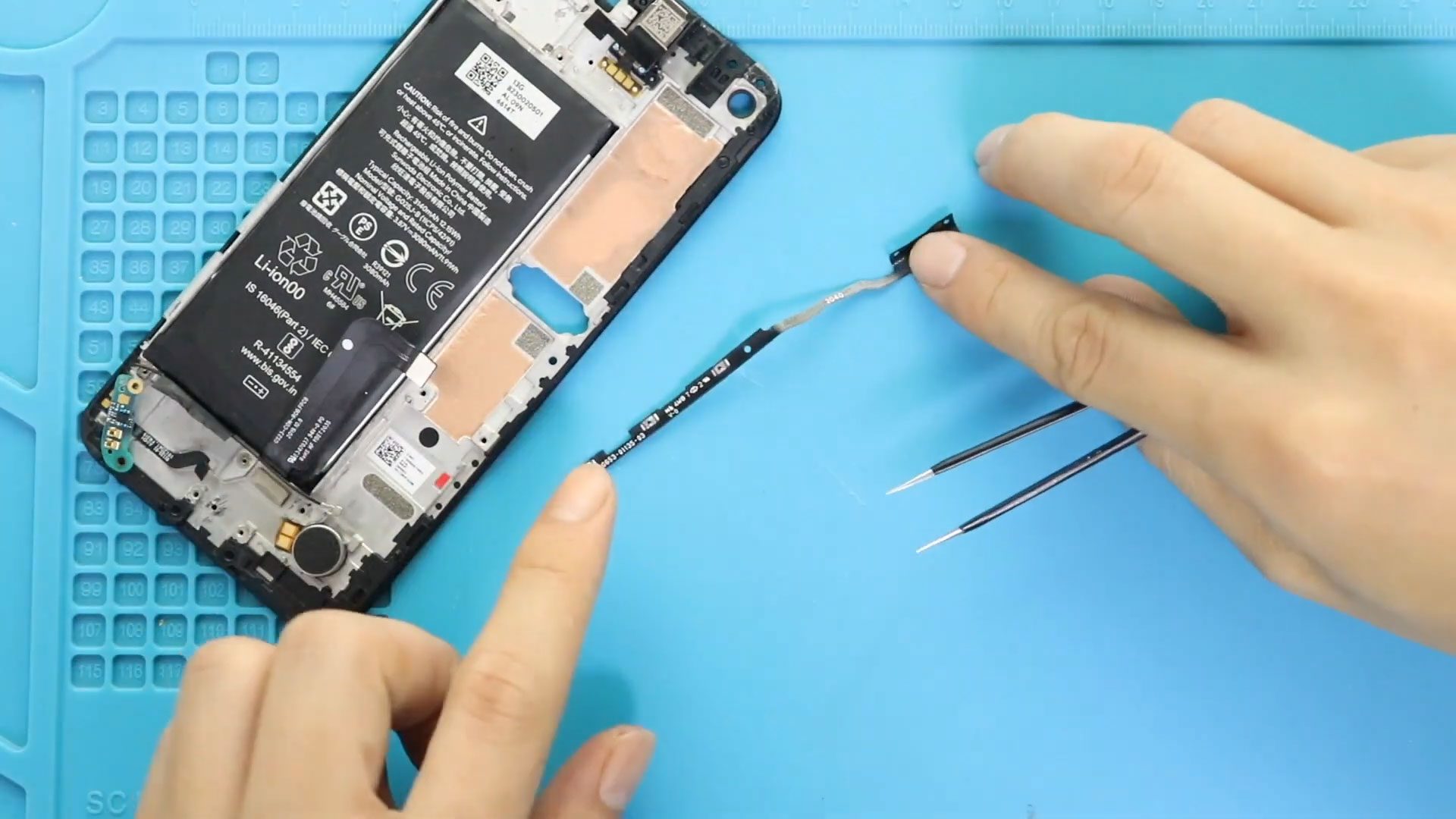
The power and volume buttons on the Google Pixel 4a are used regularly, so a damaged or non-working button assembly can make everyday use difficult. Replacing the power and volume
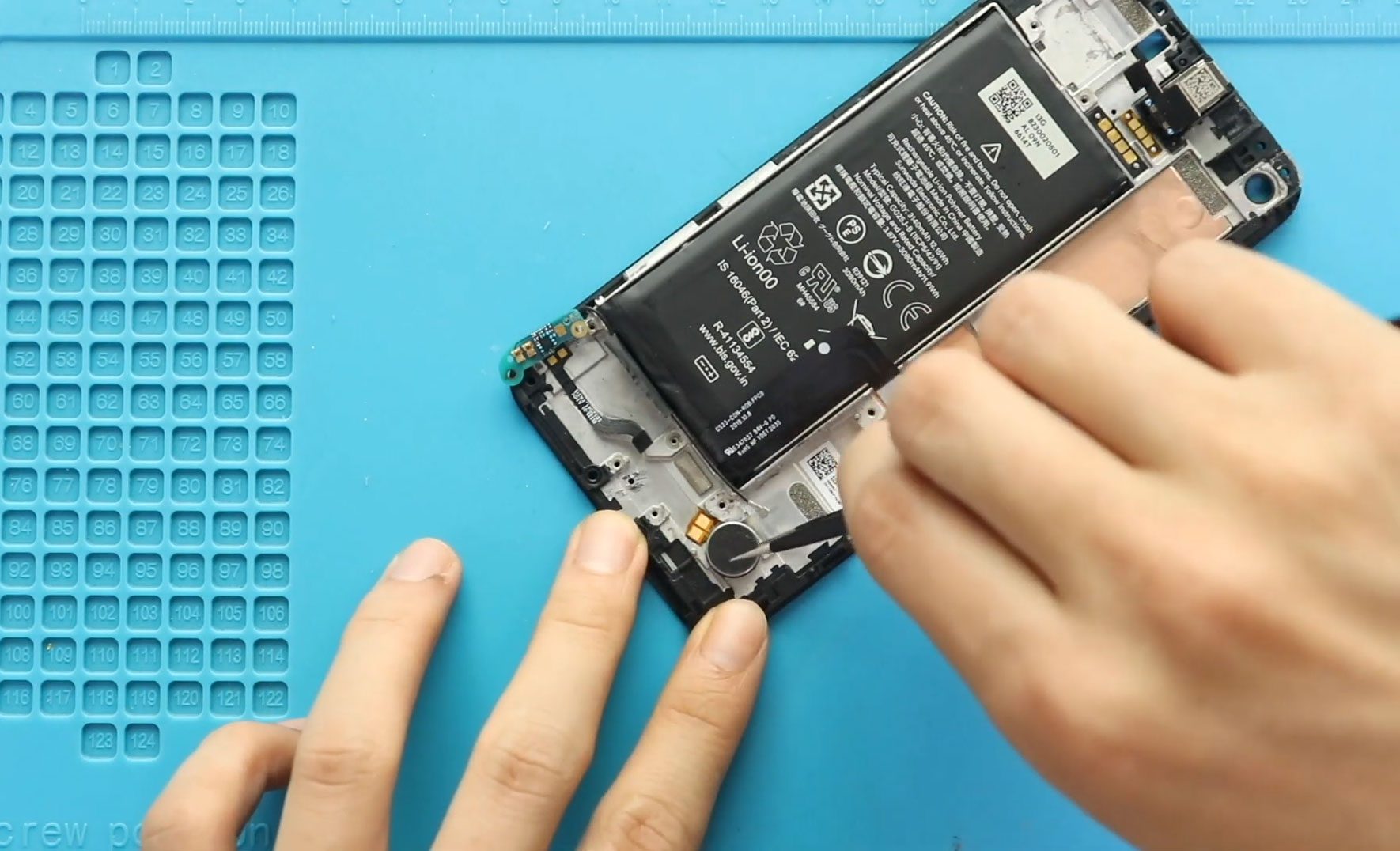
A faulty vibrator can prevent the Google Pixel 4a from providing vibration feedback for calls, notifications, and other interactions. Replacing the vibrator requires opening the phone and removing several internal

A non-working ringer can cause the Google Pixel 4a to stop producing sound for incoming calls, notifications, and other alerts. Replacing the ringer in this model involves opening the phone,

A faulty headphone jack can make it difficult or impossible to use wired headphones with your Google Pixel 4a. Replacing the headphone jack requires opening the phone, removing the LCD
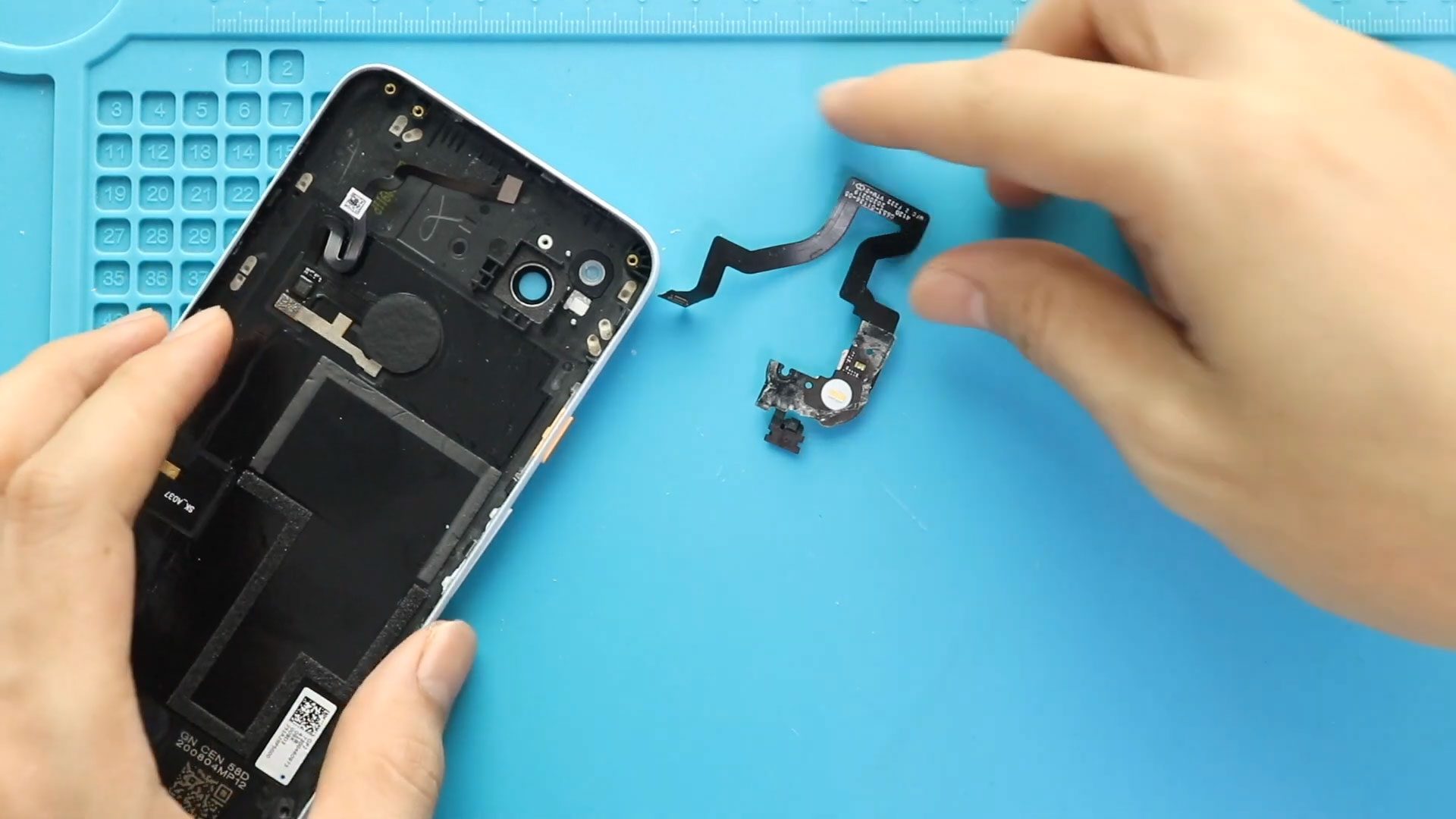
If the flash on your Google Pixel 4a is not working correctly, replacing the phone flash can restore the device’s flash function. This repair involves opening the phone, removing the

Replacing the battery in a Google Pixel 4a requires careful handling because the repair involves removing the front LCD screen, disconnecting several connectors, and releasing adhesive strips from the battery.
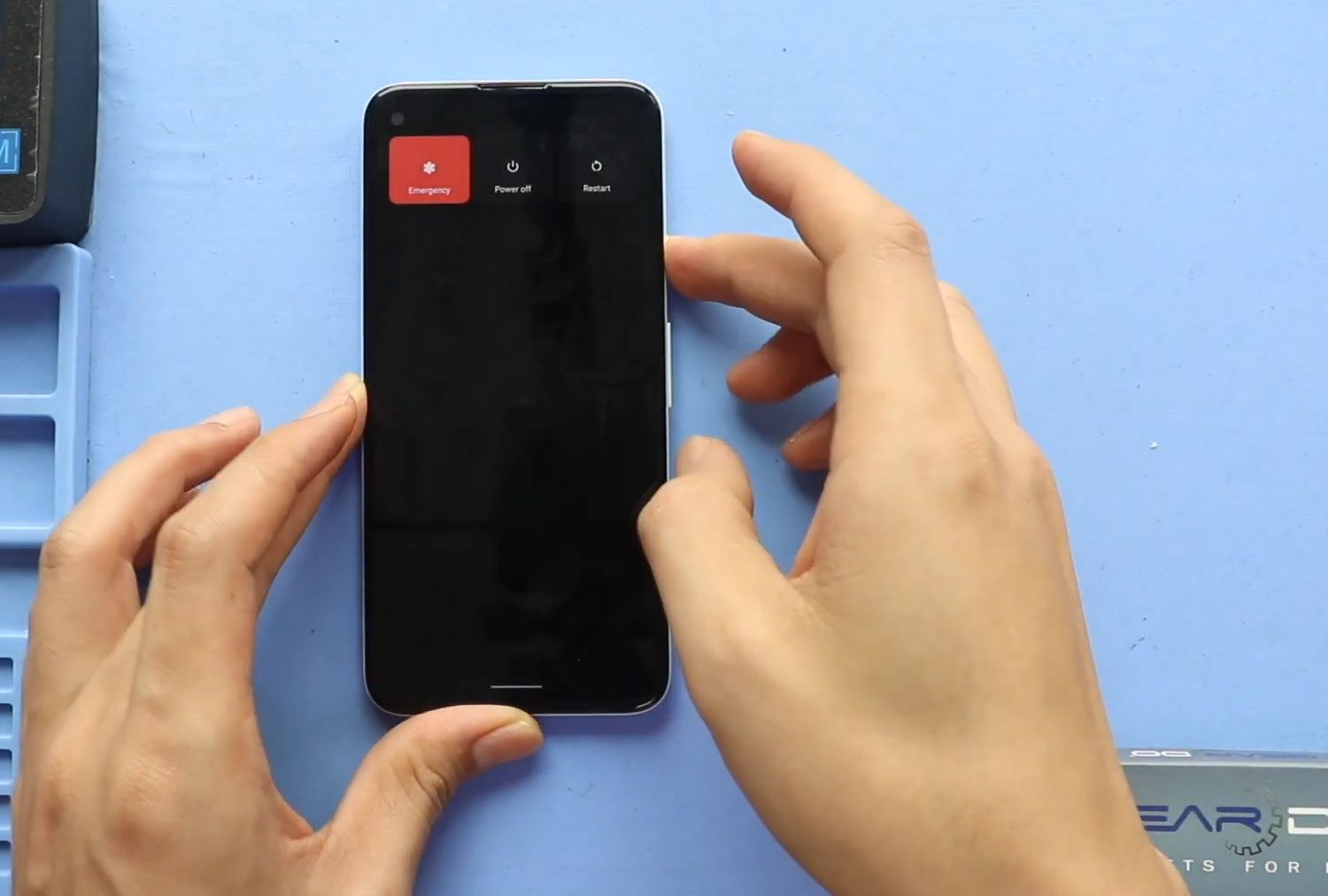
A damaged or broken LCD screen can make the Google Pixel 4a difficult or impossible to use. If the display is cracked, broken, or needs to be replaced, the screen
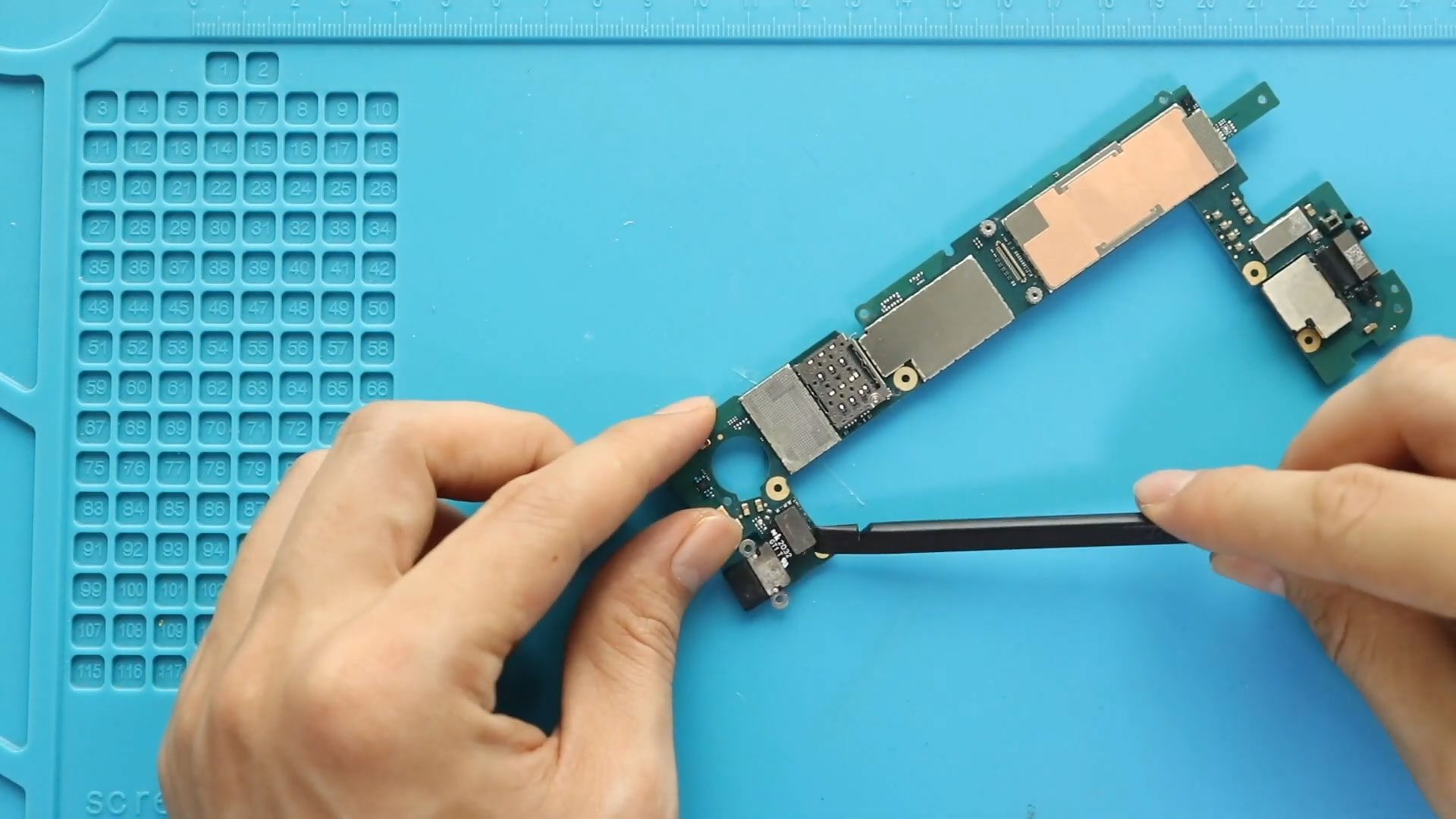
If your Google Pixel 4a is no longer charging properly, the charging port flex may be faulty and need replacement. Accessing the charging port requires opening the phone and removing

To start, we need the right tools to proceed with the repair, which You can find in the description. The first step is the LCD screen removal from the front.


