Now Reading: Motorola Moto G Stylus 2021 Battery Replacement Guide (XT2115) – DIY Repair
-
01
Motorola Moto G Stylus 2021 Battery Replacement Guide (XT2115) – DIY Repair
Motorola Moto G Stylus 2021 Battery Replacement Guide (XT2115) – DIY Repair
Hi everyone, Welcome back to Geardo
Today, we’ll walk you through a step-by-step guide to replace the battery on the Motorola Moto G Stylus (2021). If your phone is draining fast, overheating, or shutting down unexpectedly, this repair can bring it back to life.
This guide is written in a beginner-friendly way, so even if you’ve never opened a phone before, you can follow along confidently.
🔧 Repair Overview
Device Type: Smartphone
Repair Type: Battery Replacement
Repair Difficulty: ⭐⭐⭐☆☆ (3/5 – Moderate)
⏱ Estimated Time: 45–60 minutes
🔍 Reasons for Battery Replacement
- Battery drains quickly even after full charge
- Phone shuts down randomly
- Device overheats during normal use
- Battery swelling (back cover lifting)
- Slow charging or inconsistent battery percentage
Before You Begin
Compatibility and Model Numbers
- Motorola Moto G Stylus (2021)
Model Numbers | XT2115, XT2115-1
Tools Required
- Mobile phone heating pad or hairdryer/heat gun
- Plastic pry tool / card pry
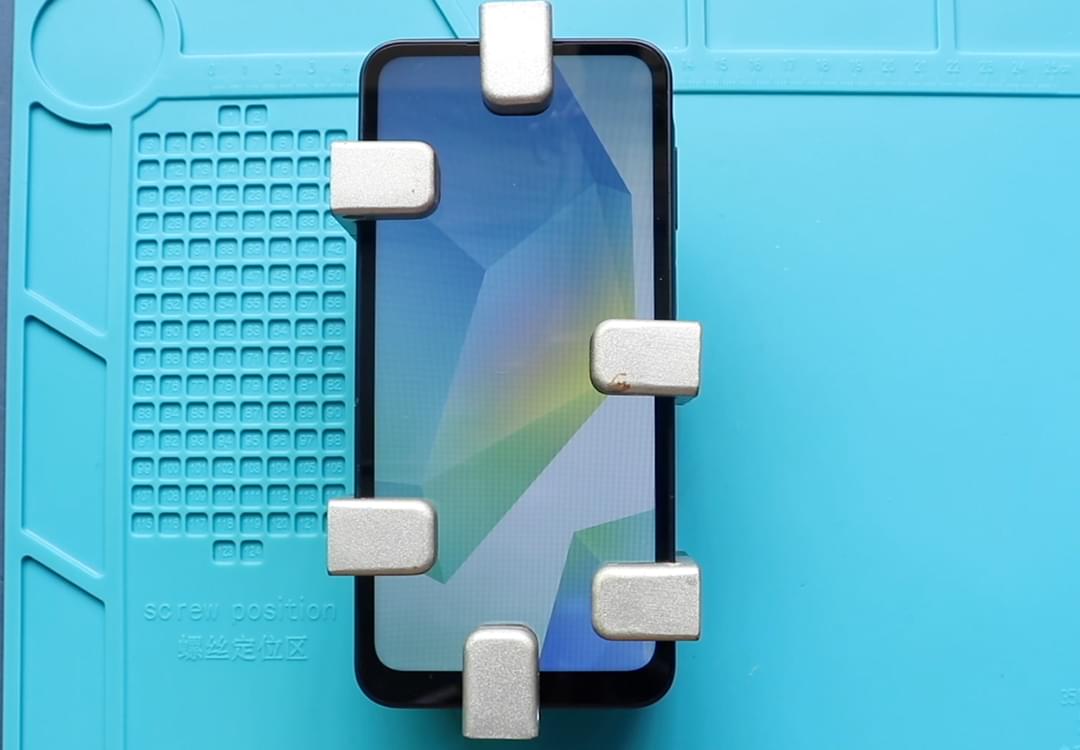
- Suction cups
- Phillips #00/#000 screwdrivers
- Torx T3 / T4 / T5 Screwdriver (Depends on the version)
- Flathead Screwdriver
- Tweezers (for connectors)
- B7000 glue or double-sided adhesive (for back cover)
- Rubber bands or bonding clips to secure the back cover
Using proper tools reduces the risk of damaging the phone.
How to Find Tools and Parts
- Heating pad – https://amzn.to/3H0tHzJ
- Portable Heat Gun – https://amzn.to/4mszih1
- Clamps https://amzn.to/3GYJT4w
- STREBITO 142 Piece Repair Tool Kit https://amzn.to/3UO1jUx
- Glue | Adhesive https://amzn.to/46exVxe
- Compatible Parts –
- Battery – https://amzn.to/3OcAdXH
- Screen – https://amzn.to/4vqRGw6
- Other Parts – https://amzn.to/4833H0P
- Silicone Work Repair Mat https://amzn.to/45Emz5l
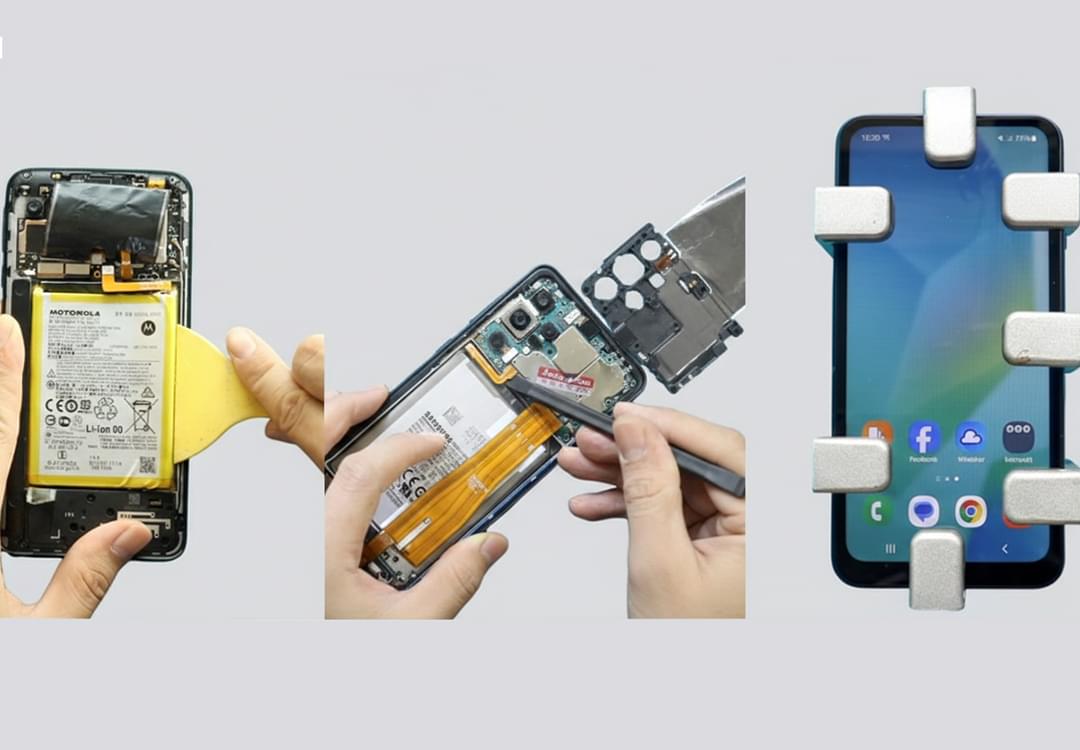
🔋 Step-by-Step Battery Replacement Guide
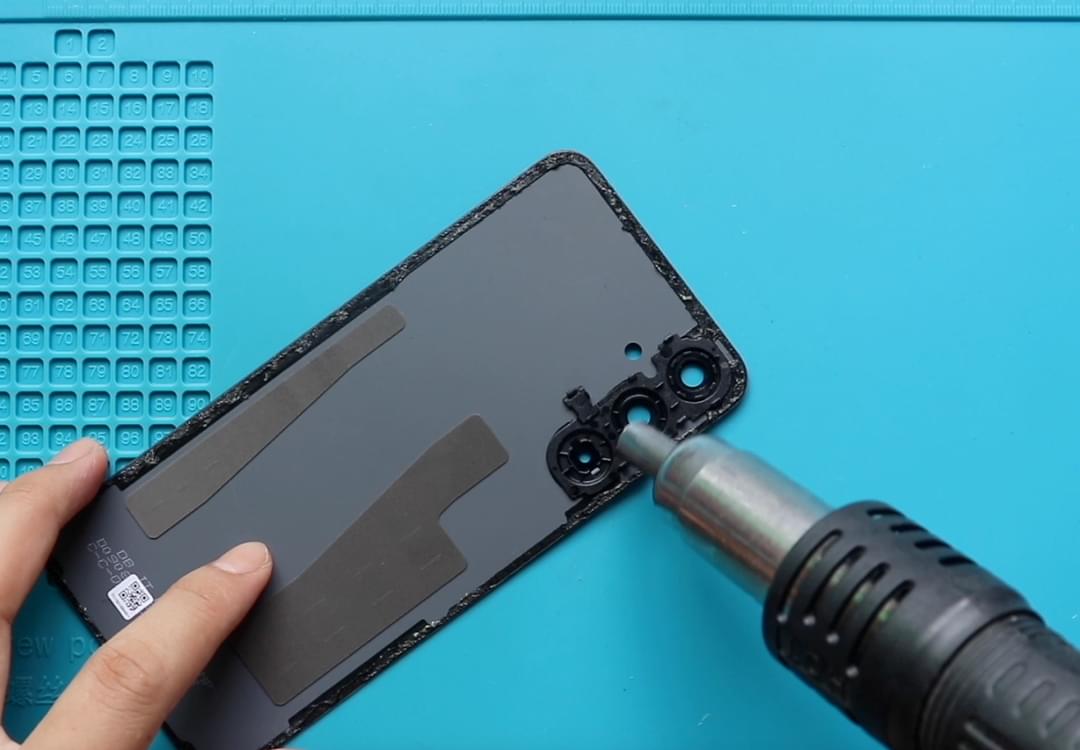
Step 1: Heat the Back Cover
Gently heat around the edges of the back cover to soften the adhesive.
- Use a heating pad (recommended)
- Or a heat gun / hairdryer as an alternative
Step 2: Create an Opening
- Use a suction cup to lift slightly
- Insert a plastic card or pry tool
- Carefully slide around edges to cut adhesive
Step 3: Remove the Back Cover
Once the adhesive is loose, gently lift and remove the back cover.
Step 4: Remove Screws & Frame
- Unscrew 11 screws
- Remove the logic board frame (midframe)
Step 5: Disconnect the Battery
- Locate the battery connector
- Carefully disconnect it using a pry tool
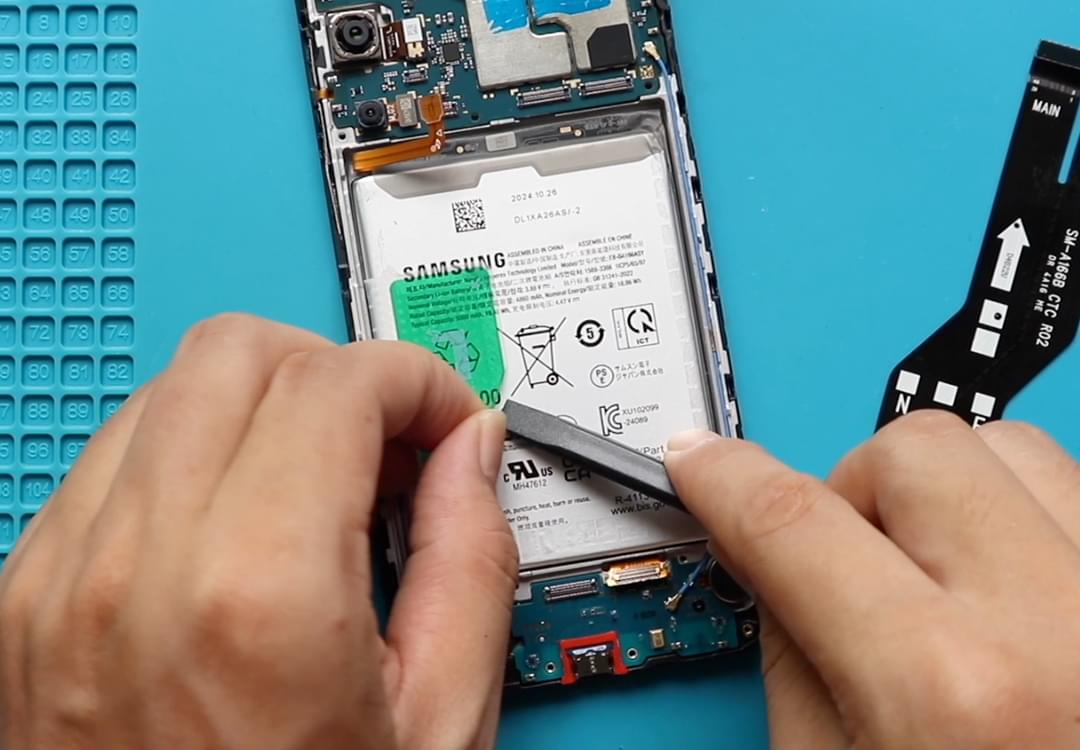
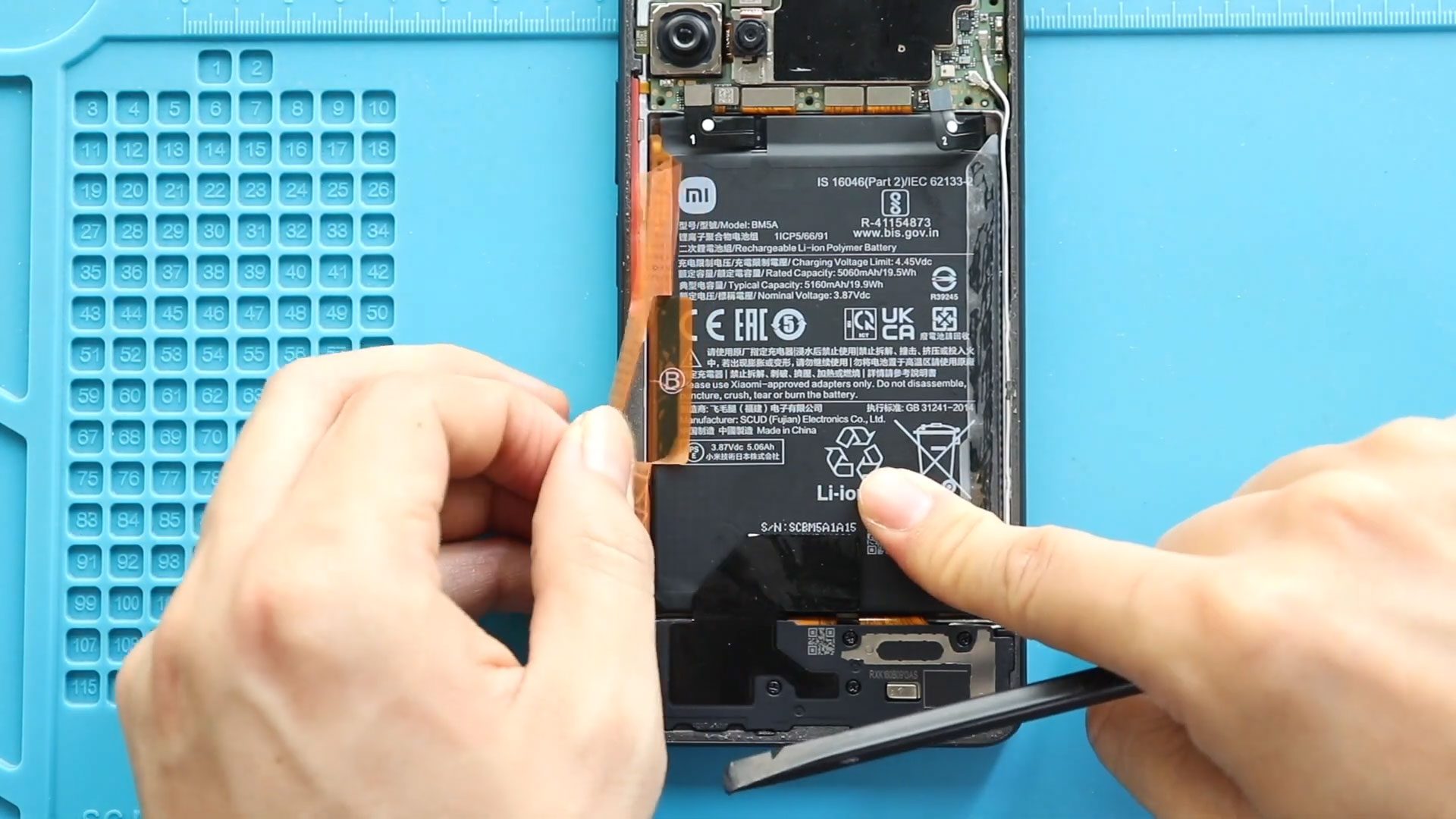
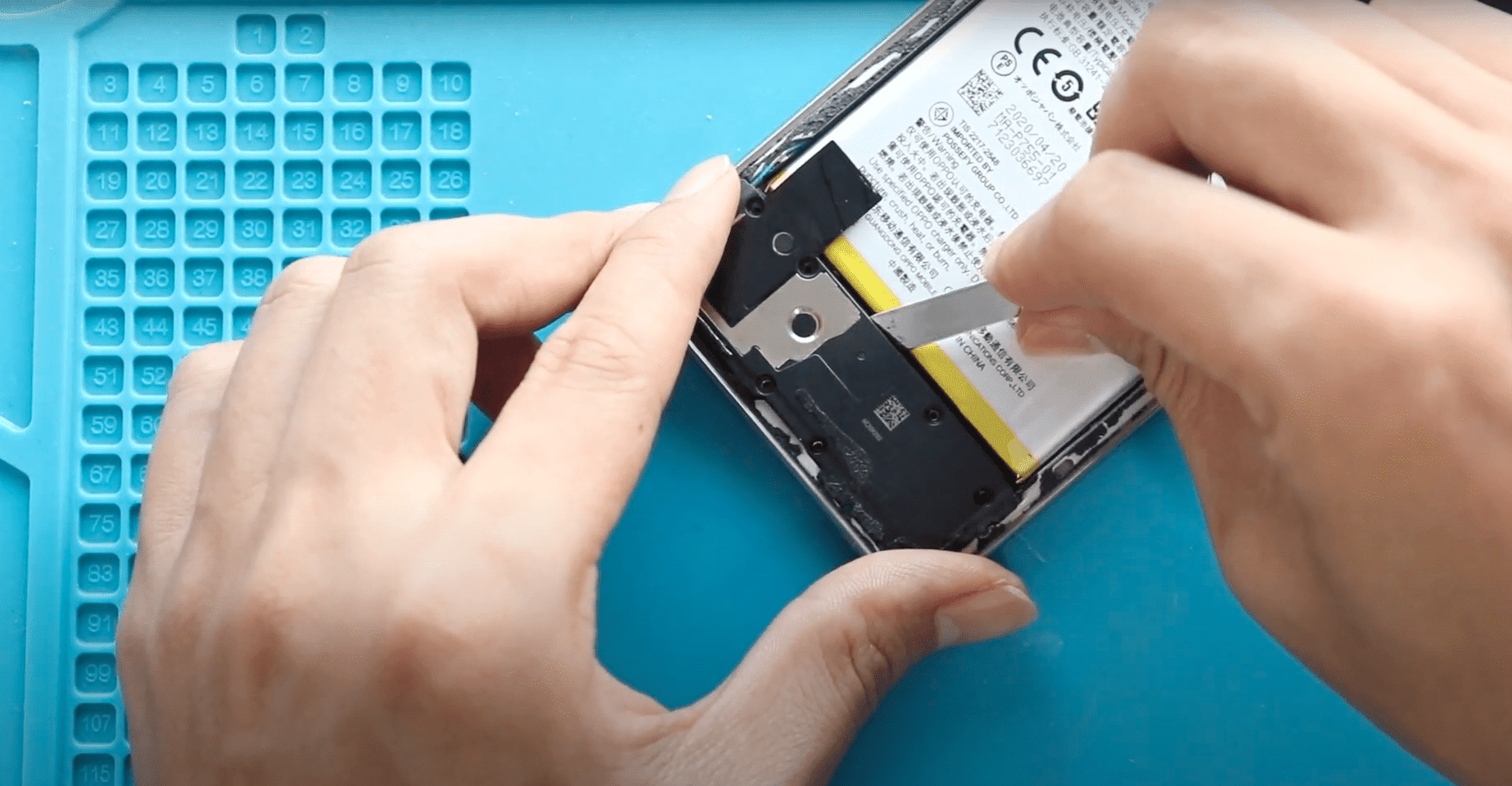
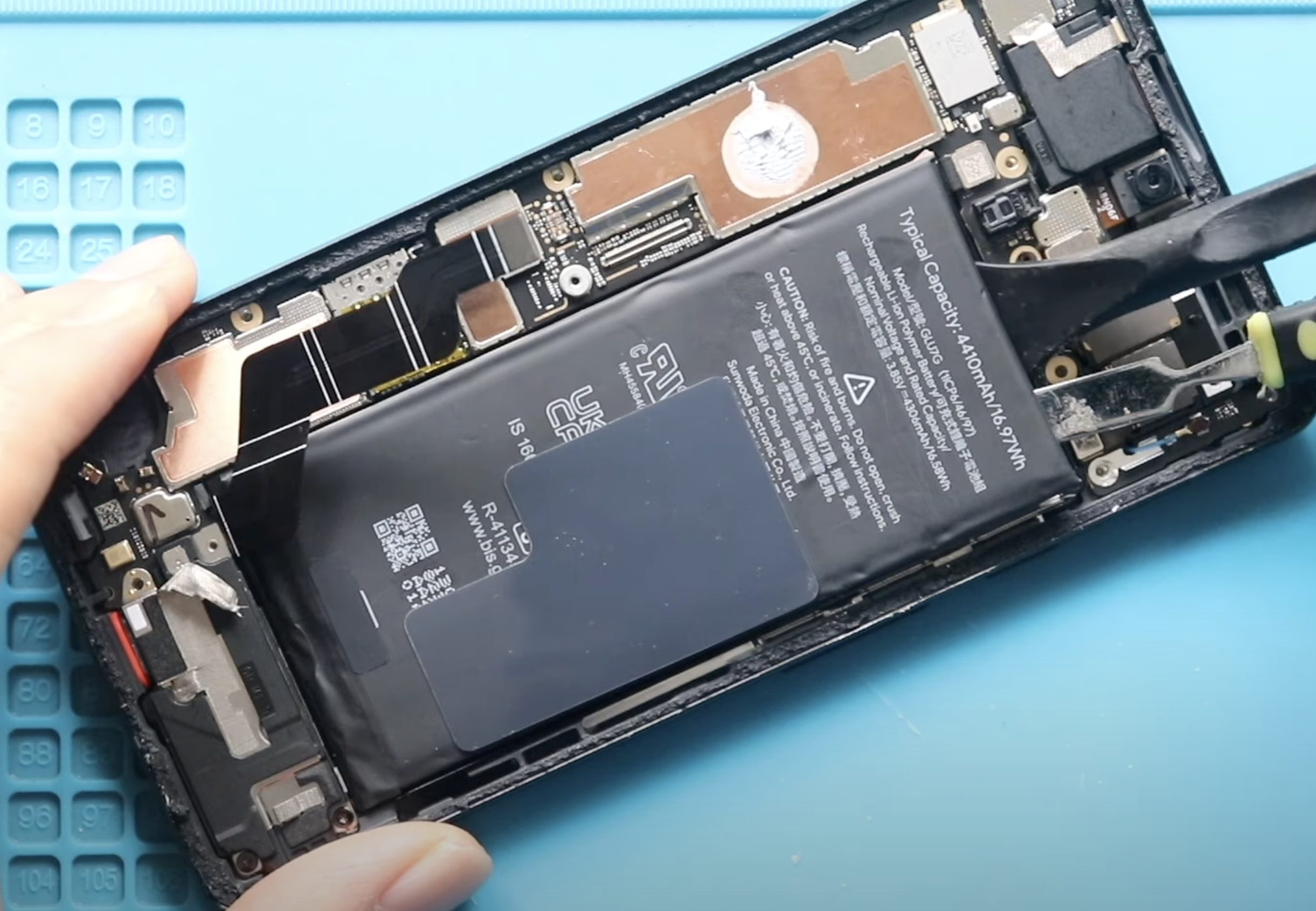
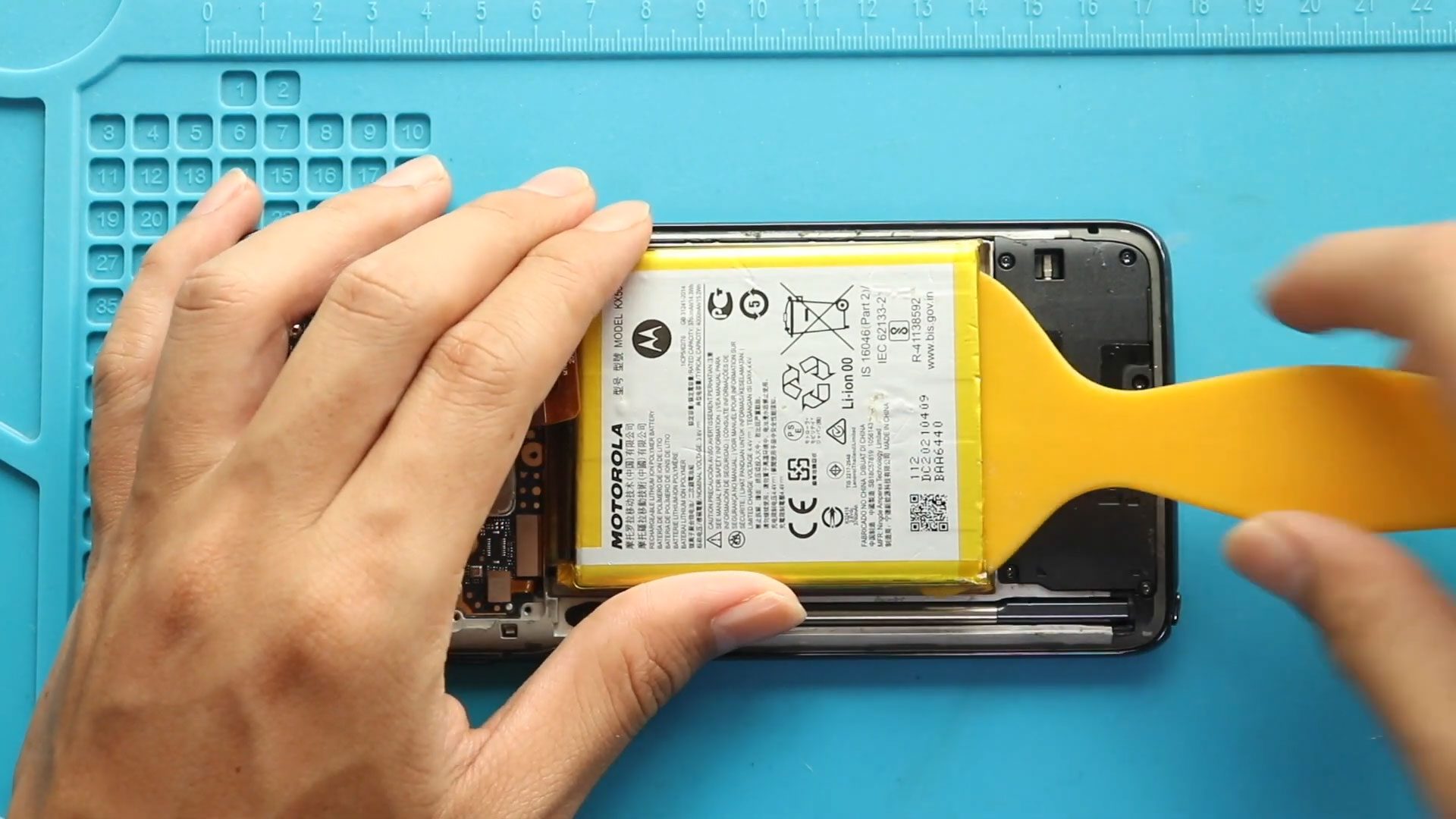
Step 6: Remove the Old Battery
- Apply heat under the battery to soften glue
- Insert a plastic card underneath
- Slowly cut through adhesive
⚠️ Be gentle — do not bend or puncture the battery
Step 7: Install the New Battery
- Place the new battery in position
- Apply adhesive if needed
- Press it firmly into place
Step 8: Reconnect & Reassemble
- Reconnect battery connector
- Reinstall the board frame
- Tighten all 11 screws
Step 9: Seal the Back Cover
- Check adhesive on back cover
- Apply B7000 glue or new adhesive if needed
Step 10: Secure the Back Panel
- Use clips or rubber bands
- Leave it pressed for some time for proper bonding
❓ Frequently Asked Questions (FAQ)
Q1: How do I know if my battery needs replacing?
If your phone drains quickly, overheats, or shuts down unexpectedly, the battery is likely worn out.
Q2: Is it safe to replace the battery myself?
Yes, if you follow proper steps and handle components carefully.
Q3: Can I reuse the old adhesive?
Not recommended. Always use fresh adhesive for a secure fit.
Q4: What should I do if the battery is stuck?
Apply more heat and gently loosen adhesive using a plastic tool.
Q5: Will replacing the battery improve performance?
Yes, especially if your old battery was degraded.
🛠 Troubleshooting (After The Repair)
Q1: Phone not turning on after repair?
Check if the battery connector is properly connected.
Q2: Back cover not sticking properly?
Use new adhesive or B7000 glue and apply pressure evenly.
Q3: Battery draining fast after replacement?
Calibrate the battery by charging to 100% and draining to around 5%.
Q4: Phone overheating after repair?
Ensure the battery is properly seated and not damaged.
Q5: Loose back cover?
Use rubber bands or clips for longer time to secure bonding.
Related Guides