

Before Starting, we need to have the right tools to proceed with the teardown, which You can find in the description. First, turn off the phone and follows with the
Step-by-step DIY repair guides for Redmi Note 11 Pro+ 5G and Xiaomi 11i HyperCharge 5G. Learn how to replace screens, batteries, flex, charging, cameras, and other components using clear video tutorials designed for safe repairs.
Before Starting, we need to have the right tools to proceed with the teardown, which You can find in the description. First, turn off the phone and follows with the

Scratched, cracked, or shattered camera lens glass can significantly reduce photo and video quality even when the internal camera sensors are fully functional. Dust entry, blurry images, glare, or moisture
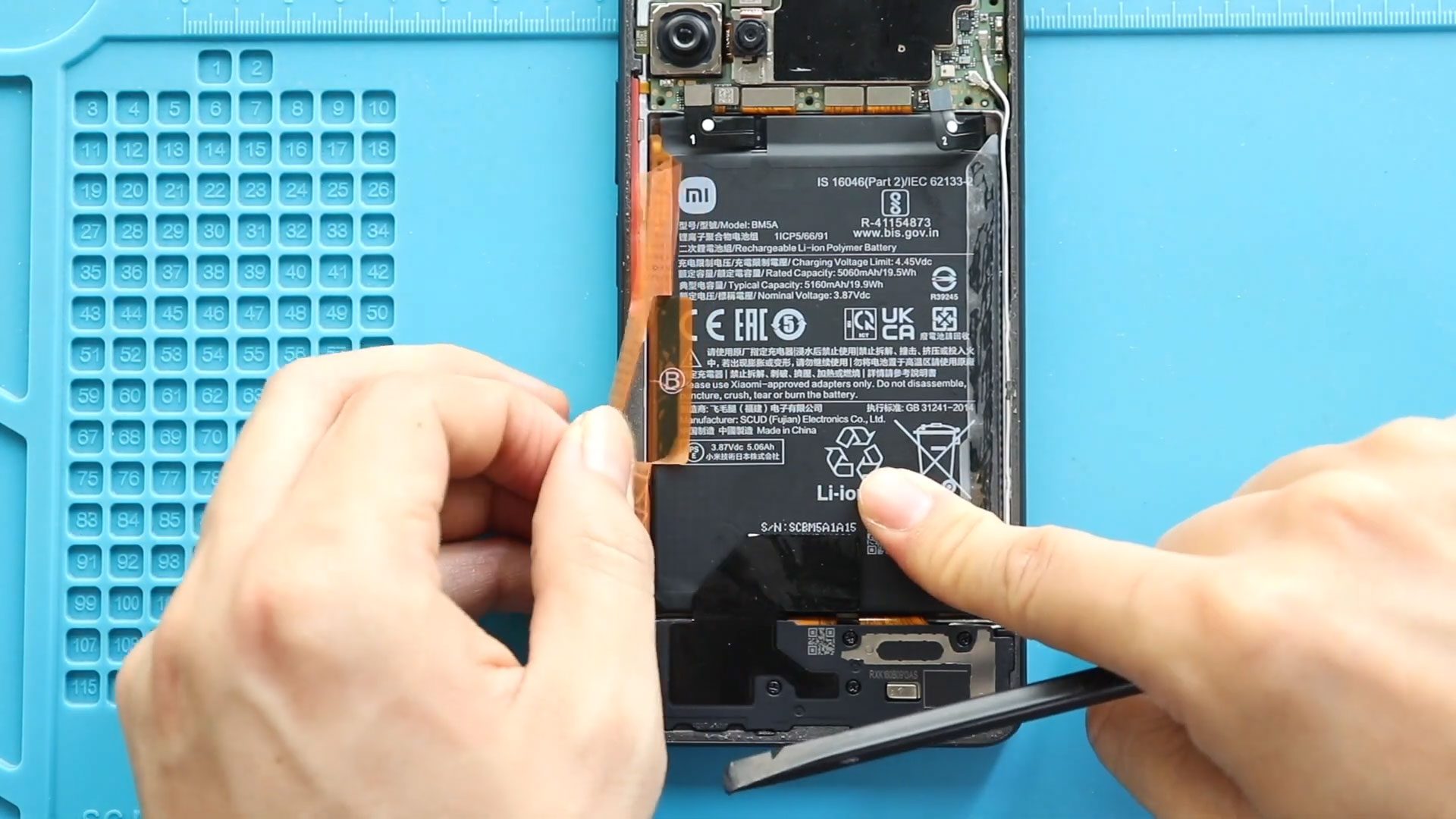
Smartphone batteries naturally degrade over time, causing reduced battery life, unexpected shutdowns, overheating, or charging problems. If your device struggles to hold power or drains quickly during daily use, replacing
Camera problems such as blurry photos, focus failure, camera crashes, or damaged lenses can significantly affect your smartphone experience. Whether caused by accidental drops, moisture exposure, or internal hardware failure,

A damaged or malfunctioning display can make a smartphone difficult or impossible to use. Common problems such as cracked glass, touch issues, display flickering, or black screens usually indicate a
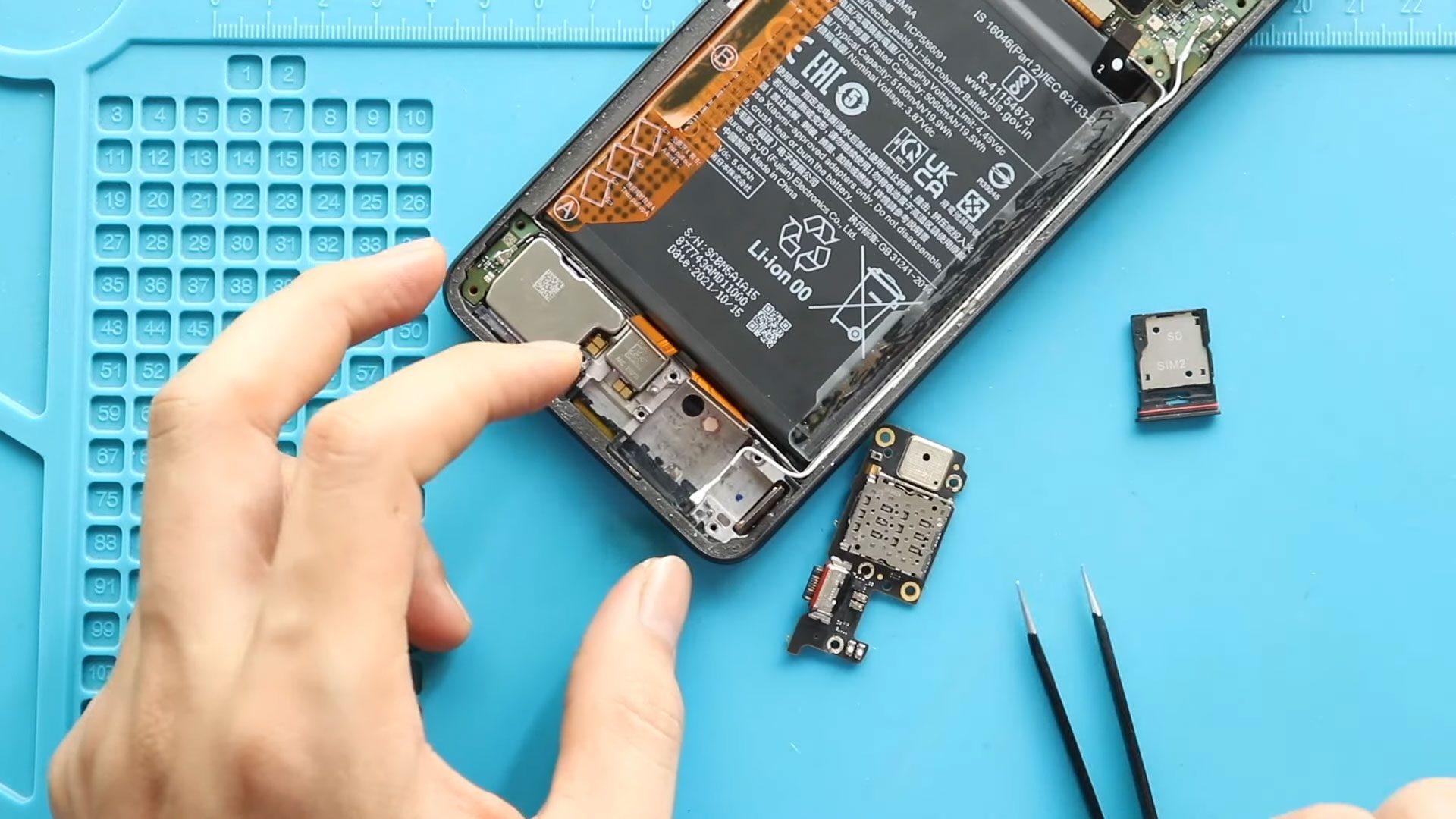
Charging problems such as slow charging, loose cable connections, or devices failing to detect chargers are among the most common smartphone hardware failures. In many cases, microphone problems during calls
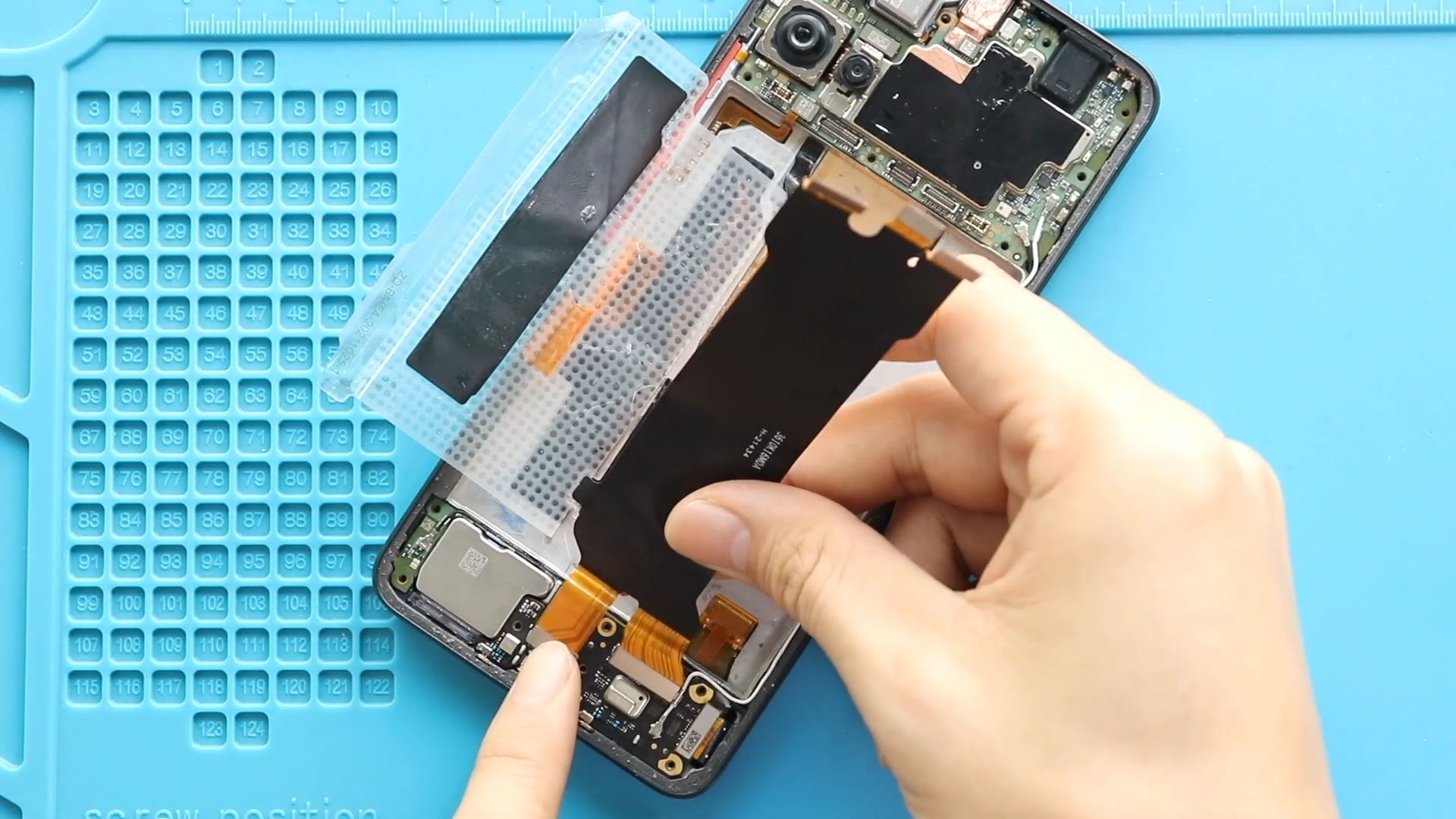
Please follow the below link for the repair instructions. Please let us know if you have any questions. Timestamps00:00 Intro00:10 Opening00:38 Removing Back Cover01:20 Removing Board Frame02:15 Removing Battery02:38 Removing
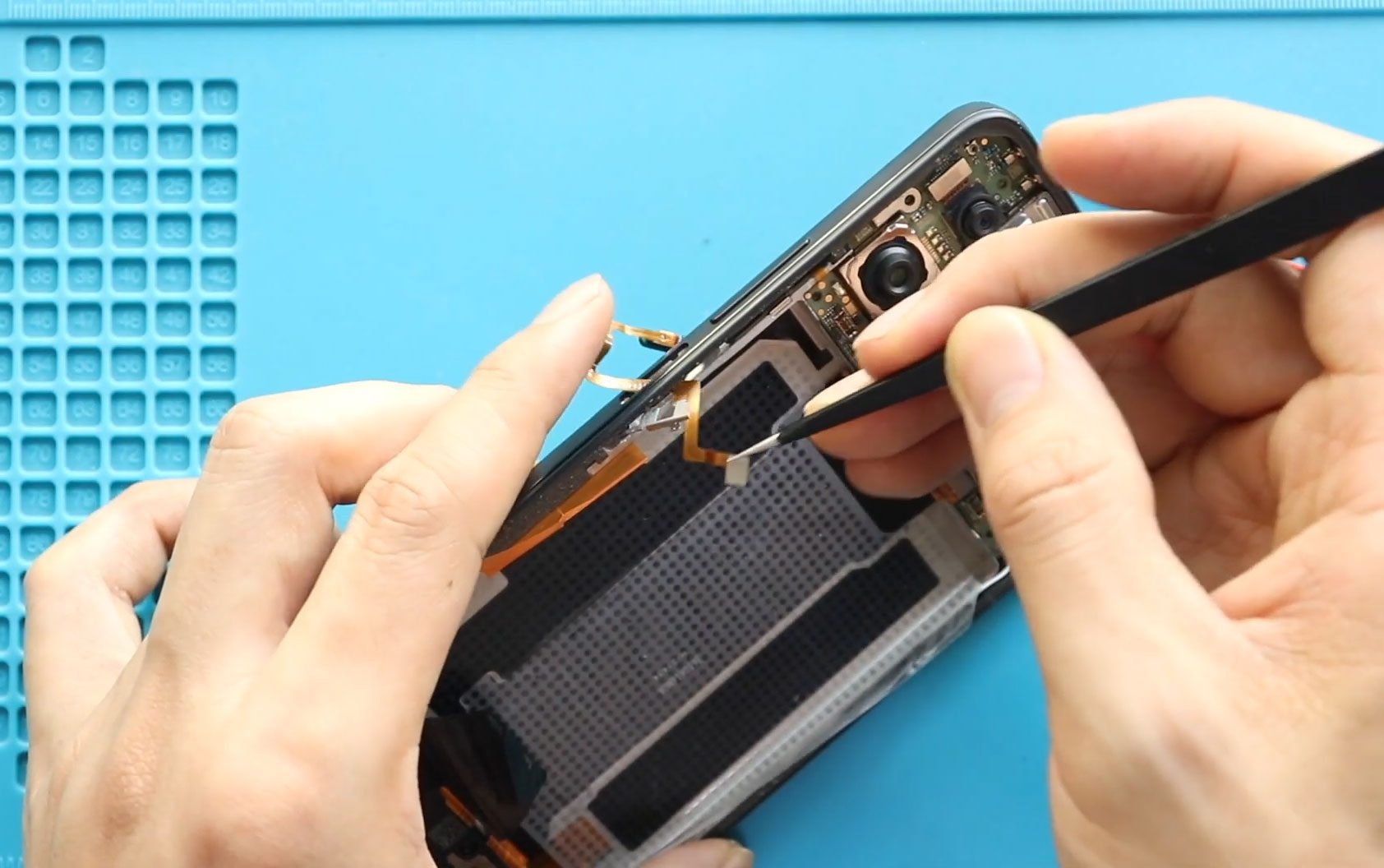
A faulty power button or fingerprint sensor can significantly affect everyday smartphone usability. Problems such as the device not locking or waking properly, fingerprint recognition failure, or buttons becoming unresponsive

Please follow the below link for the repair instructions. Please let us know if you have any questions. Timestamps00:00 Intro00:10 Opening00:37 Removing Back Cover01:20 Removing Board Frame02:15 Removing Logic Board03:27

Please follow the below link for the repair instructions. Please let us know if you have any questions. Timestamps00:00 Intro00:10 Opening00:41 Removing Back Cover01:22 Removing Board Frame02:15 Removing Speaker Cover02:53
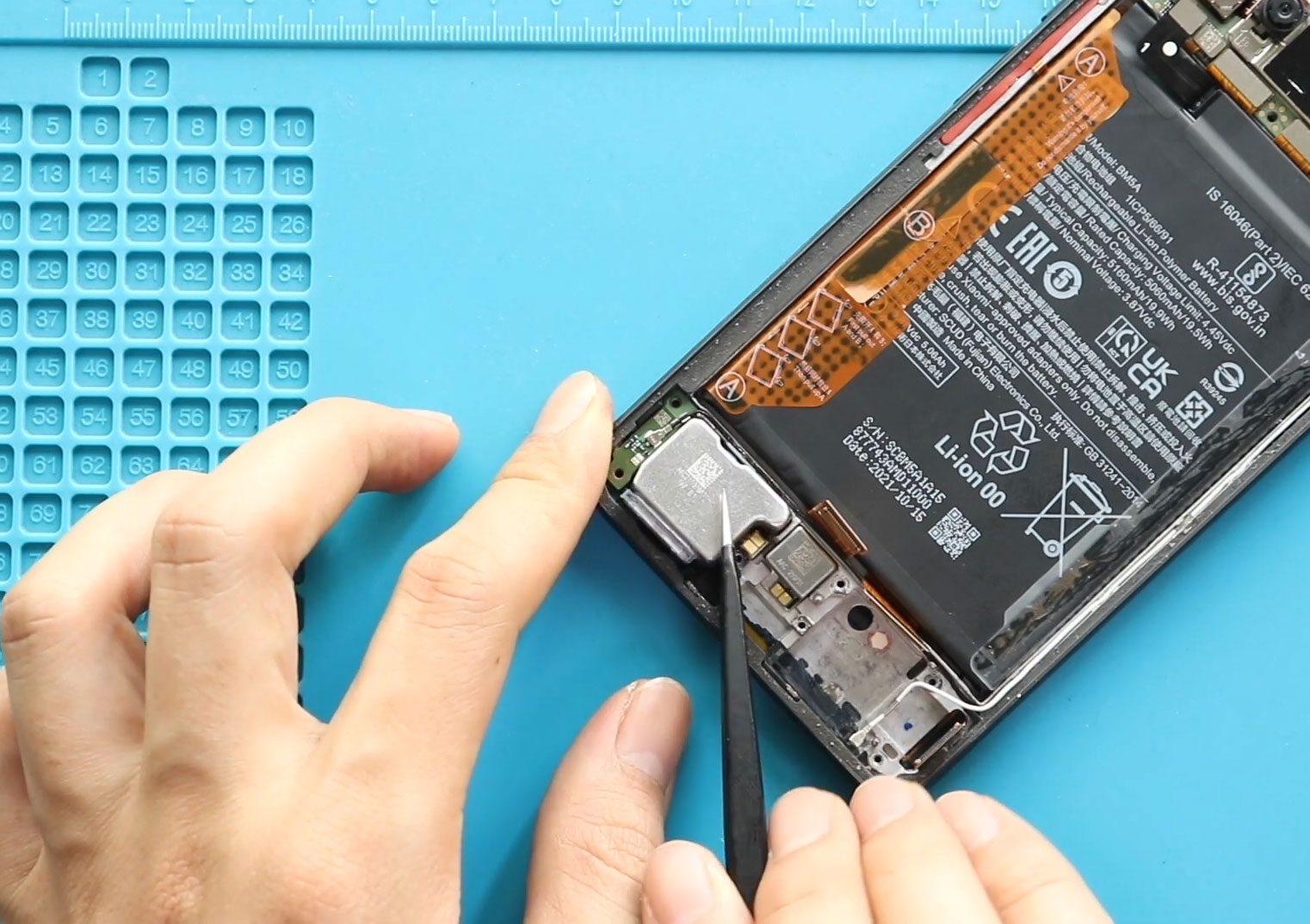
Please follow the below link for the repair instructions. Please let us know if you have any questions. Timestamps00:00 Intro00:10 Opening00:41 Removing Back Cover01:22 Removing Board Frame02:15 Removing Speaker Cover02:53


