

1. Activate Quick Tap Quick Tap is a handy feature that allows you to perform actions by double-tapping the back of your phone. You can set it up to take
Fix your Google Pixel 6a with DIY tutorials. Learn how to replace the screen, battery, camera, microphone, charging port issues and many more guides with clear step-by-step instructions.
1. Activate Quick Tap Quick Tap is a handy feature that allows you to perform actions by double-tapping the back of your phone. You can set it up to take

Hi everyone, welcome back to Geardo!Today we will show you how to replace the OLED touch screen assembly display on the Google Pixel 6a mobile phone. The Pixel 6a uses a fully
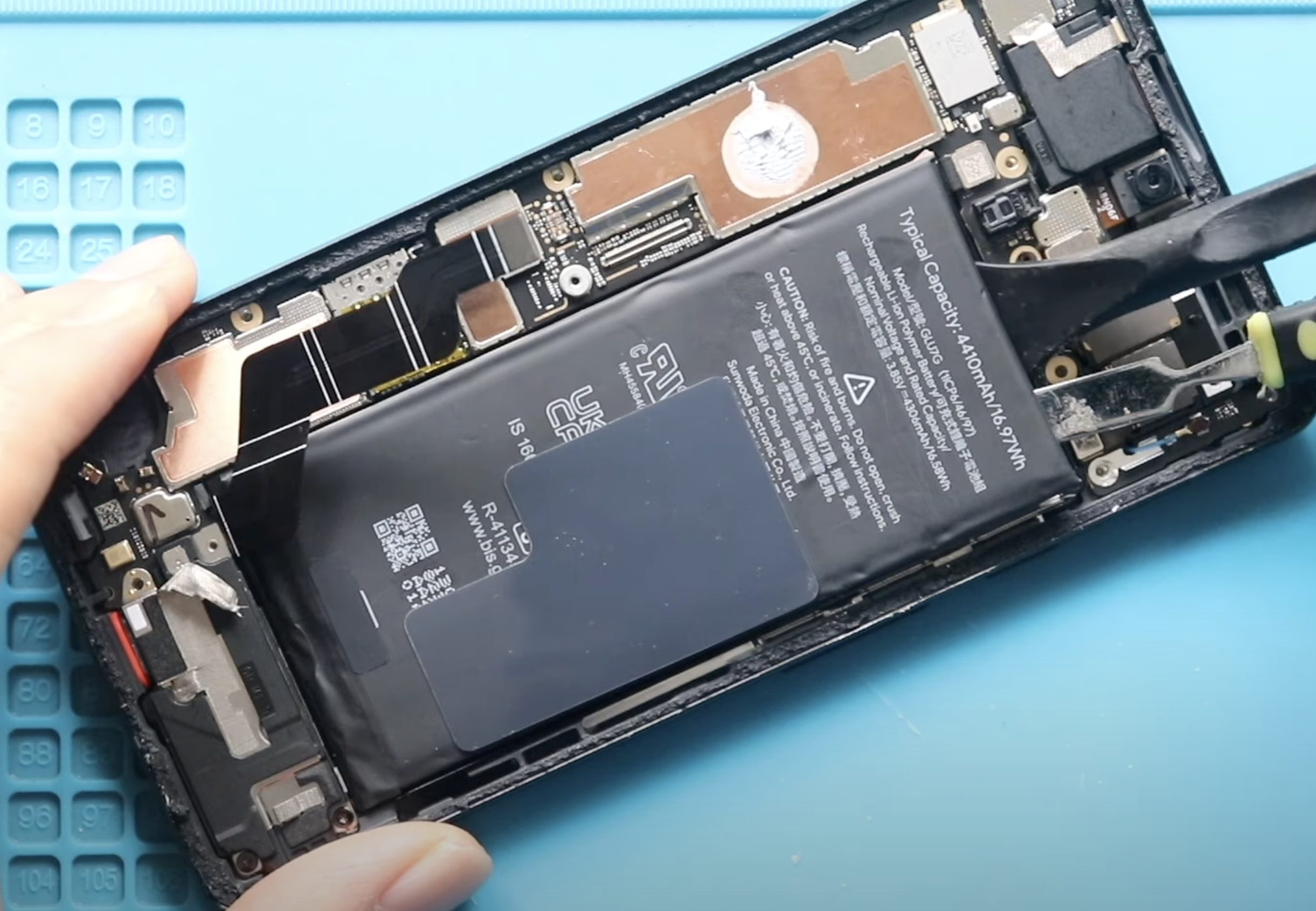
The Google Pixel 6a is a powerful mid-range smartphone, but like all modern phones, its battery degrades over time. If your Pixel 6a is no longer holding a charge, draining

Hi everyone, welcome back to DIYGeardo!Today we will show you how to replace the rear/back cameras on the Google Pixel 6a mobile phone. Rear camera failure is a common issue on the

Hi everyone, welcome back to DIYGeardo!Today we will show you how to replace the vibrator motor on the Google Pixel 6a mobile phone. If your Pixel 6a doesn’t vibrate for calls, notifications,
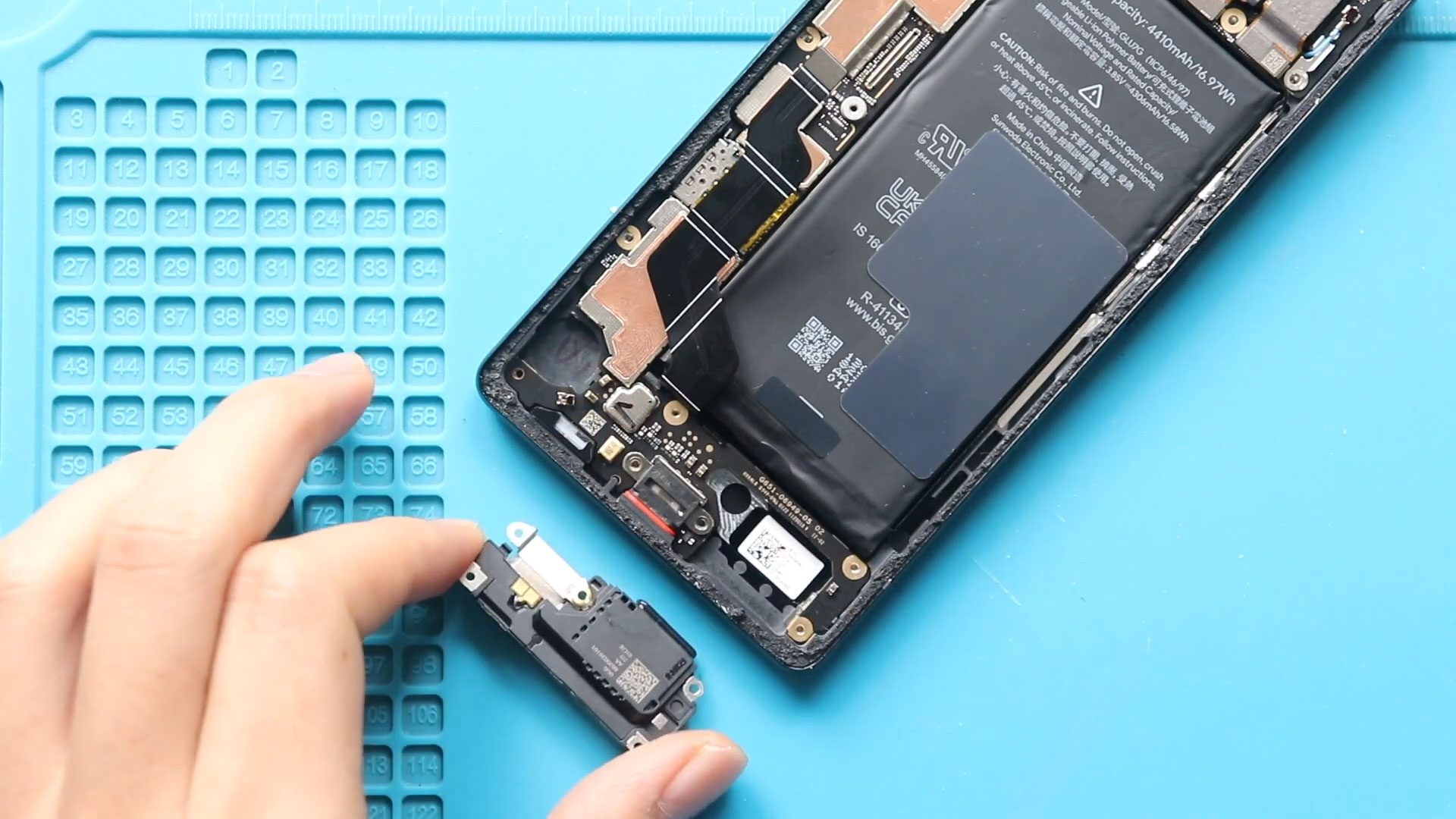
Hi everyone, welcome back to Geardo!Today we will show you how to replace the loud speaker ringer on the Google Pixel 6a mobile phone. If your Pixel 6a speaker is not working,
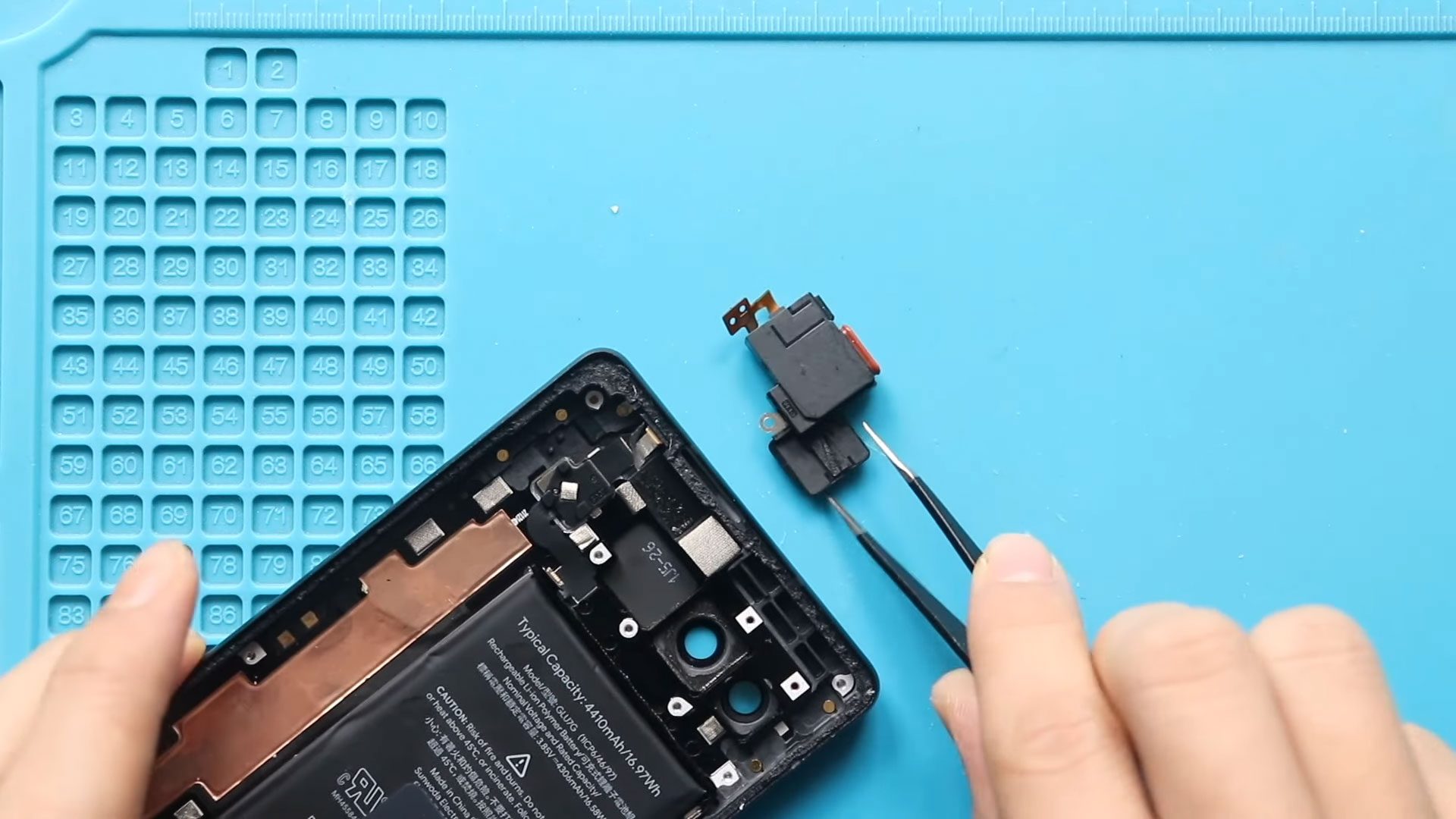
Hi everyone, welcome back to DIYGeardo!Today we will show you how to replace the earpiece speaker on the Google Pixel 6a mobile phone. The earpiece speaker is responsible for call audio and








