Now Reading: Google Pixel 6A Vibrator Motor Replacement Guide
-
01
Google Pixel 6A Vibrator Motor Replacement Guide


Hi everyone, welcome back to DIYGeardo!
Today we will show you how to replace the vibrator motor on the Google Pixel 6a mobile phone.
If your Pixel 6a doesn’t vibrate for calls, notifications, or alarms, the vibrator motor may be faulty. Replacing the vibrator motor restores the vibration function and ensures you never miss important calls or alerts.
This repair requires opening the phone and removing the screen and logic board bracket. Follow each step carefully to avoid damaging the internal components.
Common Reasons for Vibrator Motor Replacement
You may need to replace the vibrator motor if you notice:
- Phone does not vibrate during calls
- No vibration for notifications or alarms
- Weak vibration
- Vibrator only works sometimes
- Water damage or drop damage
- Vibration stops after software update
Repair Difficulty & Time
- Difficulty: ⚠️⚠️⚠️☆ (Medium – Advanced)
- Estimated Time: 35–50 minutes
Before You Begin
Compatibility and Model Numbers
This repair guide based on Google Pixel 6A Mobile Phone.
Model Numbers | GX7AS, GB62Z, G1AZG, GB17L
Tools Required
- Heating pad / heat gun / hairdryer
- Suction cup
- Plastic card pry tools / opening picks / Tweezers
- Phillips PH000/PH00 screwdriver
- Torx T3 Screwdriver
- Adhesive (B7000 or double-sided back cover adhesive)
- Bonding clips or rubber bands (optional but recommended)
Make sure the tablet is turned off and the SIM tray is removed before starting.
How to Find Tools and Parts
- Heating pad – https://amzn.to/3H0tHzJ
- Portable Heat Gun – https://amzn.to/4mszih1
- Clamps https://amzn.to/3GYJT4w
- STREBITO 142 Piece Repair Tool Kit https://amzn.to/3UO1jUx
- Glue | Adhesive https://amzn.to/46exVxe
- Compatible Parts –
- Battery – https://amzn.to/4m9sWDx
- Screen – https://amzn.to/4mDihAY
- Other Parts – https://amzn.to/4mhg7Hq
- Silicone Work Repair Mat https://amzn.to/45Emz5l
Protect Your Google Pixel 6A
- Protector For The Screen https://amzn.to/4oyBWDN
- Best Cases For Your Pixel 6A https://amzn.to/3UX7tSk
Step-by-Step Google Pixel 6a Vibrator Motor Replacement
Step 1: Power Off the Phone
Turn off your Google Pixel 6a completely before starting the repair.
Step 2: Heat the Display
Heat the edges of the screen to soften the adhesive.
Place the phone screen-side down on a heating pad or use a heat gun/hair dryer.
Step 3: Open the Screen
- Use a suction cup to lift the screen slightly from the right-hand side
- Insert a plastic card pry tool
- Cut the adhesive around the screen edges carefully
⚠️ Be careful: the LCD connector is on the left-hand side.
Step 4: Lift the Screen
Lift the screen gradually from right to left and open it like a book.
Step 5: Remove LCD Connector Bracket
Use tweezers to remove the LCD connector bracket.
Step 6: Disconnect the LCD Cable
Disconnect the LCD connector from the board and remove the screen.
Step 7: Remove Logic Board Bracket
Remove the screws securing the logic board bracket and lift it carefully.
Loosen graphite tapes if necessary.
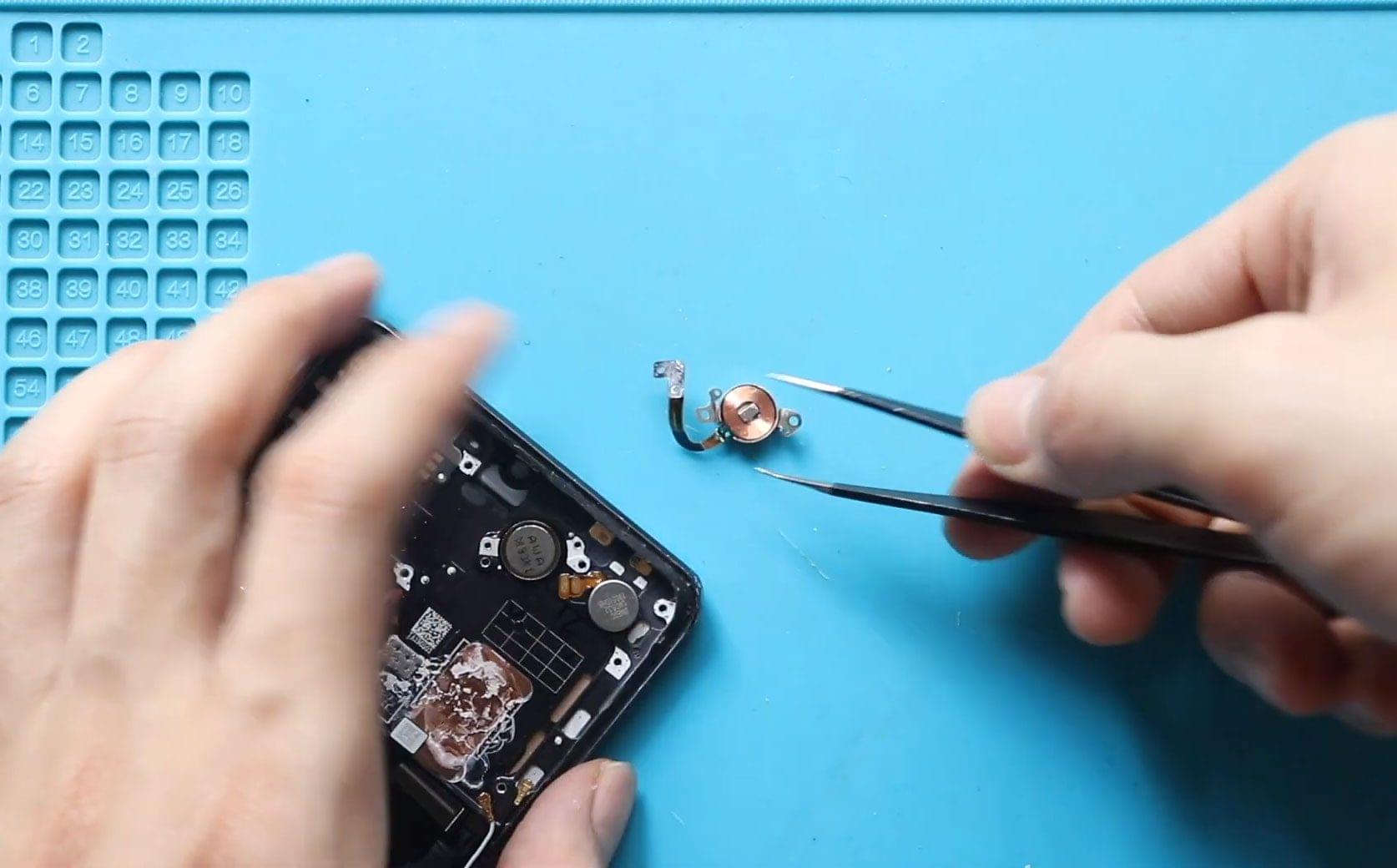
Step 8: Remove the Faulty Vibrator Motor
Locate the vibrator motor module and disconnect it from the board.
Remove the faulty vibrator carefully.
Step 9: Install the New Vibrator Motor
Place the new vibrator motor into position and secure it properly.
Step 10: Reinstall Logic Board Bracket
Place the logic board bracket back and secure it with screws.
Reapply the graphite tapes.
Step 11: Reconnect LCD and Test
Connect the LCD screen to the board and power on the phone to test the vibration function.
Step 12: Secure LCD Connector Bracket
Once testing passes, secure the connector bracket.
Step 13: Install the LCD Screen
Ensure the frame has enough adhesive.
Use B7000 glue or double-sided LCD adhesive if needed.
Slide the screen in from bottom to top and press gently around the edges.
Step 14: Final Clamping
Use bonding clips or rubber bands to secure the screen to the body.
Leave it for some time until adhesive sets.
FAQ
Q: Why is my Pixel 6a not vibrating?
A: The vibrator motor may be faulty, or the connector may be loose.
Q: Can I replace the vibrator without removing the screen?
A: No. You must remove the screen to access the vibrator motor.
Q: Will replacing the vibrator delete my data?
A: No, but always backup your data before repair.
Q: Will the vibration function work immediately after replacement?
A: Yes, if the replacement motor is compatible and installed correctly.
Q: Can I use a third-party vibrator motor?
A: Yes, but use a high-quality compatible motor for best results.
Troubleshooting
Q: Why does the phone still not vibrate after replacement?
A: The vibrator connector may not be properly seated. Recheck the connection and ensure it is fully secured.
Q: Why is the vibration weak or inconsistent?
A: The vibrator may not be seated properly or the motor may be defective. Reinstall the vibrator or try another replacement.
Q: Why does the phone not turn on after repair?
A: Check the battery connector and LCD connector. Ensure both are securely connected and charge the phone.
Q: Why is the screen lifting after reassembly?
A: Adhesive may be insufficient or not cured. Apply new adhesive and use clips/rubber bands until it sets.