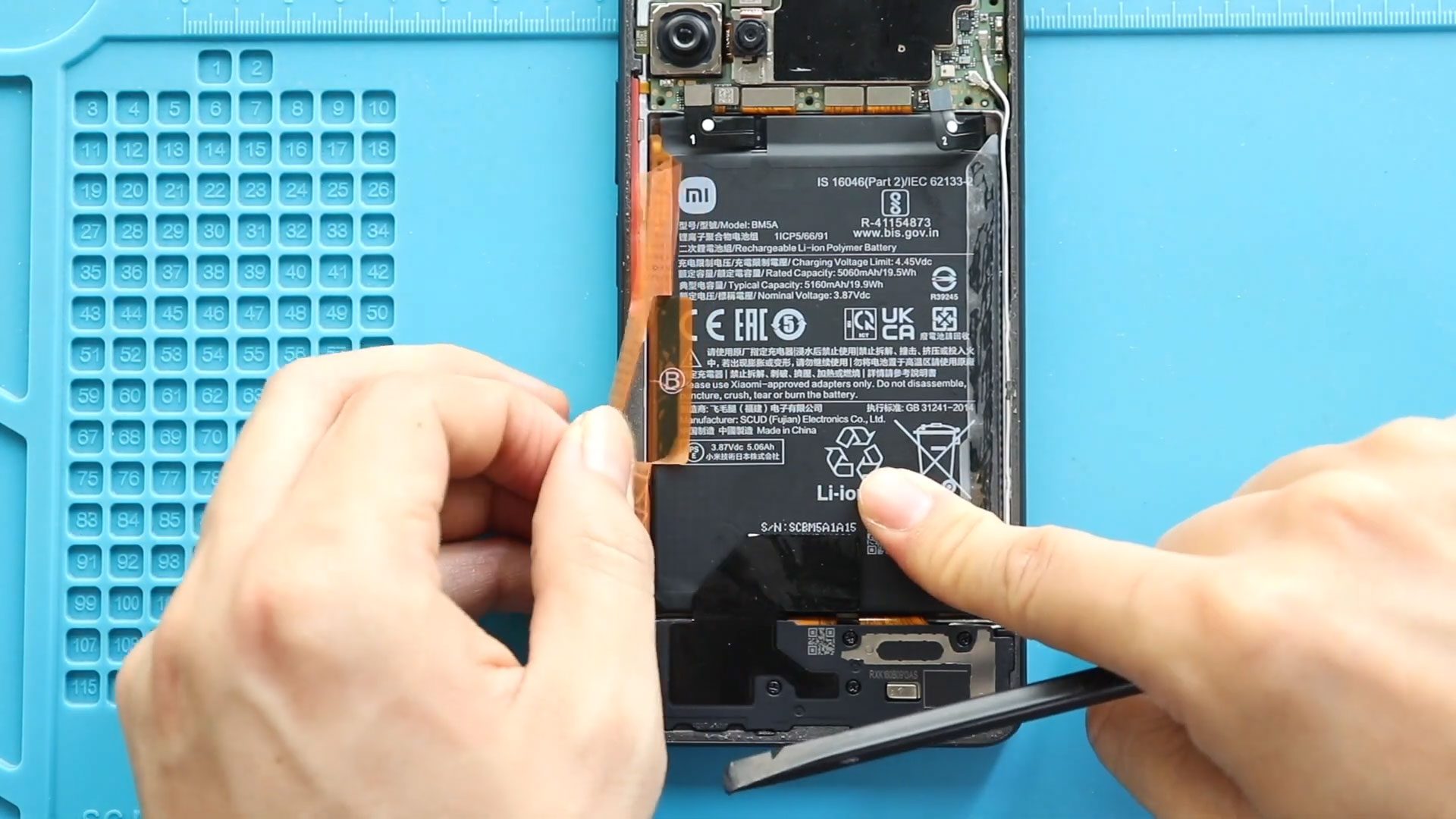
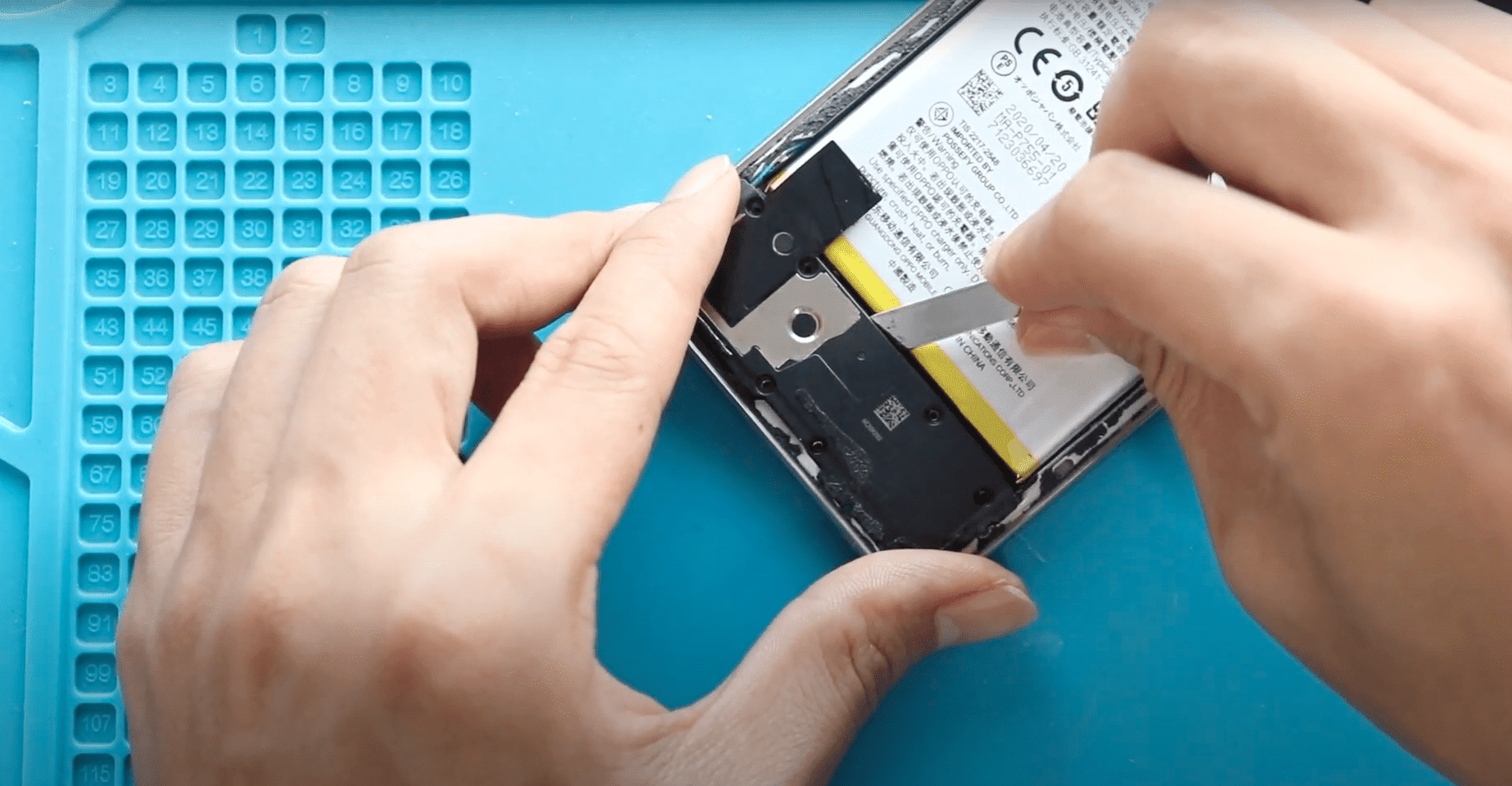
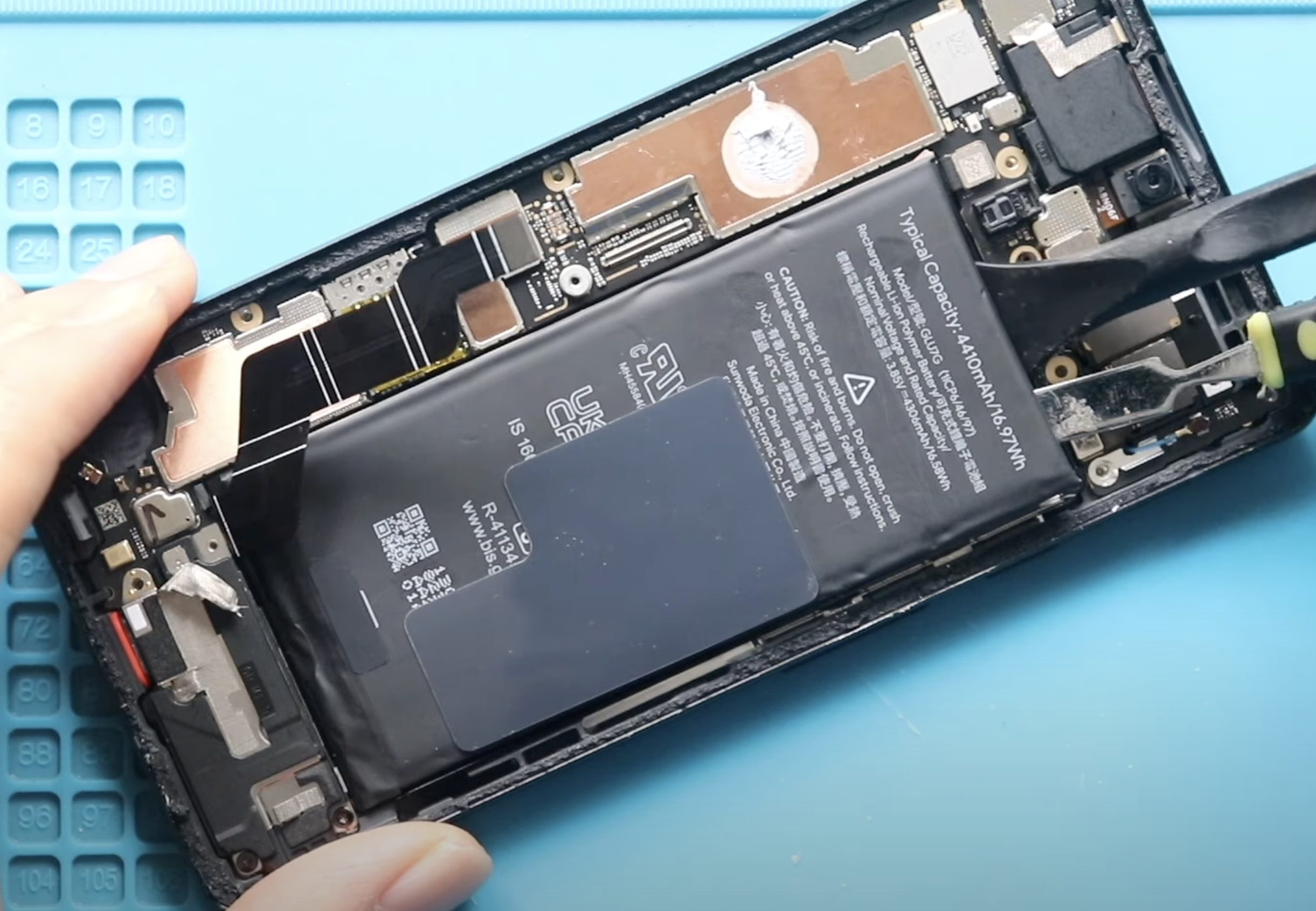
If you want to perform screen replacement, battery replacement, or other internal repairs on the Samsung Galaxy A52 5G, a proper teardown of the device is essential. This guide walks you through carefully
Fix your broken or not-working Samsung Galaxy A52 5G phone with our simple step-by-step repair guides. Learn how to replace screen, battery, camera, charging port flex cable and more at home easily.
If you want to perform screen replacement, battery replacement, or other internal repairs on the Samsung Galaxy A52 5G, a proper teardown of the device is essential. This guide walks you through carefully

If your Samsung Galaxy A52 camera lens glass is cracked, scratched, or broken, your photos may appear blurry or hazy even though the internal camera module is working fine. Replacing only

If your Samsung Galaxy A52 series is not charging properly, only charges at certain angles, has microphone issues, or the headphone jack is not working, the problem is usually the charging port flex

Replacing the battery on your Samsung Galaxy A52 series can restore battery life, fix unexpected shutdowns, and solve overheating or fast-drain issues. If your device no longer holds charge like it used
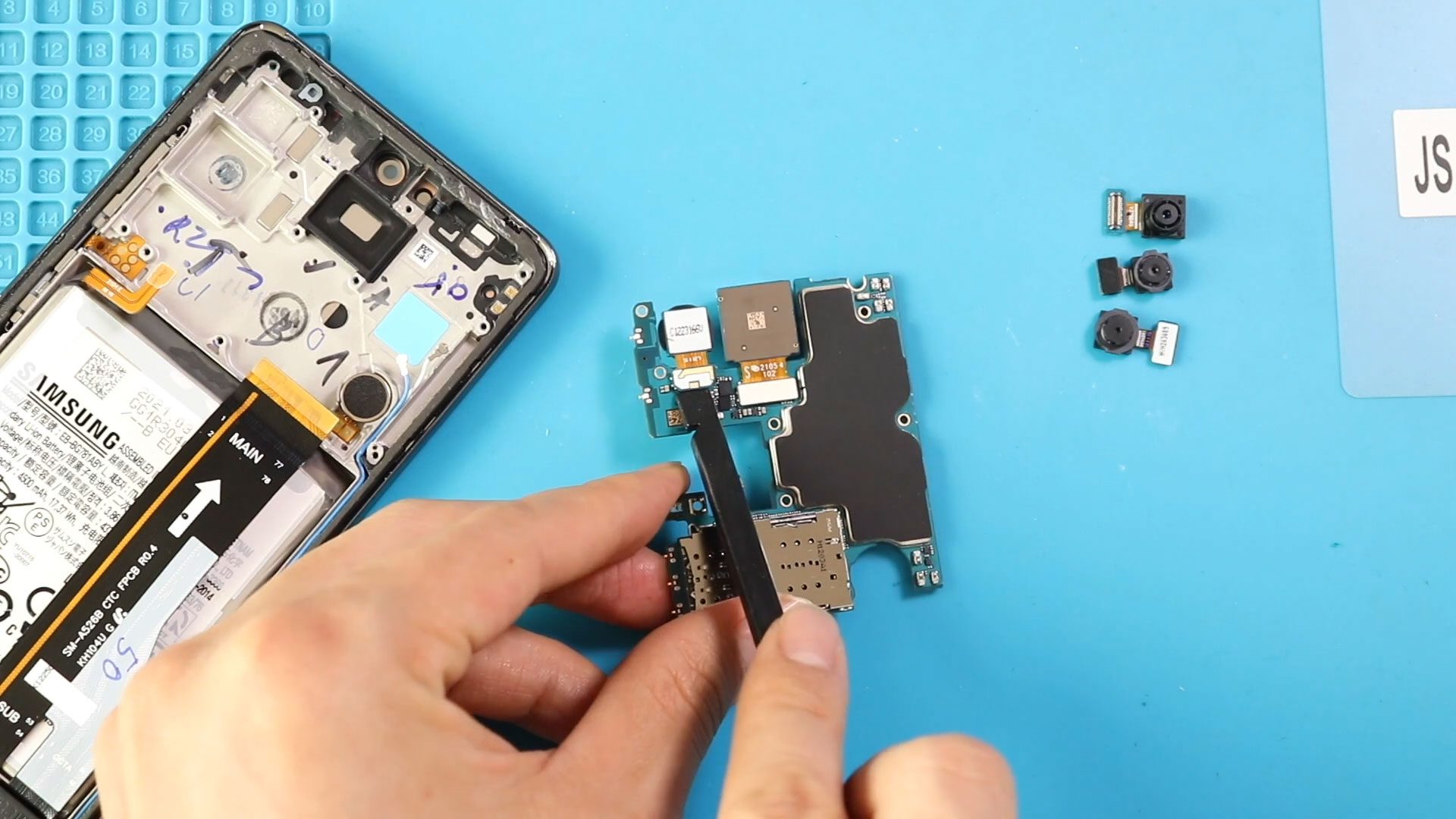
If your Samsung Galaxy A52 series camera is blurry, not focusing, showing a black screen, or crashing when opened, replacing the faulty camera module can restore full photo and video functionality. In
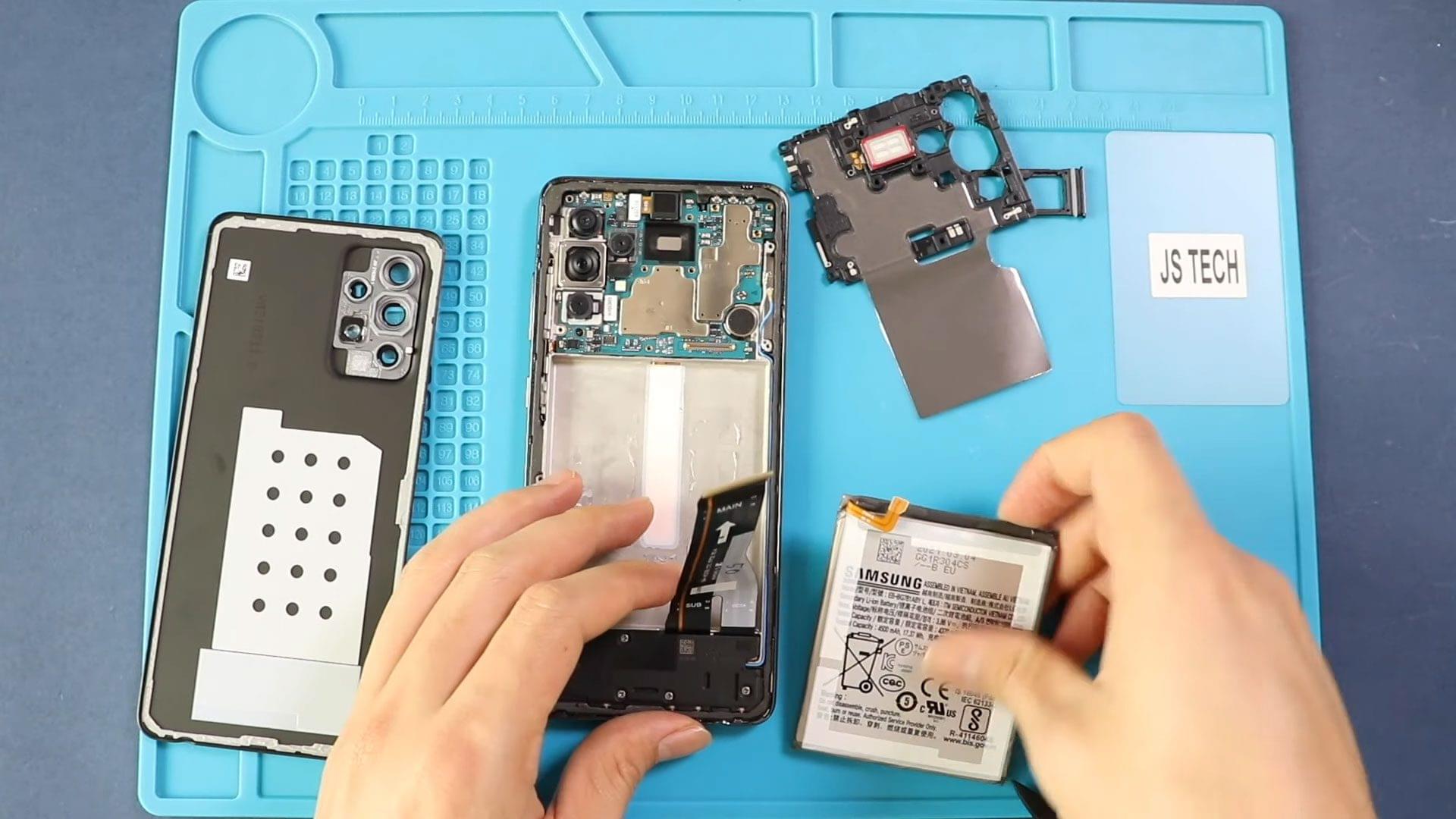
To start we need to have the right tools to proceed with the repair which you can find in the description First start placing parts on the frame and place

If your Samsung Galaxy A52 5G ringer speaker is not producing sound, sounds distorted, or is very low during incoming calls and notifications, replacing the ringer (loudspeaker) module can restore full audio performance. This

If your Samsung Galaxy A52 5G is experiencing charging issues, no display signal, no network, or random restarts, the problem could be a damaged main flex cable (motherboard interconnect cable). This cable connects