

Before Starting, we need to have the right tools to proceed with the teardown, which You can find in the description. First, turn off the phone, take out the Sim
Before Starting, we need to have the right tools to proceed with the teardown, which You can find in the description. First, turn off the phone, take out the Sim

Before Starting, we need to have the right tools to proceed with the repair, which You can find in the description. First, turn off the phone, take out the Sim

Please follow the below link for the repair instructions. Please let us know if you have any questions. Timestamps00:00 Intro00:10 Opening00:55 Removing Back Cover02:20 Removing Charging Port flex03:20 Disconnecting Flash
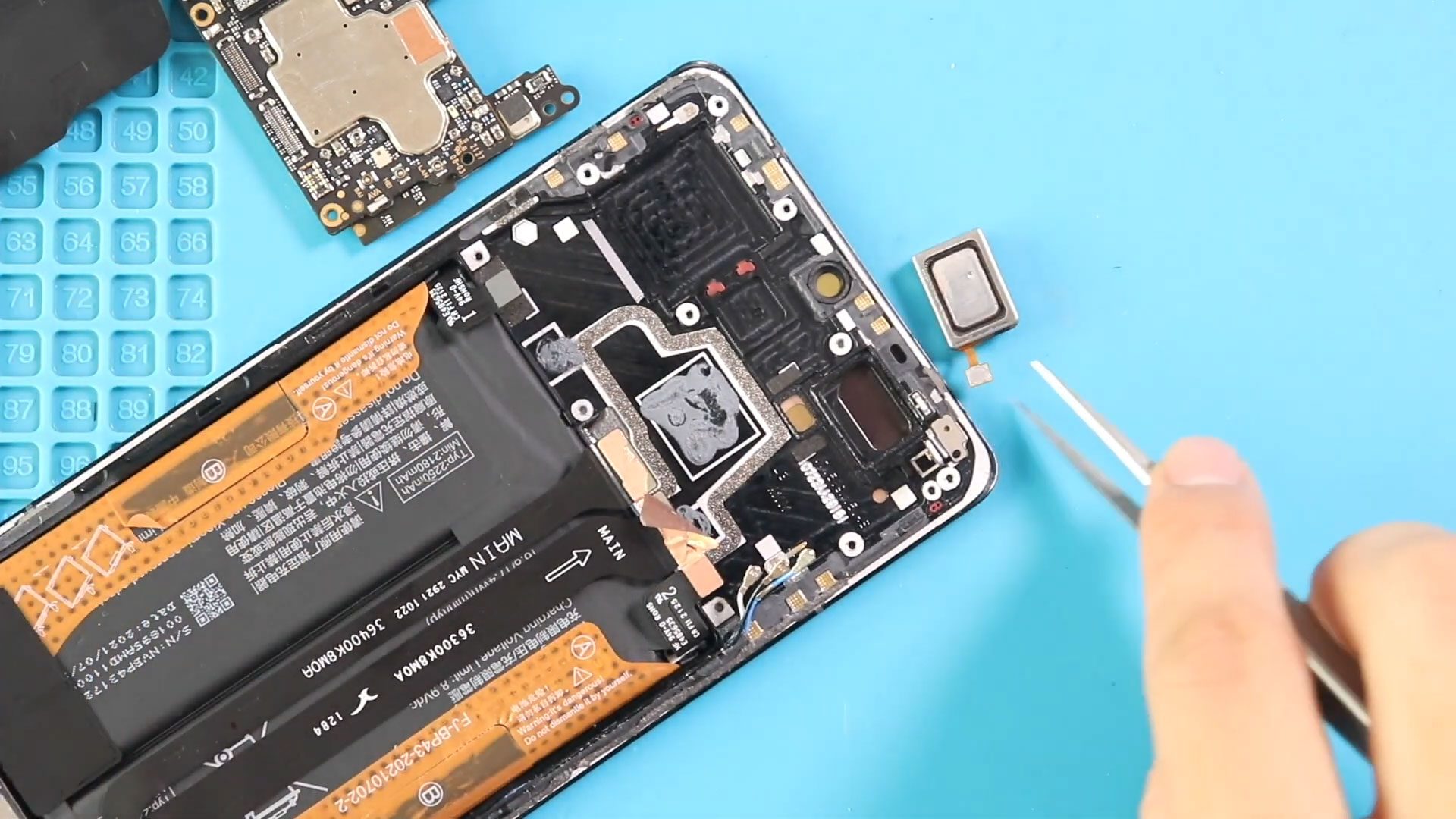
Please follow the below link for the repair instructions. Please let us know if you have any questions. Timestamps00:00 Intro00:10 Opening00:55 Removing Back Cover02:20 Removing Charging Port flex03:20 Disconnecting Flash

Please follow the below link for the repair instructions. Please let us know if you have any questions. Timestamps00:00 Intro00:10 Opening00:55 Removing Back Cover02:20 Removing Charging Port flex03:20 Disconnecting Flash
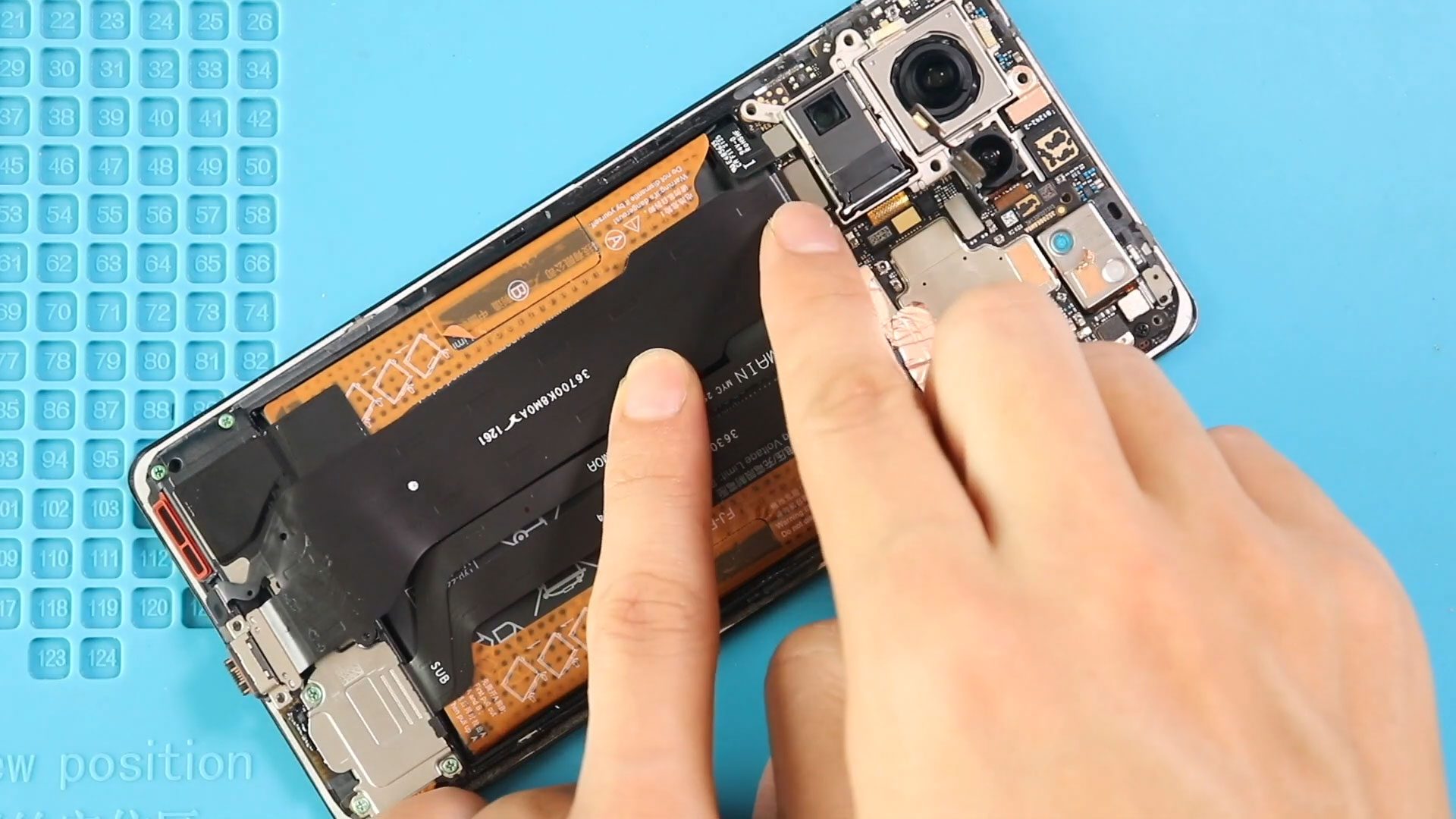
Please follow the below link for the repair instructions. Please let us know if you have any questions. Timestamps00:00 Intro00:10 Opening00:55 Removing Back Cover02:20 Removing Charging Port flex03:20 Disconnecting Flash

Please follow the below link for the repair instructions. Please let us know if you have any questions. Timestamps00:00 Intro00:10 Opening00:55 Removing Back Cover02:20 Removing Charging Port flex03:20 Disconnecting Flash
Please follow the below link for the repair instructions. Please let us know if you have any questions. Timestamps00:00 Intro00:10 Opening00:55 Removing Back Cover02:23 Removing Charging Port flex03:22 Disconnecting Flash

Please follow the below link for the repair instructions. Please let us know if you have any questions. Timestamps00:00 Intro00:10 Opening00:55 Removing Back Cover02:23 Removing Charging Port flex03:22 Disconnecting Flash
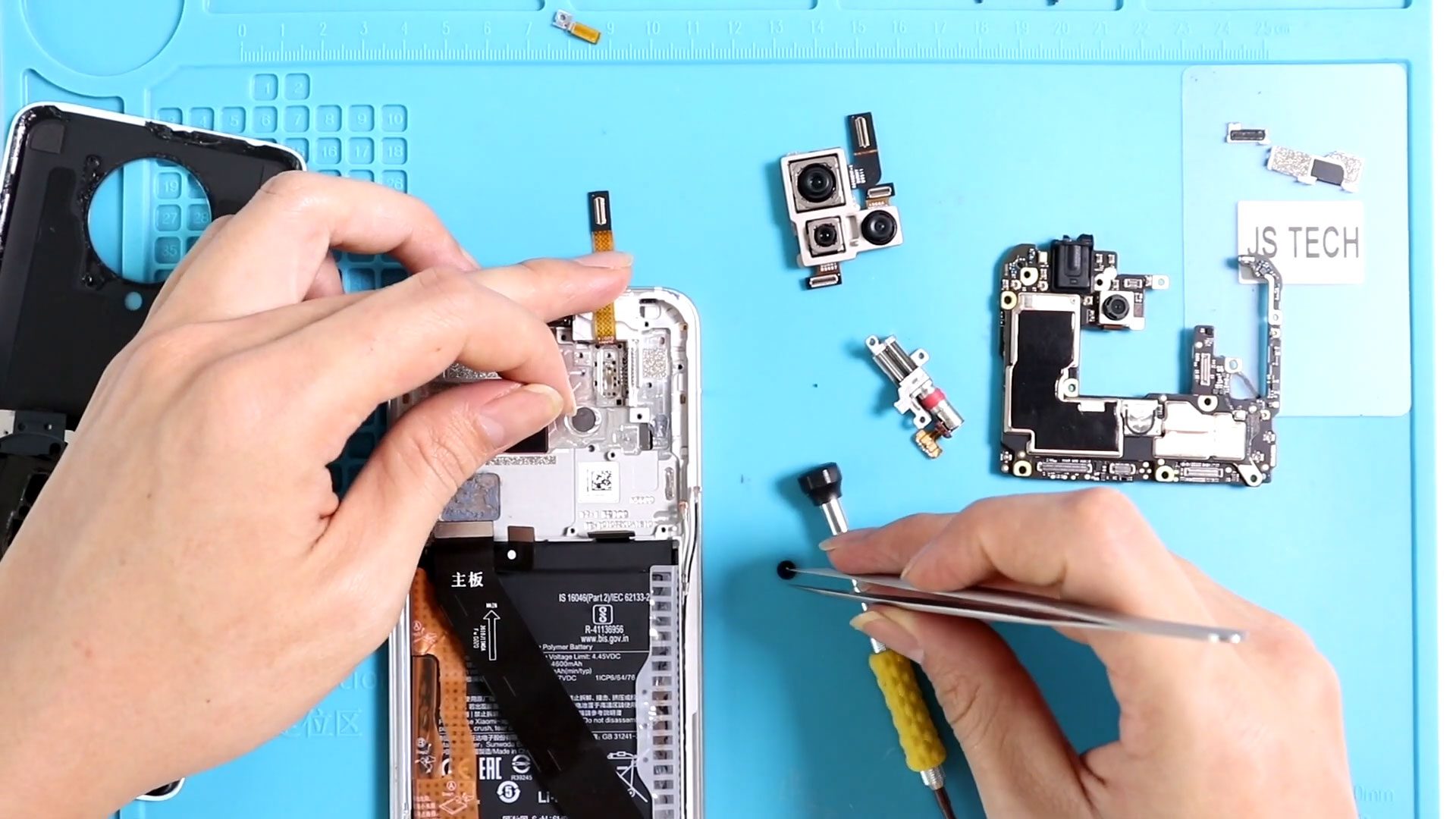
Timestamps00:00 Intro00:10 Opening K30 Pro00:32 Removing Back Cover02:24 Removing Camera Lens02:40 Removing Logic Board Frame03:25 Removing Logic Board04:40 Removing Not working K30 Pro Back Camera Module05:40 Removing Not working K30

Before Starting, we need to have the right tools to proceed with the teardown, which You can find in the description. First, turn off the phone and follows with the

Scratched, cracked, or shattered camera lens glass can significantly reduce photo and video quality even when the internal camera sensors are fully functional. Dust entry, blurry images, glare, or moisture


