

A cracked or broken back cover can affect both the appearance and protection of the Xiaomi Redmi Note 8 Pro. If the rear glass is damaged, replacing the back cover
A cracked or broken back cover can affect both the appearance and protection of the Xiaomi Redmi Note 8 Pro. If the rear glass is damaged, replacing the back cover
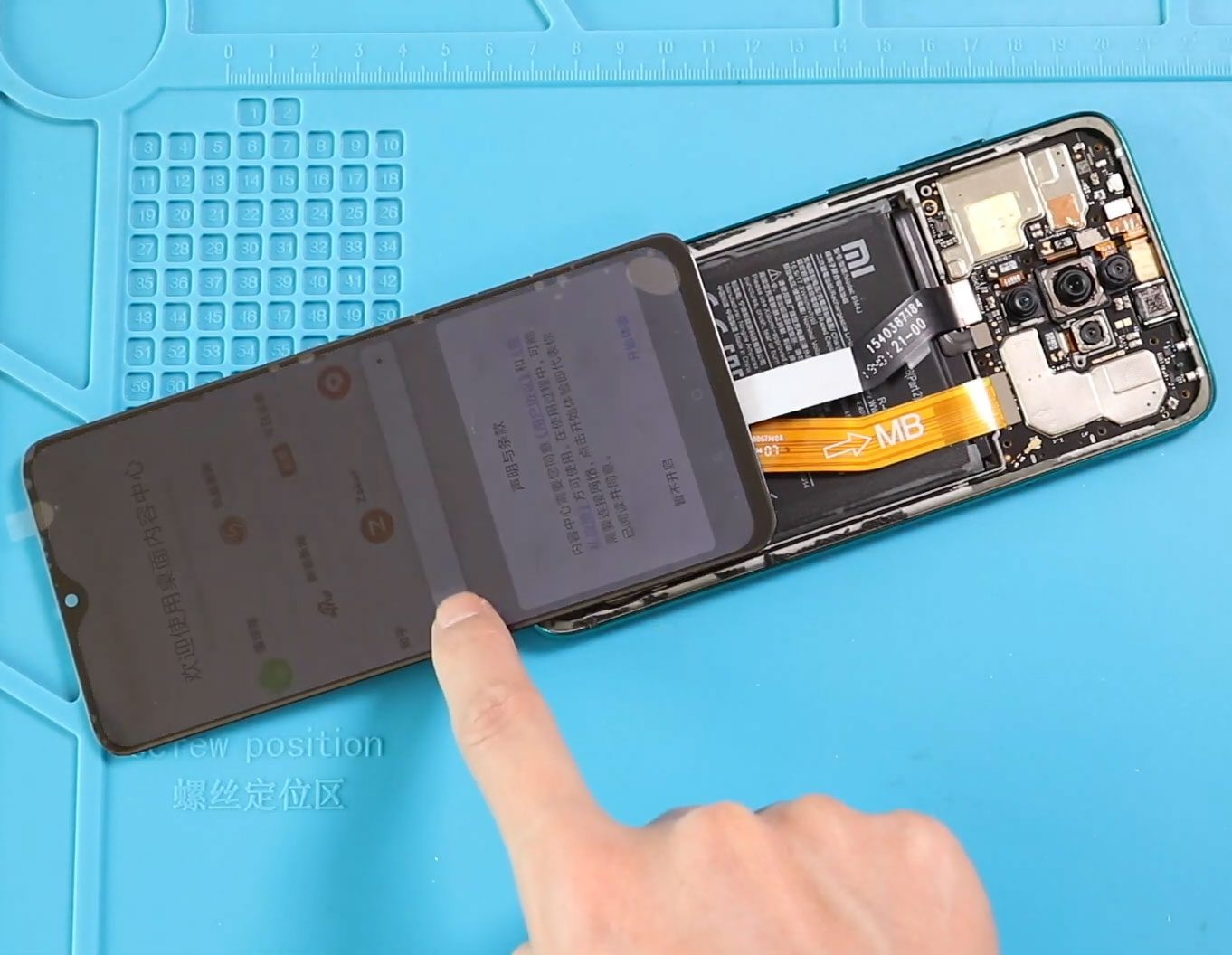
A damaged screen can make the Xiaomi Redmi Note 8 Pro difficult or impossible to use. Common signs of a screen problem include cracked display glass, a display that no

A faulty battery can make a phone difficult or impossible to use, and replacing it can restore the device to working condition. In this repair guide, we show how to

Before Starting, we need to have the right tools to proceed with the teardown, which you can find in the description. First, turn off the phone and take out the
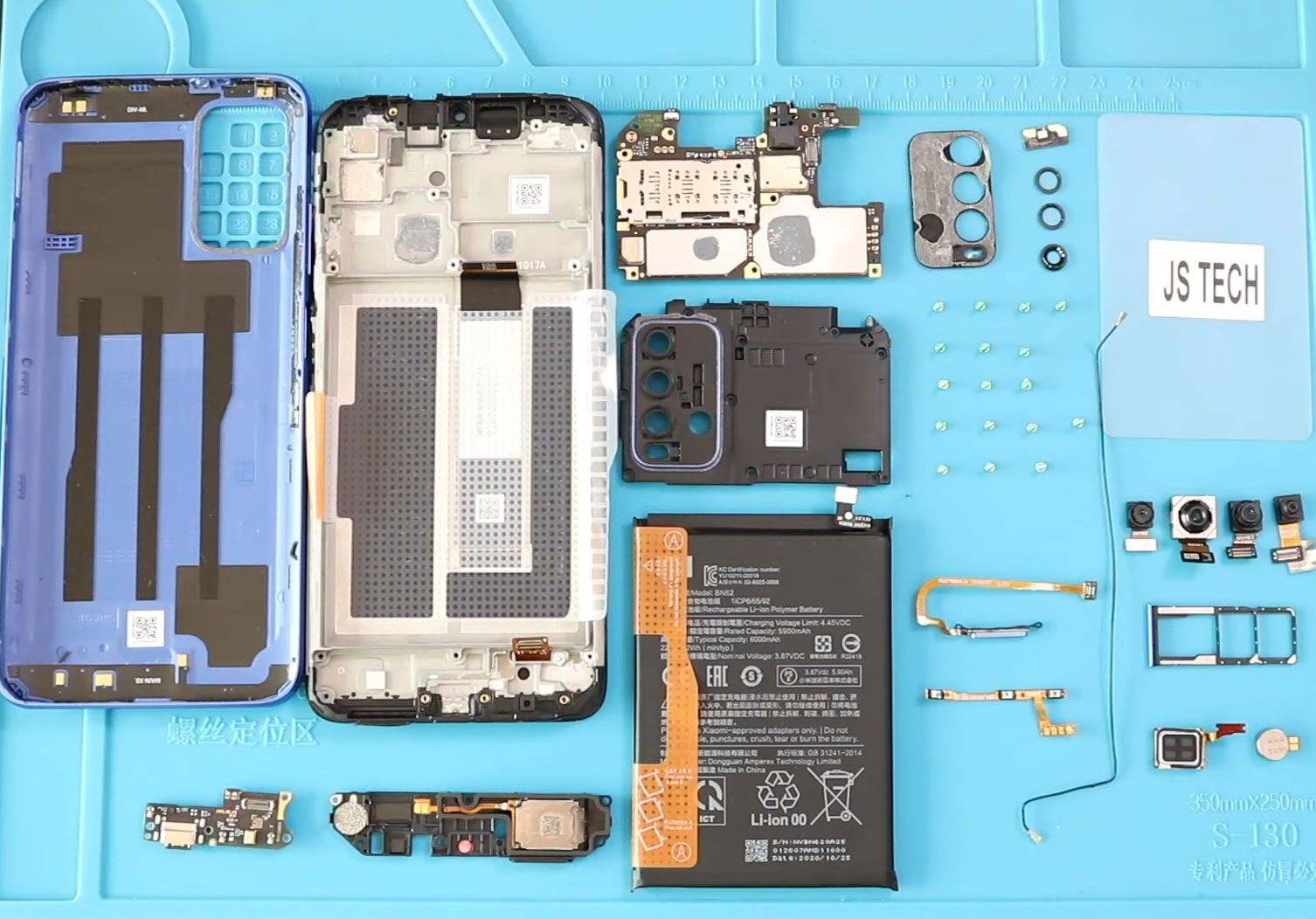
Before Starting, we need to have the right tools to proceed with the teardown, which you can find in the description. First, turn off the phone and take out the
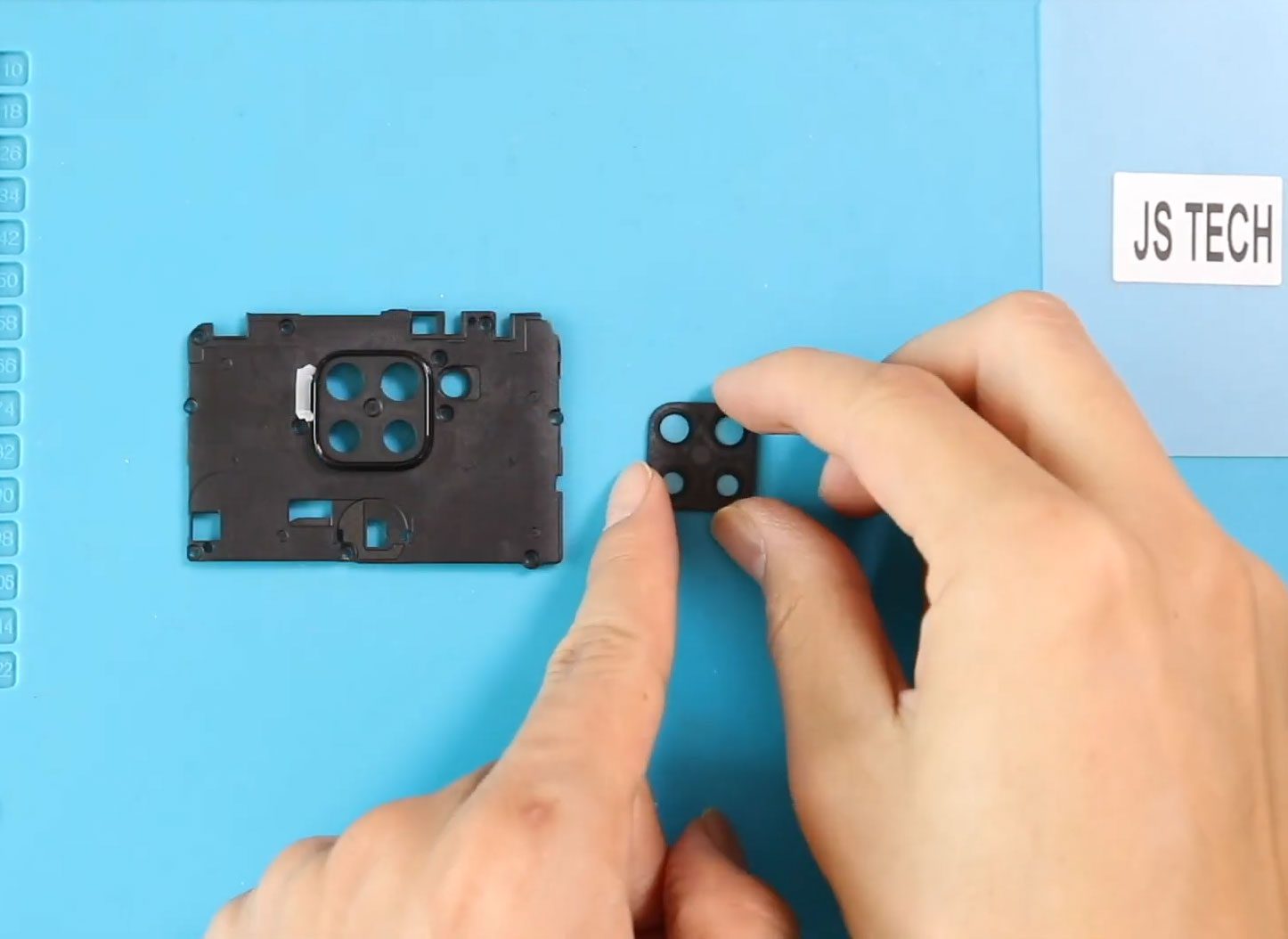
Before Starting, we need to have the right tools to proceed with the repair, which you can find in the description. First, turn off the phone, take out the sim

Before Starting, we need to have the right tools to proceed with the repair, which you can find in the description. First, turn off the phone and take out the
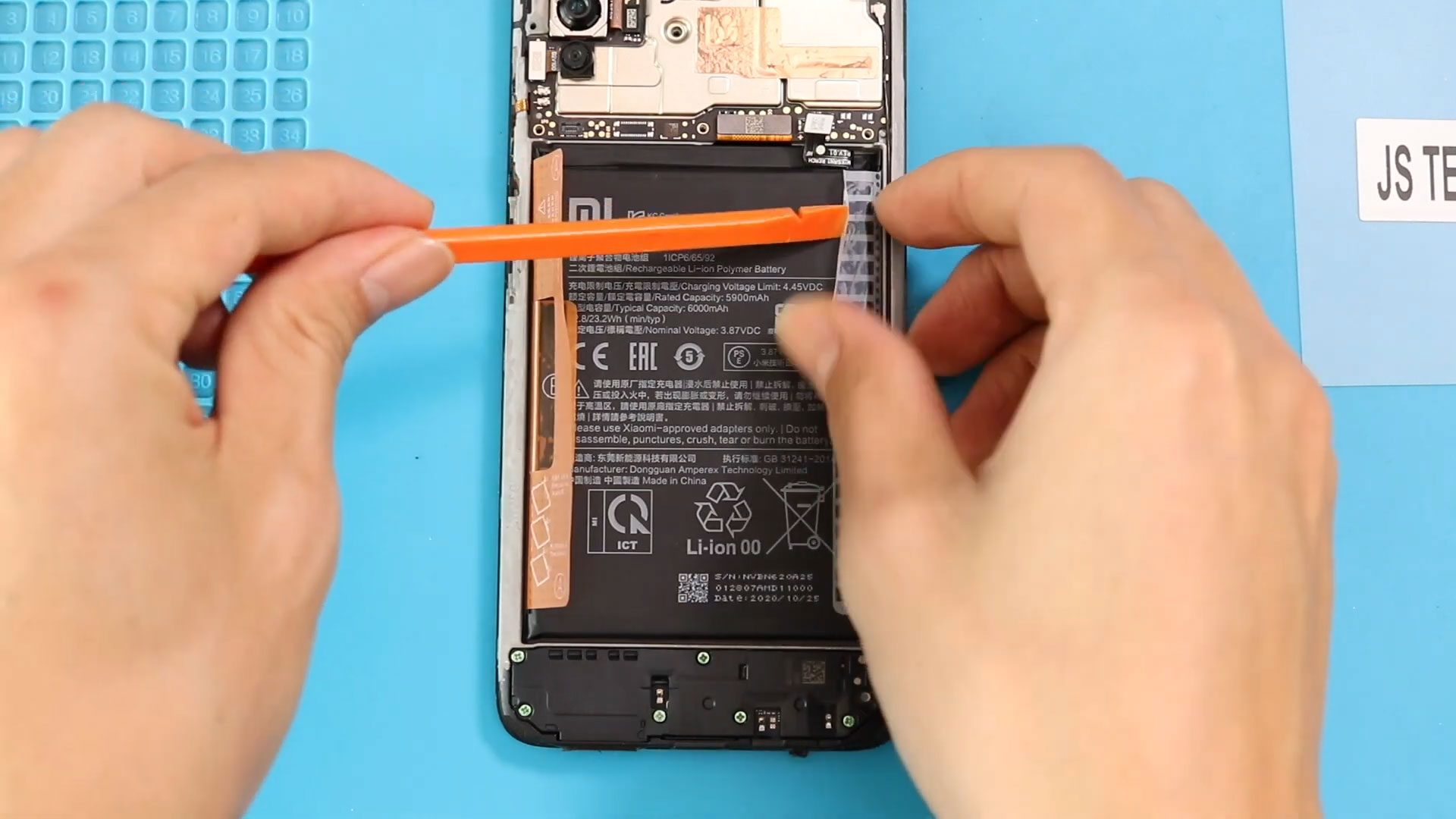
Before Starting, we need to have the right tools to proceed with the repair, which you can find in the description. First, turn off the phone and take out the

Timestamps00:00 Intro “Redmi Note 4G | Poco M3 | Note 9 Camera Replacement”00:10 Opening Poco M300:20 Removing Back Cover01:01 Removing Logic Board Frame01:40 Removing not working Front & Rear Camera

Before Starting, we need to have the right tools to proceed with the repair, which you can find in the description. First, turn off the phone, take off the sim
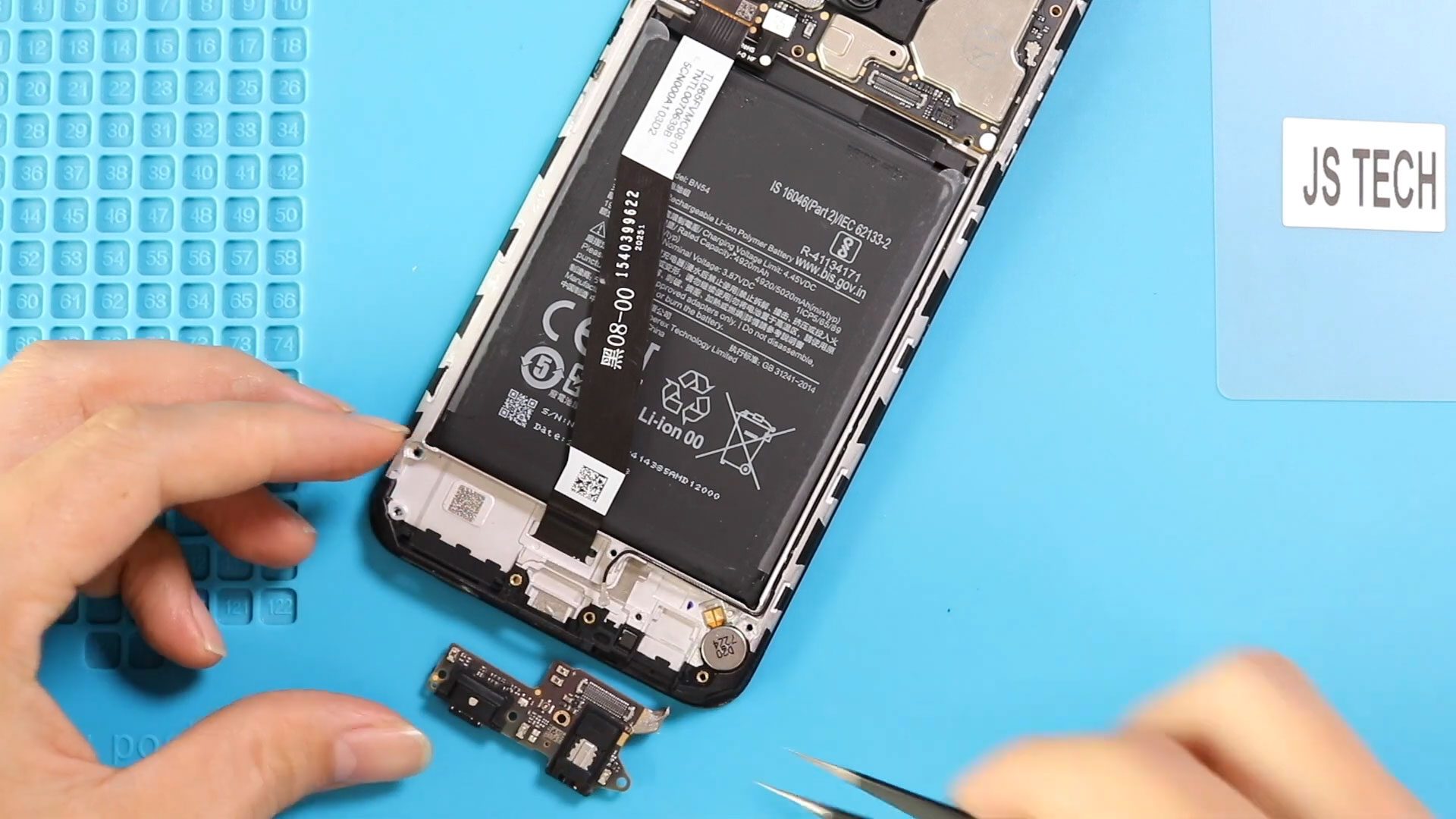
Before Starting, we need to have the right tools to proceed with the repair, which you can find in the description. First, turn off the phone and take out the
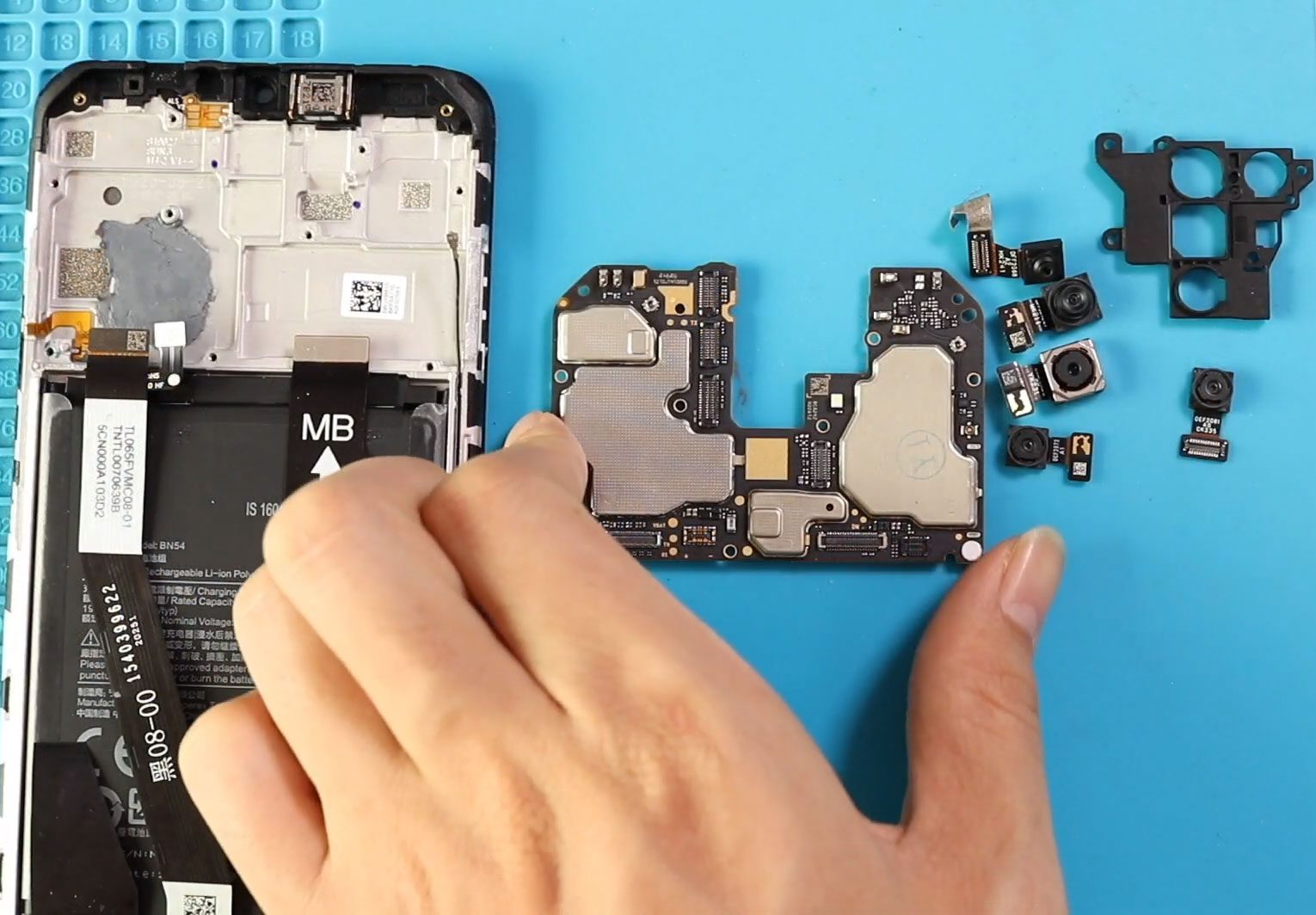
Before Starting, we need to have the right tools to proceed with the repair which you can find in the description. First turn on the phone and take out the


