
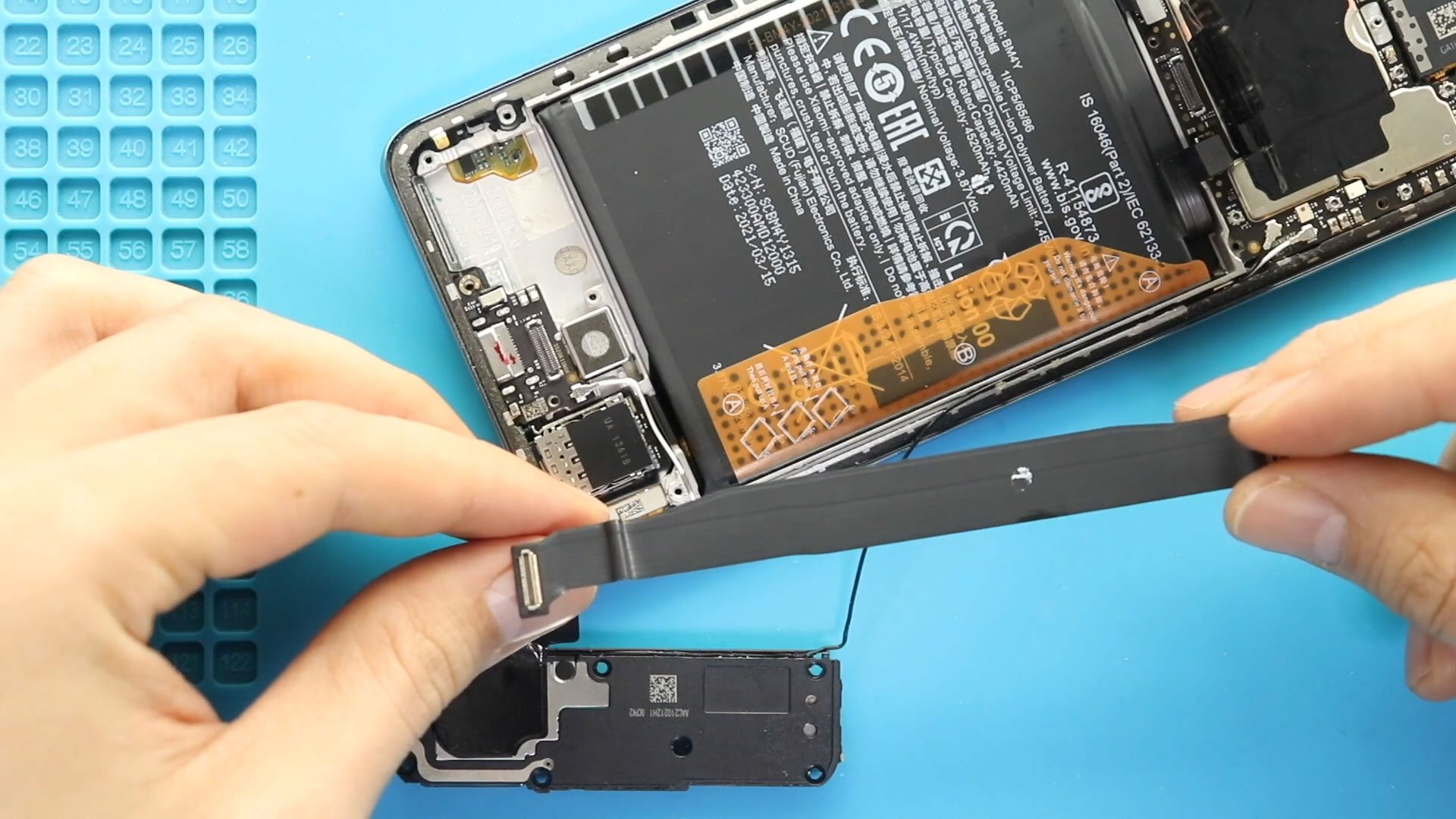
Hi everyone, welcome back to Geardo.Today, we will show you how to replace the main flex cable (interconnect cable) on the Poco F3, also known as the Xiaomi Mi 11X and Redmi
Discover our complete Redmi series DIY repair guides, including Redmi 8, 9, 10 and many more latest versions. Learn how to fix screens, replace batteries, repair cameras, change faulty charging ports and handle other common issues with step-by-step videos and instructions. Whether you’re a beginner or experienced DIYer, our tutorials make phone repairs simple and safe. New guides are added weekly to ensure you have the latest tips for all Redmi devices.
Hi everyone, welcome back to Geardo.Today, we will show you how to replace the main flex cable (interconnect cable) on the Poco F3, also known as the Xiaomi Mi 11X and Redmi

Hi everyone, welcome back to Geardo.Today, we will show you how to replace the ringer loudspeaker (bottom speaker) on the Poco F3, also known as the Xiaomi Mi 11X and Redmi K40.

Timestamps00:00 Intro00:10 Opening Redmi 8A01:15 removing the main back cover02:25 removing mainboard protector02:49 removing main flex and antennas other flexes05:34 removing the battery06:21 removing bottom PCB board protector and loudspeaker06:57

Please follow the below link for the repair instructions. Please let us know if you have any questions. Timestamps00:00 Intro00:10 Opening Redmi 8a00:28 Removing back cover01:28 Removing mainboard frame02:28 removing

Before Starting, we need to have the right tools to proceed with the teardown, which you can find in the description. First, turn off the phone and take out the

Before Starting, we need to have the right tools to proceed with the repair, which you can find in the description. First, turn off the phone and take out the

Before Starting, we need to have the right tools to proceed with the repair, which you can find in the description. First, turn off the phone, take off the sim
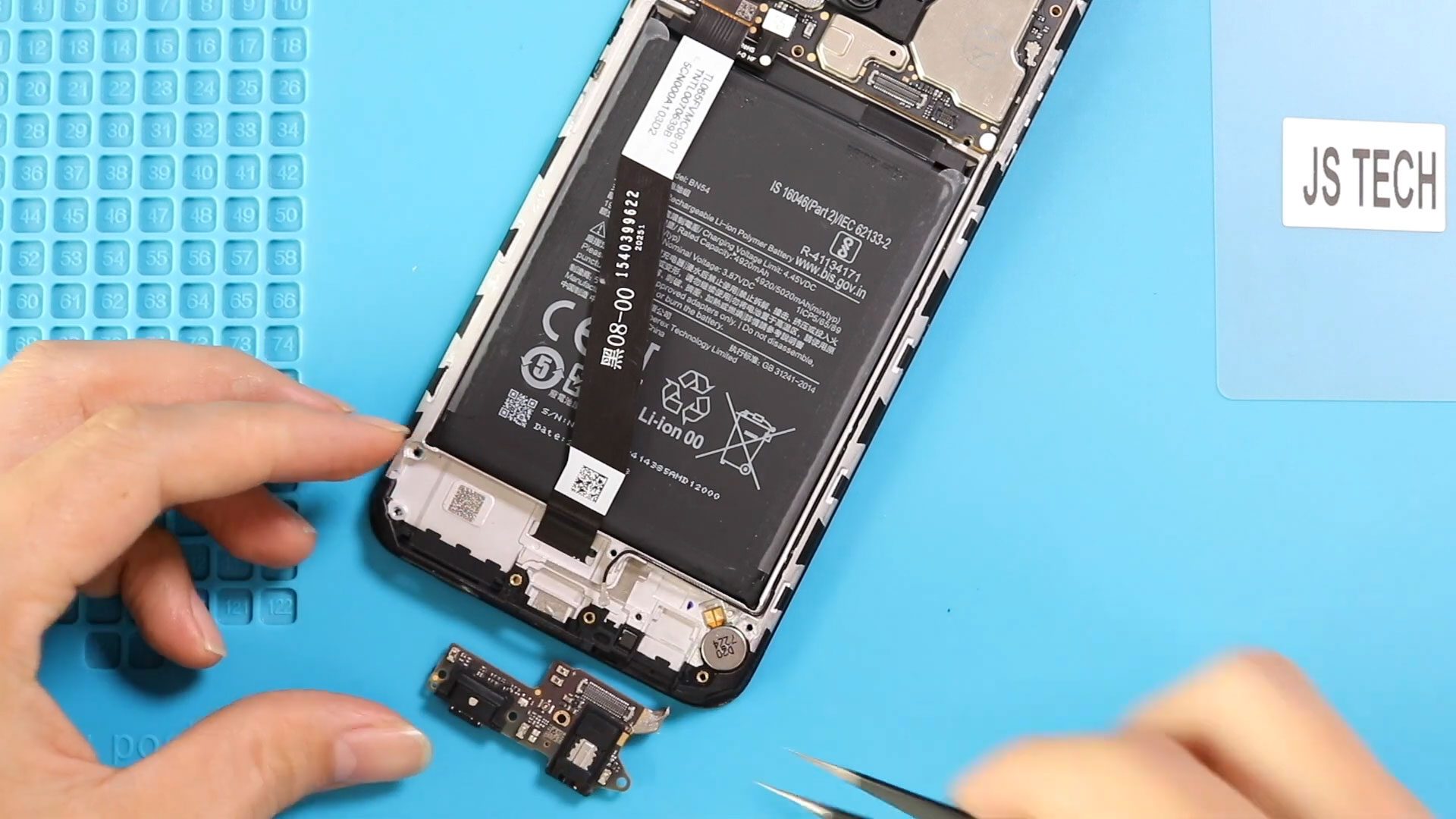
Before Starting, we need to have the right tools to proceed with the repair, which you can find in the description. First, turn off the phone and take out the
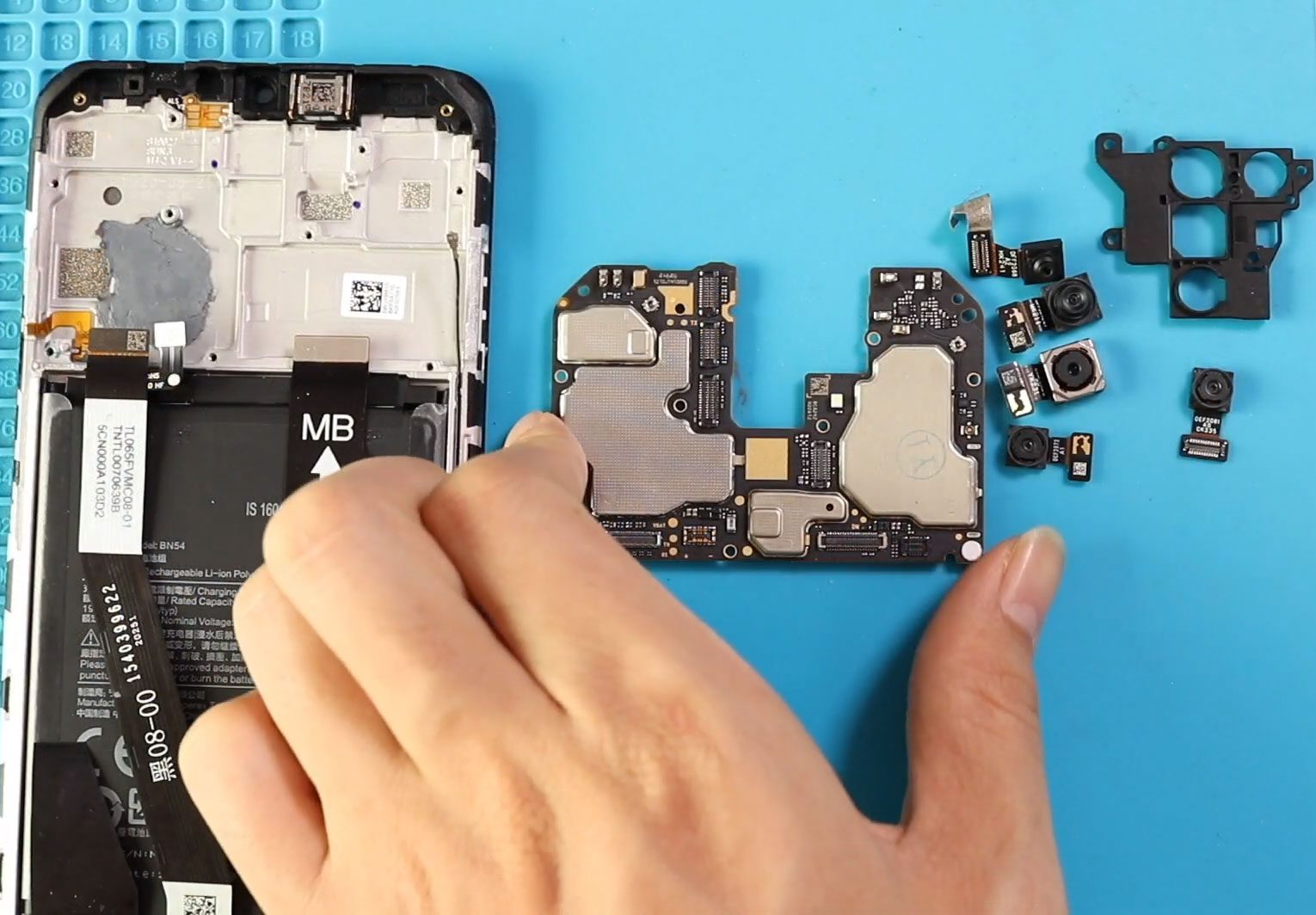
Before Starting, we need to have the right tools to proceed with the repair which you can find in the description. First turn on the phone and take out the
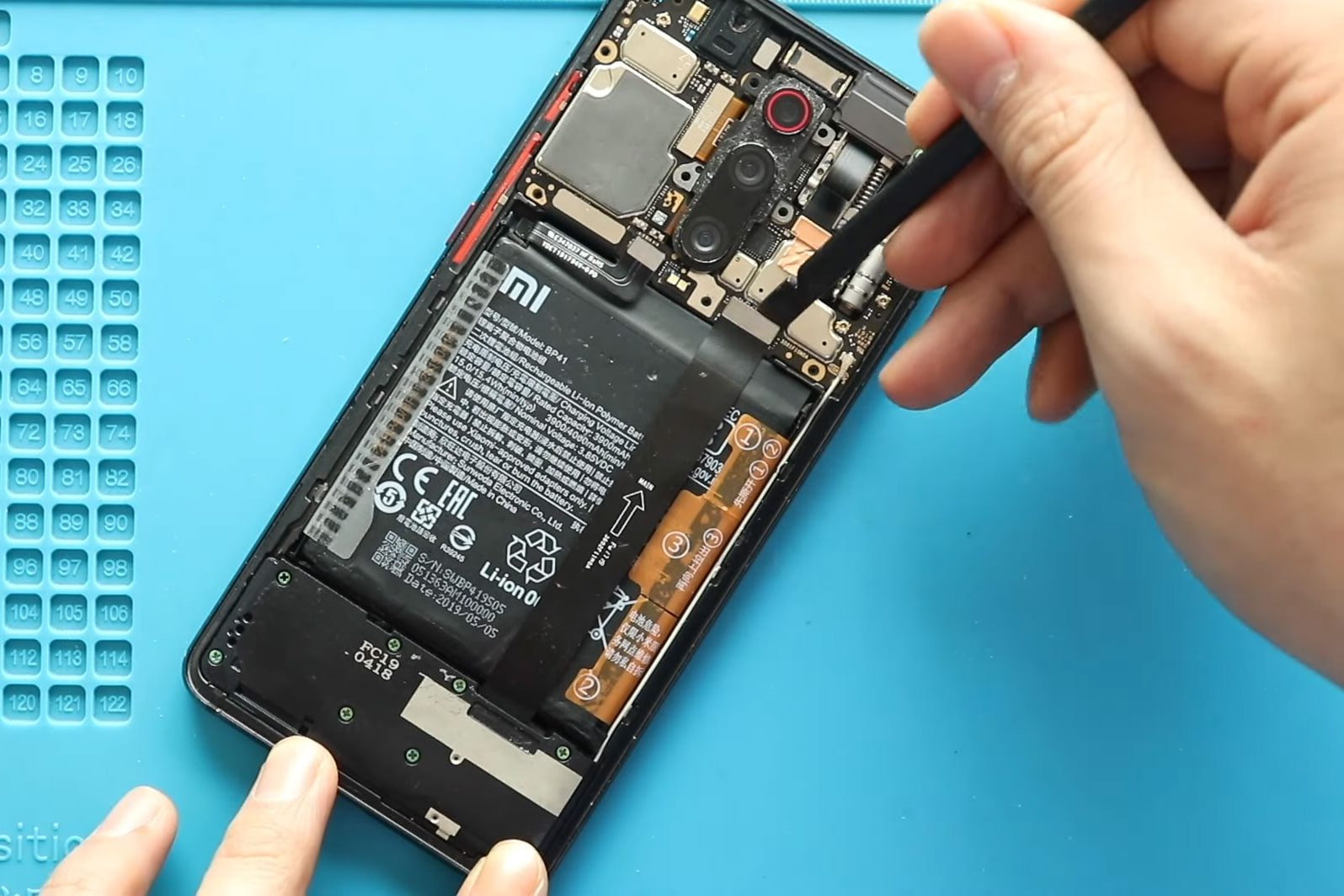
Before Starting, we need to have the right tools to proceed with the repair, which You can find in the description. First, turn off the phone, and then take out

Before Starting, we need to have the right tools to proceed with the repair, which You can find in the description. First, turn off the phone, and then take out
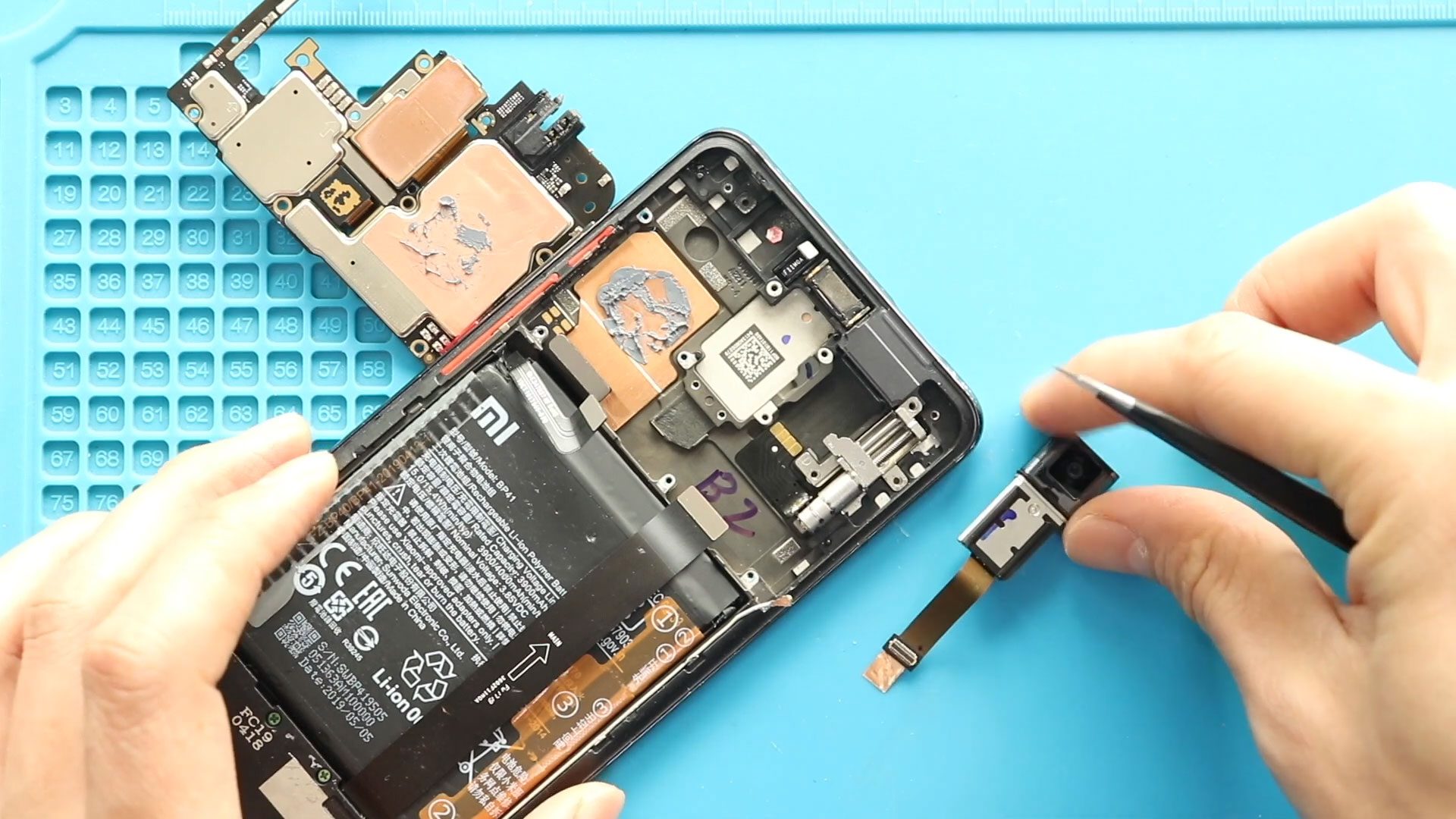
Before Starting, we need to have the right tools to proceed with the repair, which you can find in the description. First, turn off the phone and take out the


