Now Reading: Motorola Moto G Stylus 2020 Battery Replacement Guide (XT2043)
-
01
Motorola Moto G Stylus 2020 Battery Replacement Guide (XT2043)
Motorola Moto G Stylus 2020 Battery Replacement Guide (XT2043)
Hi everyone, Welcome back to Geardo 👋
Today, we’ll walk you through a complete step-by-step guide on how to replace the battery on the Motorola Moto G Stylus (2020). If your phone is draining quickly, shutting down randomly, or not holding charge like it used to, replacing the battery can bring it back to life.
This guide is written specifically for beginners, so even if you’ve never opened a phone before, you can follow along safely. Just take your time and follow each step carefully.
Before starting, make sure you have the right tools ready.
🔧 Repair Difficulty
Repair Difficulty: ★★★☆☆ (Moderate)
Estimated Time: 30–45 minutes
Device Type: Smartphone
Repair Type: Internal Battery Replacement
🔍 Reasons for Battery Replacement
- Battery draining too fast
- Phone overheating during normal use
- Unexpected shutdowns
- Device not charging properly
- Battery swelling or physical damage
Check The Latest Motorola Phones are in Clearance “up to 60% off” – https://amzn.to/480ho0w
Before You Begin
Compatibility and Model Numbers
- Motorola Moto G Stylus (2020)
Model Numbers | XT2043, XT2043-4
Tools Required
- Mobile phone heating pad or hairdryer/heat gun
- Plastic pry tool / card pry
- Suction cups
- Phillips #00/#000 screwdrivers
- Torx T3 / T4 / T5 Screwdriver (Depends on the version)
- Flathead Screwdriver
- Tweezers (for connectors)
- B7000 glue or double-sided adhesive (for back cover)
- Rubber bands or bonding clips to secure the back cover
Using proper tools reduces the risk of damaging the phone.
How to Find Tools and Parts
- Heating pad – https://amzn.to/3H0tHzJ
- Portable Heat Gun – https://amzn.to/4mszih1
- Clamps https://amzn.to/3GYJT4w
- STREBITO 142 Piece Repair Tool Kit https://amzn.to/3UO1jUx
- Glue | Adhesive https://amzn.to/46exVxe
- Compatible Parts –
- Battery – https://amzn.to/499v2jk
- Screen – https://amzn.to/47HnpOv
- Other Parts – https://amzn.to/4hO2wG5
- Silicone Work Repair Mat https://amzn.to/45Emz5l
🔋 Step-by-Step Battery Replacement Guide
Step 1: Heat the Back Cover
To begin, gently heat the edges of the back cover to soften the adhesive.
You can use:
- A heating pad (recommended)
- Heat gun
- Hairdryer
Place the phone with the back facing down on the heating pad and allow it to warm up evenly.
Step 2: Create an Opening
Use a suction cup to lift a small gap between the back cover and the frame.
Insert a plastic pry tool or card into the gap and carefully slide it around the edges to cut the adhesive.
Step 3: Remove the Back Cover
Once the adhesive is loosened, carefully lift and remove the back cover from the device.
Be gentle, especially around the fingerprint sensor area.
Step 4: Remove Screws and Frame
Undo the nine screws securing the logic board frame.
Carefully lift and remove the frame along with the camera lens housing.
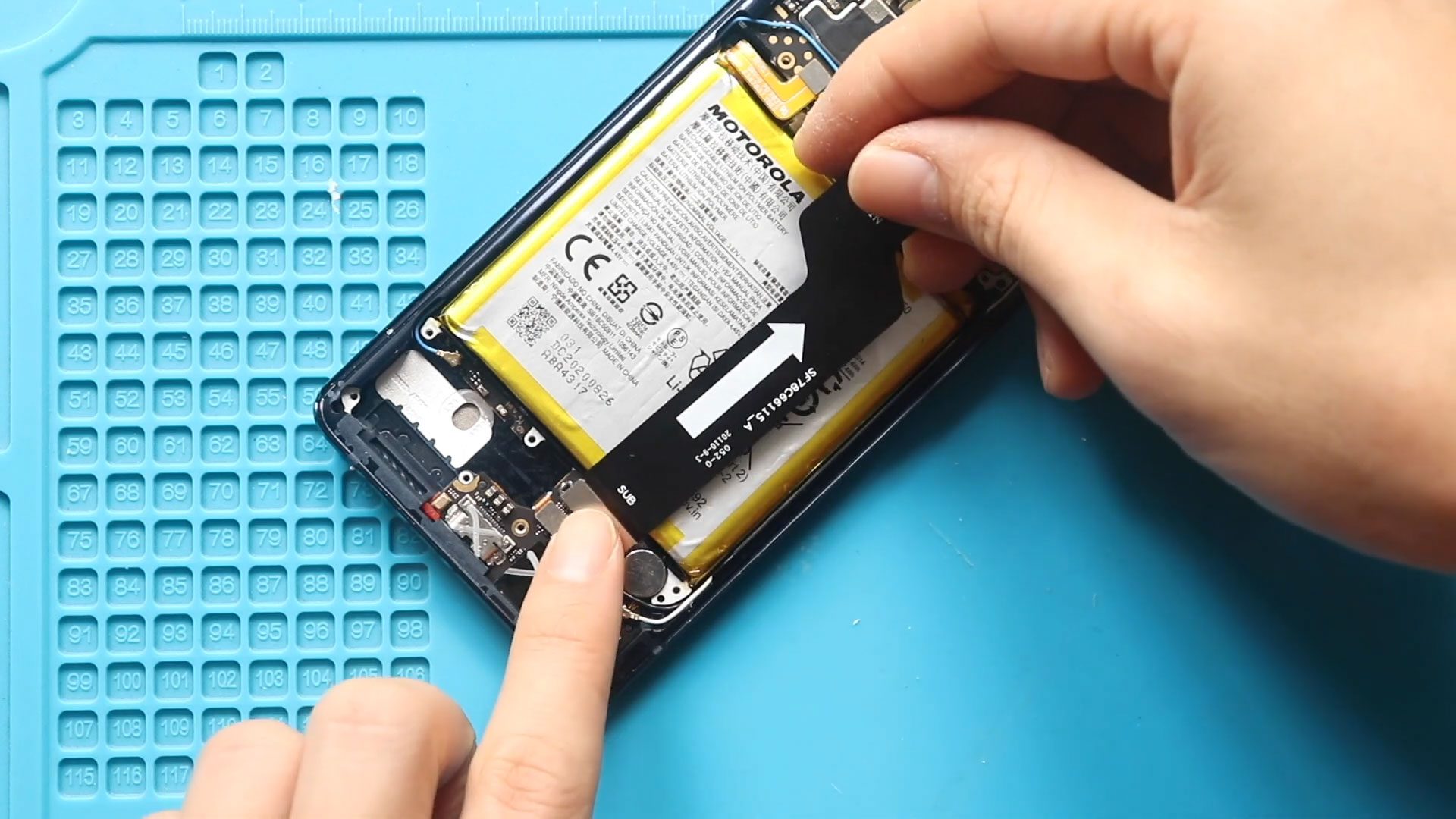
Step 5: Disconnect the Battery
Locate the battery connector.
Gently lift and disconnect it to cut power to the device.
Step 6: Heat the Battery Area
Apply heat to the battery area to soften the adhesive underneath.
This makes removal much safer and easier.
Step 7: Loosen Battery Adhesive
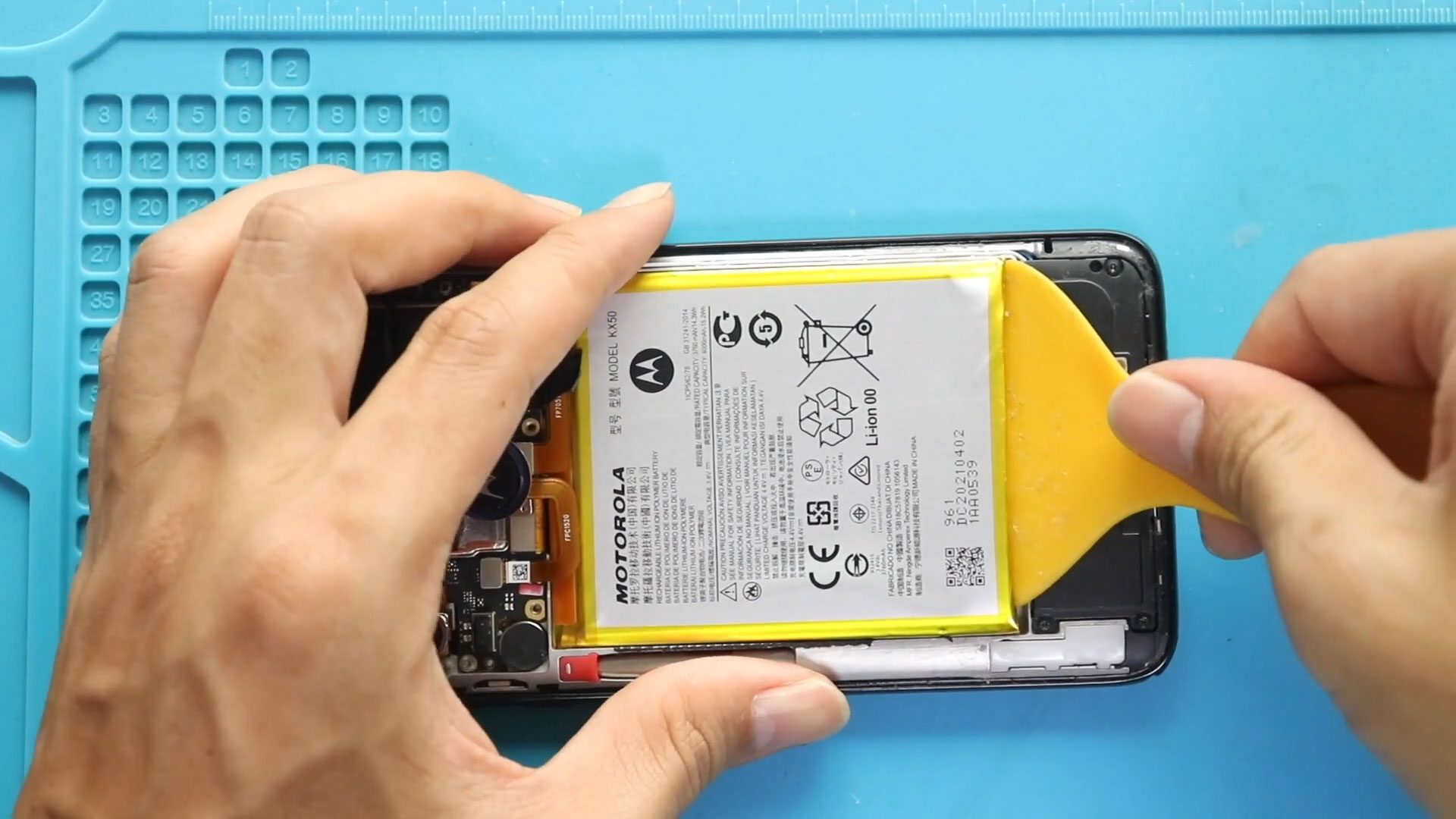
Insert a plastic pry tool under the battery and slowly cut through the adhesive.
If needed, apply a small amount of isopropyl alcohol to weaken the adhesive.
Step 8: Remove the Battery
Carefully lift and remove the battery from the phone.
Avoid bending or puncturing it.
Step 9: Install the New Battery
Place the new battery into position.
Apply fresh adhesive if required to secure it properly.
Step 10: Reconnect Battery
Reconnect the battery connector firmly to the motherboard.
Step 11: Reassemble the Frame
Place the logic board frame back into position.
Secure it using the nine screws removed earlier.
Step 12: Reattach the Back Cover
Before closing:
- Ensure adhesive is still strong
- If not, apply B7000 glue or new adhesive
Press the back cover firmly into place.
Step 13: Secure the Device
Use bonding clips or rubber bands to hold the phone together while the adhesive sets.
Leave it for some time for proper sealing.
❓ FAQ (Frequently Asked Questions)
Q1: Can I replace the Moto G Stylus 2020 battery at home?
Yes, this repair is doable at home with basic tools and patience.
Q2: Is it dangerous to remove the battery?
Only if handled improperly. Avoid puncturing or bending the battery.
Q3: Do I need to replace adhesive?
Yes, it’s recommended to ensure the back cover stays secure.
Q4: How do I know if my battery needs replacement?
If you experience fast draining, overheating, or sudden shutdowns, it’s time to replace it.
Q5: Will replacing the battery improve performance?
Yes, especially if your old battery is degraded.
🔧 Troubleshooting (After The Repair)
Q1: Phone not turning on after replacement
Make sure the battery connector is properly attached and charged.
Q2: Back cover not sticking properly
Apply new adhesive or B7000 glue and secure with clips.
Q3: Battery not charging
Check the connector and charging port connection.
Q4: Phone overheating after repair
Ensure the battery is installed correctly and not damaged.
Q5: Screen not responding after reassembly
Reopen the device and check all internal connections.
📌 Final Thoughts
Replacing the battery on the Motorola Moto G Stylus (2020) is a great way to extend your phone’s life and restore performance. Just follow the steps carefully, and you’ll have your device working like new again.
If you found this guide helpful, feel free to share it and drop your questions below.
Related Guides