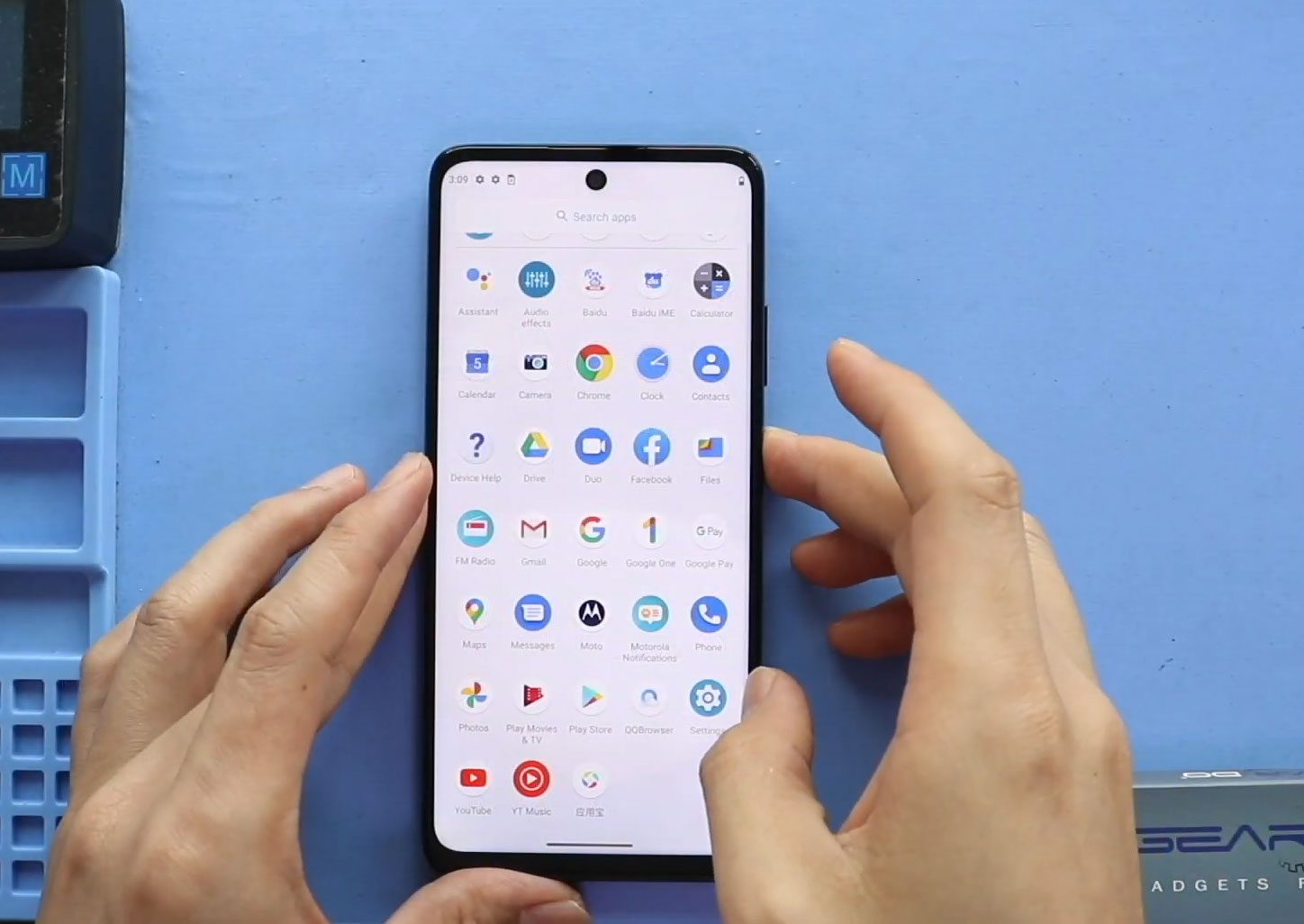
Now Reading: DIY Xiaomi Redmi Note 10 Pro MAX Teardown Repair Guide
-
01
DIY Xiaomi Redmi Note 10 Pro MAX Teardown Repair Guide
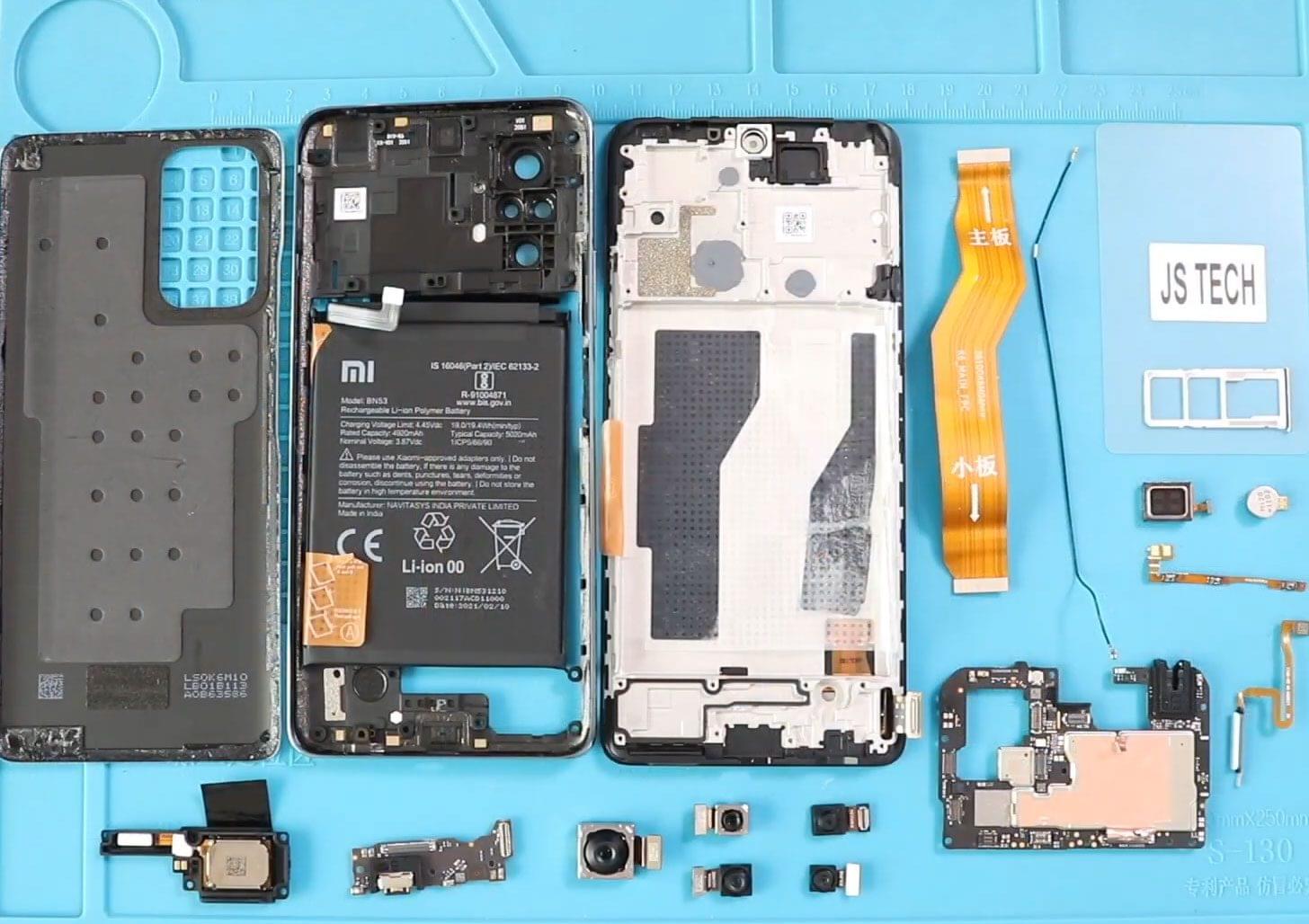
DIY Xiaomi Redmi Note 10 Pro MAX Teardown Repair Guide
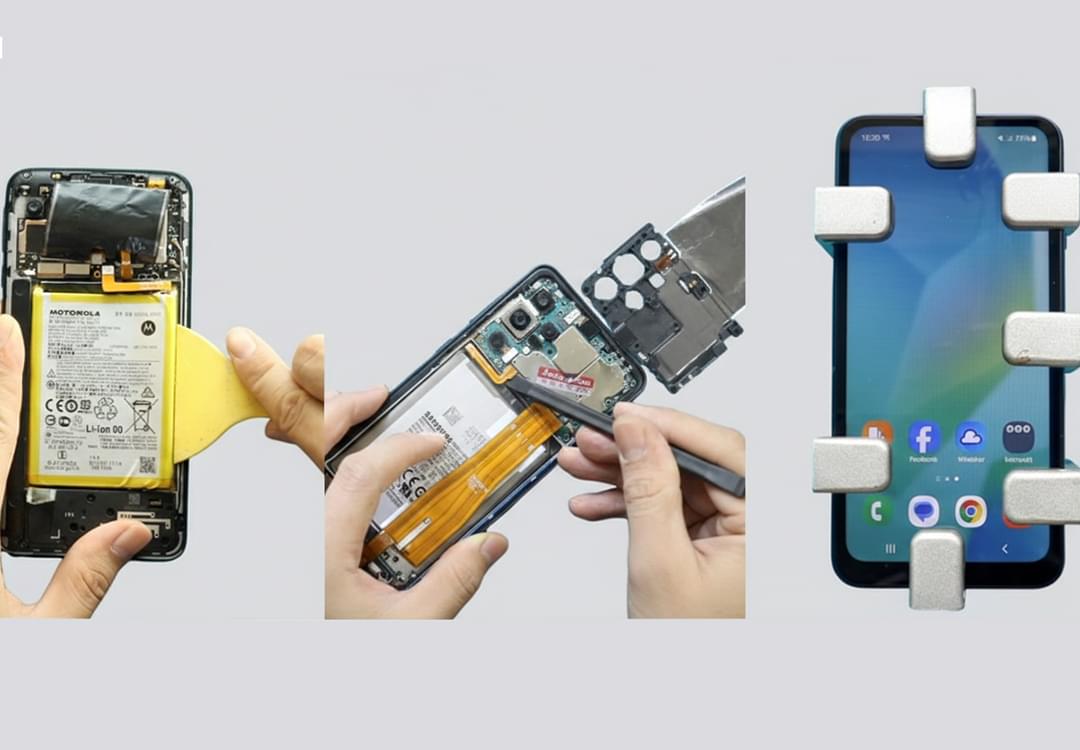
Before Starting, we need to have the right tools to proceed with the teardown, which you can find in the description.
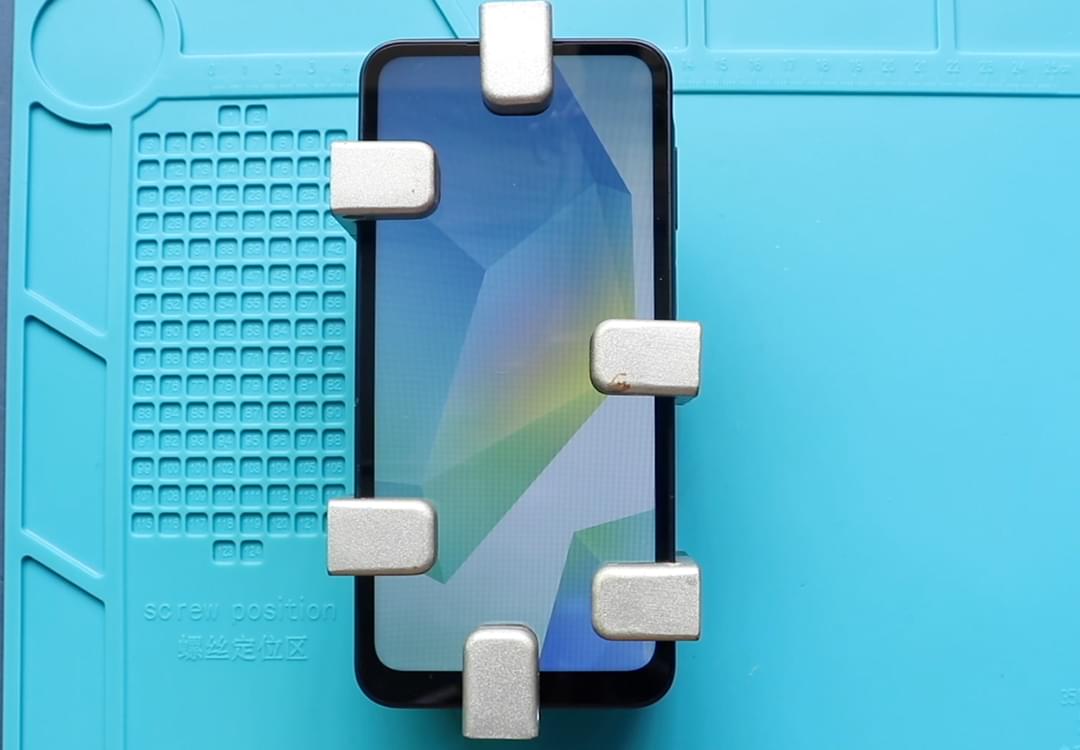
First, turn off the phone and take out the sim tray. And then follow with the back cover removal.
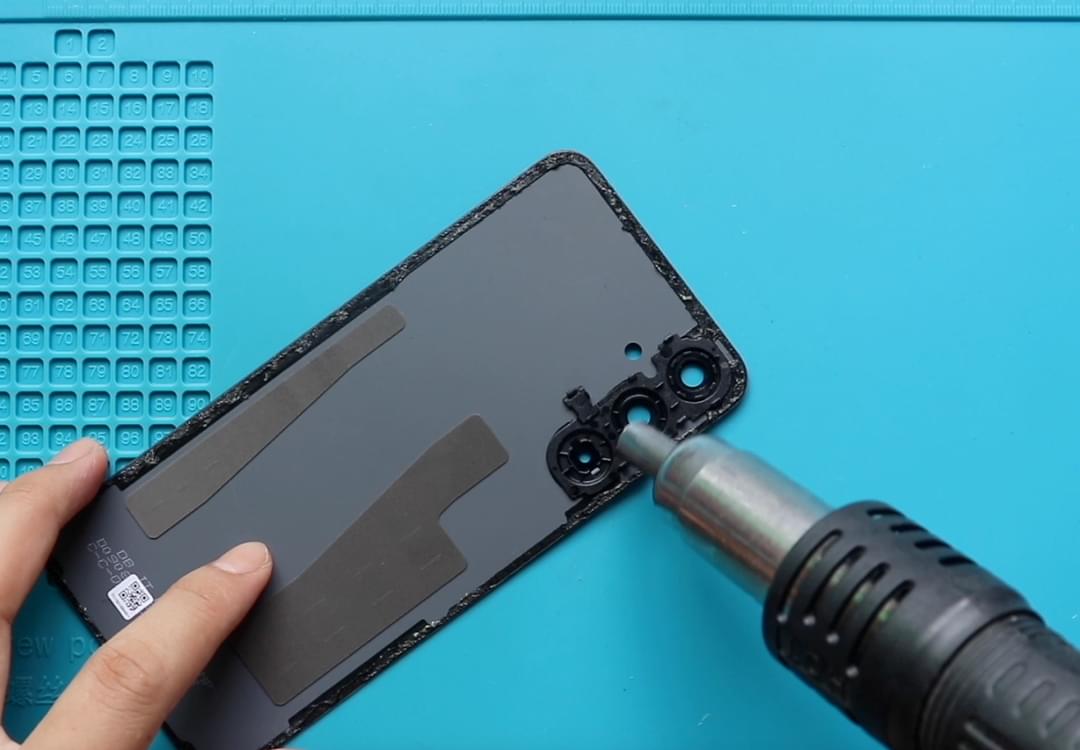
To remove the back cover, it needs to heat gently around the back cover edges until the paste adhesive becomes soft.
For this, we are using a heating pad. Place the back cover side on the heating pad, select the mobile phone heating option, and leave it till the heating completes.
Alternatively, you can use a heat gun or hair dryer. Once the heating has been completed, use a suction cup to create an opening between the frame and the rear cover.
Next, insert a plastic cartridge tool or something similar to cut the adhesive around the back cover.
Take out the rear cover and remove the mid-frame by undoing 16 screws from the top and bottom sections.
Then, use a plastic card pry tool and create an opening to separate the back of the frame. Be gentle and walk around on the edges to disengage the plastic clips.
While you are taking off the frame, be gentle. The fingerprint flex is attached to the mid-frame. Disconnect the flex cable to release the mid frame from the body and then disconnect the battery plug.
Next, on the frame, take out the fingerprint cable using a tweezer.
Next, the disconnect can take out the front camera on the top center and then take out four rear cameras by the top left in the logic board.
Next, disconnect the main ribbon top by moving the heat shield adhesive and then pull out the logic board by disconnecting the antenna.
Next, move to the bottom part. Disconnect the main flex cable, lift the loudspeaker buzzer, and then lift the secondary board, including the charger port and headphone jack, by disconnecting the antenna head and the lcd connector plug.
Next, pull up the vibrator motor and earpiece sensor on top by apprentice heat, be gentle, and slowly pull out the parts.
Next, apply the key to take out the power and volume button flex cable.
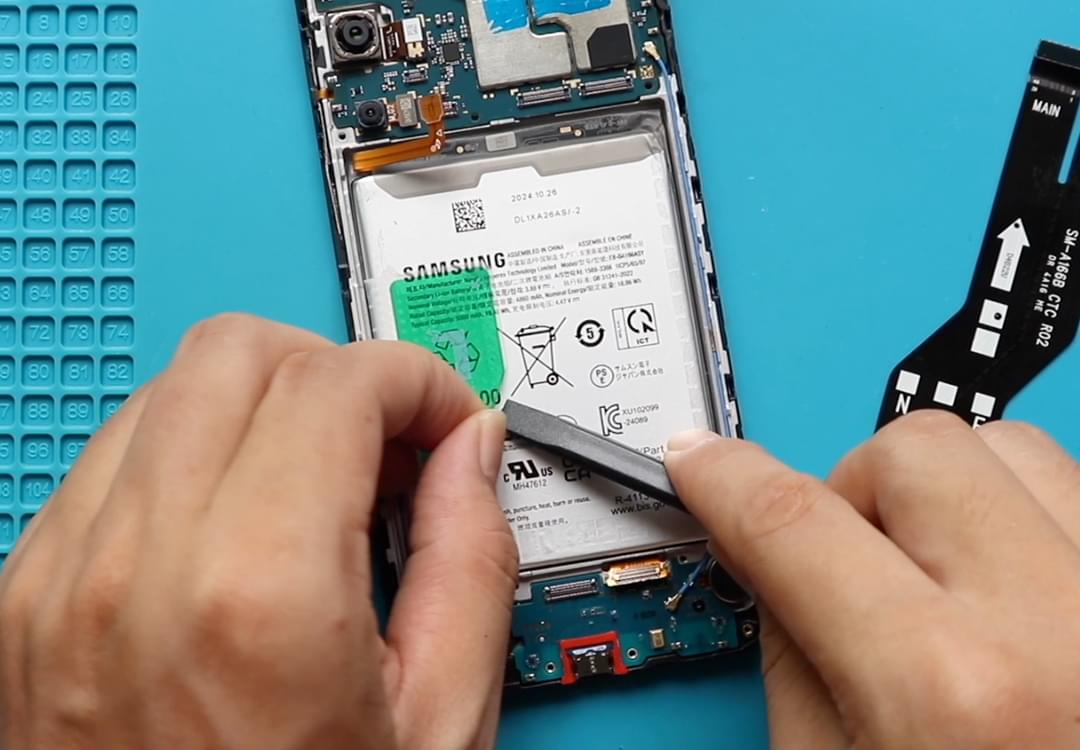
Next, take out the battery by loosening the adhesive first, loosen the adhesive on both sides and then pull it by the tap. Be gentle and lift the battery.
Next, and finally, move the battery protective tape to the left-hand side and pair the main flex cable.
Hope you have enjoyed the replacement guide. Let us know if you have any questions.