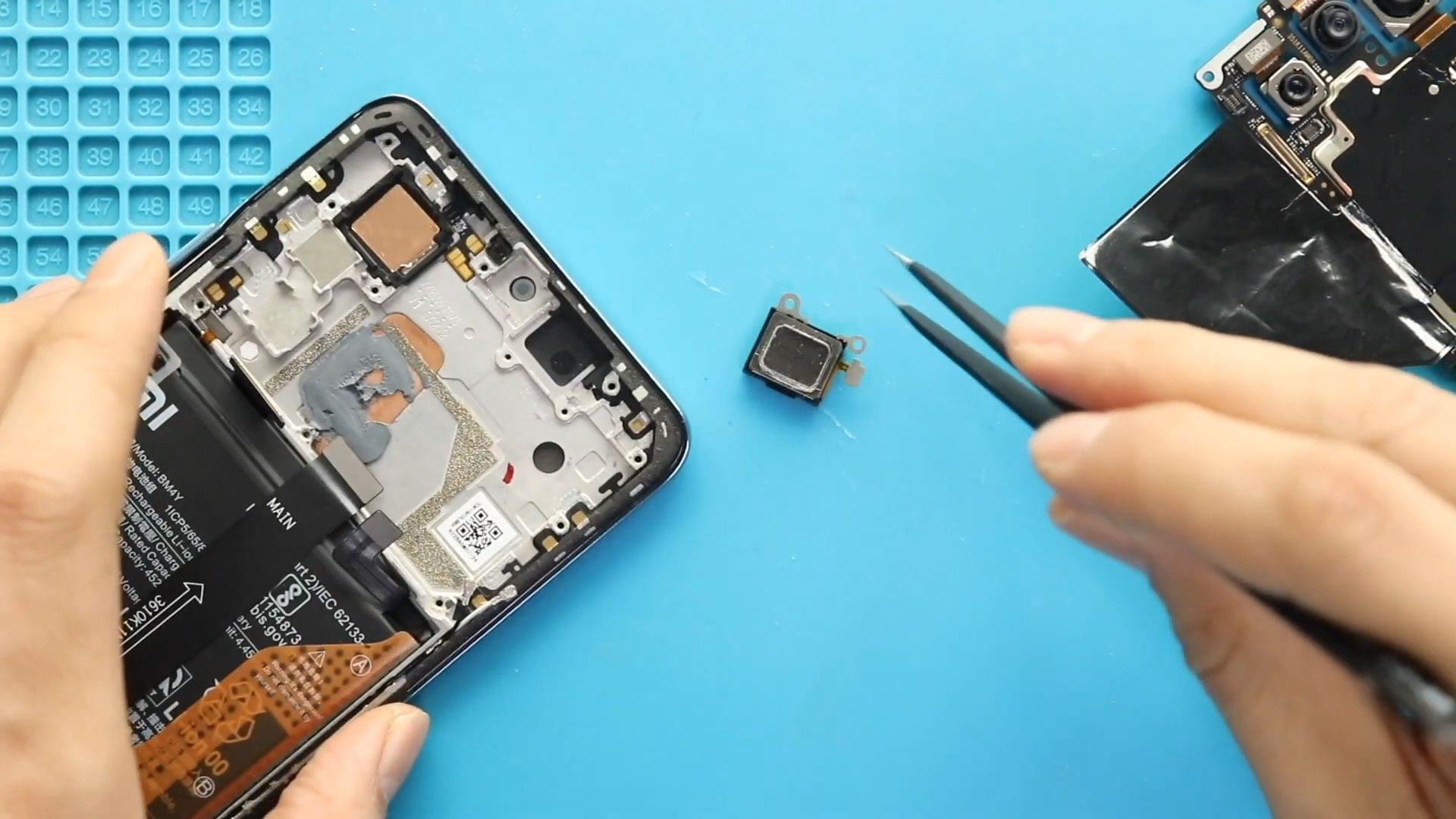
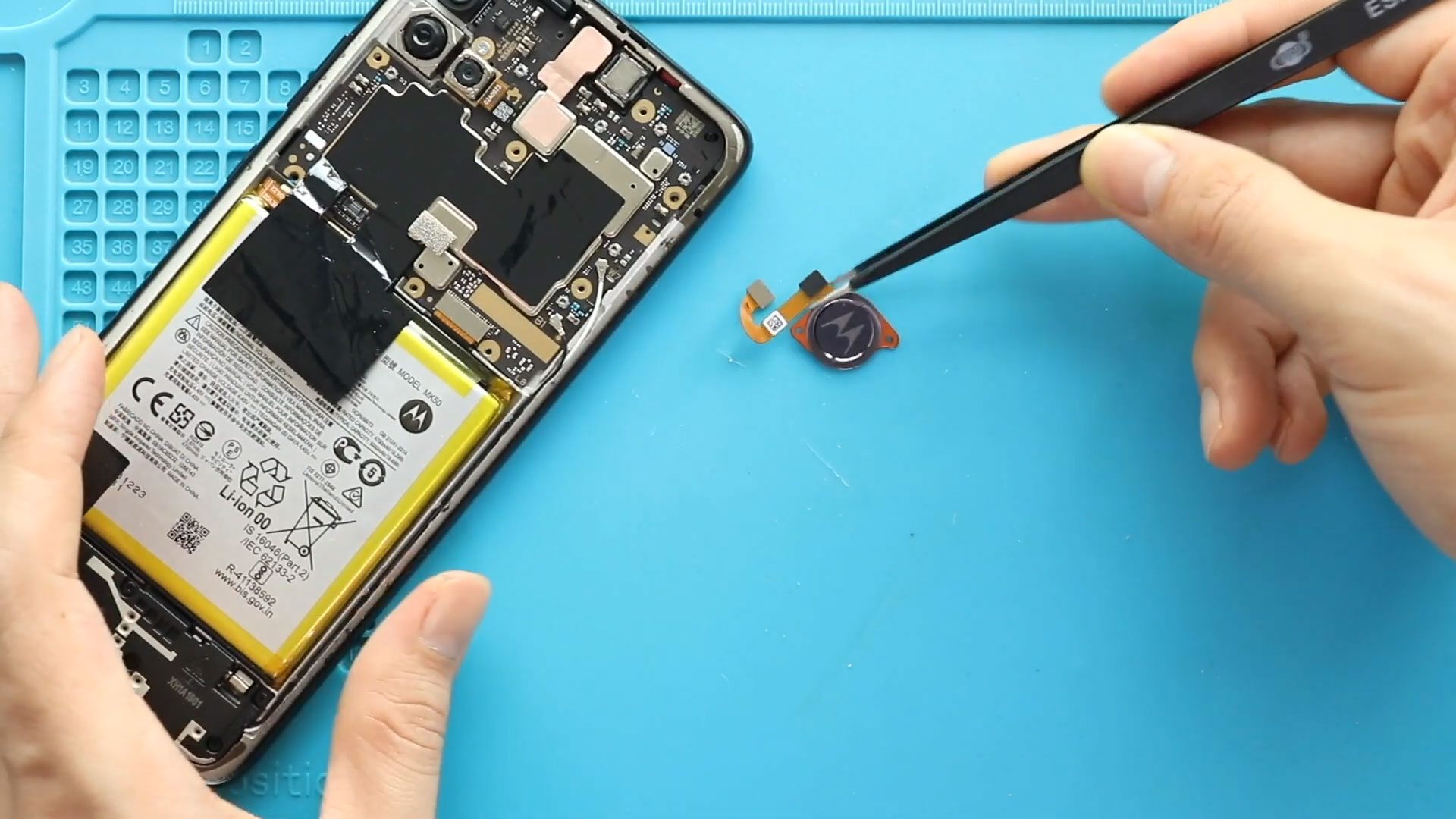
Now Reading: iPhone SE 2020 Speaker Replacement Guide | Fix Sound Problems
-
01
iPhone SE 2020 Speaker Replacement Guide | Fix Sound Problems
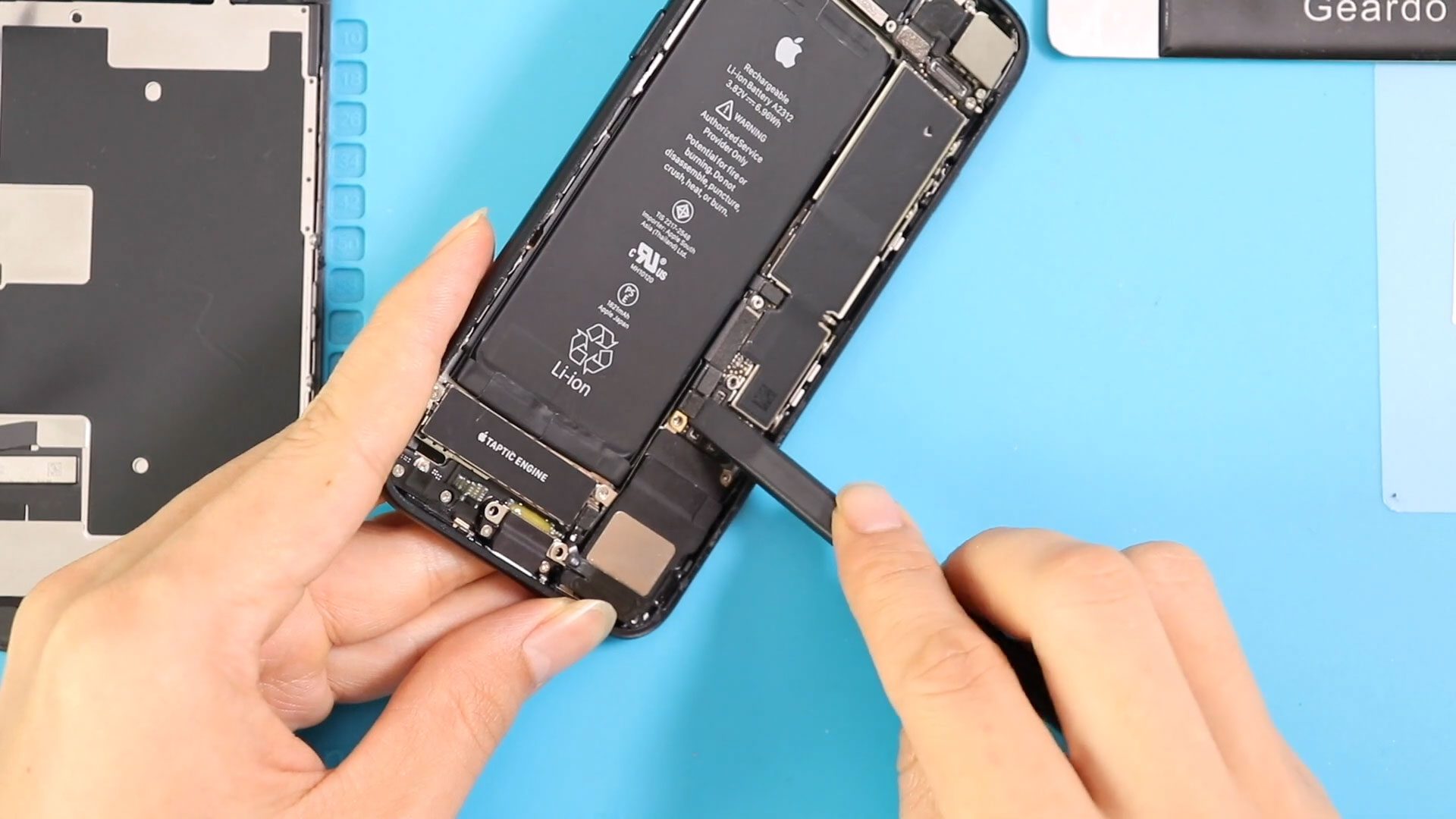
iPhone SE 2020 Speaker Replacement Guide | Fix Sound Problems
Hi everyone, welcome back to Geardo.
If your iPhone SE (2nd Gen / 2020) has no sound, very low volume, or distorted audio during music playback, calls on speaker, or notifications, the issue may be caused by a faulty loudspeaker (ringer speaker).
The loudspeaker is responsible for all external sound output, including ringtones, media playback, and speakerphone audio. Over time, it can fail due to dust buildup, liquid exposure, or internal damage.
In this step-by-step guide, we’ll show you how to replace the loudspeaker on the iPhone SE 2, helping you restore clear and loud audio.
📱 Device & Repair Overview
- Device Type: Smartphone
- Model: iPhone SE (2nd Gen / 2020)
- Repair Type: Loudspeaker (Ringer Speaker) Replacement
⭐ Repair Difficulty & Time
Repair Difficulty: ⭐⭐⭐☆☆ (Moderate)
Estimated Time: 45–60 minutes
❗ Reasons for Loudspeaker Replacement
- No sound from speaker
- Very low volume output
- Distorted or crackling audio
- Speaker not working during calls (speaker mode)
- Ringtones or media sound not playing
Before You Begin
Compatibility and Model Numbers
- iPhone SE (2020)
- Also Known As iPhone SE 2, iPhone SE 2nd Generation
This repair guide based on Samsung Galaxy A10e Model.
Model Numbers | A2275, A2296, A2298
Tools Required
- Heating pad / heat gun / hairdryer
- Suction cup
- Plastic card pry tools / opening picks
- Phillips PH000 screwdriver
- Pentalobe P2 Screwdriver (for bottom screws)
- Tri-Point Y000 Screwdriver
- Adhesive (B7000 or double-sided frame adhesive)
- Bonding clips or rubber bands (optional but recommended)
Using proper tools reduces the risk of damaging the phone.
How to Find Tools and Parts
- Heating pad – https://amzn.to/3H0tHzJ
- Portable Heat Gun – https://amzn.to/4mszih1
- Clamps https://amzn.to/3GYJT4w
- STREBITO 142 Piece Repair Tool Kit https://amzn.to/3UO1jUx
- Glue | Adhesive https://amzn.to/46exVxe
- Compatible Parts –
- Battery – https://amzn.to/4fx6jX5
- Screen – https://amzn.to/4m8sVj7
- Other Parts – https://amzn.to/4ov58M7
- Silicone Work Repair Mat https://amzn.to/45Emz5l
🔧 Step-by-Step Repair Guide
Step 1: Power Off & Remove Screws
Turn off the phone and remove the two bottom screws using a Pentalobe screwdriver.
Step 2: Heat & Open the Screen
Apply heat around the edges to loosen adhesive.
Use a suction cup and pry tool to carefully lift the display.
⚠️ Avoid damaging flex cables.
Step 3: Open Display
Open the screen to a 90° angle (left to right).
Step 4: Disconnect Components
- Remove 4 screws (LCD shield)
- Disconnect battery, touch, and LCD connectors
- Remove 3 screws (earpiece shield)
- Disconnect earpiece connector and remove display
Step 5: Prepare for Speaker Removal
- Remove the bracket near the charging port (3 screws)
- Disconnect antenna plug
- Disconnect charging, speaker, and wireless pad connectors
- Eject SIM tray
Step 6: Remove Loudspeaker
- Remove 3 screws holding the speaker
- Gently lift the logic board slightly
- Carefully slide the loudspeaker out
⚠️ Be gentle to avoid damaging surrounding components.
Step 7: Install New Loudspeaker
- Slide the new speaker into position
- Ensure proper alignment
- Secure with 3 screws
Step 8: Reconnect Components
- Reconnect speaker, charging port, and wireless connectors
- Reconnect antenna plug
- Secure bracket with screws
Step 9: Reconnect Display & Test
- Apply new adhesive seal
- Connect earpiece, LCD, and battery
- Power on device and test sound
Step 10: Final Assembly
- Secure shields and screws
- Snap display into place
- Apply even pressure along edges
- Reinstall bottom screws
❓ FAQ (Frequently Asked Questions)
Q1: Does replacing the loudspeaker fix no sound issues?
Yes, if the issue is hardware-related to the speaker.
Q2: Why is my iPhone speaker volume very low?
This could be due to a damaged speaker or debris buildup.
Q3: Should I clean the speaker before replacing it?
Yes, cleaning may fix minor issues caused by dust.
Q4: Is this repair beginner-friendly?
It’s a moderate-level repair, suitable for beginners with patience.
Q5: Does this affect microphone or earpiece?
No, this repair only affects the bottom loudspeaker.
🛠️ Troubleshooting (After The Repair)
Q1: No sound after replacement
- Check speaker connector
- Ensure proper installation
Q2: Distorted sound
- Verify speaker alignment
- Check for loose screws
Q3: No sound in apps but works in calls
- Check software settings
- Restart device
Q4: Speaker works intermittently
- Reconnect connectors
- Ensure no flex cable damage
Q5: Device not turning on
- Check battery connector
- Ensure all connections are secure
🎉 Final Words
Hope you have enjoyed this repair guide!
Replacing the loudspeaker can bring your iPhone back to life with clear and loud audio again.
If you have any questions, let us know in the comments. Don’t forget to share this guide!
Happy repairing!
Related Guides