Now Reading: Motorola Moto G Stylus 2020 XT2043 LCD Touch Screen Replacement Guide
-
01
Motorola Moto G Stylus 2020 XT2043 LCD Touch Screen Replacement Guide
Motorola Moto G Stylus 2020 XT2043 LCD Touch Screen Replacement Guide
Hi everyone, Welcome back to geardo.
If your Motorola Moto G Stylus (2020) has a cracked display, unresponsive touch, or screen flickering issues, replacing the LCD screen assembly is the most effective solution. Screen damage can worsen over time and impact daily usability.
In this guide, we will walk you through a complete step-by-step process to replace the LCD screen assembly on the Motorola Moto G Stylus (2020). This is an advanced repair since it involves full disassembly of the device, but using a screen with a pre-installed frame will make the process much easier.
Make sure you have the correct tools and work carefully throughout the repair.
Repair Overview
- Device Type: Smartphone
- Repair Type: LCD Screen Assembly Replacement
- Repair Difficulty: ⭐⭐⭐⭐⭐
- Estimated Time: 60–90 minutes
Reasons for This Repair
- Cracked or shattered screen
- Touch not responding
- Display flickering or dead pixels
- Black screen or no display
- Screen lifting from the frame
Check The Latest Motorola Phones are in Clearance “up to 60% off” – https://amzn.to/480ho0w
Before You Begin
Compatibility and Model Numbers
- Motorola Moto G Stylus (2020)
Model Numbers | XT2043, XT2043-4
Tools Required
- Mobile phone heating pad or hairdryer/heat gun
- Plastic pry tool / card pry
- Suction cups
- Phillips #00/#000 screwdrivers
- Torx T3 / T4 / T5 Screwdriver (Depends on the version)
- Flathead Screwdriver
- Tweezers (for connectors)
- B7000 glue or double-sided adhesive (for back cover)
- Rubber bands or bonding clips to secure the back cover
Using proper tools reduces the risk of damaging the phone.
How to Find Tools and Parts
- Heating pad – https://amzn.to/3H0tHzJ
- Portable Heat Gun – https://amzn.to/4mszih1
- Clamps https://amzn.to/3GYJT4w
- STREBITO 142 Piece Repair Tool Kit https://amzn.to/3UO1jUx
- Glue | Adhesive https://amzn.to/46exVxe
- Compatible Parts –
- Battery – https://amzn.to/499v2jk
- Screen – https://amzn.to/47HnpOv
- Other Parts – https://amzn.to/4hO2wG5
- Silicone Work Repair Mat https://amzn.to/45Emz5l
Step-by-Step Replacement Guide
Step 1: Power Off and Remove SIM Tray
Turn off the phone completely and remove the SIM tray.
Step 2: Apply Heat
Apply gentle heat around the back cover edges to soften adhesive.
Step 3: Remove Back Cover
Create a gap near the edges and carefully pry around the phone to release the clips.
Step 4: Remove Board Frame
Unscrew and remove the board frame covering internal components.
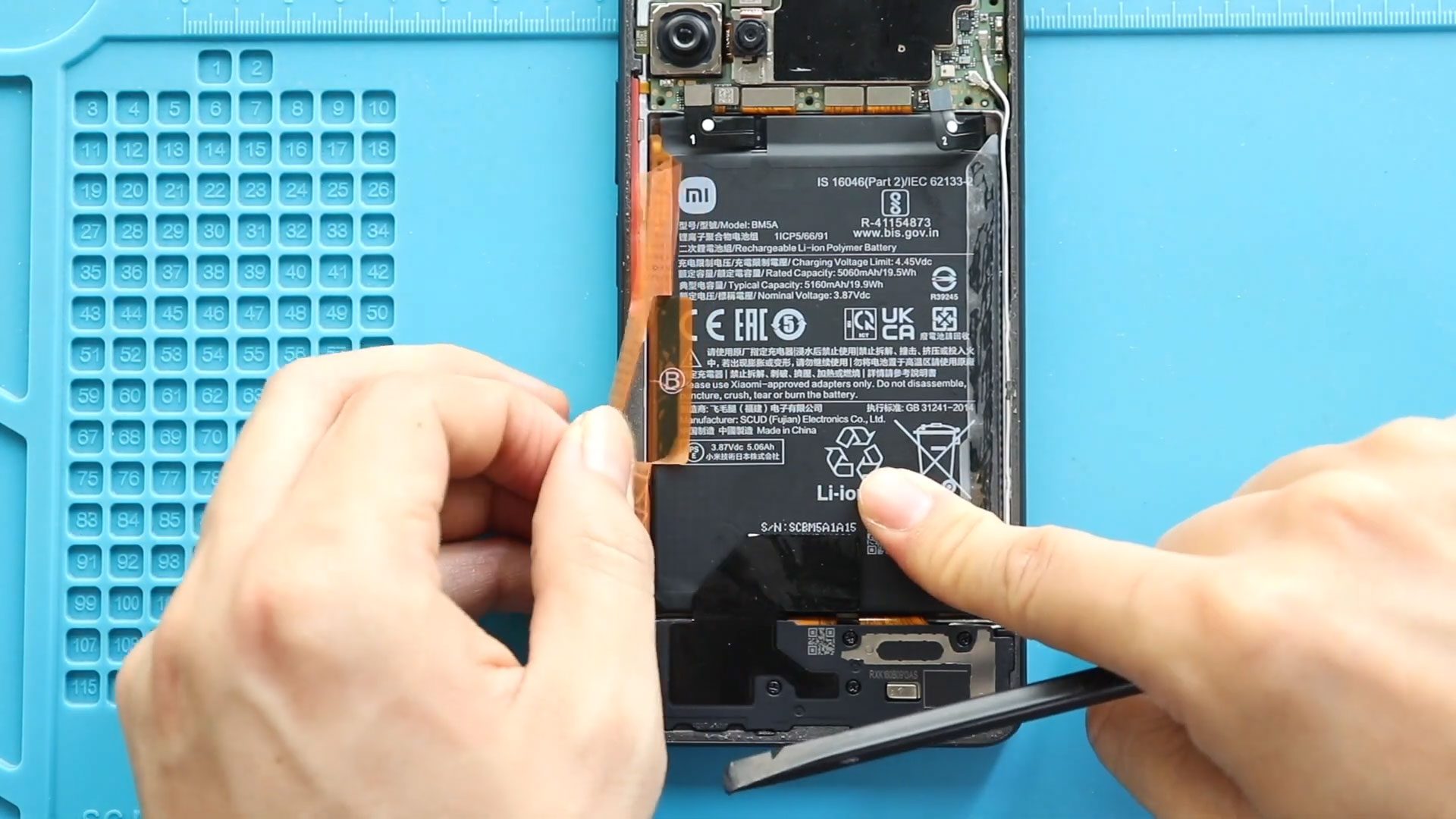
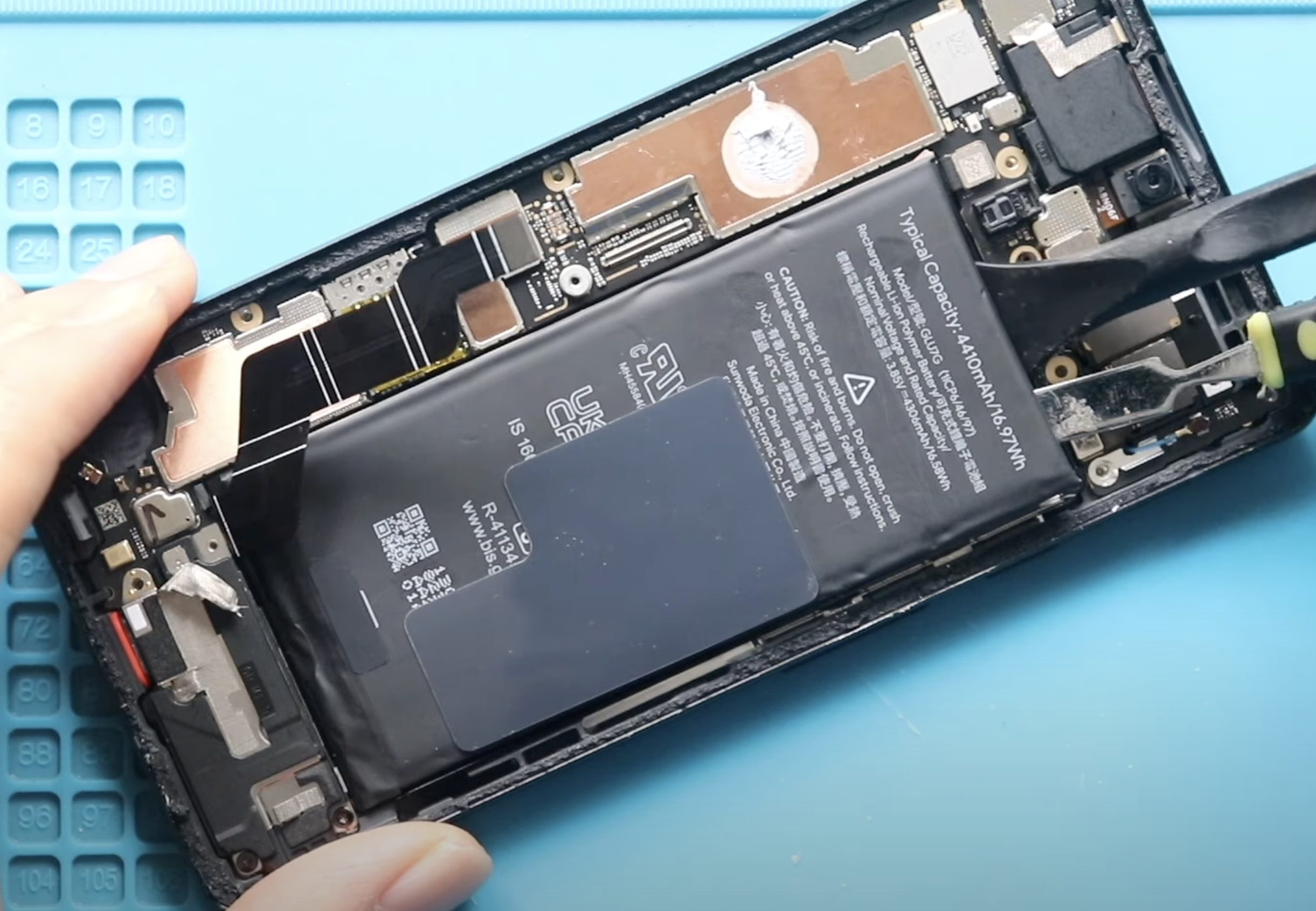
Step 5: Disconnect Battery and Remove Battery
Disconnect the battery connector and carefully remove the battery after loosening adhesive.
Step 6: Remove Logic Board
Disconnect all connectors and carefully lift out the logic board.
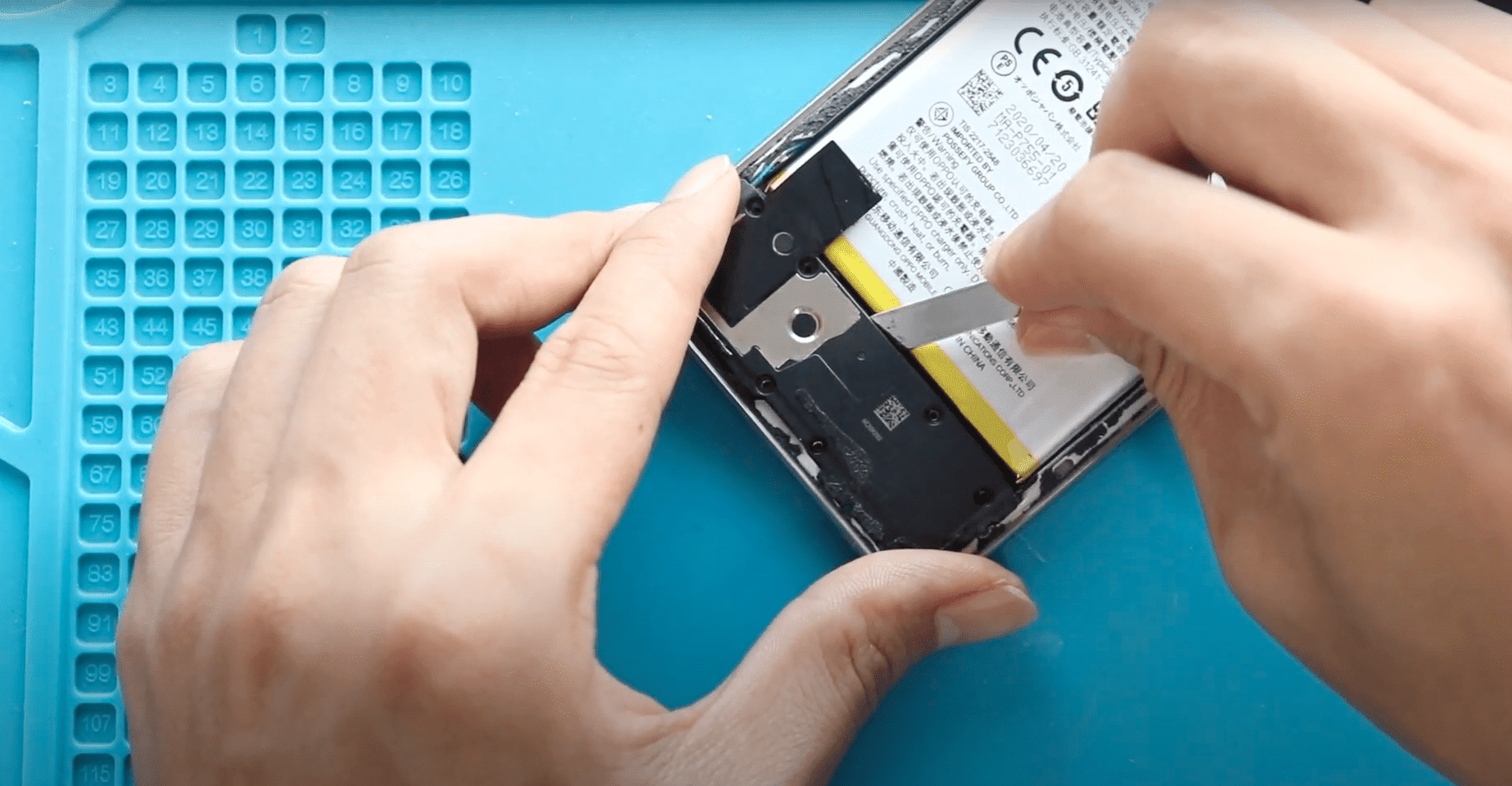
Step 7: Remove Earpiece
Apply slight heat and remove the earpiece speaker.
Step 8: Remove Vibrator Motor
Gently remove the vibrator motor.
Step 9: Remove Speaker Cover
Unscrew and remove the speaker cover.
Step 10: Remove Charging Port Board
Disconnect connectors and carefully remove the charging port board.
Step 11: Choose Screen Type
There are two main replacement options:
- Screen with frame (recommended)
- Screen without frame
Using a screen with a frame simplifies installation and reduces risk.
Step 12: Install Charging Port Board
Place the charging port board into the new frame and reconnect it.
Step 13: Install Speaker Cover
Place the speaker cover and secure it with screws.
Step 14: Install Vibrator Motor
Position and secure the vibrator motor.
Step 15: Install Earpiece
Place the earpiece into position.
Step 16: Install Logic Board
Place the logic board and reconnect all necessary connectors.
Step 17: Install Battery
Place the battery back and secure it with adhesive.
Step 18: Reinstall Board Frame
Place the board frame and secure it with screws.
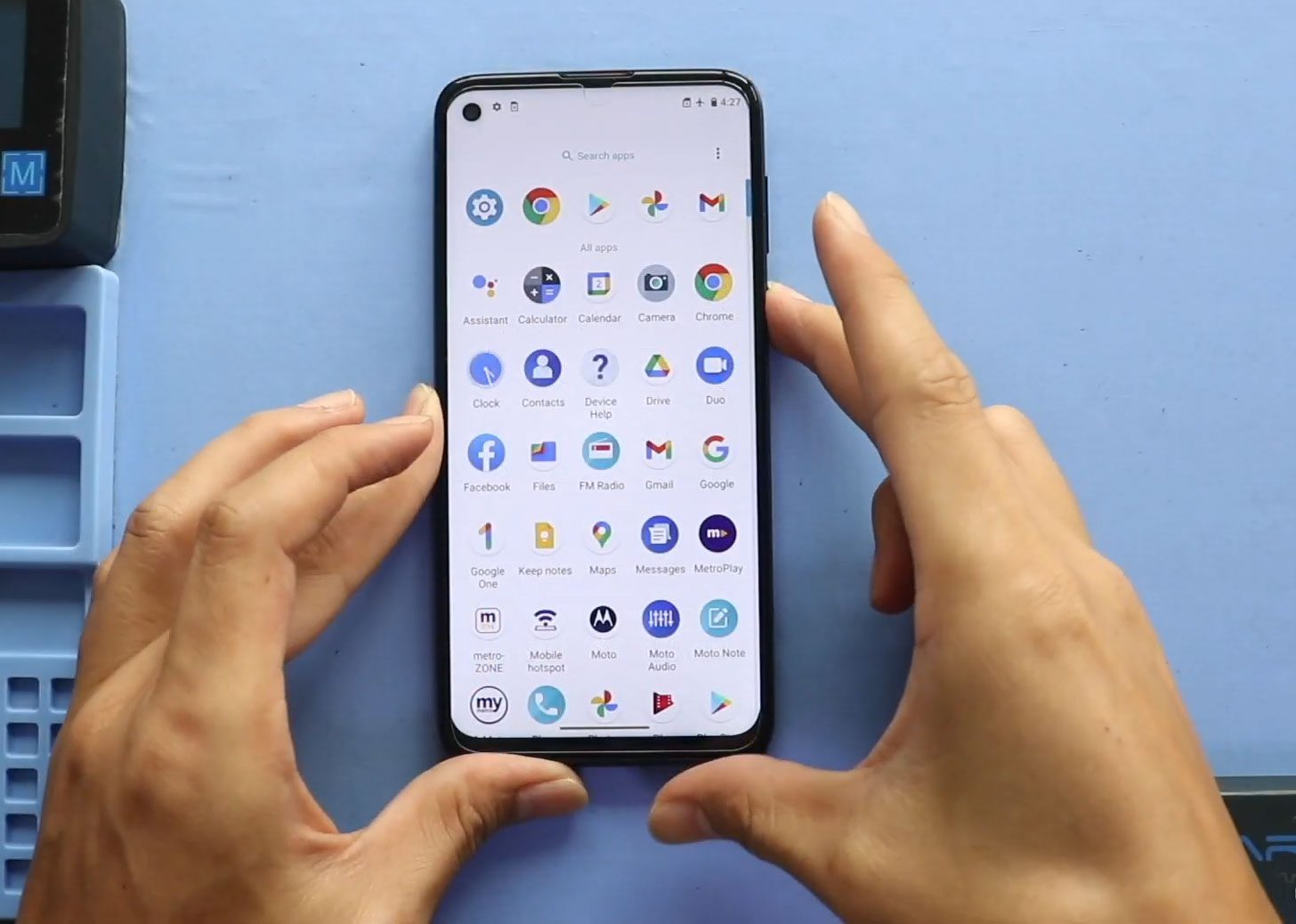
Step 19: Test the Device
Power on the device and check display and touch functionality before closing.
Step 20: Reattach Back Cover
Snap the back cover into place and press along the edges.
Step 21: Final Closure
Ensure all sides are properly sealed and secured.
Frequently Asked Questions (FAQ)
Should I choose a screen with frame?
Yes, it is highly recommended for easier installation and better results.
Is this repair beginner-friendly?
It is an advanced repair but manageable with patience and proper tools.
Do I need to test before closing?
Yes, always test the display and touch before final assembly.
Can I reuse old adhesive?
It is better to replace adhesive for proper fit and durability.
Will this fix touch and display issues?
Yes, if the problem is caused by a faulty screen.
Troubleshooting
Screen not turning on
Check the display connector and battery connection.
Touch not working
Ensure the screen flex cable is properly connected.
No display but phone powers on
Reconnect the screen connector and test again.
Loose components inside
Check all screws and adhesive placement.
Back cover not fitting properly
Ensure all components are correctly aligned.
Final Notes
This repair involves a full teardown of the device, so stay organized and keep track of all screws and components. Avoid applying excessive force during removal and installation.
Using a screen assembly with a frame will make the process much smoother and reduce repair time.
If you have any questions, feel free to leave a comment or reach out.
Related Guides
View More Moto Stylus (2020) Repair Guides