Now Reading: Motorola Moto G Stylus 2020 XT2043 Ringer Replacement Guide
-
01
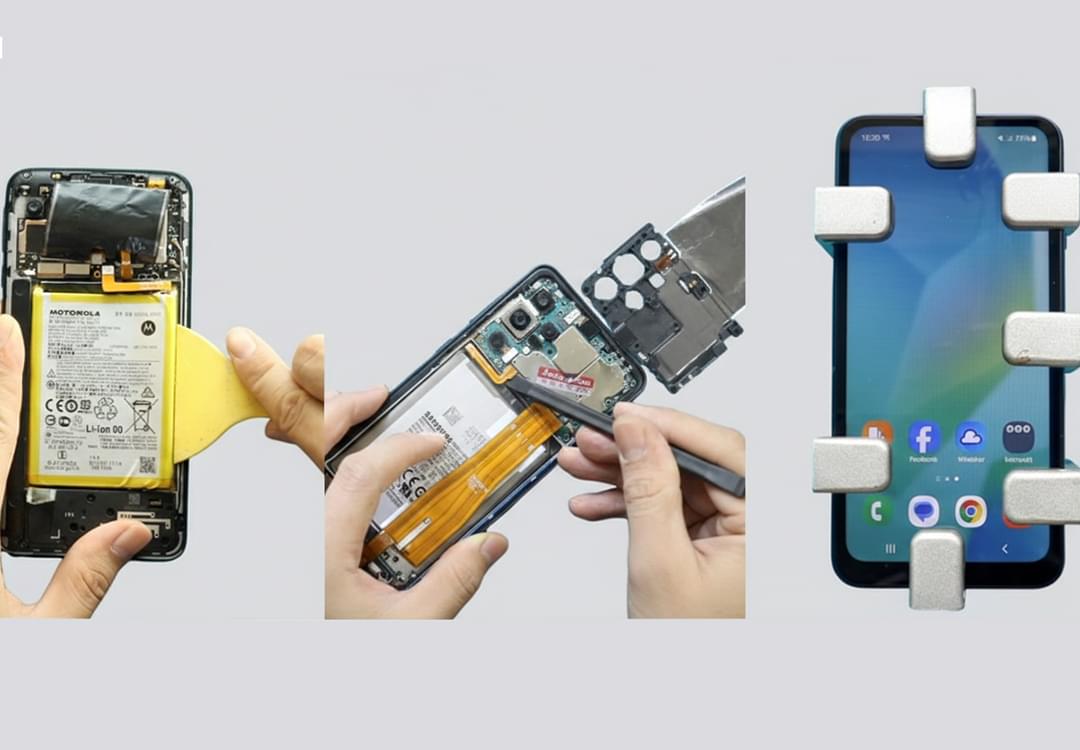
Motorola Moto G Stylus 2020 XT2043 Ringer Replacement Guide
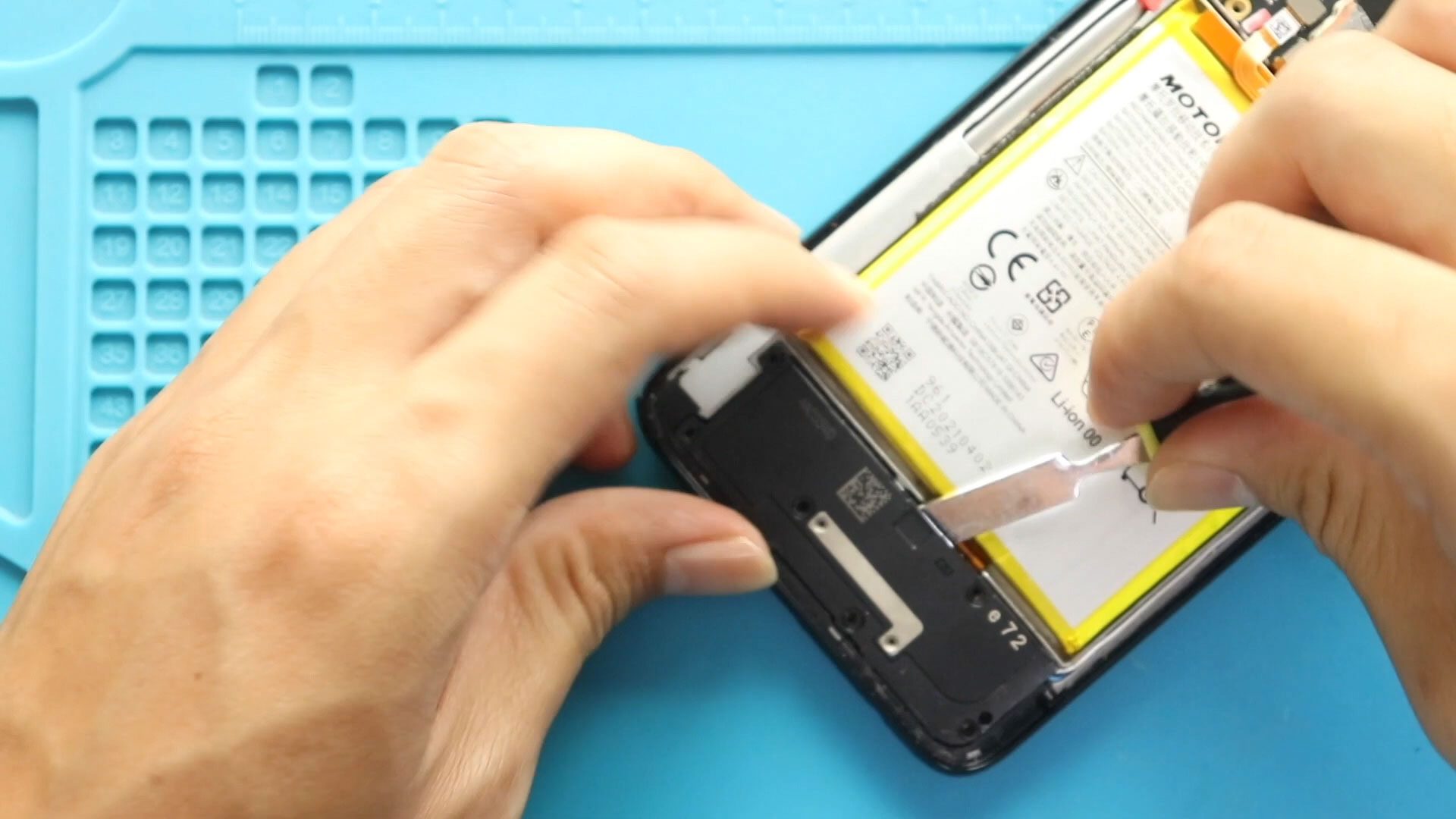
Motorola Moto G Stylus 2020 XT2043 Ringer Replacement Guide
Hi everyone, Welcome back to geardo.
If your Motorola Moto G Stylus (2020) is not producing sound for calls, music, or notifications, the ringer (loudspeaker) may be faulty. This issue is commonly caused by dust buildup, wear and tear, or internal speaker damage.
In this guide, we will walk you through a step-by-step process to replace the ringer (loudspeaker) on the Motorola Moto G Stylus (2020). This is a beginner-friendly repair that can restore full audio output.
Make sure you have the correct tools and follow each step carefully.
Repair Overview
- Device Type: Smartphone
- Repair Type: Ringer / Loudspeaker Replacement
- Repair Difficulty: ⭐⭐☆☆☆
- Estimated Time: 20–30 minutes
Reasons for This Repair
- No sound from loudspeaker
- Low or muffled audio
- Distorted sound output
- No ringtone or notification sound
- Speaker only works with headphones
Check The Latest Motorola Phones are in Clearance “up to 60% off” – https://amzn.to/480ho0w
Before You Begin
Compatibility and Model Numbers
- Motorola Moto G Stylus (2020)
Model Numbers | XT2043, XT2043-4
Tools Required
- Mobile phone heating pad or hairdryer/heat gun
- Plastic pry tool / card pry
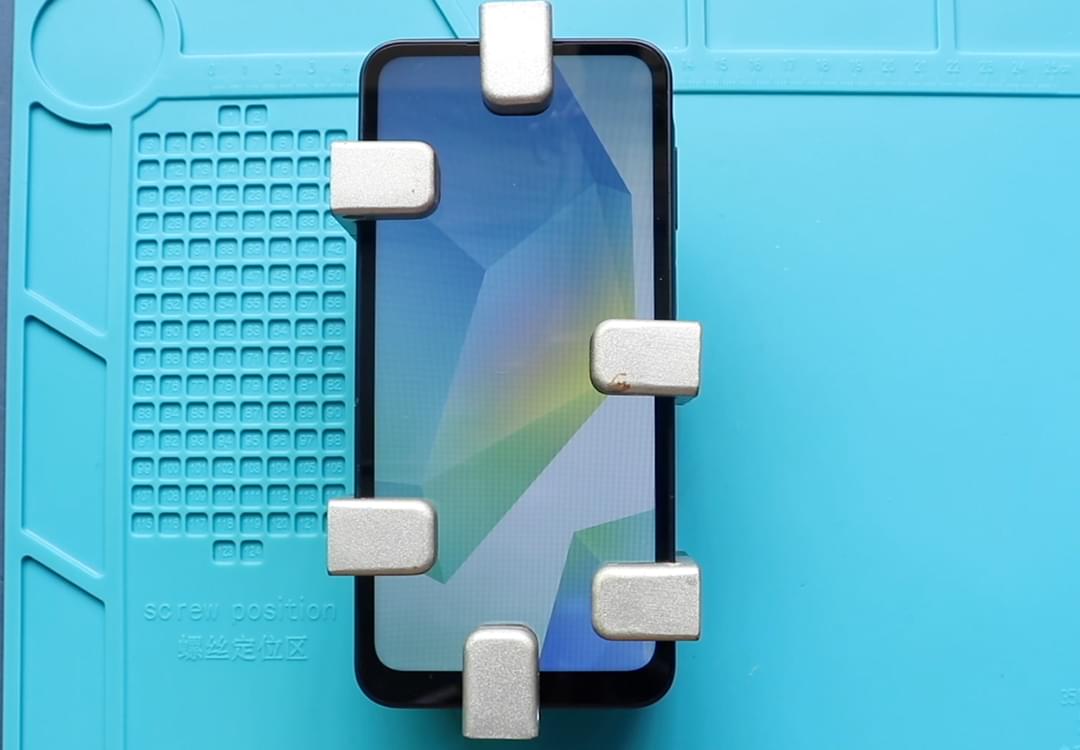
- Suction cups
- Phillips #00/#000 screwdrivers
- Torx T3 / T4 / T5 Screwdriver (Depends on the version)
- Flathead Screwdriver
- Tweezers (for connectors)
- B7000 glue or double-sided adhesive (for back cover)
- Rubber bands or bonding clips to secure the back cover
Using proper tools reduces the risk of damaging the phone.
How to Find Tools and Parts
- Heating pad – https://amzn.to/3H0tHzJ
- Portable Heat Gun – https://amzn.to/4mszih1
- Clamps https://amzn.to/3GYJT4w
- STREBITO 142 Piece Repair Tool Kit https://amzn.to/3UO1jUx
- Glue | Adhesive https://amzn.to/46exVxe
- Compatible Parts –
- Battery – https://amzn.to/499v2jk
- Screen – https://amzn.to/47HnpOv
- Other Parts – https://amzn.to/4hO2wG5
- Silicone Work Repair Mat https://amzn.to/45Emz5l
Step-by-Step Replacement Guide
Step 1: Power Off and Remove SIM Tray
Turn off the phone and remove the SIM tray.
Step 2: Apply Heat
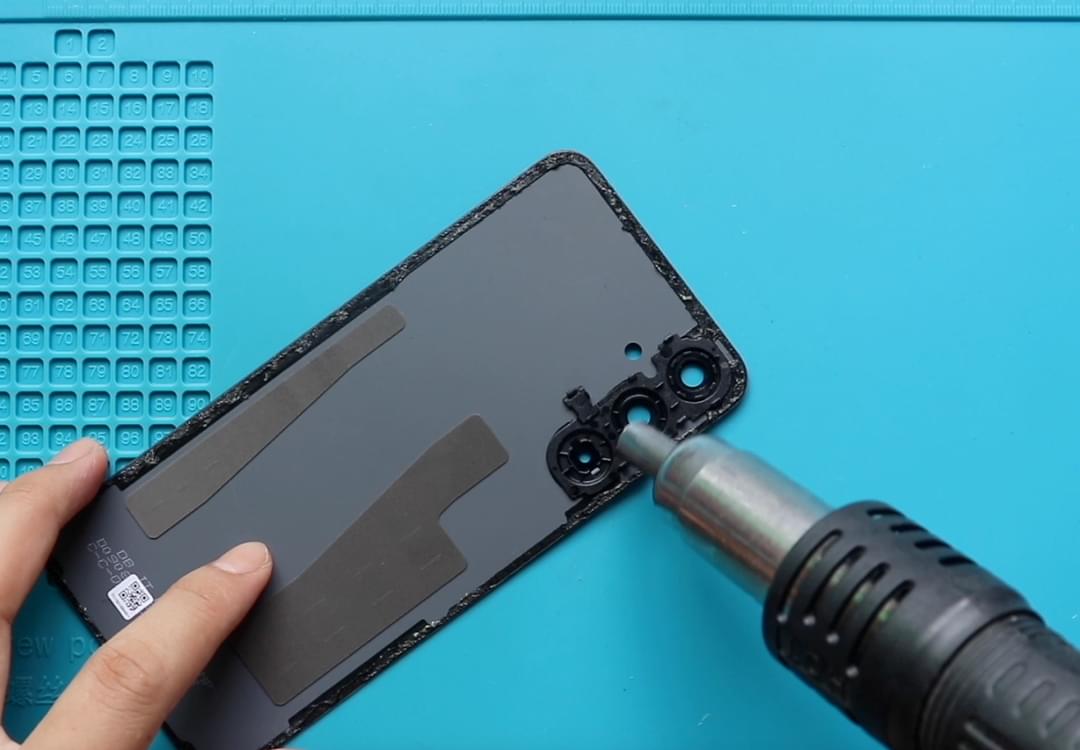
Apply gentle heat around the back cover edges to soften adhesive.
Step 3: Remove Back Cover
Create a gap and carefully pry around the phone to release the clips and remove the back cover.
Step 4: Remove Logic Board Frame
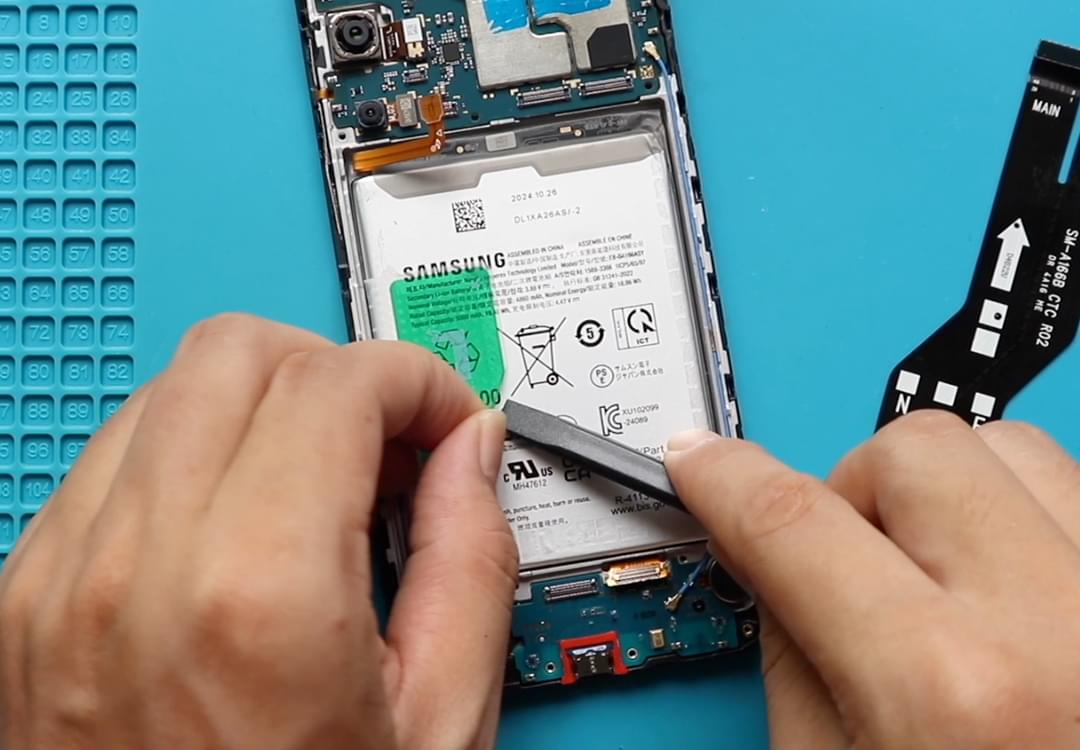
Unscrew and remove the logic board frame.
Step 5: Remove Faulty Ringer (Loudspeaker)
Locate the loudspeaker module and carefully remove the faulty unit.
Step 6: Install New Ringer (Loudspeaker)
Place the new loudspeaker module into position and ensure proper alignment.
Step 7: Reinstall Logic Board Frame
Place the logic board frame back and secure it with screws.
Step 8: Reattach Back Cover
Snap the back cover into place and press along the edges to secure all clips.
Step 9: Final Closure
Ensure the back cover is properly sealed and aligned.
Frequently Asked Questions (FAQ)
How do I know if the ringer is faulty?
If there is no sound from the speaker during calls or media playback, the ringer may be damaged.
Is this repair easy?
Yes, it is a beginner-friendly repair with minimal disassembly.
Can I clean the speaker instead of replacing it?
Yes, cleaning may help, but replacement is recommended if the issue persists.
Do I need adhesive for installation?
Yes, adhesive helps secure the module properly.
Will this fix all sound issues?
Yes, if the issue is caused by a faulty loudspeaker.
Troubleshooting
No sound after replacement
Check if the speaker module is properly seated.
Low sound output
Ensure the speaker mesh area is clean and not blocked.
Back cover not closing properly
Check adhesive placement and component alignment.
Sound cuts in and out
Ensure the module is securely positioned.
Final Notes
This is a quick and effective repair to restore your phone’s sound output. Take your time and handle components carefully.
Replacing the ringer module will bring back clear audio for calls, music, and notifications.
If you have any questions, feel free to leave a comment or reach out.
Related Guides