Now Reading: Motorola Moto One 5G ACE Charging & Headphone Jack Port Replacement Guide
-
01
Motorola Moto One 5G ACE Charging & Headphone Jack Port Replacement Guide


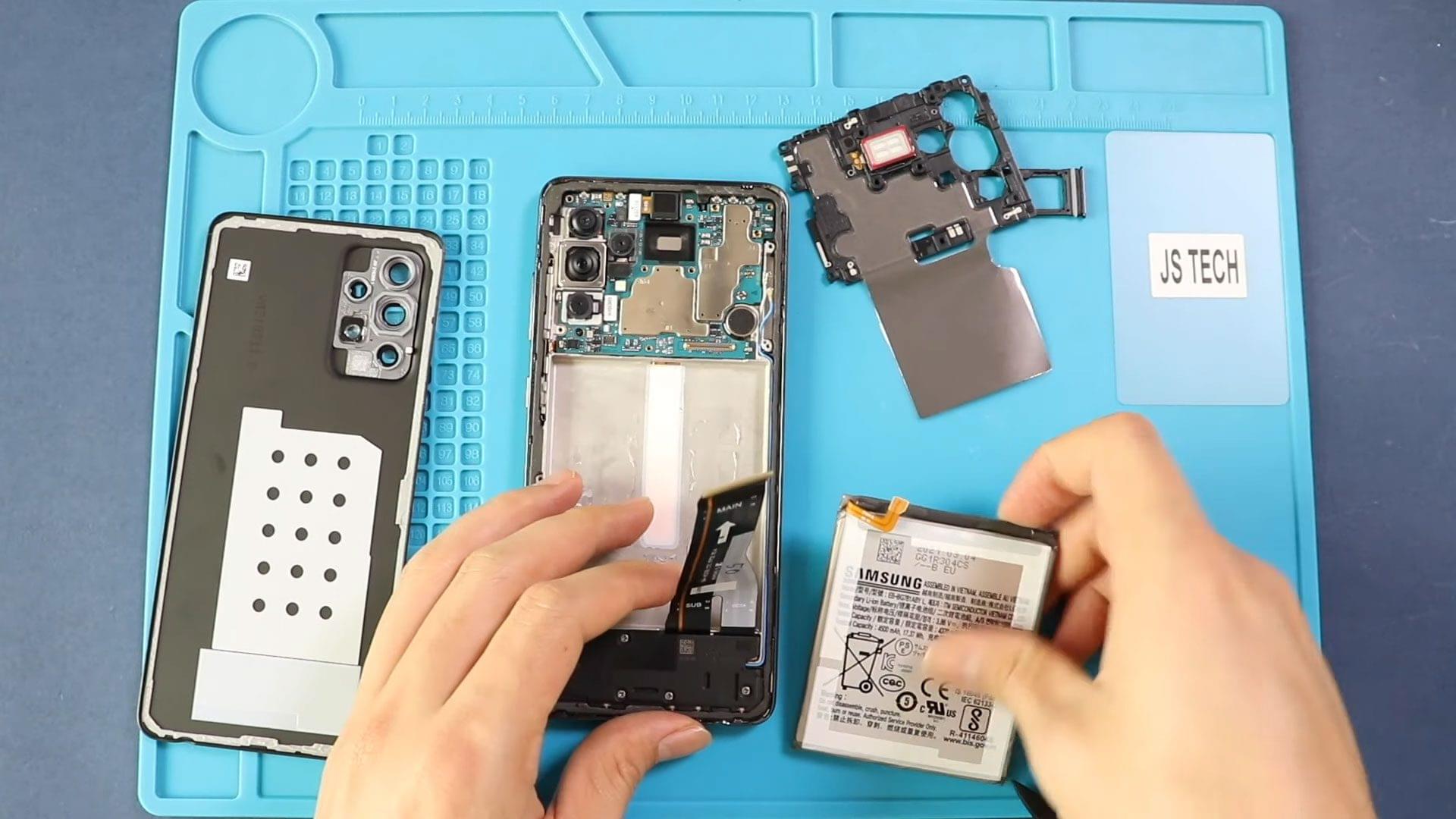
Welcome back to Geardo. In this repair guide, we will show you how to replace the charging port and headphone jack board on the Motorola Moto One 5G Ace smartphone.
If your phone is not charging properly, charging slowly, disconnecting randomly, or the headphone jack is not working, replacing the charging daughterboard can help restore normal functionality.
This beginner-friendly Google index repair guide includes detailed step-by-step instructions, repair difficulty, estimated repair time, FAQs, troubleshooting tips, and required tools to help you safely complete the repair at home.
Before starting the repair, make sure you have the correct replacement charging port board and the proper repair tools.
Repair Information
| Repair Detail | Information |
|---|---|
| Device Type | Smartphone |
| Device Model | Motorola Moto One 5G Ace |
| Repair Type | Charging Port & Headphone Jack Board Replacement |
| Repair Difficulty | ⭐⭐⭐⭐⭐☆☆ |
| Estimated Repair Time | 45–60 Minutes |
Reasons for Charging Port Replacement
You may need to replace the charging port and headphone jack board if your Motorola Moto One 5G Ace has any of these issues:
- Phone not charging
- Loose charging connection
- Slow charging problems
- USB cable disconnects easily
- Charging only works at certain angles
- Headphone jack not detecting earphones
- Microphone issues during calls
- Water or physical damage to the charging area
Replacing the charging board can restore charging performance, headphone functionality, and microphone operation.
Check The Latest Motorola Phones are in Clearance “up to 60% off” – https://amzn.to/480ho0w
Before You Begin
Compatibility and Model Numbers
- Motorola Moto One 5G Ace
- Motorola Moto One 5G
Model Numbers | XT2113-2, XT2113-5
Tools Required
- Mobile phone heating pad or hairdryer/heat gun
- Plastic pry tool / card pry
- Suction cups
- Phillips #00/#000 screwdrivers
- Torx T3 / T4 / T5 Screwdriver (Depends on the version)
- Flathead Screwdriver
- Tweezers (for connectors)
- B7000 glue or double-sided adhesive (for back cover)
- Rubber bands or bonding clips to secure the back cover
Using proper tools reduces the risk of damaging the phone.
How to Find Tools and Parts
- Heating pad – https://amzn.to/3H0tHzJ
- Portable Heat Gun – https://amzn.to/4mszih1
- Clamps https://amzn.to/3GYJT4w
- STREBITO 142 Piece Repair Tool Kit https://amzn.to/3UO1jUx
- Glue | Adhesive https://amzn.to/46exVxe
- Compatible Parts –
- Battery – https://amzn.to/4nBrXMC
- Screen – https://amzn.to/46cWGtR
- Other Parts – https://amzn.to/4nFxjqp
- Silicone Work Repair Mat https://amzn.to/45Emz5l
How to Replace Motorola Moto One 5G Ace Charging Port & Headphone Jack Board
Step 1 – Power Off the Phone
Turn off the Motorola Moto One 5G Ace completely before starting the repair.
Remove the SIM tray from the device if necessary.
Step 2 – Heat the Back Cover
The back cover is secured with adhesive.
Gently heat around the edges of the back cover until the adhesive softens.
You can use a heating pad, heat gun, or hair dryer.
Avoid overheating the phone.
Step 3 – Remove the Back Cover
Use a suction cup to create a small opening between the back cover and frame.
Insert a plastic pry tool or opening card into the gap and carefully cut through the adhesive around the edges.
Apply additional heat if necessary.
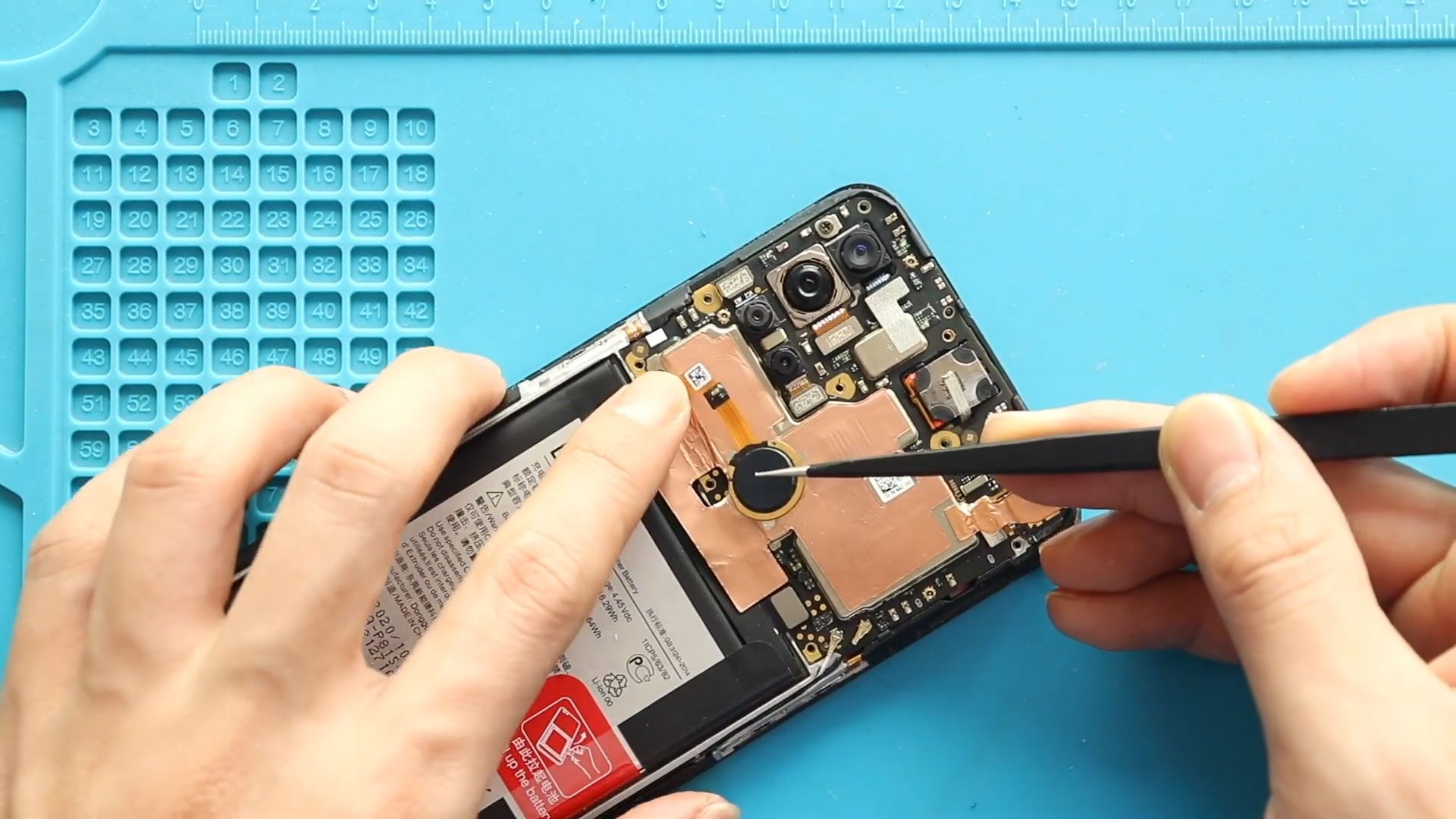
Step 4 – Disconnect the Fingerprint Sensor
Apply gentle heat around the fingerprint sensor area to soften the adhesive.
Carefully lift the back cover while guiding the fingerprint sensor through the frame.
Be careful not to damage the fingerprint flex cable.
Step 5 – Remove the Board Frame
Remove the ten screws securing the board frame.
Carefully lift and remove the board frame from the phone.
Keep the screws organized for reassembly.
Step 6 – Disconnect the Battery
Lift the graphite tape covering the battery connector.
Using a plastic pry tool, disconnect the battery plug from the motherboard.
This helps prevent accidental short circuits during the repair.
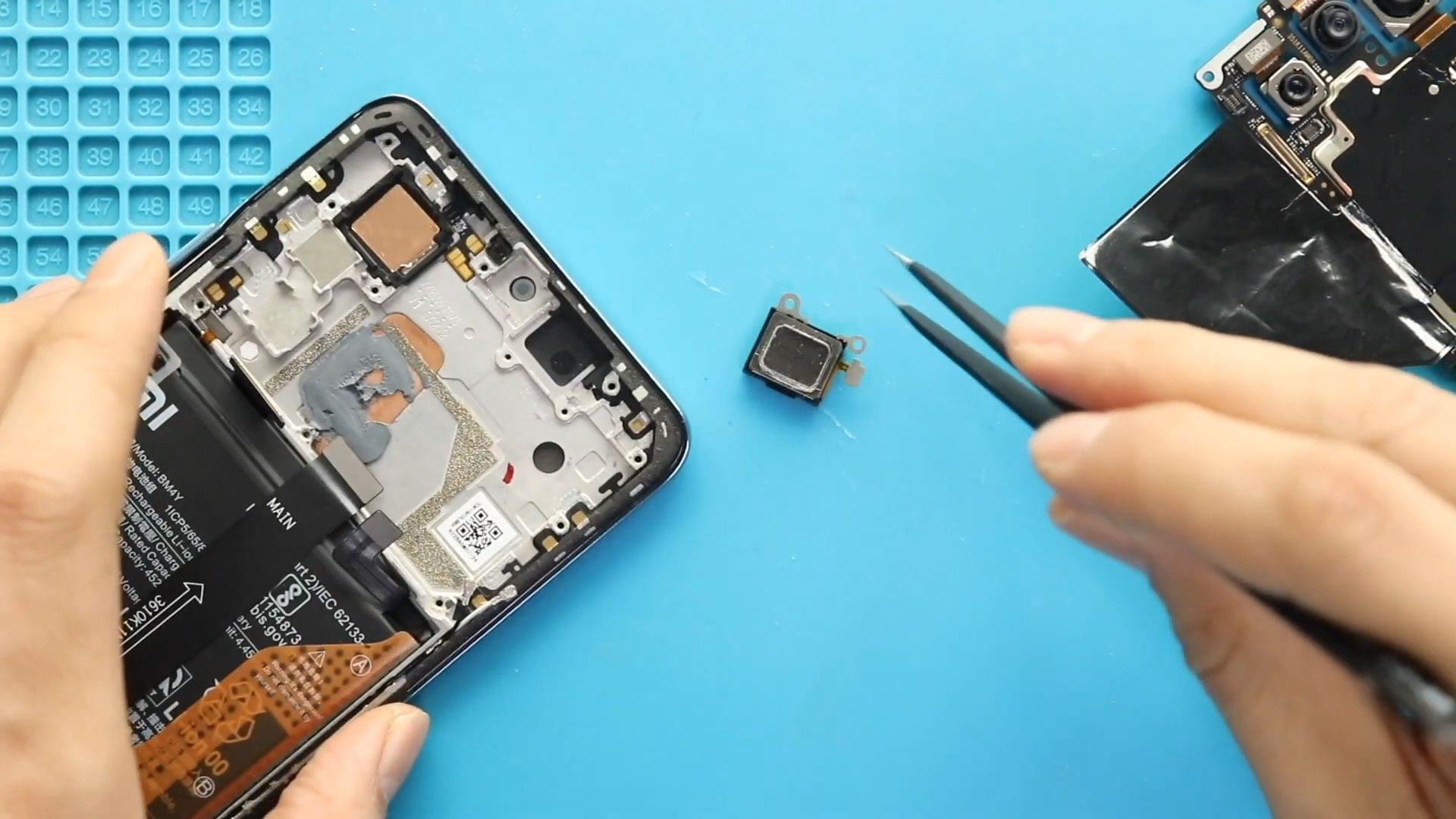
Step 7 – Remove the Speaker Cover
Undo the six screws securing the speaker cover.
Release the tape carefully and remove the speaker cover from the device.
Step 8 – Disconnect the Charging Board
Disconnect the following components from the charging board:
- Two antenna connectors
- Charging board connector plug
Remove the screw securing the charging board.
Step 9 – Remove the Charging Port & Headphone Jack Board
Carefully lift and remove the charging port and headphone jack board from the body of the phone.
Take care not to damage nearby flex cables or connectors.
Step 10 – Install the New Charging Board
Place the new charging port and headphone jack board into position.
Ensure the board aligns correctly with the charging port opening.
Step 11 – Reconnect Connectors
Reconnect:
- Two antenna connectors
- Charging board connector plug
Reinstall and tighten the securing screw.
Ensure all connections are firmly attached.
Step 12 – Reinstall the Speaker Cover
Place the speaker cover back into position.
Reinstall and tighten all six screws securely.
Step 13 – Reconnect the Battery
Reconnect the battery plug to the motherboard.
Secure the graphite tape back over the connector.
Step 14 – Reinstall the Board Frame
Place the board frame back onto the device.
Reinstall and tighten all ten screws securely.
Ensure the fingerprint sensor is correctly positioned before continuing.
Step 15 – Reattach the Back Cover
Before reinstalling the back cover, check whether enough adhesive remains around the edges.
If needed, apply B7000 glue or install new double-sided adhesive tape.
Press the back cover firmly into place.
Use bonding clips or rubber bands to secure the cover while the adhesive cures.
Leave the device secured for some time for the best seal.
Frequently Asked Questions (FAQ)
Why is my Motorola Moto One 5G Ace not charging?
The charging port may be damaged, dirty, loose, or affected by motherboard or battery issues.
Can I replace only the charging port board?
Yes. The charging port and headphone jack are usually attached to the same daughterboard and can be replaced separately from the motherboard.
Why is my headphone jack not working?
A damaged headphone jack board, dirt buildup, or liquid damage may prevent headphones from being detected.
Is this repair beginner-friendly?
Yes. This repair is considered medium difficulty and can be completed at home using proper tools and careful handling.
Will replacing the charging board fix fast charging?
Yes, if the charging board was causing the issue. Also check your charger and USB cable for damage.
Troubleshooting After Charging Port Replacement
Phone still does not charge
Check whether the charging board connector is properly connected and test with another charging cable and adapter.
Headphones are not detected
Ensure the headphone jack board is fully connected and free from dust or debris.
No network signal after repair
Check whether both antenna connectors are correctly attached to the charging board.
Phone does not power on
Verify that the battery connector is fully secured to the motherboard.
Charging is slow after replacement
Use an original or high-quality charger and ensure the USB port is clean and properly aligned.
Final Words
The Motorola Moto One 5G Ace charging port and headphone jack board replacement is a useful repair that can restore charging and audio functionality to your device.
By carefully following this beginner-friendly repair guide, you can safely complete the repair at home using basic repair tools.
Take your time while handling the antenna connectors, charging board, and fingerprint sensor to avoid damaging sensitive components.
If you found this repair guide helpful, feel free to share it and let us know if you have any questions about the repair process.
Related Guides
Check Other Motorola Moto One 5G Ace Repair Guides