Now Reading: Xiaomi Redmi Note 10 5G Vibrator Motor Replacement Guide | Redmi Note 10T | Poco M3 Pro 5G
-
01
Xiaomi Redmi Note 10 5G Vibrator Motor Replacement Guide | Redmi Note 10T | Poco M3 Pro 5G
Xiaomi Redmi Note 10 5G Vibrator Motor Replacement Guide | Redmi Note 10T | Poco M3 Pro 5G
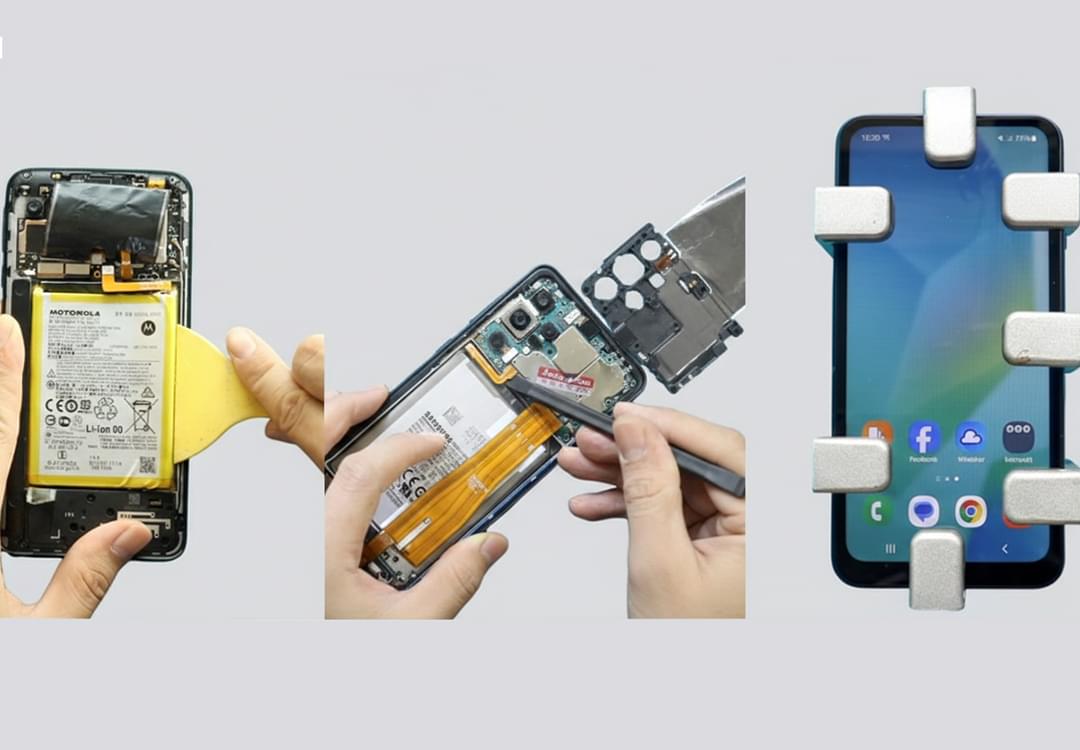
If your Xiaomi Redmi Note 10 5G is not vibrating for calls, notifications, or alerts, the issue is usually caused by a faulty vibrator motor. In some cases, it can also be related to the charging port board. This step-by-step DIY guide will show you how to safely replace the vibrator motor and ensure your device functions normally.
🔧 Repair Overview
Device Type: Smartphone
Repair Type: Vibrator Motor Replacement
⭐ Repair Difficulty: ★★★★★☆☆☆☆☆ (5/10 – Moderate)
⏱ Estimated Repair Time: 45–60 Minutes
Replacing the vibrator motor is considered a moderate repair because it requires careful disassembly of the midframe and proper handling of the charging port board and speaker cover.
🔍 Common Signs You Need This Repair
- Phone does not vibrate for calls or notifications
- Intermittent vibration
- Weak or inconsistent vibration
- No haptic feedback when using apps or typing
- Device not charging (if charging port board is also faulty)
Before You Begin
Compatibility and Model Numbers
- Xiaomi Redmi Note 10 5G
- POCO M3 Pro 5G
- Xiaomi Redmi Note 10T 5G
Model Numbers : M2103K19G, M2103K19C, M2103K19I, M2103K19Y, M2103K19PG, M2103K19PI, M2103K19PY
Tools Required
- Mobile phone heating pad or hairdryer/heat gun
- Plastic pry tool / card pry
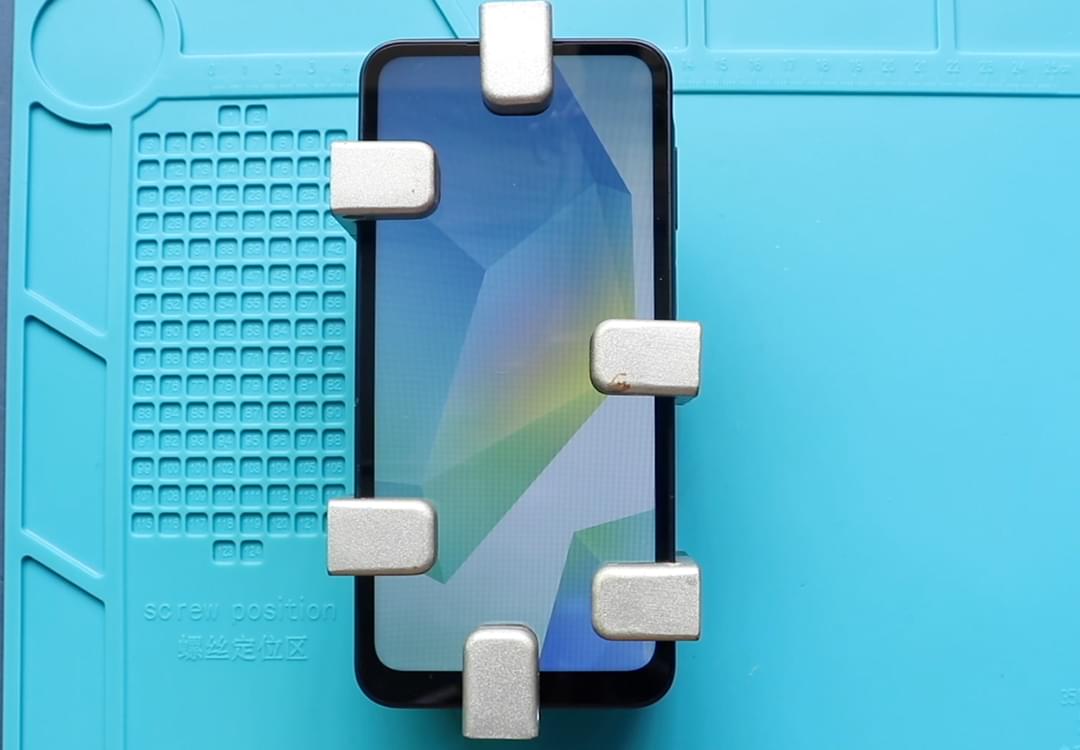
- Suction cups
- Phillips #00/#000 screwdrivers
- Torx (T2/T3/T4) screwdrivers (Depends on the Region)
- Flathead screwdriver
- Tweezers (for connectors)
- B7000 glue or double-sided adhesive (for back cover)
- Rubber bands or bonding clips to secure the back cover
How to Find Tools and Parts
- Heating pad – https://amzn.to/3H0tHzJ
- Portable Heat Gun – https://amzn.to/4mszih1
- Clamps https://amzn.to/3GYJT4w
- STREBITO 142 Piece Repair Tool Kit https://amzn.to/3UO1jUx
- Glue | Adhesive https://amzn.to/46exVxe
- Compatible Parts –
- Battery – https://amzn.to/3ZIHCQv
- Screen – https://amzn.to/40hCF1g
- Other Parts – https://amzn.to/4rVnyq4
- Silicone Work Repair Mat https://amzn.to/45Emz5l
Protect Your Redmi Note 10 5G Series
- Best Premium Case & Protector https://amzn.to/4kMS9UI
- New Redmi Phone are in Clearance https://amzn.to/4aHSVNX
Step-by-Step Vibrator Motor Replacement Guide
Step 1 – Power Off the Device
Turn off your phone completely before beginning the repair.
Step 2 – Open the Back Cover
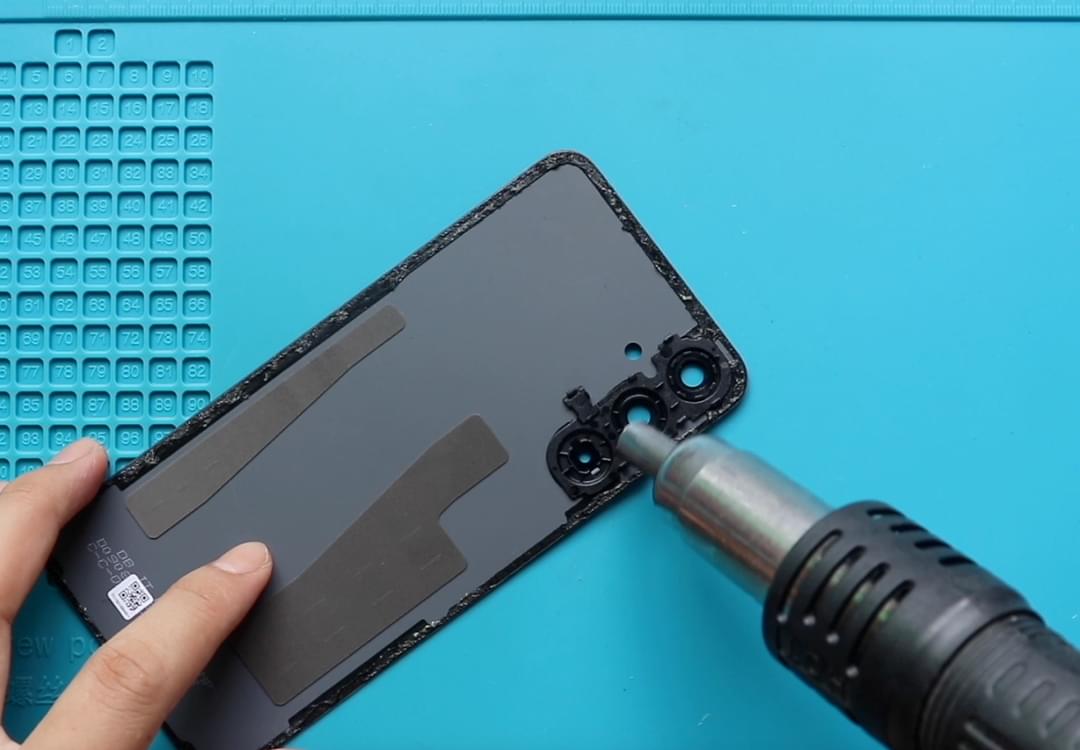
- Heat the edges of the back cover using a heating pad, hairdryer, or heat gun to soften the adhesive.
- Use a suction cup to lift a small section and insert a plastic pry tool.
- Slide carefully along the edges to release the adhesive and lift the back cover.
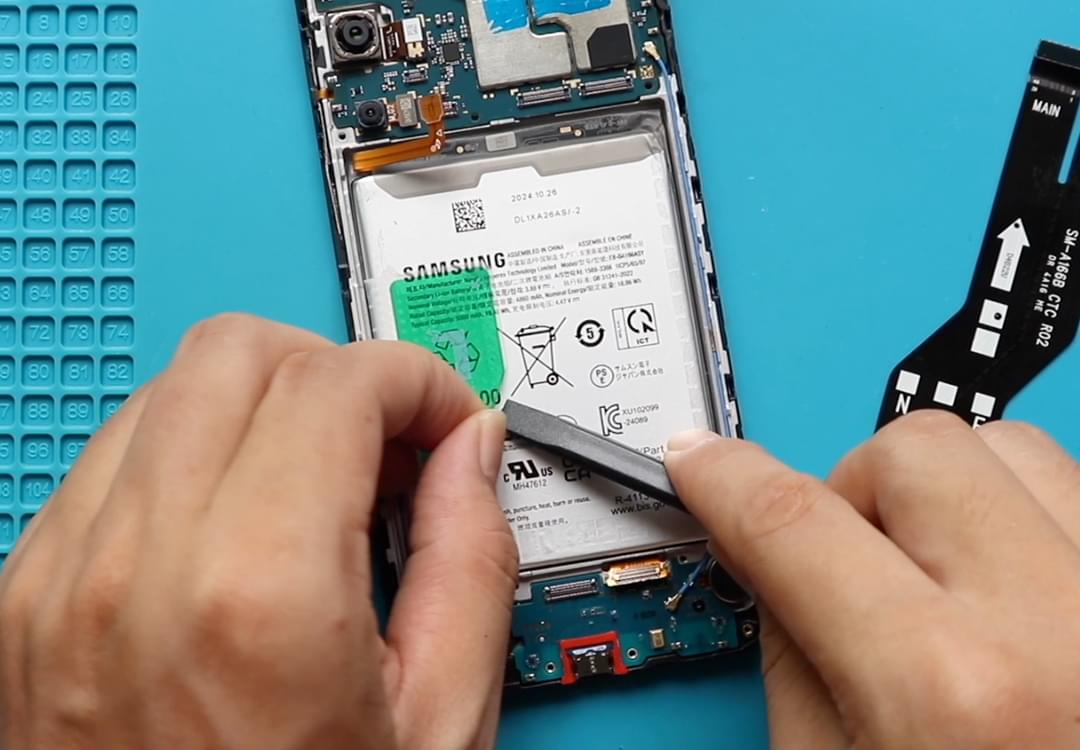
Step 3 – Remove Mid Frame & Camera Lens
- Remove screws securing the midframe (usually 13 screws).
- Gently lift the midframe using a plastic tool.
- Remove the camera lens frame if it’s attached.
Step 4 – Remove Speaker Cover
- Locate the speaker module at the bottom of the device.
- Carefully lift the speaker cover using a plastic pry tool or tweezers.
Step 5 – Remove Charging Port Board
- Disconnect antenna cables and LCD connector from the sub-board.
- Carefully lift the charging port board from the body.
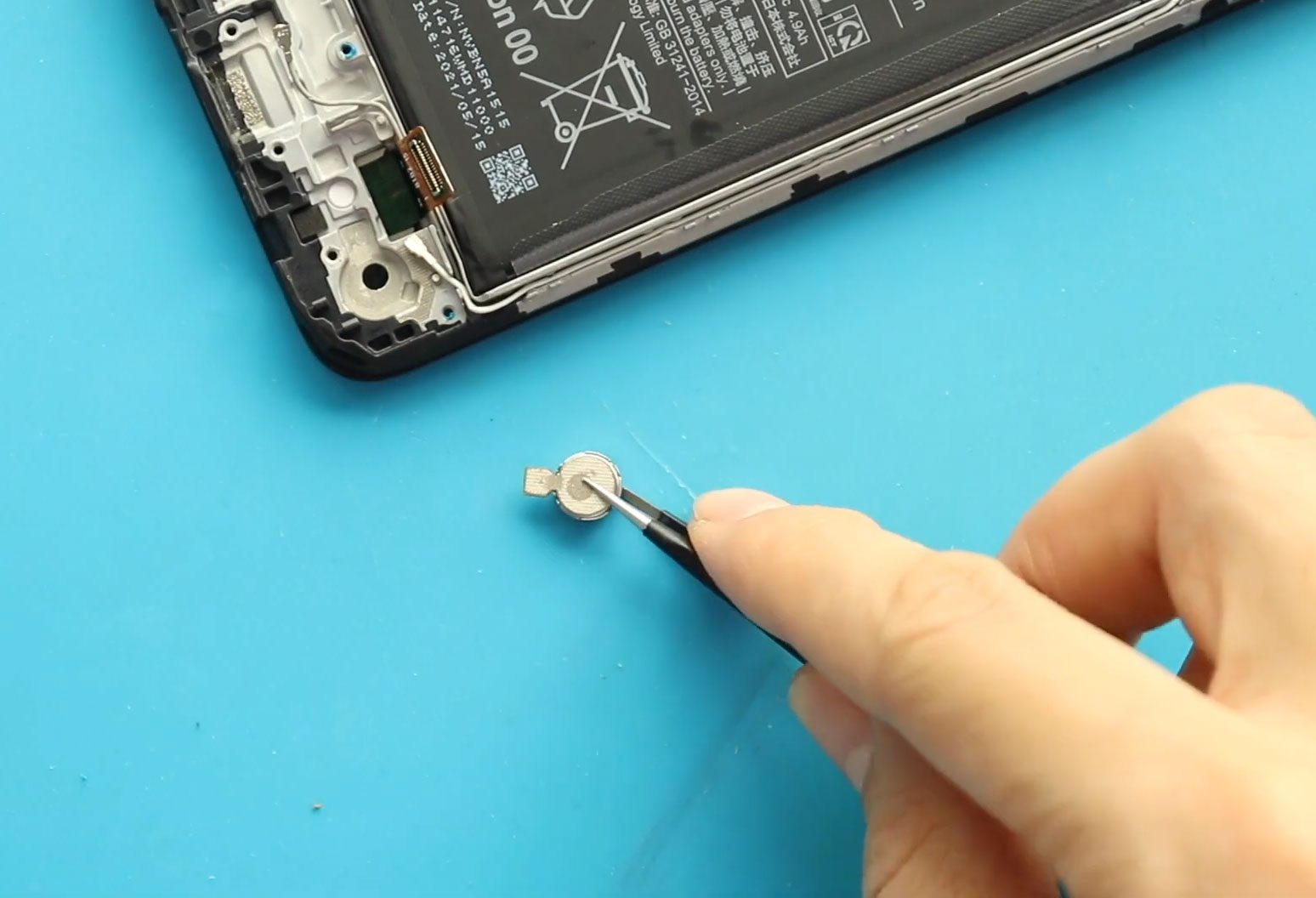
Step 6 – Remove the Faulty Vibrator Motor
- Locate the vibrator motor near the bottom frame.
- Carefully lift and remove the defective vibrator motor.
- Check for any adhesive securing it and loosen if necessary.
Step 7 – Install the New Vibrator Motor
- Place the new vibrator motor in the original location.
- Press gently to secure it in place, ensuring proper alignment with the frame and charging port assembly.
Step 8 – Reinstall Charging Port Board
- Place the charging port board back into position.
- Reconnect antenna cables and LCD connector securely.
Step 9 – Reinstall Speaker Cover
- Position the speaker cover back in place and press gently.
Step 10 – Reassemble Mid Frame & Camera Lens
- Place the midframe back onto the device.
- Reinstall all screws evenly.
- Replace the camera lens frame if removed.
Step 11 – Seal the Back Cover
- Clean old adhesive from the back cover edges.
- Apply new adhesive or B7000 glue.
- Align the back cover carefully.
- Use bonding clips or rubber bands for 30–60 minutes.
- Test vibration and charging before final sealing.
❓ Frequently Asked Questions (FAQ)
Q1: Can I test the vibrator motor before sealing the back cover?
Yes. Connect the battery and power on the device to test vibration function before applying full adhesive.
Q2: Does this repair affect my phone data?
No. Replacing the vibrator motor does not affect storage or apps.
Q3: Is the charging port board also needed for vibration repair?
Not always, but if your charging or microphone issues exist, replacing both simultaneously is recommended.
Q4: Can I use a third-party vibrator motor?
Yes, but ensure compatibility with Xiaomi Redmi Note 10 5G or the other supported models.
Q5: How do I know if the motor is faulty?
If vibration is completely absent or inconsistent during tests, it is likely defective.
🛠 Troubleshooting After Replacement
Q1: Phone still not vibrating
- Check vibrator motor connector and seating.
- Confirm battery is connected properly.
Q2: Weak or inconsistent vibration
- Ensure motor aligns properly with frame contact points.
- Check for debris in the compartment.
Q3: Charging issues after reassembly
- Verify charging port board is fully connected and antenna flexes are seated.
Q4: Back cover not sticking
- Apply fresh adhesive and use bonding clips for 30–60 minutes.
Q5: Other sounds or ringtones distorted
- Ensure speaker cover and motor are properly aligned.
- Test the phone before sealing completely.
Replacing the vibrator motor on the Xiaomi Redmi Note 10 5G is a moderate-level repair that restores haptic feedback for calls, notifications, and alerts. Handle internal components carefully, test the motor before sealing, and ensure proper adhesive is applied for back cover sealing.
More Guides