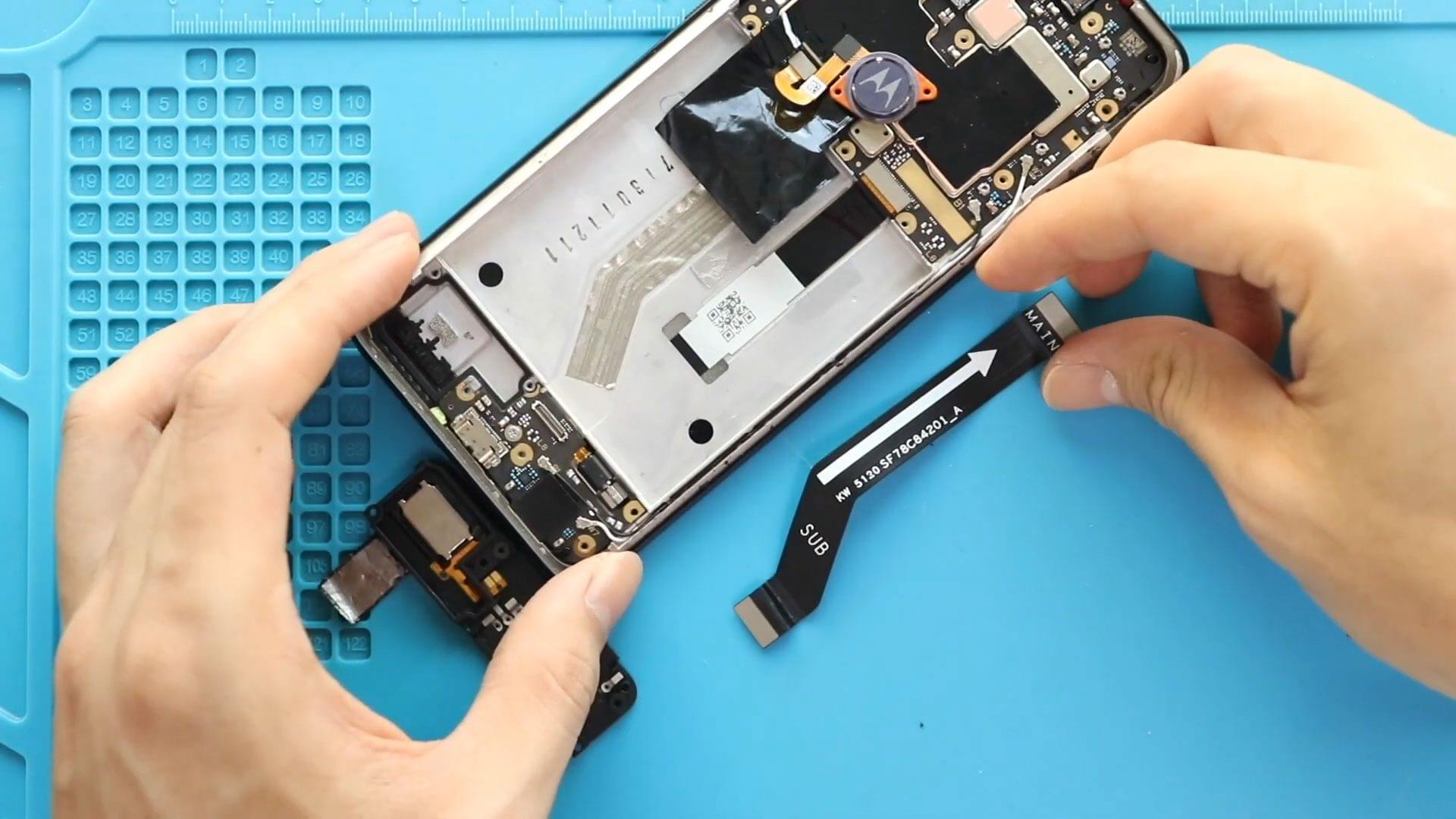
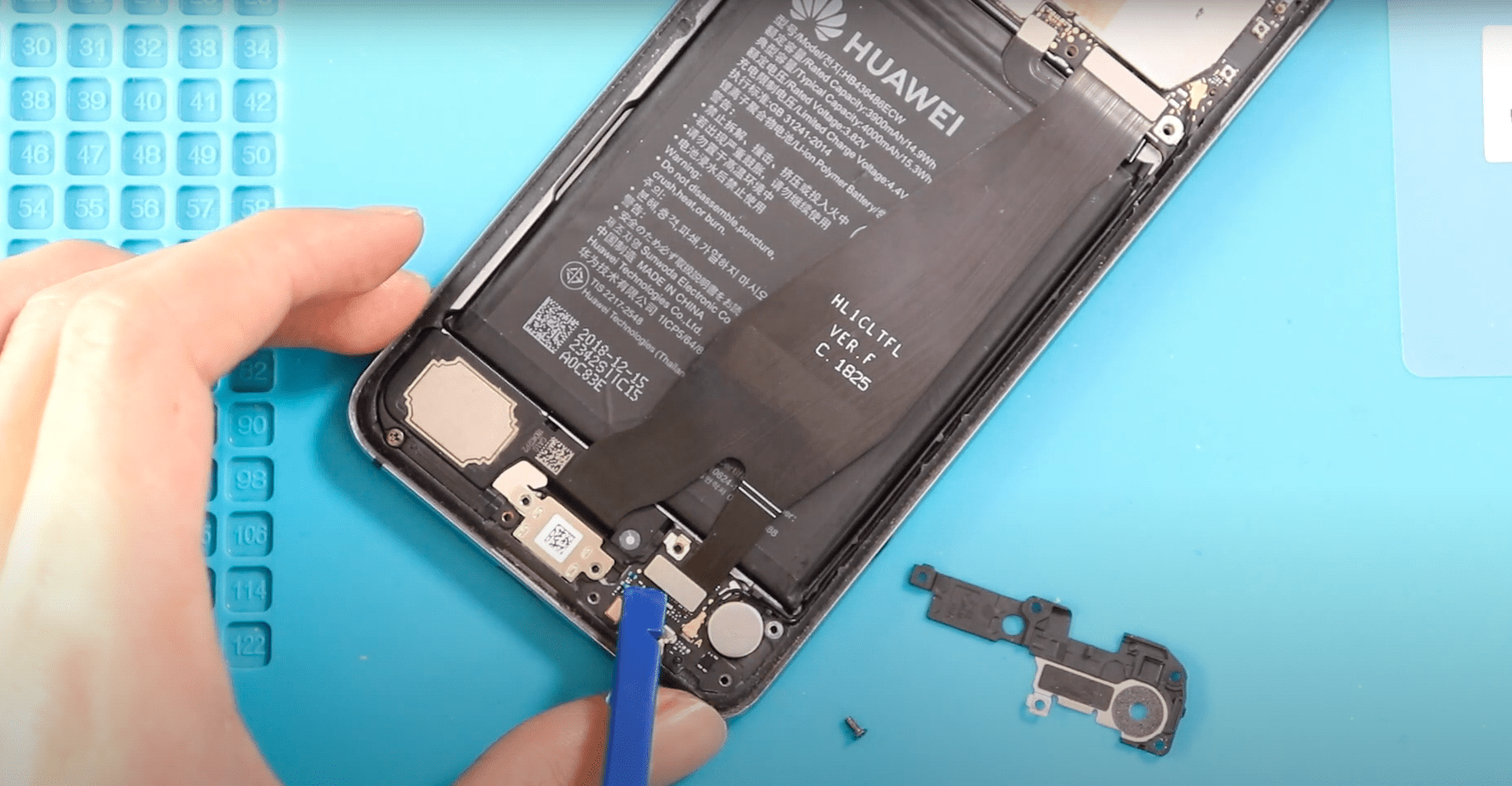
Now Reading: Xiaomi Redmi Note 7 Pro Earpiece Speaker Replacement Guide (Redmi Note 7)
-
01
Xiaomi Redmi Note 7 Pro Earpiece Speaker Replacement Guide (Redmi Note 7)
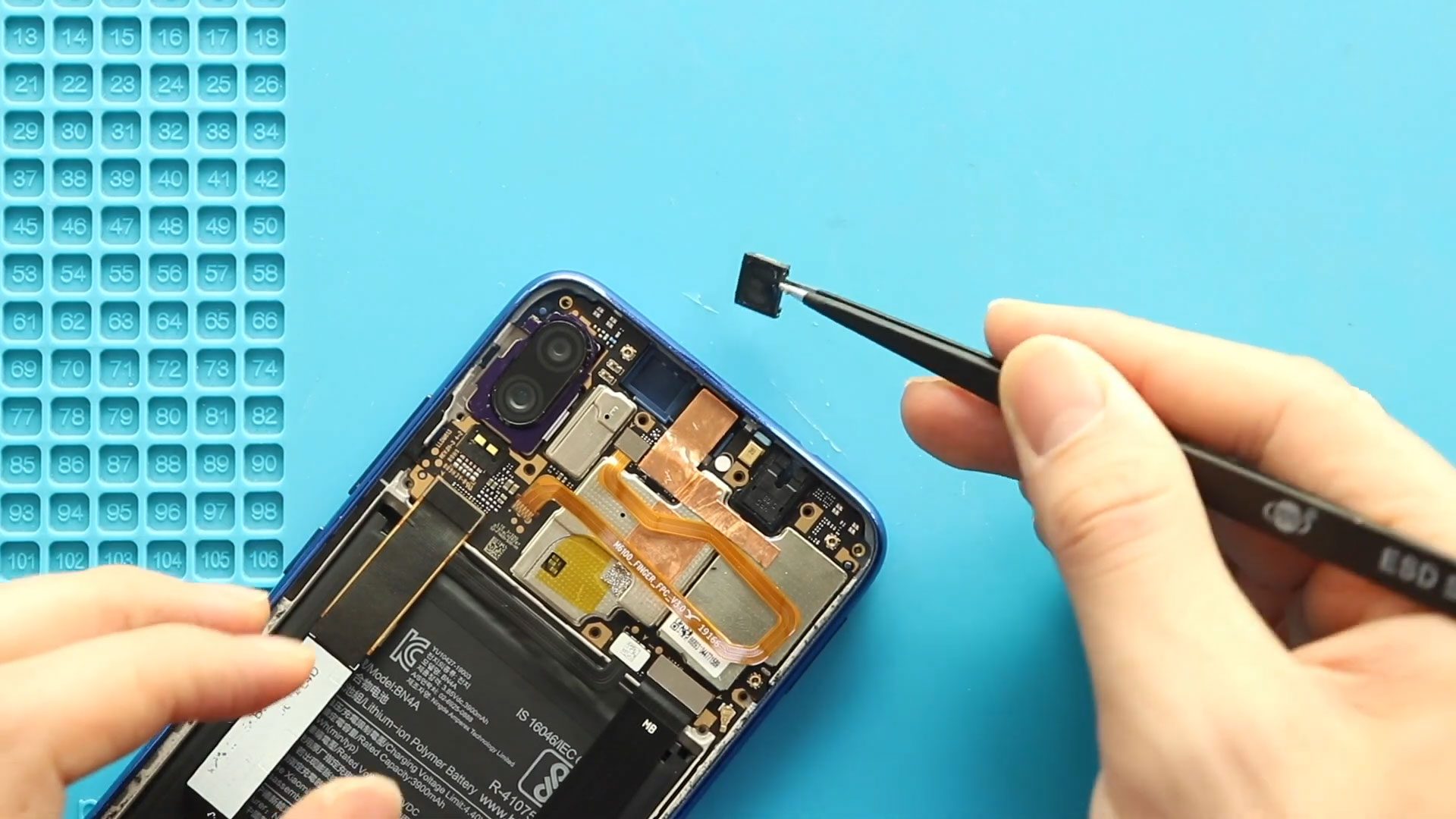
Xiaomi Redmi Note 7 Pro Earpiece Speaker Replacement Guide (Redmi Note 7)

Hi everyone, welcome back to Geardo 👋
In this guide, we’ll show you how to replace the earpiece speaker on the Xiaomi Redmi Note 7 and Redmi Note 7 Prosmartphones.
If you are experiencing low call volume, distorted sound, or no audio during phone calls, the earpiece speaker is often the cause. Since both models share a similar internal design, this repair method works for both Redmi Note 7 and Note 7 Pro.
This is a straightforward hardware repair and can be completed safely with the right tools and careful handling.
Before You Begin
Compatibility and Model Numbers
- Xiaomi Redmi Note 7
- Xiaomi Redmi Note 7 Pro
- Xiaomi Redmi Note 7s
M1901F7G, M1901F7H, M1901F7I, M1901F7S, M1901F7S
What This Repair Fixes
Replacing the earpiece speaker can resolve:
- No sound during phone calls
- Very low call volume
- Distorted or crackling audio
- Intermittent earpiece sound
- Calls only audible on speaker mode
Repair Difficulty
Difficulty Level: ⚠️⚠️☆☆☆ (Easy to Moderate)
- Requires back cover removal
- No soldering involved
- Minimal component removal
Suitable for beginners with basic DIY repair knowledge.
Tools Required
- Mobile phone heating pad or hairdryer/heat gun
- Plastic pry tool / card pry
- Suction cups
- Phillips #00/#000 screwdrivers
- Tweezers (for connectors)
- B7000 glue or double-sided adhesive (for back cover)
- Rubber bands or bonding clips to secure the back cover
How to Find Tools and Parts
- Heating pad – https://amzn.to/3H0tHzJ
- Portable Heat Gun – https://amzn.to/4mszih1
- Clamps https://amzn.to/3GYJT4w
- STREBITO 142 Piece Repair Tool Kit https://amzn.to/3UO1jUx
- Glue | Adhesive https://amzn.to/46exVxe
- Compatible Parts –
- Battery – https://amzn.to/4rml5ow
- Screen – https://amzn.to/4bY3w9D
- Other Parts – https://amzn.to/4rjlY18
- Silicone Work Repair Mat https://amzn.to/45Emz5l
Safety Tips Before You Start
- Power off the phone completely
- Remove the SIM tray
- Work on a clean, well-lit surface
- Handle flex cables gently
- Avoid excessive force when prying
Protect Your Redmi Not 7/7 Pro
- Screen Protector Glass For The Screen https://amzn.to/4bimOX7
- Best Cases For Your device https://amzn.to/49ZPsK6
Step-by-Step Xiaomi Redmi Note 7 / Note 7 Pro Earpiece Speaker Replacement
Step 1: Power Off the Device
Turn off the phone completely and remove the SIM tray before beginning the repair.
Step 2: Open the Phone
Apply gentle heat around the edges of the rear cover to soften the adhesive. Use a suction cup to lift the cover slightly and insert a plastic pry tool to separate it from the frame.
⚠️ Take care while lifting, as the fingerprint sensor is attached to the back cover.
Step 3: Remove the Back Cover
Disconnect the fingerprint sensor flex cable and set the back cover aside safely.
Step 4: Remove Brackets and Disconnect Connectors
Unscrew the protective brackets and disconnect the battery connector along with other visible flex cables.
Step 5: Disconnect Fingerprint Sensor Flex
Fully disconnect the fingerprint sensor flex to avoid strain or damage during the repair.
Step 6: Remove the Internal Cover
Unscrew and lift the internal protective cover to access the top section of the phone.
Step 7: Remove the Faulty Earpiece Speaker
Locate the earpiece speaker at the top of the frame. Carefully lift it out using tweezers or a plastic pry tool.
Step 8: Install the New Earpiece Speaker
Place the new earpiece speaker into the same position, ensuring it sits flat and aligns properly with the contact points.
Step 9: Reinstall the Internal Cover
Place the internal cover back onto the frame and secure it with the original screws.
Step 10: Reconnect Fingerprint Sensor
Reconnect the fingerprint sensor flex cable carefully and confirm the connection is secure.
Step 11: Secure Brackets and Connectors
Reconnect all flex cables, including the battery connector, and reinstall the protective brackets.
Step 12: Close the Phone
Before sealing the back cover, check the adhesive condition. Apply B7000 glue or new double-sided adhesive if needed. Press the back cover into place and apply even pressure until secured.
Final Testing
After reassembly, test the following:
- Call audio through the earpiece
- Volume clarity and loudness
- Fingerprint sensor functionality
- Overall device operation
Frequently Asked Questions (FAQ)
Q: Is this earpiece speaker repair compatible with both Redmi Note 7 and Note 7 Pro?
A: Yes. Both models use a similar internal layout, and the earpiece speaker replacement process is the same.
Q: Will replacing the earpiece speaker delete my data?
A: No. This repair does not affect stored data or phone settings.
Q: Do I need soldering to replace the earpiece speaker?
A: No. The earpiece speaker is a drop-in component and does not require soldering.
Q: How long does the repair take?
A: The repair typically takes 20–30 minutes, depending on your experience.
Q: Can cleaning the earpiece fix low sound issues?
A: In some cases, dust buildup can cause low sound. However, if cleaning does not help, replacing the earpiece speaker is the best solution.
Troubleshooting – After The Repair
Q: I still can’t hear sound from the earpiece after replacement. What should I check?
A: Make sure the earpiece speaker is seated correctly and that the internal cover is installed properly, as it helps maintain contact pressure. Also verify that the battery and other connectors are fully reconnected before testing again.
Q: Sound is very low or distorted after the repair. Why?
A: This can happen if the earpiece speaker is not aligned correctly or if debris is blocking the sound outlet. Reopen the phone and check the speaker placement and mesh area for obstructions.
Q: Calls work on loudspeaker but not on the earpiece. What does this mean?
A: This usually confirms a faulty or improperly installed earpiece speaker. Recheck the speaker seating or test with another replacement earpiece if available.
Q: The fingerprint sensor stopped working after reassembly. Is it related?
A: The earpiece speaker is not connected to the fingerprint sensor, but the fingerprint flex may not be fully seated. Reseat the fingerprint connector and test again.
Q: The back cover feels loose after closing the phone. How can I fix it?
A: Remove the back cover, clean off old adhesive, apply fresh B7000 glue or double-sided tape, and apply even pressure using clamps or rubber bands until the adhesive cures.
Final Thoughts
Replacing the earpiece speaker on Xiaomi Redmi Note 7 or Note 7 Pro is a simple and effective repair that restores clear call audio. By following this guide carefully, you can complete the repair safely and extend the life of your device.
If you found this guide helpful, let us know in the comments
Don’t forget to like, share, and subscribe to Geardo for more DIY smartphone repair guides
Related Guides