

Before Starting, we need the right tools to proceed with the repair, which You can find in the description. First, turn off the phone, remove the Sim tray, and follow
Get your Motorola Moto G9 Power (2020) back in shape with our expert DIY repair tutorials. Replace the screen, fix charging ports, change a new battery, and many more issues with easy DIY repair steps.
Models XT2091-3, XT2091-4
Before Starting, we need the right tools to proceed with the repair, which You can find in the description. First, turn off the phone, remove the Sim tray, and follow

Before Starting, we need the right tools to proceed with the repair, which You can find in the description. First, turn off the phone, remove the Sim tray, and follow

Please follow the below link for the repair instructions. Please let us know if you have any questions. Timestamps00:00 Intro00:10 Opening Moto G9 Power00:20 Removing back cover01:30 Removing Logic frame02:19
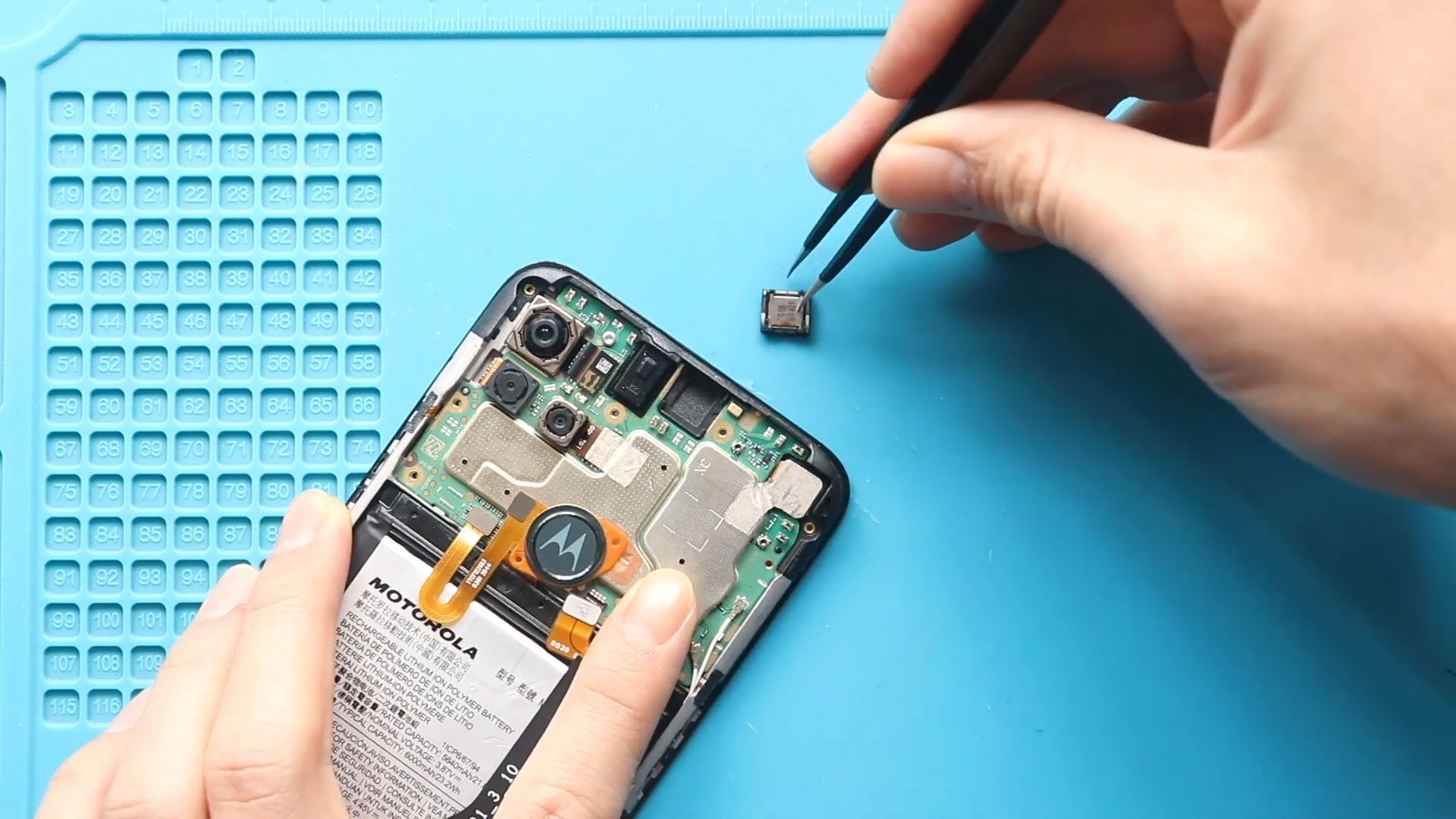
Please follow the below link for the repair instructions. Please let us know if you have any questions. Timestamps00:00 Intro00:10 Opening Moto G9 Power00:20 Removing back cover01:34 Removing Logic frame02:22

Please follow the below link for the repair instructions. Please let us know if you have any questions. Timestamps00:00 Intro00:10 Opening Moto G9 Power00:20 Removing back cover01:34 Removing Logic frame02:14

Please follow the below link for the repair instructions. Please let us know if you have any questions. Timestamps00:00 Intro00:10 Opening Moto G9 Power00:20 Removing back cover01:34 Removing Logic frame02:22
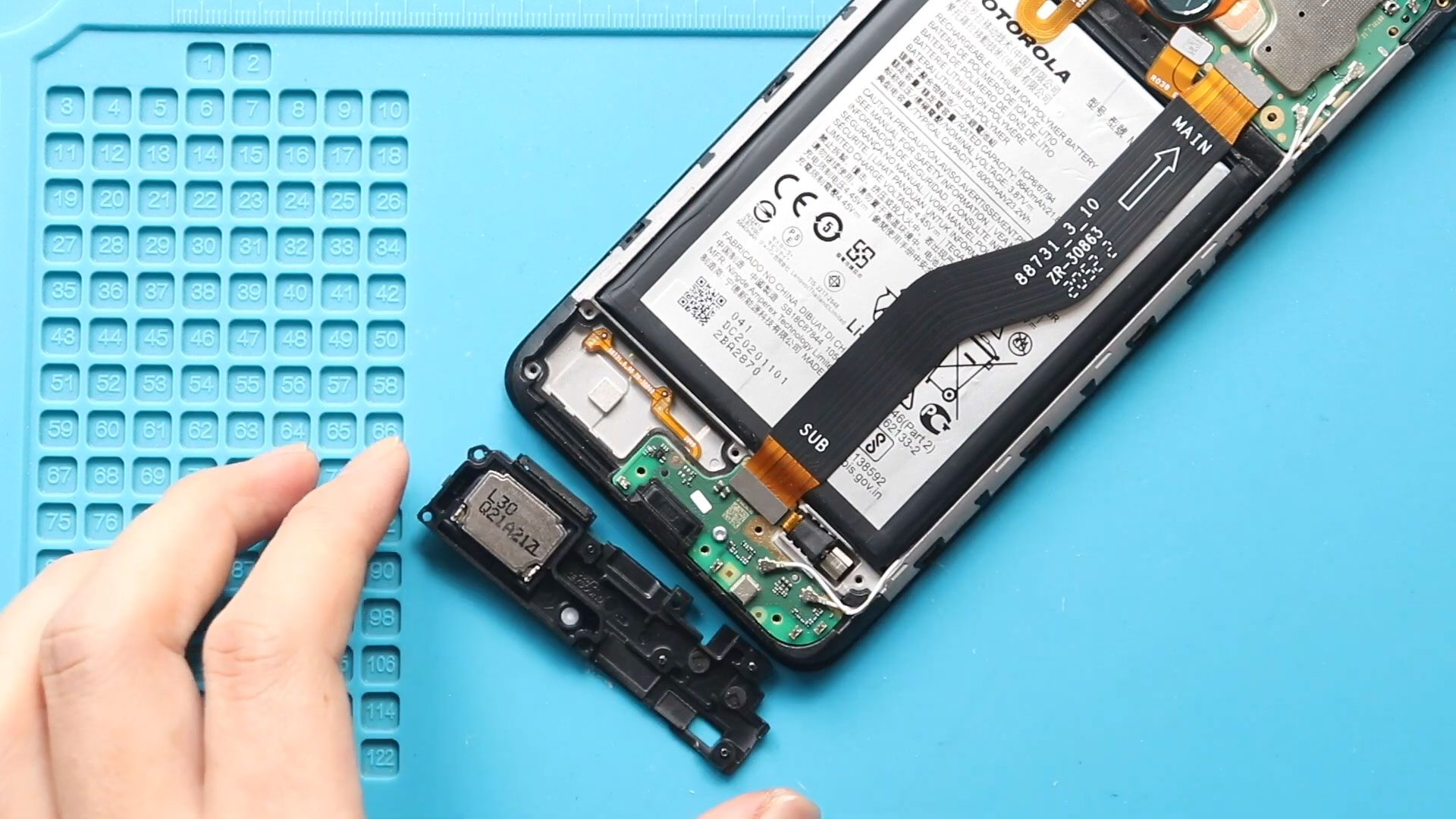
Please follow the below link for the repair instructions. Please let us know if you have any questions. Timestamps00:00 Intro00:10 Opening Moto G9 Power00:20 Removing back cover01:34 Removing Logic frame02:20

Please follow the below link for the repair instructions. Please let us know if you have any questions. Timestamps00:00 Intro00:10 Opening Moto G9 Power00:20 Removing back cover01:34 Removing Logic frame02:22


