
If your Microsoft Surface Go 2 tablet is not recognizing the keyboard or the Type Cover is unresponsive, the keyboard connector module may be faulty. Replacing the keyboard connector restores
IS your Microsoft Surface Go 2 is not-working? Follow our DIY repair guides for the Microsoft Surface Go 2 series. Learn how to replace cracked screen, fix charging port, swap battery and many more repairs.
Surface Go 23 years ago
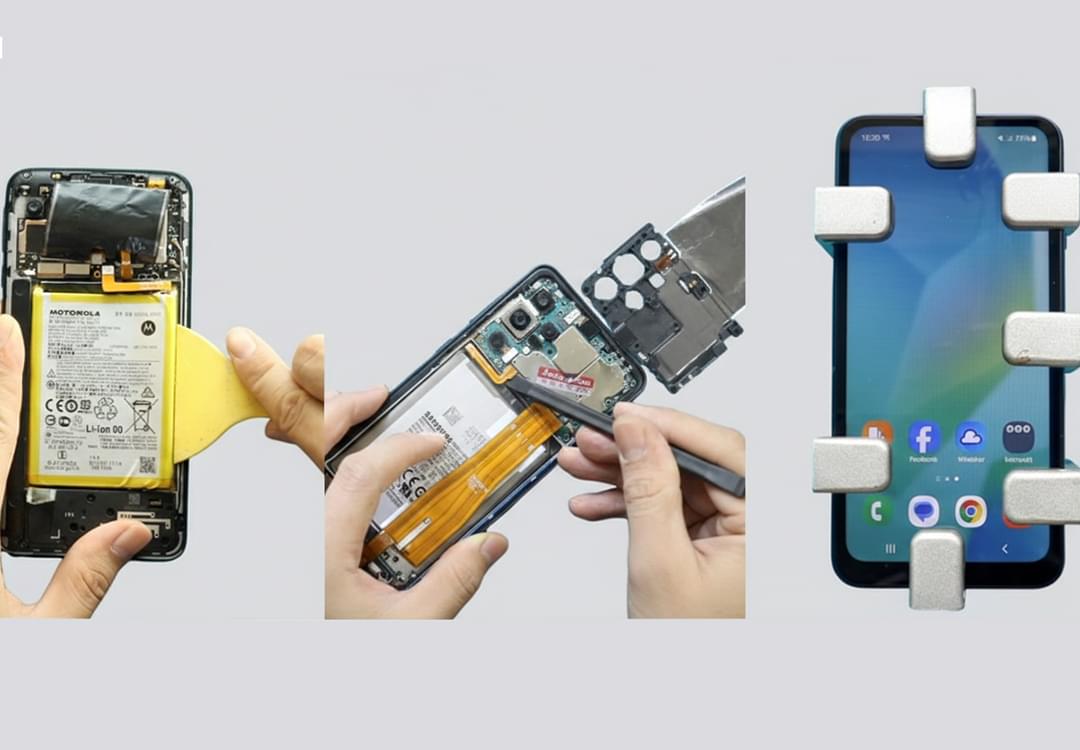
If your Microsoft Surface Go 2 tablet is not recognizing the keyboard or the Type Cover is unresponsive, the keyboard connector module may be faulty. Replacing the keyboard connector restores
Surface Go 23 years ago
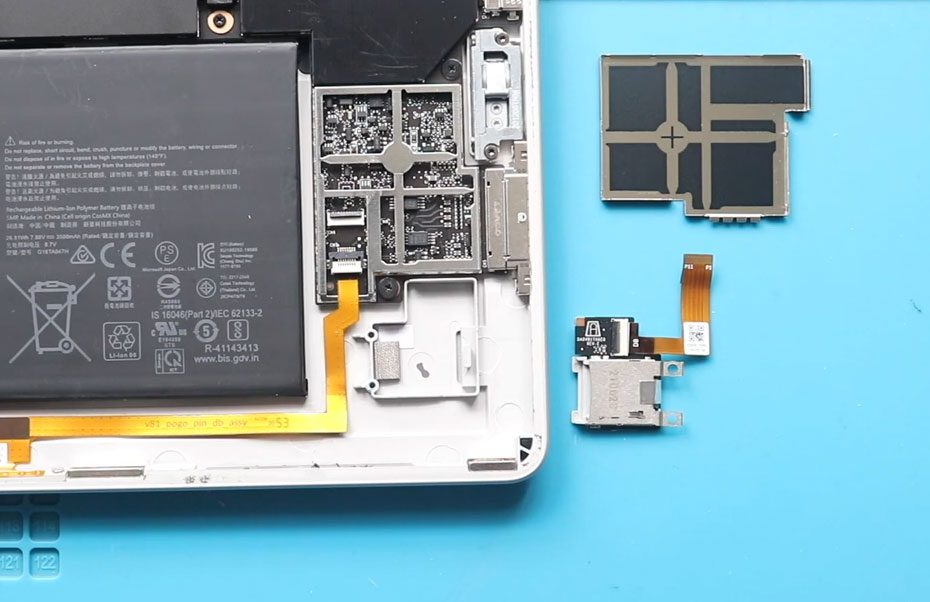
If your Microsoft Surface Go 2 tablet is not recognizing memory cards, the memory card holder (MMC slot) may be faulty. Replacing the memory card holder restores proper functionality for

Surface Go 23 years ago
If your Microsoft Surface Go 2 tablet has blurry images, malfunctioning cameras, or the camera app fails to detect the camera, replacing the front and rear cameras can restore full
Surface Go 23 years ago
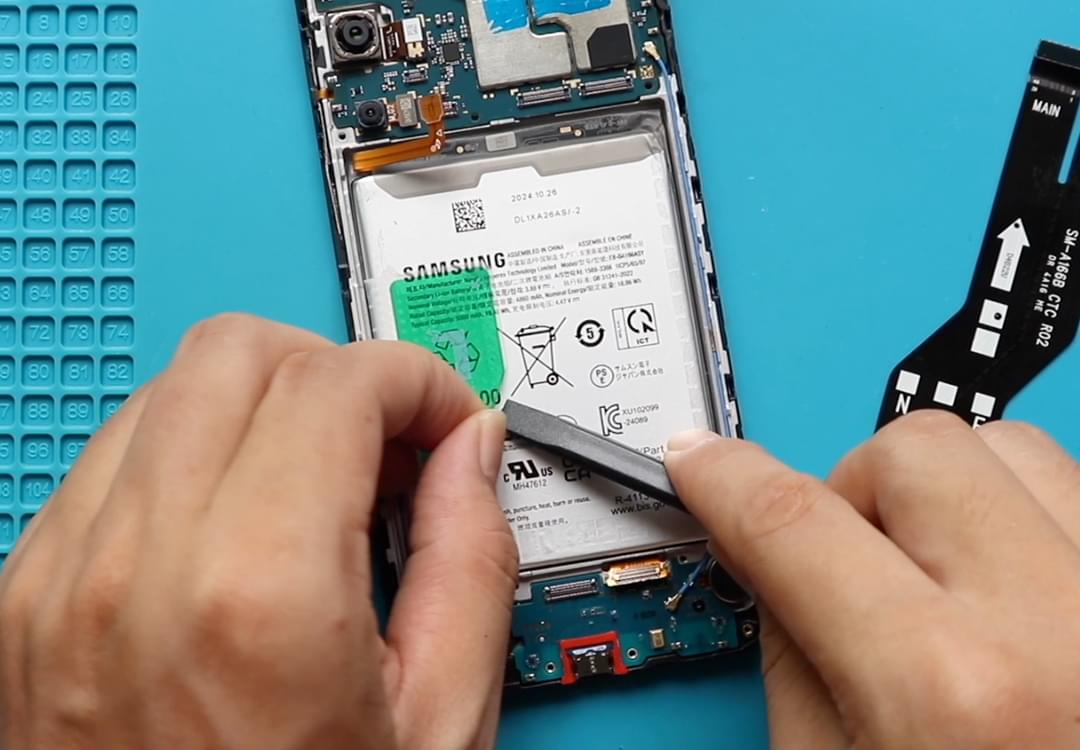
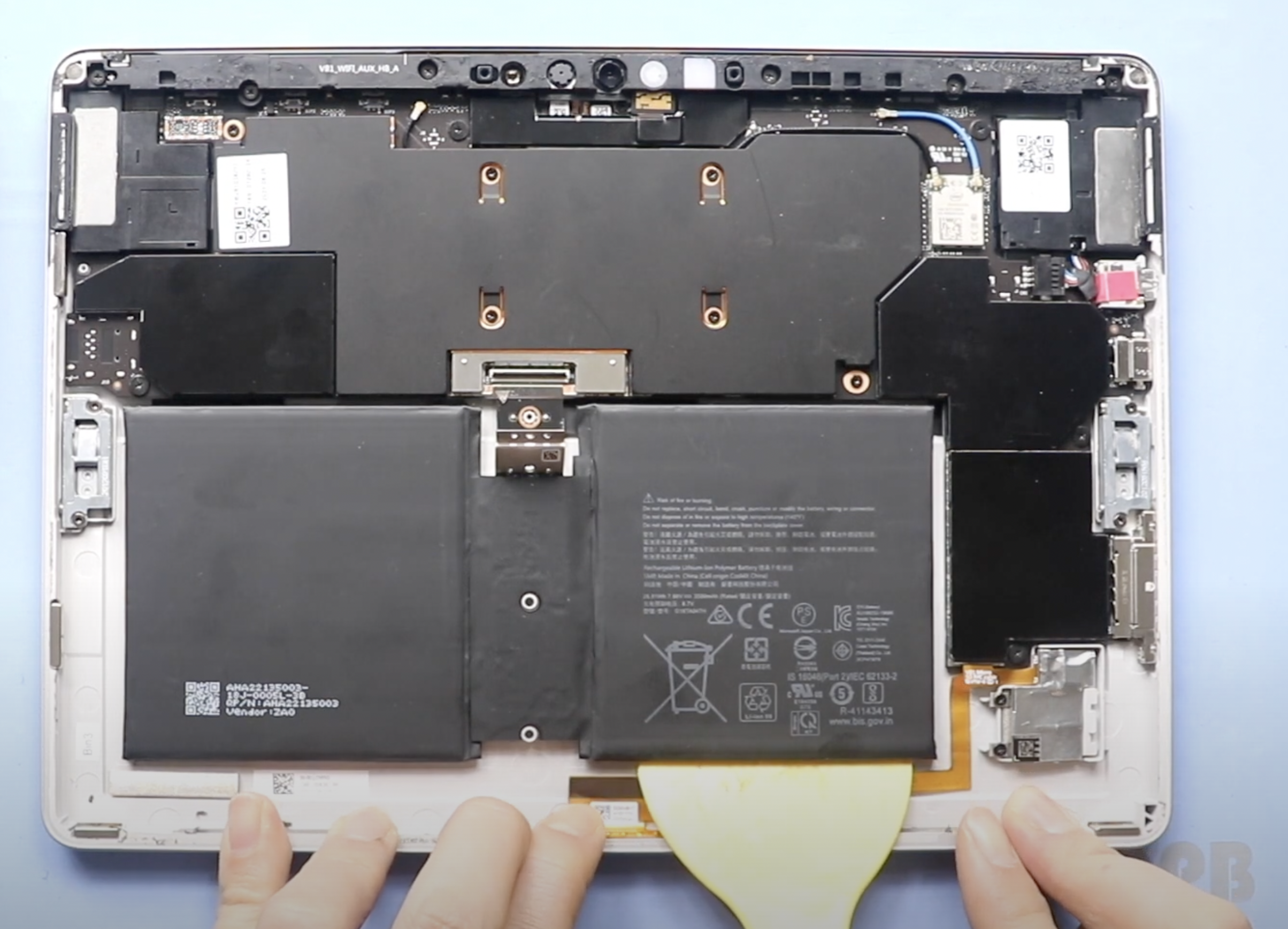
If your tablet drains quickly, shuts down unexpectedly, or refuses to charge properly, replacing the battery can restore performance and extend the life of your device. In this detailed repair
Surface Go 23 years ago
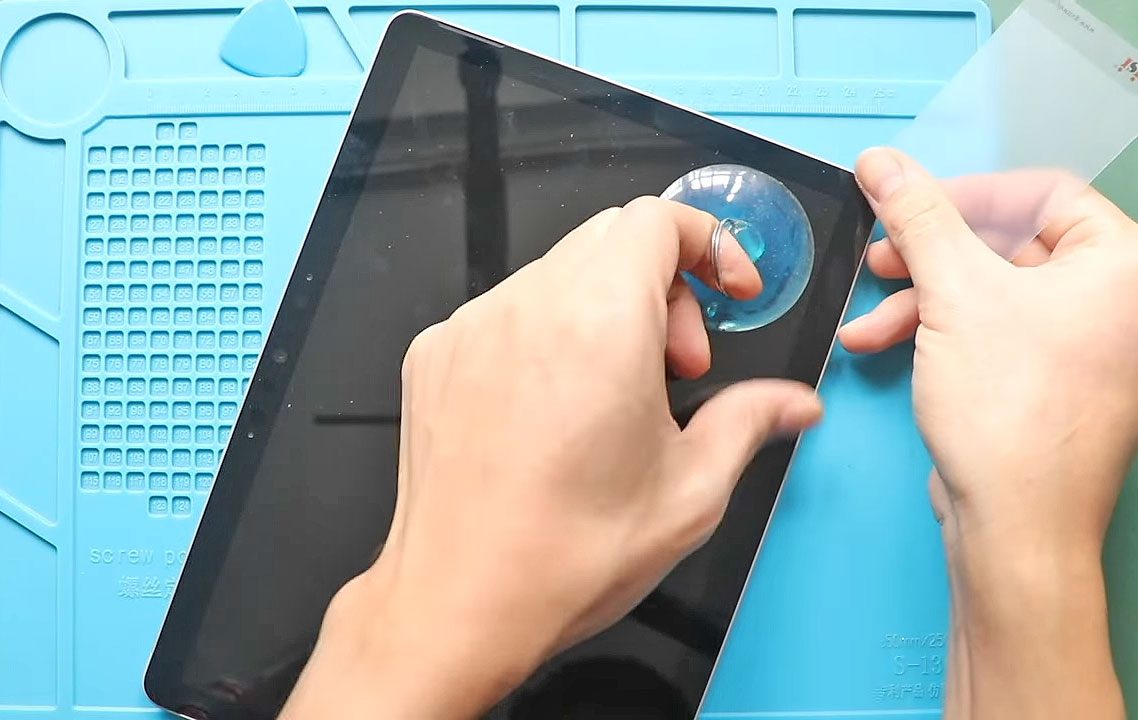
A cracked screen, unresponsive touch, or display issues can make using your tablet frustrating or even impossible. Fortunately, replacing the LCD and touch screen digitizer assembly can restore your device