

Replacing the battery on your Samsung Galaxy A11 can restore your smartphone’s performance, improve battery backup, and solve unexpected shutdown or charging issues. Over time, lithium-ion batteries naturally degrade due
Keep your Galaxy A11 working like new. Follow easy DIY guides to fix broken lcd touch screen, charging port, battery, flex and many more issues with easy step-by-step instructions.
Replacing the battery on your Samsung Galaxy A11 can restore your smartphone’s performance, improve battery backup, and solve unexpected shutdown or charging issues. Over time, lithium-ion batteries naturally degrade due
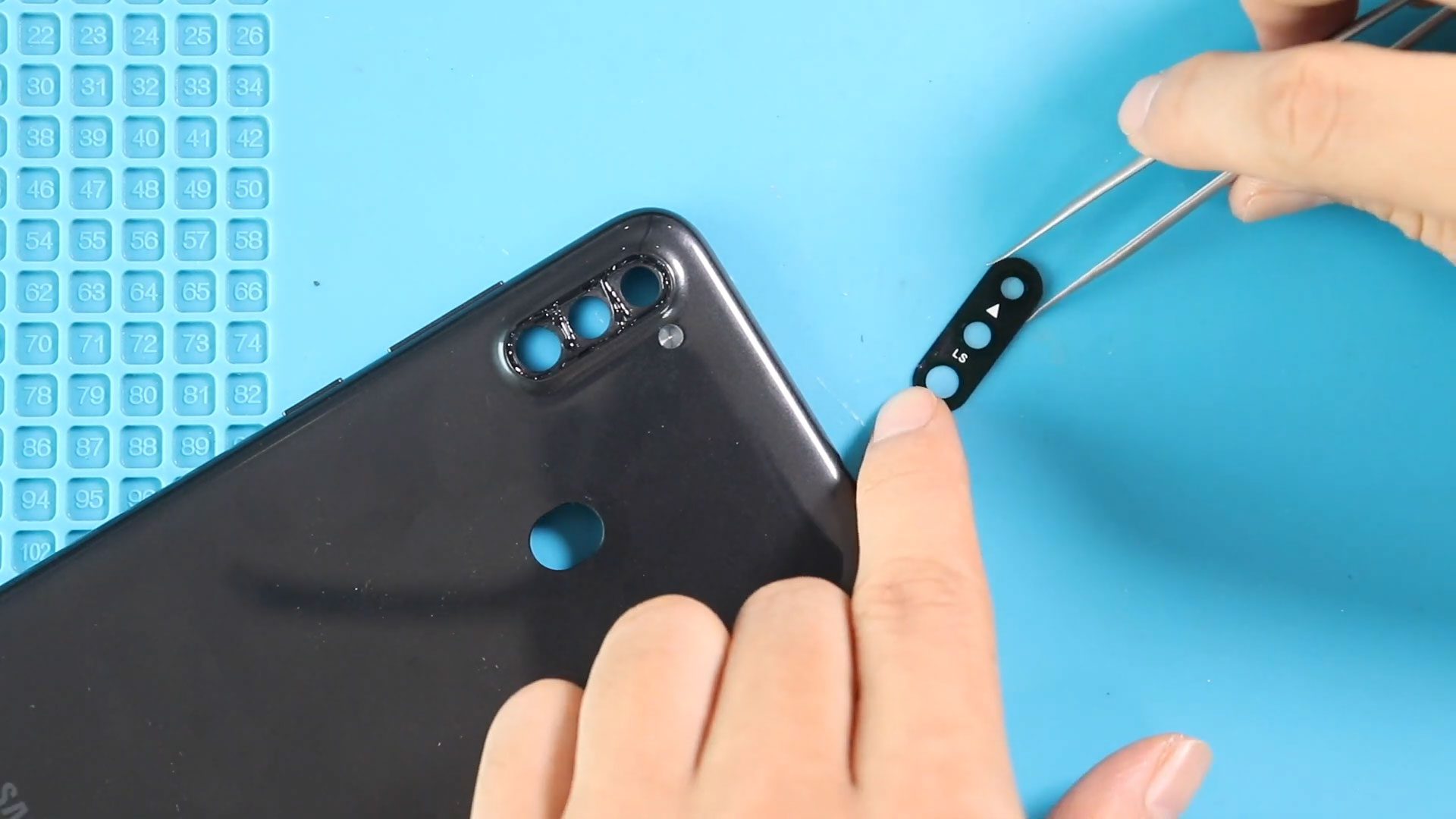
A scratched, cracked, or broken camera lens glass can seriously affect photo quality even when the camera itself is perfectly functional. Dust entry, blurry images, light glare, or focusing problems
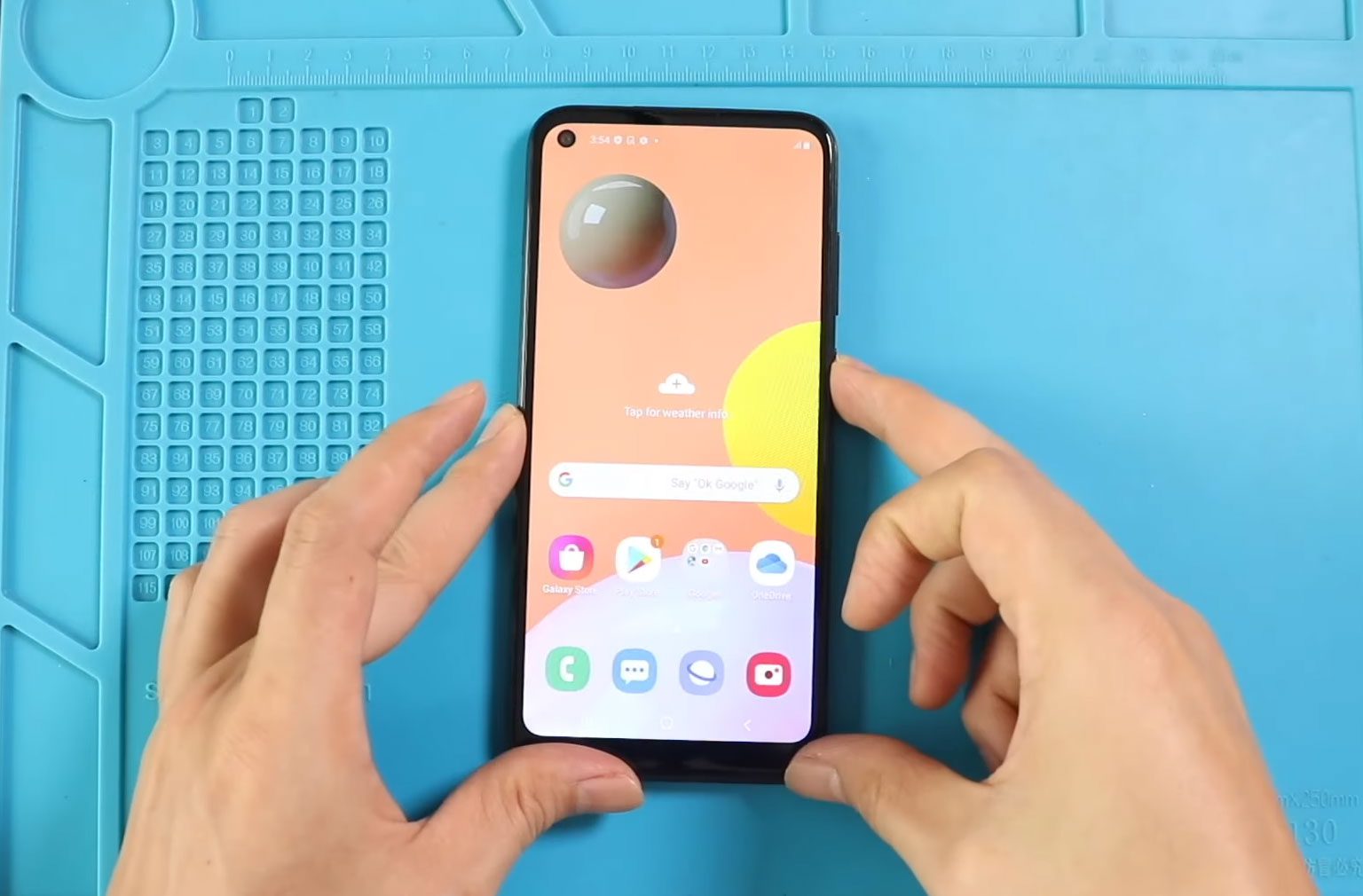
A broken or malfunctioning display can make your smartphone frustrating or impossible to use. Cracked glass, display flickering, touch response failure, or a completely black screen are common issues after

Charging problems are one of the most common issues smartphone users experience after long-term usage. Dust buildup, cable stress, liquid exposure, or accidental drops can damage the charging connector and

Camera problems can significantly affect everyday smartphone usage, especially when photos appear blurry, the camera fails to open, or focusing stops working properly. Accidental drops, moisture exposure, dust buildup, or

Fingerprint sensor problems can make unlocking your phone slow and frustrating. If your Samsung Galaxy A11 fingerprint scanner stops responding, fails to recognize fingerprints, or works intermittently, the sensor module
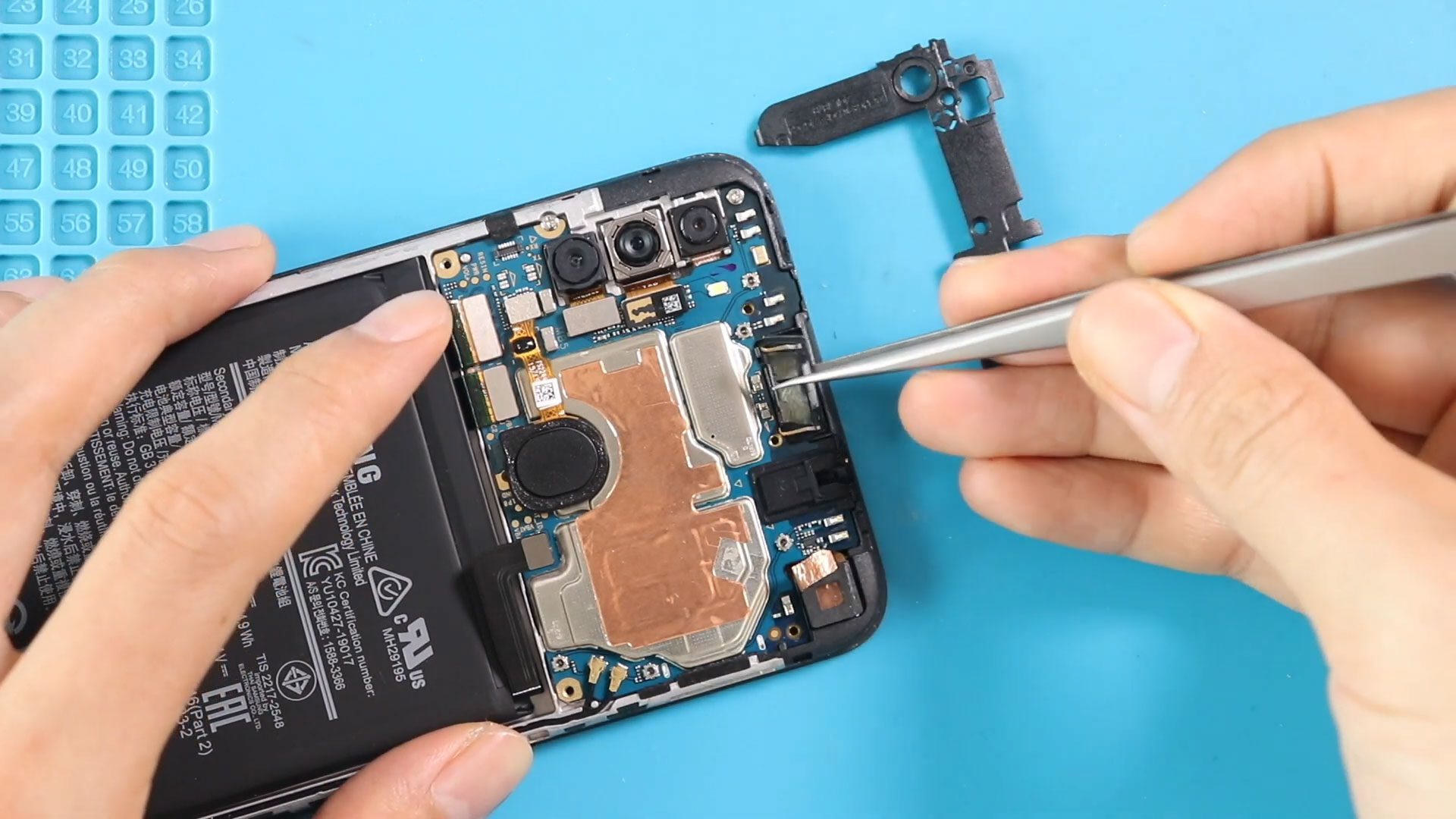
If you are experiencing low call volume, distorted sound, or no audio during phone calls, the earpiece speaker inside your Samsung Galaxy A11 may be damaged or blocked by dust


