Now Reading: Samsung Galaxy A11 Fingerprint Sensor Replacement Guide (Galaxy M11) – DIY Repair
-
01
Samsung Galaxy A11 Fingerprint Sensor Replacement Guide (Galaxy M11) – DIY Repair

Samsung Galaxy A11 Fingerprint Sensor Replacement Guide (Galaxy M11) – DIY Repair
Fingerprint sensor problems can make unlocking your phone slow and frustrating. If your Samsung Galaxy A11 fingerprint scanner stops responding, fails to recognize fingerprints, or works intermittently, the sensor module or its flex connection may be damaged. Drops, moisture exposure, worn adhesive, or cable stress are common causes of failure.
Fortunately, replacing the fingerprint sensor on the Galaxy A11 is a relatively simple repair because the module is mounted near the upper section under the back cover. With proper tools and careful handling, you can restore secure biometric unlocking without replacing the entire device.
This DIY repair guide explains how to safely replace the fingerprint sensor using recommended repair practices.
Protect Your Galaxy A11
- Protector For The Screen https://amzn.to/4gcQxBg
- Best Rated Case https://amzn.to/45Tjoai
- Latest Samsung Phones are in Clearence https://amzn.to/4b9xBSM
Repair Difficulty ⭐⭐☆☆☆ (Easy to Moderate)
Estimated Repair Time: 20 — 30 Minutes
Device Type: Smartphone
Repair Type: Fingerprint Sensor Module Replacement
Reasons to Replace the Samsung Galaxy A11 Fingerprint Sensor
You may need fingerprint sensor replacement if you notice:
- Fingerprint not detected or recognition failure
- Slow unlocking response
- Sensor not responding to touch
- Fingerprint option missing in settings
- Physical damage after dropping the phone
- Moisture or dust affecting the sensor
Replacing the sensor restores secure unlocking and improves everyday usability.
Before You Begin
Compatibility and Model Numbers
- Samsung Galaxy A11
- Samsung Galaxy M11
This repair guide based on Samsung Galaxy A11 Model.
Model Numbers | SM-A115F/DS, SM-A115F, SM-A115M, SM-A115M/DS, SM-A115U, SM-A115A, SM-A115AZ, SM-A115U1, SM-A115W, SM-A115AP, SM-S115DL, SM-M115F, SM-M115F/DSN, SM-M115M, SM-M115M/DS
Tools Required
- Mobile phone heating pad or hairdryer/heat gun
- Plastic pry tool / card pry
- Suction cups
- Phillips #00/#000 screwdrivers
- Flat Screwdriver (Handy For Connectors)
- Tweezers (for connectors)
- B7000 glue or double-sided adhesive (for back cover)
- Rubber bands or bonding clips to secure the back cover
Using proper tools reduces the risk of damaging the phone.
How to Find Tools and Parts
- Heating pad – https://amzn.to/3H0tHzJ
- Portable Heat Gun – https://amzn.to/4mszih1
- Clamps https://amzn.to/3GYJT4w
- STREBITO 142 Piece Repair Tool Kit https://amzn.to/3UO1jUx
- Glue | Adhesive https://amzn.to/46exVxe
- Compatible Parts –
- Battery – https://amzn.to/41FdUgG
- Screen – https://amzn.to/4mSDJT6
- Other Parts – https://amzn.to/4gkS88c
- Silicone Work Repair Mat https://amzn.to/45Emz5l
Samsung Galaxy A11 Fingerprint Sensor Replacement — Step-by-Step Guide
Step 1 — Power Off and Remove SIM Tray
Turn off the device completely before starting the repair.
Remove the SIM tray using a SIM ejector tool.
Step 2 — Remove the Back Cover
Create a small opening near the SIM slot or charging port using a plastic pry card.
Insert the tool carefully between the frame and the back cover.
Move slowly around the edges to release the plastic clips securing the cover.
⚠️ Lift gently because the fingerprint sensor cable is connected underneath.
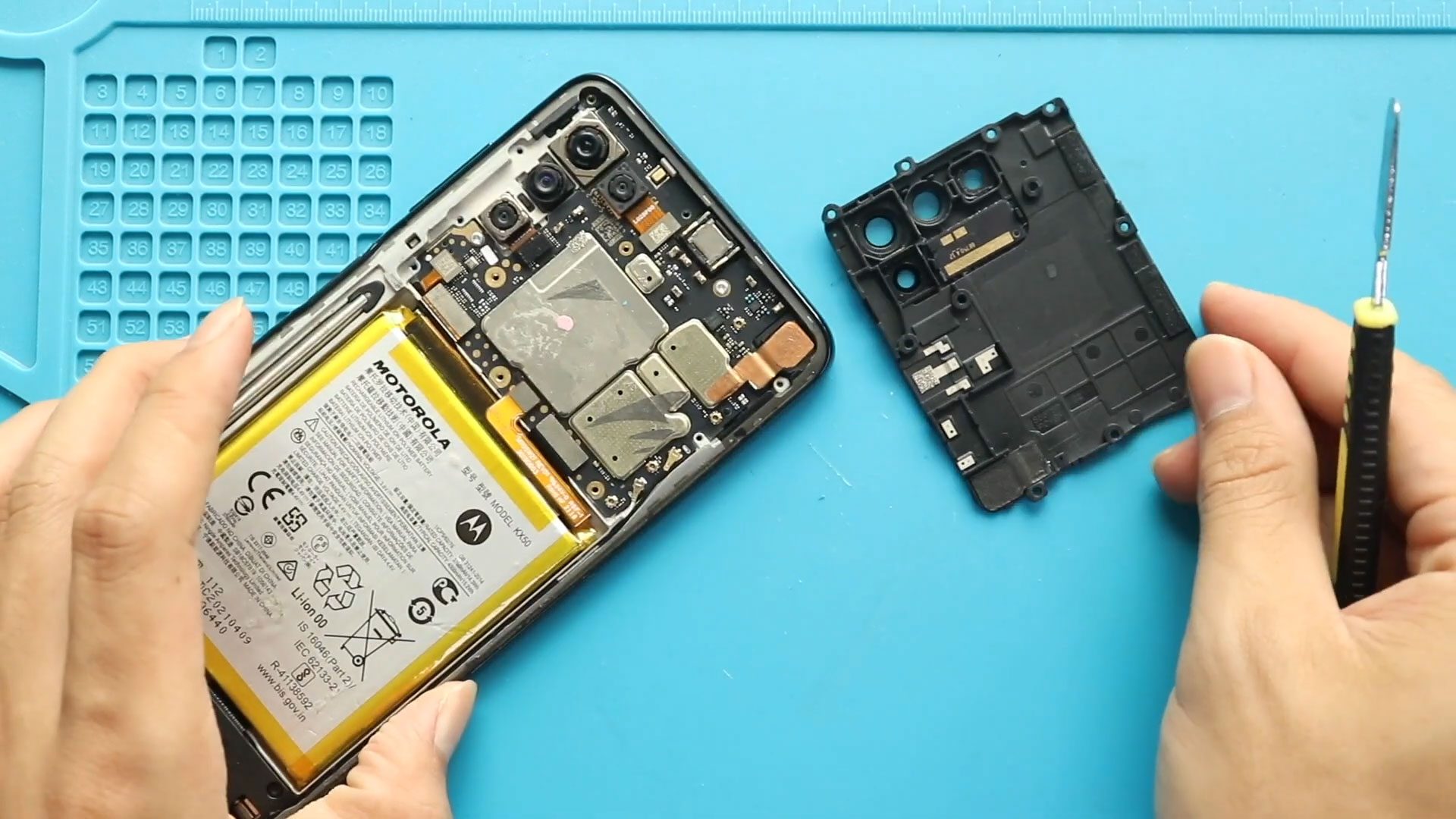
Step 3 — Remove the Upper Shield
Locate the protective shield covering the motherboard connectors.
Undo the screws securing the shield using a Phillips screwdriver.
Lift and remove the shield carefully.
Disconnect the battery connector before proceeding.
Step 4 — Remove the Faulty Fingerprint Sensor
Disconnect the fingerprint flex connector from the motherboard.
If adhesive is holding the fingerprint sensor in place, apply a small amount of heat to soften the glue.
Gently push or lift the fingerprint sensor out from the back cover.
Avoid bending the flex cable.
Step 5 — Install the New Fingerprint Sensor
Place the replacement fingerprint sensor into position.
Ensure proper alignment with the back cover opening.
Reconnect the flex cable securely to the motherboard.
Press gently so the sensor sits flat.
Apply adhesive if required to secure the module.
Step 6 — Reinstall Shield
Reconnect the battery connector.
Place the protective shield back into position.
Secure it using the screws removed earlier.
Step 7 — Close the Device
Align the back cover carefully with the frame.
Press along the edges to snap all clips securely into place.
Insert the SIM tray.
Power on the phone and test fingerprint recognition before regular use.
Frequently Asked Questions (FAQ)
Why is my fingerprint sensor not working?
Damage to the sensor module, flex cable wear, adhesive failure, or moisture exposure can cause fingerprint recognition problems.
Do I need to recalibrate the fingerprint sensor after replacement?
Usually no calibration is required. You simply need to register new fingerprints in settings.
Will replacing the fingerprint sensor erase data?
No. This repair does not affect stored files or applications.
Can beginners perform this repair?
Yes. Compared to screen or motherboard repairs, fingerprint replacement is beginner-friendly when done carefully.
Should I apply glue during installation?
If the replacement sensor does not include adhesive, a small amount of glue helps keep it securely positioned.
Troubleshooting After Fingerprint Sensor Replacement
Fingerprint option missing in settings
Reconnect the fingerprint flex cable and restart the phone.
Sensor not detecting fingerprints
Remove previously saved fingerprints and register new ones.
Phone not turning on after repair
Check whether the battery connector was properly reconnected
Back cover not closing properly
Make sure cables are routed correctly and screws are fully tightened.
Repair Guides