
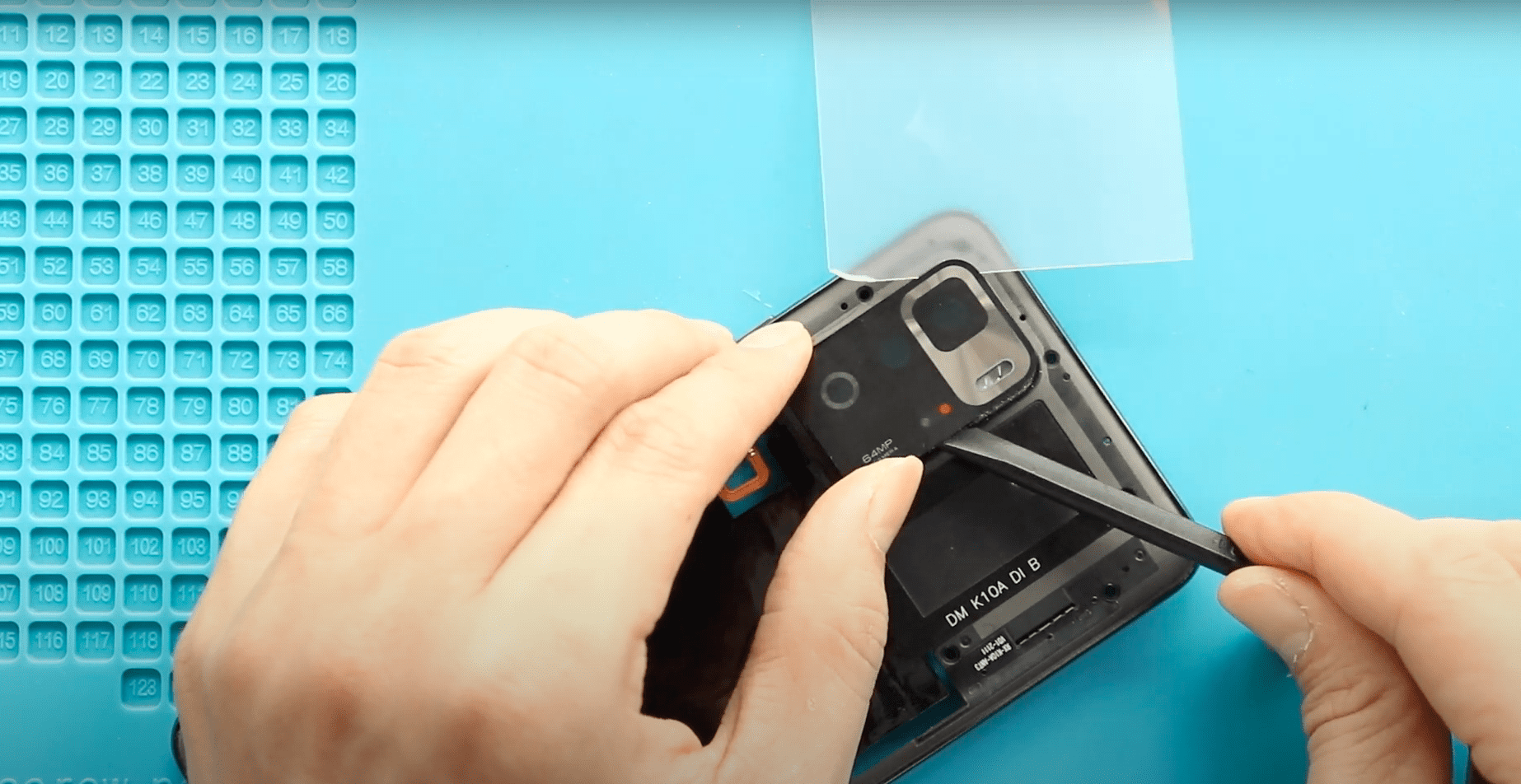
A cracked or scratched camera lens can seriously affect photo quality, causing blurry images, light glare, or focusing issues. Fortunately, replacing the camera lens on the Poco X3 GT —
A cracked or scratched camera lens can seriously affect photo quality, causing blurry images, light glare, or focusing issues. Fortunately, replacing the camera lens on the Poco X3 GT —
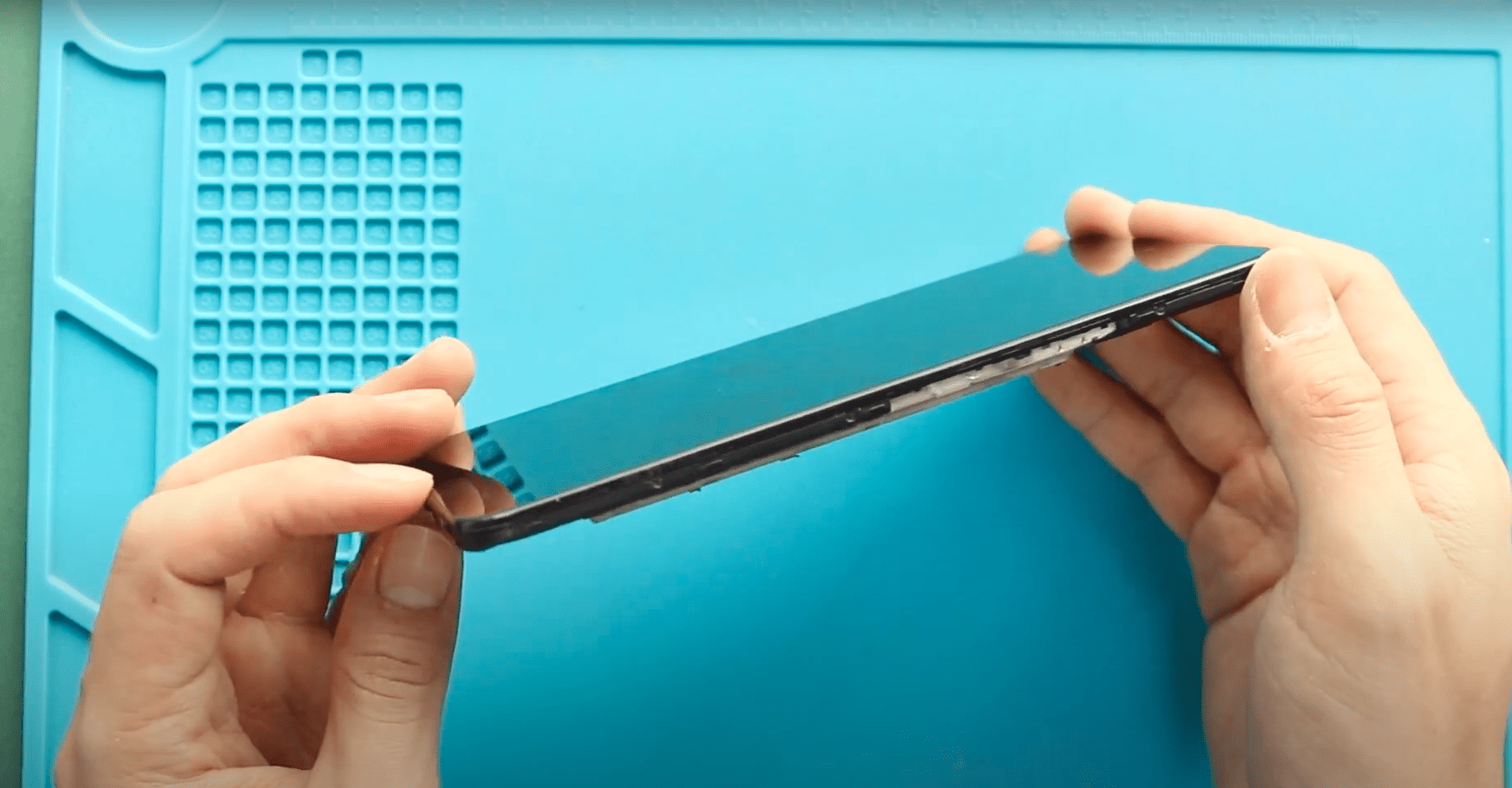
A cracked screen, touch problems, display flickering, or black screen issues can make your smartphone difficult or impossible to use. Fortunately, replacing the LCD screen can fully restore usability and
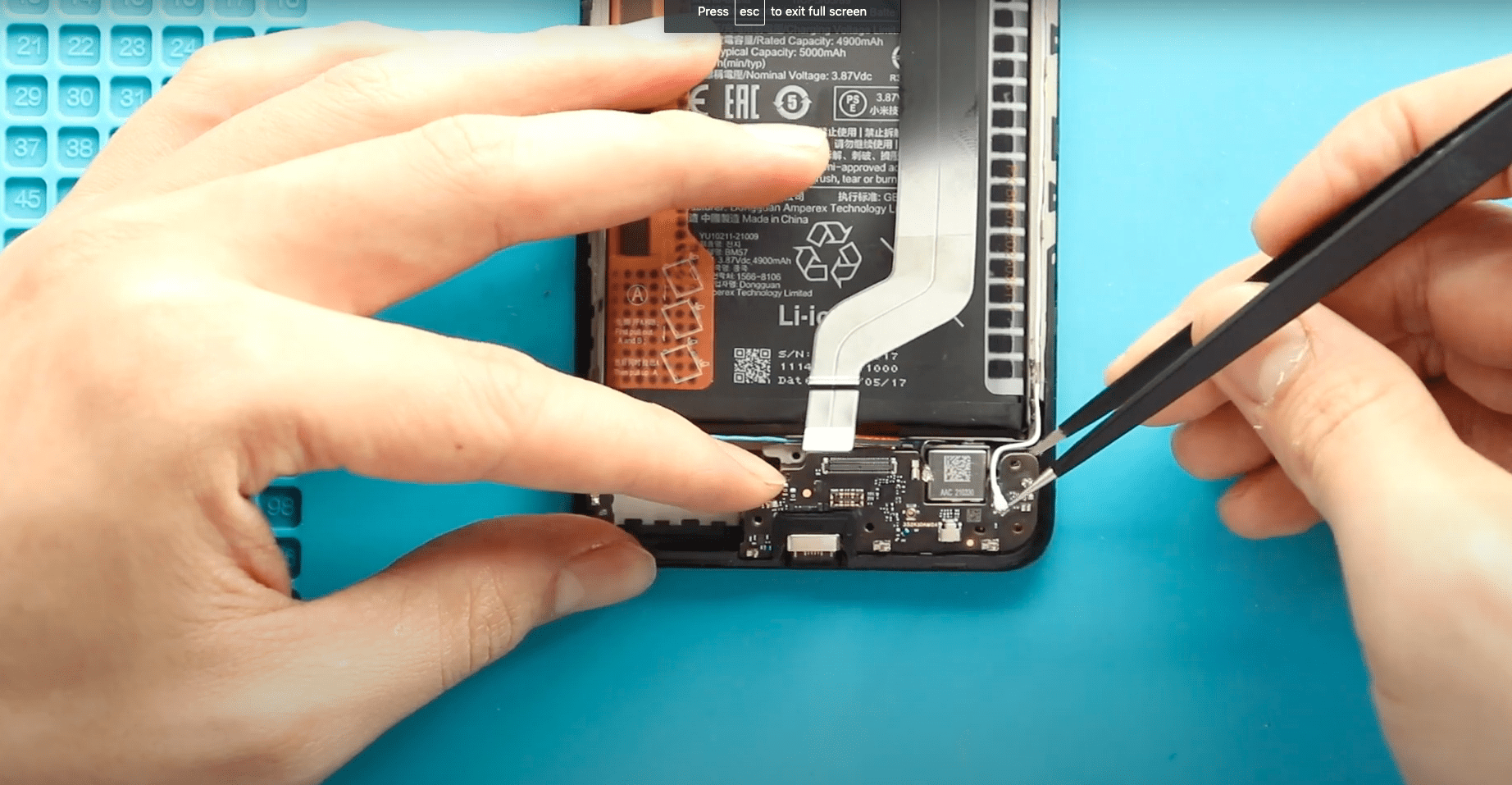
If your phone is not charging properly, charging cable feels loose, fast charging stops working, or your device is not detected by a computer, the charging port board may be
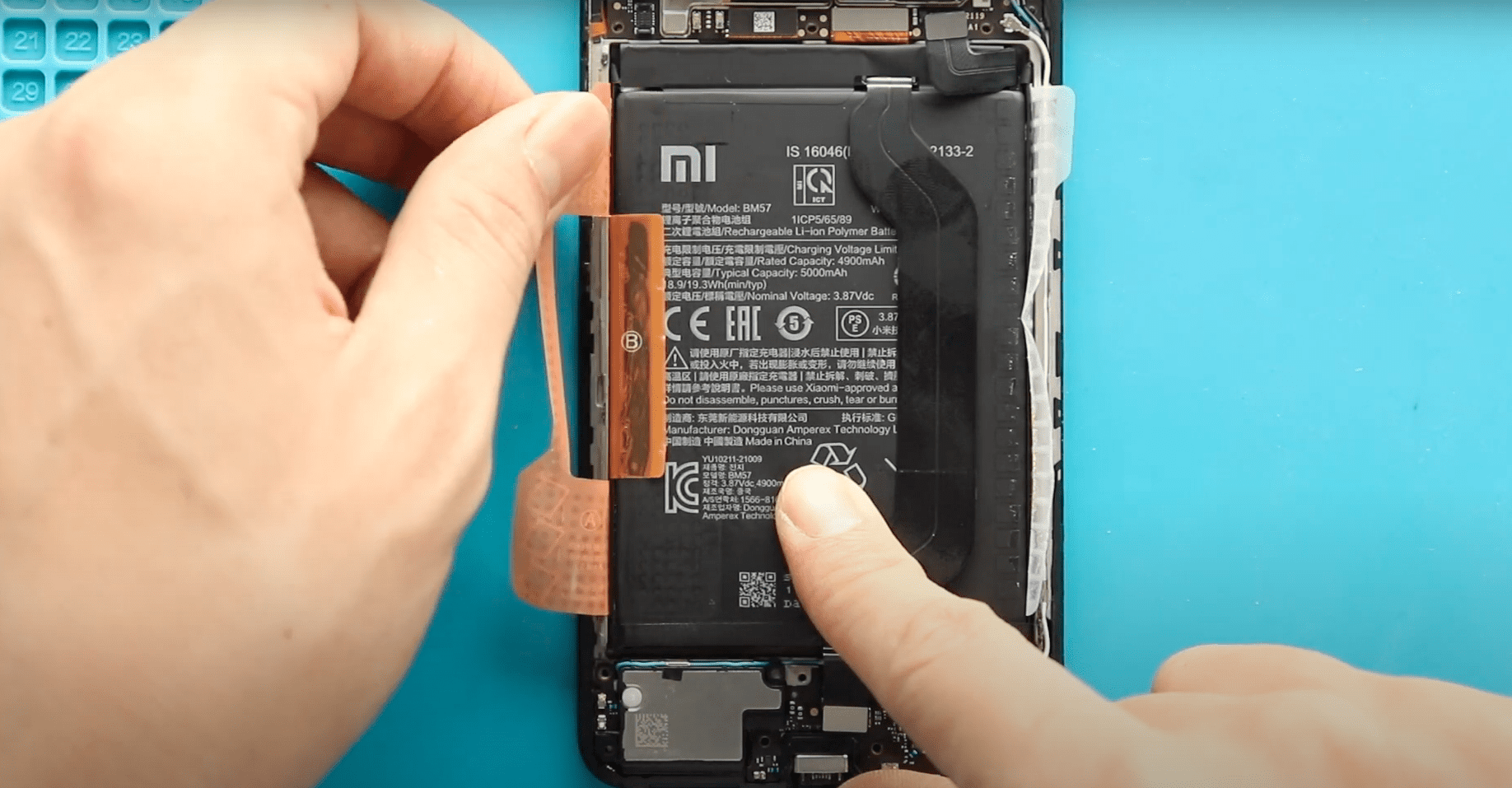
overall usability of your smartphone. In this detailed DIY repair guide from Geardo, you’ll learn how to safely replace the battery on the POCO X3 GT, also known as the Redmi
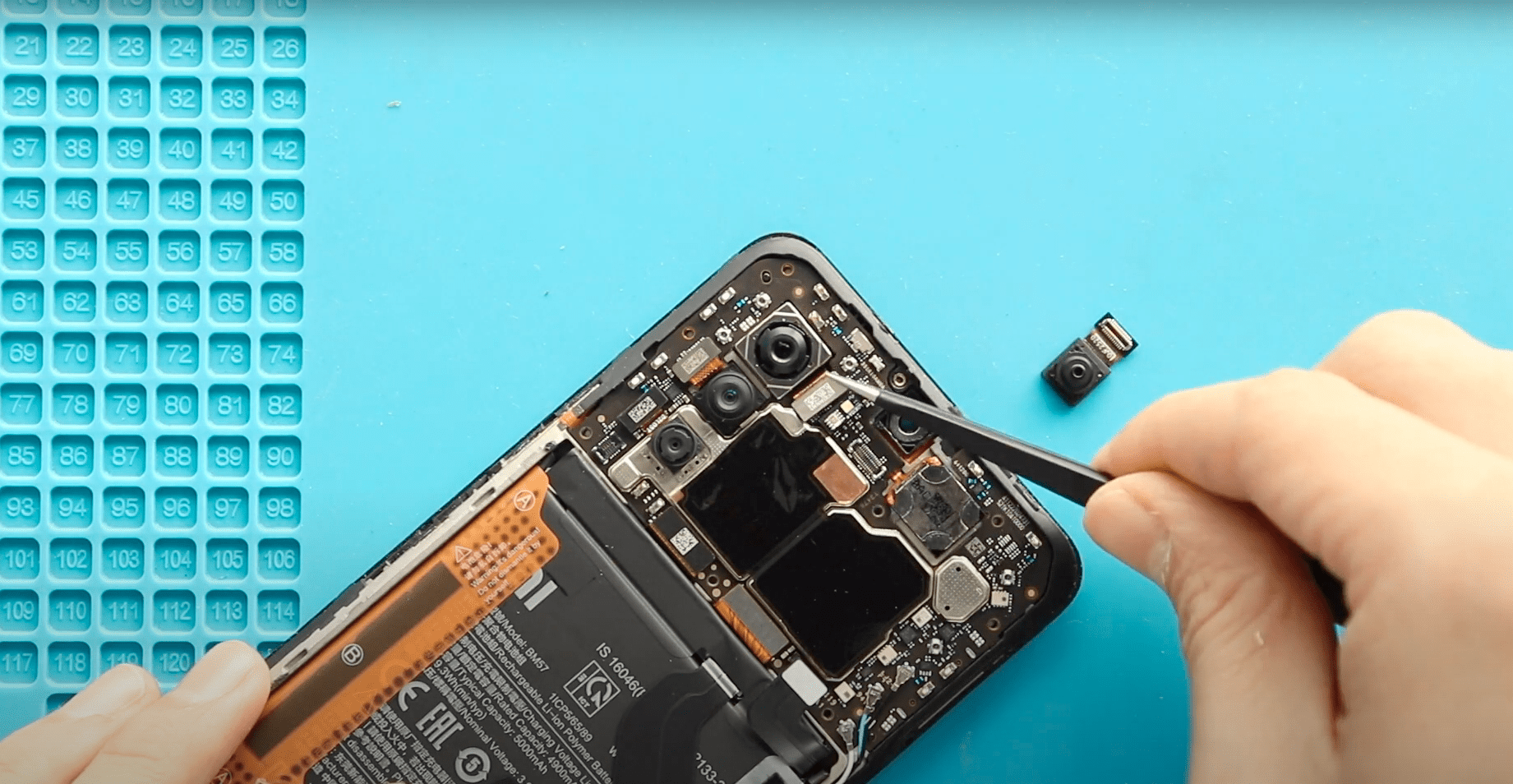
If your POCO X3 GT is experiencing issues with the front or rear cameras, such as blurry images, camera not detected, or black screens when opening the camera app, replacing the faulty camera

If your phone camera is blurry, not focusing, showing a black screen, or crashing when opened, you may need to replace the front or rear camera module. In this detailed

If your POCO X3 GT or Xiaomi Redmi Note 10 Pro (China) is having issues with the power or volume buttons, such as unresponsiveness, intermittent pressing, or stuck buttons, replacing the power & volume flex cable can

If your POCO X3 GT or Xiaomi Redmi Note 10 Pro (China) is having call quality issues, such as low volume, distorted sound, or no sound from the earpiece, replacing the earpiece speaker can restore normal audio
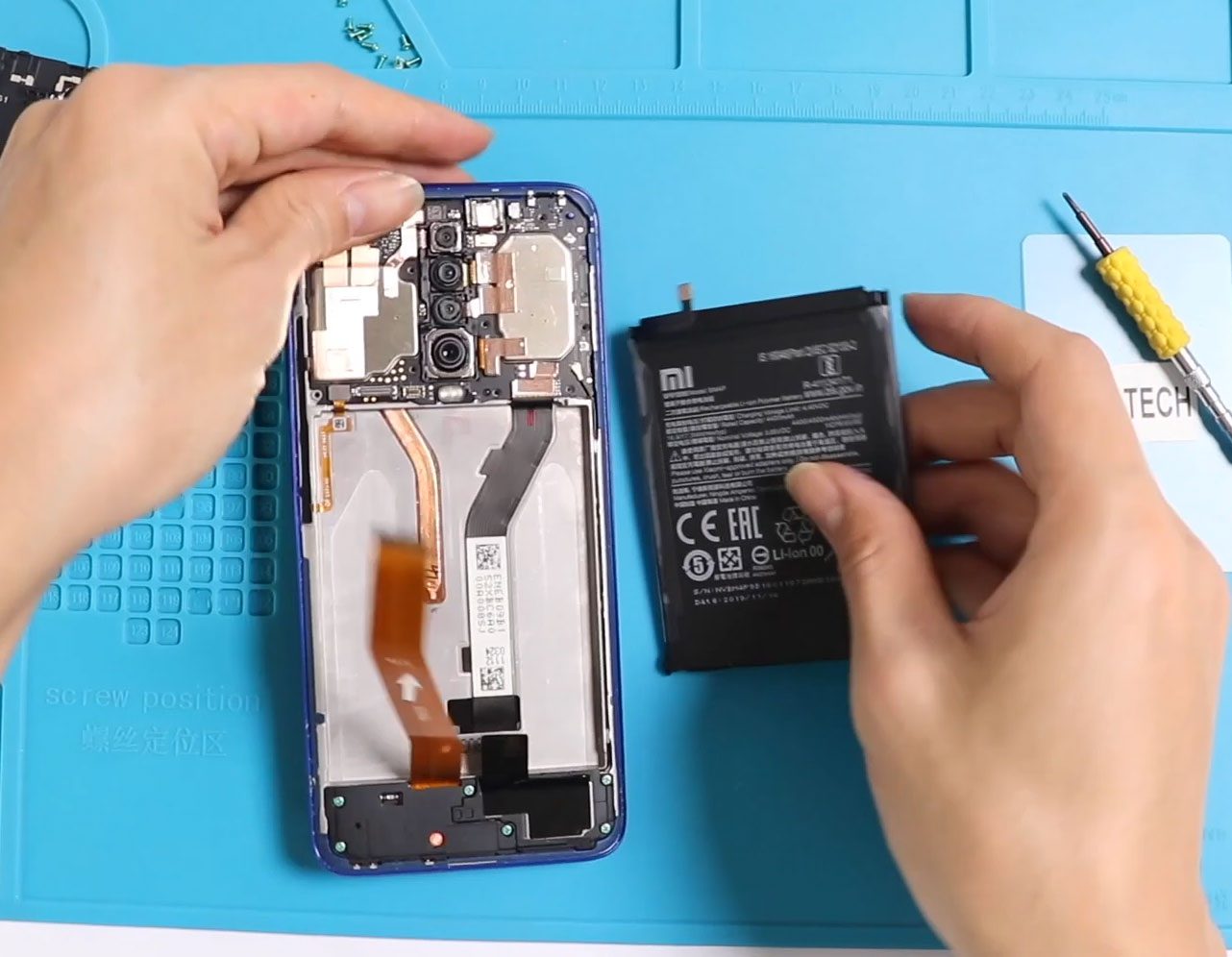
Before Starting, we need to apply some heat. You can use a heat gun hairdryer or a heat mat. But make sure you don’t put too much heat on the
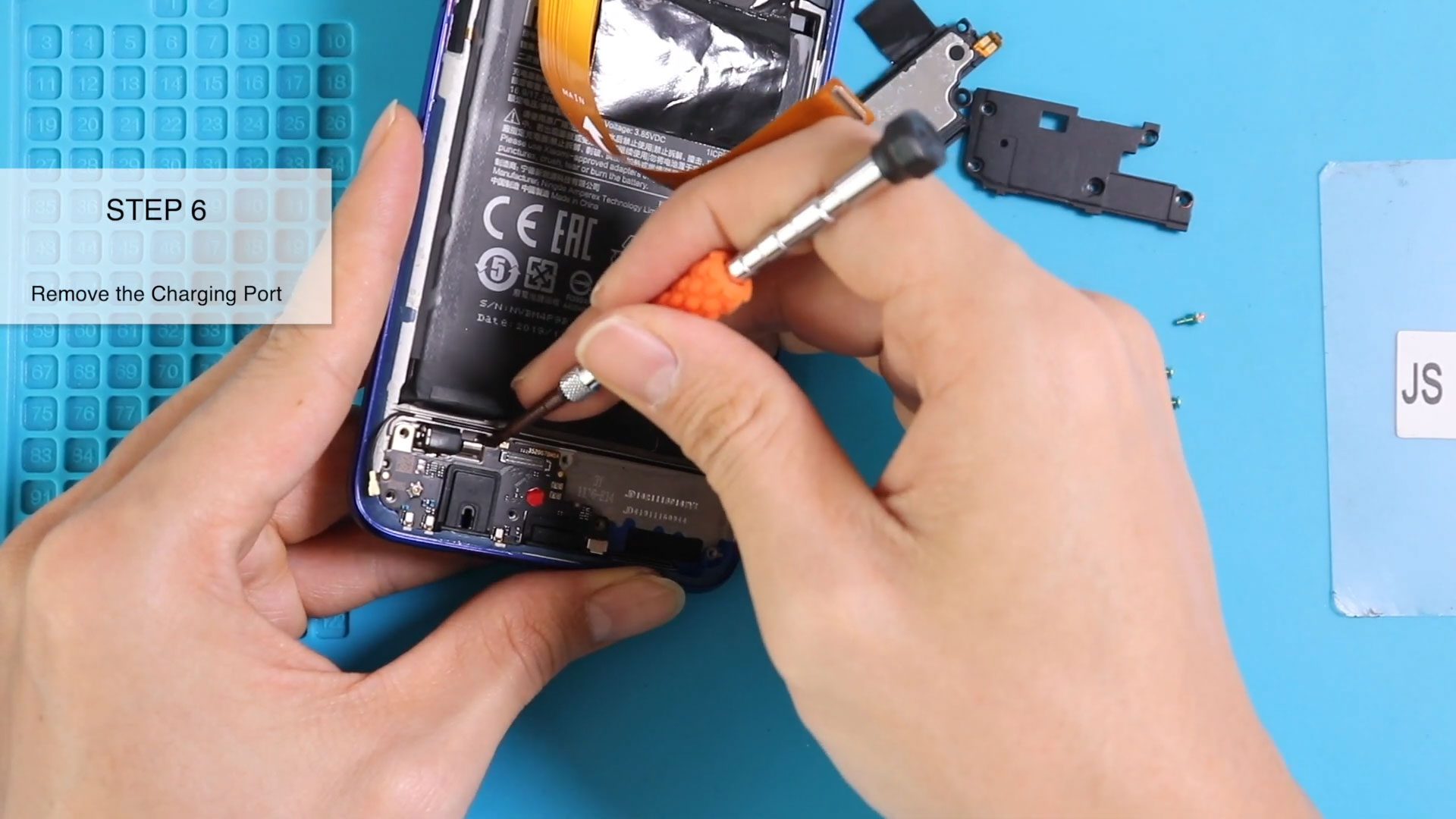
Please follow the below link for the repair instructions. Please let us know if you have any questions. Timestamps00:00 intro00:10 Opening Redmi K30 | Poco X200:26 removing back cover01:00 removing

Please follow the below link for the repair instructions. Please let us know if you have any questions. Timestamps00:00 intro00:10 Opening Redmi K30 | Poco X200:26 Removing back cover02:10 Removing

Before Starting, we need to have the right tools to proceed with the repair, which you can find in the description. First, turn up the phone and take out the


