

A damaged or malfunctioning display can make a smartphone difficult or impossible to use. Common problems such as cracked glass, touch issues, display flickering, or black screens usually indicate a
Explore our complete Redmi Note series DIY repair guides, covering popular models like Redmi Note 7, Note 8, Note 9, Note 10,Note 11,Note 12, and Note 13. Step-by-step tutorials show you how to replace screens, batteries, cameras, charging port and other components safely at home. Each guide includes easy-to-follow videos, tips, and tools needed, making it simple for DIY enthusiasts to fix their phones themselves. New models and repair tutorials are added regularly to keep your Redmi Note repair library up to date.
A damaged or malfunctioning display can make a smartphone difficult or impossible to use. Common problems such as cracked glass, touch issues, display flickering, or black screens usually indicate a
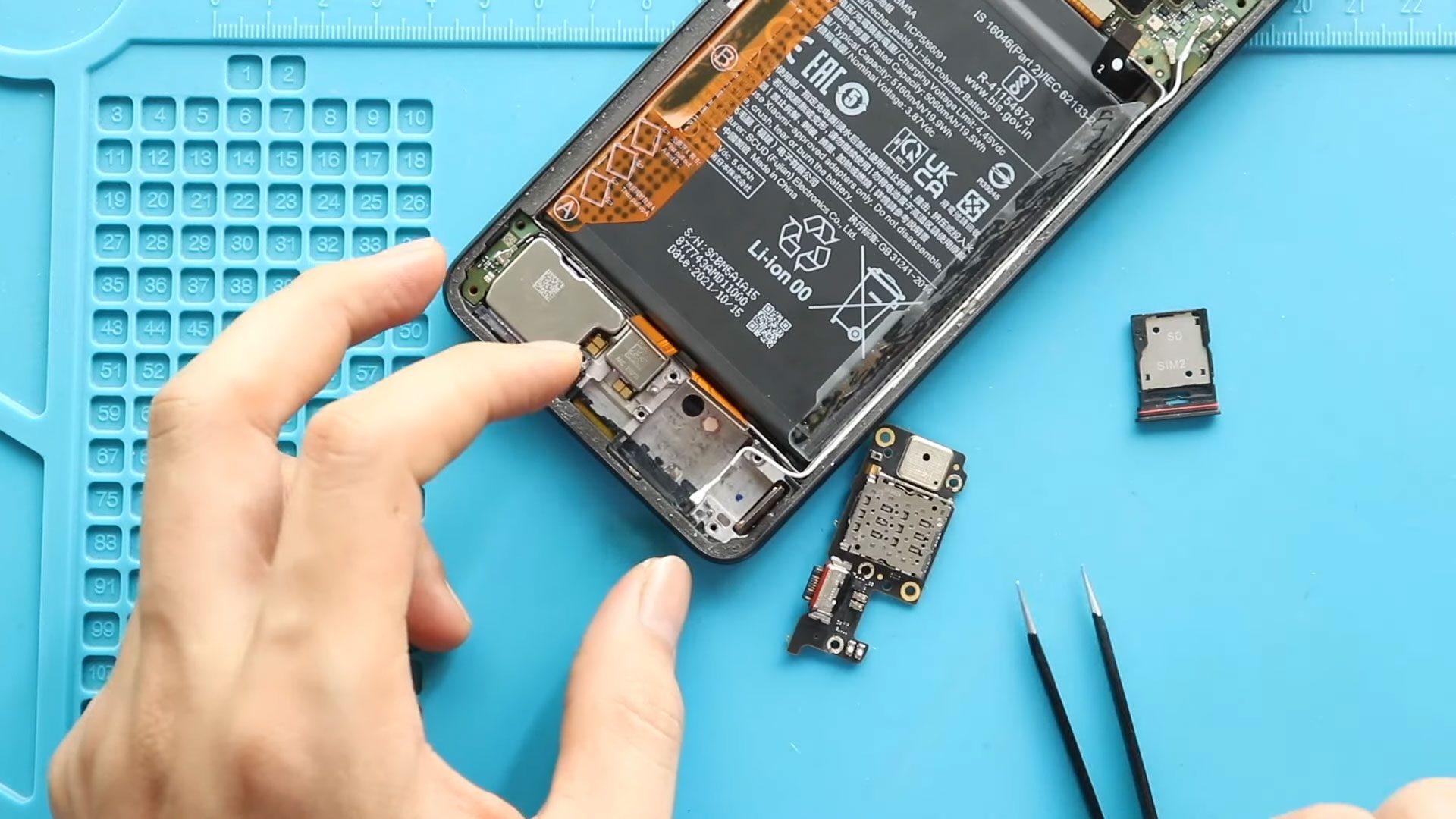
Charging problems such as slow charging, loose cable connections, or devices failing to detect chargers are among the most common smartphone hardware failures. In many cases, microphone problems during calls
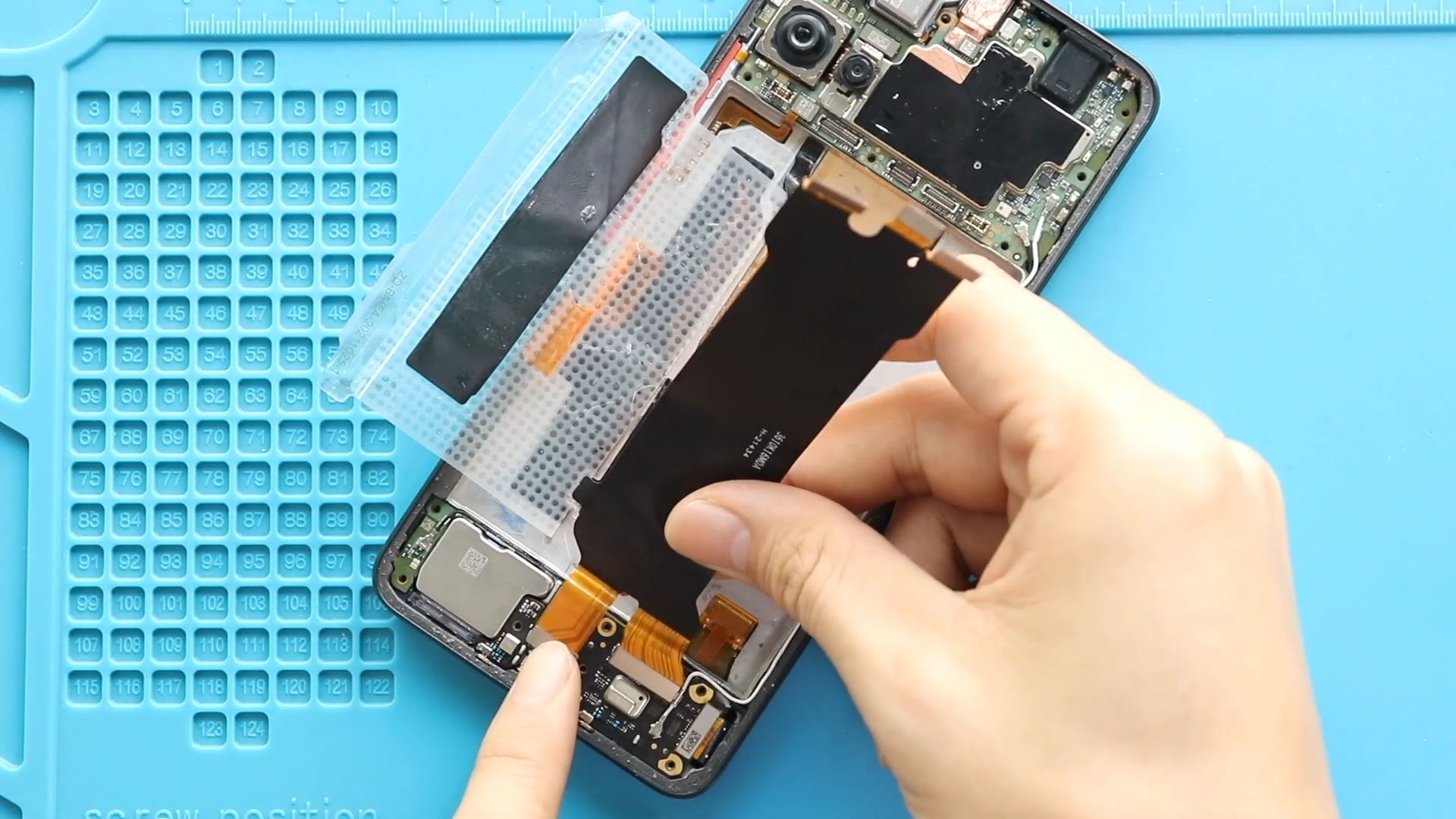
Please follow the below link for the repair instructions. Please let us know if you have any questions. Timestamps00:00 Intro00:10 Opening00:38 Removing Back Cover01:20 Removing Board Frame02:15 Removing Battery02:38 Removing
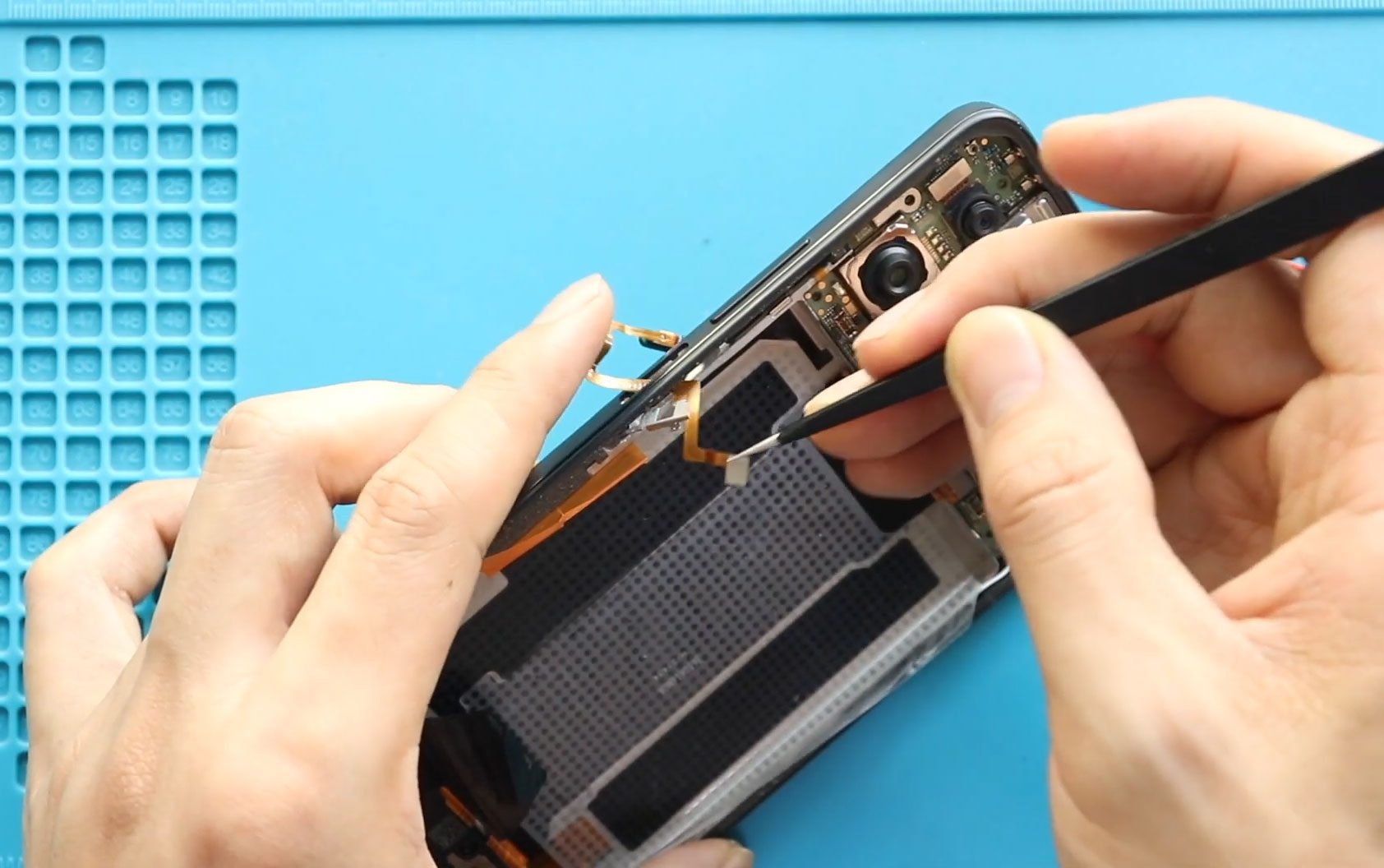
A faulty power button or fingerprint sensor can significantly affect everyday smartphone usability. Problems such as the device not locking or waking properly, fingerprint recognition failure, or buttons becoming unresponsive

Please follow the below link for the repair instructions. Please let us know if you have any questions. Timestamps00:00 Intro00:10 Opening00:37 Removing Back Cover01:20 Removing Board Frame02:15 Removing Logic Board03:27

Please follow the below link for the repair instructions. Please let us know if you have any questions. Timestamps00:00 Intro00:10 Opening00:41 Removing Back Cover01:22 Removing Board Frame02:15 Removing Speaker Cover02:53
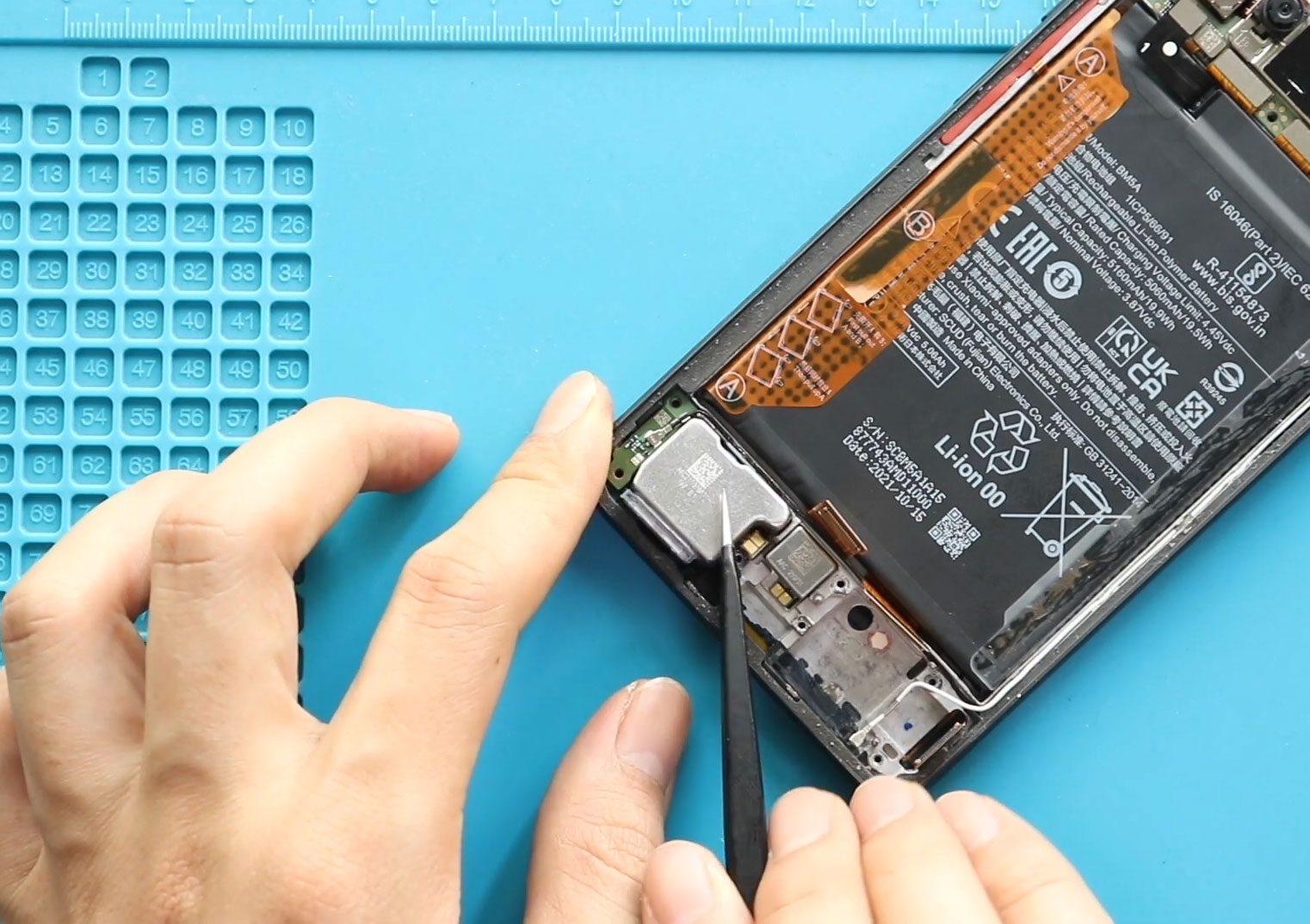
Please follow the below link for the repair instructions. Please let us know if you have any questions. Timestamps00:00 Intro00:10 Opening00:41 Removing Back Cover01:22 Removing Board Frame02:15 Removing Speaker Cover02:53

Hi everyone, welcome back to DIYGeardo 👋In this guide, we will show you how to replace the battery on the Xiaomi Redmi Note 7 and Redmi Note 7 Pro smartphones. Both devices share

Hi everyone, welcome back to DIYGeardo 👋In this guide, we’ll show you how to replace the camera lens glass & Back Cover on the Xiaomi Redmi Note 7 Pro. If your photos are blurry, your
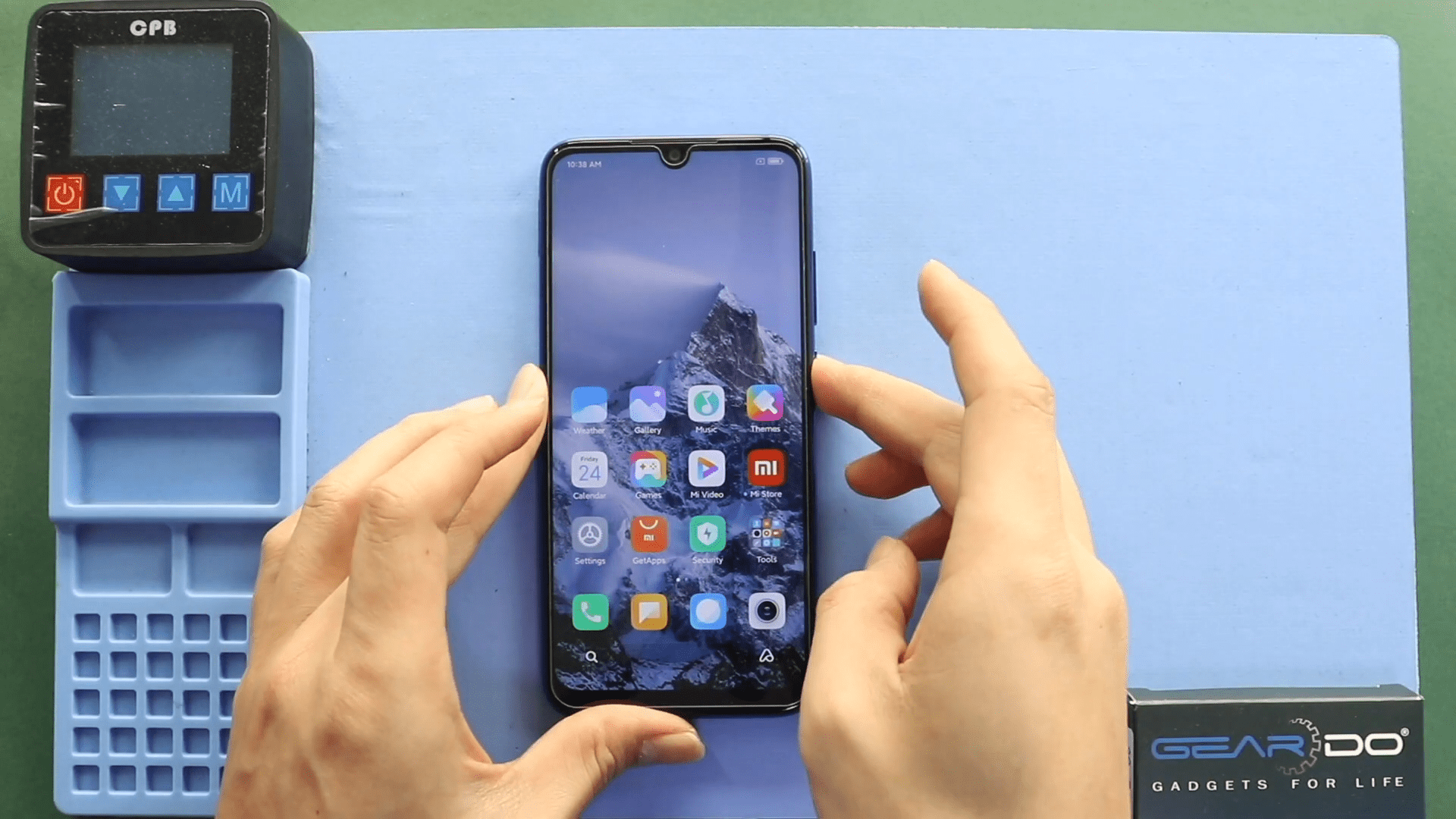
Before Starting, we need to have the right tools to proceed with the repair, which You can find in the description. First, turn off the phone, and then follow the
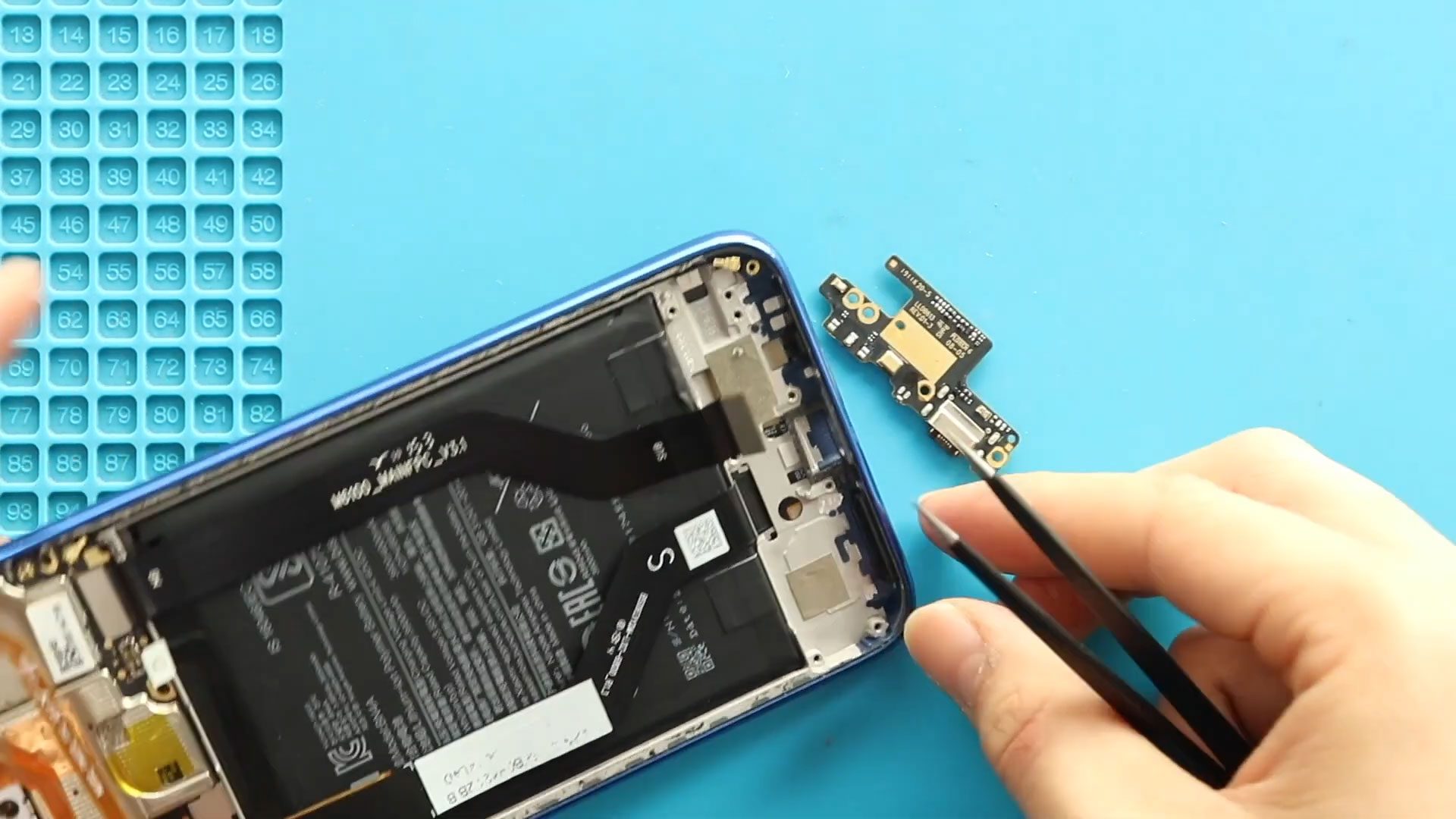
Hi everyone, welcome back to Geardo 👋Today, we will show you how to replace the charging port board on the Xiaomi Redmi Note 7 and Redmi Note 7 Pro smartphones. Both models use
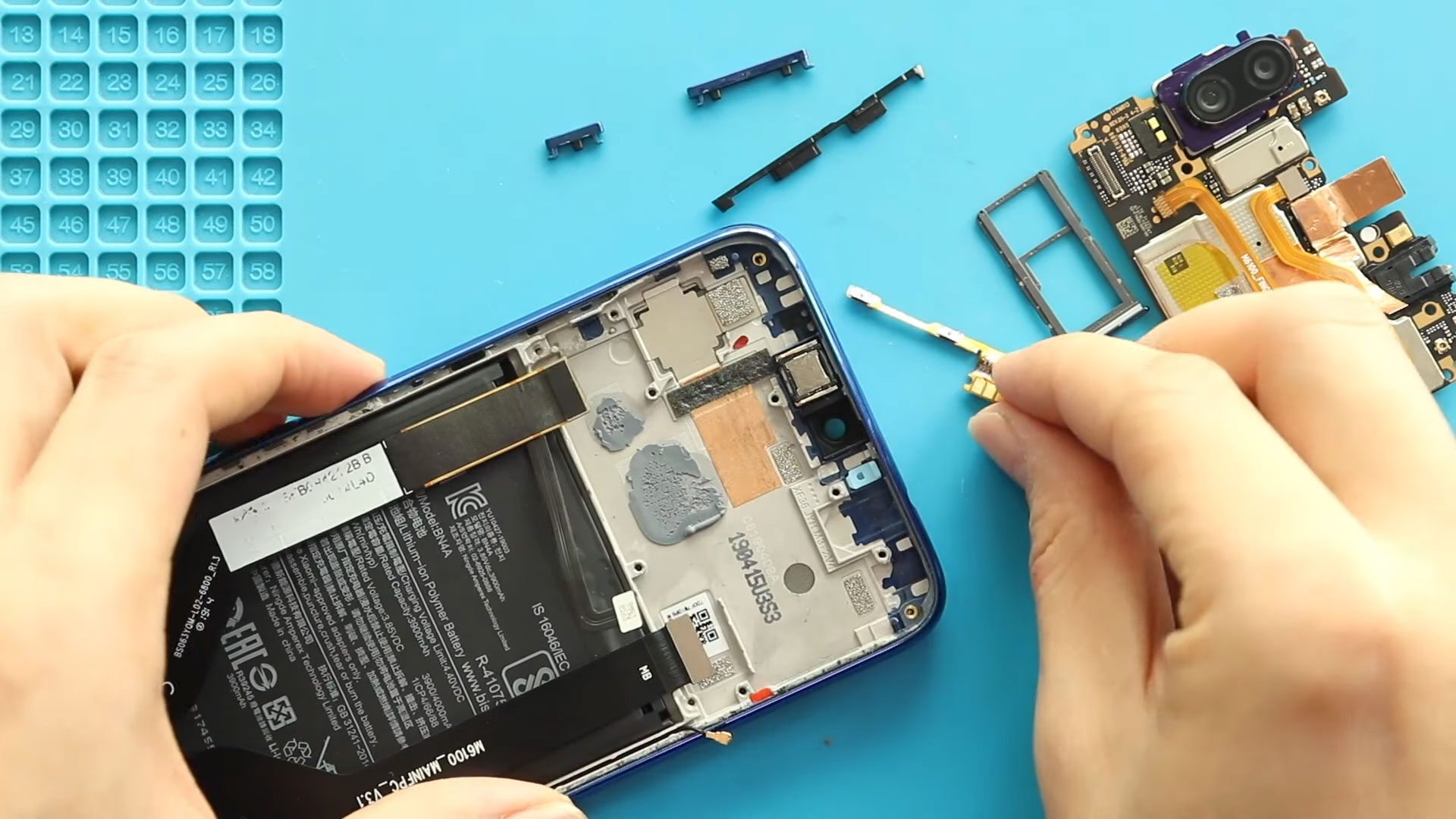
Hi everyone, welcome back to Geardo 👋In this repair guide, we’ll walk you through the process of replacing the power and volume button flex cable on the Xiaomi Redmi Note 7 and Redmi Note 7


