
Now Reading: iPhone SE 2022 Screen Replacement Guide | Step-by-Step DIY Repair
-
01
iPhone SE 2022 Screen Replacement Guide | Step-by-Step DIY Repair
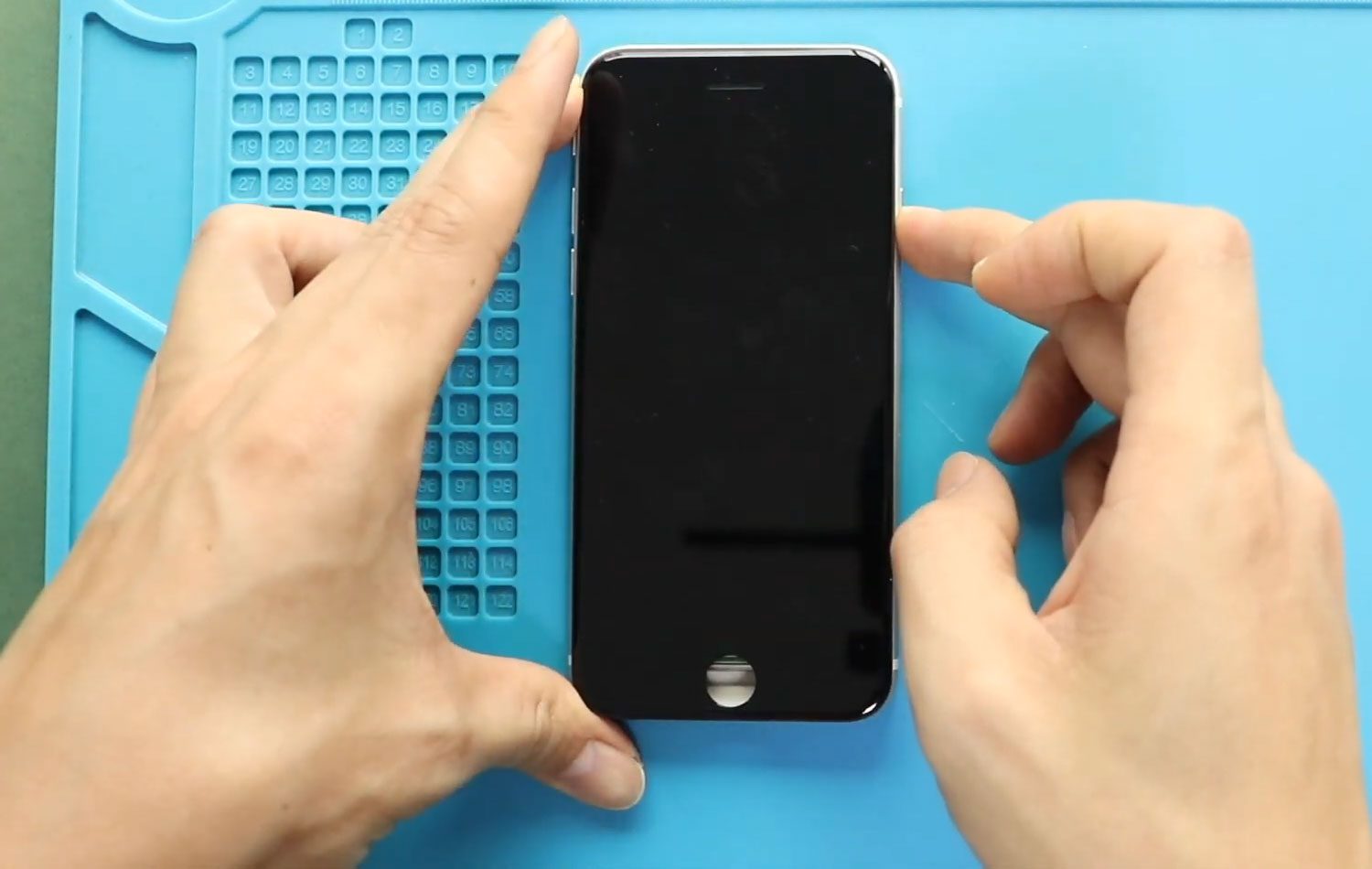
iPhone SE 2022 Screen Replacement Guide | Step-by-Step DIY Repair
Hi everyone, welcome back to Geardo 👋
If your iPhone SE 2022 screen is cracked, unresponsive, or showing display issues, replacing the LCD is the best way to restore your device. The good news is—you can do it yourself with the right tools and guidance.
In this guide, we’ll walk you through a complete, beginner-friendly step-by-step process to replace the LCD screen on the iPhone SE 2022 (also known as iPhone SE 3). Just follow carefully, and you’ll have your phone looking and working like new again.
Repair Overview
- Device Type: Smartphone
- Model: iPhone SE 2022 (SE 3)
- Repair Type: LCD Screen Replacement
- Time Duration: 40–60 minutes
Repair Difficulty
⭐⭐⭐⭐☆ (Moderate–Hard)
Reasons for Screen Replacement
- Cracked or shattered screen
- Touch not responding properly
- Display flickering or lines
- Black screen or dead pixels
- Ghost touch issues
Before You Begin
Compatibility and Model Numbers
- iPhone SE (2022)
- Also Known As iPhone SE 3, iPhone SE 3rd Generation
This repair guide based on iPhone SE 2022 Model.
Model Numbers | A2783, A2595, A2785, A2782, A2784,
Tools Required
- Heating pad / heat gun / hairdryer
- Suction cup
- Plastic card pry tools / opening picks
- Phillips PH000 screwdriver
- Pentalobe P2 Screwdriver (for bottom screws)
- Tri-Point Y000 Screwdriver
- Adhesive (B7000 or double-sided frame adhesive)
- Bonding clips or rubber bands (optional but recommended)
Using proper tools reduces the risk of damaging the phone.
How to Find Tools and Parts
- Heating pad – https://amzn.to/3H0tHzJ
- Portable Heat Gun – https://amzn.to/4mszih1
- Clamps https://amzn.to/3GYJT4w
- STREBITO 142 Piece Repair Tool Kit https://amzn.to/3UO1jUx
- Glue | Adhesive https://amzn.to/46exVxe
- Compatible Parts –
- Battery – https://amzn.to/4fx6jX5
- Screen – https://amzn.to/4m8sVj7
- Other Parts – https://amzn.to/4ov58M7
- Silicone Work Repair Mat https://amzn.to/45Emz5l
Step-by-Step Repair Guide
Step 1: Power Off the Device
Turn off your iPhone completely before starting.
Step 2: Remove Bottom Screws
Use a Pentalobe screwdriver to remove the two screws near the charging port.
Step 3: Heat the Screen
Apply heat around the screen edges to soften the adhesive using a heating pad or hairdryer.
Step 4: Lift the Screen
Use a suction cup to lift the display slightly. Insert a plastic pry tool to loosen the adhesive.
⚠️ Do not apply excessive force to avoid damaging flex cables.
Step 5: Open the Device
Carefully work around the edges and open the screen.
Step 6: Remove Shields
- Remove four screws and take out the main shield
- Remove three screws from the top-right shield
- Take out both protective shields
Step 7: Disconnect Components
Disconnect:
- Battery
- LCD
- Touch
- Earpiece assembly
This will fully free the screen.
Important: Transfer Components to New Screen
When replacing the LCD, you must transfer key components from the old screen:
- Earpiece speaker
- Front camera assembly
- Home button & flex cable
Step 8: Remove Earpiece Assembly
- Undo three screws and remove the bracket
- Remove two screws to take out the earpiece unit
- Carefully move cables aside
Step 9: Remove Front Camera Flex
Apply slight heat and gently pry out the front camera flex cable.
Step 10: Remove Home Button
- Remove four screws and take out the shield
- Disconnect the connector
- Carefully push the home button through the opening
⚠️ Be very gentle—this is essential for Touch ID functionality.
Step 11: Test New Screen
Connect the new screen temporarily:
- Connect LCD & touch
- Connect battery
Turn on the device and test functionality.
Power off and disconnect after testing.
Step 12: Install Components on New Screen
- Install the home button and secure with four screws
- Place front camera assembly carefully
- Install earpiece unit and bracket
- Secure with screws
Step 13: Apply Adhesive
Add pre-cut water seal adhesive to the frame.
(Note: This does not fully restore waterproofing.)
Step 14: Reconnect Components
Reconnect:
- Front camera assembly
- LCD & touch connectors
- Battery
Step 15: Final Testing
Turn on the device and verify:
- Display
- Touch response
- Camera
- Home button
Step 16: Reassemble
- Secure LCD bracket with four screws
- Secure upper bracket with two screws
- Align and press the screen (top first, then sides and bottom)
Apply firm pressure along the edges.
Step 17: Final Screws
Reinstall the two bottom screws.
Step 18: Final Check
Make a test call to check:
- Earpiece speaker
- Sensors
FAQs
1. Is iPhone SE 2022 screen replacement difficult?
It is moderately difficult because it requires transferring small components like the home button and camera.
2. Will Touch ID work after screen replacement?
Yes, but only if you transfer the original home button correctly.
3. Do I need to test the screen before sealing?
Yes, always test before final assembly to avoid reopening the device.
4. Does replacing the screen affect waterproofing?
Yes, the original seal is broken. New adhesive helps but does not fully restore waterproofing.
5. Can I skip transferring components?
No, essential components like the home button and earpiece must be transferred.
Troubleshooting
Screen not turning on
- Check LCD connector
- Ensure battery is connected
- Try force restart
Touch not working
- Reconnect touch cable
- Check for cable damage
Home button not working
- Ensure original button is used
- Check connector alignment
Front camera not working
- Verify flex cable connection
- Ensure proper placement
Screen not fitting properly
- Check for misplaced cables
- Ensure adhesive is aligned correctly
Final Thoughts
Replacing the LCD screen on your iPhone SE 2022 is one of the most effective ways to restore your phone’s usability and appearance. While it requires careful handling, following this guide step by step will help you achieve a successful repair.
If you found this guide helpful, feel free to share it and explore more repair guides on Geardo.
Related Guides


-
 01Samsung Galaxy A16 5G Battery Replacement | Full DIY Repair Guide
 -
02Samsung Galaxy A16 5G Screen Replacement | Step-by-Step Guide
-
03Google Pixel 6 Power Button Replacement Guide | Volume Button Flex Repair Guide- DIY Repair
-
04Samsung Galaxy A16 5G Back Cover & Camera Lens Frame Replacement Guide | DIY Repair
-
05Why a Heating Pad Is Essential for Mobile Phone Repairs (And How to Use it)
-
06How to Use a Heat Gun or Hair Dryer for Phone/Tablet Repairs
-
07Essential Repair Tools for Phone, Tablet & Laptop Repairs


