
Now Reading: Samsung Galaxy A53 5G Screen Replacement Guide – DIY Repair
-
01
Samsung Galaxy A53 5G Screen Replacement Guide – DIY Repair
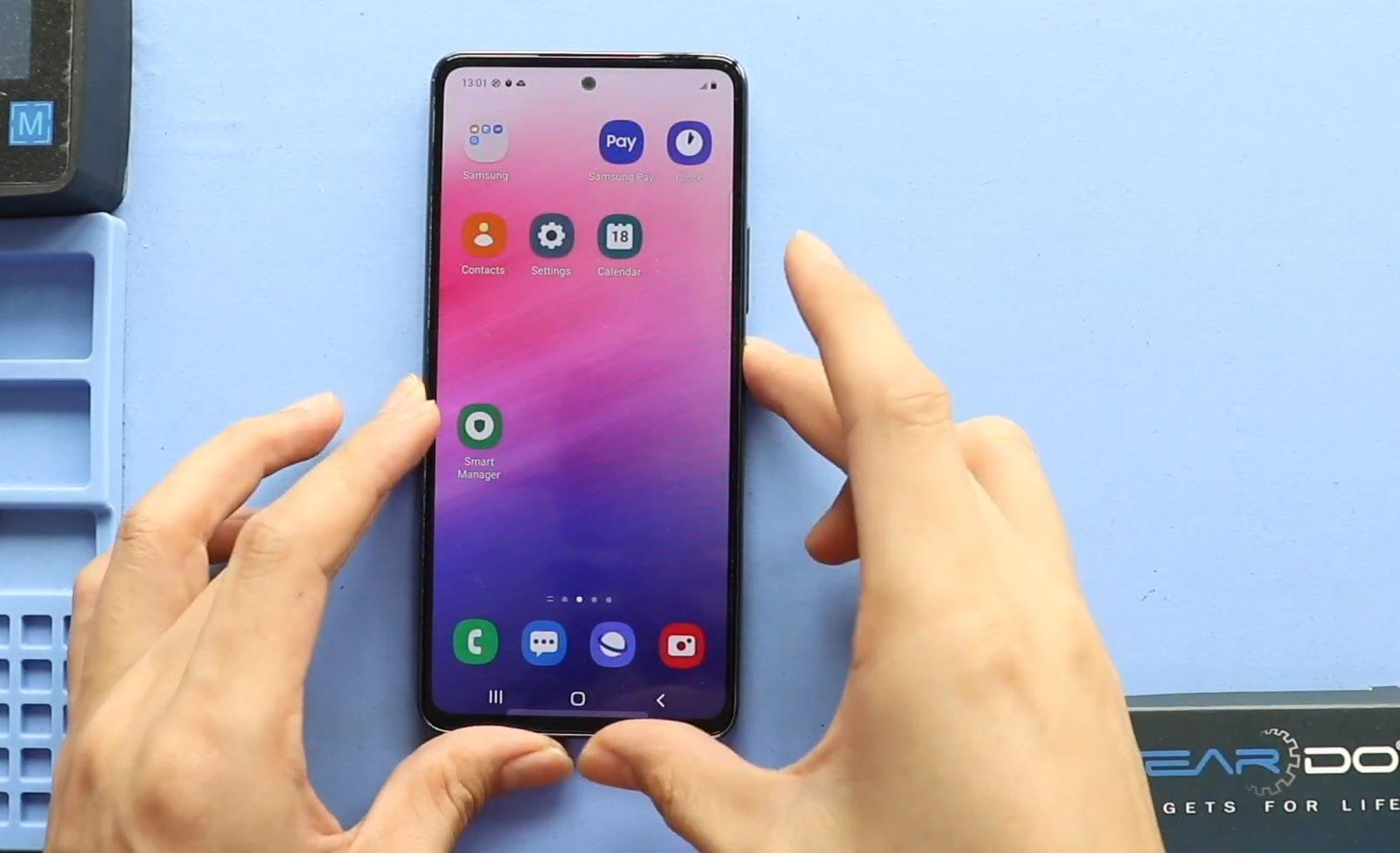
Samsung Galaxy A53 5G Screen Replacement Guide – DIY Repair
Hi everyone, welcome back to Geardo 👋
Today, we will show you how to replace the LCD screen (Super AMOLED) display on the Samsung Galaxy A53 5G mobile phone. If your screen is cracked, unresponsive, flickering, or completely black, replacing the display is the best way to restore your phone’s usability and appearance.
This guide covers a full display replacement using a screen with frame, which is the most reliable and beginner-friendly method.
📱 Reasons to Replace the Screen
Q: Why would I need to replace the LCD screen on my Galaxy A53 5G?
A: Common reasons include:
- Cracked or shattered glass
- Touch not responding
- Display flickering or lines on screen
- Black screen but phone still powers on
- Dead pixels or discoloration
- Screen damage due to drops or pressure
Replacing the screen restores both display clarity and touch functionality.
🛠️ Repair Difficulty
Difficulty Level: ⭐⭐⭐⭐☆ (Moderate to Hard)
Estimated Repair Time: 60–90 minutes
This repair requires full internal component transfer, especially if using a screen with frame. Take your time and organize screws carefully.
Before You Begin
Compatibility and Model Numbers
This repair guide based on Samsung Galaxy A53 5G Model.
Model Numbers | SM-A536B, SM-A536B/DS, SM-A536U, SM-A536U1, SM-A5360, SM-A536E, SM-A536E/DS, SM-A536V, SM-A536W, SM-A536N, SM-S536DL
Tools Required
- Mobile phone heating pad or hairdryer/heat gun
- Plastic pry tool / card pry
- Suction cups
- Phillips #00/#000 screwdrivers
- Tweezers (for connectors)
- B7000 glue or double-sided adhesive (for back cover)
- Rubber bands or bonding clips to secure the back cover
How to Find Tools and Parts
- Heating pad – https://amzn.to/3H0tHzJ
- Portable Heat Gun – https://amzn.to/4mszih1
- Clamps https://amzn.to/3GYJT4w
- STREBITO 142 Piece Repair Tool Kit https://amzn.to/3UO1jUx
- Glue | Adhesive https://amzn.to/46exVxe
- Compatible Parts –
- Battery – https://amzn.to/3HJHH10
- Screen – https://amzn.to/45KbBKn
- Other Parts – https://amzn.to/45AsU1W
- Silicone Work Repair Mat https://amzn.to/45Emz5l
Protect Your Samsung Galaxy A53 5G
- Protector For The Screen https://amzn.to/3VcdiLJ
- Best Rated Case https://amzn.to/4oH4qvc
📱 Samsung Galaxy A53 5G LCD Screen Replacement – Step-by-Step Guide
Step 1: Power Off the Phone
Turn off the Samsung Galaxy A53 5G completely before starting the repair.
Step 2: Heat the Back Cover
Heat around the rear cover edges until the adhesive softens.
- Place the back cover side on a heating pad
- Select the mobile phone HEATING option and allow it to complete
- Alternatively, use a heat gun or hairdryer evenly around the edges
Step 3: Remove the Back Cover
- Use a suction cup to create an opening
- Insert a plastic card pry tool to cut the adhesive
- Carefully lift and remove the rear cover
Step 4: Remove the Main Board Frame
- Undo eight screws securing the main board frame
- Remove the frame and set it aside
Step 5: Disconnect the Battery
- From the left-hand side, disconnect the battery connector
Step 6: Disconnect the Main Flex Cable
- Disconnect the main flex from the logic board
Step 7: Remove the Battery
- Apply isopropyl alcohol to soften the adhesive
- Alternatively, apply gentle heat
- Use a plastic pry tool to release and remove the battery safely
Step 8: Remove the Logic Board
- Undo the logic board screw
- Disconnect two antenna heads
- Gently lift and remove the logic board
Step 9: Remove the Vibrator Motor
- Apply gentle heat
- Lift and remove the vibrator motor
Step 10: Remove the Earpiece Module
- Apply heat if required
- Remove the earpiece speaker module
Step 11: Remove the Button Flex Cable
- Apply heat to release the adhesive
- Gently pull out the button flex cable with bracket
Step 12: Remove the Speaker Cover
- Move to the bottom of the device
- Undo seven screws
- Remove the speaker cover
Step 13: Remove the Main Ribbon Cable
- Disconnect and remove the main ribbon cable
Step 14: Remove Touch ID / Camera Module
- Disconnect and remove the touch ID / camera module
- Apply heat if needed
Step 15: Release the LCD Cable
- Apply heat to release the LCD cable from the charging board
Step 16: Remove the Charging Port Board
- Undo two screws
- Peel antenna cables from the frame
- Remove the charging port board
🖥️ Screen Type Explanation (Important)
There are two screen types available for the Galaxy A53 5G:
- Screen with frame
- Screen without frame
These can be original, refurbished, used, or aftermarket.
👉 Recommendation:
Go with a screen with the frame installed.
- Easier and safer repair
- Less risk of screen damage
- Small price difference
- Widely available in the market
🔁 Reassembly on the New Screen Frame
Step 17: Transfer Components to New Frame
- Install the vibrator motor
- Secure the earpiece module
- Secure the button flex cable
- Place the logic board and fasten the screw
- Install the battery with adhesive
- Secure the charging port board with two screws
- Connect the LCD connector and insert the SIM tray
- Connect two antenna heads and secure routing
- Install the touch ID / camera module
- Place the main flex cable and connect both ends
- Install the speaker cover and secure with seven screws
Step 18: Test Before Closing
Power on the device and test:
- Display and touch response
- Charging
- Sound and vibration
- Buttons and camera
Step 19: Reattach the Back Cover
- Ensure sufficient adhesive
- Use B7000 glue or new double-sided adhesive
Step 20: Secure the Back Cover
- Use bonding clips or rubber bands
- Leave it for some time for proper adhesion
Frequently Asked Questions (FAQ)
Q: Will replacing the LCD screen erase my data?
A: No, screen replacement does not affect stored data, but backing up is recommended.
Q: Is AMOLED and LCD the same for A53 5G?
A: The Galaxy A53 5G uses a Super AMOLED display, but many sellers refer to it as LCD.
Q: Can I replace only the glass?
A: Glass-only repair is risky and requires special equipment. Full screen replacement is recommended.
Q: Should I choose original or aftermarket screen?
A: Original or refurbished screens offer better color accuracy, but good aftermarket screens are budget-friendly.
Troubleshooting (Q&A Format)
Q: Screen doesn’t turn on after replacement.
A: Recheck the LCD connector and battery connection.
Q: Touch not working properly.
A: Ensure the display connector is fully seated and not pinched.
Q: Phone heats up after repair.
A: Check for loose connectors or misaligned components.
Q: Back cover not sticking well.
A: Use fresh adhesive and apply pressure using bonding clips or rubber bands.
✅ Final Thoughts
I hope you have enjoyed this Samsung Galaxy A53 5G LCD screen display replacement guide 📱
If you have any questions, feel free to share and comment on our videos.
👉 Do not forget to hit the subscribe button for more step-by-step repair guides from Geardo!
Related Repair Guides For You













