If your Samsung Galaxy A70 has a cracked display, touchscreen issues, black screen problems, or display flickering, replacing the LCD screen assembly is the best solution to restore full functionality. Screen damage
fix your broken or not-working Samsung Galaxy A70 easily with easy repair tutorials. Follow our detailed step-by-step guides to replace display screens, batteries, camera, charging port and many more safely at home with the right tools and video guides.
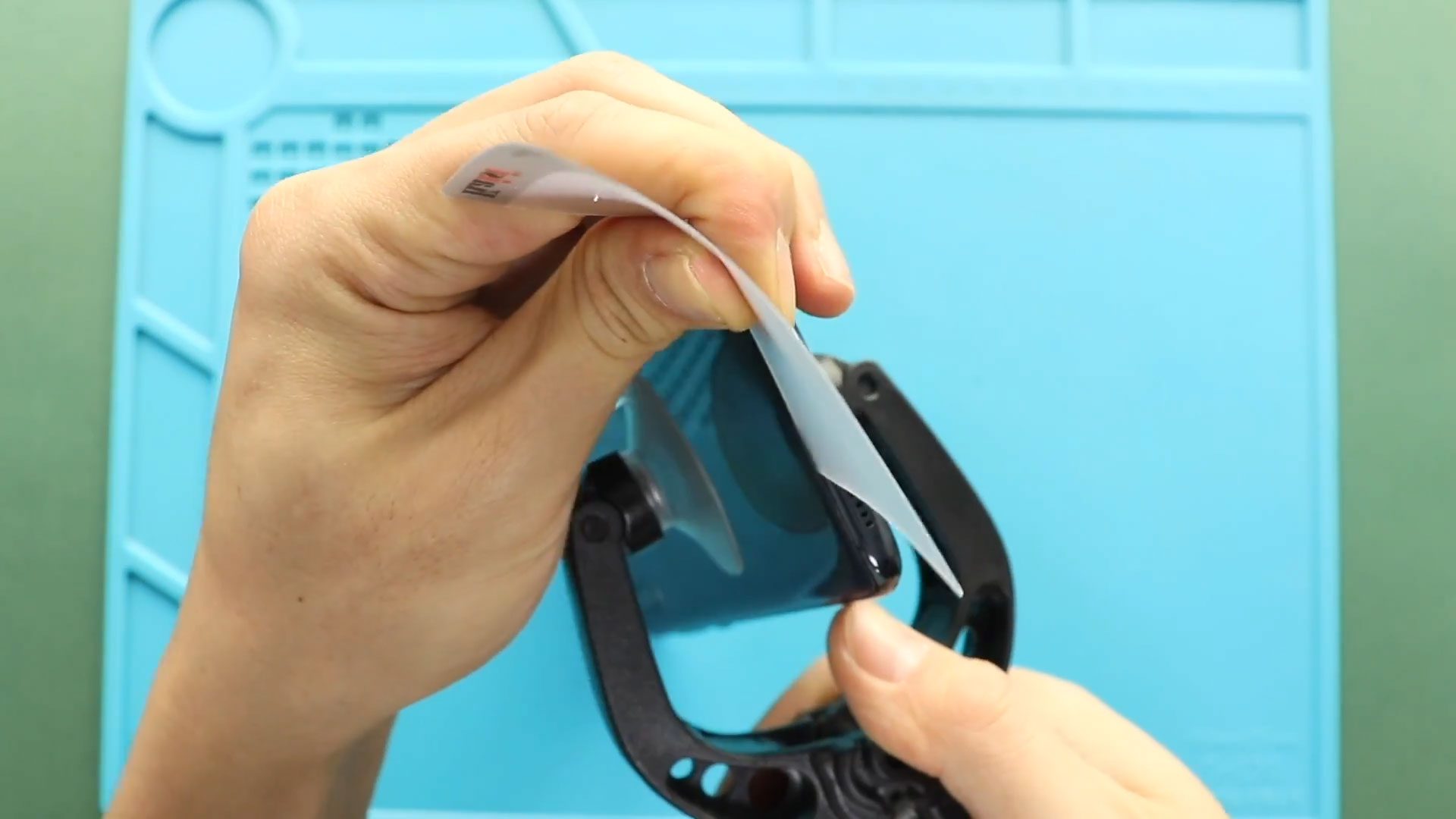
If your Samsung Galaxy A70 has a cracked display, touchscreen issues, black screen problems, or display flickering, replacing the LCD screen assembly is the best solution to restore full functionality. Screen damage

If your Samsung Galaxy A70/A70s battery drains quickly, overheats, or the phone shuts down unexpectedly, replacing the battery can restore performance and extend the device’s lifespan. Over time, lithium batteries degrade naturally
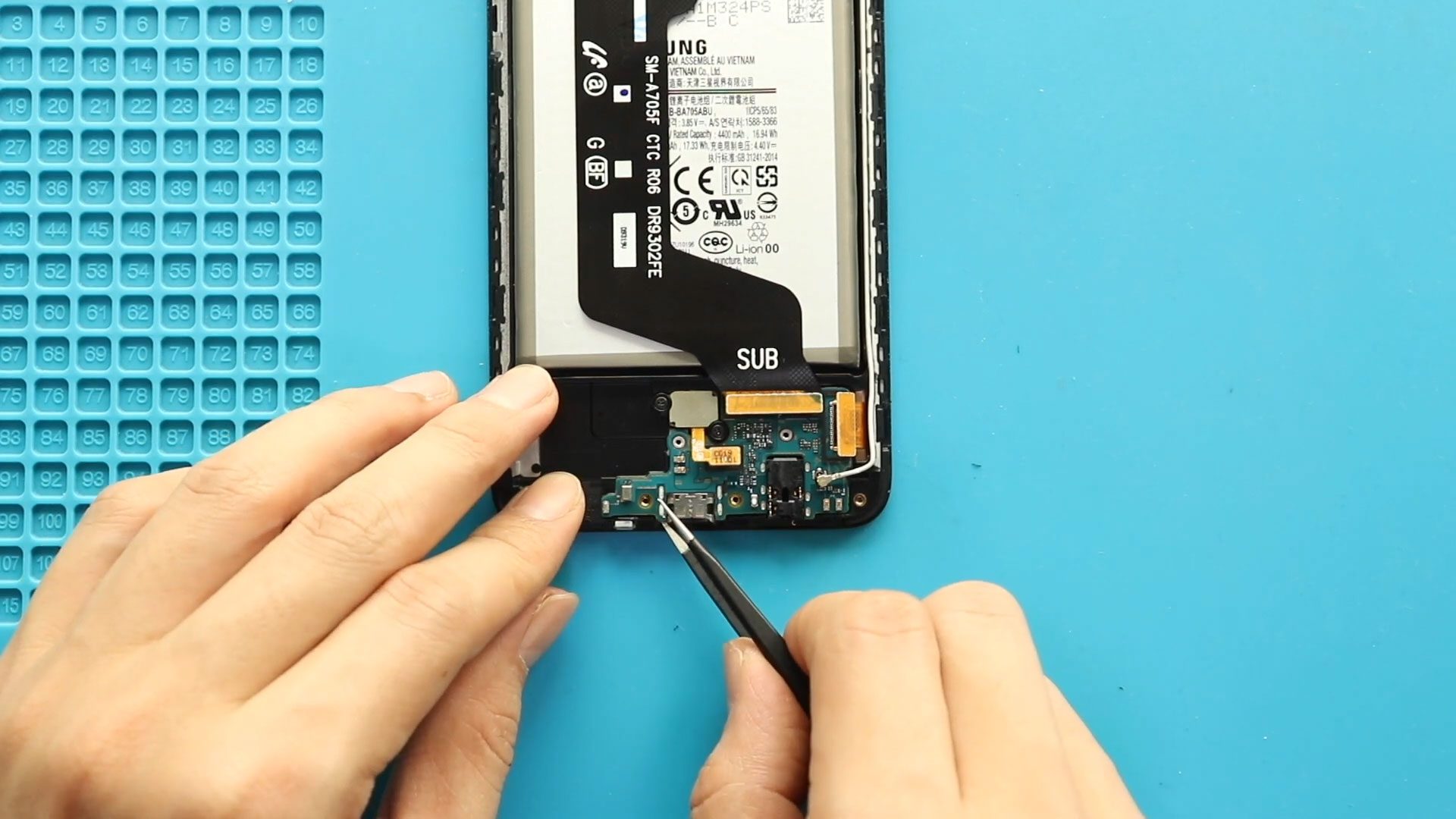
If your Samsung Galaxy A70 is no longer charging properly, experiencing microphone problems during calls, or the headphone jack stops working, the charging port board may be faulty. The charging board assembly

If the rear camera lens glass on your Samsung Galaxy A70 becomes cracked, scratched, or broken, photo quality can quickly degrade. A damaged lens glass allows dust, moisture, and debris to enter
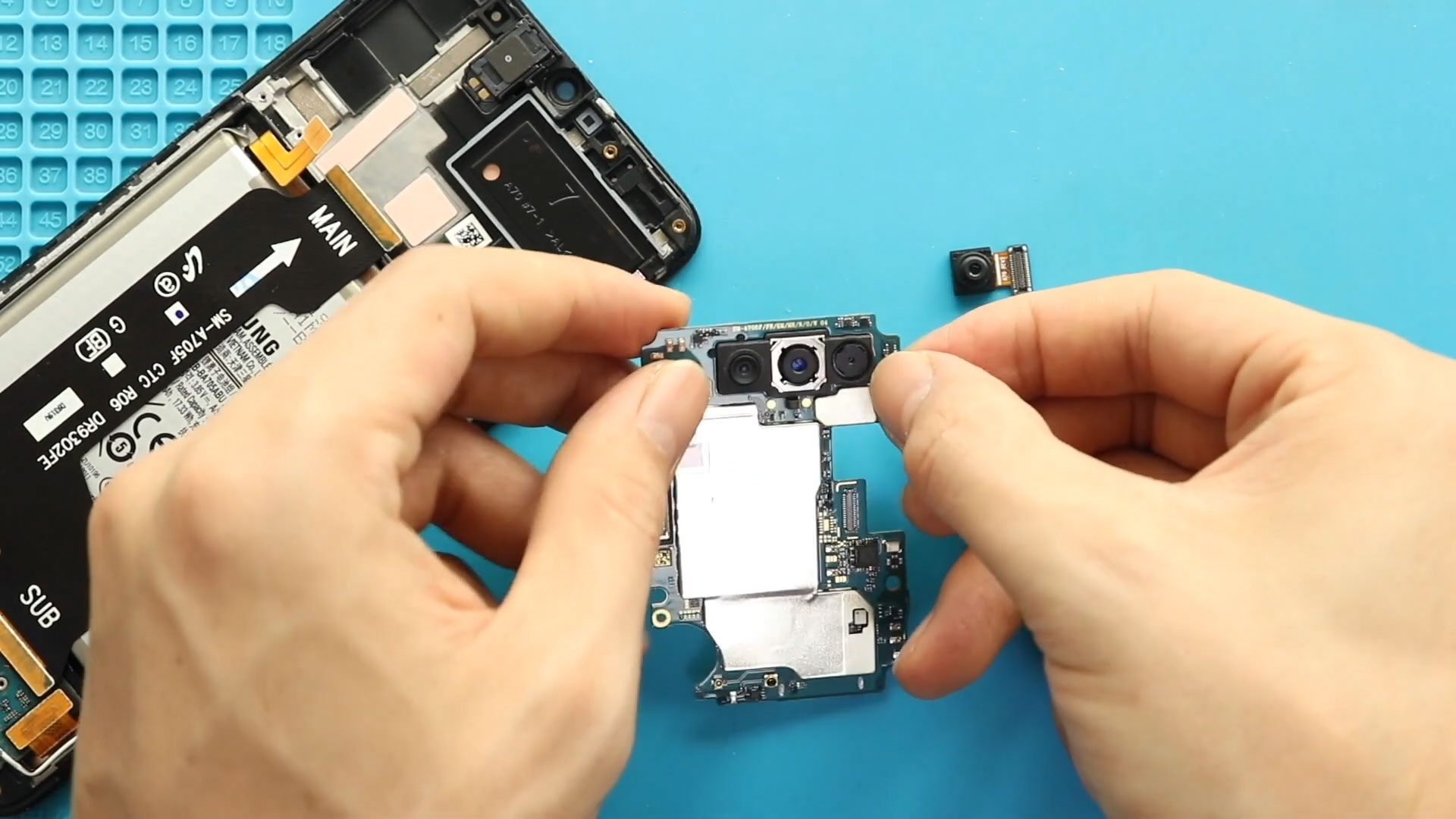
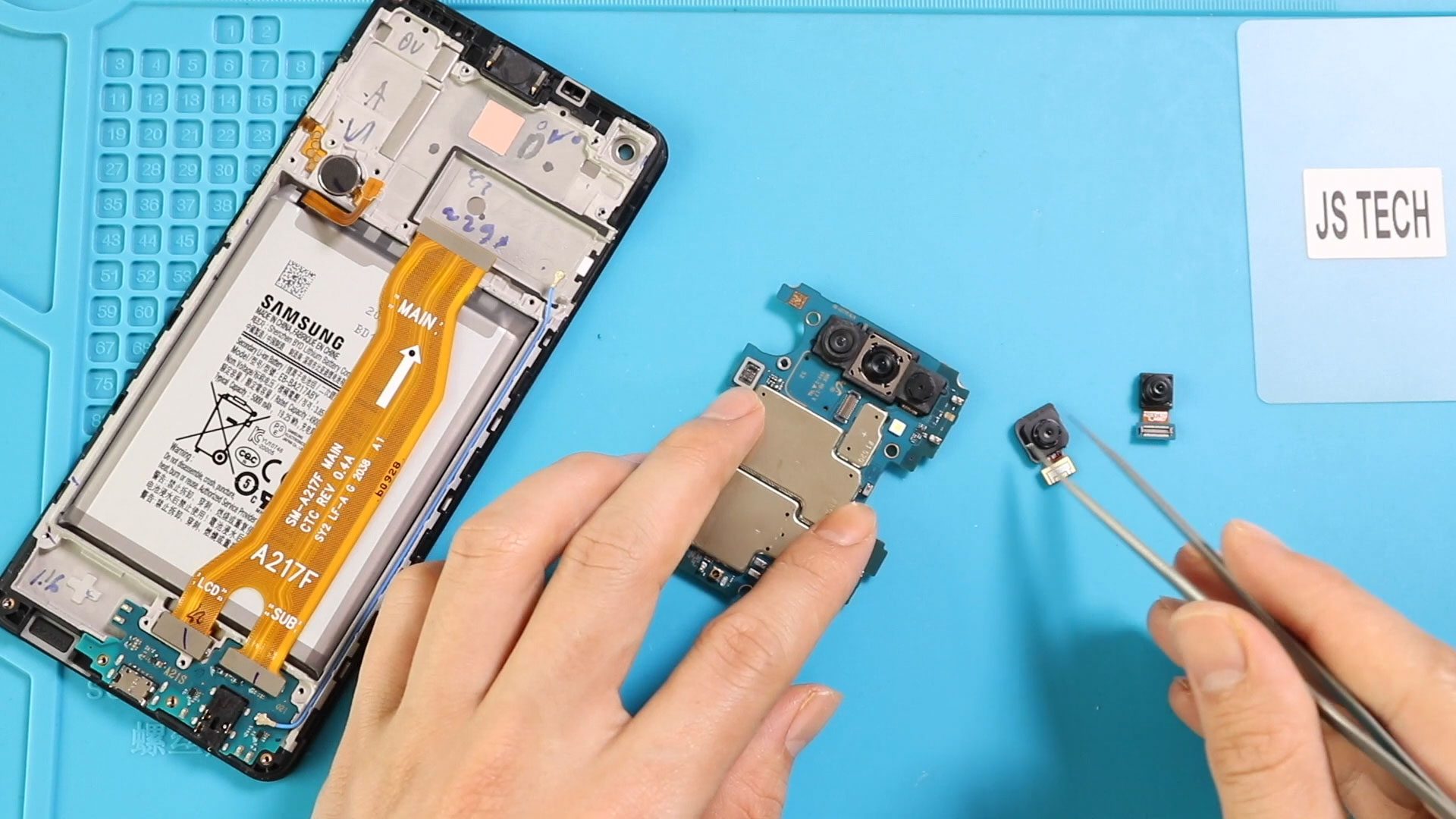
If your Samsung Galaxy A70 camera becomes blurry, fails to focus, shows a black screen, or stops opening completely, replacing the faulty camera module can restore full photo and video performance. Camera
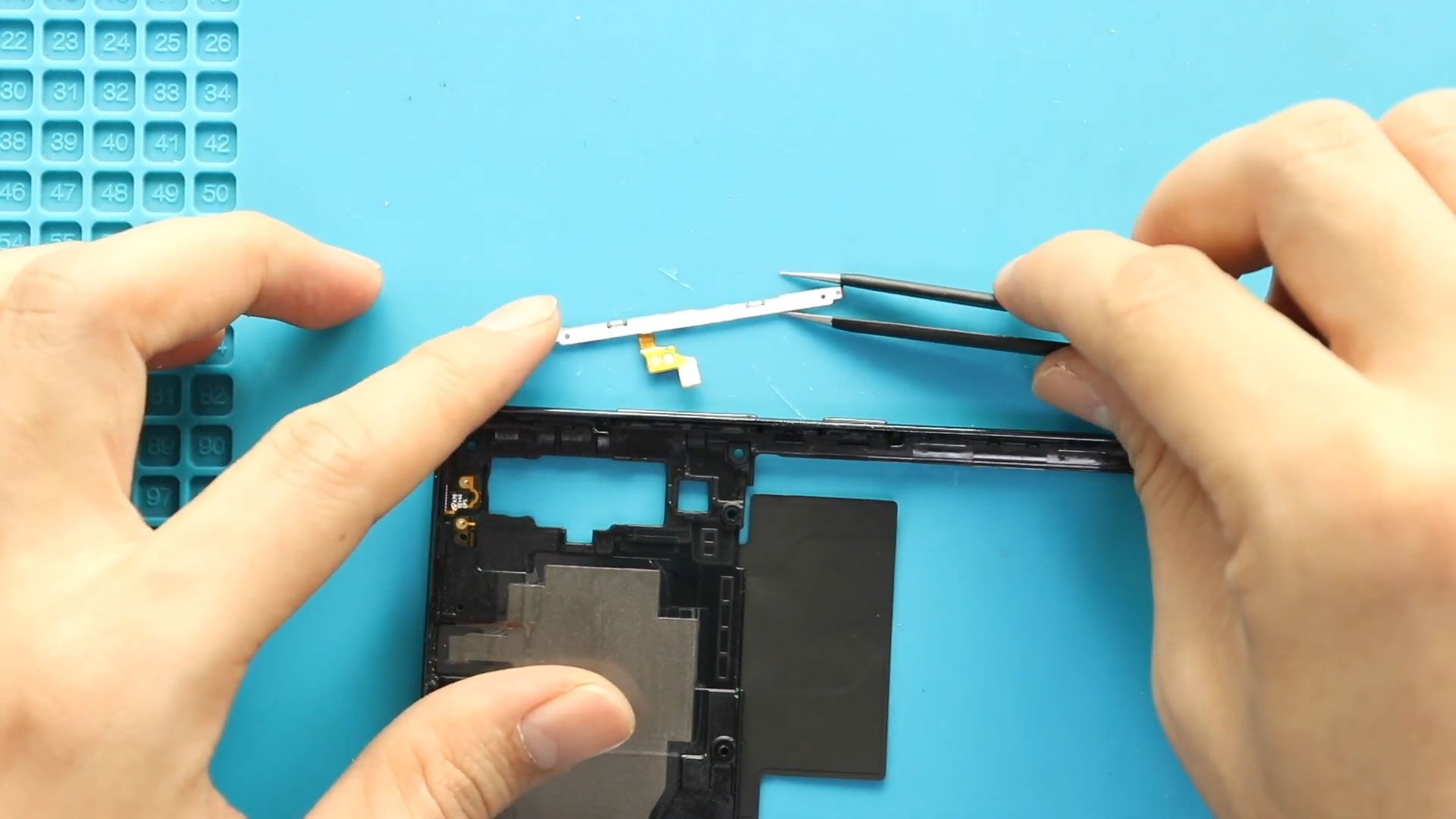
If the power button or volume buttons stop responding on your Samsung Galaxy A70 or Samsung Galaxy A70s, the most common cause is a damaged power volume flex cable. This internal cable controls

If your Samsung Galaxy A70 has low call audio, no vibration alerts, or weak notification feedback, the earpiece speaker or vibrator motor may be faulty. The earpiece speaker is responsible for call
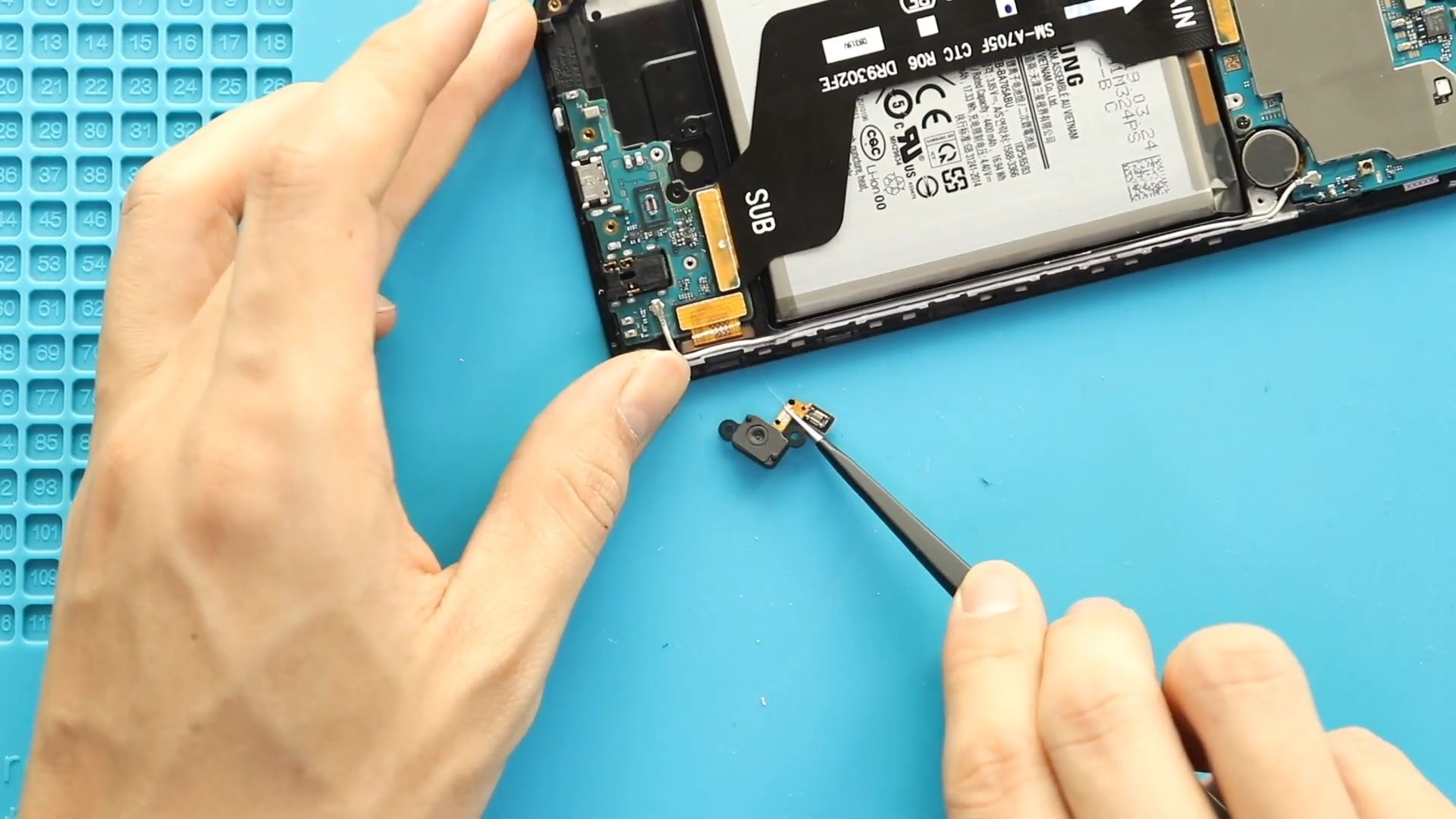
If the fingerprint sensor on your Samsung Galaxy A70 stops responding, fails to recognize fingerprints, or disappears completely from settings, the fingerprint flex cable or sensor module may be damaged. Since this

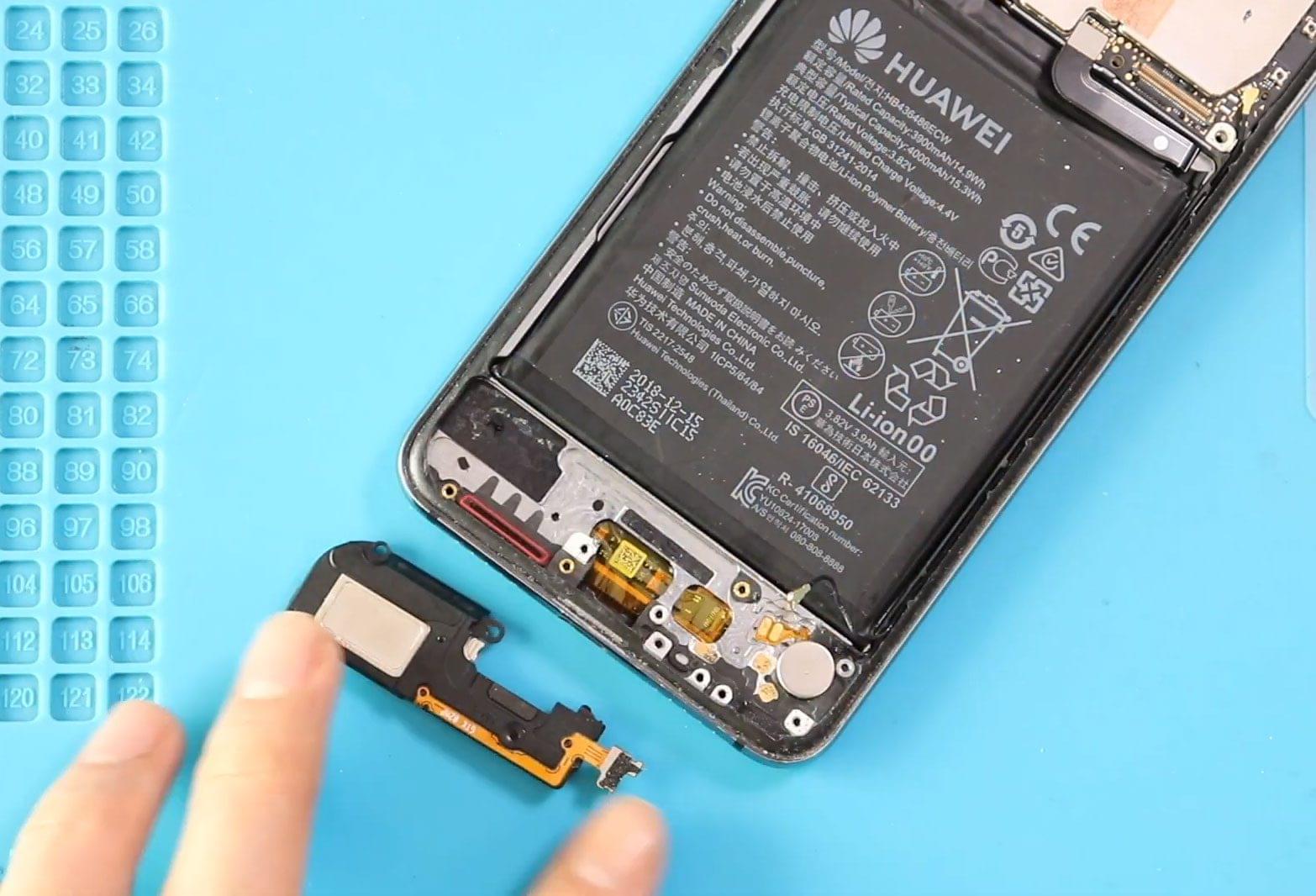
If your Samsung Galaxy A70 or Samsung Galaxy A70s is not producing sound during incoming calls, notifications, or alarms, the ringer speaker module may be faulty. The loudspeaker (ringer speaker) is responsible for ringtone