

To start, we need the right tools to proceed with the repair, which You can find in the description. First, Take out the SIM tray and then the back cover
Learn how to repair Samsung Galaxy A Series phones easily at home. DIYGeardo offers complete guides for screen, battery, camera, lens glass, flex, charging port and many more replacements on Galaxy A Series phones with clear instructions, recommended tools, and repair videos.
To start, we need the right tools to proceed with the repair, which You can find in the description. First, Take out the SIM tray and then the back cover
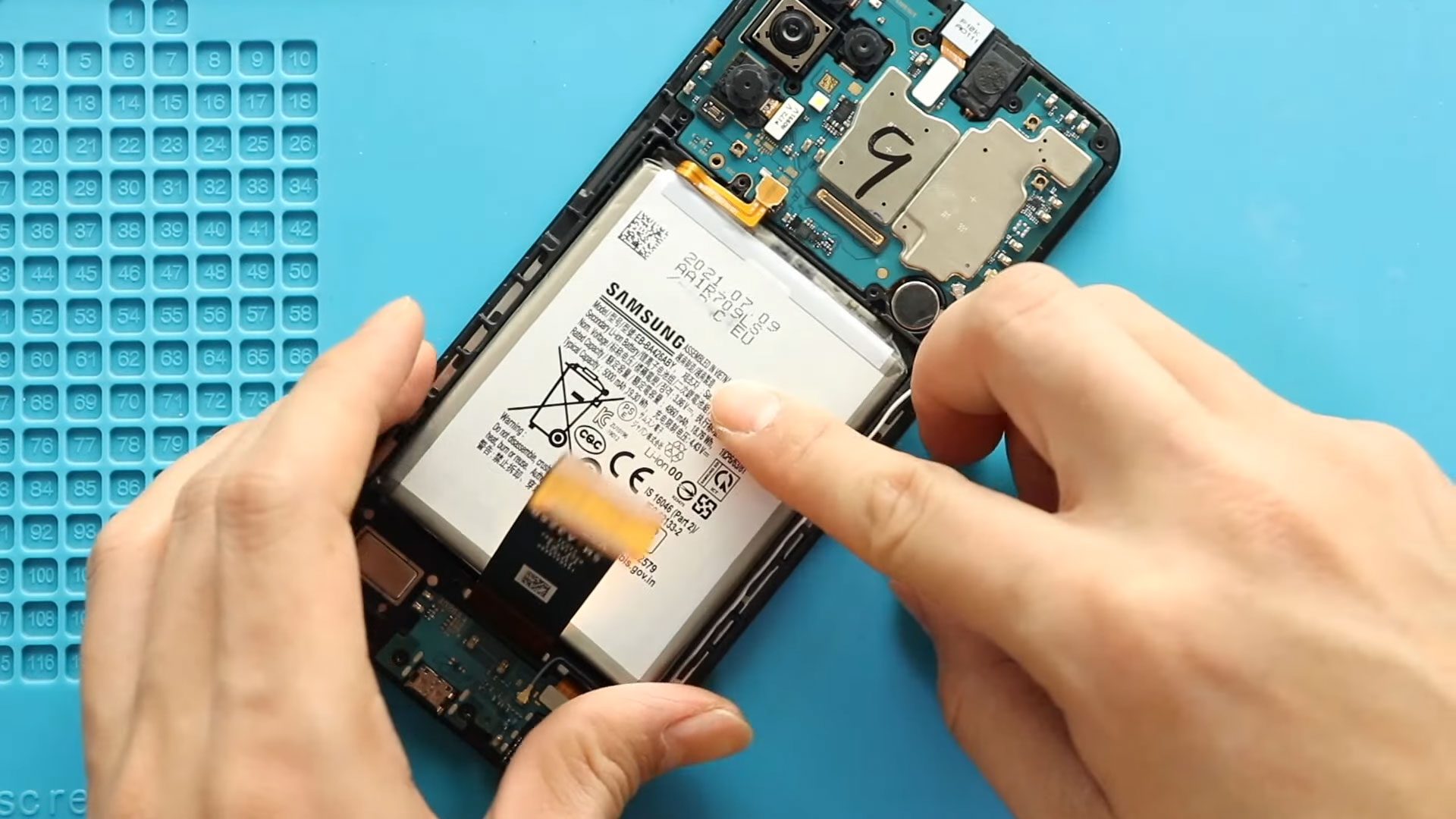
Replacing the battery on your Samsung Galaxy A32 5G is one of the most effective ways to restore battery life, eliminate unexpected shutdowns, and improve overall device performance. Over time, lithium-ion batteries

If your Samsung Galaxy A32 5G camera lens is cracked, scratched, or damaged, or if the back cover is broken, replacing the lens glass or full back cover is a cost-effective way

If your Samsung Galaxy A32 5G display is cracked, unresponsive, flickering, or showing dead pixels, replacing the LCD screen assembly is the most effective solution. This repair can fully restore the device’s

If your Samsung Galaxy A12 or Galaxy A12 Nacho has no ringtone sound, very low speaker volume, or distorted audio during calls and notifications, the ringer (loudspeaker) may be faulty.

If your Samsung Galaxy A32 5G is not charging properly, only charges at a certain angle, is not recognized by a computer, or the headphone jack has stopped working, the charging port

If your Samsung Galaxy A32 5G camera is blurry, not focusing, showing a black screen, or crashing when opened, the issue may be a faulty camera module. The device includes multiple rear

If your Samsung Galaxy A12 or Galaxy A12 Nacho is producing blurry photos, showing camera errors, or failing to open the camera app, a faulty camera module may be the

Camera problems can significantly affect everyday smartphone usage, especially when photos appear blurry, the camera fails to open, or focusing stops working properly. Accidental drops, moisture exposure, dust buildup, or
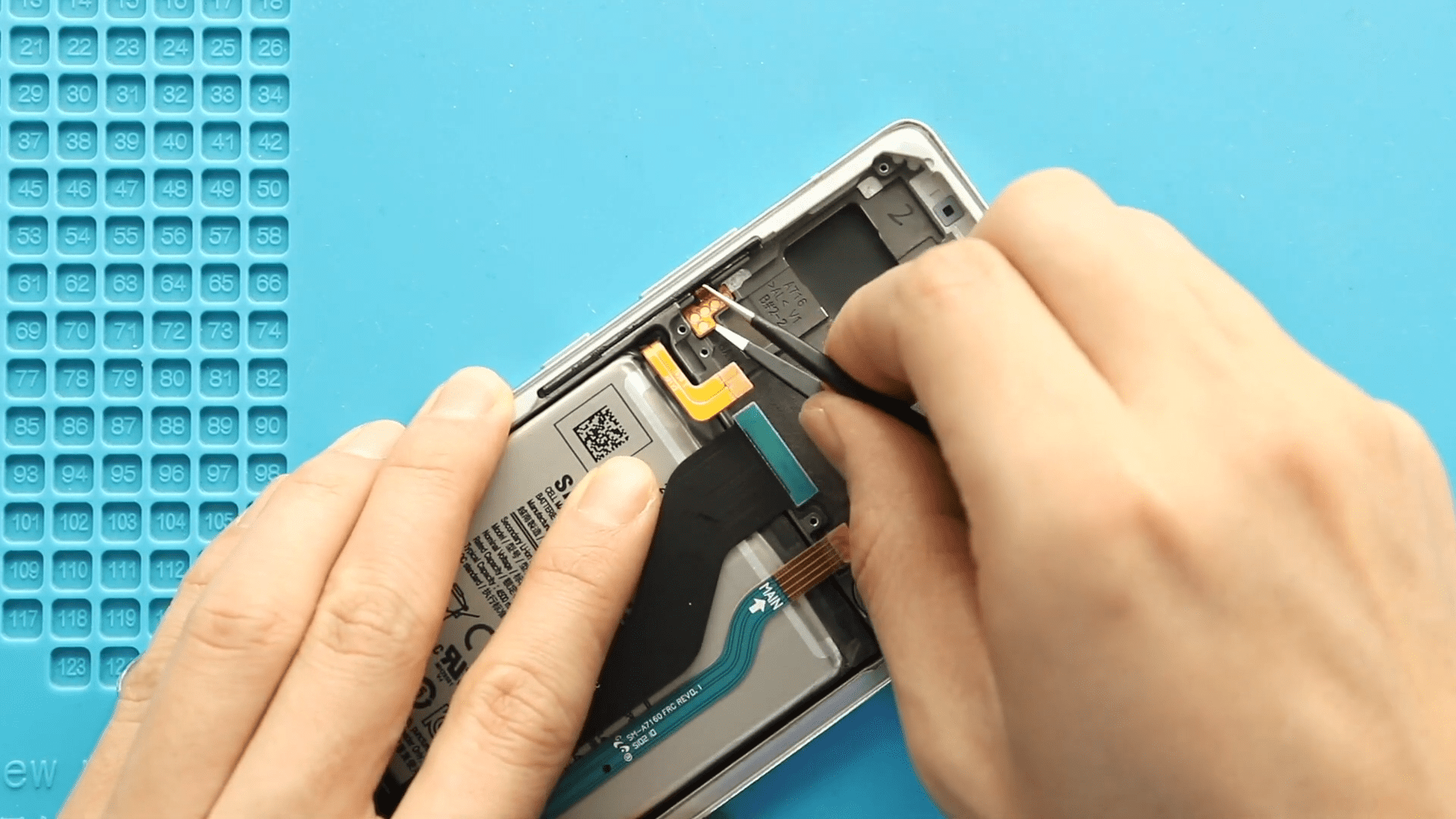
Please follow the below link for the repair instructions. Please let us know if you have any questions. Timestamps00:00 Intro00:10 Opening Galaxy a71 5g00:42 Removing the Back Cover01:25 Removing board

Please follow the below link for the repair instructions. Please let us know if you have any questions. Timestamps00:00 Intro00:05 Placing Charging Port Board00:52 Placing fingerprint sensor01:08 Placing vibrator motor01:25

Please follow the below link for the repair instructions. Please let us know if you have any questions. Timestamps00:00 Intro00:10 Opening galaxy a71 5g00:45 Removing the Back Cover01:27 Removing board


