

Hi everyone, welcome back to Geardo. Today, we will show you how to fix charging port board, microphone and headphone jack issues on the Samsung Galaxy A71 4G mobile phone. If your
Learn how to repair Samsung Galaxy A Series phones easily at home. DIYGeardo offers complete guides for screen, battery, camera, lens glass, flex, charging port and many more replacements on Galaxy A Series phones with clear instructions, recommended tools, and repair videos.
Hi everyone, welcome back to Geardo. Today, we will show you how to fix charging port board, microphone and headphone jack issues on the Samsung Galaxy A71 4G mobile phone. If your

Hi everyone, welcome back to Geardo. Today, we are going to show you how to replace the LCD touch screen display on the Samsung Galaxy A71 4G mobile phone. If your screen
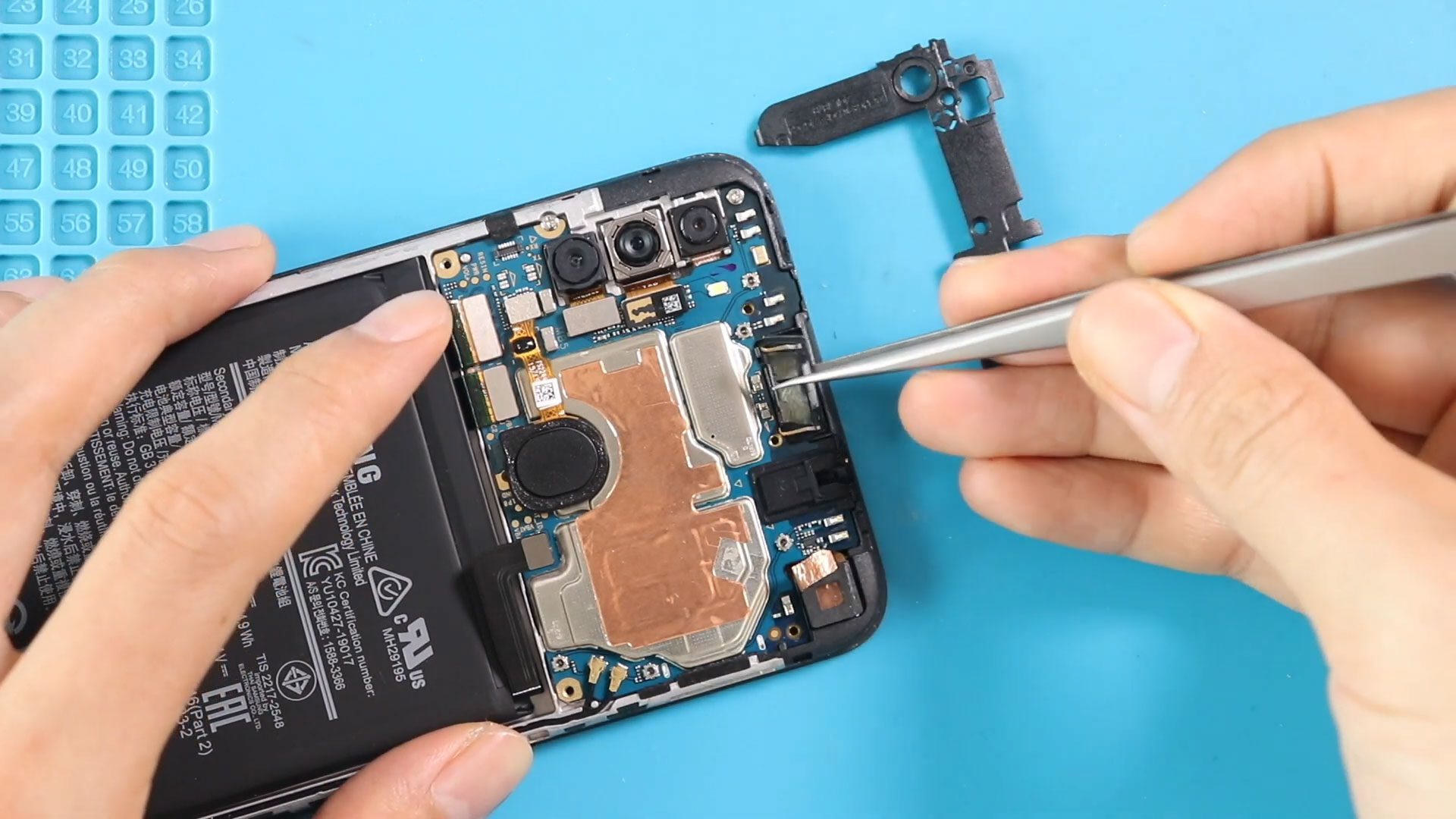
If you are experiencing low call volume, distorted sound, or no audio during phone calls, the earpiece speaker inside your Samsung Galaxy A11 may be damaged or blocked by dust

Hi everyone, welcome back to Geardo 👋 Today, we will show you how to replace the ringer (loudspeaker) on the Samsung Galaxy A53 5G mobile phone. If your phone has low sound, distorted
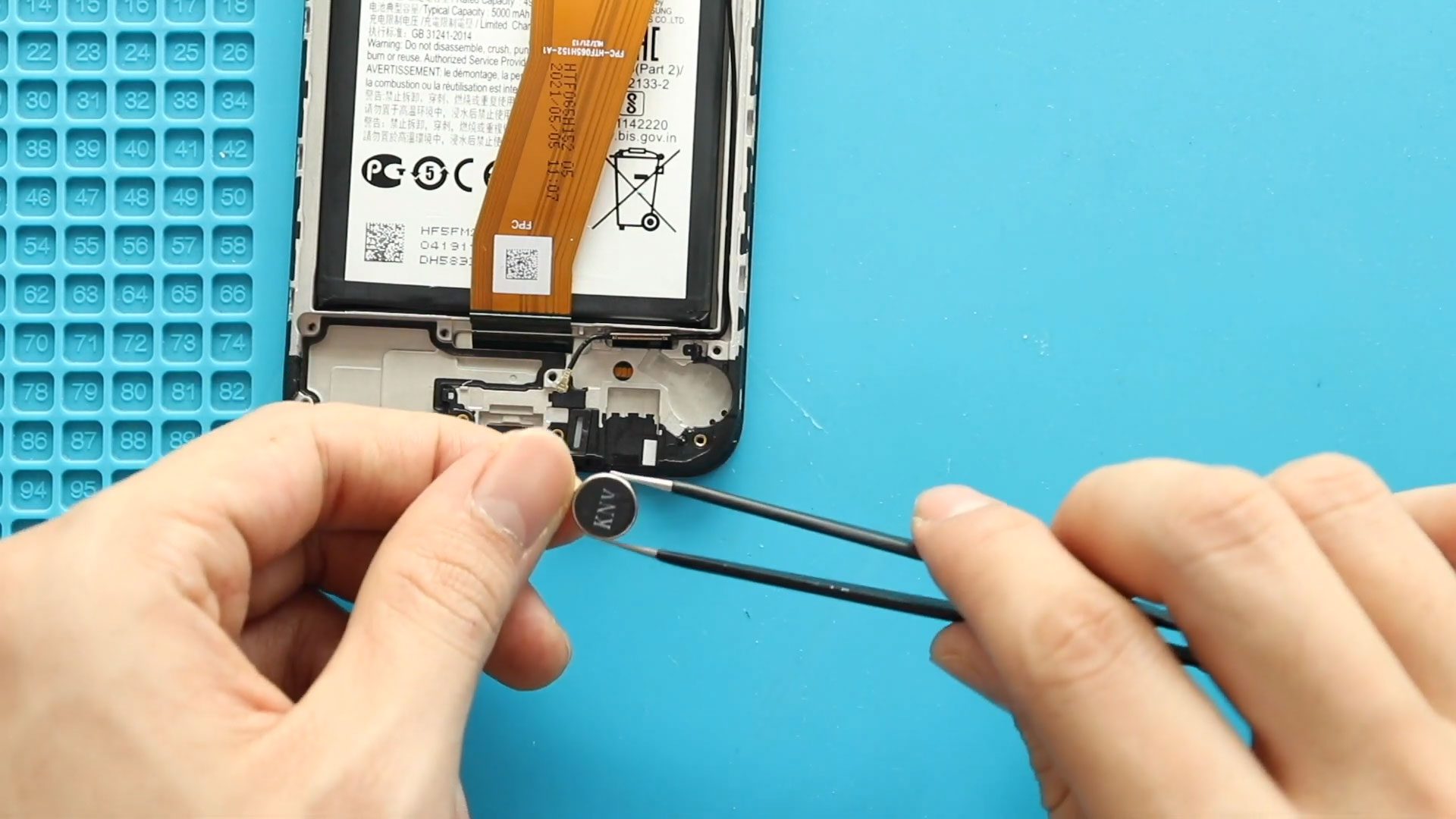
TImestamps00:00 Intro00:10 Opening Galaxy A02s00:21 Removing Back Cover01:27 Removing Board Frame01:59 Removing the Bottom cover02:43 Removing charging port board03:14 Removing Not working Vibrator Motor03:45 Placing New Vibrator Motor03:55 Placing charging

Please follow the below link for the repair instructions. Please let us know if you have any questions. Timestamps00:00 Intro00:10 Opening the Phone01:17 Removing Logic Board Frame & Wireless Coil01:19

Hi everyone, welcome back to Geardo. In this guide, we’ll walk you through how to replace the main flex cable on the Samsung Galaxy A71 4G mobile phone. If your phone has
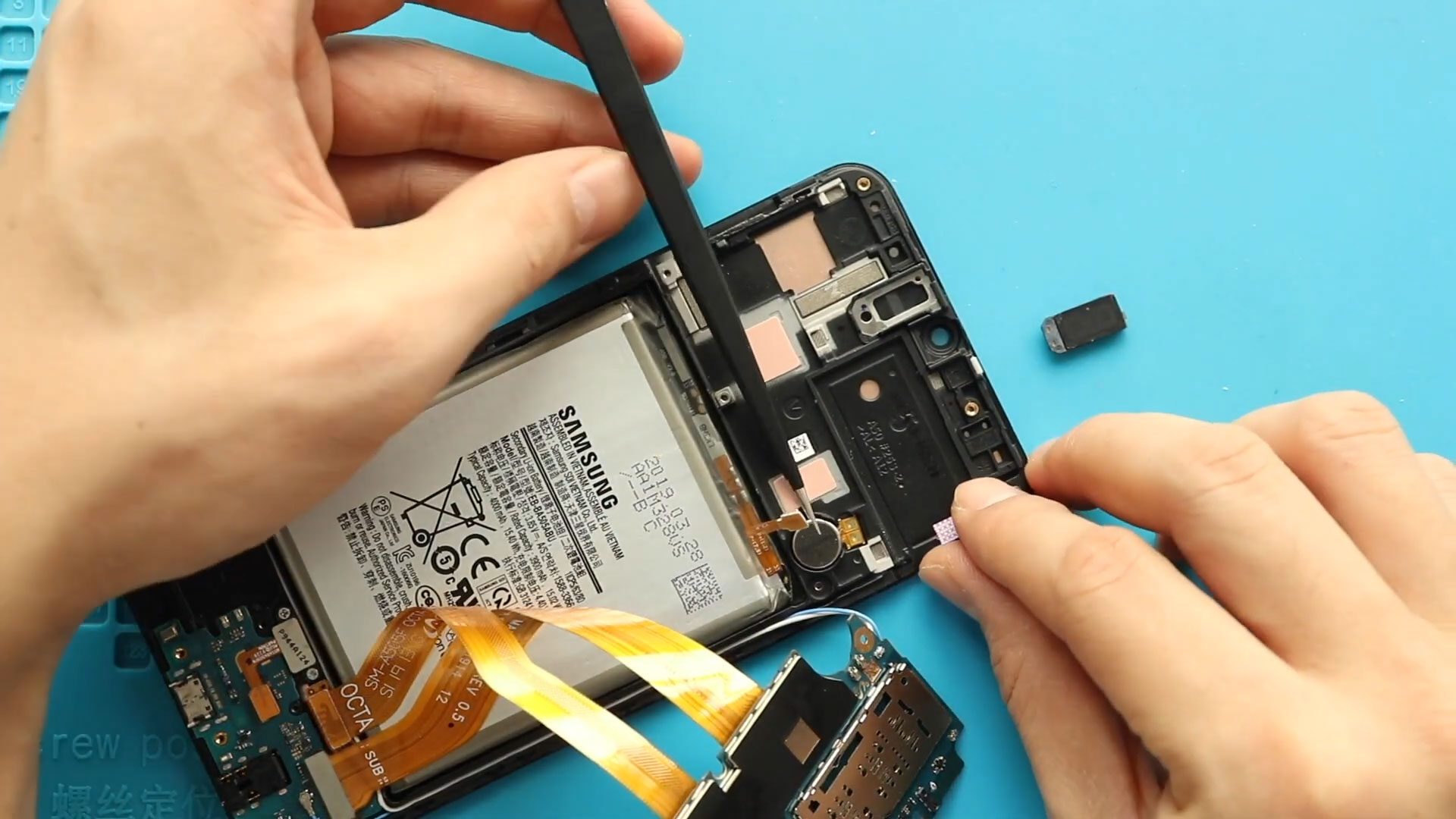
Hi everyone, welcome back to Geardo! If your Samsung Galaxy A50 or Galaxy A50s has issues like no sound during calls or no vibration for notifications, then the earpiece speaker or vibrator

Hi everyone, welcome back to Geardo! If your Samsung Galaxy A50 or Galaxy A50s fingerprint sensor is not responding, failing to detect fingerprints, or working intermittently, the issue is likely due to

If you cannot hear callers during phone conversations or your device stops vibrating for calls and notifications, the internal earpiece speaker or vibration motor may be faulty. Wear and tear,

To start, we need the right tools to proceed with the repair, which You can find in the description. First, Take out the back cover from the body. To remove
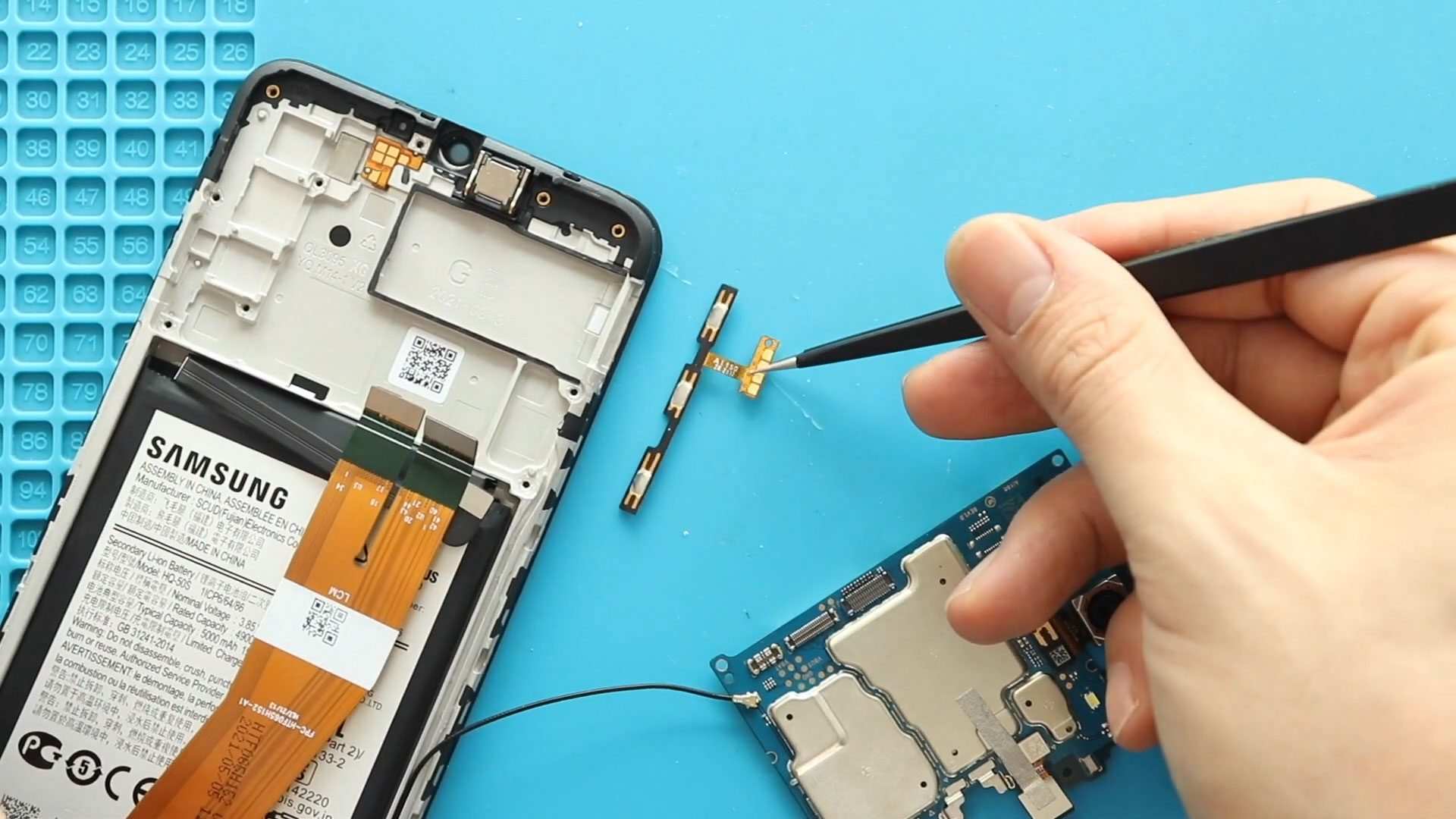
Please follow the below link for the repair instructions. Please let us know if you have any questions. Timestamps00:00 Intro00:10 Opening Galaxy A02s00:21 Removing Back Cover01:25 Removing Board Frame01:55 Removing


