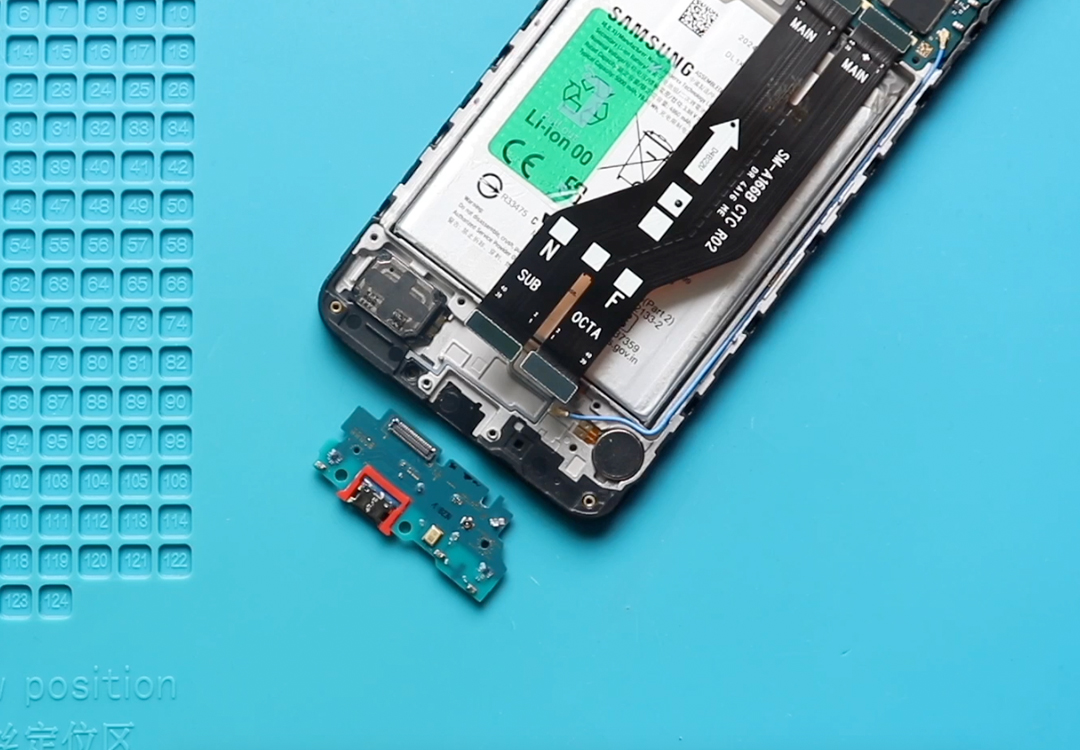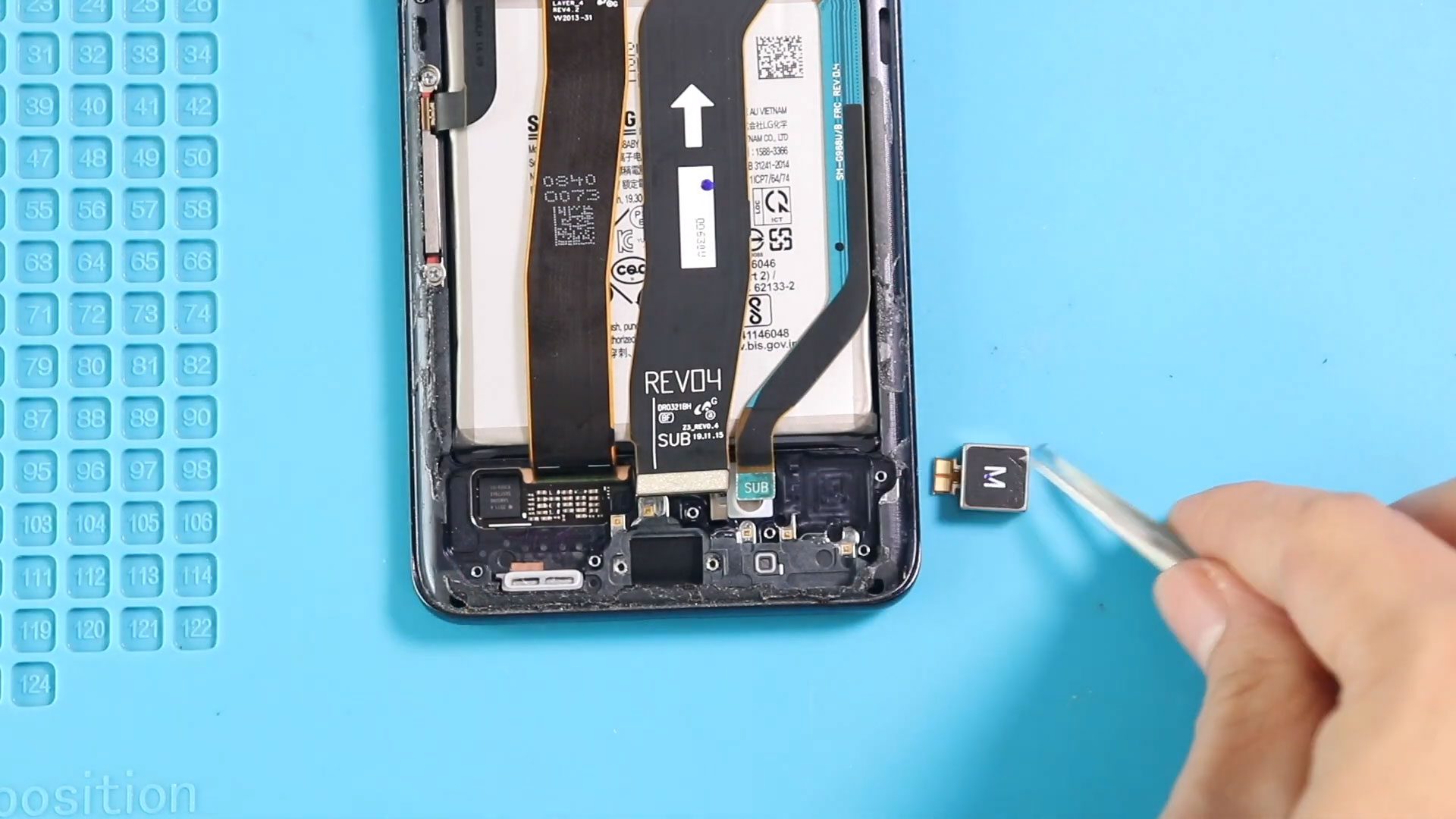
Please follow the below link for the repair instructions. Please let us know if you have any questions. Timestamps00:00 Intro00:05 Placing Charging Port Board00:52 Placing fingerprint sensor01:08 Placing vibrator motor01:25
Please follow the below link for the repair instructions. Please let us know if you have any questions. Timestamps00:00 Intro00:05 Placing Charging Port Board00:52 Placing fingerprint sensor01:08 Placing vibrator motor01:25
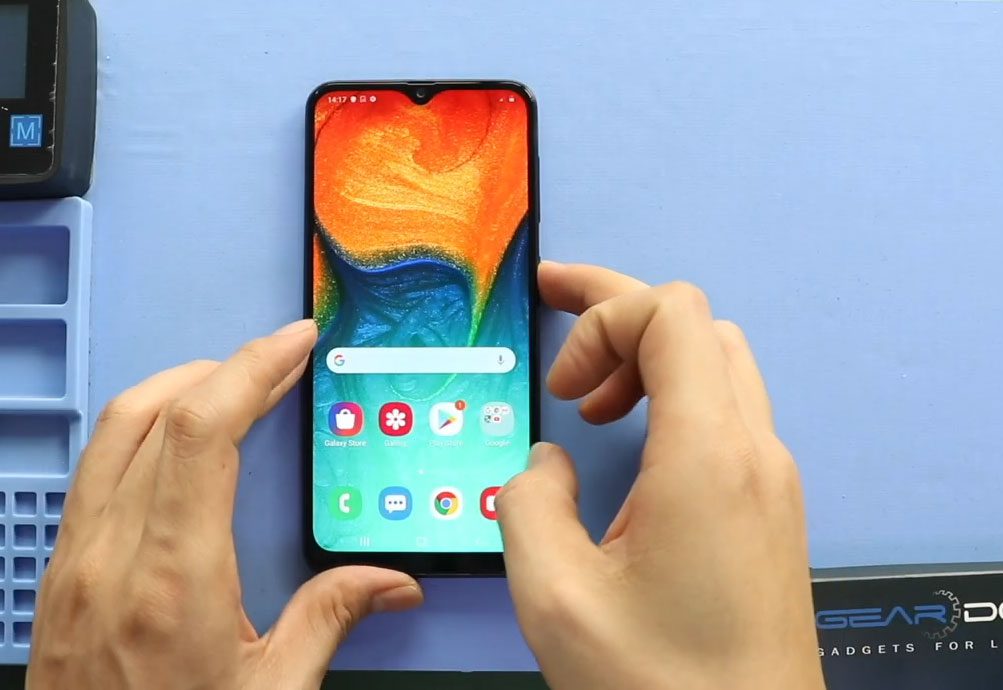
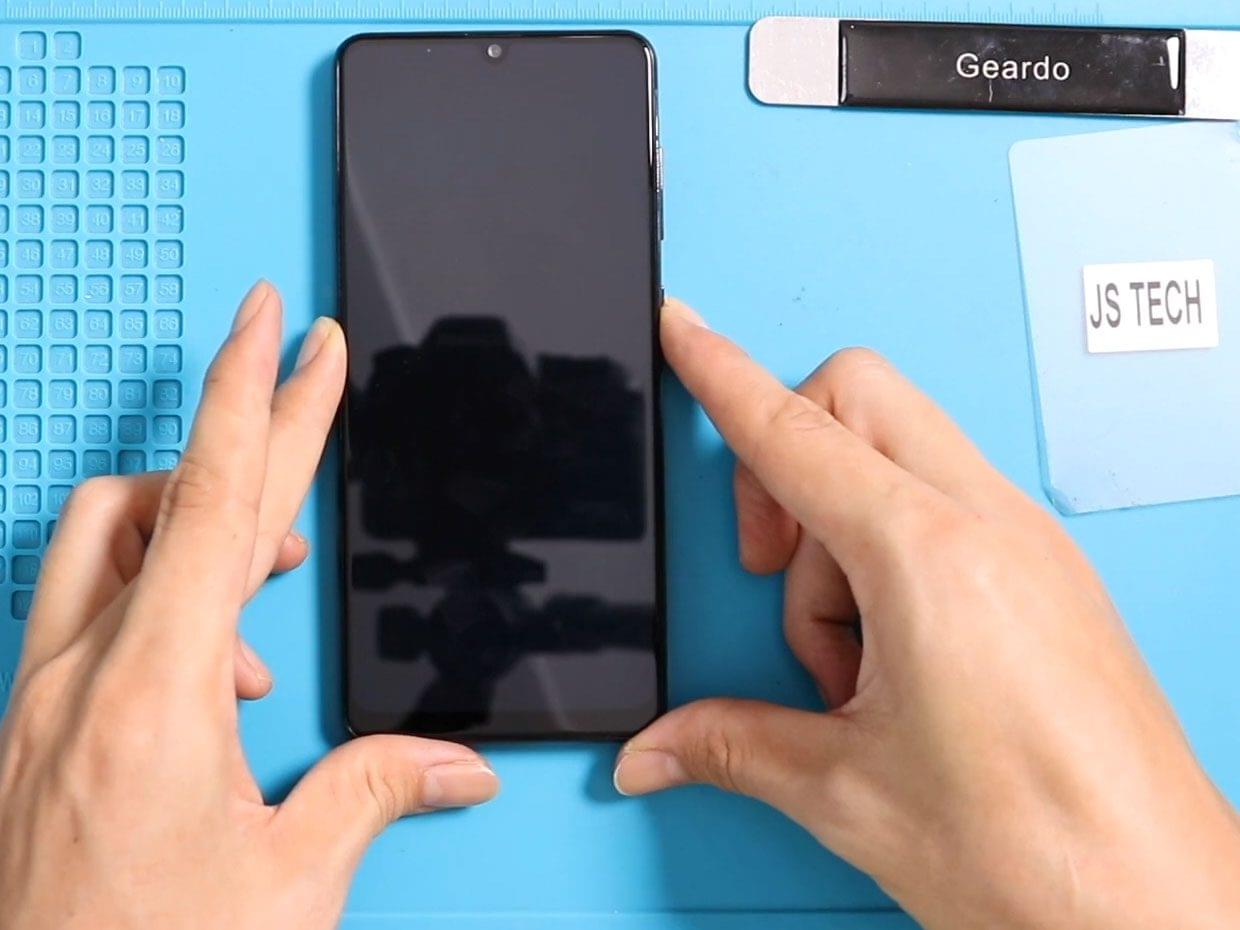
Hi everyone, welcome back to Geardo. Today we will show you how to replace the LCD screen display assembly on the Samsung Galaxy A30 mobile phone. If your screen is cracked, unresponsive, showing

To start, we need the right tools to proceed with the repair, which You can find in the description. The first step is to remove the LCD screen from the
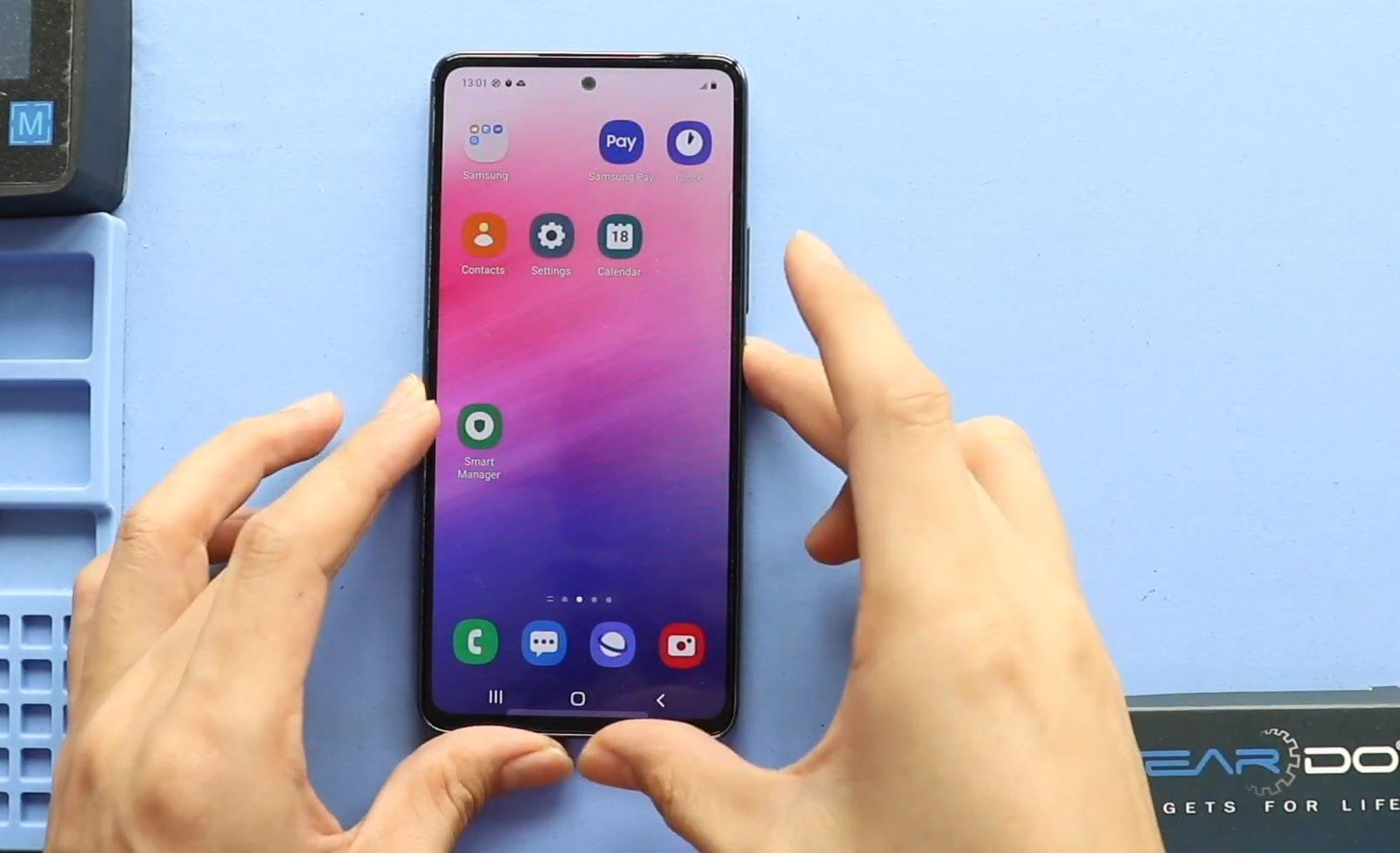
Hi everyone, welcome back to Geardo 👋 Today, we will show you how to replace the LCD screen (Super AMOLED) display on the Samsung Galaxy A53 5G mobile phone. If your screen is
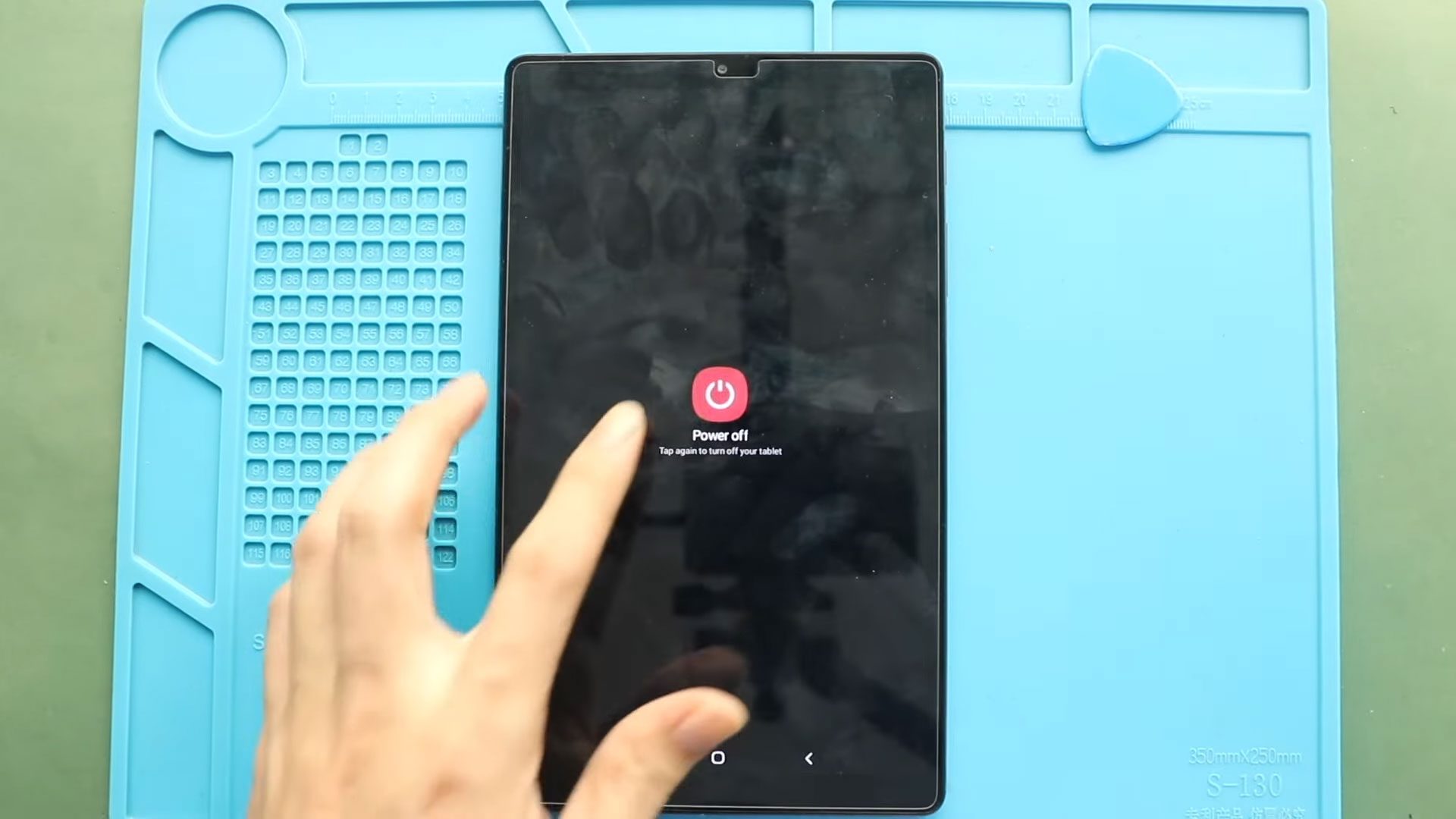
If your Samsung Galaxy Tab A7 Lite screen is cracked, unresponsive, flickering, or showing black lines, replacing the LCD screen display is the best solution. In this guide, we will

Hi everyone, welcome back to Geardo. Today, we are going to show you how to replace the LCD touch screen display on the Samsung Galaxy A71 4G mobile phone. If your screen
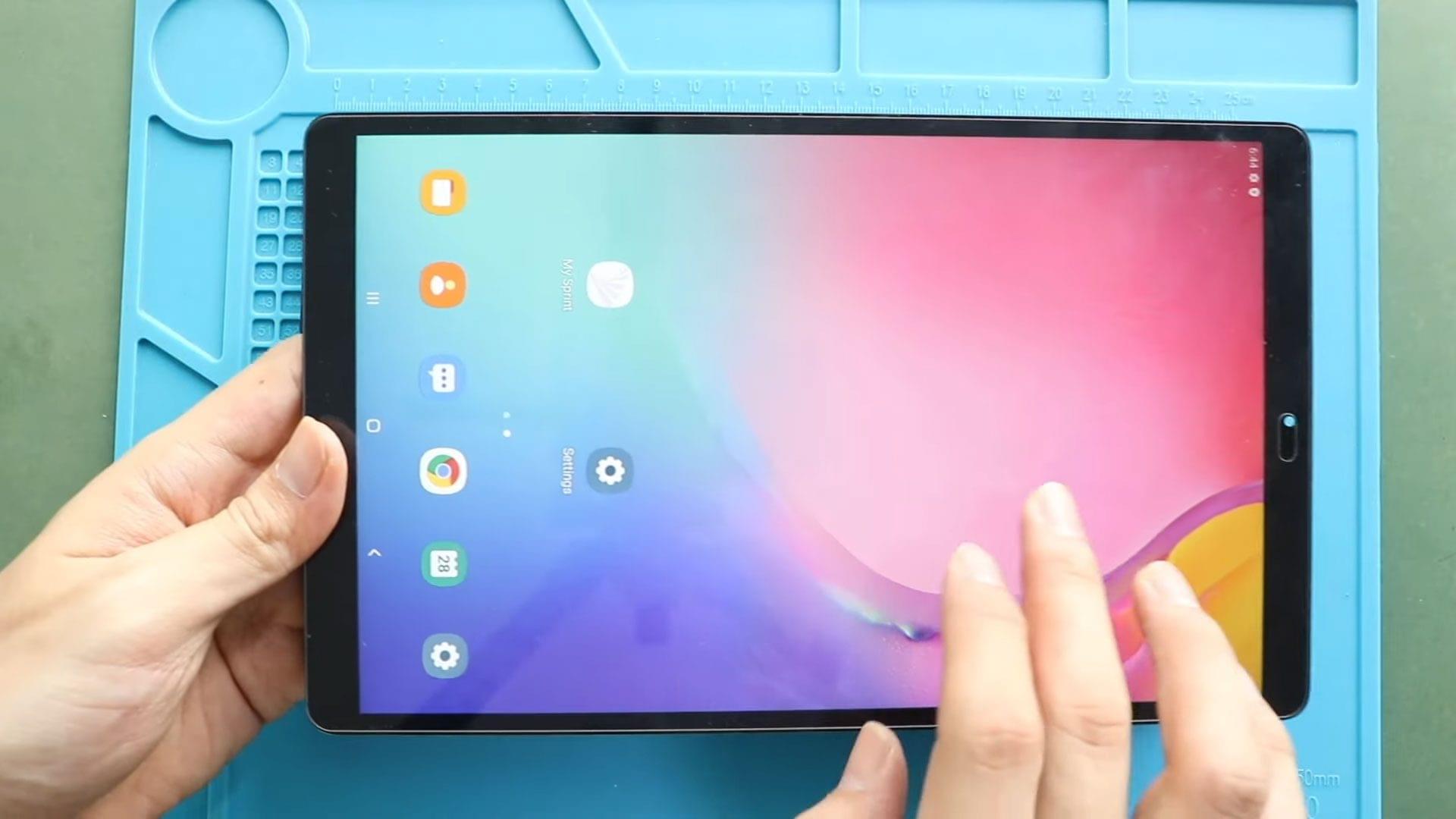
If your Samsung Galaxy Tab A 10.1 (2019) has a cracked display, flickering screen, unresponsive touch, or no image output, replacing the LCD screen is often the most effective solution.

Before Starting, we need the right tools to proceed with the repair, which You can find in the description. The most crucial part of tablet repair is Proper heating to
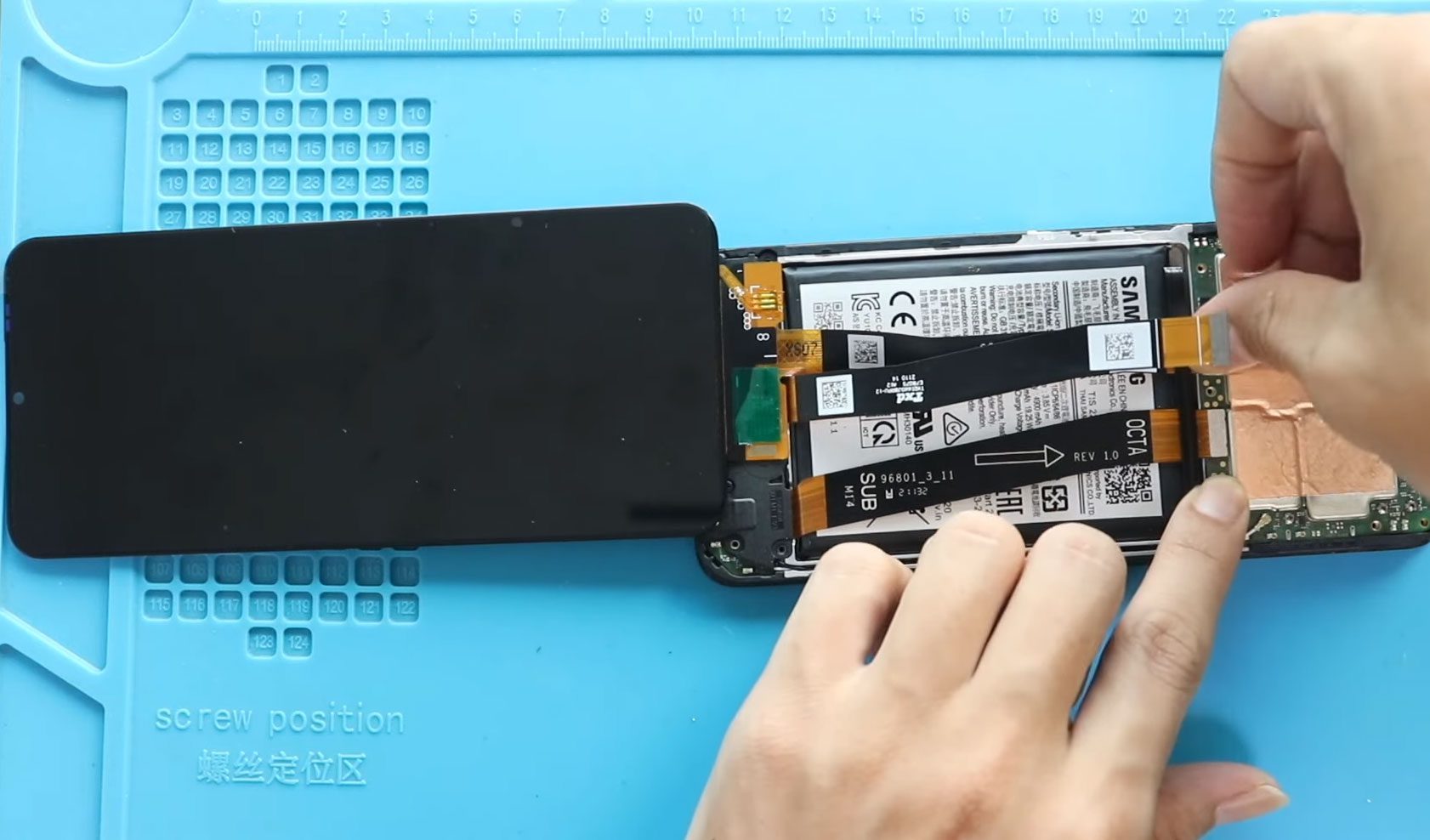
To start we need the right tools to proceed with the repair which you can find in the description First turn off the phone and remove the back cover from
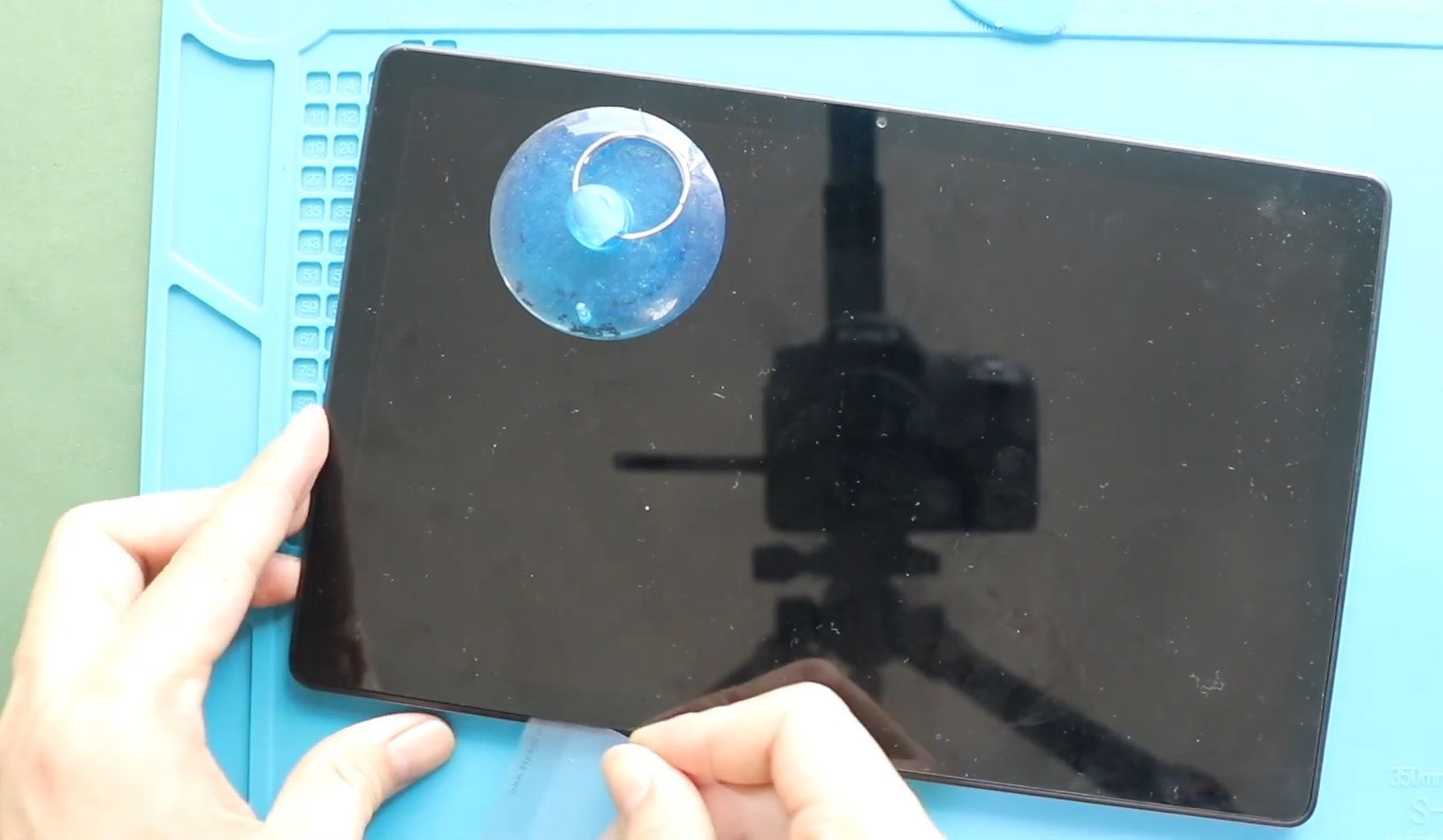
Hi everyone, welcome back to DIYGeardo. Today, we will show you how to replace the LCD Touch Screen assembly on the Samsung Galaxy Tab A7 10.4 (2020), T500 and T505 models. If your screen is
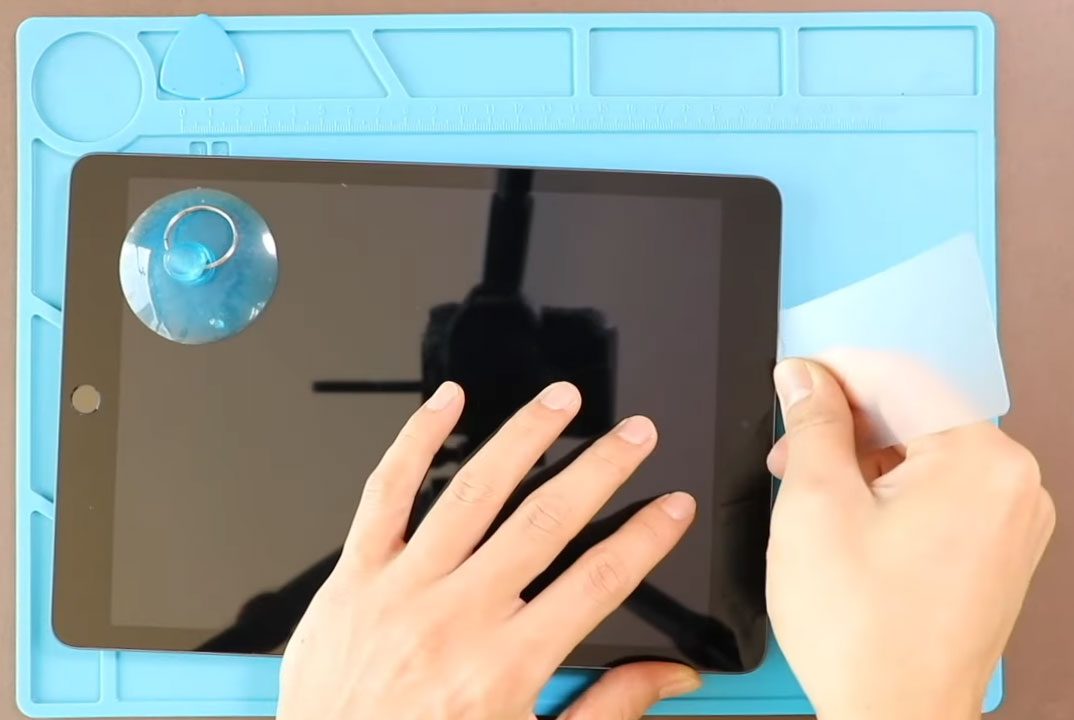
Hi everyone, welcome back to DIYGeardo. In this guide, we’ll show you how to replace the LCD display and touch screen digitizer glass on the Apple iPad 9th Generation (10.2-inch, 2021). If

Hi everyone, welcome back to DIYGeardo. A cracked touch screen or faulty LCD on the Apple iPad 8 (10.2″) can cause display issues such as no touch response, lines on the screen, flickering,