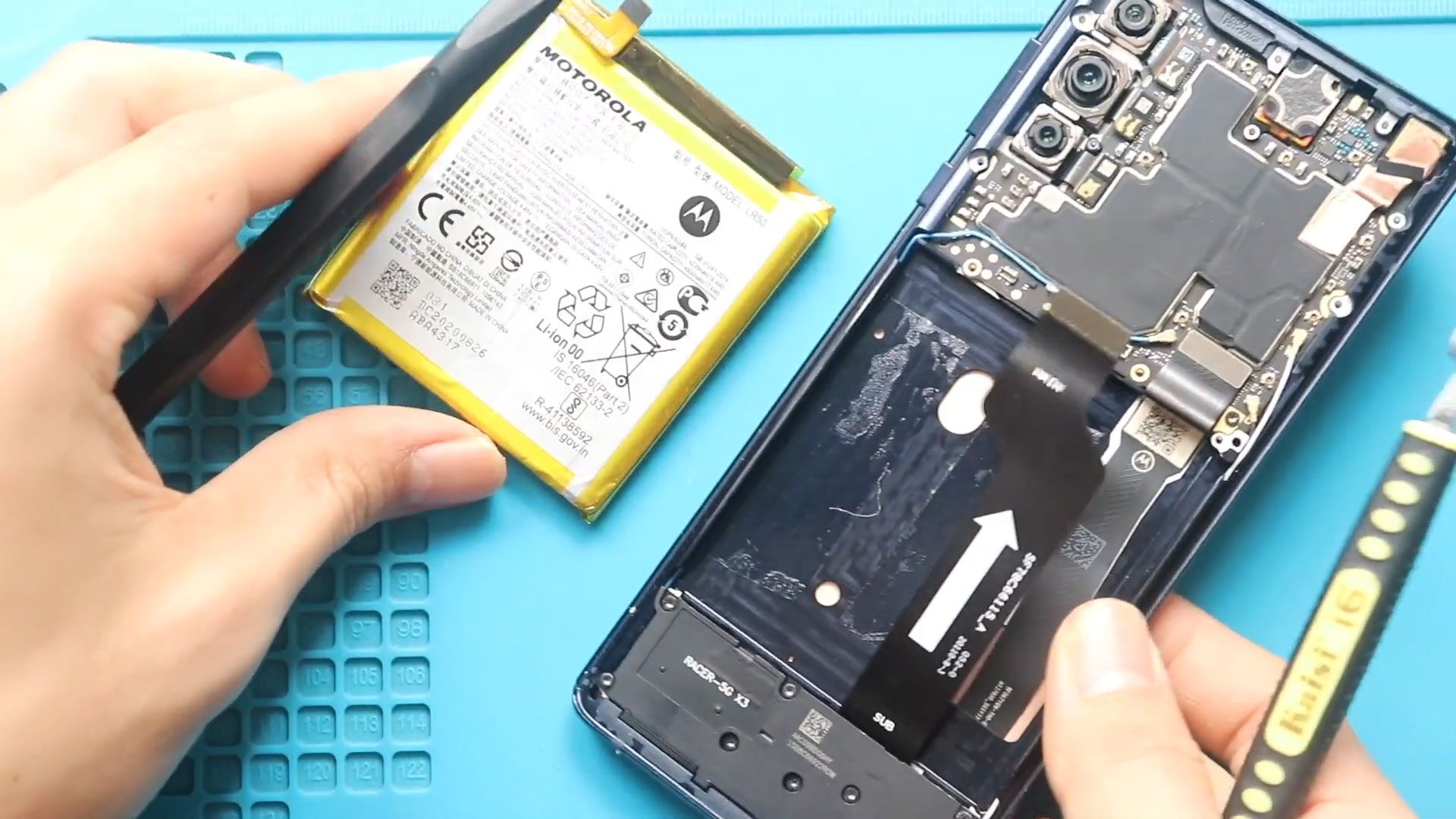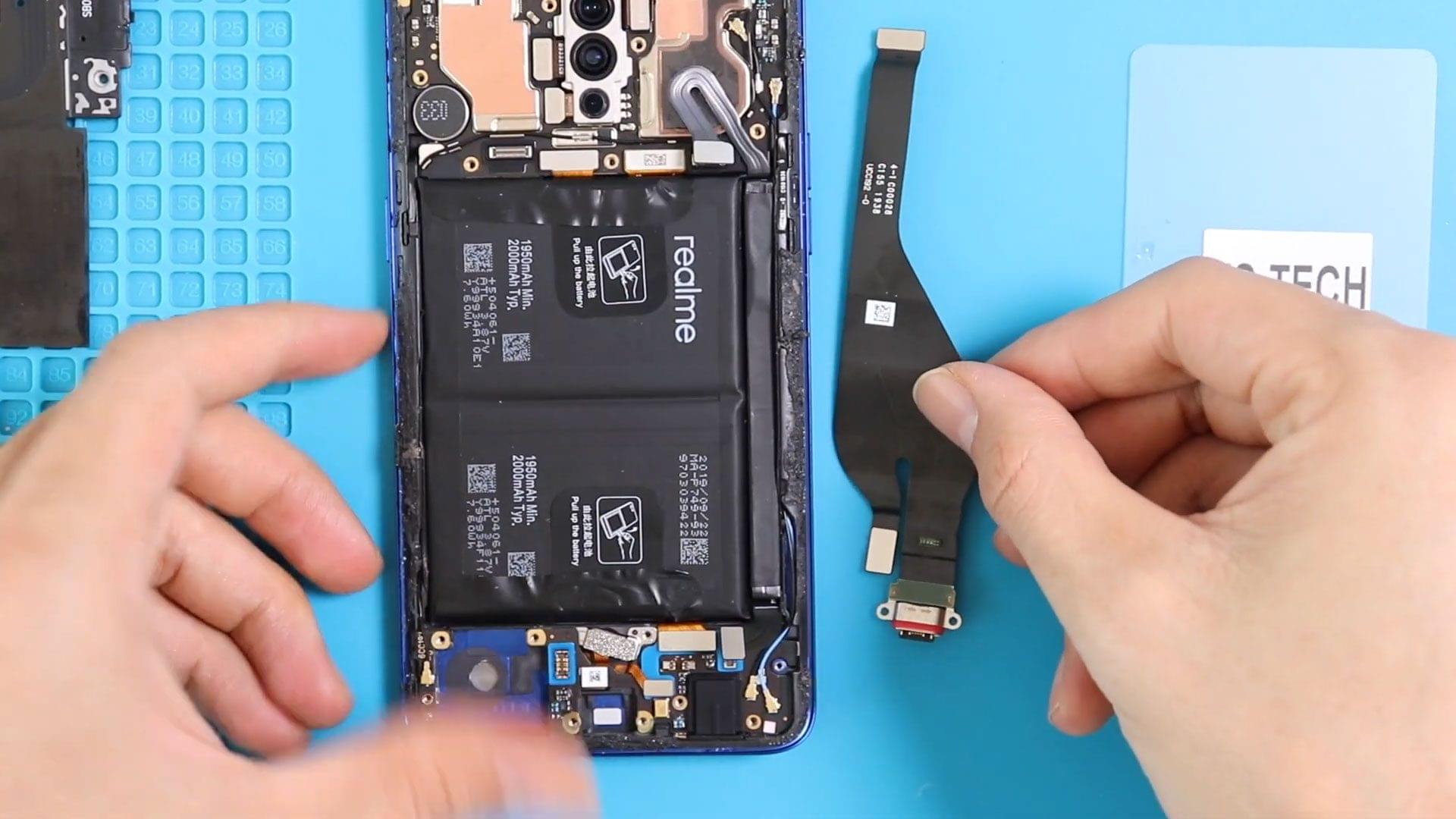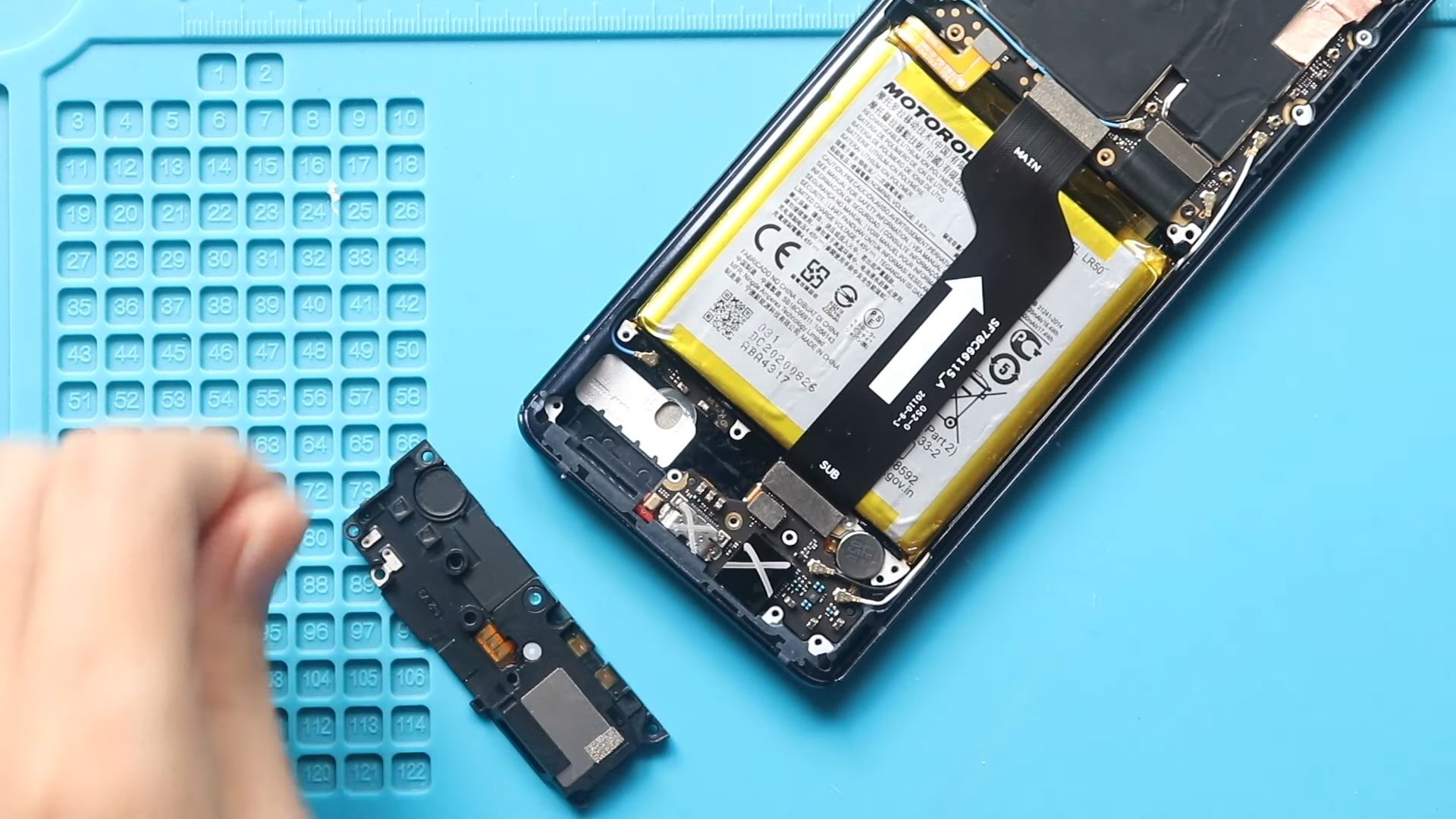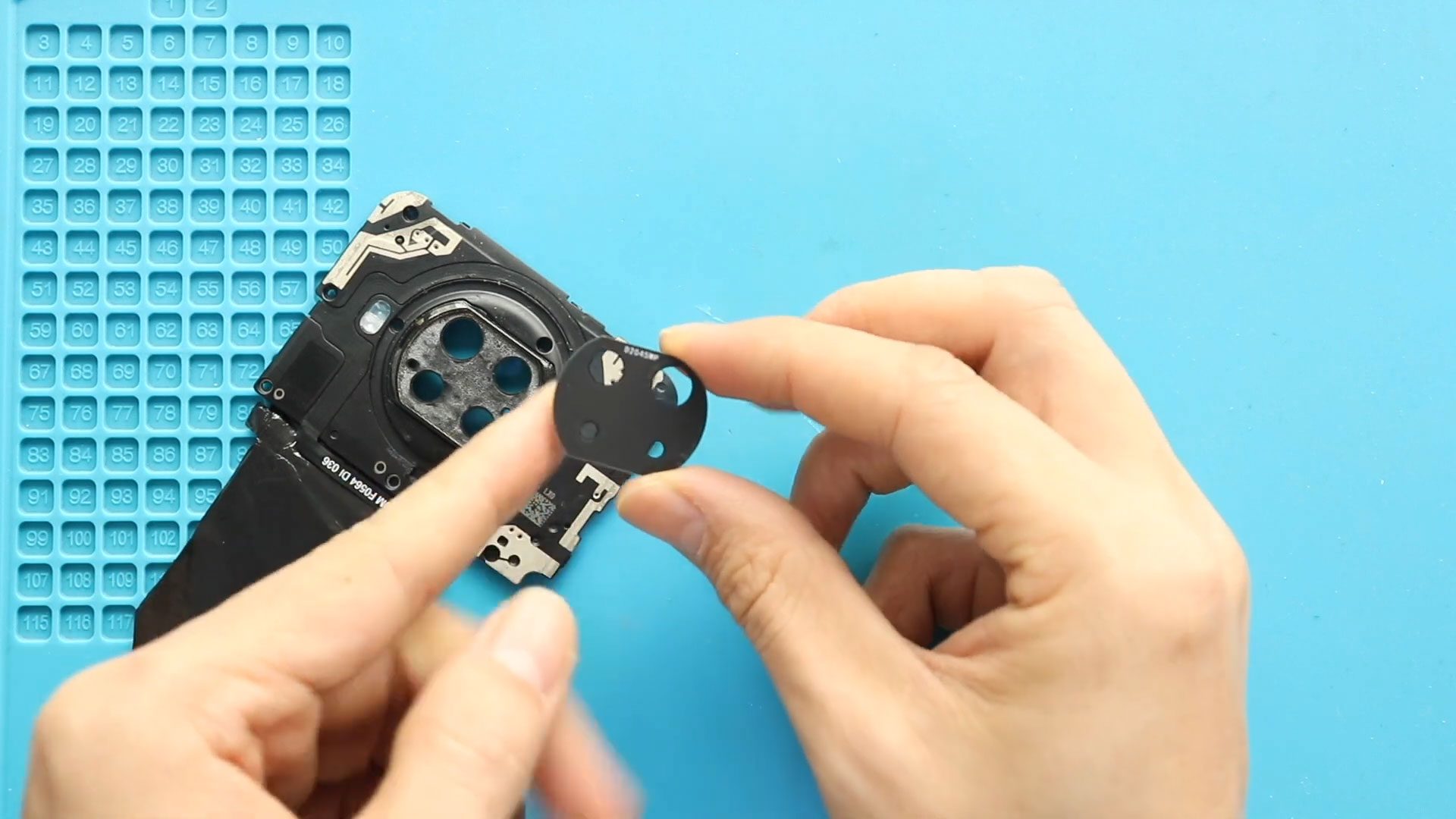
Before Starting, we need to have the right tools to proceed with the repair, which You can find in the description. First, turn off the phone, take out the Sim
Explore our complete Redmi Note series DIY repair guides, covering popular models like Redmi Note 7, Note 8, Note 9, Note 10,Note 11,Note 12, and Note 13. Step-by-step tutorials show you how to replace screens, batteries, cameras, charging port and other components safely at home. Each guide includes easy-to-follow videos, tips, and tools needed, making it simple for DIY enthusiasts to fix their phones themselves. New models and repair tutorials are added regularly to keep your Redmi Note repair library up to date.
Before Starting, we need to have the right tools to proceed with the repair, which You can find in the description. First, turn off the phone, take out the Sim
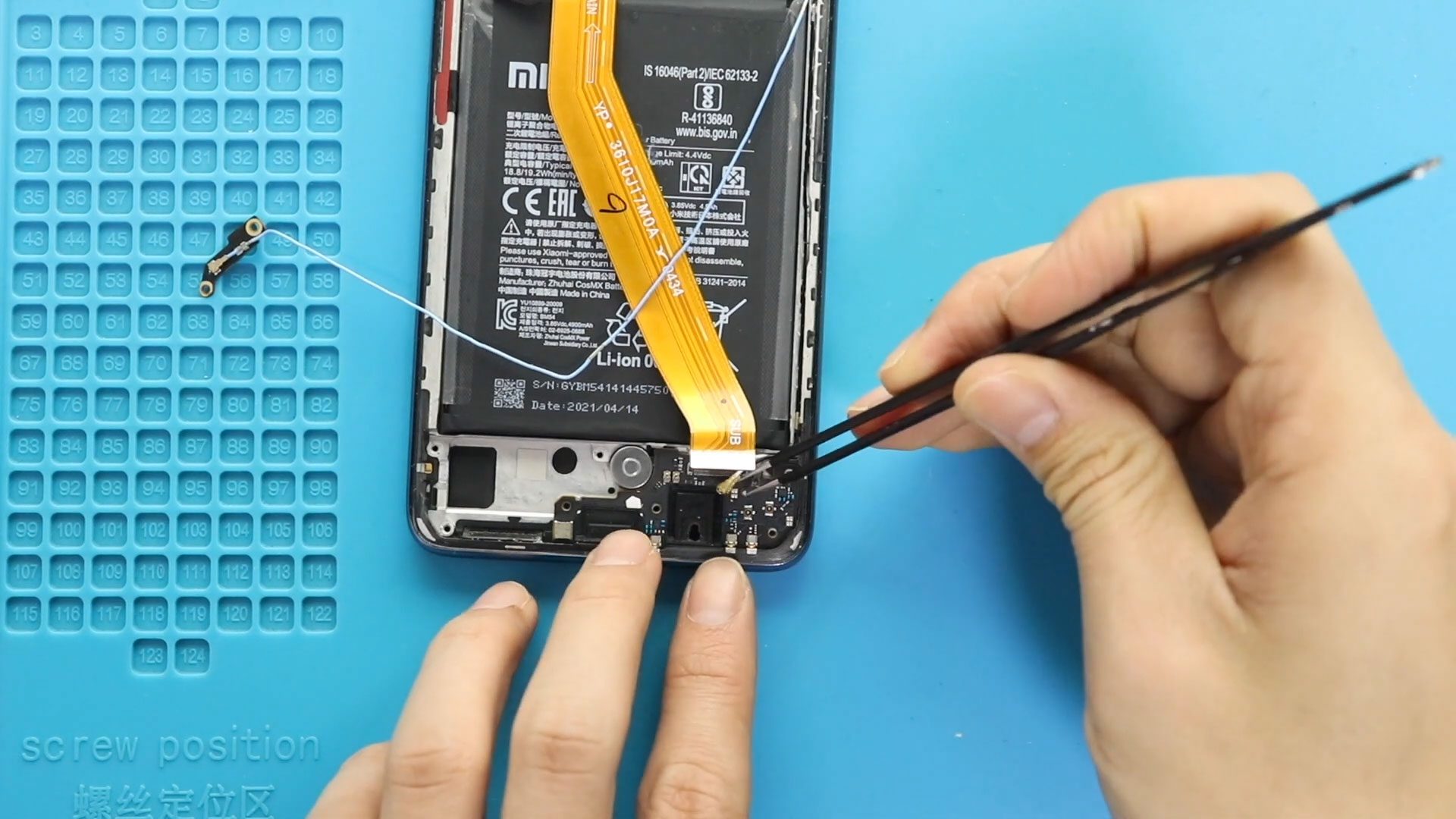
Before Starting, we need to have the right tools to proceed with the repair, which You can find in the description. First, turn off the phone, take the Sim tray

Before Starting, we need to have the right tools to proceed with the repair, which You can find in the description. First, turn off the phone, take the Sim tray
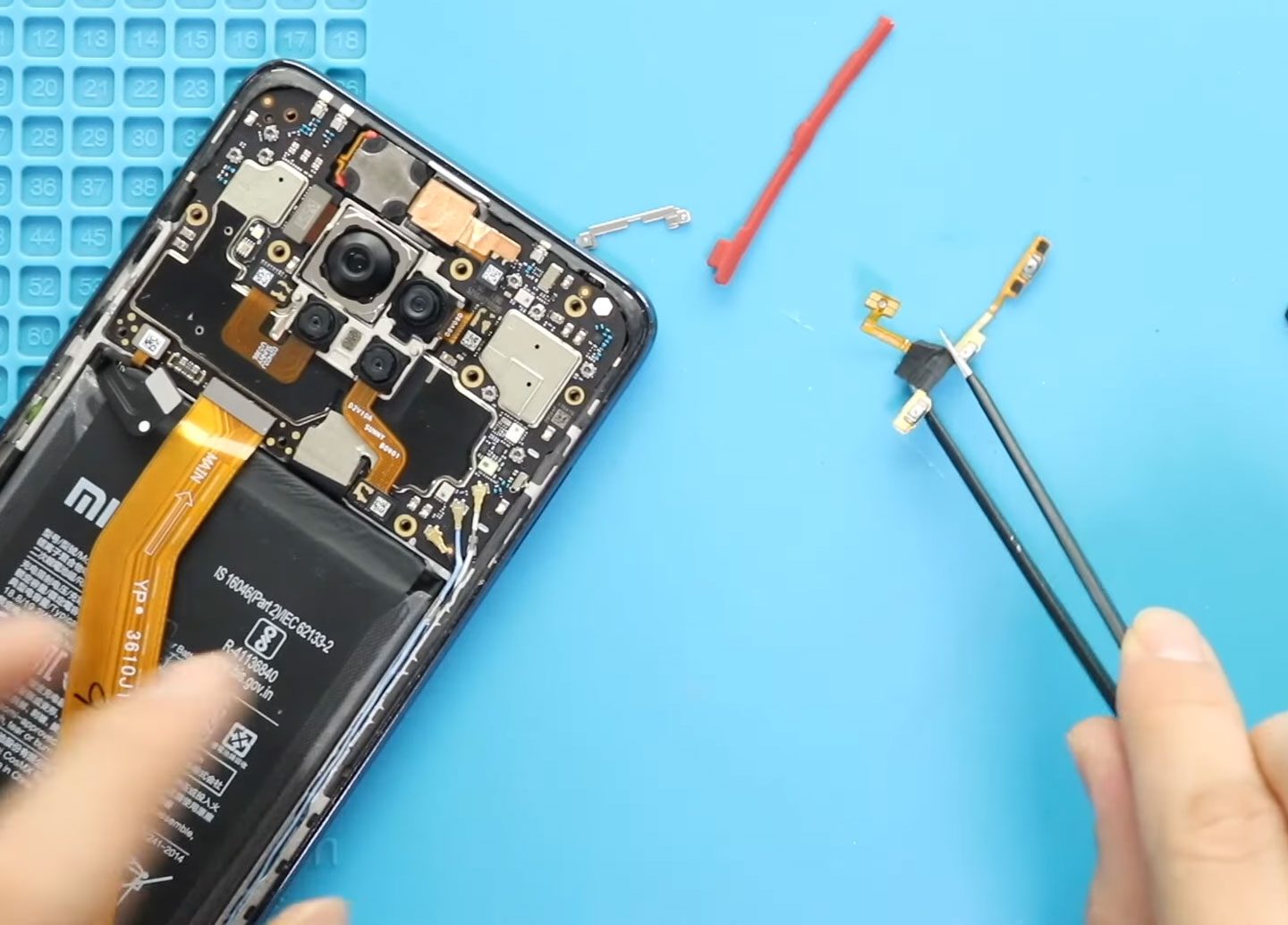
Please follow the below link for the repair instructions. Please let us know if you have any questions. Timestamps00:00 Intro00:10 Opening Redmi Note 9 Pro01:12 Removing board Frame01:54 Removing now
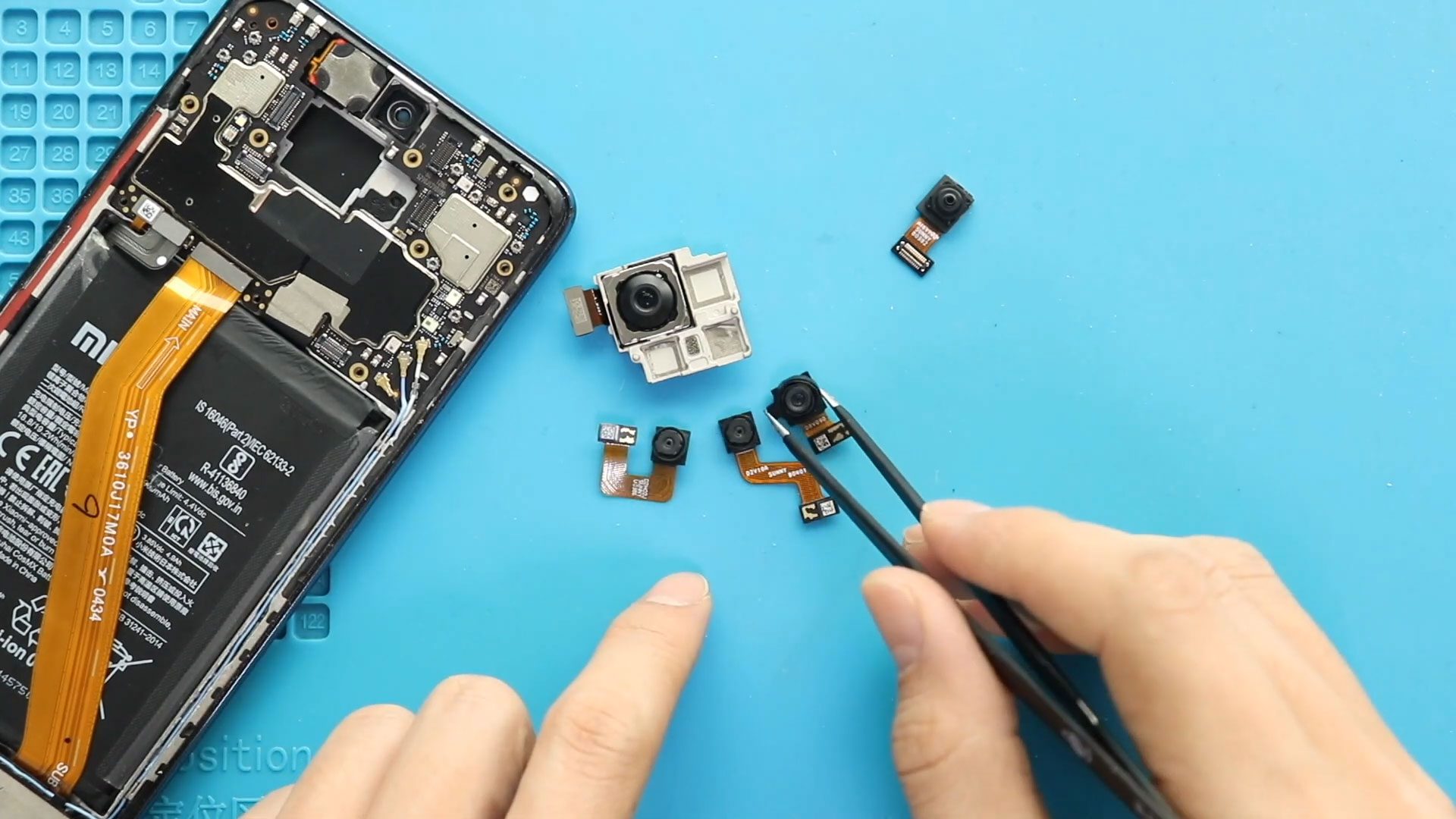
Before Starting, we need the right tools to proceed with the repair, which You can find in the description. First, turn off the phone, remove the sim tray, and follow
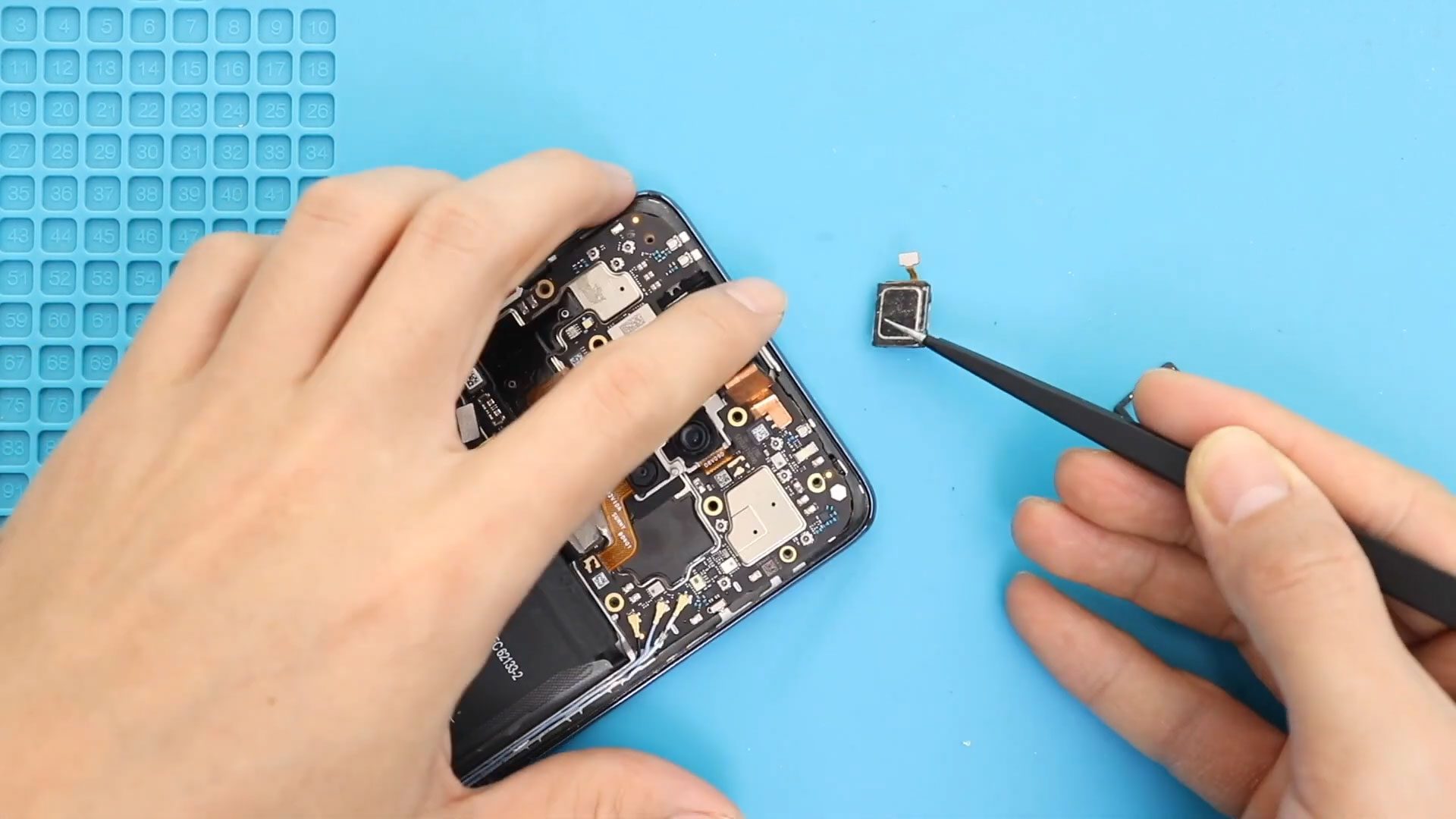
Please follow the below link for the repair instructions. Please let us know if you have any questions. Timestamps00:00 Intro00:10 Opening Redmi Note 9 Pro01:12 Removing board Frame02:05 Removing now

Please follow the below link for the repair instructions. Please let us know if you have any questions. Timestamps00:00 Intro00:10 Opening Redmi Note 9 Pro01:12 Removing the board Frame01:52 Removing

Please follow the below link for the repair instructions. Please let us know if you have any questions. Timestamps00:00 Intro00:10 Opening Redmi Note 9 Pro00:40 Removing Back Cover01:12 Removing board

Please follow the below link for the repair instructions. Please let us know if you have any questions. Timestamps00:00 Intro00:10 Opening Redmi Note 9 Pro00:40 Removing Back Cover01:12 Removing board

Before Starting, we need to have the right tools to proceed with the teardown, which you can find in the description. First, turn off the phone, take off the sim
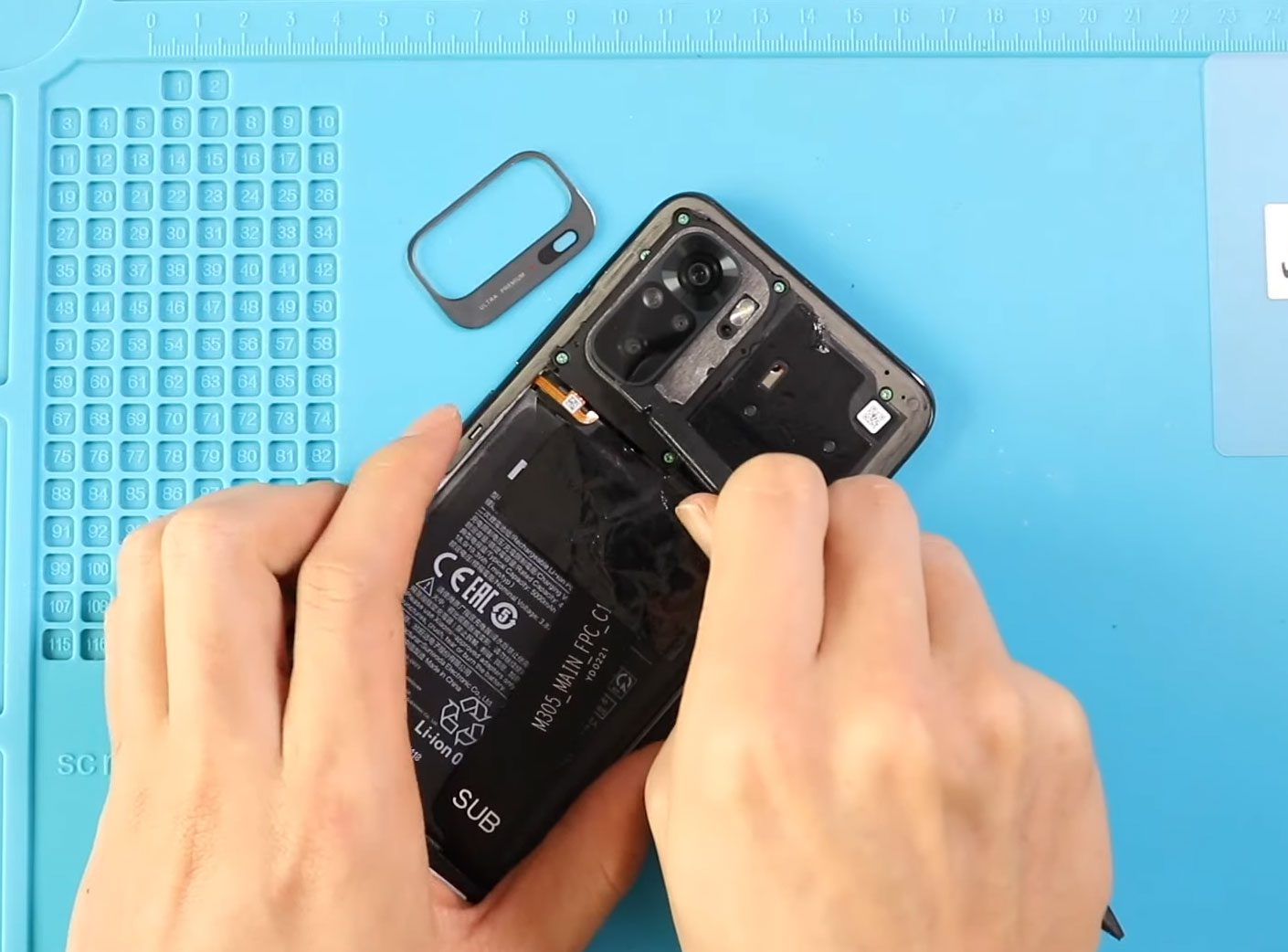
Before Starting, we need to have the right tools to proceed with the repair, which you can find in the description. First, take out the SIM tray and then the
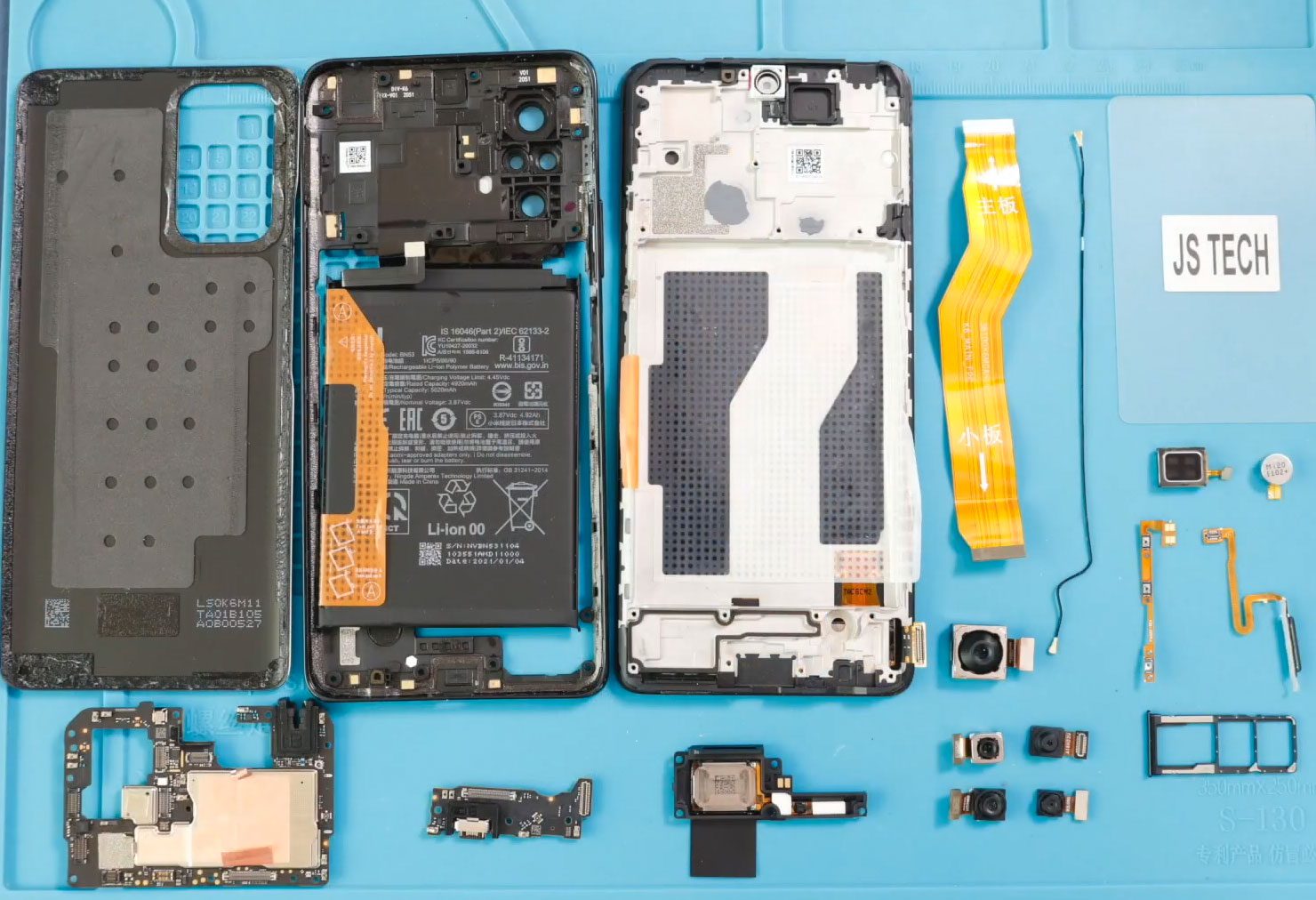
Before Starting, we need to have the right tools to proceed with the teardown, which you can find in the description. First, take out the back cover from the body.