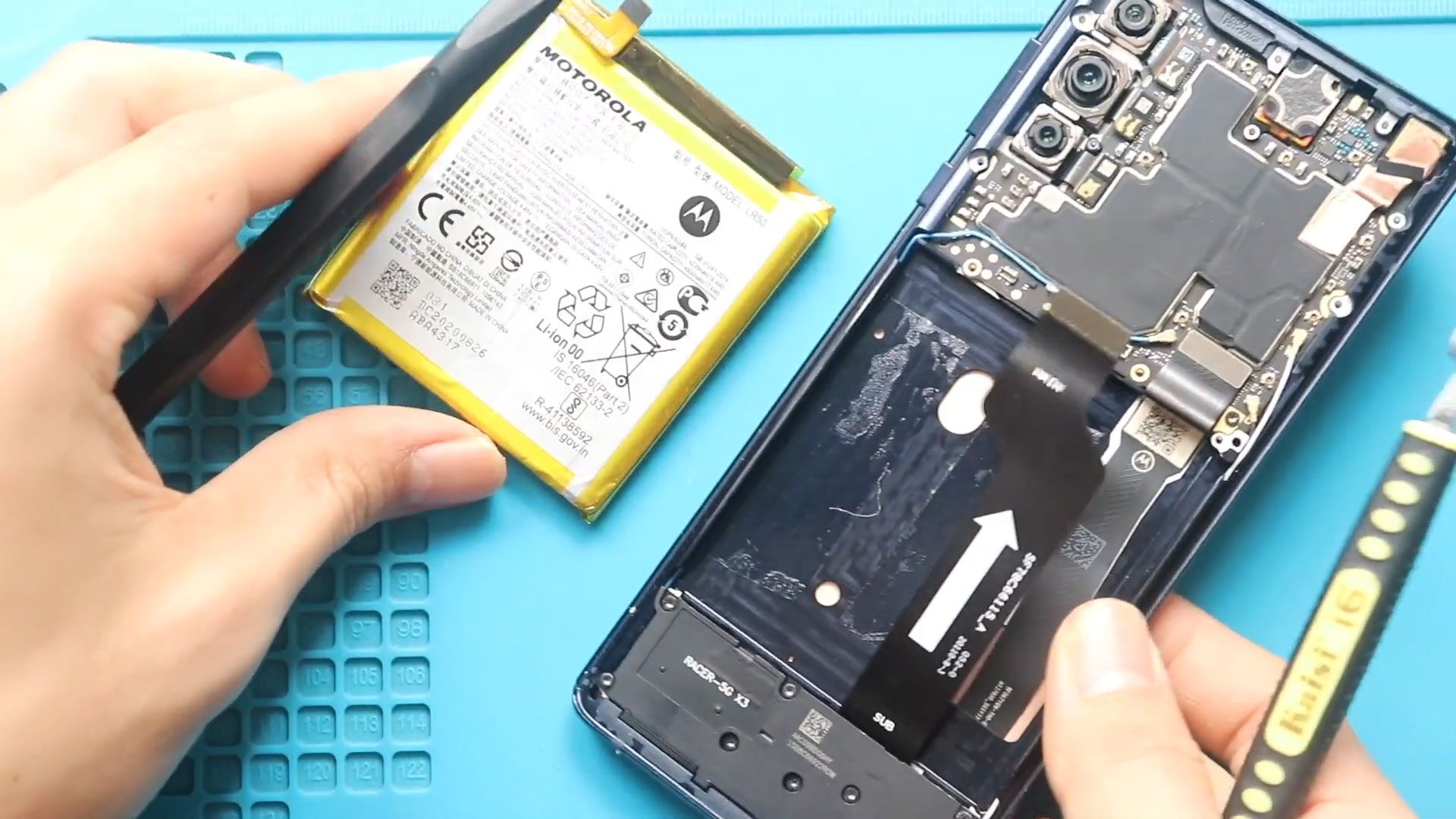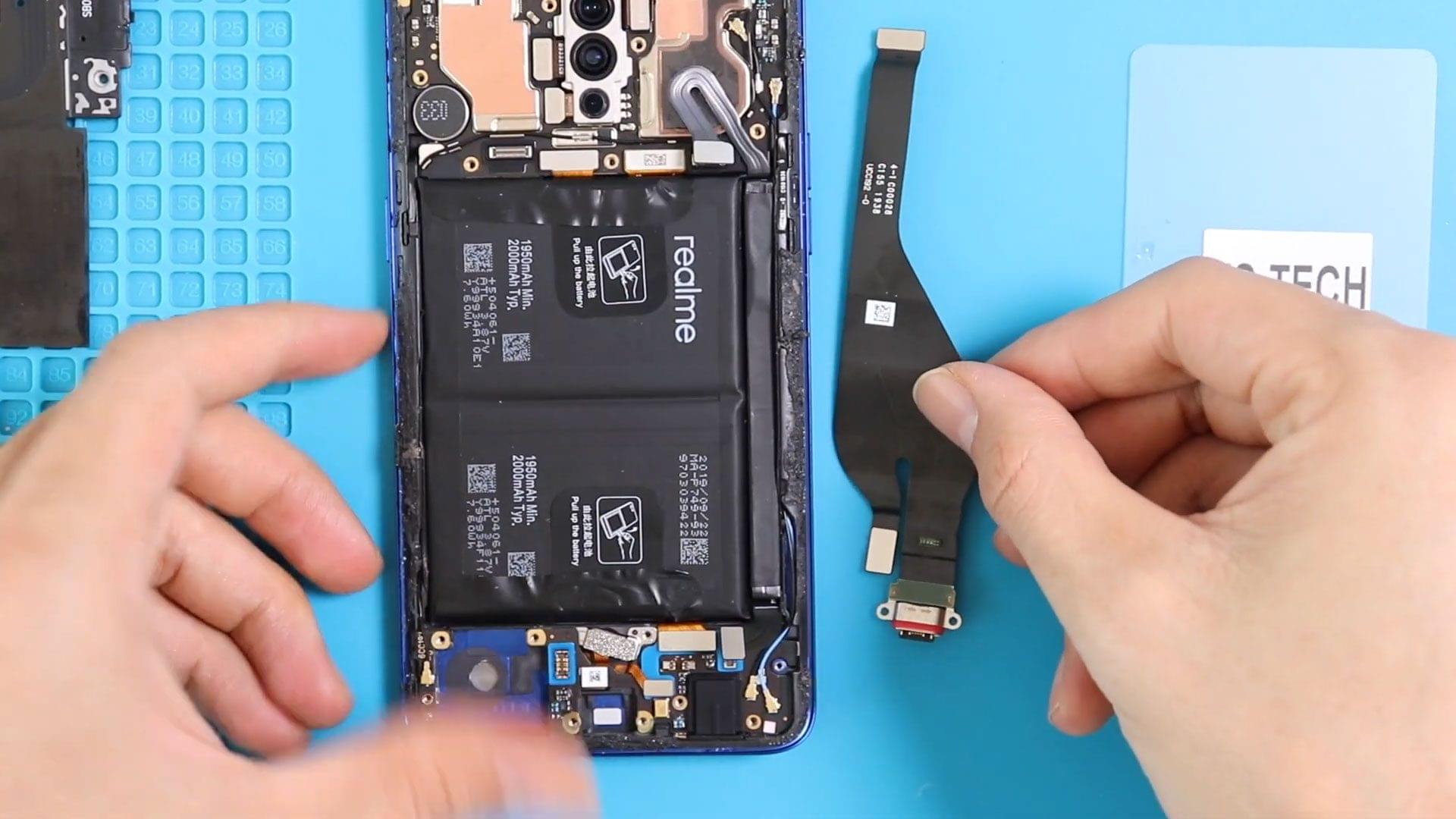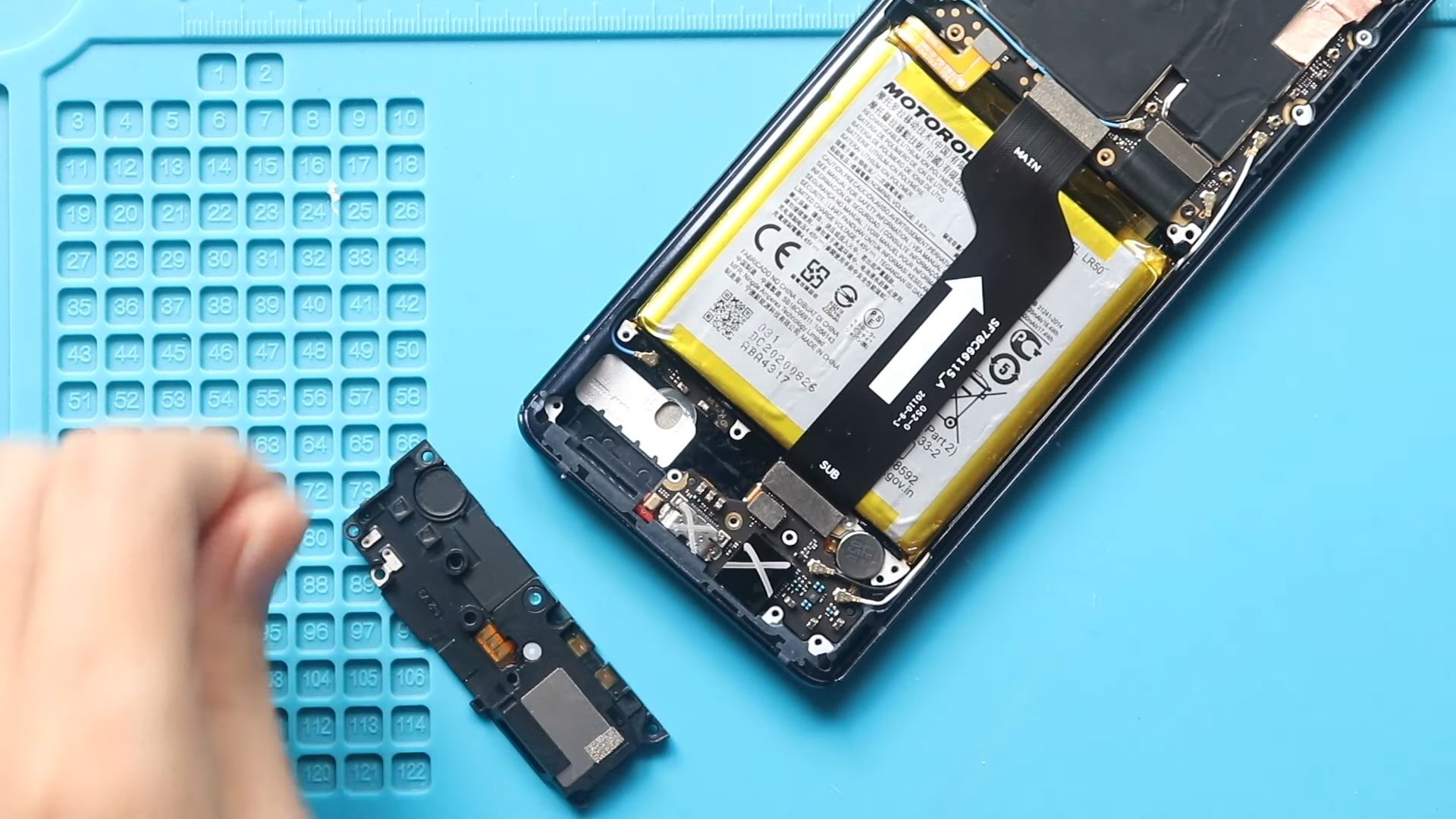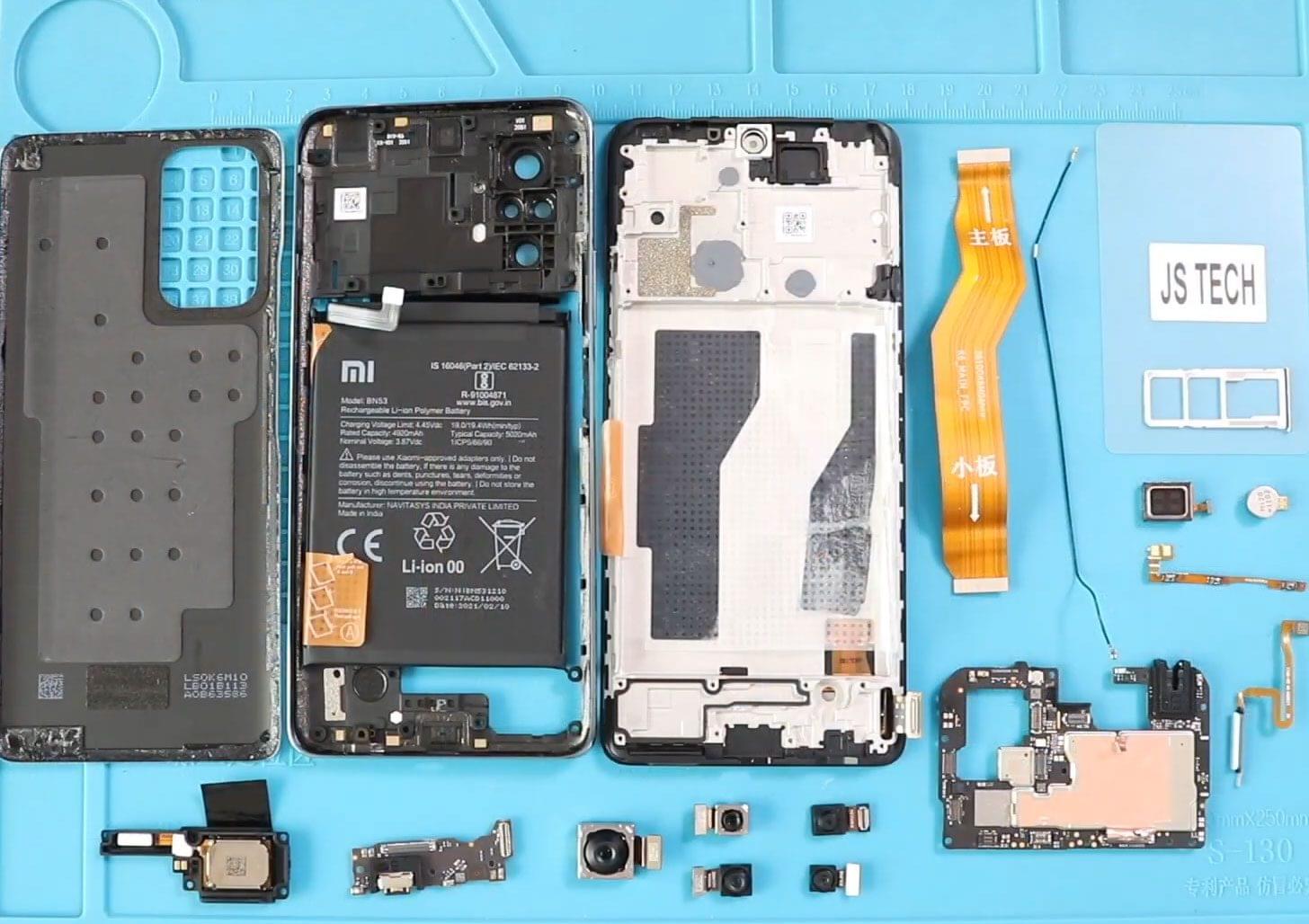
Before Starting, we need to have the right tools to proceed with the teardown, which you can find in the description. First, turn off the phone and take out the
Explore our complete Redmi Note series DIY repair guides, covering popular models like Redmi Note 7, Note 8, Note 9, Note 10,Note 11,Note 12, and Note 13. Step-by-step tutorials show you how to replace screens, batteries, cameras, charging port and other components safely at home. Each guide includes easy-to-follow videos, tips, and tools needed, making it simple for DIY enthusiasts to fix their phones themselves. New models and repair tutorials are added regularly to keep your Redmi Note repair library up to date.
Before Starting, we need to have the right tools to proceed with the teardown, which you can find in the description. First, turn off the phone and take out the
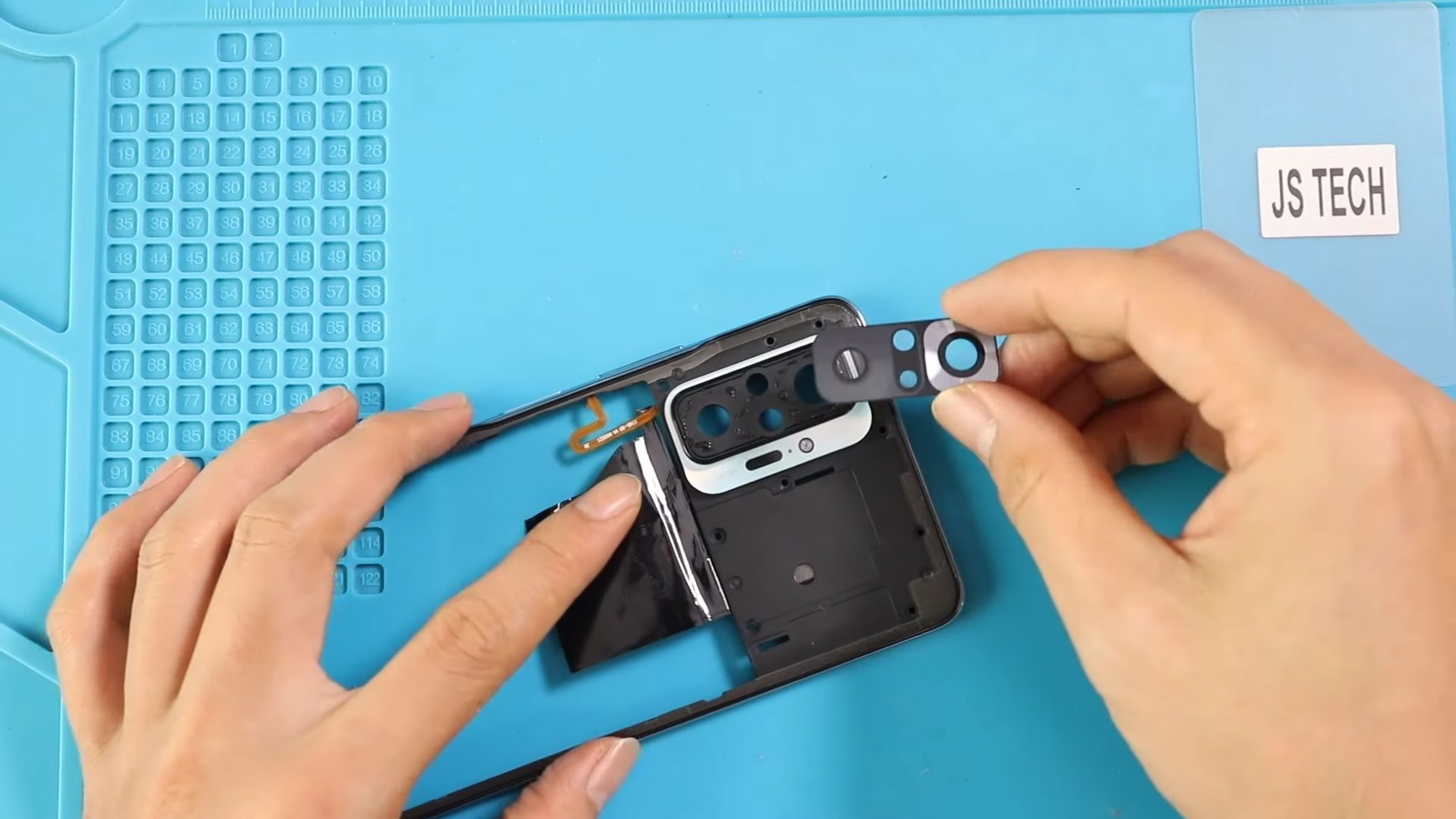
Before Starting, we need to have the right tools to proceed with the repair, which you can find in the description. First, turn off the phone, take out the sim
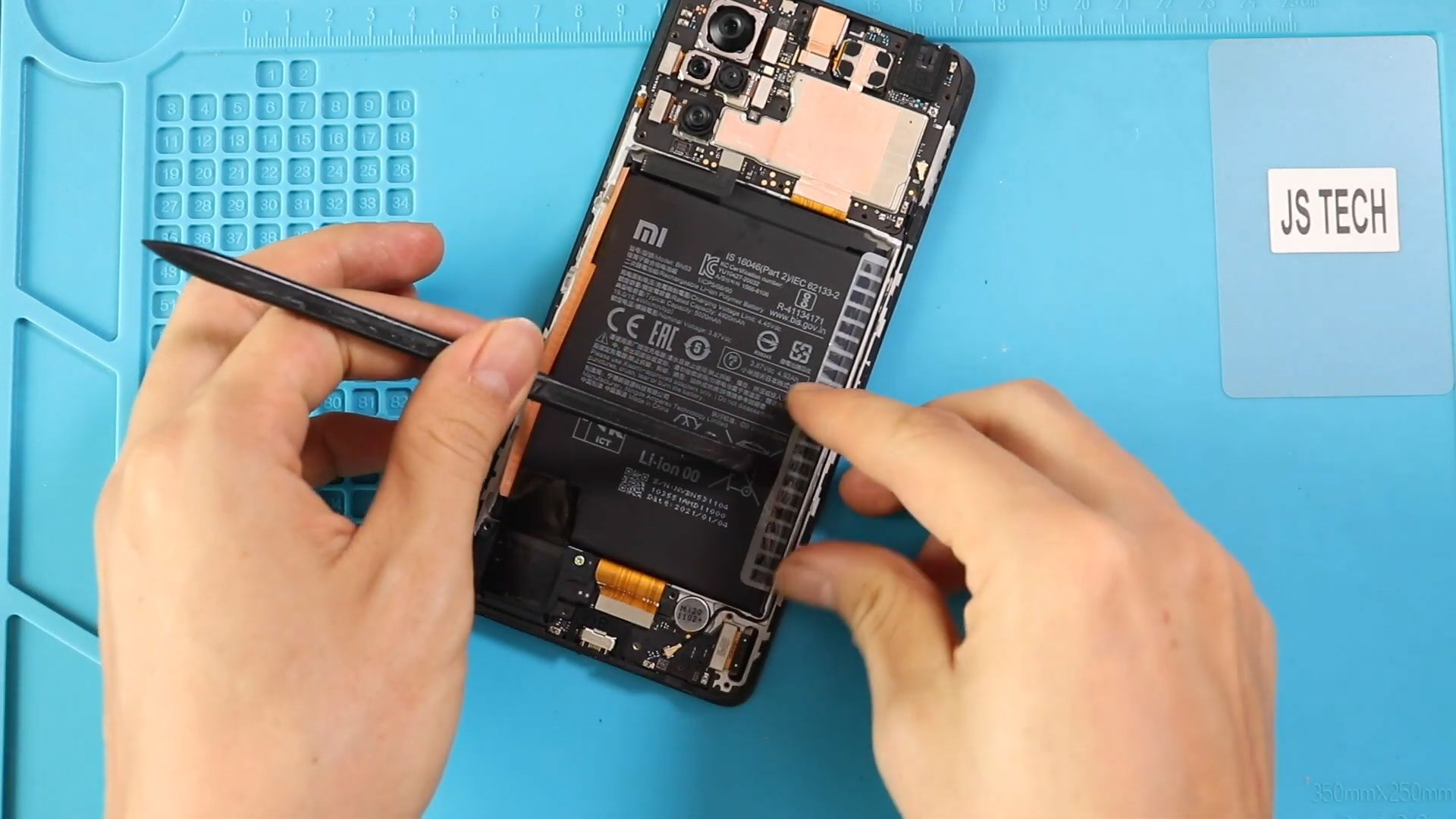
Before Starting, we need to have the right tools to proceed with the repair, which you can find in the description. First, turn up the phone take out the sim
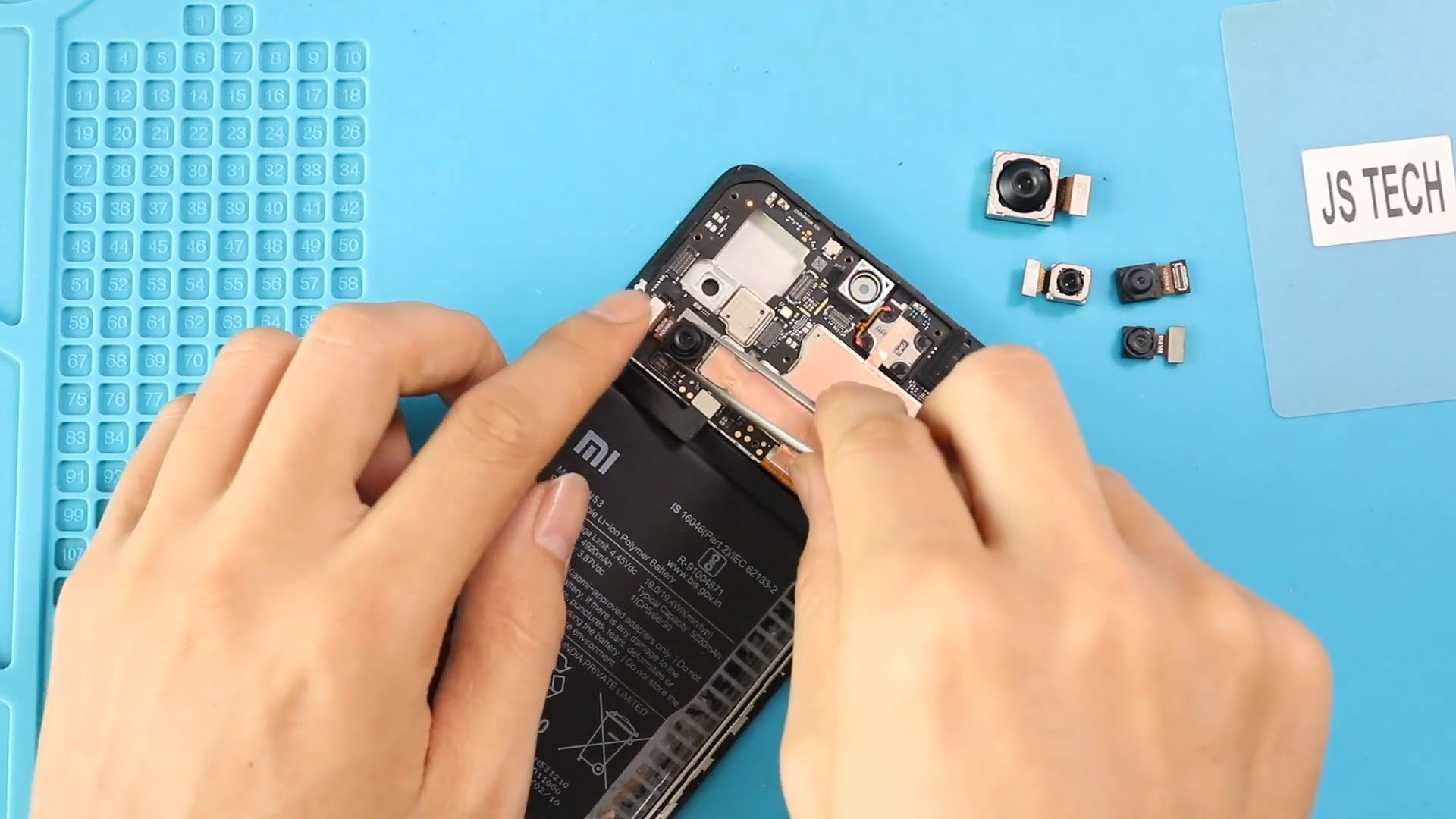
Before Starting, we need to have the right tools to proceed with the teardown, which You can find in the description. First, turn off the phone, take out the Sim

Before Starting, we need to have the right tools to proceed with the repair, which you can find in the description. First, turn on the phone and take out the

Please follow the below link for the repair instructions. Please let us know if you have any questions. Timestamps00:00 Intro – Reassembly steps on Redmi Note 10 pro/Pro Max00:10 Power

Before Starting, we need to have the right tools to proceed with the repair, which You can find in the description. First, turn off the phone, take out the Sim

Before Starting, we need to have the right tools to proceed with the repair, which You can find in the description. First, turn off the phone, take out the Sim
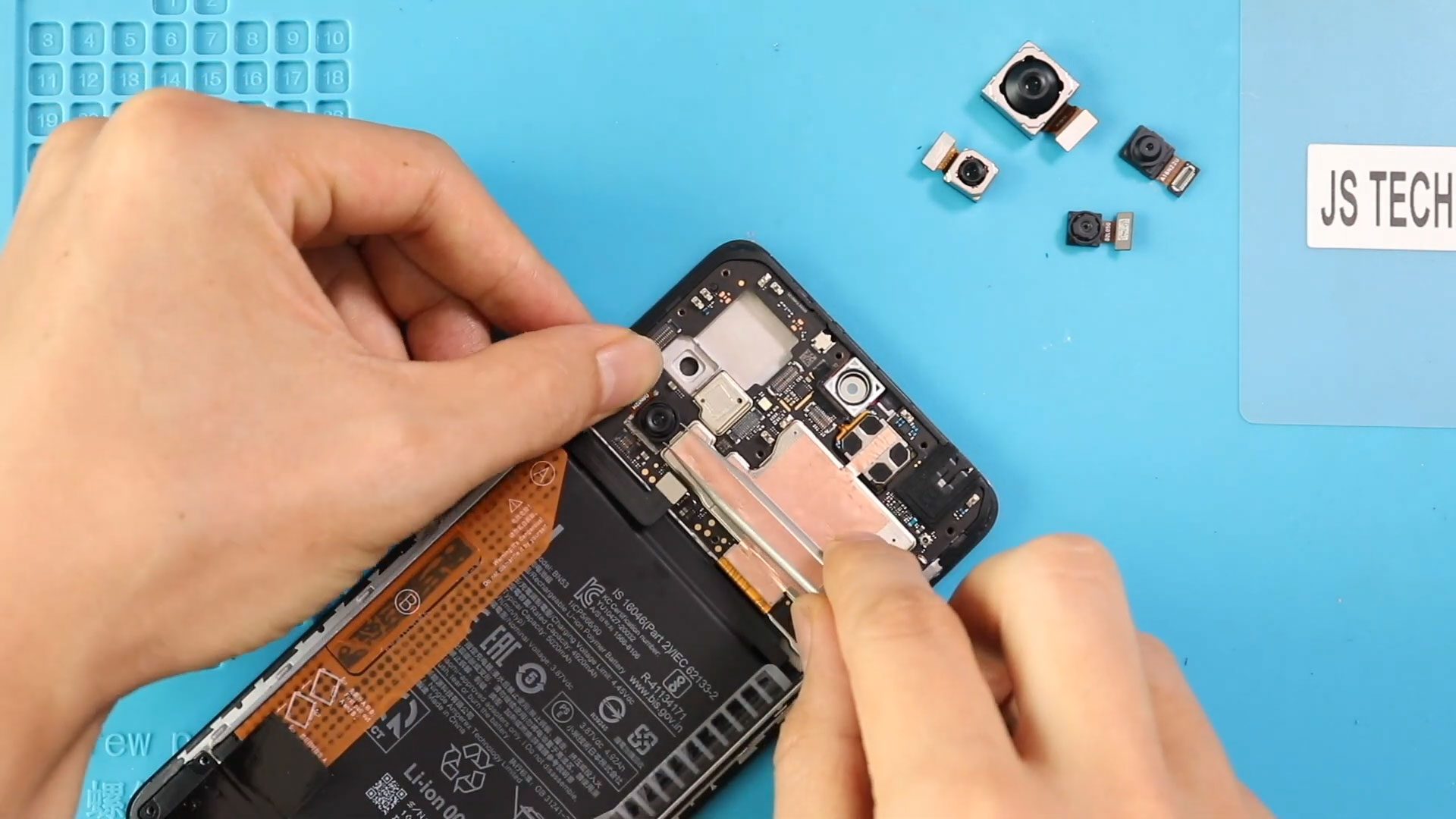
Before Starting, we need to have the right tools to proceed with the teardown, which You can find in the description. First, turn off the phone, take out the Sim
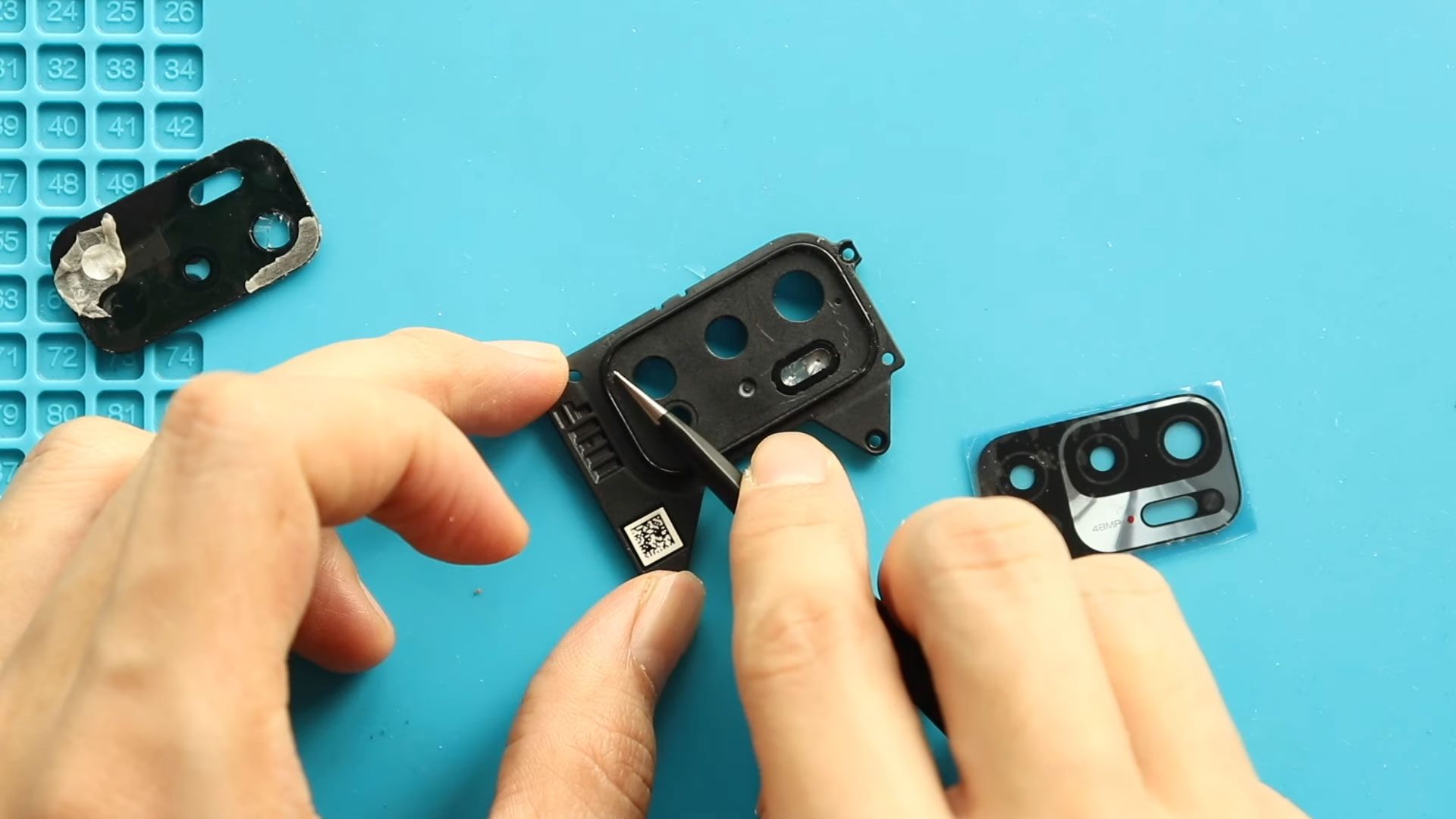
Also compatible with Redmi Note 10T & Poco M3 Pro 5G If your Xiaomi Redmi Note 10 5G has cracked or scratched camera lens glass, photos may appear blurry, distorted, or

If your phone is draining quickly, shutting down randomly, or overheating, it may be time to replace the battery. In this detailed DIY repair guide, we’ll show you how to

If your phone has a cracked screen, display lines, touch issues, or a completely black display, this step-by-step guide will show you how to replace the LCD screen assembly safely