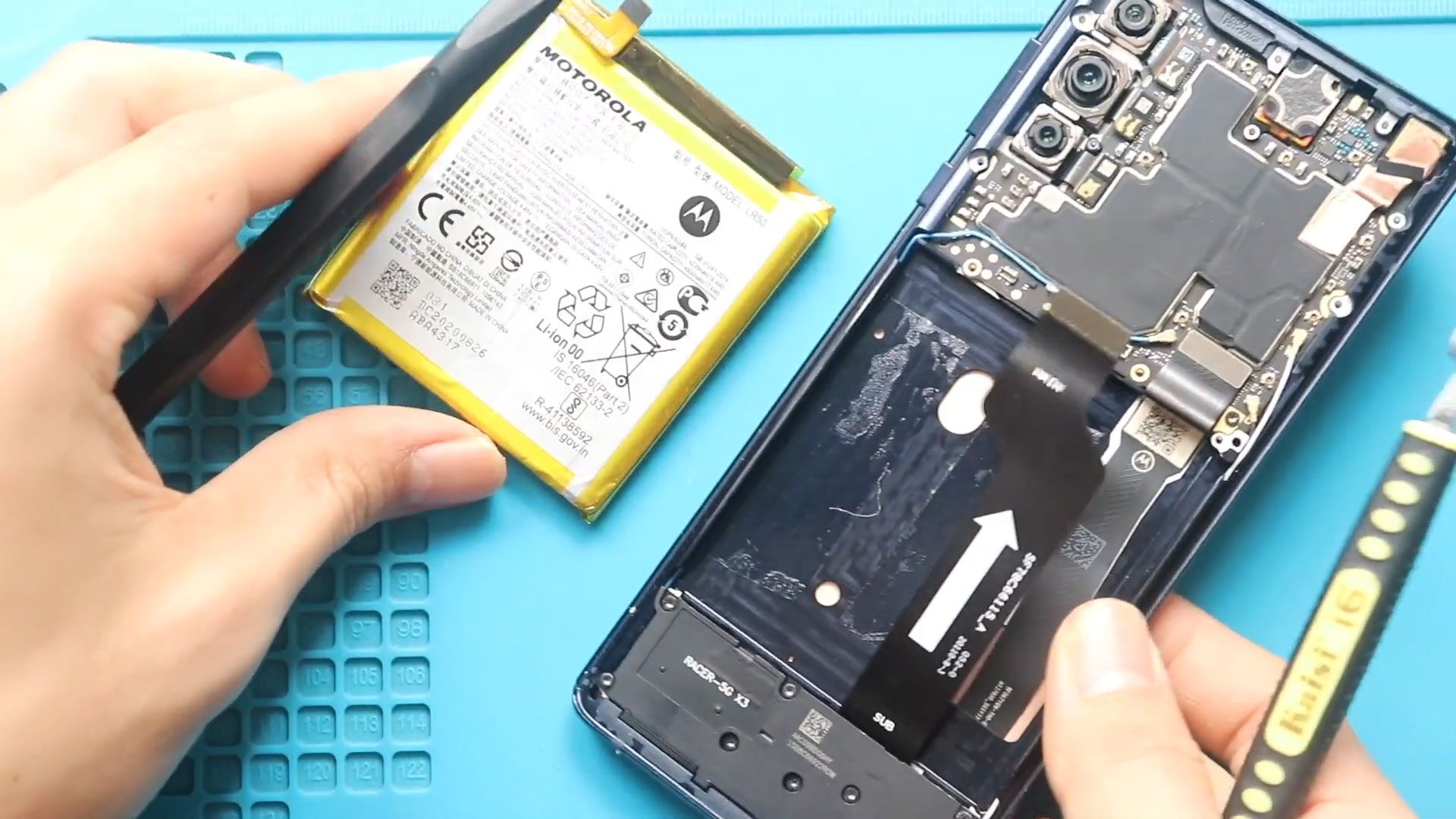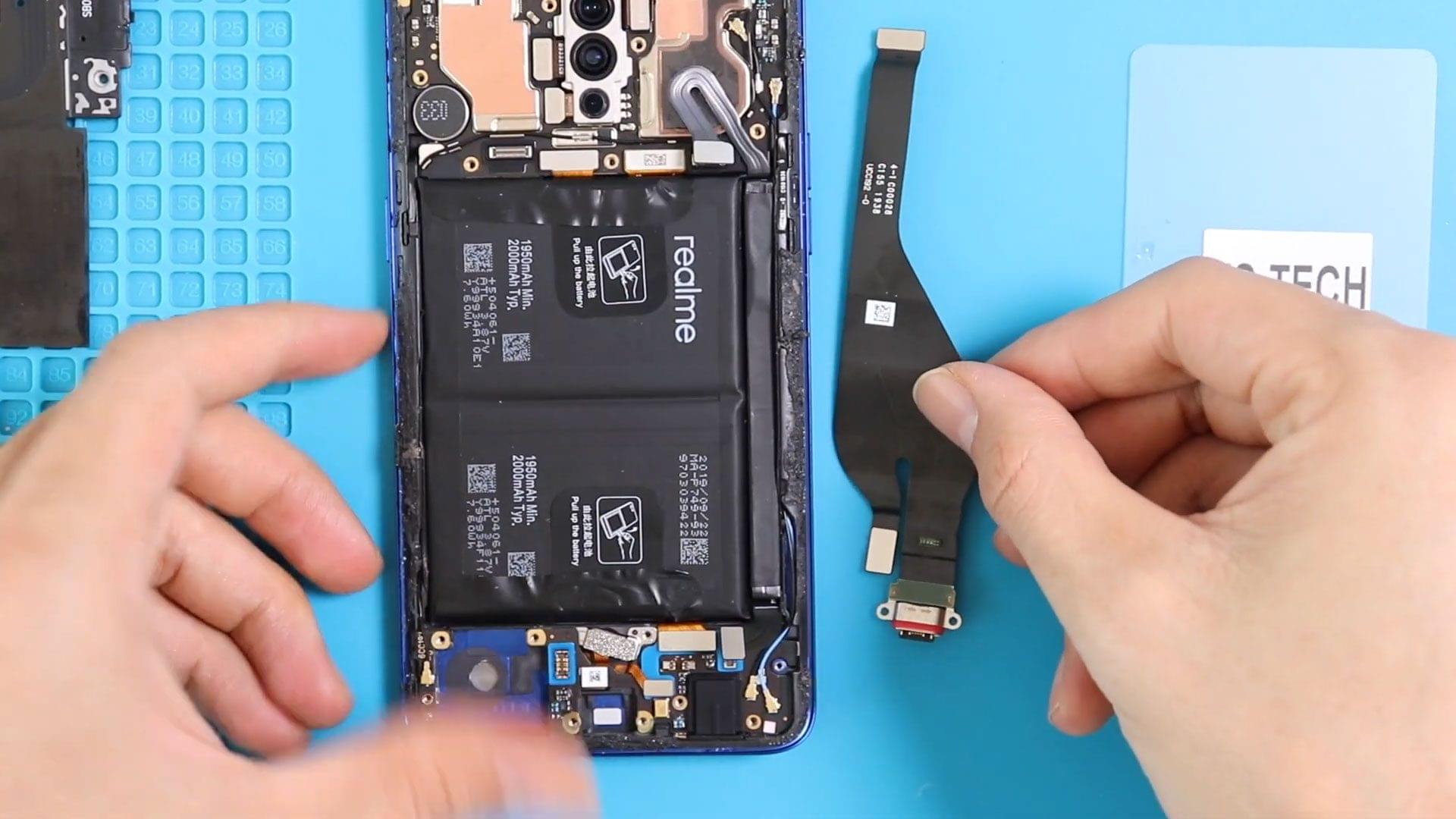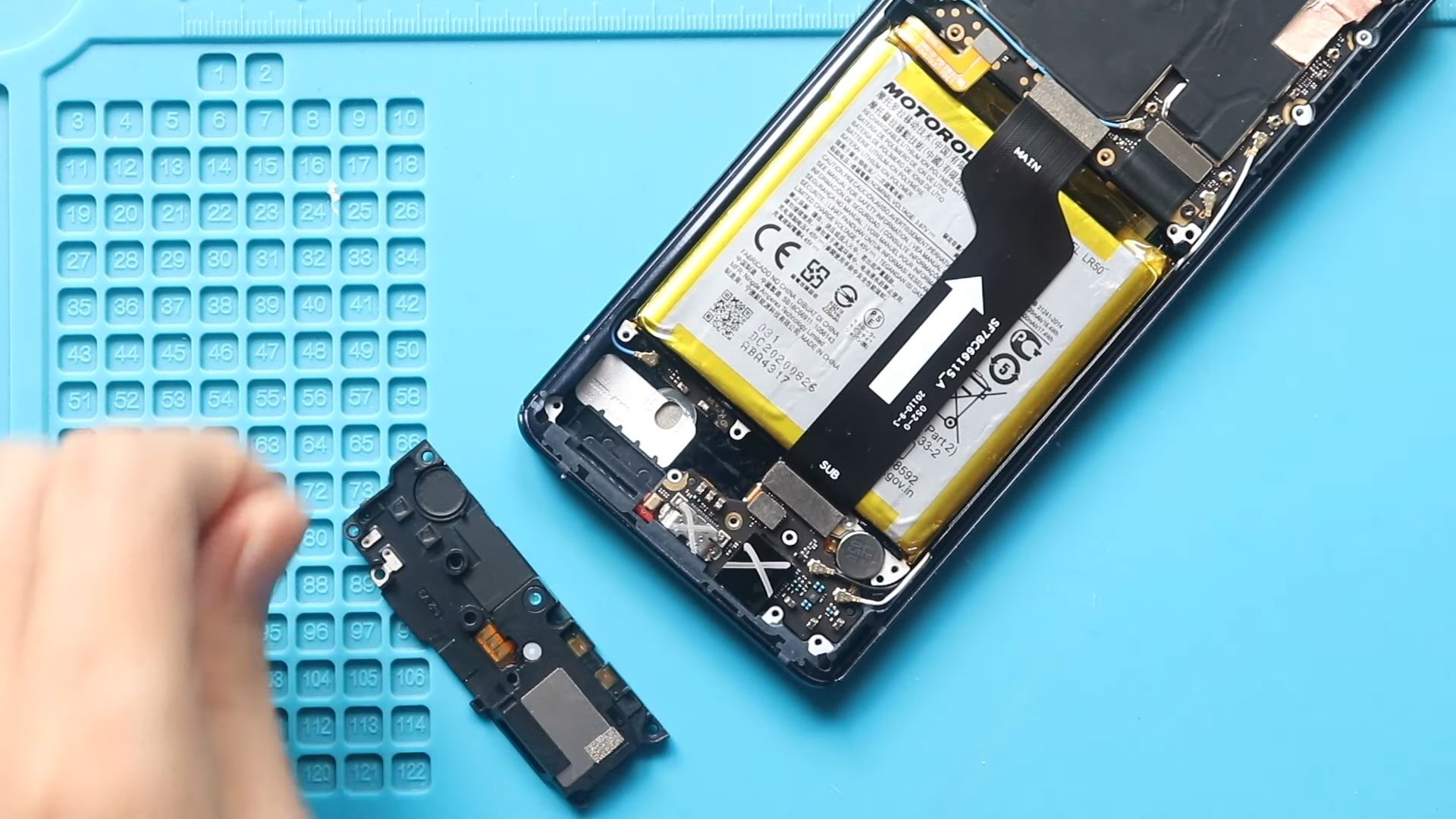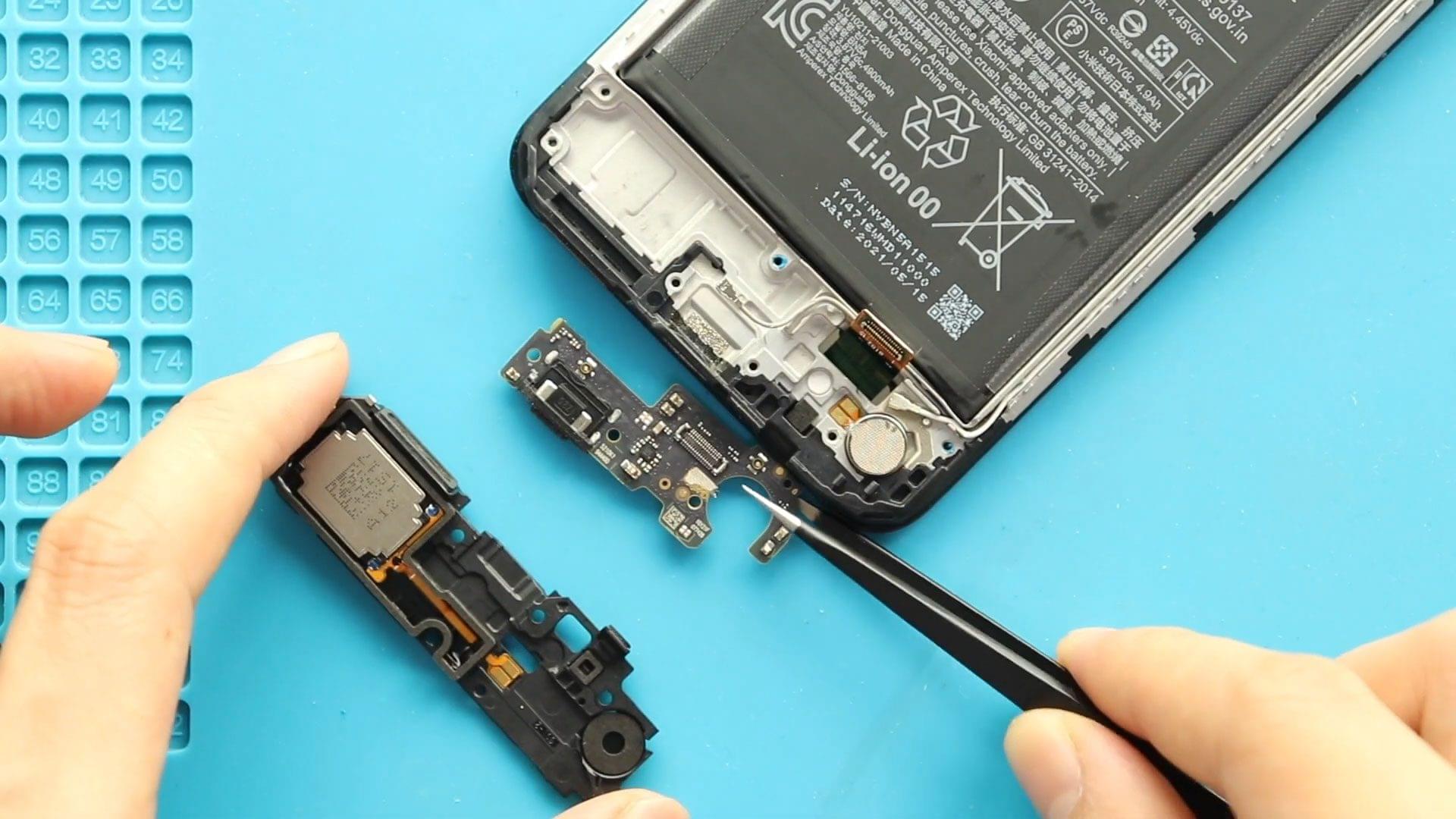
If your phone is not charging, charging intermittently, not detected by a computer, or experiencing microphone or headphone jack issues, the charging port board (also called the sub-board) may be
Explore our complete Redmi Note series DIY repair guides, covering popular models like Redmi Note 7, Note 8, Note 9, Note 10,Note 11,Note 12, and Note 13. Step-by-step tutorials show you how to replace screens, batteries, cameras, charging port and other components safely at home. Each guide includes easy-to-follow videos, tips, and tools needed, making it simple for DIY enthusiasts to fix their phones themselves. New models and repair tutorials are added regularly to keep your Redmi Note repair library up to date.
If your phone is not charging, charging intermittently, not detected by a computer, or experiencing microphone or headphone jack issues, the charging port board (also called the sub-board) may be
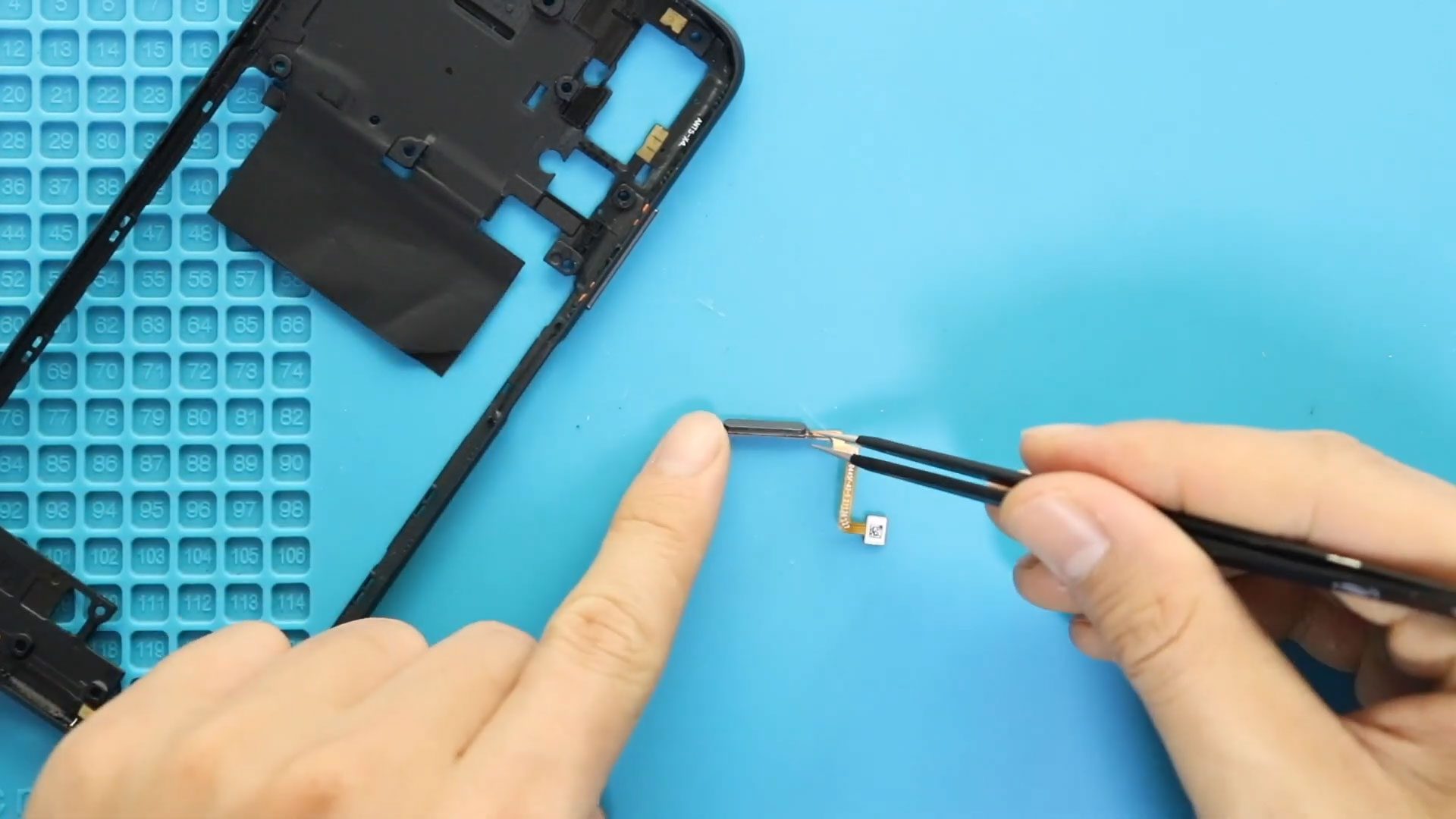
If your fingerprint sensor is not responding, failing to recognize fingerprints, or completely missing from settings, replacing the fingerprint sensor flex cable can restore biometric functionality. This step-by-step DIY repair

Before Starting, we need to have the right tools to proceed with the teardown, which You can find in the description. First, turn off the phone, take out the Sim
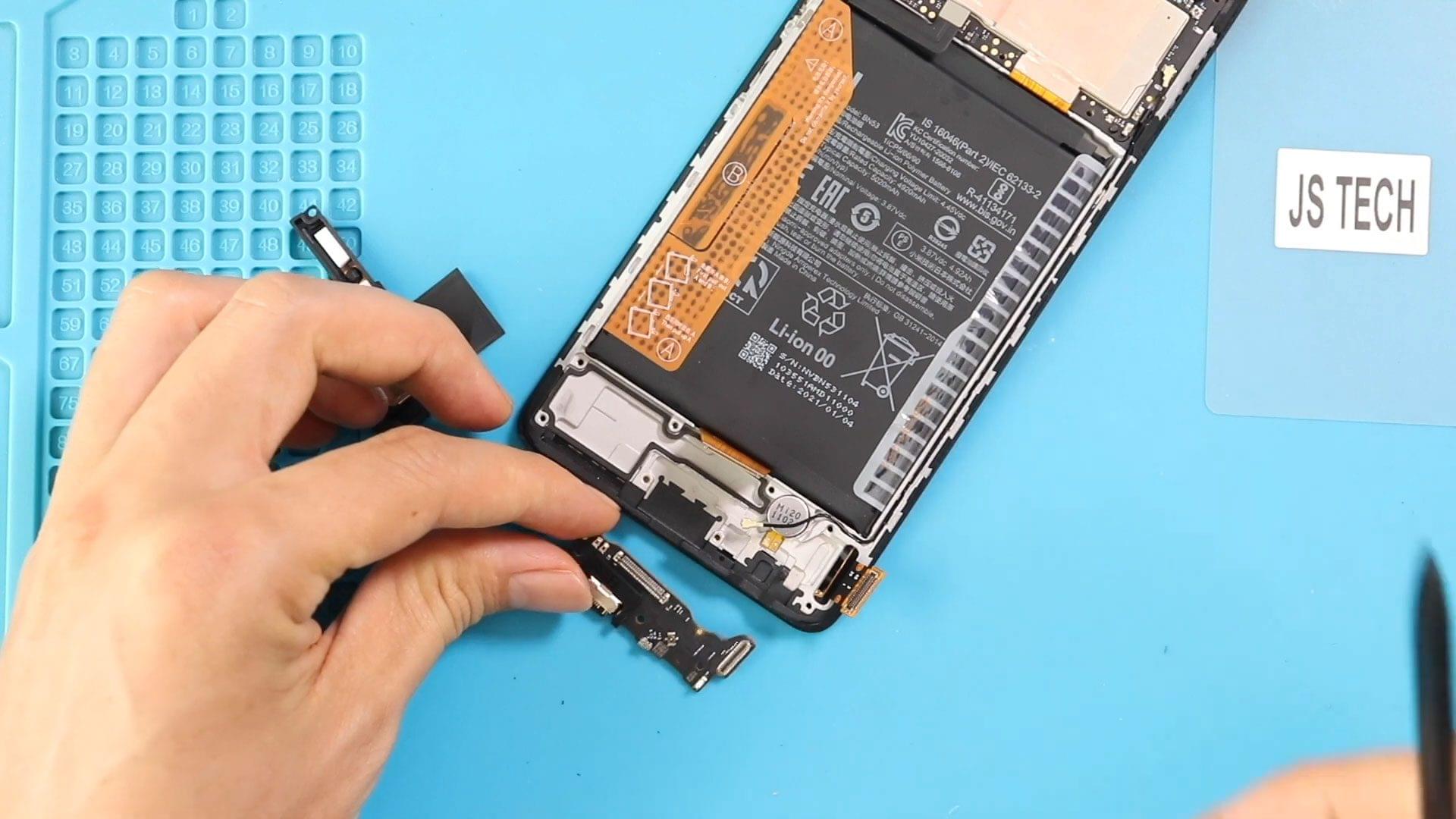
Before Starting, we need to have the right tools to proceed with the repair, which You can find in the description. First, turn off the phone, take out the Sim

If your power button is not responding, volume buttons are stuck, or the phone randomly reboots when pressing the side keys, the power/volume flex cable may be damaged. In this

Please follow the below link for the repair instructions. Please let us know if you have any questions. Timestamps00:00 Intro00:10 Opening Redmi Note 10 Phone00:40 Removing Back Cover01:33 Removing Camera
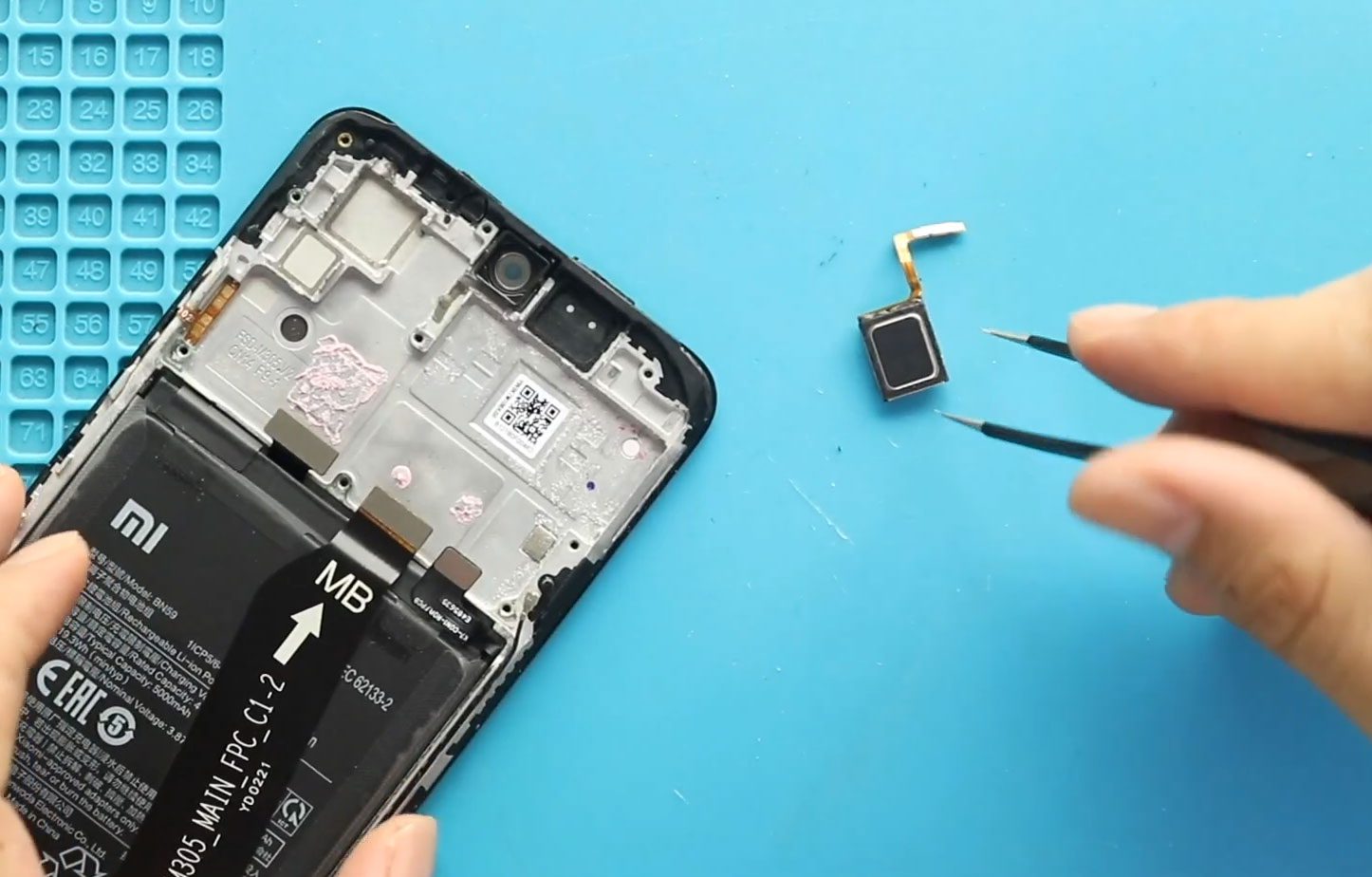
Please follow the below link for the repair instructions. Please let us know if you have any questions. Timestamps00:00 Intro00:10 Opening Phone00:40 Removing Back Cover01:33 Removing Camera Lens Frame02:06 Removing

If your Xiaomi Redmi Note 10 5G has very low call volume, distorted sound, or no sound during phone calls, the problem is usually a faulty earpiece speaker. In this detailed step-by-step

Please follow the below link for the repair instructions. Please let us know if you have any questions. Timestamps00:00 Intro00:10 Opening Redmi Note 1000:40 Removing Back Cover01:33 Removing Camera Lens

Please follow the below link for the repair instructions. Please let us know if you have any questions. Timestamps00:00 Intro00:10 Opening redmi note 10 / Note 10s Phone00:40 Removing Back

Please follow the below link for the repair instructions. Please let us know if you have any questions. Timestamps00:00 Intro00:10 Opening Phone00:40 Removing Back Cover01:33 Removing Camera Lens Frame02:06 Removing

If your POCO X3 GT or Xiaomi Redmi Note 10 Pro (China) is experiencing low, distorted, or no sound from the ringer speaker, replacing the ringer (loud) speaker module can restore normal audio for calls, notifications, and