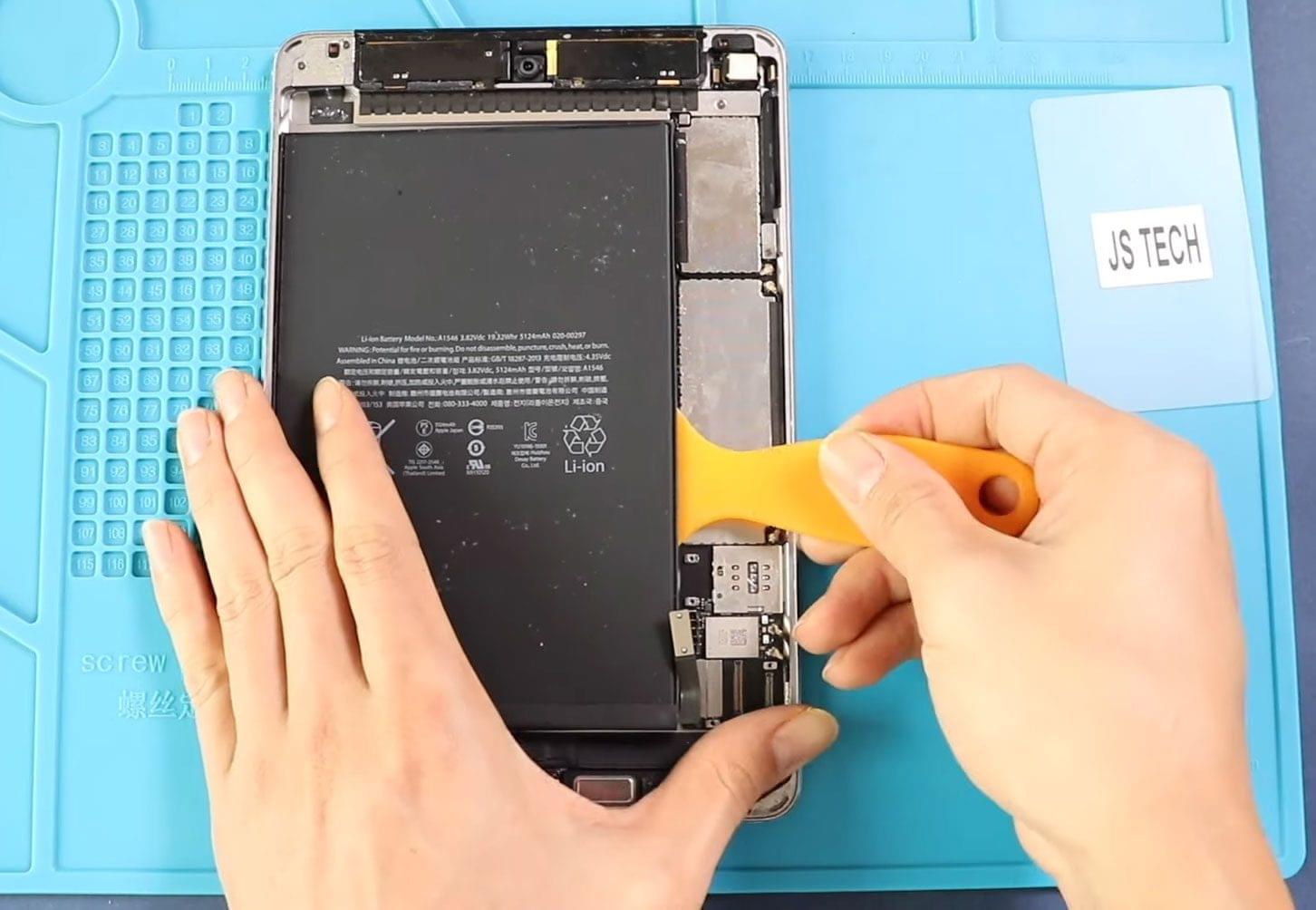
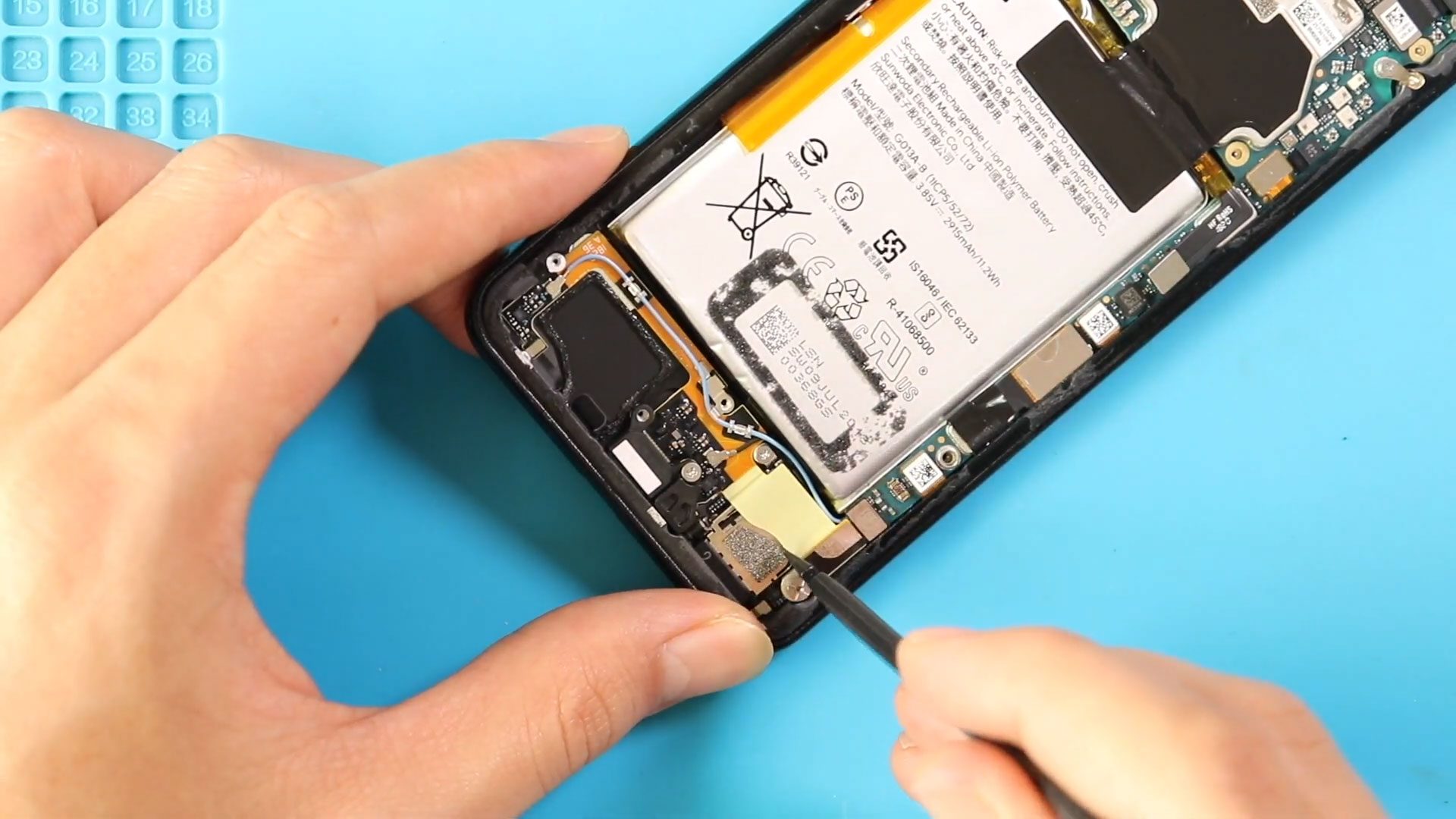
Before Starting, we need to have the right tools to proceed with the repair, which You can find in the description. First, turn off the phone, take out the Sim
Before Starting, we need to have the right tools to proceed with the repair, which You can find in the description. First, turn off the phone, take out the Sim

Before Starting, we need to have the right tools to proceed with the repair, which you can find in the description. First, turn off the phone and, take out the
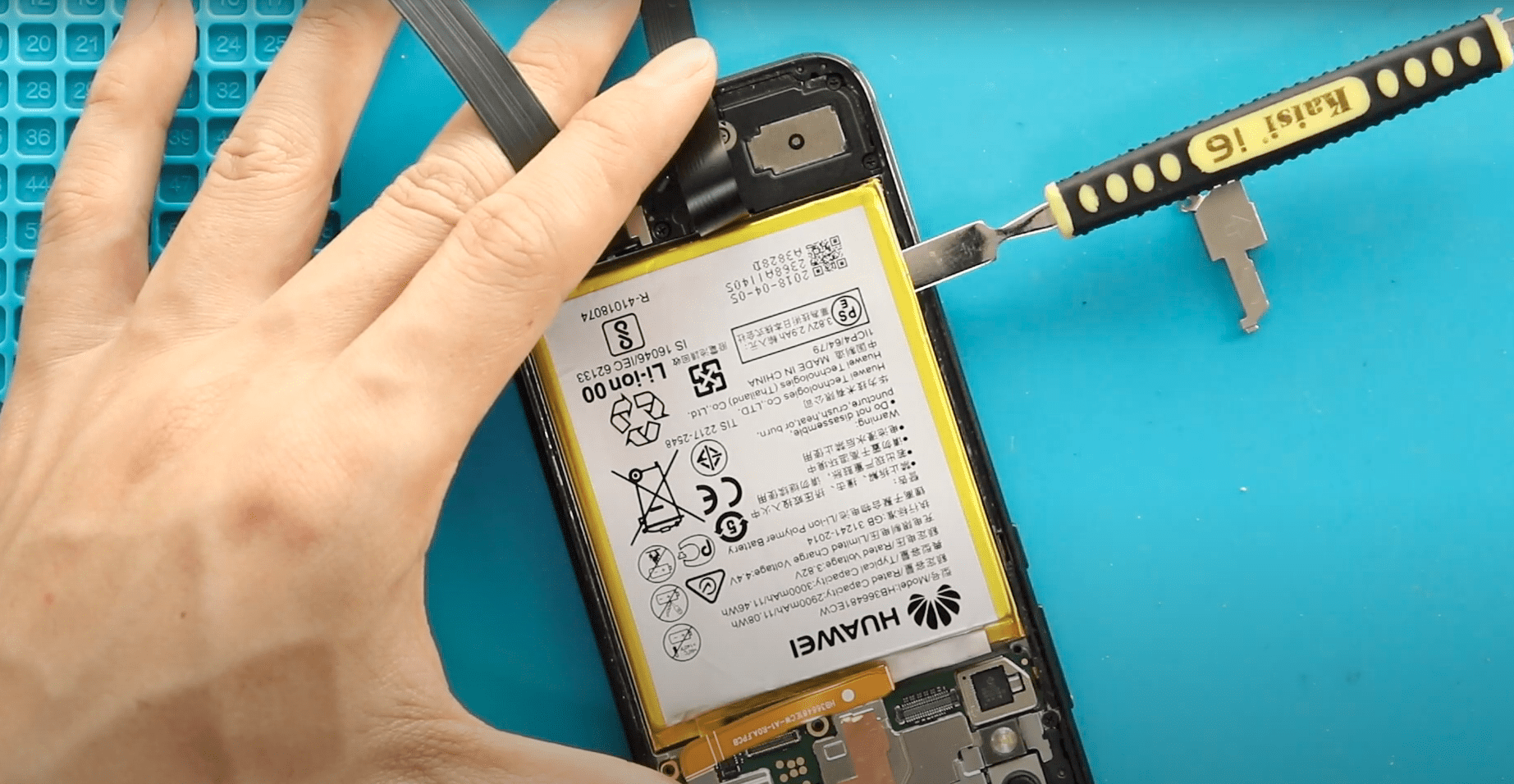
Before Starting, we need to have the right tools to proceed with the repair, which You can find in the description. First, turn off the phone and then remove the
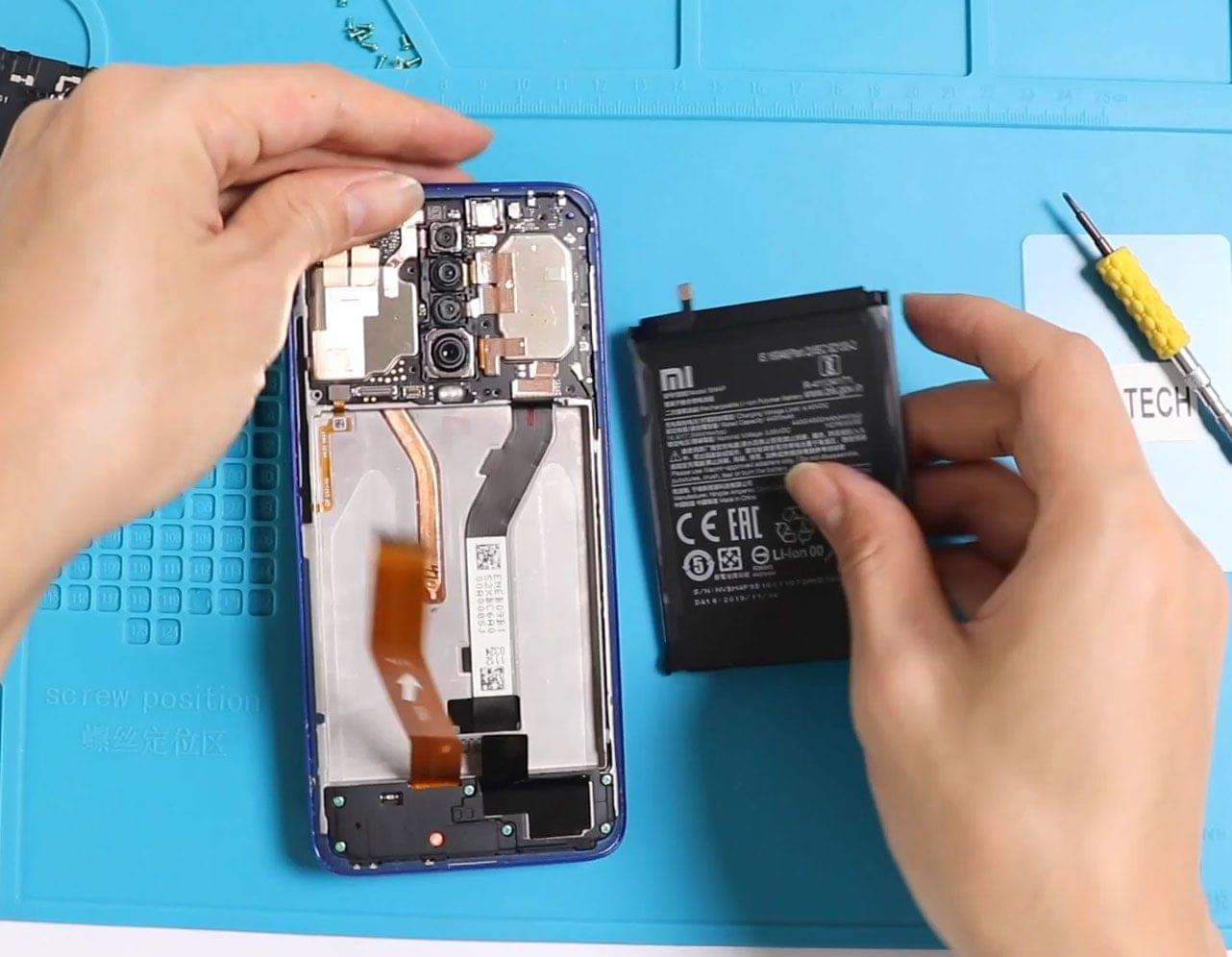
Before Starting, we need to apply some heat. You can use a heat gun hairdryer or a heat mat. But make sure you don’t put too much heat on the

Before Starting, we need to have the right tools to proceed with the repair, which You can find in the description. First, turn off the phone, take out the Sim

Before Starting, we need to have the right tools to proceed with the repair, which You can find in the description. First, turn off the phone and take out the

Hi everyone, welcome back to Geardo.In this guide, we’ll walk you through how to replace the battery on the Poco F3, also known as the Xiaomi 11X and Redmi K40.

Please follow the below link for the repair instructions. Please let us know if you have any questions. Timestamps00:00 Intro00:10 Opening00:55 Removing Back Cover02:20 Removing Charging Port flex03:20 Disconnecting Flash
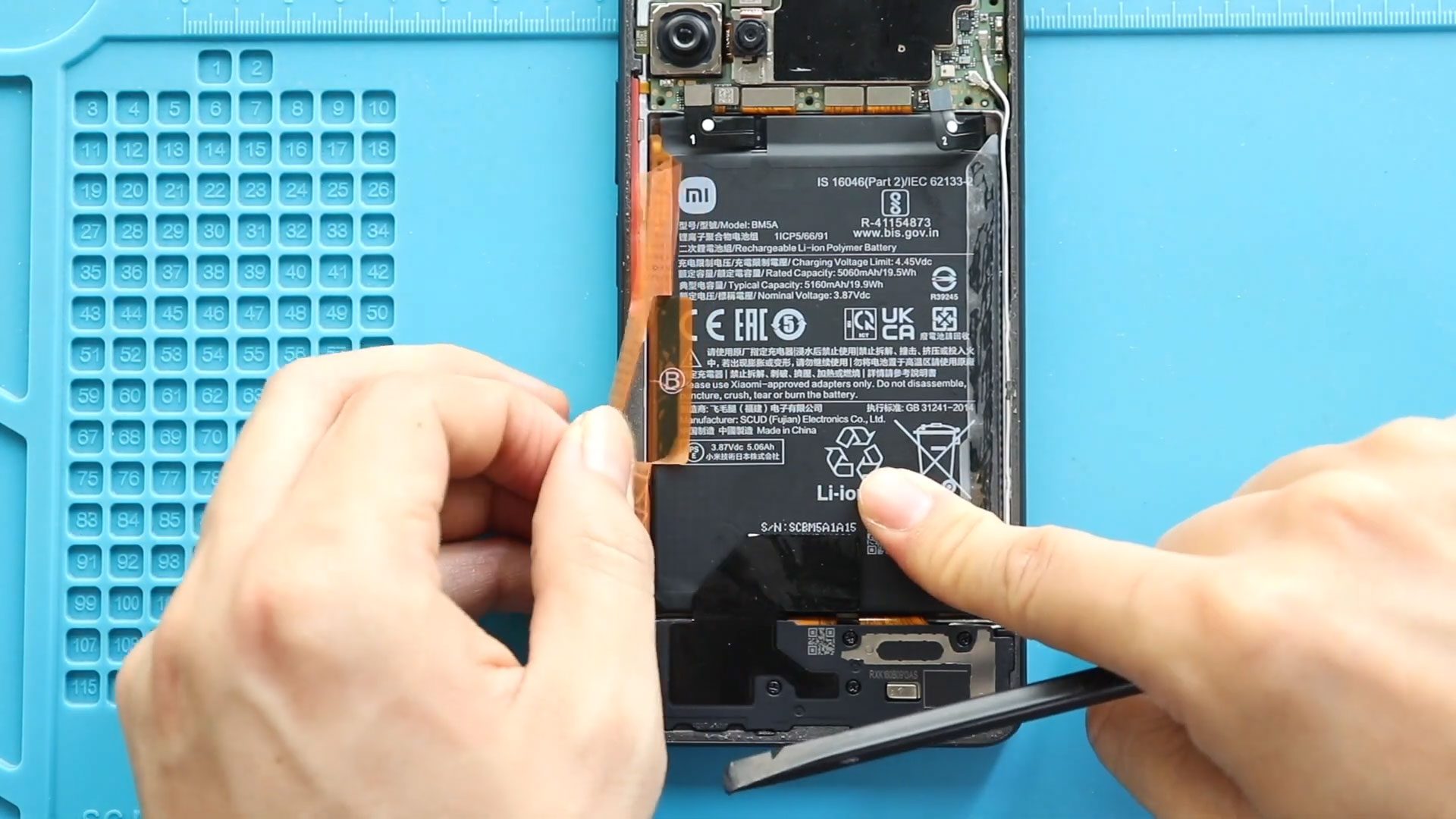
Smartphone batteries naturally degrade over time, causing reduced battery life, unexpected shutdowns, overheating, or charging problems. If your device struggles to hold power or drains quickly during daily use, replacing

Hi everyone, welcome back to DIYGeardo 👋In this guide, we will show you how to replace the battery on the Xiaomi Redmi Note 7 and Redmi Note 7 Pro smartphones. Both devices share

Please follow the below link for the repair instructions. Please let us know if you have any questions. Timestamps00:00 Intro00:10 Opening Redmi 8a00:28 Removing back cover01:28 Removing mainboard frame02:28 removing
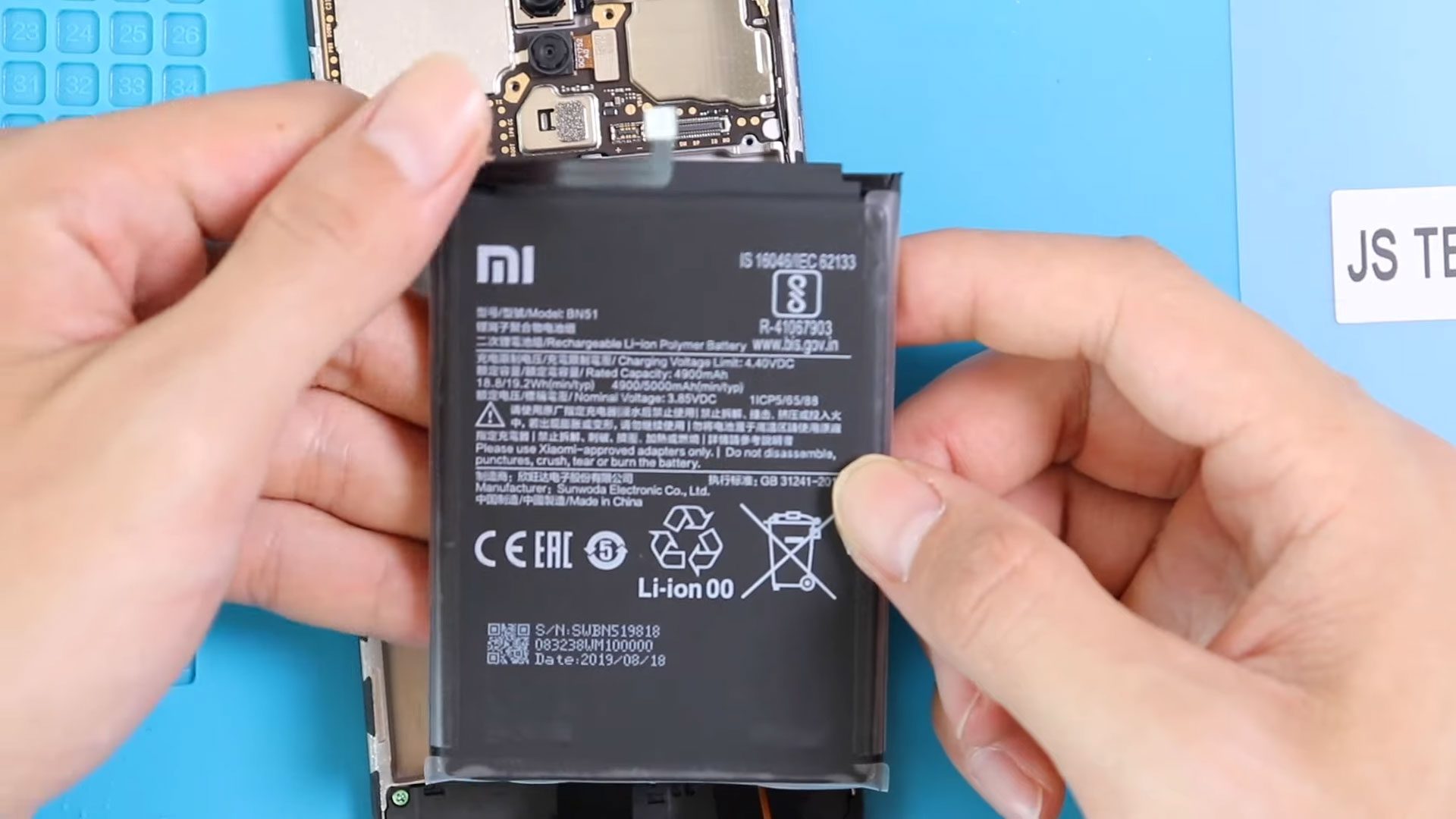
Please follow the below link for the repair instructions. Please let us know if you have any questions. Timestamps00:00 Intro “Xiaomi Redmi 8 Battery Replacement BN51 guide”00:11 Opening Redmi 800:31