

Please follow the below link for the repair instructions. Please let us know if you have any questions. Timestamps00:00 Intro00:10 Opening Redmi 8a00:28 Removing back cover01:28 Removing mainboard frame02:28 removing
Please follow the below link for the repair instructions. Please let us know if you have any questions. Timestamps00:00 Intro00:10 Opening Redmi 8a00:28 Removing back cover01:28 Removing mainboard frame02:28 removing
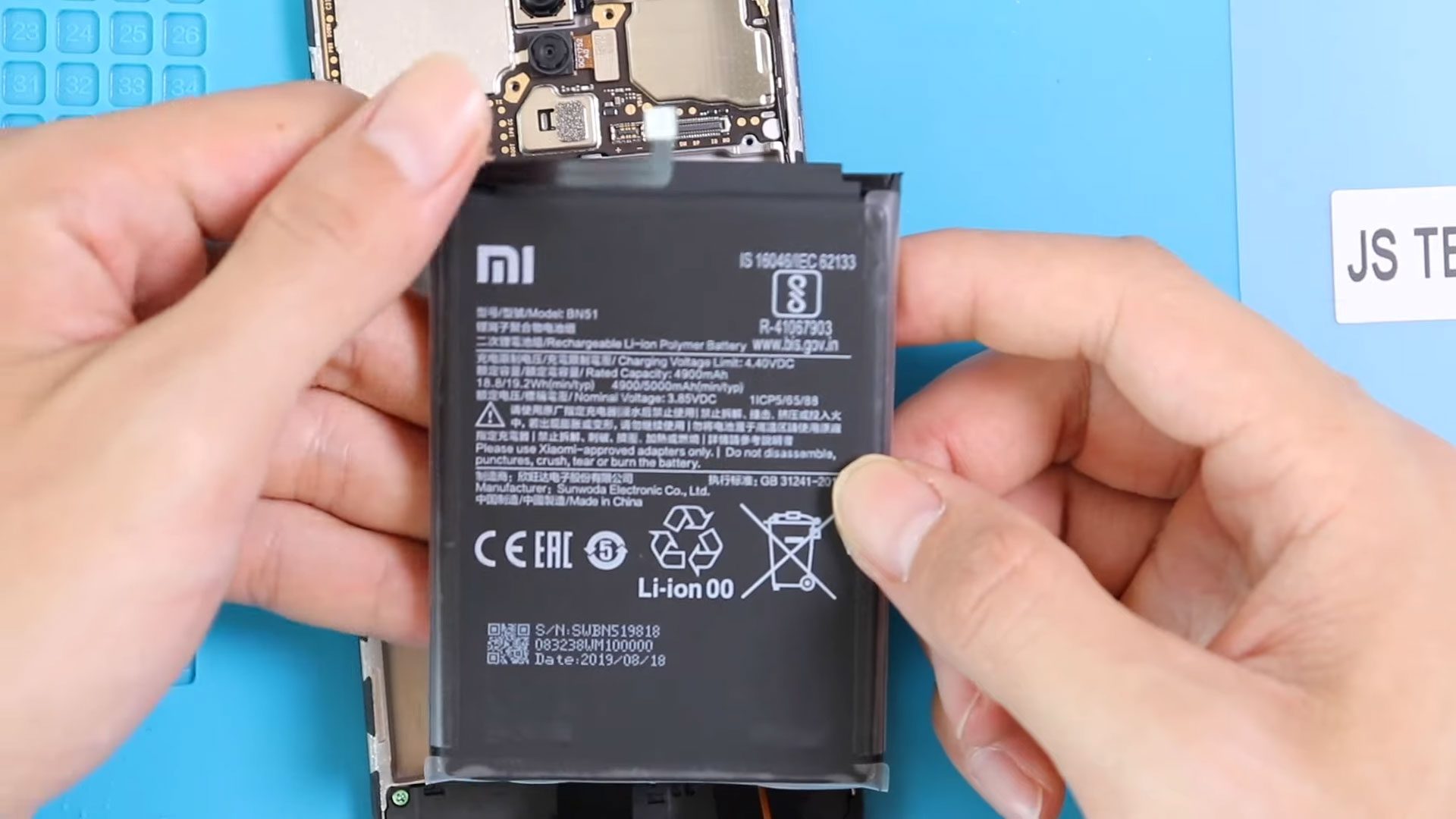
Please follow the below link for the repair instructions. Please let us know if you have any questions. Timestamps00:00 Intro “Xiaomi Redmi 8 Battery Replacement BN51 guide”00:11 Opening Redmi 800:31

Please follow the below link for the repair instructions. Please let us know if you have any questions. Timestamps00:00 Intro Xiaomi Redmi Note 8 Battery Replacement guide00:10 Opening redmi note

A faulty battery can make a phone difficult or impossible to use, and replacing it can restore the device to working condition. In this repair guide, we show how to
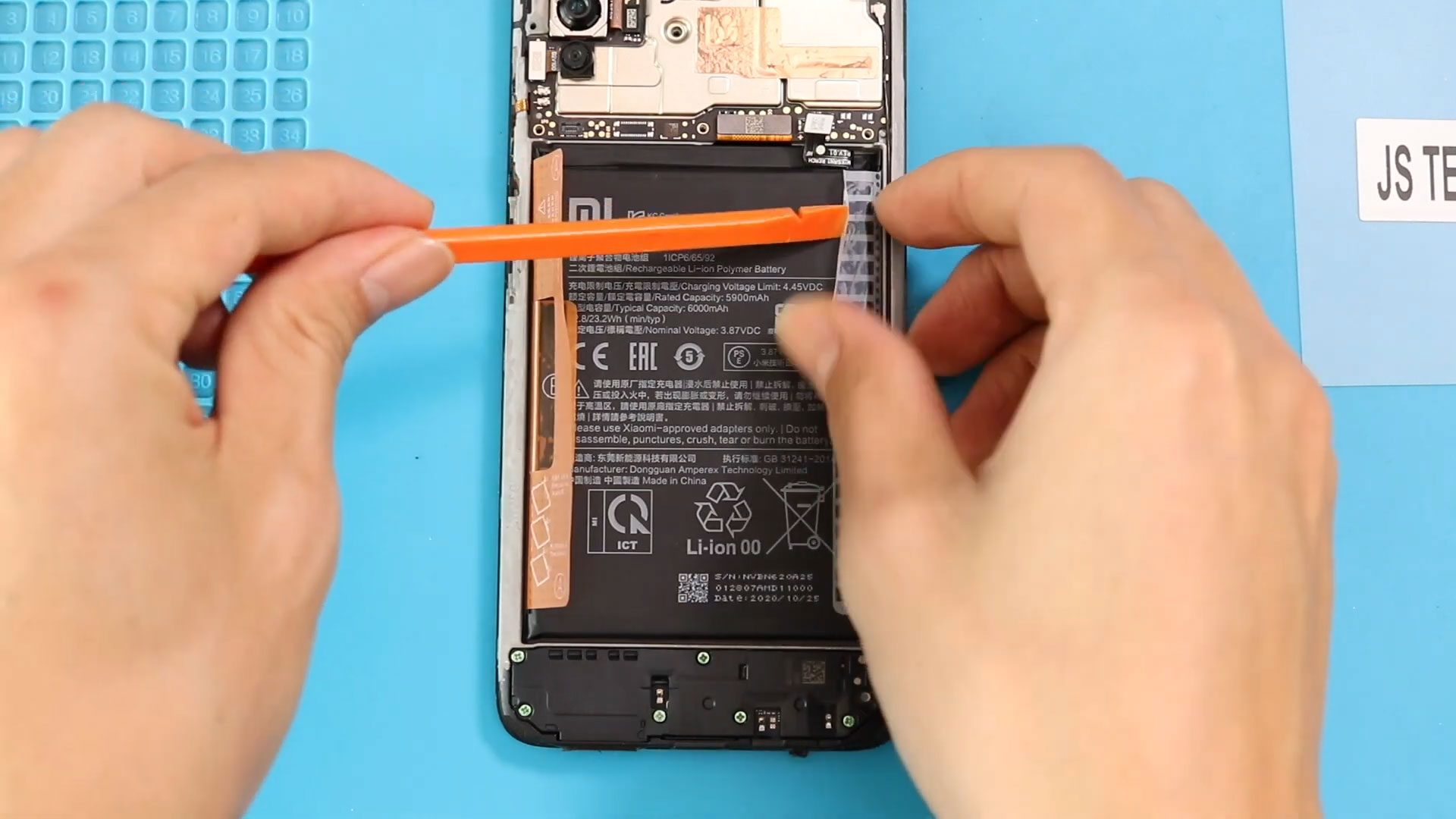
Before Starting, we need to have the right tools to proceed with the repair, which you can find in the description. First, turn off the phone and take out the

Before Starting, we need to have the right tools to proceed with the repair, which you can find in the description. First, turn off the phone, take off the sim

Before Starting, we need to have the right tools to proceed with the repair, which You can find in the description. First, turn off the phone, take out the Sim
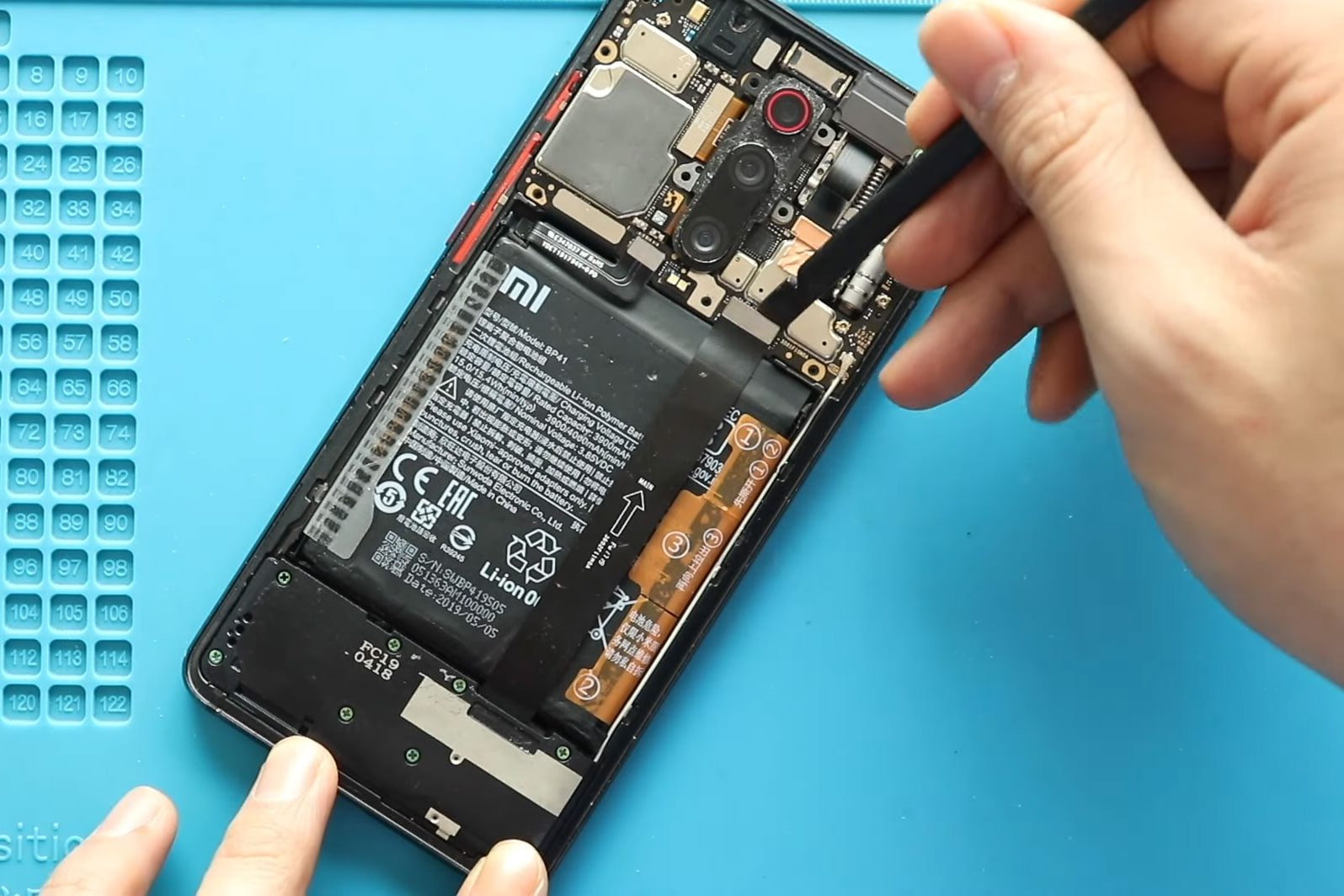
Before Starting, we need to have the right tools to proceed with the repair, which You can find in the description. First, turn off the phone, and then take out
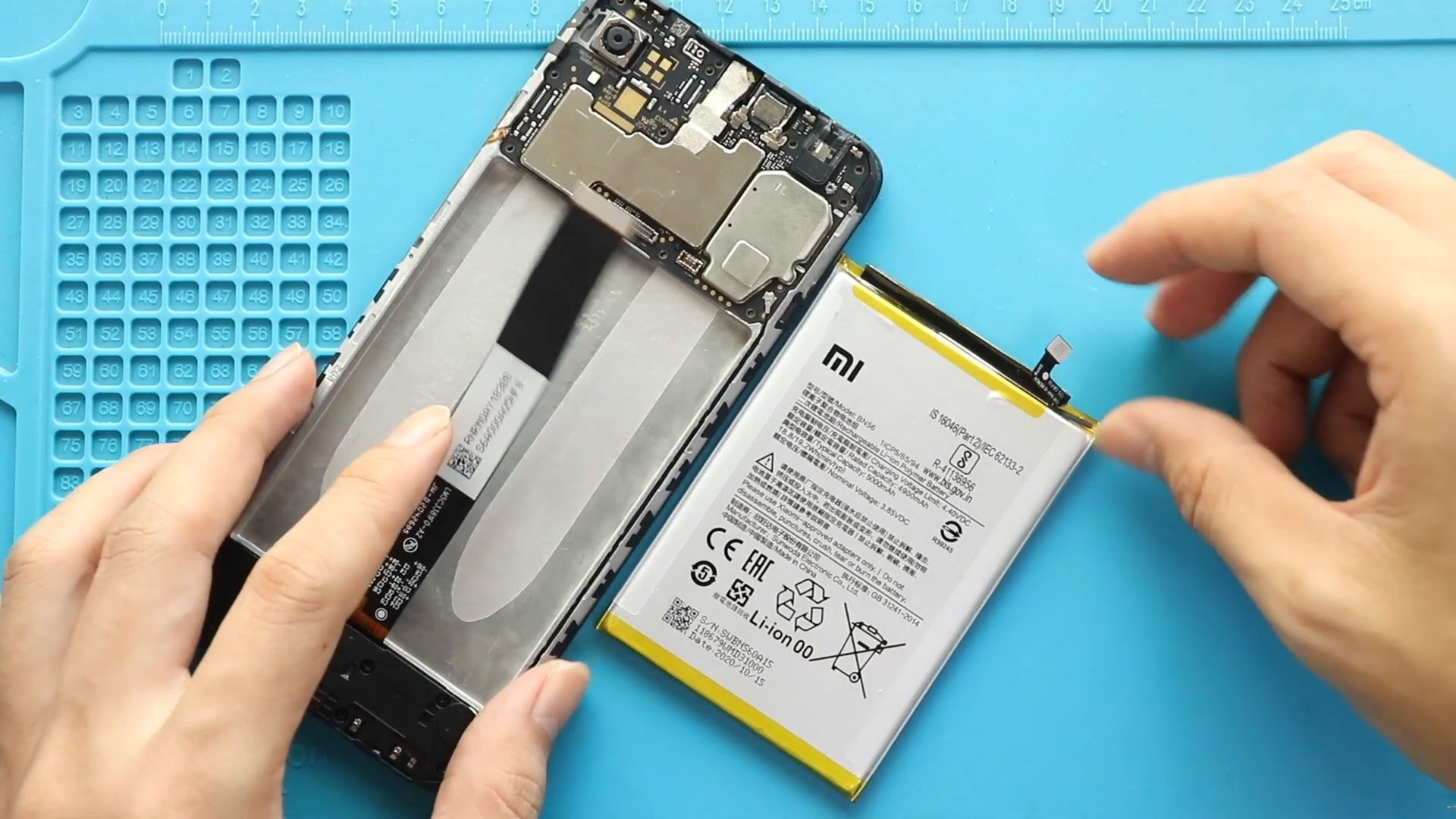
00:00 Intro00:10 Opening Redmi 9A00:25 Removing back Cover00:50 Removing Board Frame01:20 Removing Battery & LCD Plug01:30 Removing not working Redmi 9A Battery02:05 Placing new Redmi 9A Battery02:15 Placing Battery &
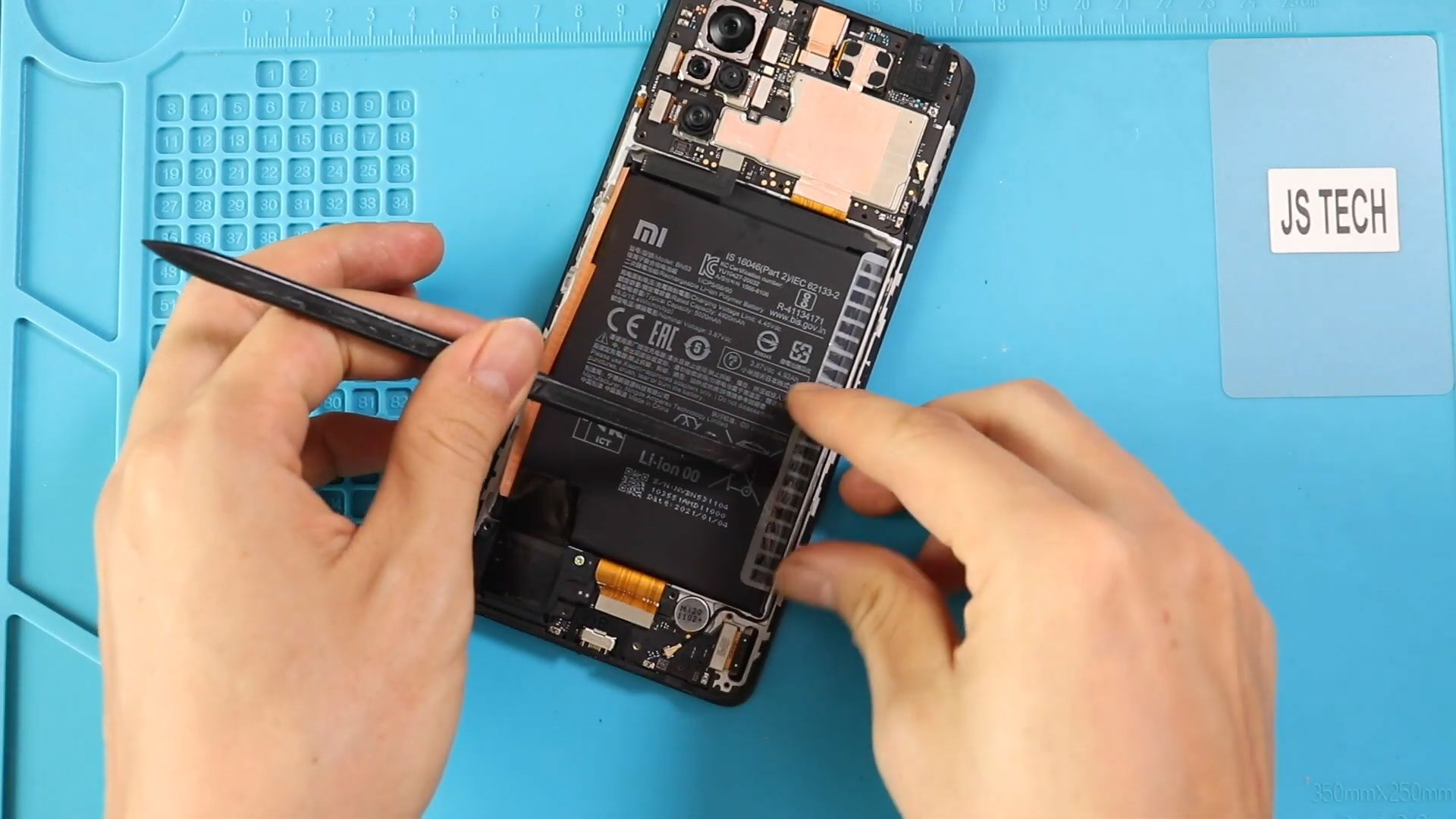
Before Starting, we need to have the right tools to proceed with the repair, which you can find in the description. First, turn up the phone take out the sim

If your Xiaomi Redmi Note 10 or Redmi Note 10S battery drains quickly, no longer holds a charge, or the phone shuts down unexpectedly, the battery may need to be

If your phone is draining quickly, shutting down randomly, or overheating, it may be time to replace the battery. In this detailed DIY repair guide, we’ll show you how to


